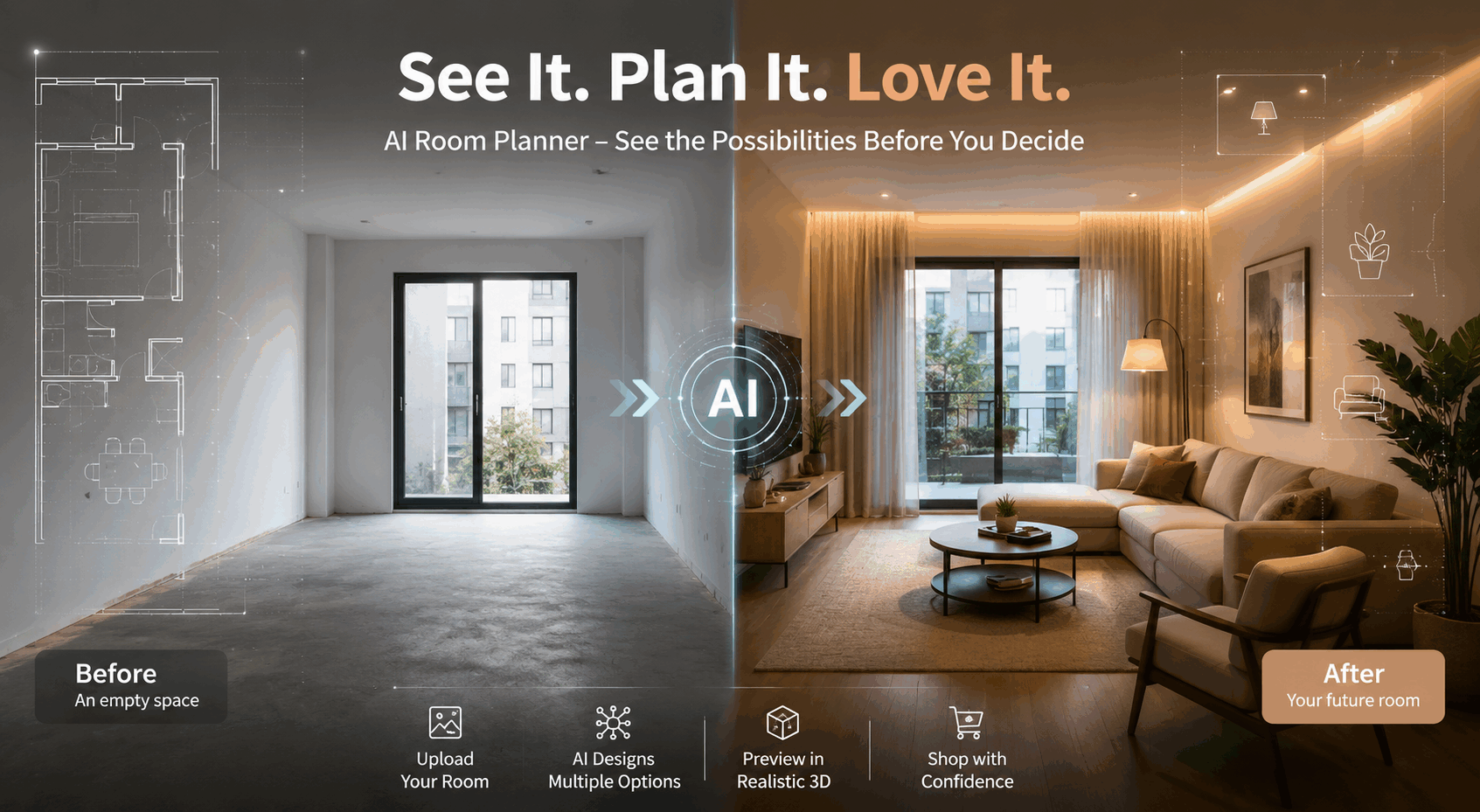
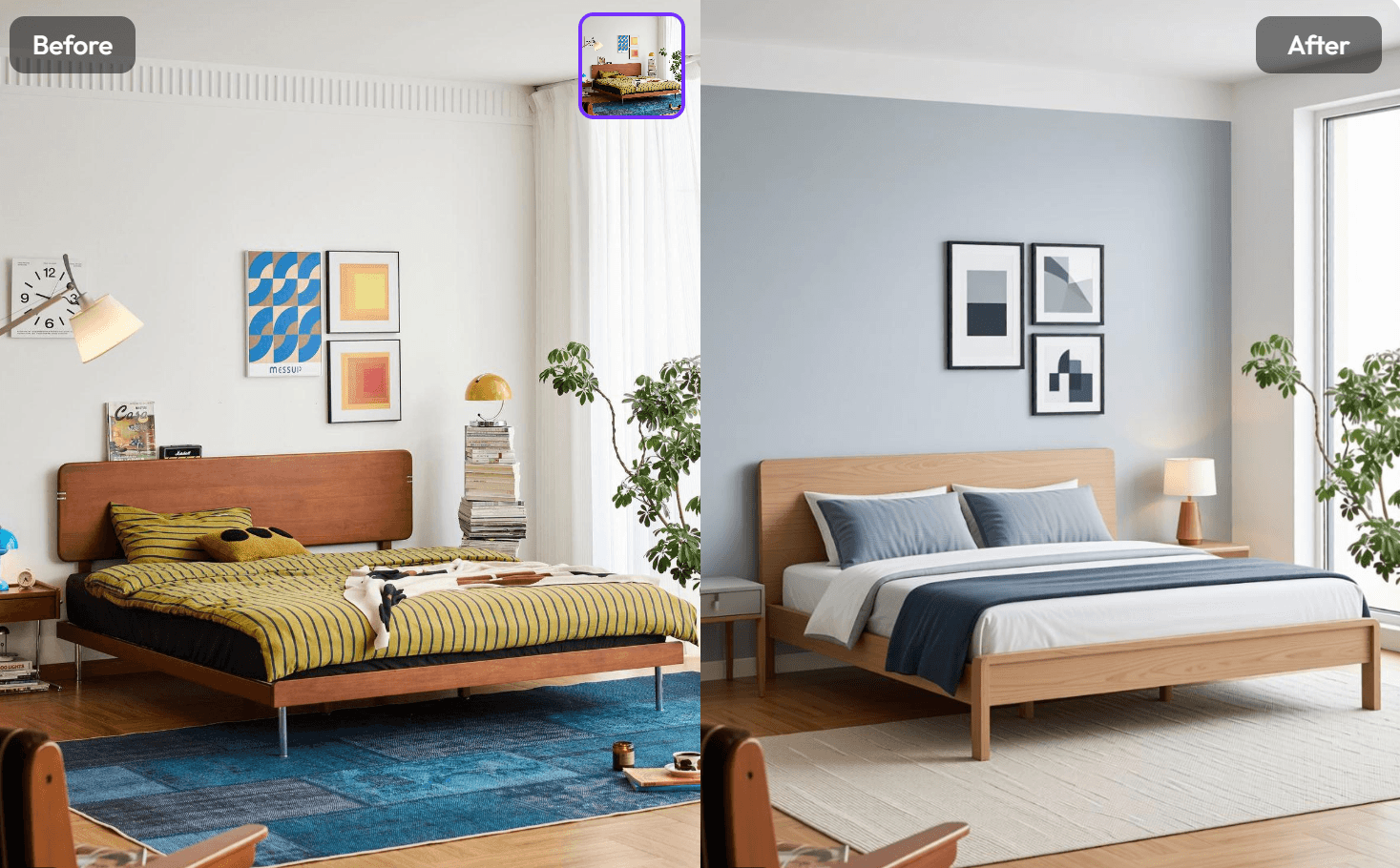
An AI Room Planner is not just a design toy anymore. It is a fast, practical way to explore interior ideas without tearing down a single wall. With WeShop AI, you can upload a room photo, keep the original layout intact, and generate photorealistic interior visuals that actually feel usable. That means less guesswork, fewer mood-board dead ends, and a much easier path from “this space feels off” to “this is exactly what I wanted.”
Whether you are refreshing a bedroom, testing a new style, or mapping out a full room redesign, the workflow is simple, visual, and surprisingly motivating. More importantly, it fits the way people browse and decide in 2026: quickly, visually, and with zero patience for clunky tools.
Why an AI Room Planner feels so much easier than old-school design tools
Traditional interior design software often asks too much before giving you anything useful. You usually have to measure, sketch, drag objects around, and manually build a space from scratch. That can work, but it also slows everything down.
With an AI Room Planner, the process is more natural.
You start with what already exists: a real room photo. Then the system reads the space, understands the layout, and generates a redesigned version that still respects the room’s structure. In other words, you are not forcing a design onto a blank canvas. You are improving a real room.
Realistic results matter more than flashy mockups
A pretty render is nice. A believable one is better.
That is where WeShop AI’s AI Room Planner stands out.
It uses automatic room understanding, spatial recognition, and lighting preservation to create interior visuals that feel grounded in the actual room. So instead of ending up with a fantasy image that looks good but makes no sense, you get something much closer to a real design direction.
You can test ideas without overthinking them
Another reason people love this kind of tool is speed. You can explore a modern bedroom, then switch to something warmer, then try a more minimal style, all without rebuilding the room from scratch. That makes it easier to compare options and make faster decisions.
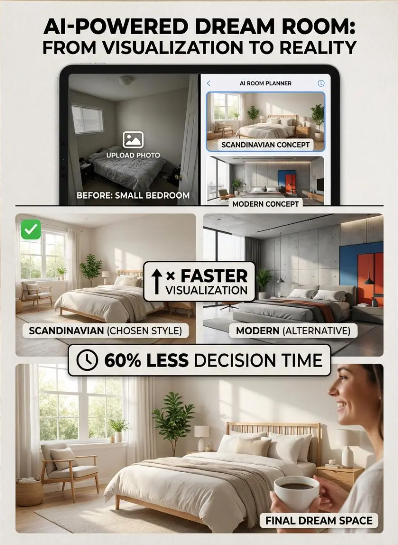
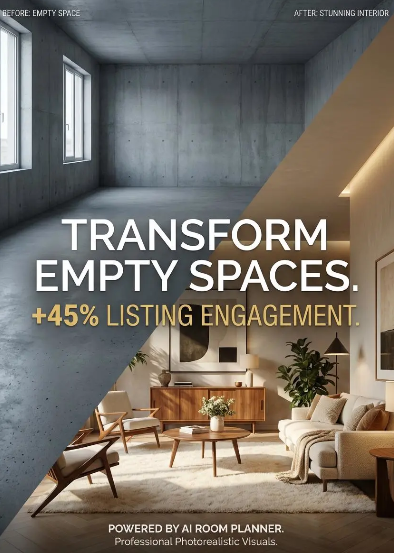
How to use WeShop AI’s AI Room Planner
The workflow is refreshingly simple. First, upload a photo of the room you want to redesign. After that, the AI analyzes the space and builds a new interior concept based on the room’s structure and lighting. Then you review the generated result and decide whether the direction works for you.
Upload a real room photo
This is the starting point. A clear photo gives the AI more context, which helps it understand the room more accurately. The better the input, the more useful the output.
Choose the direction you want to explore
At this stage, you are not committing to a final design. You are testing possibilities. That is the fun part. Maybe you want a cleaner layout. Maybe you are leaning toward a cozy bedroom refresh. Or maybe you just want to see what your room would look like with a different visual identity.
Save the versions that feel right
Once you have a few strong options, you can use them as references for mood boards, planning notes, or deeper design work. This is especially helpful when you are still deciding on furniture, color palettes, or overall style direction.
Who the AI Room Planner is for
The best part about this tool is that it is not limited to one kind of user. It works for people who are decorating their first apartment, homeowners planning a bigger refresh, and interior designers who need to move quickly from concept to visual.
Homeowners who want clarity
If you are staring at the same room every day and cannot figure out what to change, this tool gives you instant direction. That alone saves a lot of time.
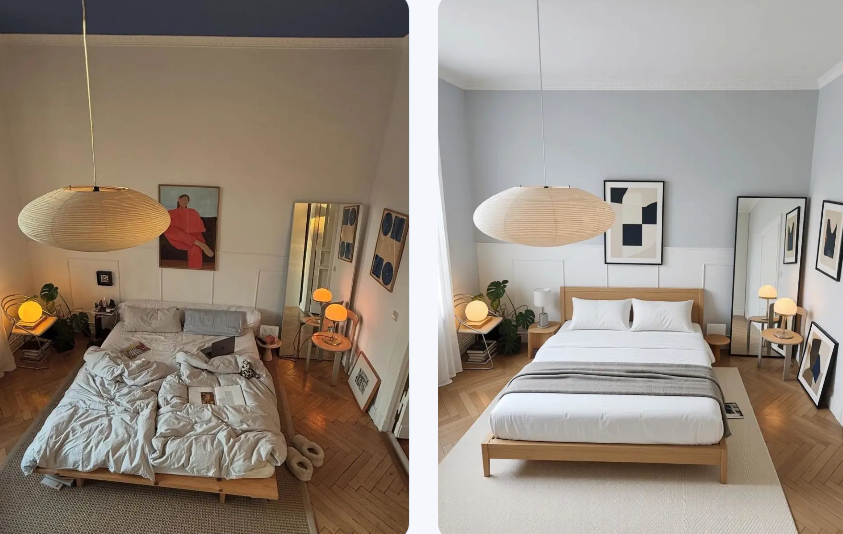
Interior designers who need speed
Professionals often need to test ideas quickly, show clients multiple directions, and move from inspiration to presentation without losing momentum. An AI Room Planner helps make that process smoother.
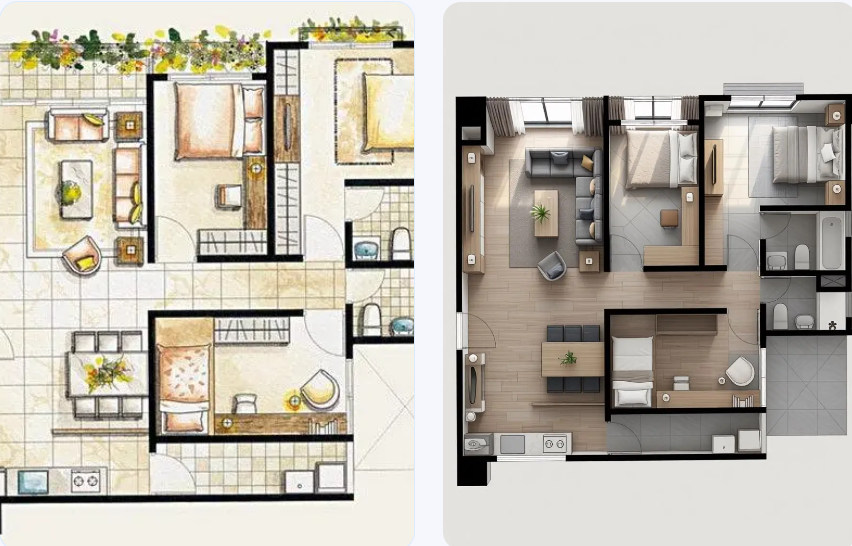
People who want mood-board energy without the mess
Some users do not need a full design package. They just want a visual spark. In that case, the tool is perfect for quick inspiration and style discovery.
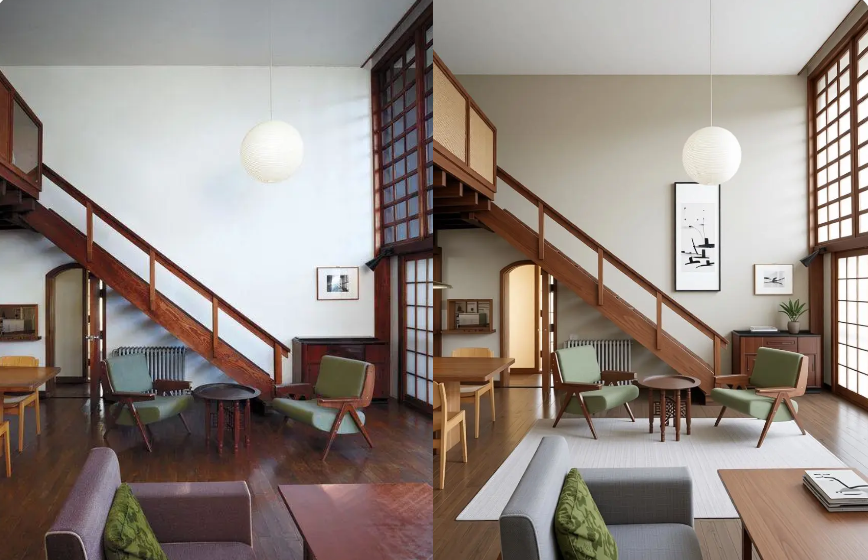
AI Room Planner vs other room design methods
Here is a simple way to think about the difference:
| Method | Speed | Realism | Keeps the original layout | Best for |
|---|---|---|---|---|
| Manual sketching | Slow | Low to medium | Depends on the user | Careful planning |
| Generic mood boards | Fast | Low | No | Style inspiration |
| Traditional room design software | Medium | Medium | Sometimes | Technical planning |
| WeShop AI AI Room Planner | Fast | High | Yes | Realistic redesign ideas |
The key advantage is obvious. You are not choosing between speed and quality. You get both.
What kinds of room ideas work especially well
Some spaces respond beautifully to AI-based redesign because the before-and-after contrast is easy to see.
🛌Bedrooms
Bedrooms are one of the best use cases because small changes can dramatically affect the mood. A different bed frame, a new lighting style, or a better furniture layout can completely shift the feel of the room.
🛋️Living rooms
Living rooms benefit from this tool because they often need balance. You want comfort, but you also want visual structure. An AI Room Planner helps you test that balance faster.
🧱Empty or under-finished spaces
If a room feels bare, the tool can quickly show you what direction it wants to go in. That makes it easier to move from “unfinished” to “intentionally designed.”
Why people keep coming back to AI interior design tools
There is a simple reason: they reduce friction.
People do not always need more options. They need better ways to see the options they already have. That is exactly what an AI Room Planner does. It turns vague ideas into visual answers. It helps users move faster. And because the result is based on a real photo, it feels far more useful than random inspiration screenshots.
Just as importantly, it makes design feel less intimidating. You do not need to be a professional to start. You just need a room photo and a rough idea of the mood you want.
Final thoughts
If you are looking for a practical way to redesign a room without starting from zero, WeShop AI’s AI Room Planner is built for that exact moment. It is fast, visual, and easy to use. More than that, it gives you realistic interior concepts that respect the room you already have.
So instead of guessing, you can test. Instead of saving endless screenshots, you can generate actual room ideas. And instead of feeling stuck, you can start moving.
For anyone planning a bedroom refresh, a living room update, or a full interior design project, this is the kind of tool that makes the process feel lighter, clearer, and a lot more fun.