

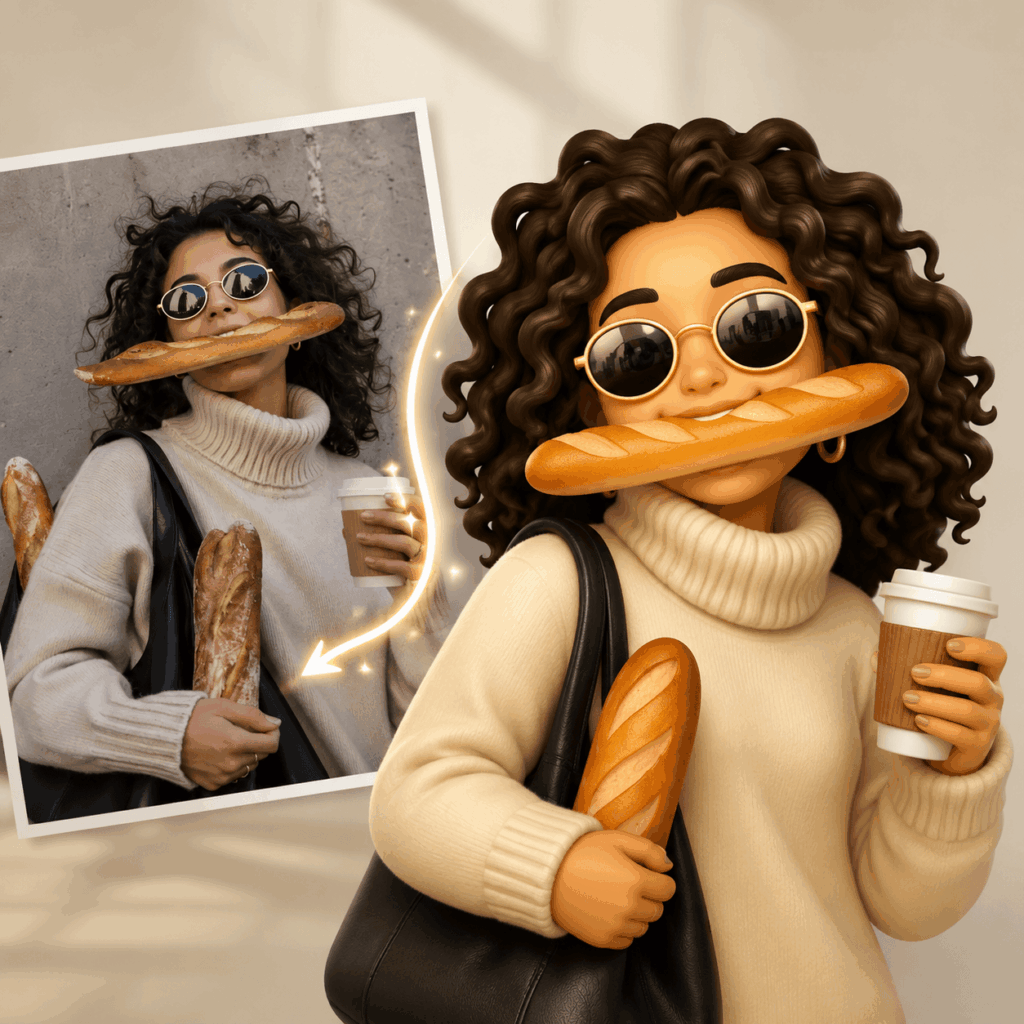
An AI Emoji Maker can turn a selfie, a pet photo, or a private joke into a reaction your friends understand at once. Instead of sending the same laughing face again, you can reply with your best friend looking dramatically offended. You can also turn your cat into a tiny snack detective. Most importantly, the result feels personal because the joke already belongs to your group.
With WeShop AI Emoji Maker, you can describe a person, pet, object, mood, or reaction and turn it into an emoji-style image. In addition, you can create several related expressions instead of stopping after one design. This guide keeps the process light and practical. By the end, you will have a small pack for group chats, Instagram Stories, and funny posts.
Start with the Joke, Not the Art Style
A custom emoji works best when the idea is familiar before the image even exists. For example, one friend may always say, “I am almost there,” while still choosing an outfit. Another friend may order coffee in every place you visit. Meanwhile, your cat may stare at an empty bowl as if nobody has fed it for weeks.
These habits already contain a setup and a punchline. Therefore, you do not need to invent a complicated character story. Instead, choose one moment that your friends instantly recognize.
Good starting points include:
- The face someone makes when plans change
- The friend who is late to everything
- The pet that acts permanently offended
- The person who takes one more photo
- A phrase that appears in every group chat
- A picture nobody is allowed to forget
Although a beautiful result is nice, recognition matters more. In practice, the best sticker is often the one that makes someone say, “That is exactly you.”
Choose a Clear Photo
First, pick a selfie or pet photo with a visible face. Next, check that hair, glasses, or hands do not cover the main features. A simple background also helps because the subject remains easy to read.
However, the photo does not need to look like a studio portrait. A natural expression often creates a funnier result. Still, use an image you own or have permission to edit.



Give the AI Emoji Maker One Specific Moment
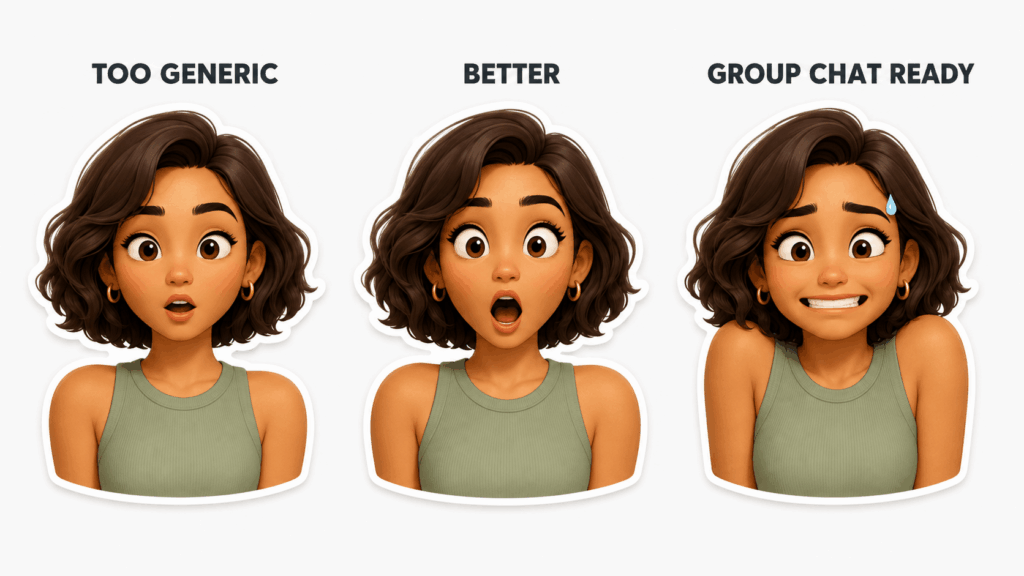
A vague prompt usually creates a vague reaction. For instance, “Make a funny girl emoji” explains the subject but not the joke. As a result, the image may look cute without feeling useful.
Instead, describe what has just happened. Then explain how the person reacts.
Compare these two ideas:
Make a surprised friend emoji.
Create an emoji of my friend realizing that her private message was sent to the group chat.
The second prompt gives the image a reason to be funny. Moreover, it suggests clear details such as wide eyes, a frozen smile, and raised shoulders.
Use a Simple Prompt Pattern
You do not need a long technical formula. However, you should answer four questions:
- Who or what appears in the emoji?
- What has just happened?
- How does the subject react?
- What simple style should the image use?
For example:
Create a custom emoji of a sleepy orange cat hearing a snack bag open. The cat suddenly looks alert, with huge eyes and raised ears. Use a clean 3D sticker style, a bold dark outline, simple shapes, and a transparent background.
Because the situation is specific, the expression becomes easier to understand. At the same time, the visual instructions keep the sticker clean.
Try Prompts Based on Real Personalities
For the friend who is always late:
Create a playful emoji of a young woman running while holding one shoe and checking the time. She looks confident even though she is clearly late. Keep her hairstyle and red jacket recognizable. Use a bold cartoon sticker style and a transparent background.
For a dramatic pet:
Create a fluffy white dog emoji looking deeply offended after hearing that there are no more treats. Add exaggerated side-eye and folded paws. Use a simple 3D sticker style and a transparent background.
For an awkward message:
Create an avatar emoji smiling nervously after sending a private message to the wrong group chat. Use wide eyes, a stiff smile, raised shoulders, and one drop of sweat. Keep the face recognizable and use a transparent background.
Make a Small Pack You Will Actually Use
Once the first result works, it is tempting to create every possible emotion. However, most chats do not need fifty new stickers. Four to six strong reactions are usually enough.
A friendship pack could include:
- NO WAY
- I KNEW IT
- PLEASE STOP
- SO AWKWARD
- LET’S GO
- GOOD NIGHT
Alternatively, a pet pack could include:
- FEED ME
- NOT SORRY
- WALK NOW
- SLEEP MODE
- WHO, ME?
- AGAIN?
Because the list is short, every reaction can have a clear purpose. In addition, a smaller pack is easier to keep visually consistent.
Change the Reaction, Not the Person
For each new image, repeat the details that should stay the same. These may include the hairstyle, face shape, glasses, clothing color, outline, and viewing angle. Then change only the reaction or situation.
For example:
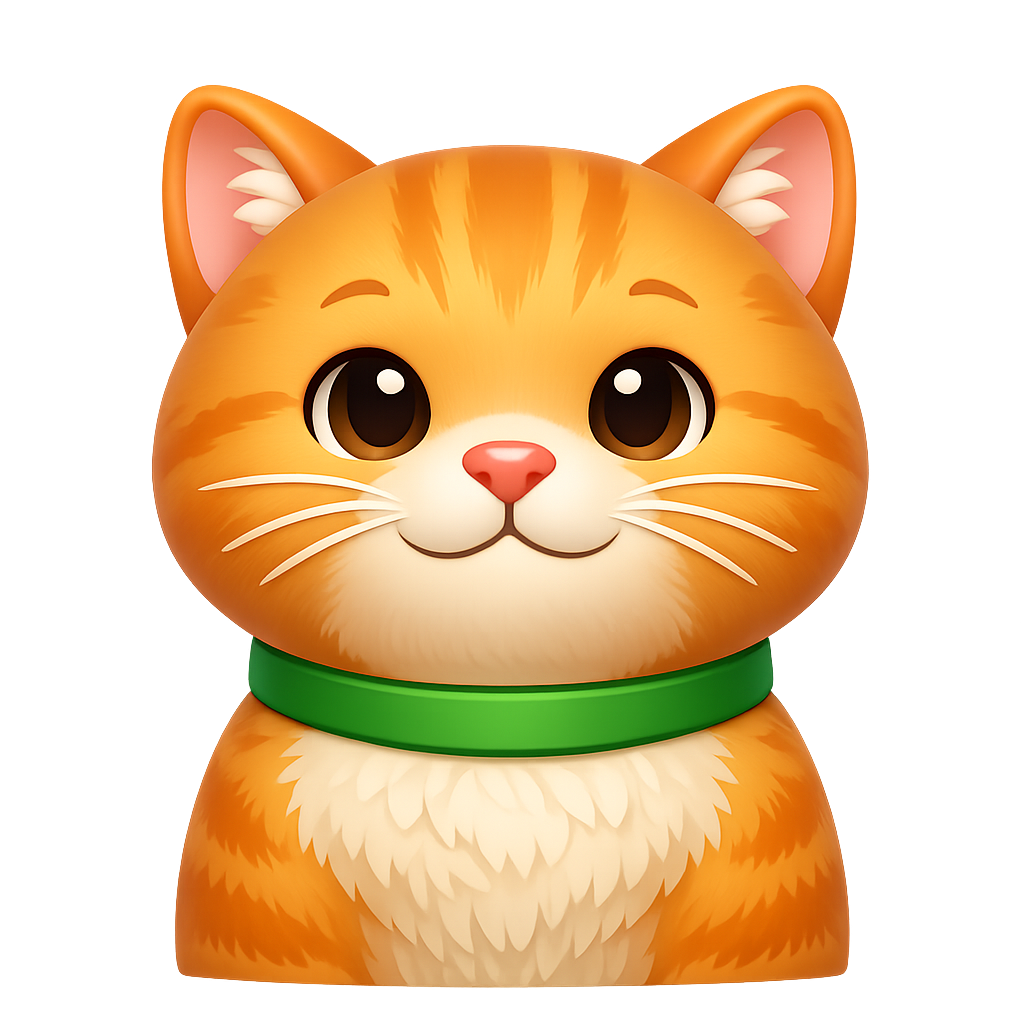
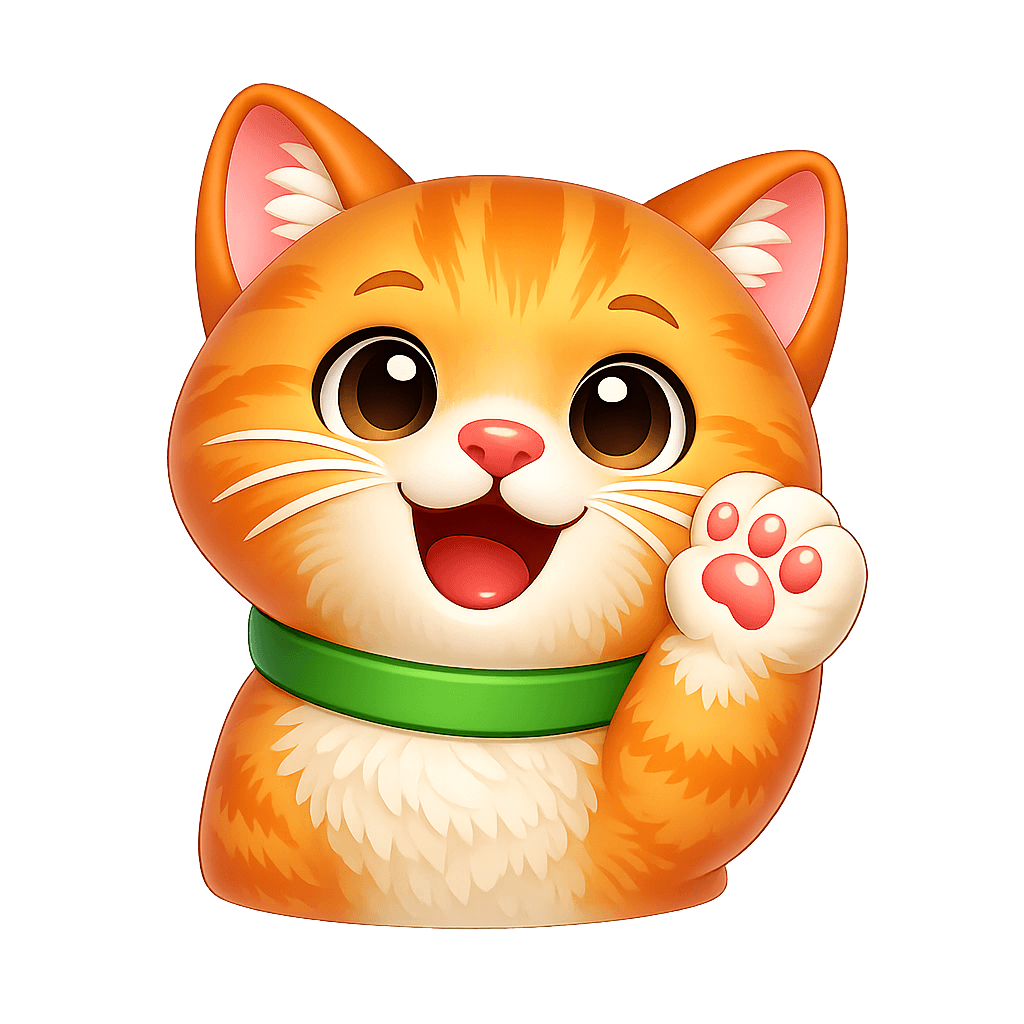
Keep the same orange cat, round face, green collar, dark outline, and clean 3D sticker style. Change the expression to dramatic crying with large cartoon tears. Use a transparent background.
This wording gives the AI Emoji Maker a smaller job. Consequently, the results are more likely to feel like one pack rather than six unrelated characters.


Keep the Face Familiar but Exaggerate the Feeling
A custom sticker should still remind people of the original subject. Nevertheless, it should not look like a tiny passport photo. Small images need stronger expressions.
Therefore, open the eyes more when the character is shocked. Likewise, simplify the mouth when the feeling needs to read quickly. You can also raise the eyebrows, tilt the head, or make the pose more obvious.
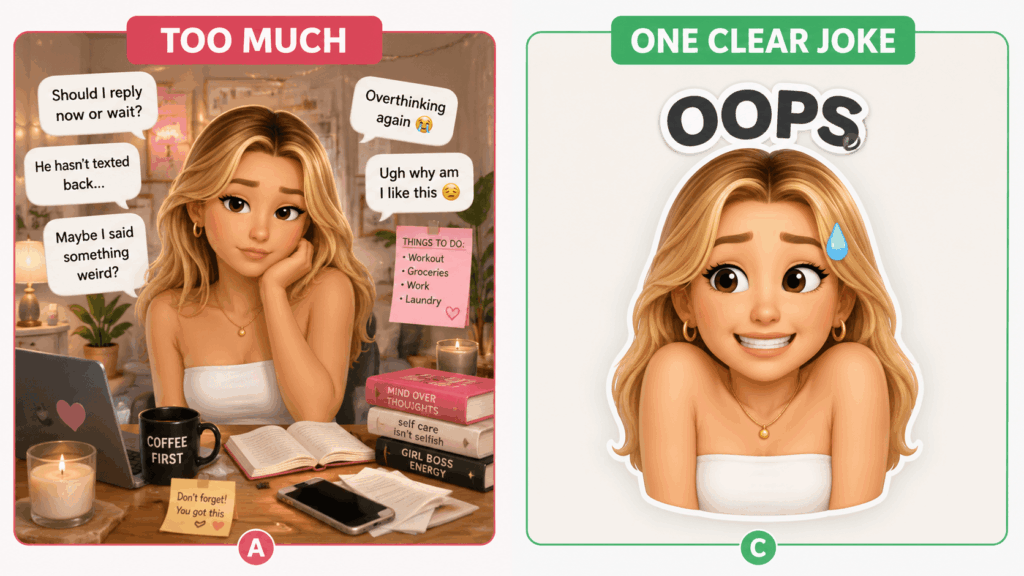
At the same time, remove details that do not support the joke. A full bedroom, kitchen, or street scene may look impressive, but it can make the reaction harder to see.
Keep Text Short
A short word can strengthen the image. However, a long sentence usually becomes unreadable.
Useful options include:
- NOPE
- LATE
- HELP
- AGAIN?
- FINALLY
- WHY?
Instead of explaining the entire joke, let the face do most of the work. After all, your friends already know the context.
Test the Sticker in a Real Chat
An emoji may look excellent when it fills a laptop screen. Yet it can fail when it appears beside a short message. Therefore, test it before you finish the pack.
Use the Three-Second Test
First, show the emoji to a friend for three seconds. Then ask, “What is this reaction saying?” If the answer is close to your idea, the design works.
However, if every person gives a different answer, the expression is probably too subtle. In that case, make the eyes, mouth, or pose clearer.
Use the Tiny-Screen Test
Next, shrink the image until it looks close to chat size. Check whether you can still see the eyes, mouth, outline, and main action. Also, make sure any text remains readable.
If the sticker stops working, remove details before adding new ones. As a result, the final version will feel faster and funnier in conversation.
Use the Pack in a Group Chat
A custom sticker becomes fun when it appears at the right moment. For example, imagine that a friend writes, “I missed the train again.” The I KNEW IT reaction now needs no explanation.
Similarly, SO AWKWARD works after someone likes a photo from 2019. Meanwhile, LET’S GO is perfect when a friend announces that snacks are ready. In contrast, ARE YOU SERIOUS? fits the person who claims they ordered only one coffee.
Because every sticker has a real use, the pack will not sit forgotten in a folder. Instead, it becomes part of the way your group talks.
Turn the Same Emojis into Instagram Story Stickers
The finished pack does not need to stay inside a private chat. Instead, you can place the same reactions beside birthday photos, travel pictures, coffee posts, or awkward daily moments.
Make a Birthday Story
First, turn the birthday person into BIRTHDAY MODE, CAKE FIRST, and STILL LATE. Then place the stickers around real photos from the day. Because the face belongs to the person, the Story feels more personal than a generic balloon graphic.
Add the Real Mood to a Travel Photo
A sunset photograph may look perfect. However, the group may have been hungry, lost, and exhausted. Therefore, add a custom TOO HOT, LOST AGAIN, or NEED FOOD sticker in the corner.
Create a Current Mood Story
Alternatively, place three reactions on one Story:
- PRODUCTIVE
- PRETENDING
- DO NOT ASK
Then add a poll so friends can choose their mood. In this way, the emoji becomes part of the interaction rather than simple decoration.
React to a Friend with Their Own Face
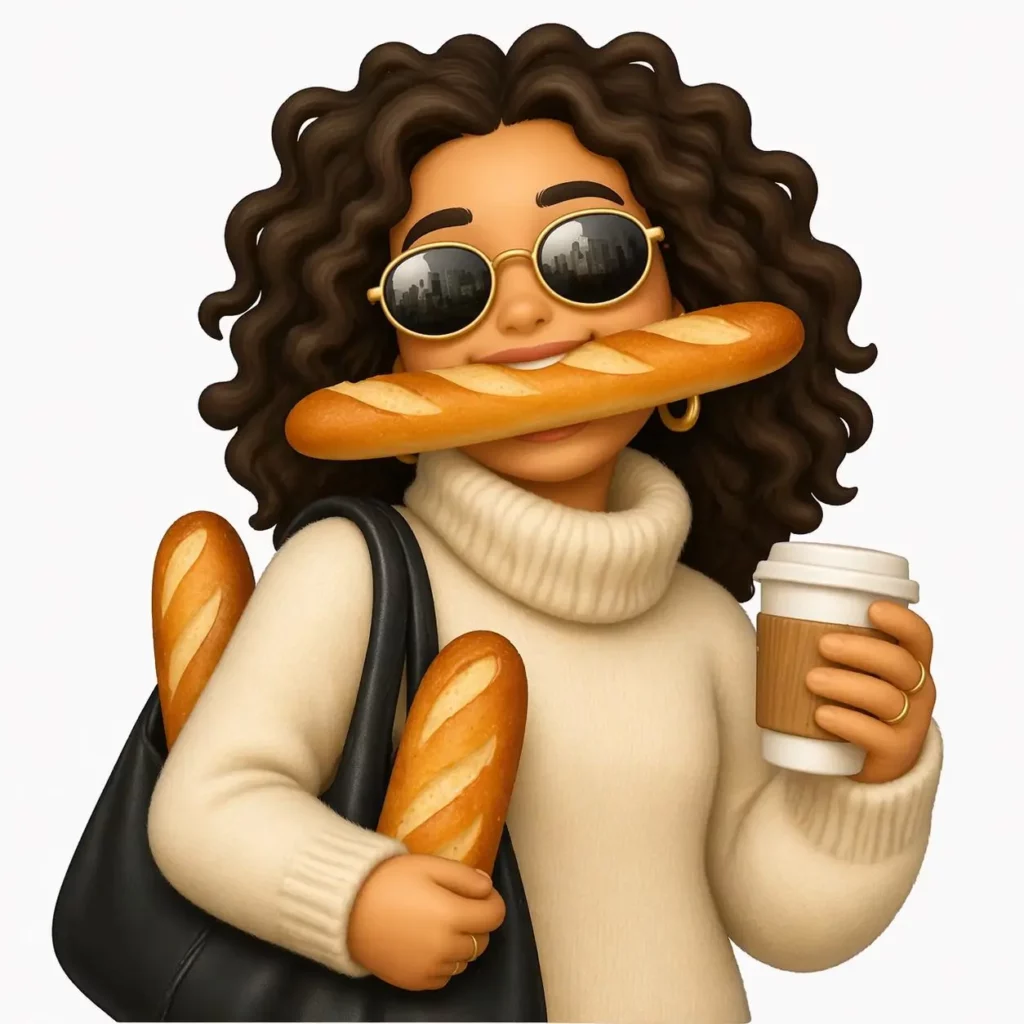
Perhaps your friend uploads another coffee photo. Instead of replying with a normal heart, post the custom NOT ANOTHER COFFEE reaction. Since the joke is specific, even a simple image feels memorable.

Fix the First Result Instead of Starting Over
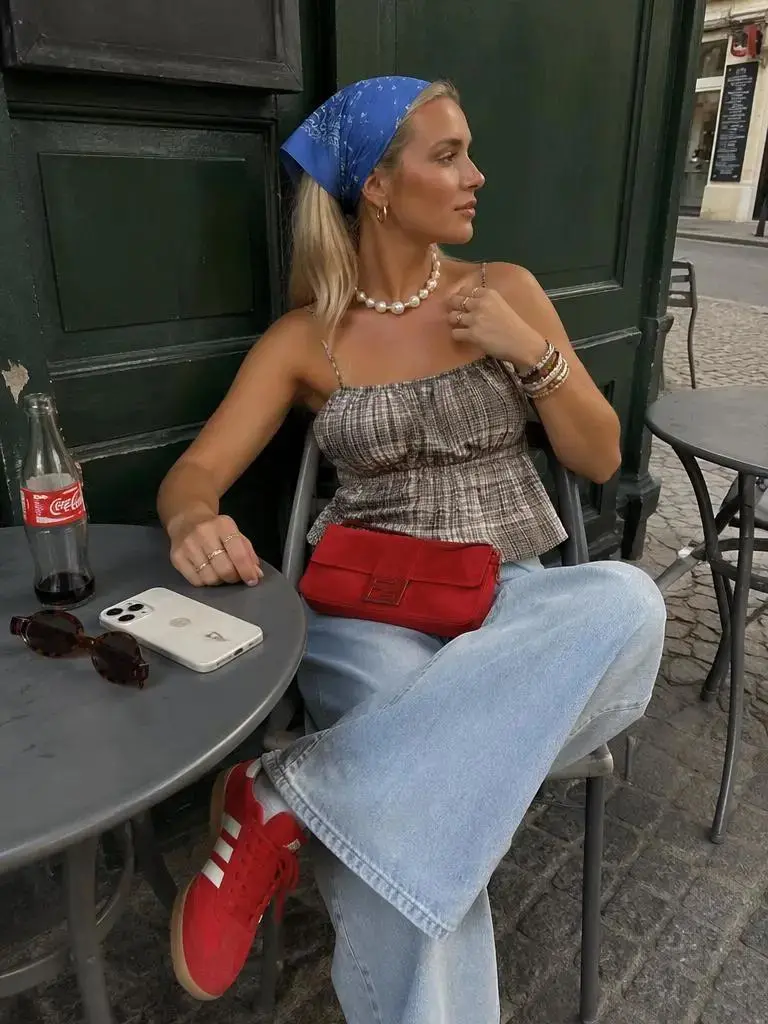
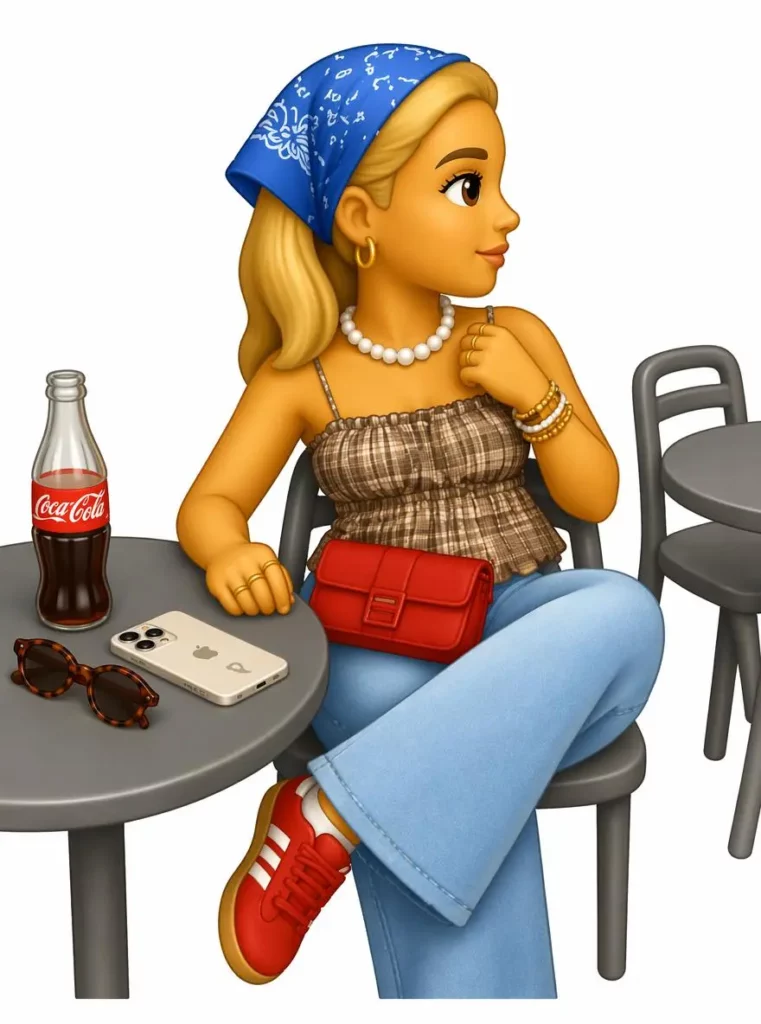
The first image may feel wrong, but the idea can still be good. Therefore, make one controlled change at a time.
When the Person No Longer Looks Familiar
Repeat the hairstyle, glasses, face shape, and clothing color. In addition, keep the camera angle similar across the pack.
When the Image Is Cute but Not Funny
Add a situation rather than asking for “more humor.” For example, “trying to hide a broken plate” gives the model a clearer visual joke.
When the Sticker Looks Too Busy
Remove background scenery, tiny accessories, and long text. Instead, keep one person, one action, and one reaction.
When Every Result Looks Like a New Character
Reuse the same character description in each prompt. Whenever possible, begin from the approved result rather than changing every detail at once.
When the Sticker Has No Clear Use
Ask yourself when you would send it. If no conversation comes to mind, replace it with a reaction connected to a real habit.
Make the Emoji Your Friends Will Overuse
The best AI Emoji Maker result may not be the most beautiful image in the pack. Instead, it may be the strange little face that appears whenever someone misses the train, orders another coffee, or says, “I am five minutes away.”
Start with one familiar person, pet, or joke. Next, create four useful reactions and test them in a real conversation. Finally, keep the versions your friends immediately understand.
If they begin sending the stickers back to you, the pack has already worked.
Go to WeShop AI For Exploration:


