

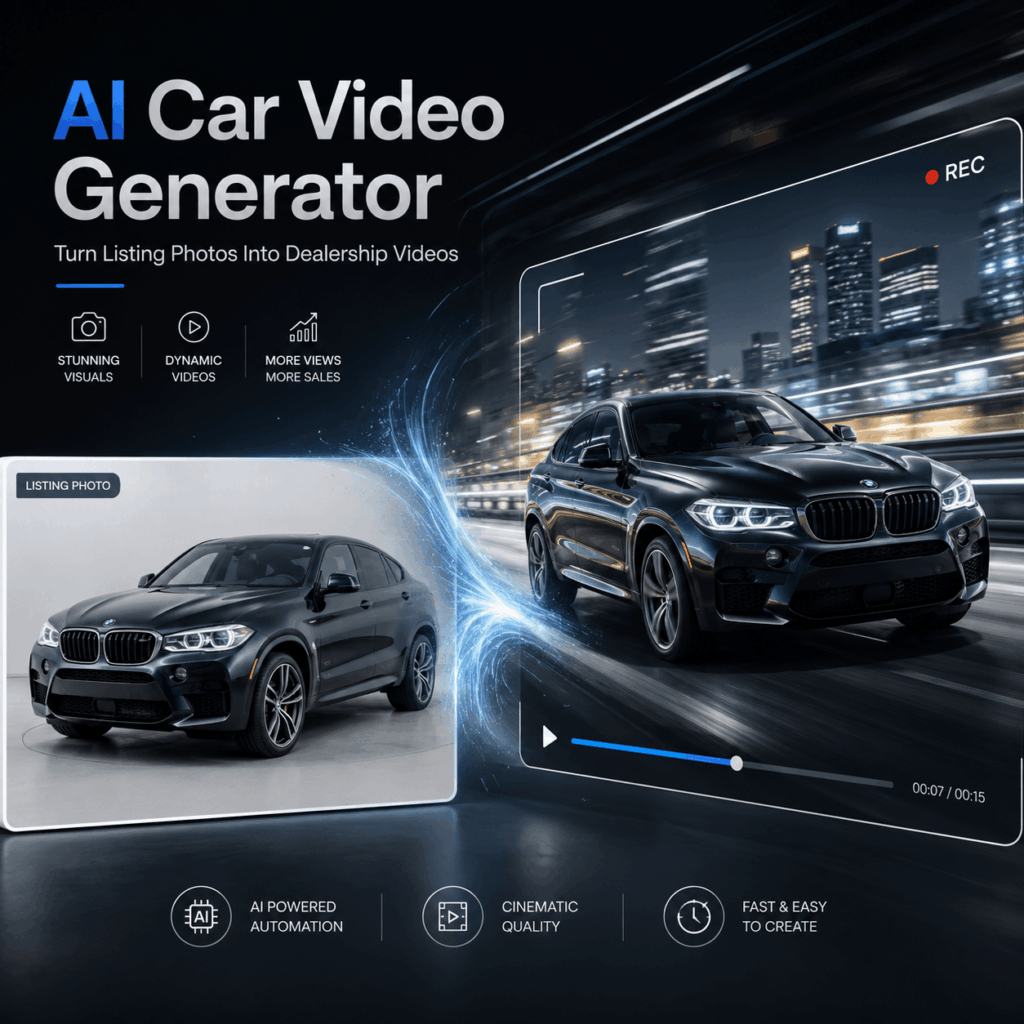
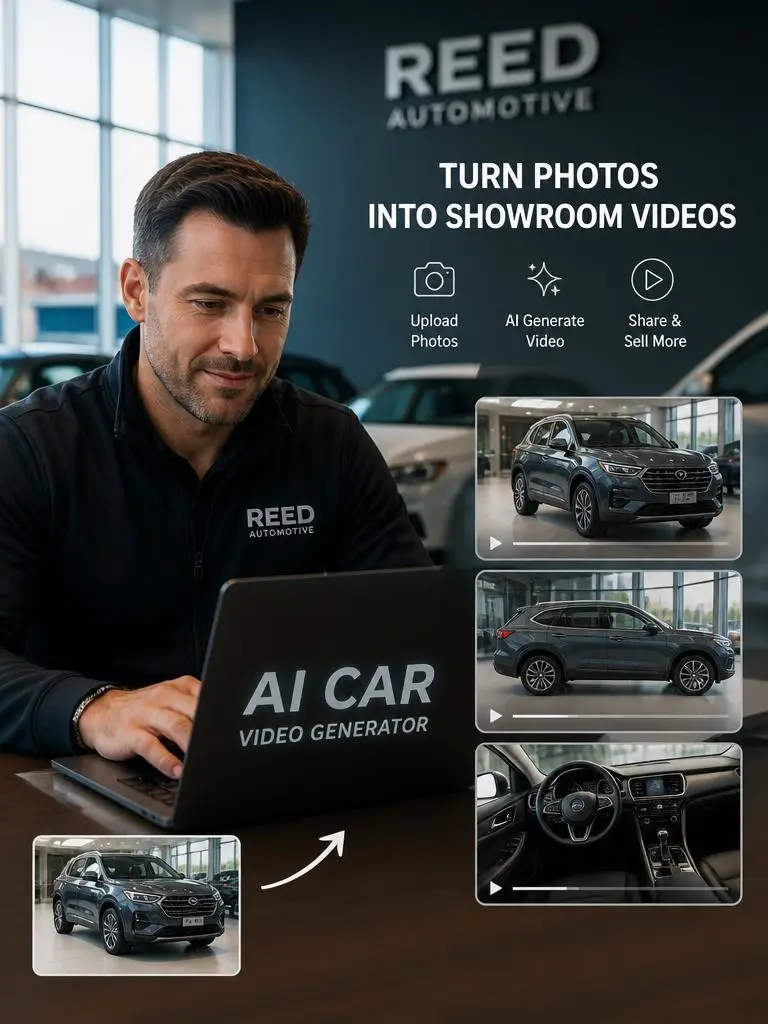
Your dealership may already have hundreds of car photos. However, static images do not always catch attention online. AI Car Video Generator can turn those listing photos into short videos. Therefore, you can create fresh content without filming every car again.
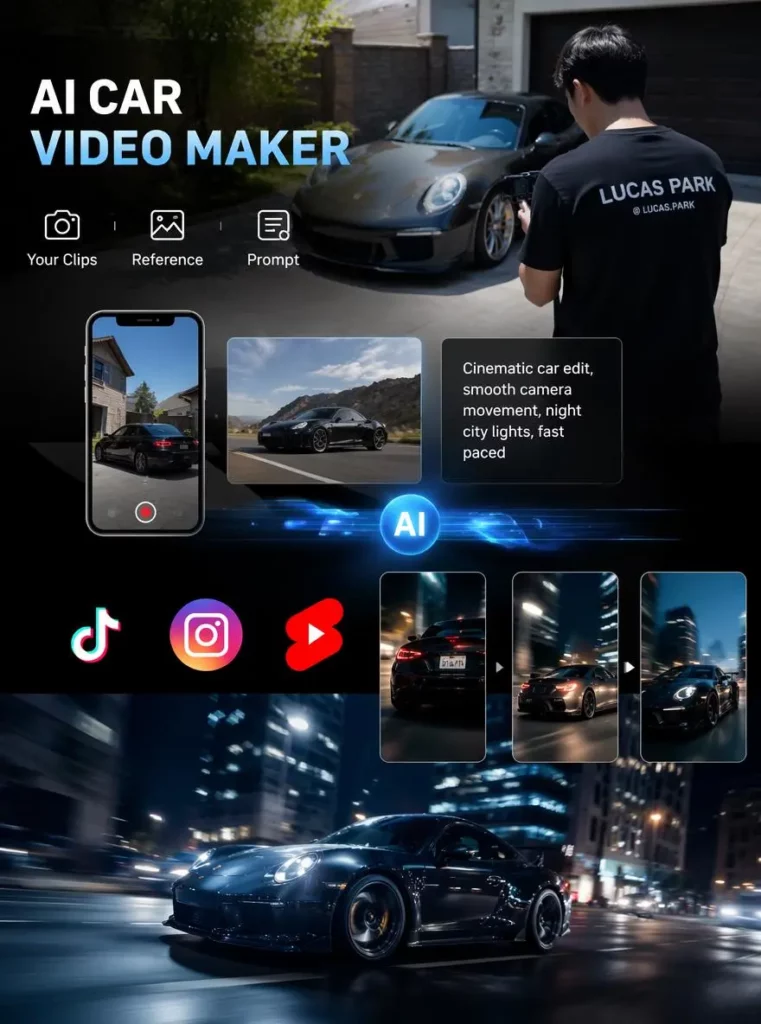
The process is simple. You start with a clear vehicle photo. Then, you choose a motion style and video format. As a result, one image can become content for several marketing channels.
Video can also show a car in a more engaging way. For example, a slow camera move can highlight the grille or body shape. Meanwhile, a side-tracking shot can make the car feel more active.
Most importantly, dealerships can reuse the same photo. It can support a vehicle page, social post, or online ad.
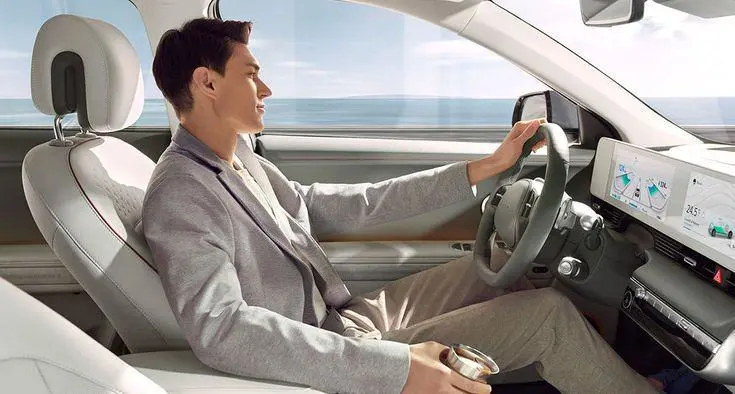
Why Car Listings Need More Than Static Photos
Car photos are still important. They help buyers check the front, side, rear, and interior. However, many dealership listings use the same photo layout.
As a result, one car can look similar to the next. Buyers may also view many listings in one session. Therefore, it can be hard for one vehicle to stand out.
Short videos can add movement without hiding the product. For instance, a slow push-in can guide the viewer toward the headlights. Likewise, a gentle side movement can show the full body line.
Video also gives dealerships more content options. A single clip can appear on a vehicle page. It can also become a social post or ad.
Still, dealerships do not need to film every car. Instead, AI Car Video Generator uses the photos they already own.
What AI Car Video Generator Can Do
AI Car Video Generator helps dealerships create motion from car photos. It is useful when a team has good images but limited video footage.
For example, the tool can help you:
- Turn listing photos into short car videos
- Create clips for vehicle detail pages
- Make vertical content for social media
- Produce new ads from existing images
- Test different scenes for different car types
- Create horizontal, square, or vertical videos
In addition, the visual style can match the vehicle. A luxury sedan may suit a clean showroom scene. Meanwhile, an SUV may look better on an open road.
A compact city car may need a brighter urban setting. By contrast, a sports car may suit a low camera angle.
Therefore, the tool does not force every vehicle into one style. Instead, it gives marketers more room to adapt the content.
How to Use AI Car Video Generator
Good results start with a good source photo. Therefore, choose an image that shows the car clearly.
The photo should be sharp. It should also have balanced light and a clean background. In addition, the full vehicle shape should be easy to see.
Choose Your Best Car Photo
First, find the strongest photo in the listing.
A front three-quarter view often works well. It shows the grille, wheels, side panels, and overall shape. Therefore, the viewer gets more information from one image.
Also, avoid blurry or dark photos. The tool builds from your original image. As a result, weak input may lead to a weaker video.
Pick One Clear Camera Move
Next, decide how the camera should move.
You could choose a slow push-in. You could also request a side-tracking shot or a gentle orbit. However, do not add too many camera moves to one short clip.
Simple motion often looks more natural. Therefore, one clear direction is usually enough.
For example:
- Slowly move toward the front grille
- Track the car from the side
- Gently circle a parked vehicle
- Reveal the car from a low angle
These instructions are clear and easy to follow.
Select the Right Video Format
Then, choose the format for your platform.
Horizontal video works well on dealership websites and YouTube. By contrast, vertical video is better for reels and short-form content.
Square video can fit social feeds and some ad placements. Therefore, decide where the video will appear before you generate it.
This step also saves time. You will not need to crop the video later.
Review Every Vehicle Detail
Finally, check the finished clip.
Look at the wheels, grille, mirrors, roofline, and headlights. Also, check the body color and proportions.
The car should stay consistent from start to finish. However, small changes may appear in generated video. Therefore, human review is still important.
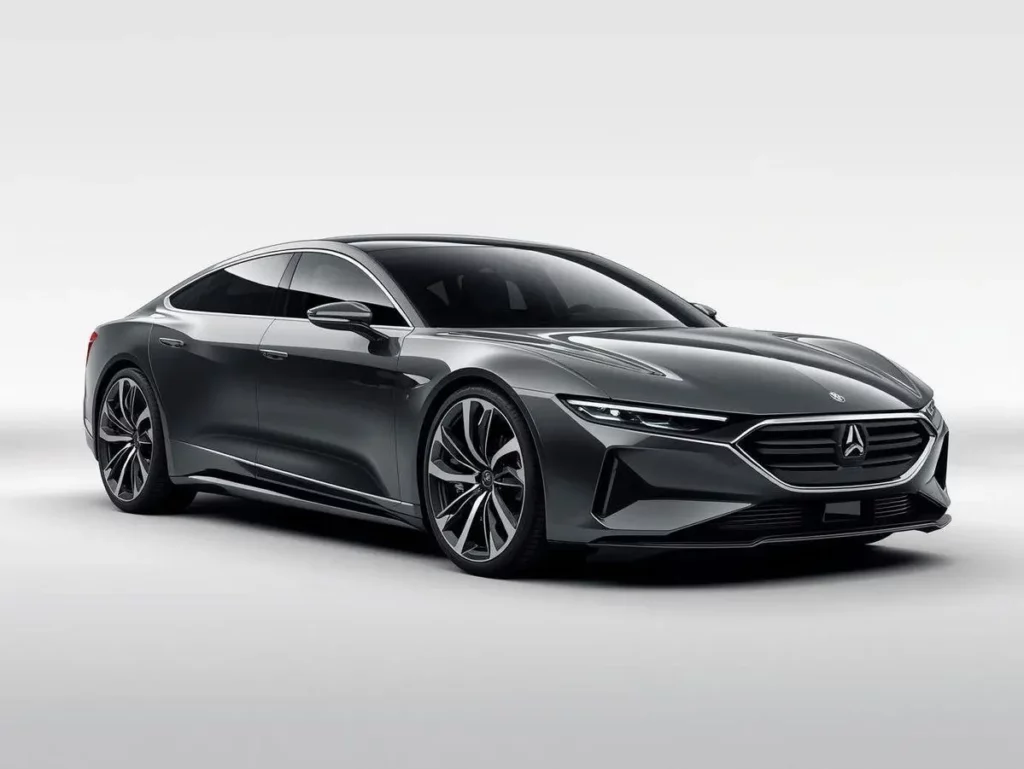
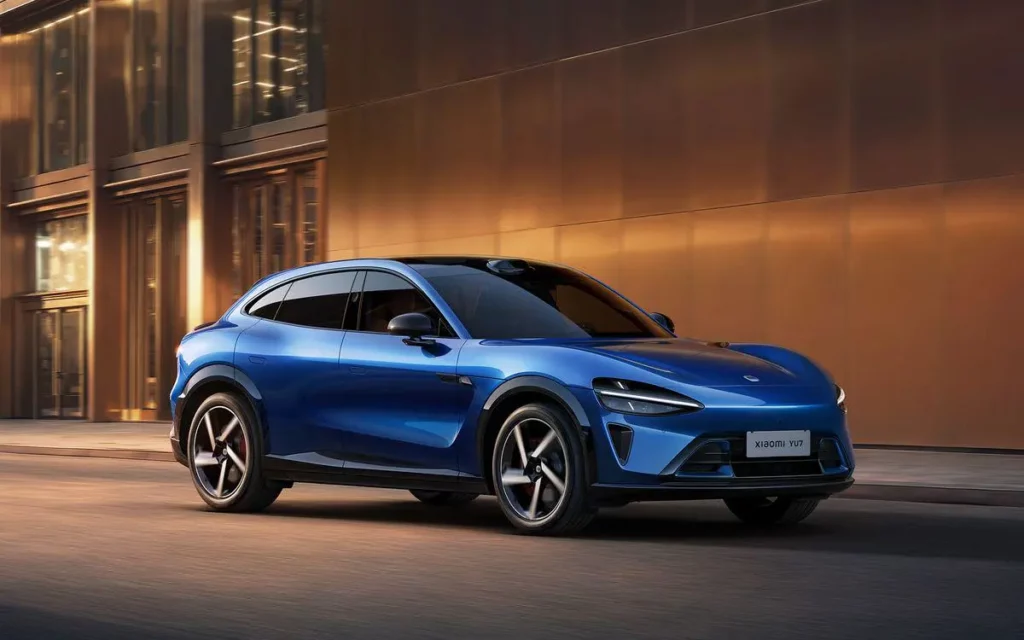
Three Videos to Make From One Car Photo
One photo can support several types of dealership content. Therefore, you do not need a new image for every campaign.
Vehicle Detail Page Video
A vehicle page needs clear and controlled motion.
For example, use a slow push toward the front of the car. You can also use a gentle side movement. This keeps the focus on the vehicle.
The scene should remain simple. However, it should still feel polished.
Avoid extreme camera moves. Instead, show the paint, body shape, wheels, and main design details.
Social Media Promotion
Social videos need a strong opening.
Therefore, start with a clear view of the car. Then, add visible motion during the first few seconds.
This format works well for:
- New arrivals
- Featured vehicles
- Weekly offers
- Limited stock
- Model spotlights
In addition, a vertical format fills more of a phone screen. As a result, the car can gain more visual impact.
Dealership Ad Creative
Ads need a clear visual hook.
For example, begin with a close view of the grille. Then, reveal the full car. You could also start with a wheel detail before showing the full body.
The setting should match the model. A luxury vehicle may suit a clean city scene. Meanwhile, an SUV may fit a mountain or open-road setting.
Because the same photo can support several versions, AI Car Video Generator makes testing easier.
AI Car Video Generator Prompt Tips
A clear prompt gives the tool a clear task.
However, many users write prompts that are too general. For example, “make the car move” does not explain the camera, scene, or speed.
Instead, include four basic details:
- The type of car
- The camera movement
- The setting
- The mood
For example:
“Slow camera push toward a black luxury sedan in a clean showroom.”
This prompt is short. However, it still gives useful direction.
You can also try:
- Smooth side-tracking shot of a white SUV on a city road
- Low-angle reveal of a sports car with realistic reflections
- Gentle orbit around a parked sedan in a modern showroom
- Slow front reveal with soft dealership lighting
- Clean hero shot with subtle camera movement
In addition, mention the details that must remain the same. These may include the car color, wheel style, and body shape.
Still, avoid adding too many instructions. A crowded prompt can confuse the result. Therefore, keep each direction simple.
Mistakes That Can Hurt Buyer Trust
Generated video should support the listing. However, poor results may make the vehicle feel less reliable.
First, do not use a dark or blurry source photo. The starting image affects the final video.
Second, avoid action that does not fit the car. A family vehicle does not need a racing scene. Instead, use calm and realistic motion.
Third, check all key details. Wheels and headlights should not change shape. The grille and mirrors should also stay stable.
Finally, match the style to the car. A pickup truck should not look like a luxury sedan ad. Likewise, a compact city car may not need a wild outdoor scene.
Therefore, the best video is not always the most dramatic one. It is the one that fits the vehicle.
Why AI Car Video Generator Fits Dealership Marketing
Dealership teams need new content every week. However, filming every vehicle takes time and money.
AI Car Video Generator offers a faster option. Teams can start with photos that already exist. Then, they can create several video versions from the same image.
As a result, one photo shoot can support more content.
The workflow also helps teams stay flexible. For example, they can make one version for the website and another for social media. They can also create a separate ad version.
Moreover, the process is easy to repeat. Therefore, dealerships can use it across many vehicles.
Turn Car Photos Into Dealership Videos
Your dealership may already have the images it needs. Therefore, you do not need to start every video project from zero.
AI Car Video Generator can turn existing car photos into short marketing videos. These clips can support vehicle pages, social posts, and ads.
More importantly, the workflow is simple and repeatable. One strong image can become several useful assets.
As a result, dealerships can create more video content without filming every car.
Go to WeShop AI For Exploration:


