

For small lingerie brands, AI Lingerie Generator can turn one clean product image into a full set of product-page, ad, and social visuals. That is a big deal because lingerie is one of the hardest fashion categories to sell online. Flat lays may show the fabric, yet they often hide the shape. Meanwhile, a studio shoot may look beautiful, but it can eat up budget before a new collection even launches.
Today, shoppers want more than a pretty product shot. They want to understand shape, coverage, texture, color, and mood before they buy. Therefore, brands need images that feel clear, realistic, and useful. The good news is that AI Lingerie Generator helps smaller teams create more visual content without waiting for a full production day.
Still, the goal is not to fake a product. Instead, the goal is to show your product idea faster, test your creative direction sooner, and support buyers with better visual context. When used carefully, AI Lingerie Generator becomes a practical tool for ecommerce growth.
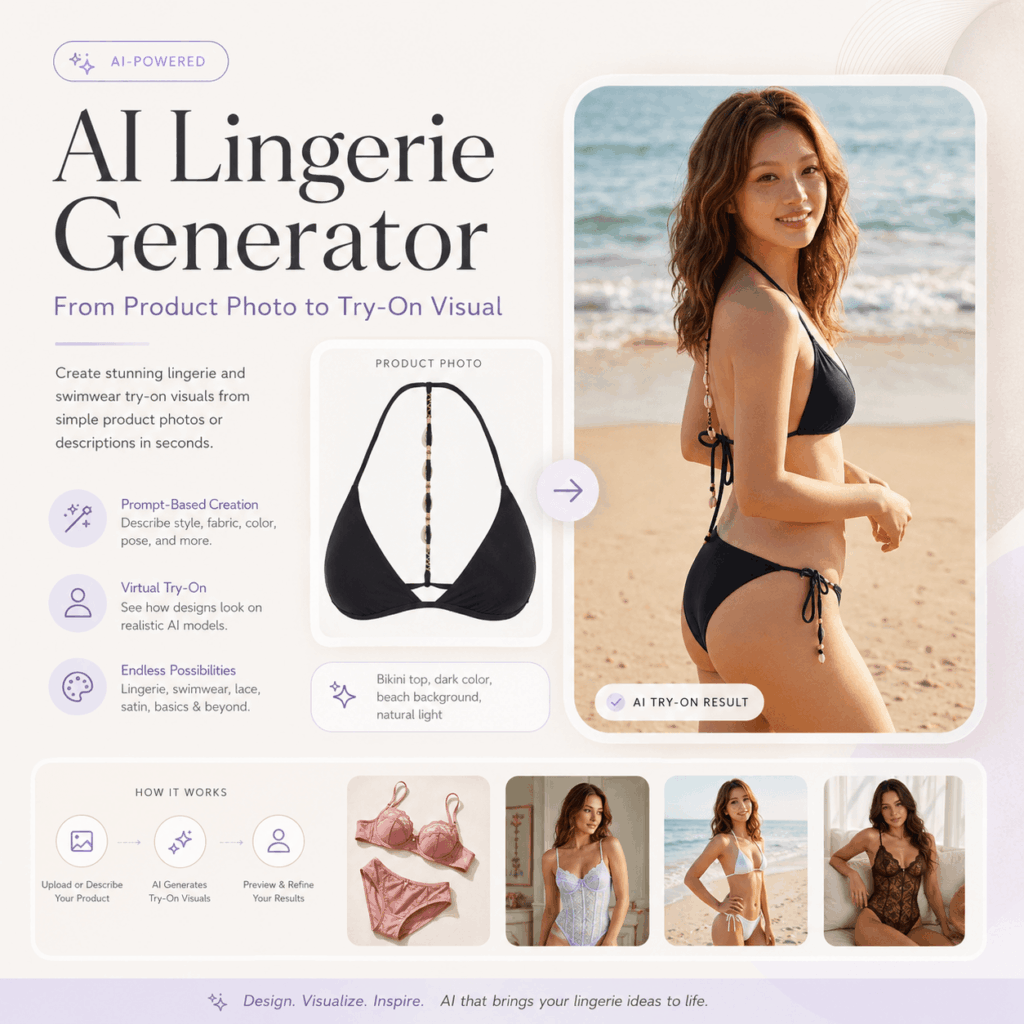
Why AI Lingerie Generator matters for small lingerie brands
Lingerie is personal, detailed, and fit-focused. Because of that, buyers often need more visual confidence before they add a bra, corset, bodysuit, or sleepwear set to cart.
That creates real pressure for a small brand. You may need catalog photos, lifestyle images, email banners, social posts, and ad creatives for every new drop. At the same time, each SKU may come in several colors. In addition, every style may need a different mood.
AI Lingerie Generator helps solve this content gap. Instead of building one expensive shoot around one visual concept, you can create several image directions in less time. As a result, your team can test what looks best before spending more money on a larger campaign.
In other words, AI gives you room to move. You can try a soft studio look, a clean ecommerce layout, a warm bedroom scene, or a premium editorial style. Then, once a direction works, you can build around it.
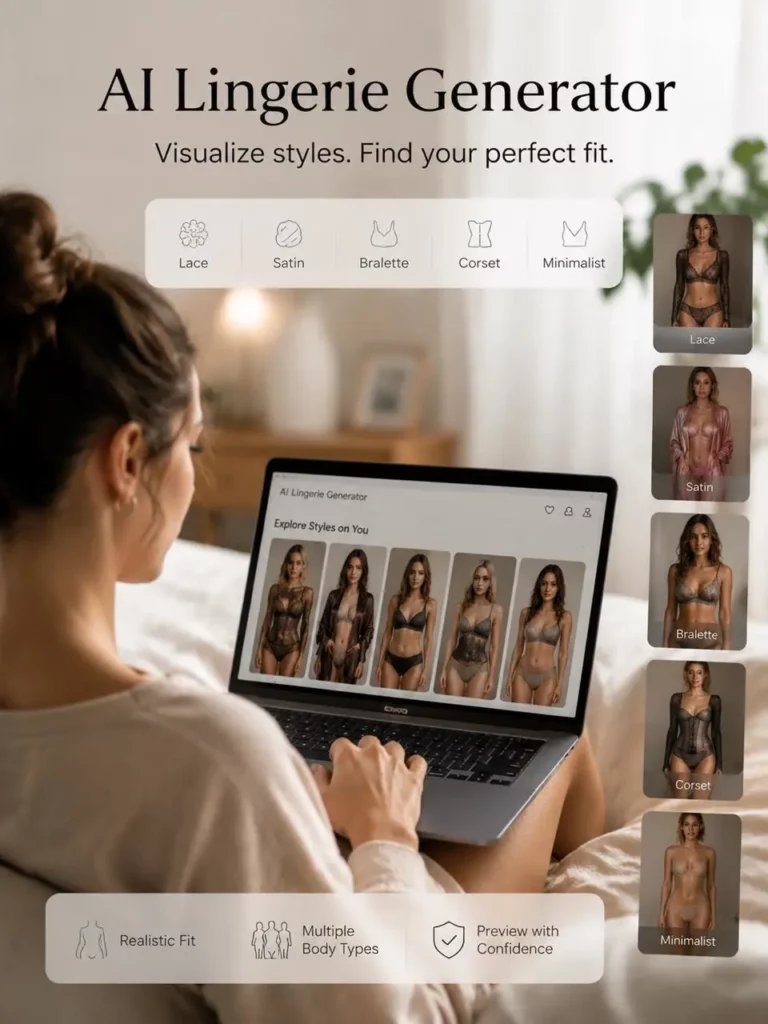
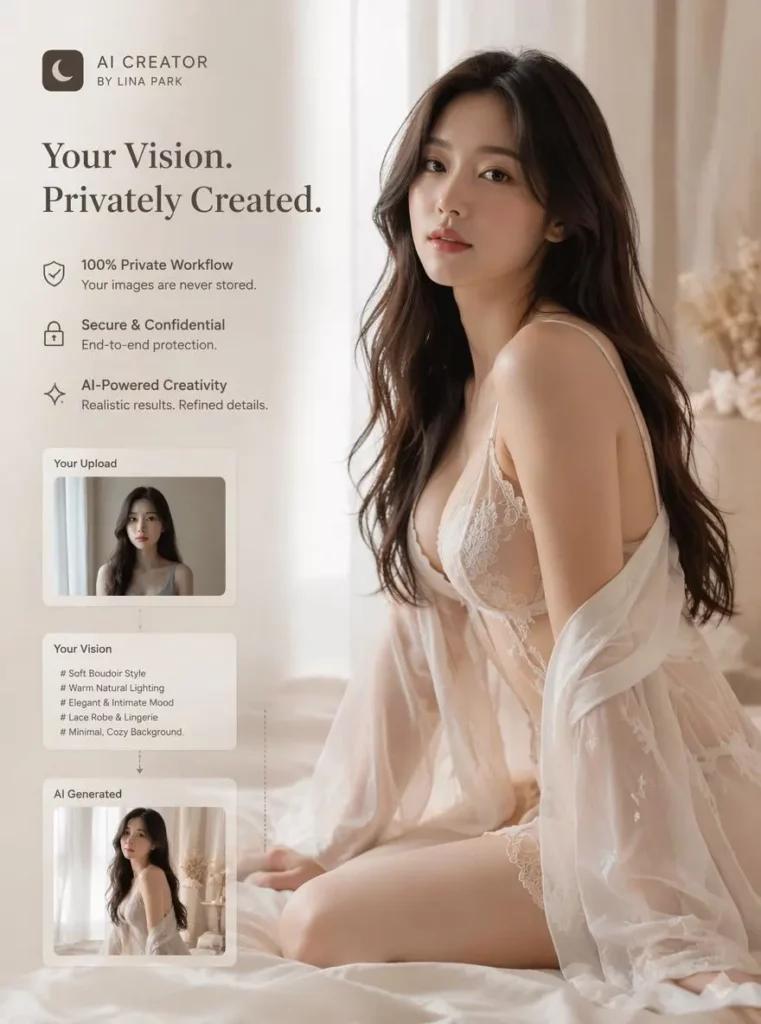
Why lingerie product photography is harder than regular apparel
AI Lingerie Generator helps show shape, not just fabric
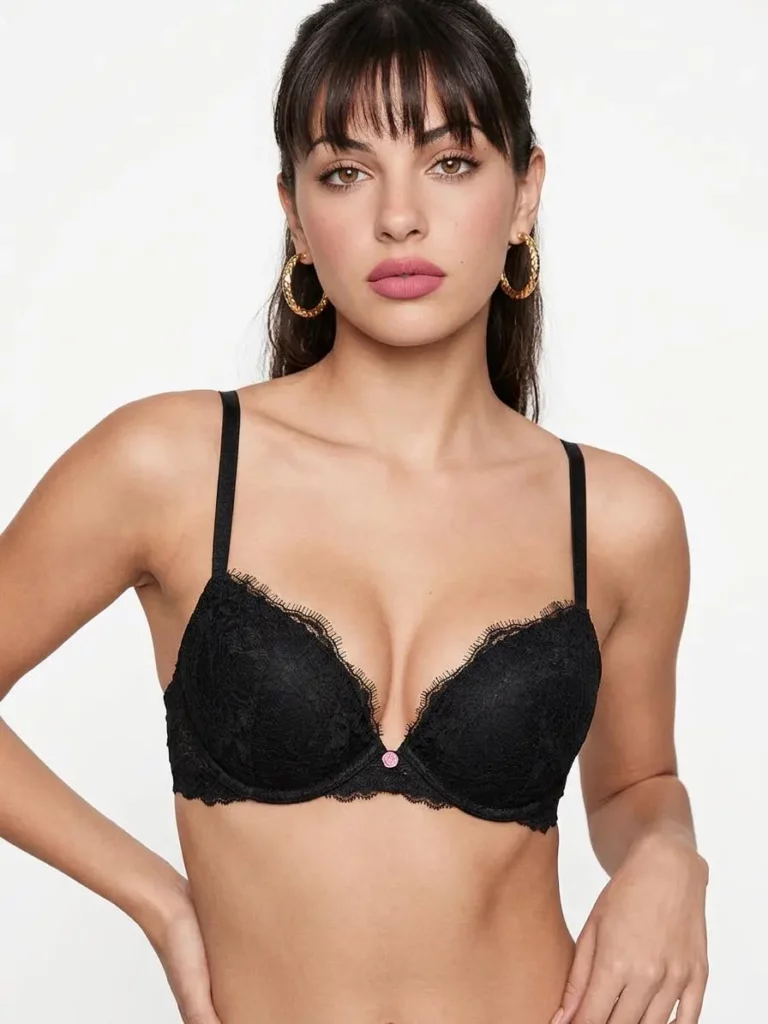
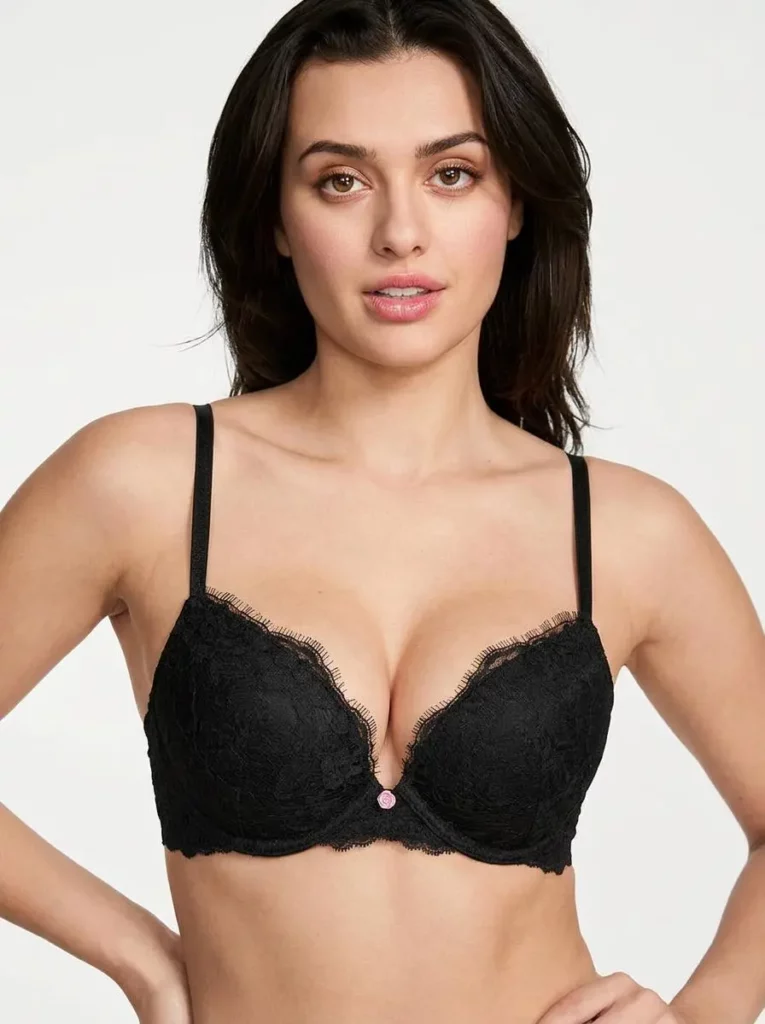
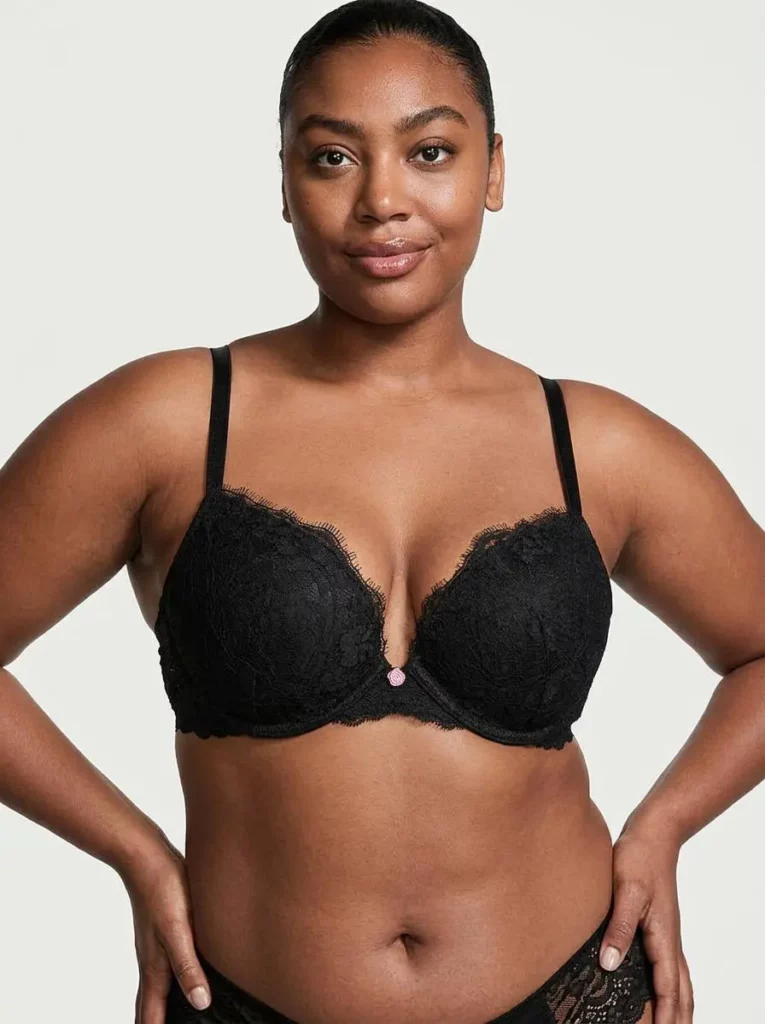
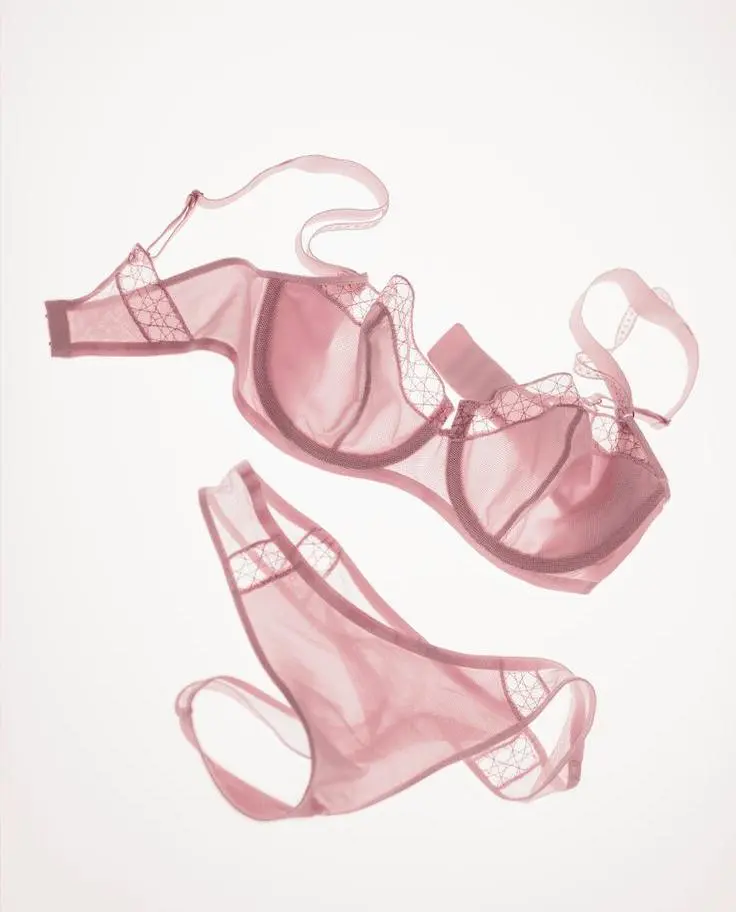
Flat lays are useful, especially for showing color and detail. Still, lingerie often needs shape to make sense. Without body shape, a bra can look flat. Likewise, a bodysuit can lose its waistline. Lace trim, straps, and cutouts may also look unclear from above.
That is why on-model visuals matter. They help shoppers understand how the piece is meant to sit, where the straps fall, and how the design frames the body. Even when AI Lingerie Generator is used, the visual should still respect the real product.
Studio shoots can slow down launches
A traditional shoot takes planning. First, you need samples, models, styling, makeup, lighting, and a location. Next, the team needs time for editing, resizing, and approvals. After that, each extra color or scene may require more work.
For small lingerie brands, this can delay launches. It can also make testing difficult. By the time a full shoot is finished, your trend window may already feel smaller.
AI Lingerie Generator does not remove every production task. Even so, it can make the early stage much faster. You can explore angles, moods, and campaign ideas before booking a photographer.
Buyers need confidence, not just beauty
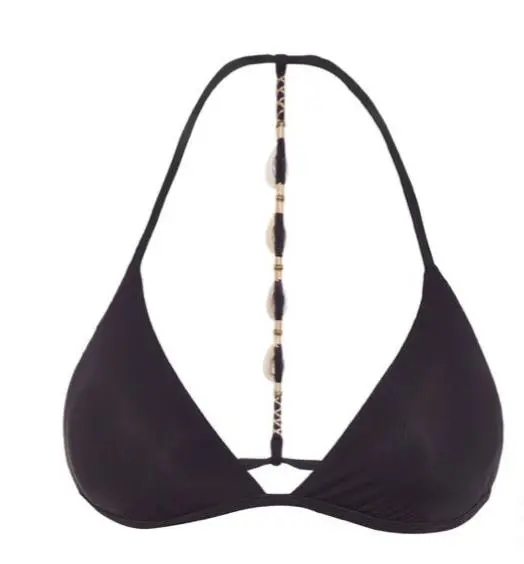
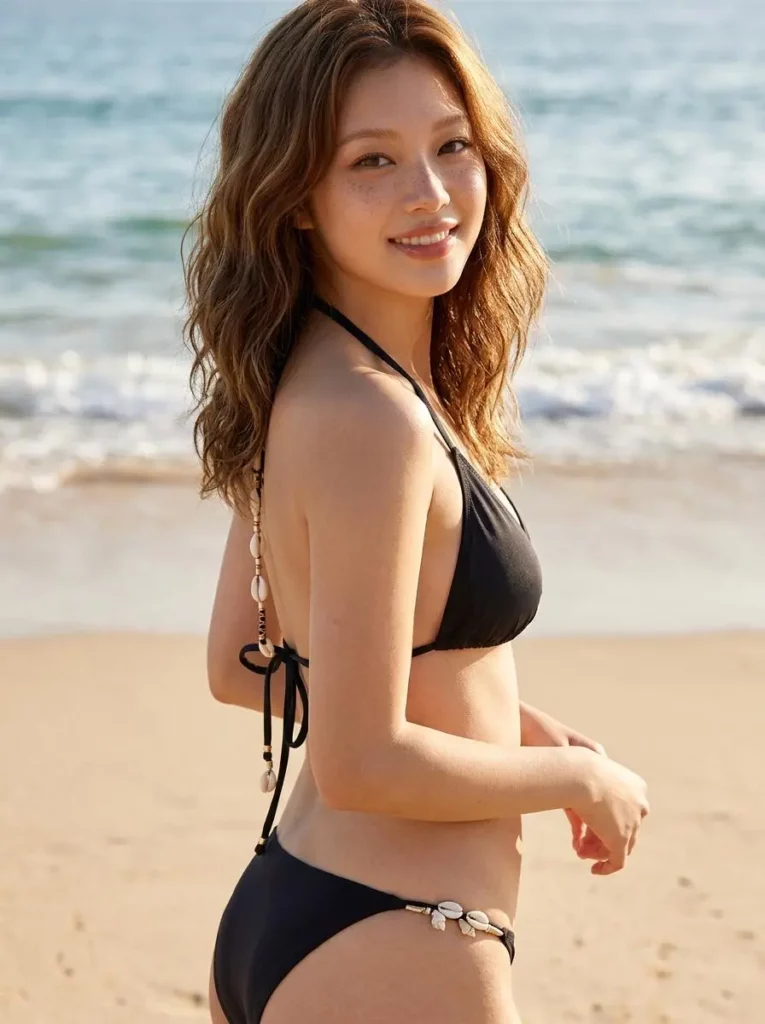
A beautiful image can stop the scroll. Yet, a useful image helps the sale. For lingerie, shoppers want to know if the product looks supportive, delicate, minimal, romantic, sporty, or premium.
Because of that, product visuals should answer silent questions. How much coverage does it suggest? Does the fabric look soft or structured? Is the style better for everyday wear, bridal styling, sleepwear, or a campaign look?
With AI Lingerie Generator, brands can create more visual context around each product. Still, every result should be reviewed carefully, especially when fit details are important.
What is AI Lingerie Generator?
AI Lingerie Generator is an AI-powered fashion photo tool that helps create lingerie-focused visuals from prompts, product images, templates, or approved reference photos. In practice, this means you can upload a product image, describe your desired scene, and generate model-style visuals for ecommerce or marketing.
Instead of relying on one background and one pose, you can test many options. For instance, a lace bralette can become a clean catalog image, a soft lifestyle post, or a premium campaign visual. Similarly, a satin corset can be shown in studio light, warm morning light, or a polished lookbook scene.
The best results usually come from clear inputs. So, the product reference should show the real shape, color, fabric, straps, closure, and trim. Alongside that, the prompt should explain the purpose of the image.
Most importantly, use only adult, authorized, and brand-safe images. AI Lingerie Generator should never be used with private photos, celebrity images, minors, or anyone who has not given permission.
How to use AI Lingerie Generator for product photos
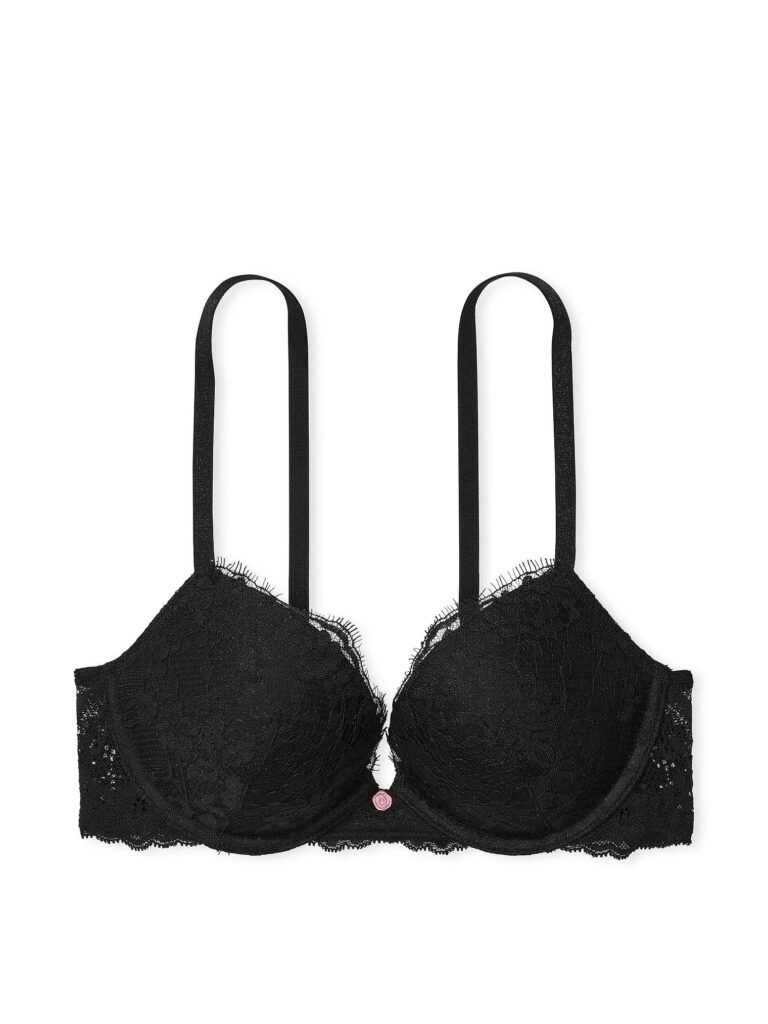
Step 1: Start with a clean product image
Begin with a clear product reference. White or simple backgrounds work well. Natural lighting is helpful, but harsh shadows can confuse the output.
A stronger reference shows the whole item. Include the front view and, when possible, the back view. Close-ups are useful too, especially for lace, satin, mesh, embroidery, hooks, bows, and adjustable straps.
Before uploading, check the image. If the product is folded, blocked, or wrinkled in a strange way, AI Lingerie Generator may copy that issue.
Step 2: Choose one image goal
Next, decide what the image needs to do. Product-page images should be clear and product-first. Social posts can feel more lifestyle-driven. Meanwhile, a homepage hero image may need more mood and space for text.
This choice matters because the same product can look different across channels. Therefore, define the goal before writing the prompt.
Try one of these goals:
- Product page catalog visual
- Collection page image
- Paid ad creative
- Instagram or Pinterest post
- Email campaign banner
- Lookbook image
- Seasonal campaign concept
Step 3: Write a prompt that fits AI Lingerie Generator
A strong prompt does not need to be long. Instead, it needs to be specific. Mention the product type, fabric, model pose, lighting, background, and use case.
This simple formula works well:
Product + fabric detail + model pose + lighting + background + ecommerce purpose + brand mood
For instance:
“Realistic ecommerce product photo of a black lace balconette bra and matching brief on an adult fashion model, natural standing pose, soft studio lighting, neutral warm background, detailed lace texture, accurate strap placement, premium lingerie brand mood.”
This prompt gives AI Lingerie Generator enough direction. At the same time, it keeps the image focused on the product.
Step 4: Generate several variations
One image is rarely enough. Instead, create a small set of options. This gives you a better chance of finding a visual that fits your brand.
For a single SKU, generate at least six to eight images. Try two catalog images, two lifestyle images, two social images, and one or two campaign-style images. Then compare them side by side.
As you review, look beyond beauty. Ask whether the product is clear, whether the mood fits your store, and whether the image could help a shopper make a decision.
Step 5: Check every fit and fabric detail
Before publishing, inspect the details. Lingerie has many small parts, and AI can sometimes invent or distort them.
Look at the straps, cups, underband, lace edge, waistline, hooks, bows, and seams. Next, check whether the left and right sides match. If the product has a special feature, such as removable straps or a high-waist brief, make sure the image does not hide or change it.
This step protects trust. After all, a polished image is only useful if it still represents the product honestly.
Step 6: Resize the final images for each channel
Once you choose the best visuals, adapt them to your channels. Product pages usually need clean, high-resolution images. Social platforms often need vertical crops. Ads may need space for copy. Email banners may need a wider layout.
Because of that, save variations for each use case. Keep your naming system simple as well. For example, use product name, color, channel, and version number.
AI Lingerie Generator prompt examples
AI Lingerie Generator catalog prompt
“Create a realistic ecommerce catalog photo of a soft blue lace bralette and matching high-waist brief on an adult fashion model, with a clean studio background, soft diffused light, a natural front-facing pose, accurate lace texture, and clear product visibility.”
AI Lingerie Generator luxury campaign prompt
“Generate a premium lingerie campaign image featuring a satin corset bodysuit on an adult model, in warm cinematic lighting, with an elegant hotel-suite background, a refined editorial pose, realistic satin highlights, and a luxury intimate apparel mood.”
AI Lingerie Generator product page prompt
“Create an on-model product photo of a nude seamless bra set for a clean ecommerce product page, against a white studio background, with natural posture, soft light, accurate fit details, and sharp product focus.”
AI Lingerie Generator social launch prompt
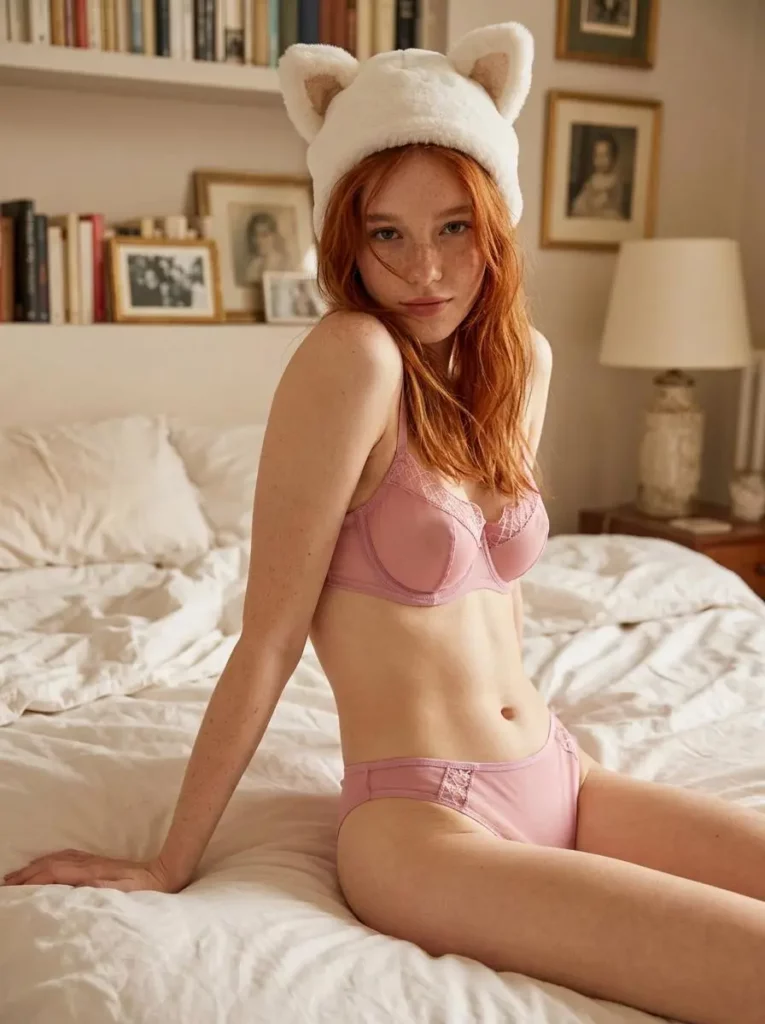
“Create a vertical Instagram-ready image for a pink lace lingerie set, with soft morning light, a tasteful bedroom scene, natural posing, clear product visibility, and a romantic but elegant brand mood.”
Prompts like these help AI Lingerie Generator create images that feel useful, not random. Even then, each product may need small changes. So, keep testing until the image matches your product and your brand.
Where to use AI Lingerie Generator images
Product detail pages
Product pages need clarity first. Add AI-generated model images to support your flat lays, close-ups, and size information. That way, shoppers see both the product detail and the styling idea.
At the same time, do not use AI visuals as the only source of fit information. Pair them with size charts, product measurements, fabric notes, and real customer guidance.
Collection pages
Collection pages work better when the visuals feel consistent. Therefore, use a similar lighting style, model pose, or background across one product line.
This helps the page feel more premium. Besides that, browsing becomes easier because the shopper is not distracted by mismatched imagery.
Paid ads
Ads need fast creative testing. AI Lingerie Generator lets you create several versions of one concept before spending money on media.
For instance, test a clean studio image against a cozy lifestyle image. Then, compare click-through rates and add-to-cart behavior. After that, invest more in the direction that performs best.
Social media
Social content needs freshness. Even so, small teams often run out of images quickly. AI can help you build a content bank for launches, gift guides, styling ideas, and seasonal posts.
Still, keep the style tasteful. In lingerie, trust matters more than shock value.
Email and landing pages
Email banners and landing pages need strong visuals with clear space for text. Therefore, generate wider images, soft backgrounds, and clean compositions.
The right AI Lingerie Generator visual can make a sale feel more polished. Plus, it can help a small launch look like a full campaign.
AI Lingerie Generator quality checklist before publishing
Before your AI images go live, run a simple review. This helps protect your brand and your customers.
- Does the product color look close to the real item?
- Are the straps, cups, seams, and waistline natural?
- Is the lace, satin, mesh, or embroidery clear?
- Does the image avoid misleading fit claims?
- Has the AI changed any key product feature?
- Is the styling tasteful and suitable for your brand?
- Did you use only adult and authorized images?
- Would a customer feel the product matches the image after delivery?
If the answer is no, revise the prompt or generate again. It is better to delay one image than to publish something that reduces trust.
What AI Lingerie Generator can and cannot replace
AI Lingerie Generator can speed up your visual workflow. It can help with concept testing, social content, color variations, product-page support, and campaign planning. Plus, a small team can feel more flexible.
That said, AI should not replace product accuracy. Your real fabric, sizing, elasticity, construction, and comfort still need honest descriptions. In addition, high-performing visuals should still go through human review.
The strongest workflow is a blend. Work with AI to test and scale ideas. Then, use real product knowledge to approve what goes live.
This balance is powerful for small lingerie brands. It keeps your content moving while protecting customer trust.
A simple AI Lingerie Generator test plan for one SKU
Start with one product that needs better visuals. Ideally, choose a style with solid inventory, decent margin, and weak current images. This makes the test easier to judge.
On day one, prepare the product references and write three prompt directions. One can be catalog-focused. Another can be lifestyle-driven. The third can be campaign-ready.
On day two, use AI Lingerie Generator to create six to eight images. Then, select the best three based on clarity, taste, and accuracy.
By day three, add the strongest image to the product page. Next, create one social post and one email banner.
Over the next few days, watch your data. Look at product-page clicks, add-to-cart rate, ad engagement, email clicks, and customer questions. If the new images help, build a repeatable workflow for the rest of the collection.
This test keeps the process simple. More importantly, it lets real customer behavior guide your next creative decision.
FAQ about AI Lingerie Generator
What is AI Lingerie Generator?
AI Lingerie Generator is an AI-assisted image tool that helps create lingerie product photos, model-style try-on visuals, ecommerce images, social posts, and campaign concepts from prompts or product references.
Can small lingerie brands use AI Lingerie Generator for ecommerce?
Yes, small brands can use AI Lingerie Generator to support product pages, ads, lookbooks, and social content. That said, every image should be checked for product accuracy, brand safety, and commercial usage rights before publishing.
Are AI lingerie try-on photos always accurate?
Not always. AI can create a strong visual preview, but it may still change small details. Therefore, brands should review fabric, straps, seams, color, and fit cues before using the image in a store or campaign.
What input photos work best for AI Lingerie Generator?
Clear product photos work best. Choose simple backgrounds, good lighting, full product views, and close-ups of important details. Also, include back views when the design depends on straps, closures, or cutouts.
Can AI Lingerie Generator replace a lingerie photoshoot?
AI Lingerie Generator can reduce the need for some shoots, especially for early concepts, social content, and creative testing. Even so, it should not fully replace product knowledge, fit checks, or human review.
How do I keep AI lingerie visuals brand-safe?
Choose tasteful prompts, adult and authorized references, accurate product descriptions, and clear quality checks. In addition, avoid private images, celebrity images, minors, or any person who has not given permission.
Final thoughts
Small lingerie brands do not need a huge studio budget to build a stronger visual presence. With the right workflow, AI Lingerie Generator can help you create clearer product pages, fresher social content, and faster campaign tests.
Above all, the best brands will use AI with care. They will check every detail, protect consent, and keep the customer experience honest.
Start with one SKU. Test a few visual directions. Then, let your data show you what to scale next. To create your first image, try AI Lingerie Generator and turn a product reference into a polished visual for your next launch.
Go to WeShop AI For Exploration:


