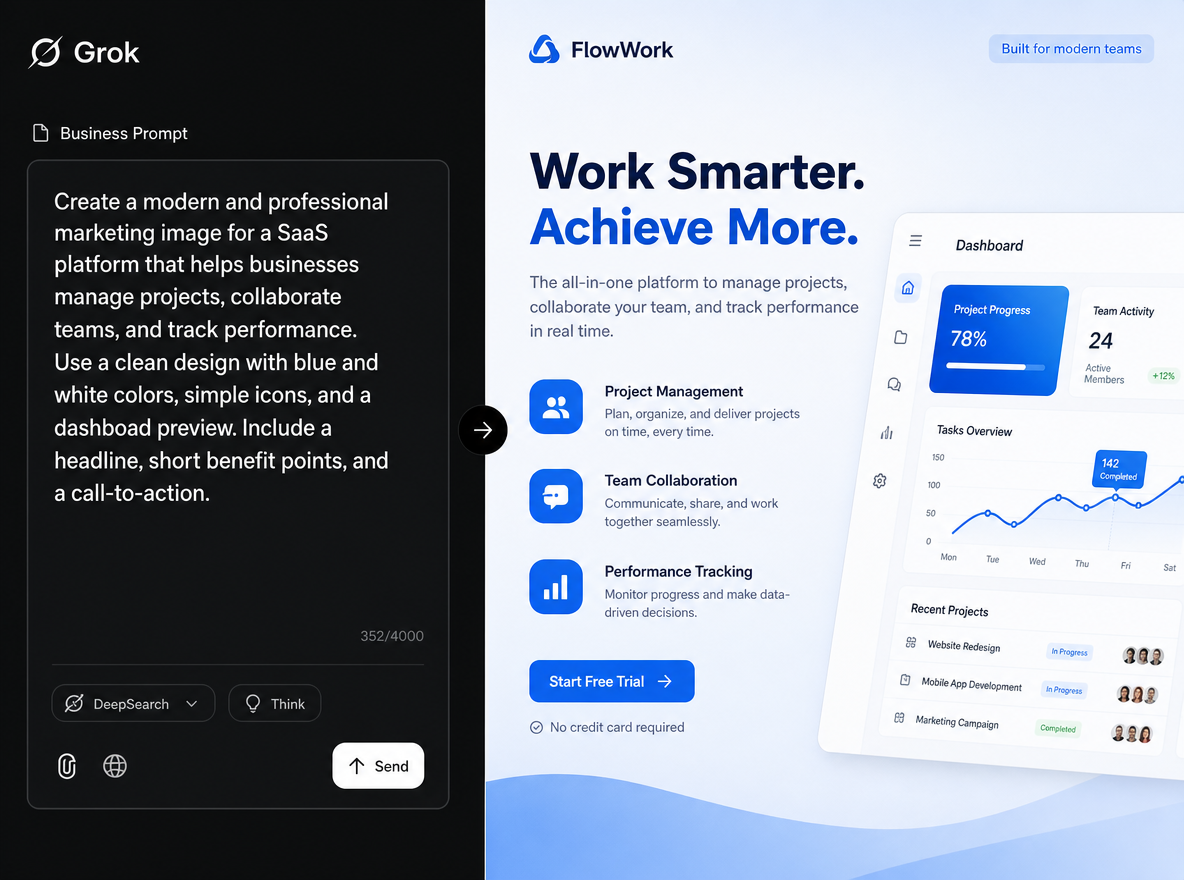
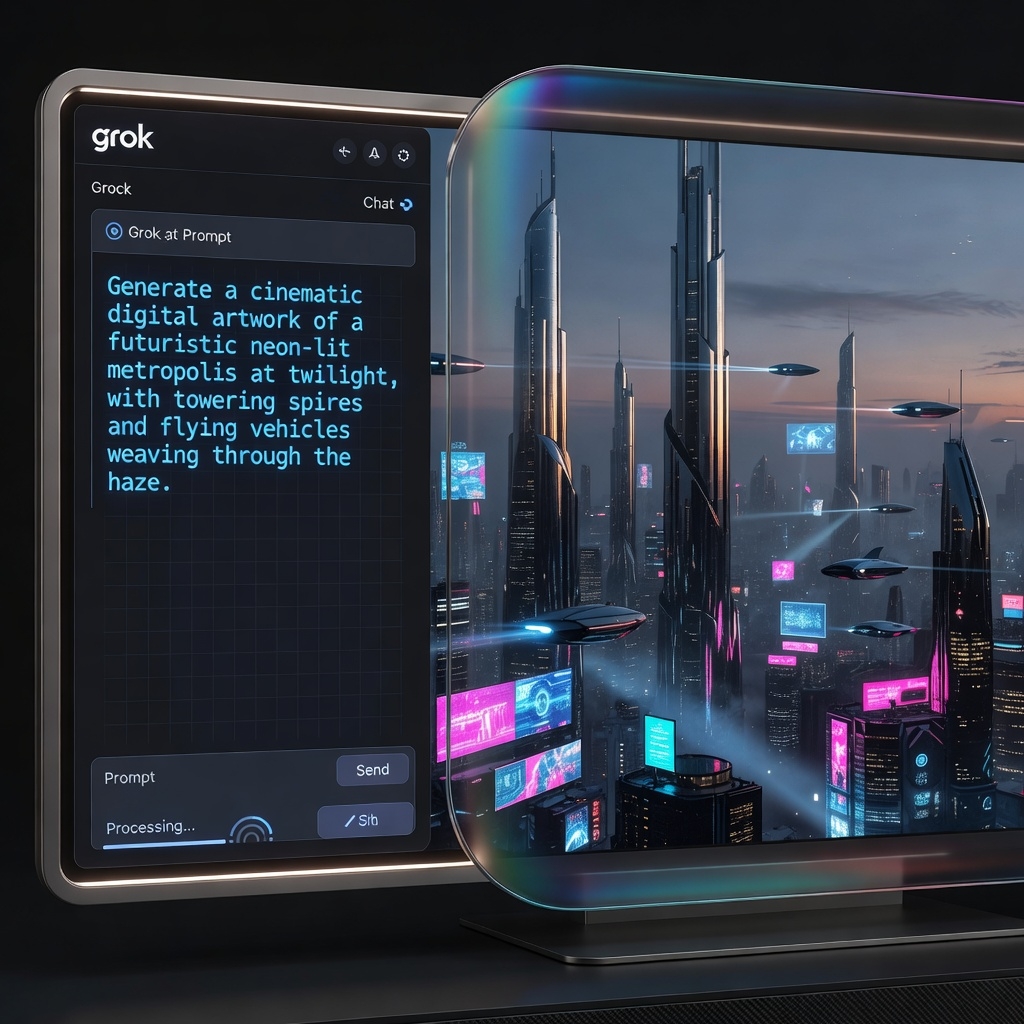
AI image generation is no longer just for designers or digital artists. With the rise of the Grok AI Image Generator, anyone can transform simple text descriptions into high-quality AI artwork within seconds. Whether you want realistic portraits, anime illustrations, cinematic posters, product mockups, or viral social media graphics, Grok AI makes the entire creative process faster and easier.
Unlike traditional design software that requires editing skills and complicated workflows, this AI image generatorfocuses on natural language prompts. You simply describe what you want, and the system instantly converts your ideas into detailed visuals. From content creators and marketers to students and small business owners, more people are now using text to image AI tools to create professional-looking content without expensive software or design experience.
In this tutorial, you’ll learn how to use the Grok AI Image Generator step by step, explore real prompt examples, and discover practical techniques for creating better AI images with cleaner composition, stronger lighting, and more cinematic results.Grok AI Image Generator – Turn Text Descriptions into Professional Art Instantly
AI Image Tools Are Getting Smarter… But Grok Feels Different
Most AI image generators today are chasing the same thing: ultra-polished images, perfect lighting, hyper-realistic faces, cinematic compositions. And honestly? After scrolling through hundreds of AI artworks online, many of them start looking weirdly identical.
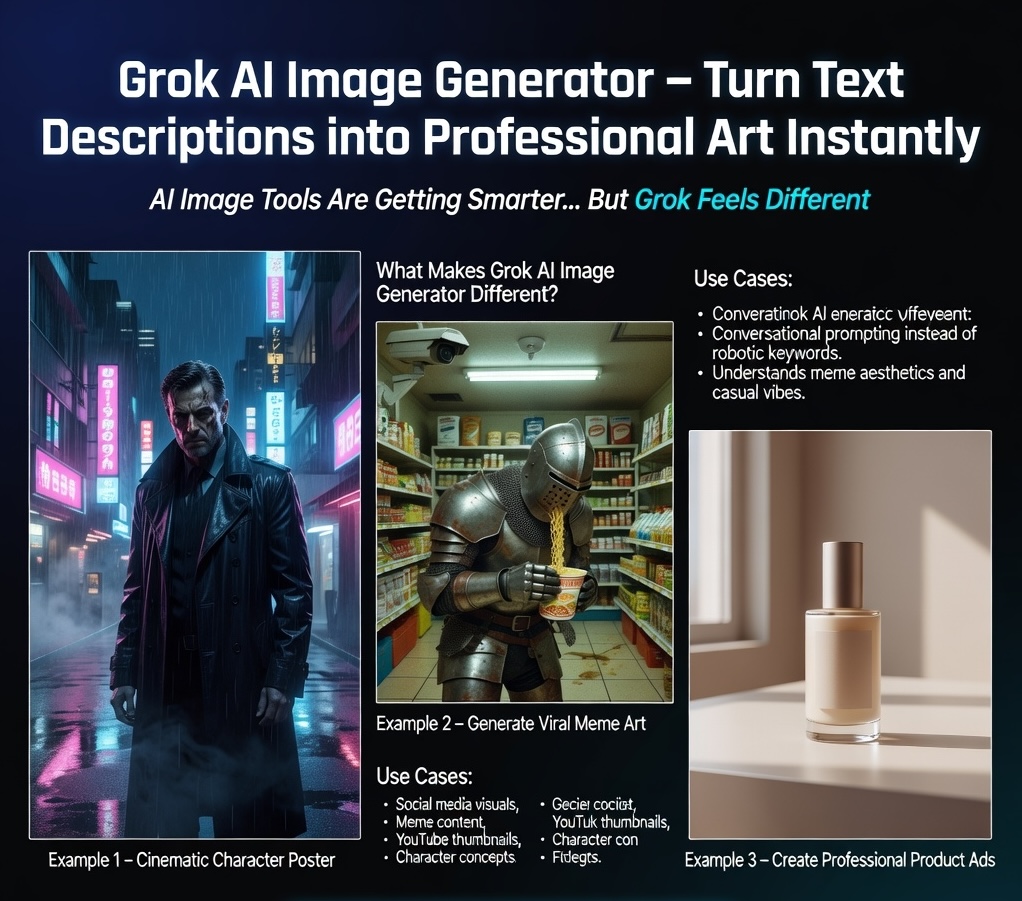
That’s why the sudden popularity of the Grok AI Image Generator feels refreshing.
Instead of forcing every image into a glossy “AI commercial poster,” Grok has become popular because it understands internet culture, meme aesthetics, cinematic moods, and casual creative prompts surprisingly well. You can ask it to generate something serious, funny, cursed, minimalistic, chaotic, or even intentionally awkward — and it usually understands the vibe immediately.
More importantly, Grok AI Image Generator is becoming one of the easiest tools for beginners who want to turn simple text descriptions into professional-looking visuals without learning Photoshop, Midjourney parameters, or complicated workflows.
In this guide, we’ll go beyond basic introductions and actually create several different types of images step by step using Grok-style prompting methods.
⸻
What Makes Grok AI Image Generator Different?
Most AI tools focus heavily on technical prompt engineering.
Grok works a little differently.
The tool feels more conversational, which means you can often describe ideas naturally instead of writing robotic keyword lists.
For example:
Instead of typing:
cinematic lighting, ultra detailed, volumetric fog, realistic textures
You can simply write:
Make it feel like a lonely sci-fi movie scene at 2AM.
And Grok usually understands the emotional direction surprisingly well.
That’s why many creators are starting to use the Grok AI Image Generator for:
- Social media visuals
- Meme content
- AI posters
- Personal branding
- YouTube thumbnails
- Character concepts
- Fashion moodboards
- AI wallpapers
- Story visuals
- Viral TikTok content
Example 1 – Create a Cinematic Character Poster
One of the easiest ways to test the Grok AI Image Generator is by making cinematic portraits.
Prompt Example
Create a cinematic portrait of a futuristic detective standing under neon rain in Tokyo at night.
Dark blue atmosphere, reflective wet streets, soft fog, realistic lighting, emotional movie scene.
The character wears a black trench coat and looks tired but determined.
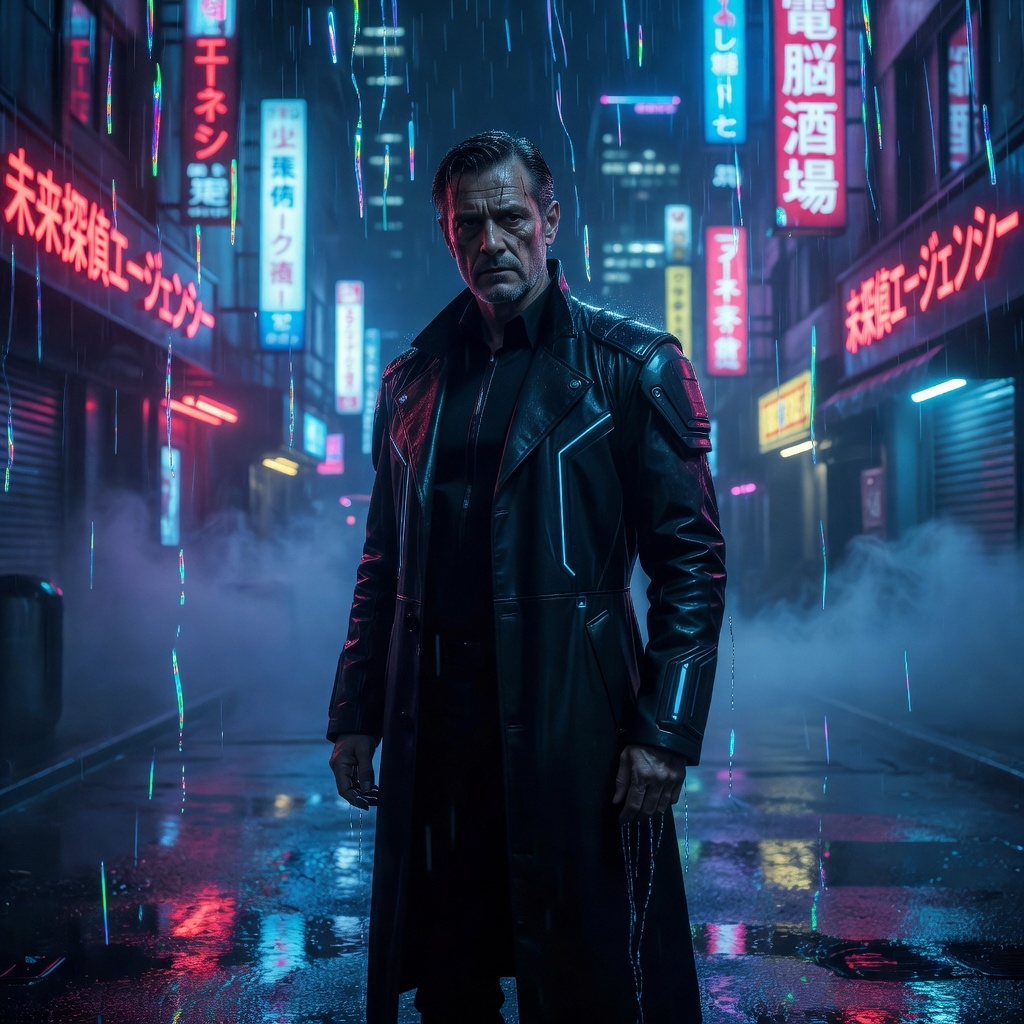
Why This Prompt Works
Notice something important:
The prompt is written like a movie description, not a technical command list.
That’s the sweet spot for Grok.
Instead of overloading the AI with parameters, you focus on:
- atmosphere
- emotion
- environment
- story feeling
The final image usually feels much more natural and less “generic AI.”
Example 2 – Generate Viral Meme Art
This is where Grok becomes ridiculously fun.
The internet loves intentionally chaotic visuals now:
- ugly-cute drawings
- cursed memes
- low-quality edits
- fake movie posters
- ironic reaction images
And the Grok AI Image Generator handles this type of humor surprisingly well.
Prompt Example
Generate a low-quality meme image of a medieval knight eating instant noodles in a convenience store at 3AM.
The mood should feel awkward, pathetic, and unintentionally funny.
Bad fluorescent lighting, cheap security camera aesthetic.
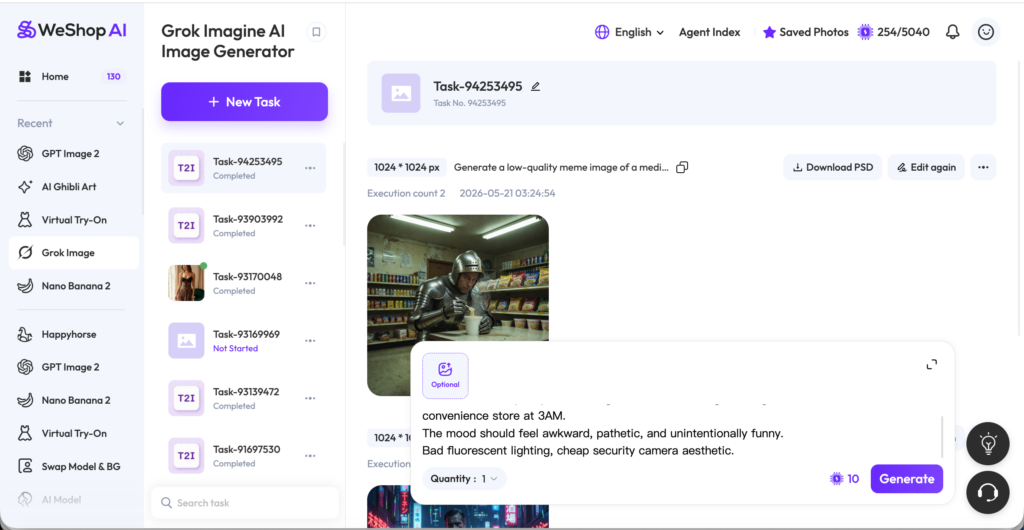
This type of content performs extremely well on:
- TikTok
- X
- Instagram meme pages
- Discord communities
- Rednote
because it feels human and internet-native instead of overly polished.
Example 3 – Create Professional Product Ads
A lot of people still think AI image tools are only for fantasy art.
That’s outdated.
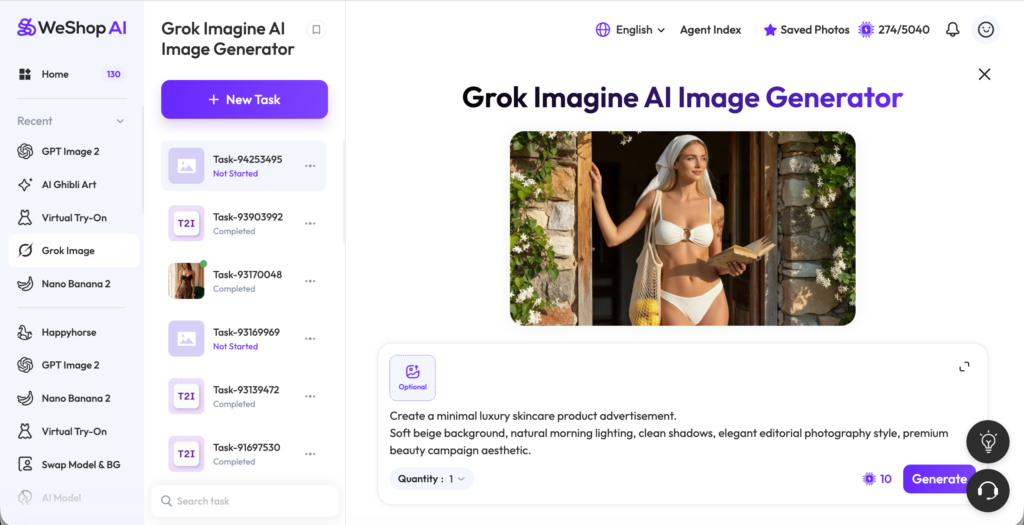
You can also use the Grok AI Image Generator for commercial-style visuals.
Prompt Example
Create a minimal luxury skincare product advertisement.
Soft beige background, natural morning lighting, clean shadows, elegant editorial photography style, premium beauty campaign aesthetic.
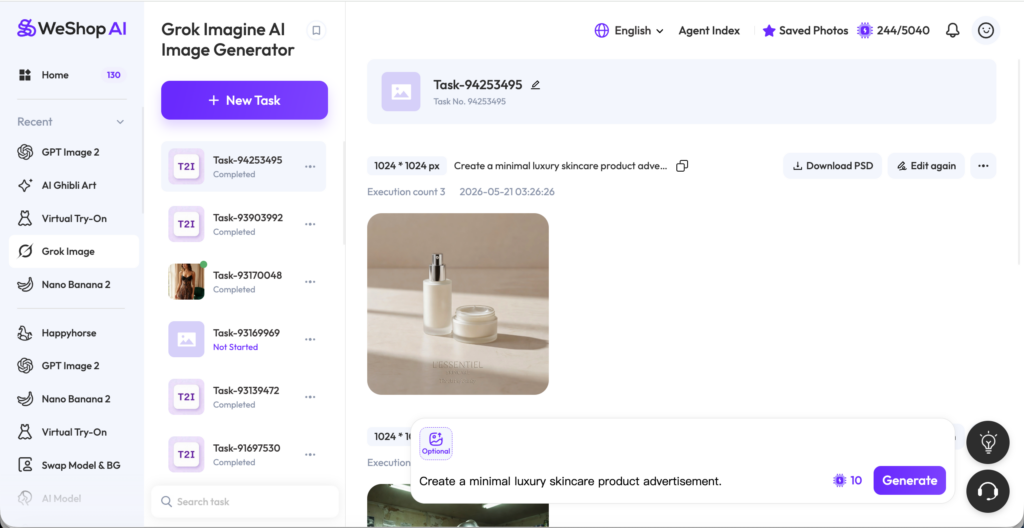
What Makes AI Ads Useful?
You can quickly test:
Traditional Workflow AI Workflow
Hire photographer Generate instantly
Rent studio Use prompts
Retouch manually AI handles lighting
Expensive revisions Regenerate anytime
For startups, creators, and ecommerce brands, this dramatically reduces content costs.
Grok Is Surprisingly Good at “Internet Taste”
One reason creators are obsessed with the Grok AI Image Generator is because the outputs often feel culturally aware.
It understands:
- meme language
- internet humor
- Gen Z aesthetics
- retro visuals
- fake screenshots
- social media layouts
- lo-fi moods
better than many traditional AI art generators.
That’s why Grok-generated content often feels more “alive” online.
Prompt Formula That Usually Works Best
If you don’t know how to write prompts, use this simple structure:
Prompt Part Example
Subject futuristic girl
Environment standing in rainy Tokyo
Mood lonely and cinematic
Visual Style realistic movie still
Lighting soft neon reflections
Simple.
No complicated AI jargon needed.
Common Mistakes Beginners Make
- Over-describing everything
Too many keywords can confuse image composition.
Instead of writing 40 technical tags, focus on the emotional core.
- Forgetting atmosphere
The best Grok images usually prioritize mood over detail.
Think:
- “nostalgic”
- “dreamlike”
- “awkward”
- “lonely”
- “chaotic”
- “cinematic”
These emotional words matter a lot.
- Making every image “epic”
Not everything needs:
- explosions
- cyberpunk cities
- glowing armor
- giant dragons
Sometimes a simple coffee shop scene feels more realistic and viral.
Best Types of Content to Make with Grok AI Image Generator
Social Media Posters
Especially cinematic vertical posters.
AI Influencer Content
Virtual personas are huge right now.
YouTube Thumbnails
Fast and attention-grabbing.
Meme Graphics
Probably one of Grok’s strongest areas.
Fashion Moodboards
Especially minimalist editorial styles.
Fake Film Screenshots
Very popular on X and TikTok right now.
Final Thoughts
The biggest advantage of the Grok AI Image Generator is not just image quality.
It’s the feeling.
Many AI tools generate technically impressive images but still feel emotionally empty. Grok tends to create visuals that feel more internet-native, expressive, playful, and culturally aware.
That’s why creators are increasingly using it not only for “art,” but for:
- storytelling
- branding
- memes
- aesthetics
- viral content
- social media identity
And honestly, that’s probably where AI image generation is heading next.
Not just realism.
But personality.
Go to WeShop AI For Exploration: