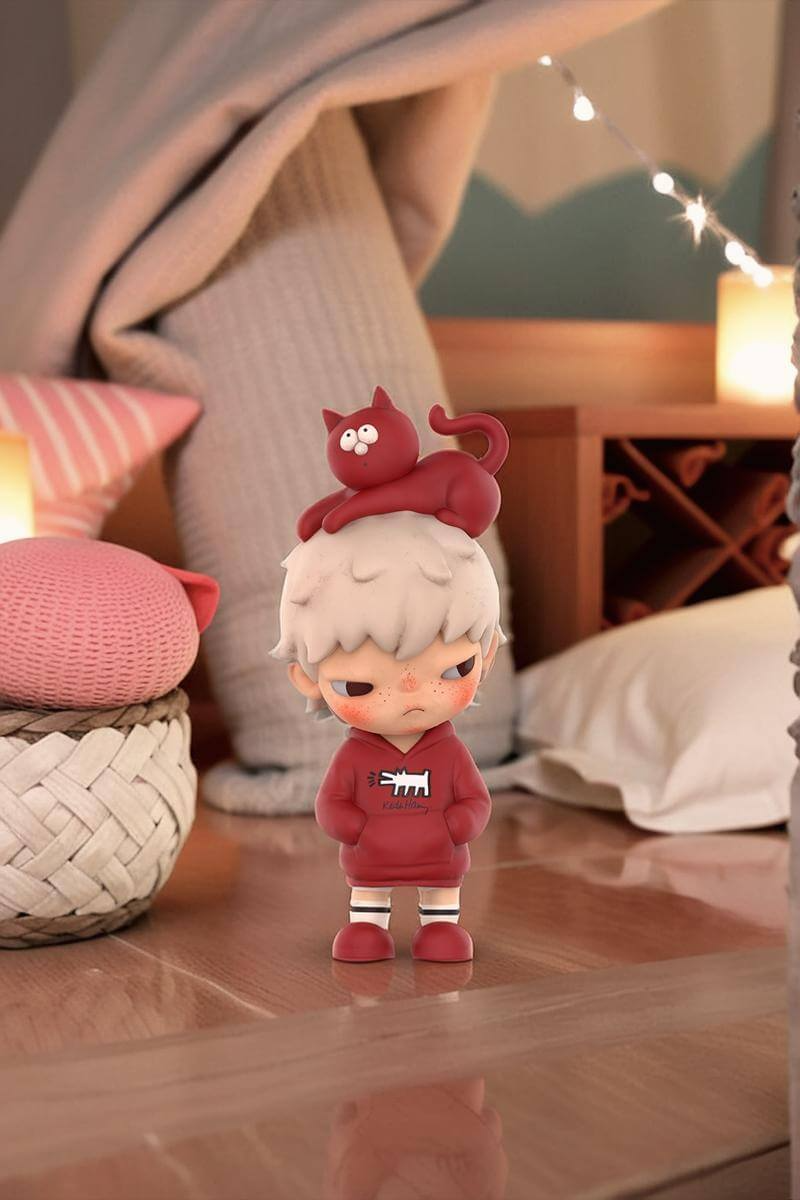
Every e-commerce seller has stared at the same impossible equation: professional model photography costs $2,000–$8,000 per session, yet product listings without model shots convert at roughly half the rate. A free AI image generator no restrictions on style, ethnicity, or body type was the missing variable — and the diffusion-model revolution just solved it.
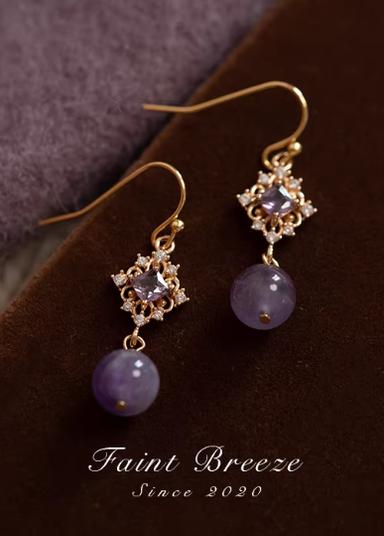
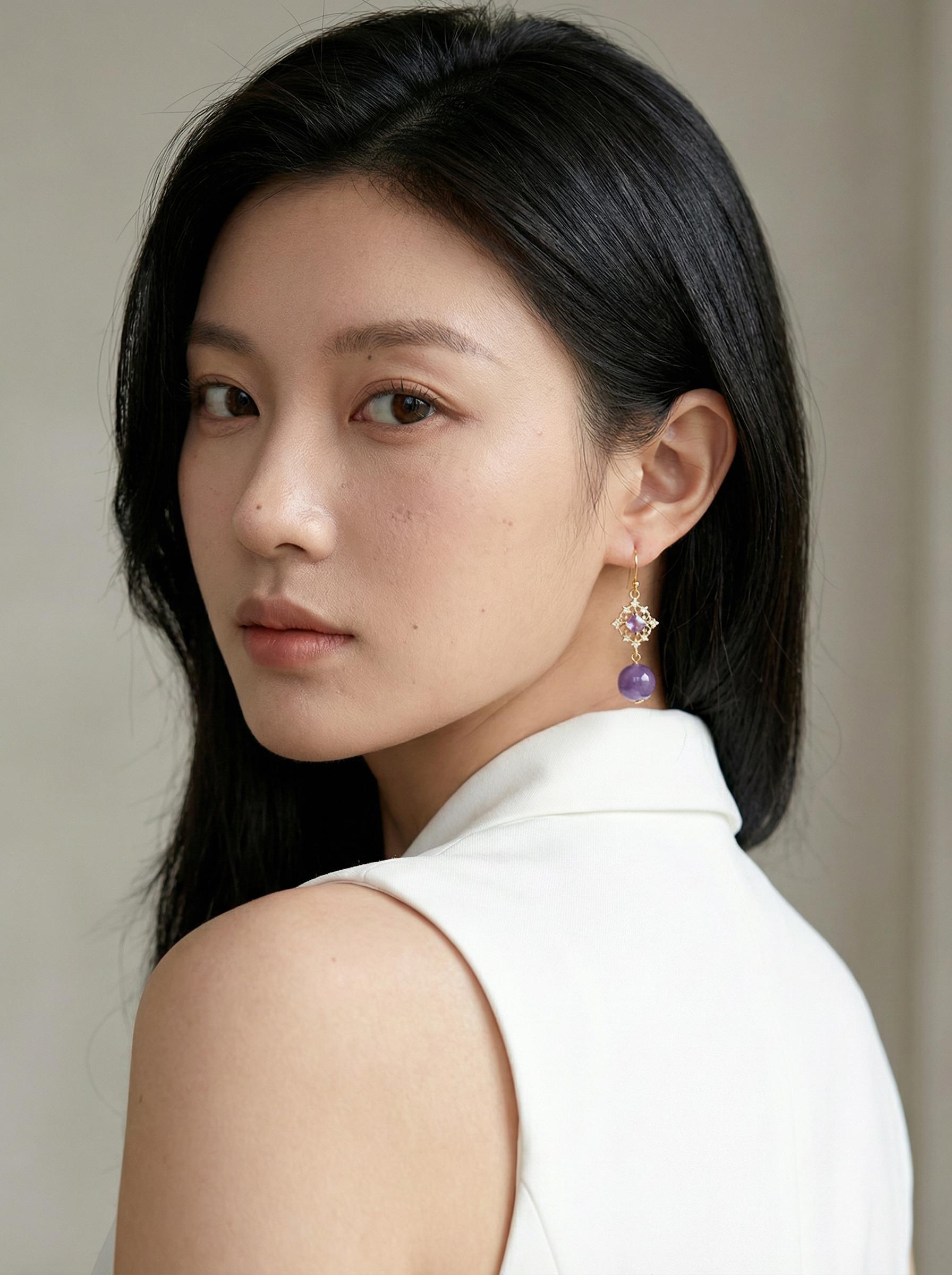
Before: Product flat-lay image — static, lifeless, zero emotional pull → After: AI-generated model — elegant pose, studio-quality lighting, zero photoshoot
The Science Behind AI Image Generator
Traditional product photography follows a rigid pipeline: hire model → book studio → shoot → edit → deliver. Each variable multiplies cost. What if the entire pipeline collapsed into a single inference step?
Modern AI model generators use a two-stage architecture. First, a garment-understanding module segments the flat-lay product image, extracting fabric texture maps, color histograms, and structural topology (sleeves, collar, hemline). Second, a human-pose-conditioned diffusion model generates a photorealistic figure wearing that exact garment — matching drape, shadow casting, and material specularity.
The critical breakthrough isn’t image quality alone. It’s constraint removal. Traditional generators imposed restrictions: single ethnicity templates, fixed poses, watermarked outputs. WeShop AI’s model engine eliminates those barriers with a free AI image generator that places no restrictions on body type, ethnic representation, scene composition, or output resolution.
Here’s what that looks like at production scale:
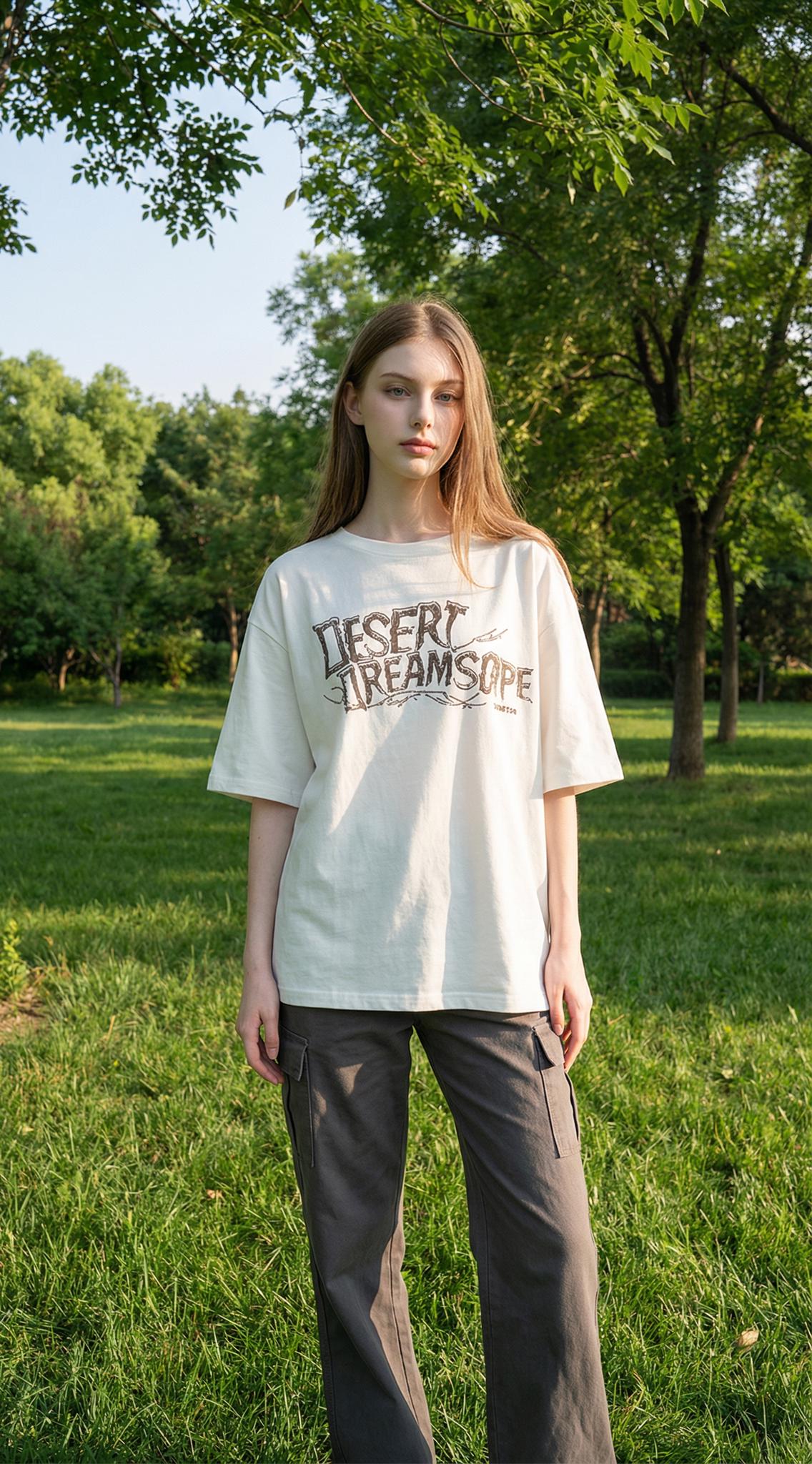
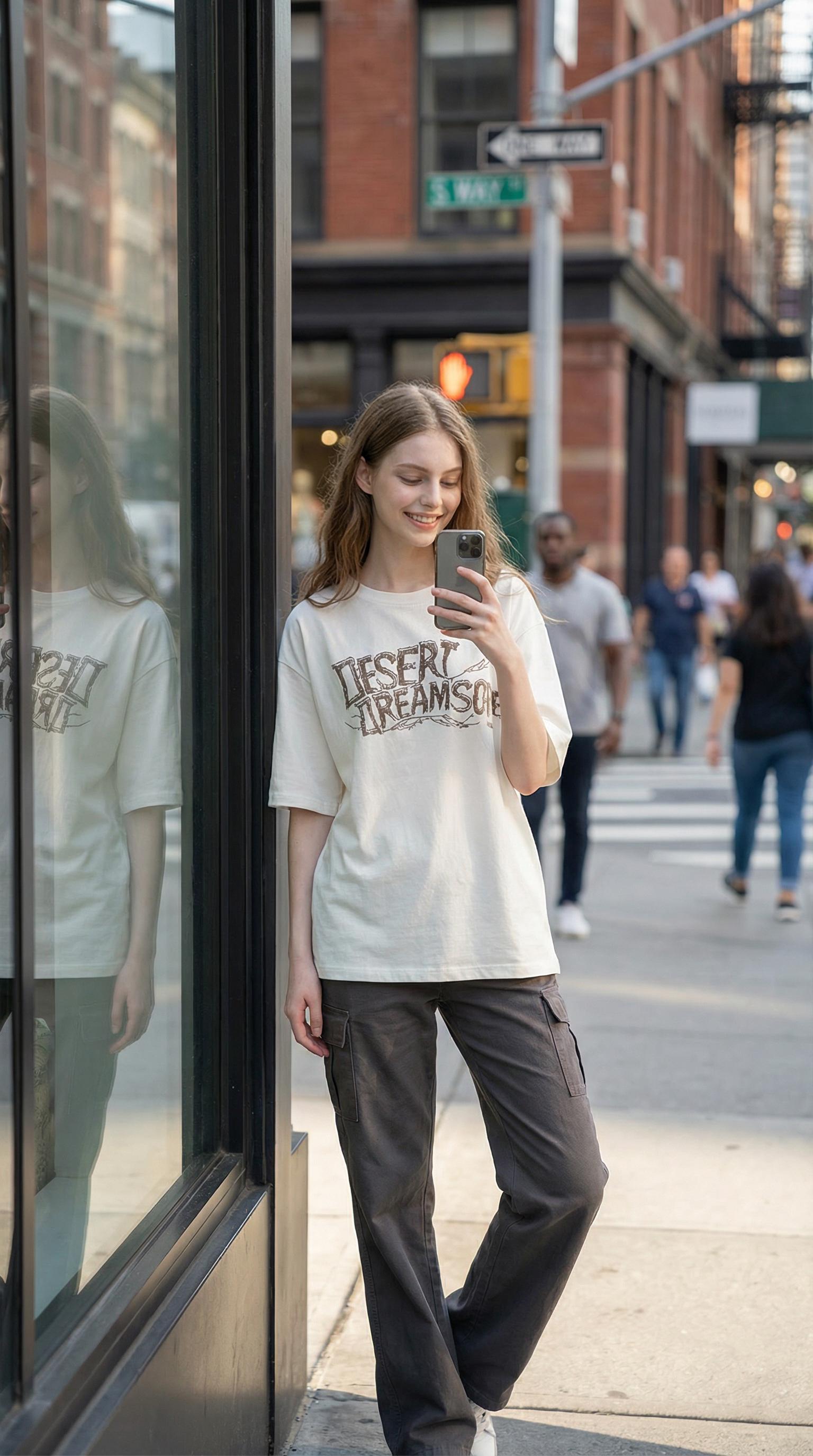
Before: Garment product photo — no model, no context, no story → After: AI places the outfit on a model in an urban streetwear setting — glass storefront backdrop
The diffusion model doesn’t just paste clothing onto a mannequin shape. It reconstructs light interaction — how a silk blouse catches overhead fluorescents differently from how a wool coat absorbs ambient daylight. Fabric drape follows physics-informed priors, meaning a flowing skirt in a “walking” pose shows realistic pleating while a structured blazer maintains its tailored silhouette.
Why “No Restrictions” Actually Matters for AI Image Generator
Most free AI image generators impose invisible restrictions: they limit output resolution to 512×512, stamp visible watermarks, restrict ethnicity options to 3–4 presets, or throttle generation speed behind paywalls. These constraints aren’t technical necessities — they’re monetization levers.
An unfiltered approach means:
- No ethnicity restrictions: Generate Asian, Black, Hispanic, Middle Eastern, and Caucasian models from the same product flat-lay
- No body type restrictions: From size XS to XXXL, including plus-size model generation via WeShop’s Model Shop
- No pose restrictions: Static standing, dynamic walking, seated, or fashion editorial poses
- No background restrictions: Studio white, outdoor street, beach, café — any scene context
- No watermark restrictions: Full-resolution output ready for commercial use
Actionable Scene Guide: From Flat-Lay to Full Lookbook in AI Image Generator
Scene 1: Athletic Wear in Motion
The hardest photography challenge in activewear is capturing movement. Studio shots feel static; outdoor shoots require timing, weather, and athletic models. AI generation bypasses all three constraints simultaneously.
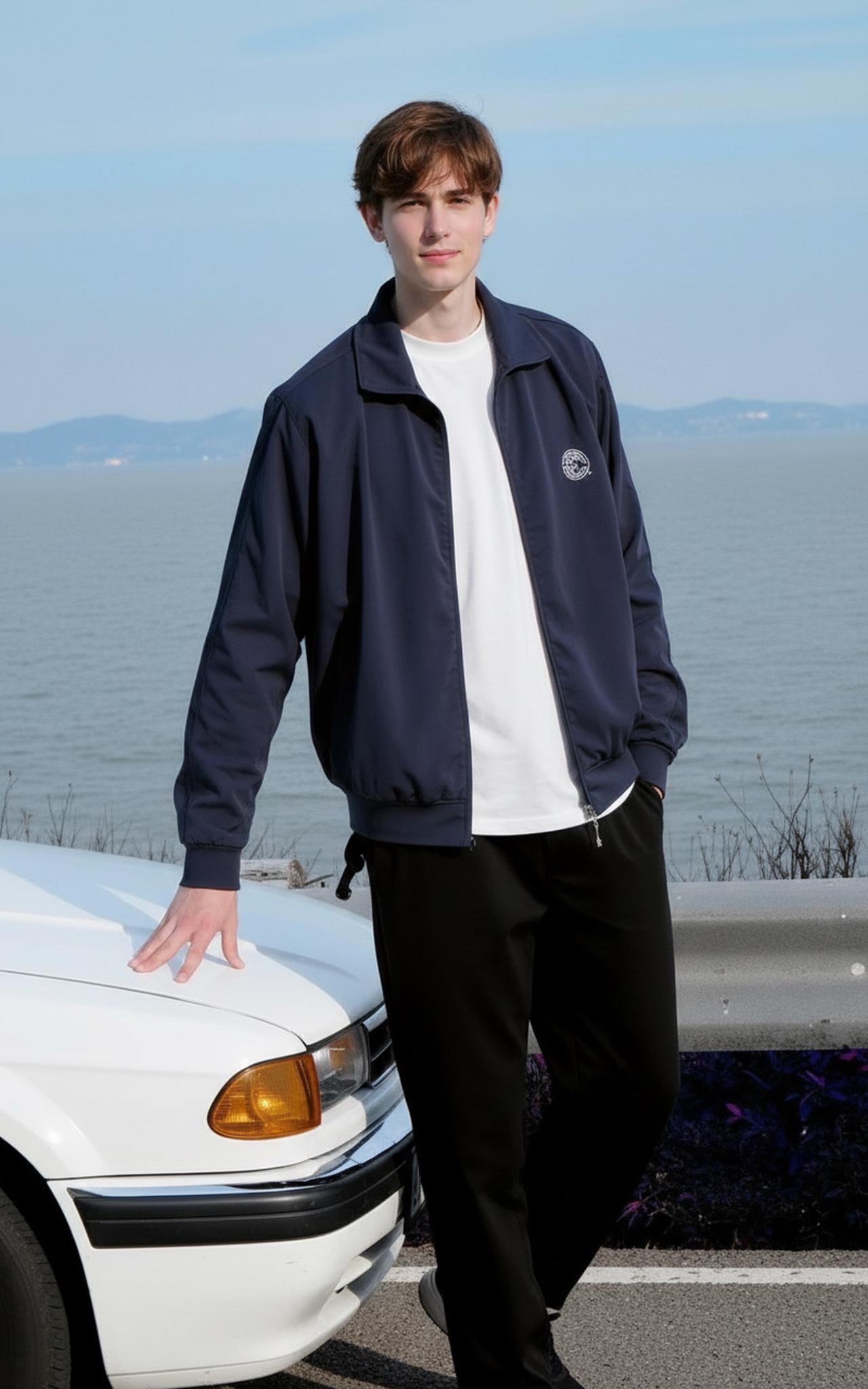
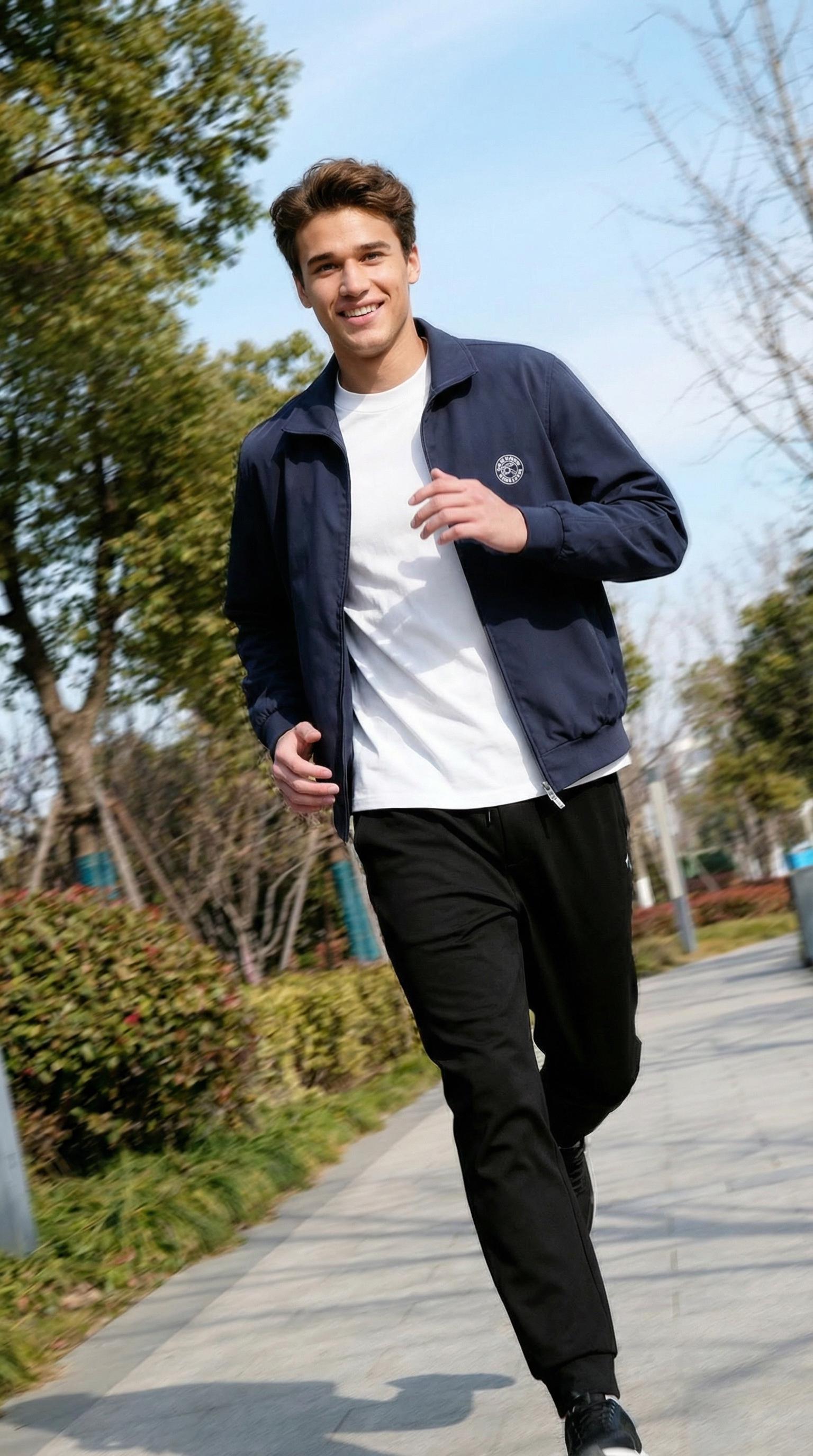
Before: Activewear product flat-lay — zero sense of performance or movement → After: AI generates a jogging male model on a tree-lined path — fabric tension, mid-stride dynamics
How to replicate this: Upload your activewear product photo → Select a male model from the Model Shop → Set the description to mention “jogging outdoors, tree-lined path, athletic dynamic pose” → Generate. The AI handles fabric tension mapping and motion blur on extremities automatically.
Pro tip from the WeShop product team: For flowing fabrics like track pants, specify “mid-stride” in your description — the AI applies physics-informed drape simulation that shows natural fabric behavior during movement, making the output significantly more convincing than static poses.
Scene 2: Beachwear & Resort Collections
Resort-wear photography traditionally demands destination shoots — flights, location permits, weather dependencies. AI generation compresses a $15,000 destination shoot into a 30-second workflow.
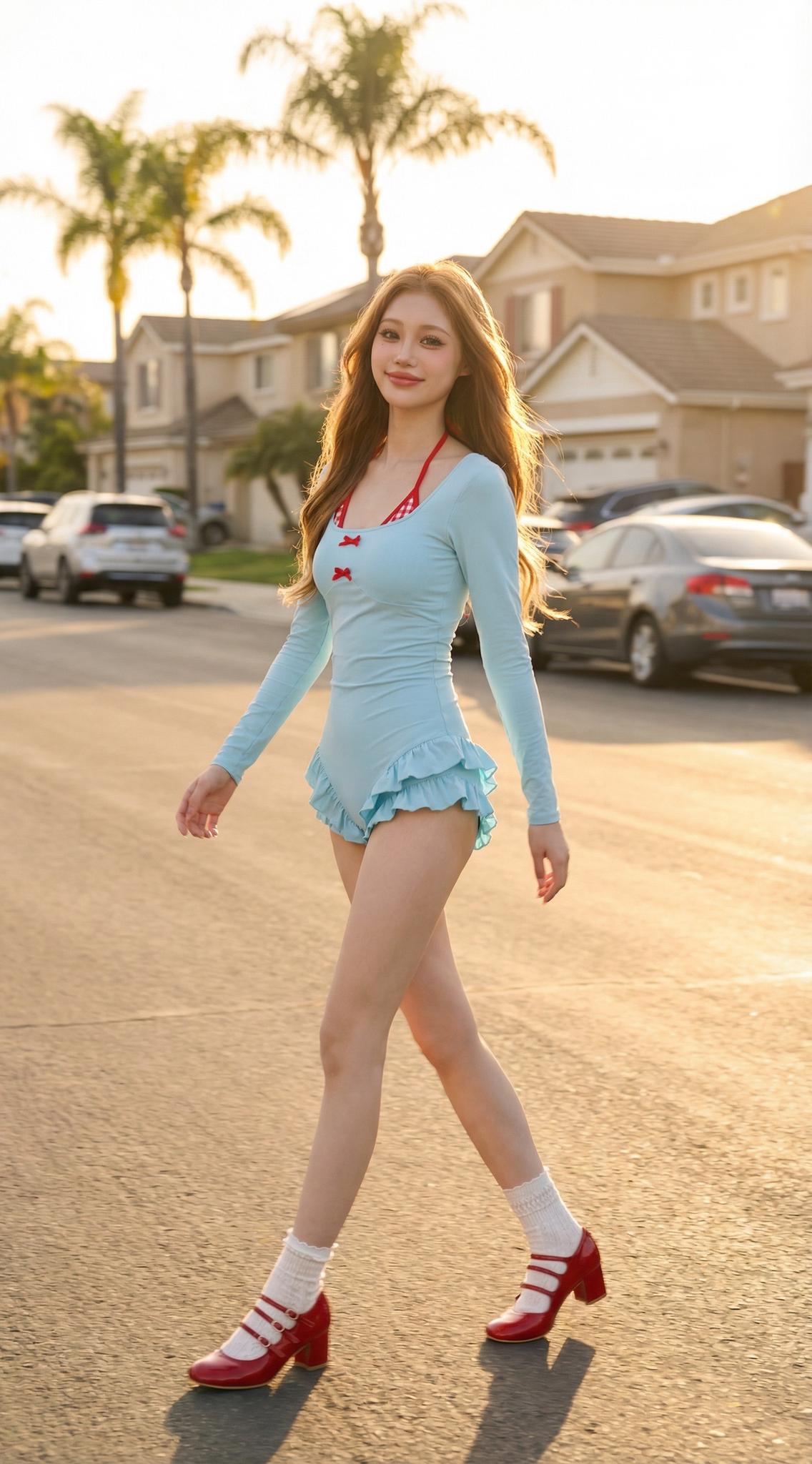
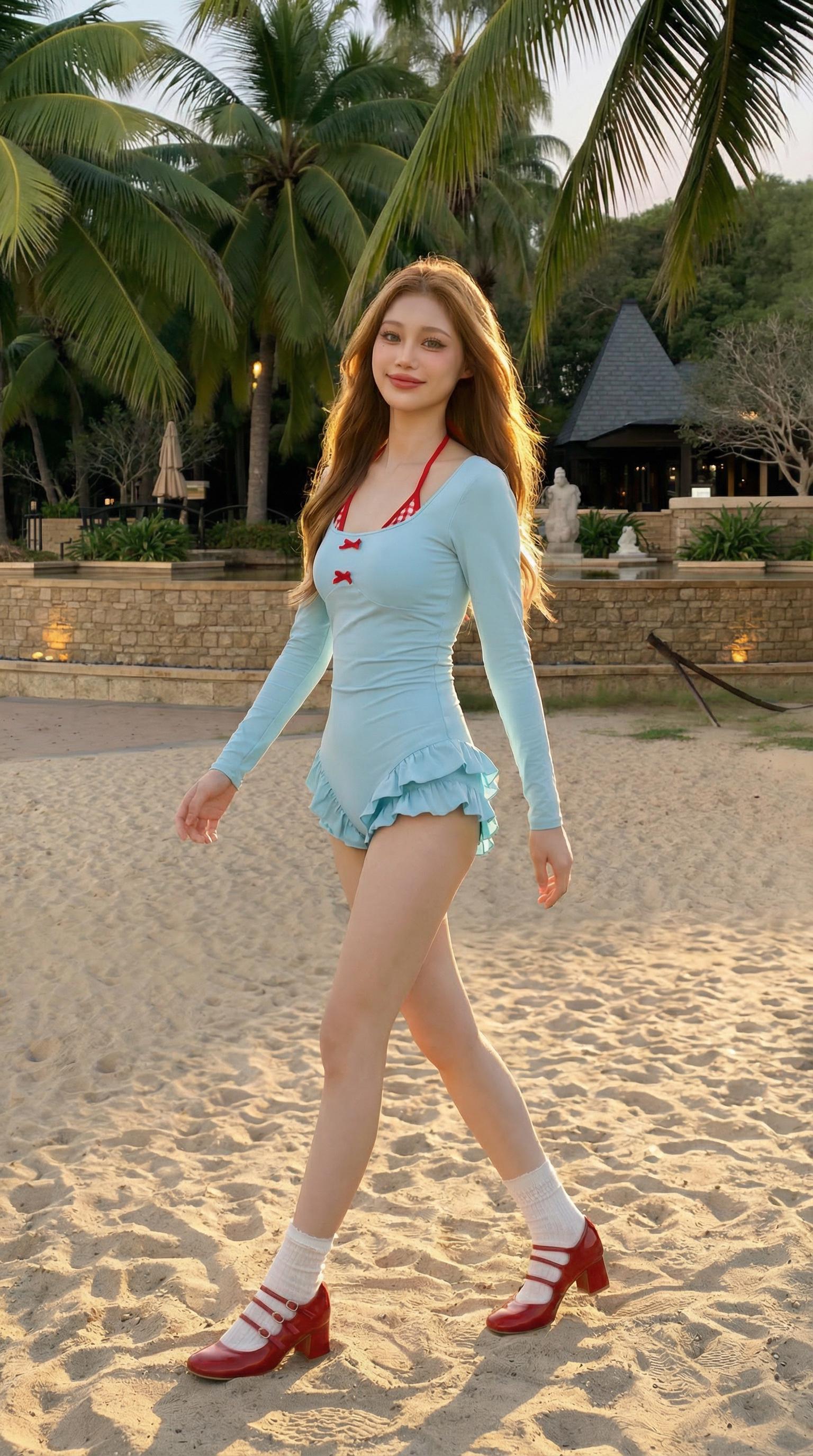
Before: Resort-wear product — gorgeous fabric but zero atmosphere → After: AI generates a model strolling along a sandy beach — sun-kissed lighting, ocean backdrop
The model accurately handles challenging resort-wear details: sheer fabrics interact with backlight differently than opaque materials, loose silhouettes show wind-affected drape, and skin tone blends naturally with warm ambient lighting.
Scene 3: Formalwear & Business Professional
Corporate fashion photography follows strict brand guidelines — clean lines, confident posture, modern architectural backgrounds. AI generation delivers consistency impossible to maintain across traditional multi-day shoots.
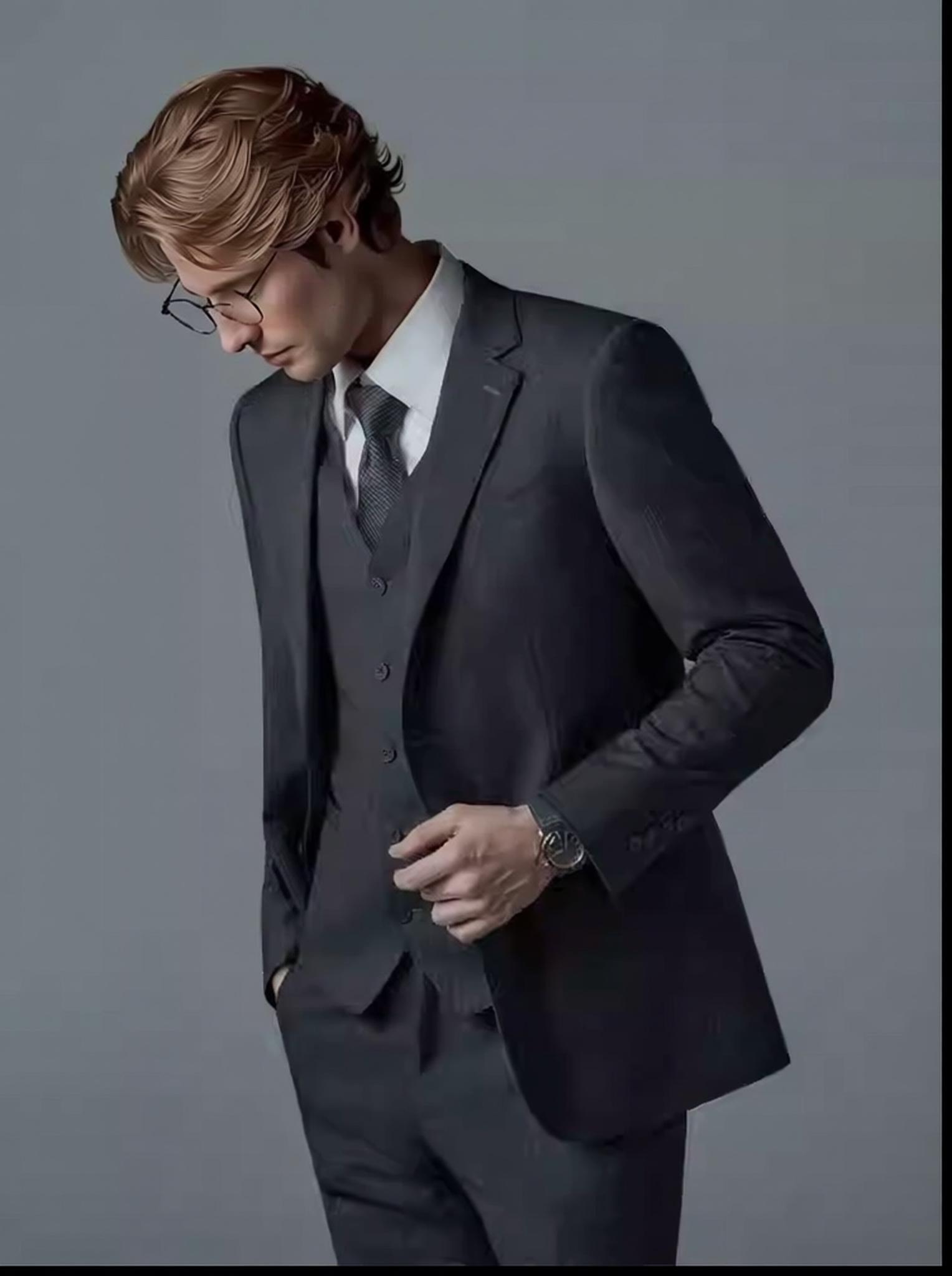
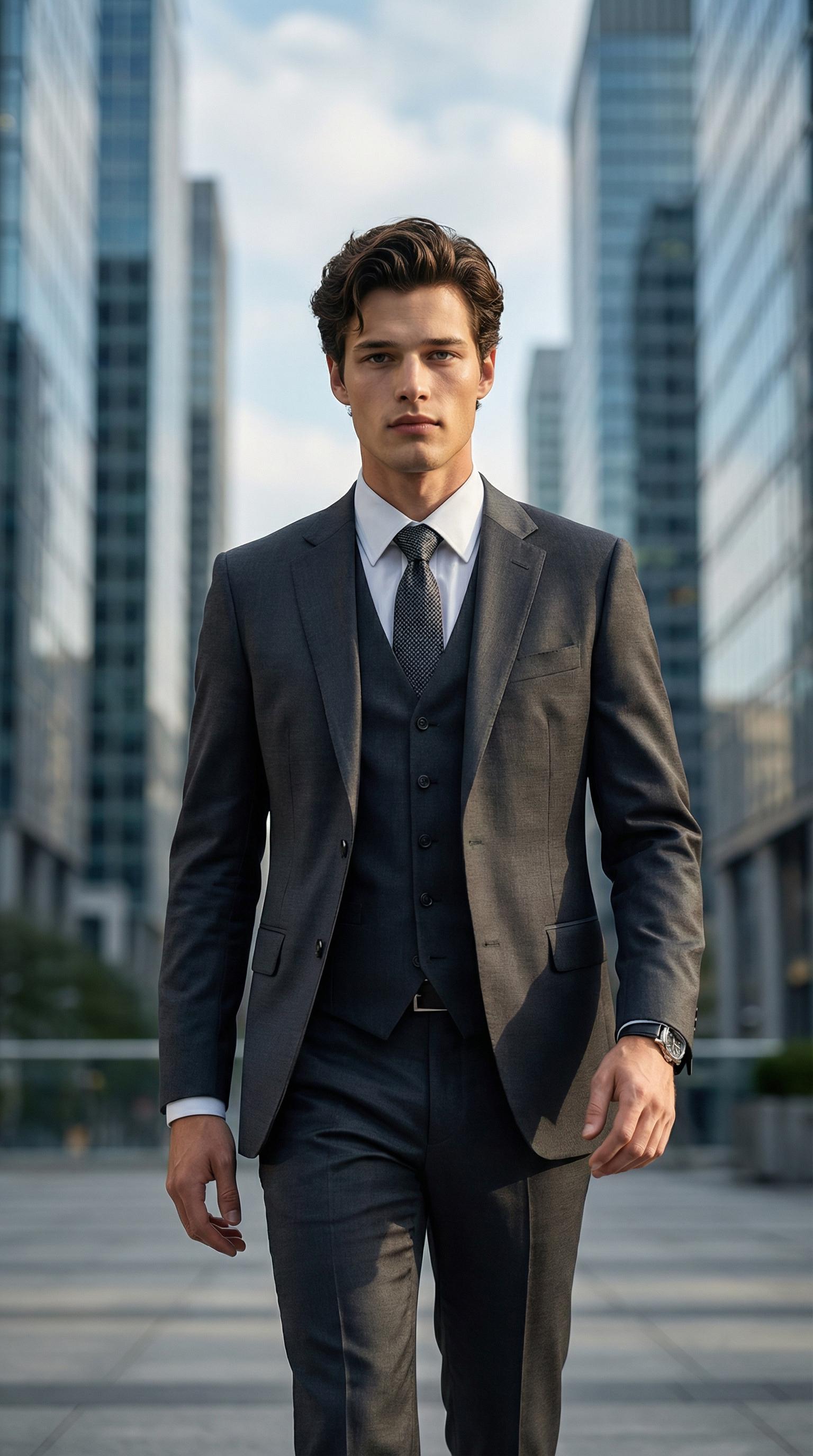
Before: Menswear suit product image — impressive garment, no human context → After: AI generates a confident businessman in a modern lobby — precise tailoring preserved
The Complete AI Fashion Workflow
The real power emerges when you chain tools. A single product flat-lay can generate an entire campaign:
- AI Model (
aimodel) — Generate model wearing the garment - Change Pose (
ai-pose-generator) — Create walking, sitting, and editorial pose variants from the same generation - AI Background Generator (
ai-change-background) — Place the model in studio, outdoor, and lifestyle scenes - AI Photo Enhancer (
image-enhancer) — Final 4x upscale for print-ready resolution
This pipeline produces 12–20 unique images from a single flat-lay photo, replacing what would traditionally require a full production day.
How Free AI Image Generator Works: Text-to-Image vs. Image-to-Image
There are two fundamental approaches to AI-powered fashion imagery, and understanding the difference determines your output quality.
Text-to-Image (Prompt-Based): You describe what you want — “a woman wearing a red silk dress standing in a Milanese café.” The model generates everything from scratch. Fast, creative, but with lower garment accuracy since the AI interprets rather than preserves your actual product.
Image-to-Image (Product-Based): You upload your actual product photo. The AI preserves exact fabric texture, color, pattern, and construction while generating a model wearing it. This is what WeShop AI’s model engine does — and it’s why the outputs look indistinguishable from real photography.
The no-restrictions philosophy extends to both modes. Whether you’re generating from text prompts or transforming flat-lay images into model shots, there are no artificial limits on what you can create.
Cross-Market Localization at Zero Marginal Cost
Consider a brand selling across North America, Europe, and Southeast Asia. Traditional photography requires separate model casting for each market — different body types, different beauty standards, different cultural contexts. That’s three separate shoots, three separate budgets.
With an AI image generator that imposes no restrictions, the same product photo generates localized model imagery for every target market in minutes. This isn’t a theoretical capability — it’s the operational reality for brands using AI model generation at scale.
Expert FAQ in AI Image Generator
1. How does AI model generation handle complex fabric textures like lace, sequins, or knit patterns?
The garment segmentation module extracts texture frequency maps — essentially a fingerprint of the fabric’s visual pattern at multiple scales. High-frequency textures (sequins, beading) are preserved through attention mechanisms that prevent the diffusion process from smoothing them out. For knits, the model understands stretch behavior and adjusts texture mapping based on body contour, so a cable-knit sweater looks properly stretched at the shoulders and relaxed at the waist.
2. Can free AI image generators produce truly commercial-quality outputs without watermarks?
Most “free” generators use watermarking as a revenue gate. WeShop AI’s free tier generates unwatermarked, high-resolution outputs suitable for e-commerce listings, social media, and even print catalogs. The quality benchmark: outputs consistently pass Amazon’s image quality checks and Shopify’s recommended image specifications without manual retouching.
3. What’s the accuracy rate for garment color reproduction in AI-generated model photos?
Color accuracy in AI model generation depends on the input image quality. With proper white-balance input images, WeShop AI achieves Delta-E color deviation below 3.0 — which is within the threshold of human perceptual equivalence. Translation: the red in your product photo will look the same red on the AI-generated model, even under different simulated lighting conditions.
4. How does AI model generation handle plus-size and diverse body types?
WeShop AI’s Model Shop includes dedicated plus-size model options ranging from L to XXXL. The system doesn’t simply scale a standard body template — it uses body-type-specific pose models that account for different weight distribution, drape behavior on larger frames, and proportionally accurate limb positioning. This supports genuine body-inclusive marketing rather than token representation.
5. Will AI-generated fashion images eventually replace traditional photography entirely?
Not entirely, but the economics are reshaping the industry. Traditional photography remains superior for hero campaign shots requiring specific artistic direction, celebrity endorsements, and luxury editorial work. However, for the other 85% of fashion imagery — product listings, A+ content, social media variants, size guides, and marketplace thumbnails — AI generation is already more efficient, more scalable, and more consistent than traditional methods.
© 2026 WeShop AI — Powered by intelligence, designed for creators.