

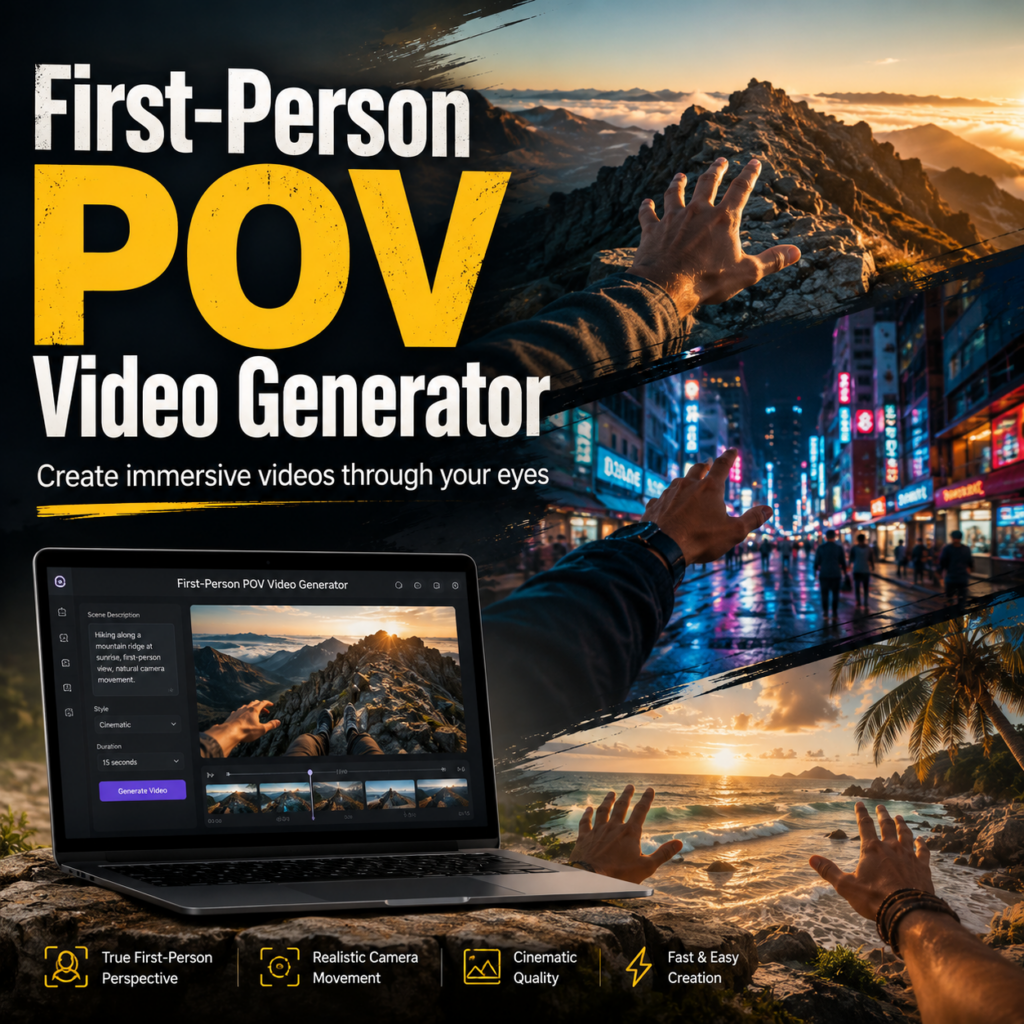
A First-Person POV Video Generator turns a simple idea into a scene that feels like it is happening through your own eyes. Instead of watching a character from the outside, viewers step directly into the action. They might wake up on a spaceship, walk through a rainy city, open a mysterious door, or test a product with their own hands in frame.
More importantly, this video style no longer needs a body camera, a film crew, or complex editing software. With WeShop AI, creators can describe the setting, action, mood, lighting, and camera movement. Then, they can generate an immersive first-person scene from text or visual references. Because the result feels personal and immediate, it is a natural fit for TikTok, Instagram Reels, and YouTube Shorts.
🎥 What Is a First-Person POV Video Generator?
A First-Person POV Video Generator is an AI tool that creates video from the viewer’s perspective. In other words, the camera acts like the viewer’s eyes. As the scene moves, the audience feels as if they are walking, reaching, exploring, or reacting inside the story.
Unlike a normal third-person clip, POV content removes the distance between the scene and the audience. Therefore, even a short video can create a strong sense of presence. For example, a hand opening a door often feels more engaging than a wide shot of someone entering a room.
Why First-Person POV Videos Feel Immersive
The effect comes from small visual details. Natural head movement makes the camera feel human. Meanwhile, hands, shadows, footsteps, and nearby objects give the viewer a physical place in the scene.
However, the motion should not be too smooth or too shaky. A fixed camera can feel artificial, while heavy movement may be uncomfortable. Instead, strong POV clips use gentle camera sway, clear direction, and one main action.
✨ Why the First-Person POV Video Generator Fits Short-Form Content
POV storytelling works because the idea is clear within seconds. Viewers do not need a long introduction. Instead, a line such as “POV: You Wake Up in 2085” instantly explains the setting and creates curiosity.
Moreover, first-person videos invite viewers to imagine themselves in another life. They can become an astronaut, a medieval traveler, or a guest inside a luxury hotel. As a result, the format works well for fantasy, travel, horror, lifestyle, gaming, and product content.
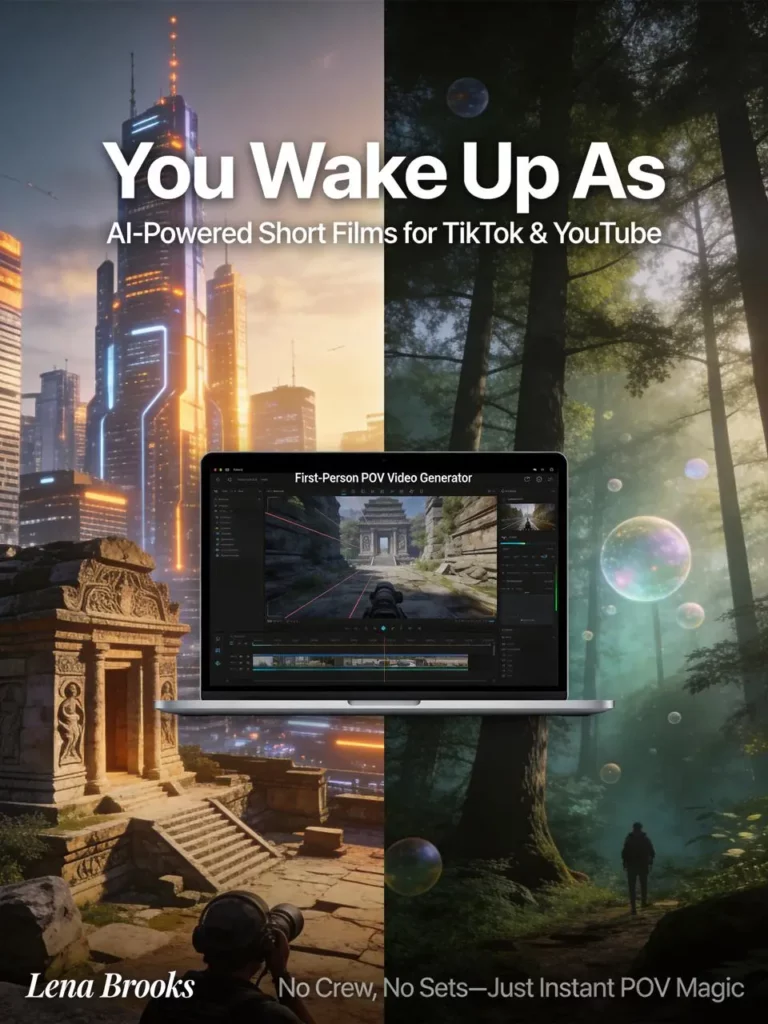
Create “You Wake Up As” POV Videos
One popular direction is the “You Wake Up As” format. First, show the viewer opening their eyes or looking at their hands. Next, reveal one strong detail about the new world. Then, add a simple action, such as leaving a room or walking toward a window.
For example, you could create “You Wake Up as a Royal Guard,” “You Wake Up on Mars,” or “You Wake Up Inside a 1990s Arcade.” Although the idea is simple, the viewer immediately wants to know what happens next.
Use POV for Travel and Product Stories
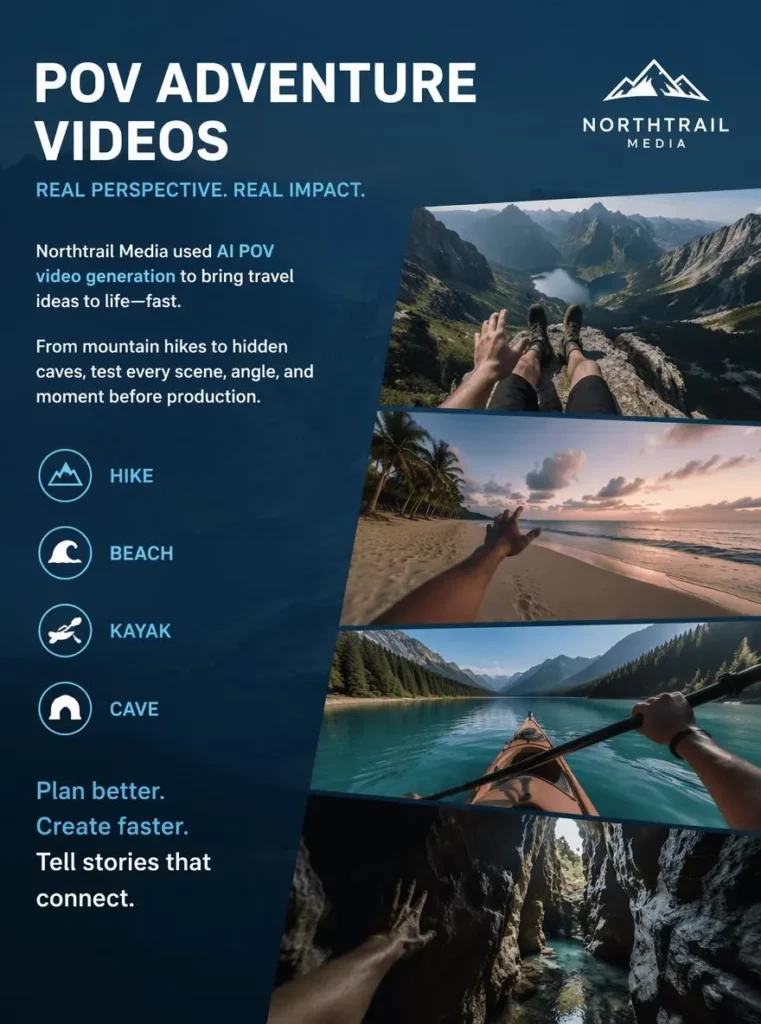
The same format also works beyond fantasy. For instance, travel creators can simulate walking along a beach or entering a hidden cave. Brands, meanwhile, can show a first-person unboxing, product test, or store visit.
Because viewers see the action from a personal angle, the location or product feels easier to imagine. Therefore, POV content can feel experiential without becoming a traditional advertisement.
🛠️ How to Use a First-Person POV Video Generator
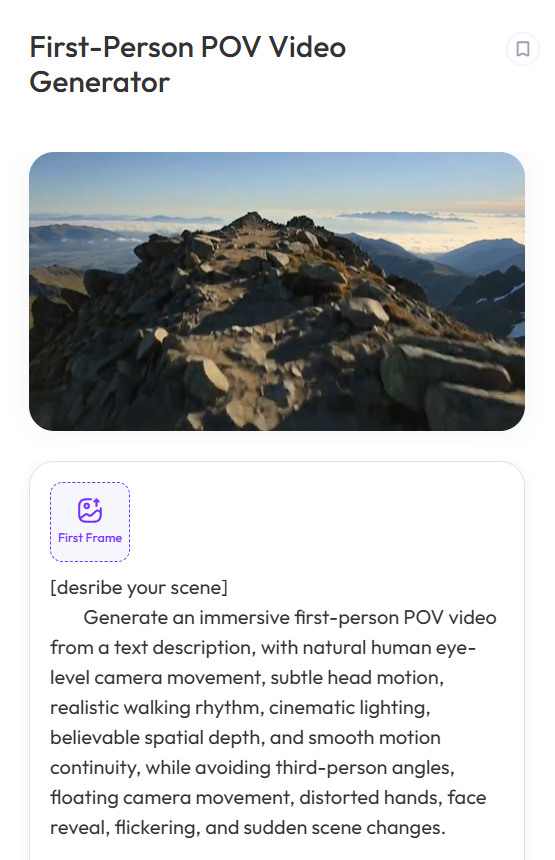
The process is simple, but the prompt still matters. A good prompt should explain what the viewer sees, what they are doing, how the camera moves, and what mood the scene should create.
Step 1: Choose One Clear POV Moment
First, focus on one moment rather than a full plot. For example, use “opening a cabin door during a snowstorm” instead of describing an entire winter adventure. A focused scene gives the AI a clearer goal.
Step 2: Describe Movement and Perspective
Next, explain how the viewer moves. Useful phrases include “slow walking motion,” “gentle head movement,” “hands visible in frame,” or “camera turns toward the window.”
In addition, say whether the action should feel calm, urgent, dreamy, or tense. These details help the First-Person POV Video Generator understand the pace of the scene.
Step 3: Add Setting, Light, and Mood
Then, build the environment with a few specific details. Include the time of day, weather, lighting, and nearby objects.
For instance, “warm sunrise light, wooden cabin walls, snow blowing outside” creates a clearer mood than “beautiful winter scene.” However, avoid adding details that do not affect the main action.
Step 4: Generate and Refine
Finally, generate the clip and check the perspective. Make sure the hands look natural, the movement feels comfortable, and the main action is easy to understand.
If the result feels too busy, remove extra details. However, if it feels empty, add one useful object or movement. Small changes often create a more believable result.
💡 First-Person POV Video Generator Prompt Ideas
A strong prompt can follow this simple structure:
First-person POV + action + setting + camera movement + lighting + mood.
“First-person POV opening a premium coffee package on a clean kitchen counter, hands visible, soft natural daylight, close product interaction, calm lifestyle mood.”
Although detail helps, longer prompts are not always better. Therefore, keep every instruction useful and avoid placing too many actions in one clip. One clear action usually creates a stronger video than several unrelated events.
🚀 Tips for Better First-Person POV Video Generator Results
First, keep the camera direction easy to follow. One turn, one reach, or one walking path is often enough. Second, use hands only when they support the action. Random movement can quickly break the illusion.
In addition, keep the environment visually consistent. If the scene starts at sunrise, do not suddenly switch to night lighting. Likewise, avoid changing the weather, location, or visual style without a clear reason.
Finally, design the video for its platform. Vertical 9:16 works well for mobile-first feeds, while horizontal clips may suit websites or longer edits. For short-form content, place the strongest visual near the beginning. As a result, viewers can understand the idea before they scroll away.
❓ First-Person POV Video Generator FAQ
Can Beginners Use a First-Person POV Video Generator?
Yes. Beginners can start with one short scene and a simple prompt. Moreover, they do not need advanced camera or editing skills to test a POV idea. A clear setting, one action, and simple camera movement are enough to begin.
What Types of First-Person POV Videos Can I Create?
You can explore travel, fantasy, sci-fi, horror, history, lifestyle, gaming-style scenes, and product experiences. However, the strongest concepts usually have one clear setting and one clear action.
How Do I Make an AI POV Video Look Real?
Use gentle camera motion, believable hand placement, consistent lighting, and a clear physical action. In addition, avoid sudden scene changes that make the perspective feel unstable.
🌟 Final Thoughts on the First-Person POV Video Generator
A First-Person POV Video Generator gives creators a faster way to build scenes that feel direct, personal, and highly visual. More importantly, it turns viewers from passive watchers into part of the story.
Whether you want to create a viral “You Wake Up As” clip, test a travel concept, build a fantasy world, or show a product experience, start with one clear moment. Then, guide the camera carefully and let the viewer feel what happens next.
Go to WeShop AI For Exploration:


