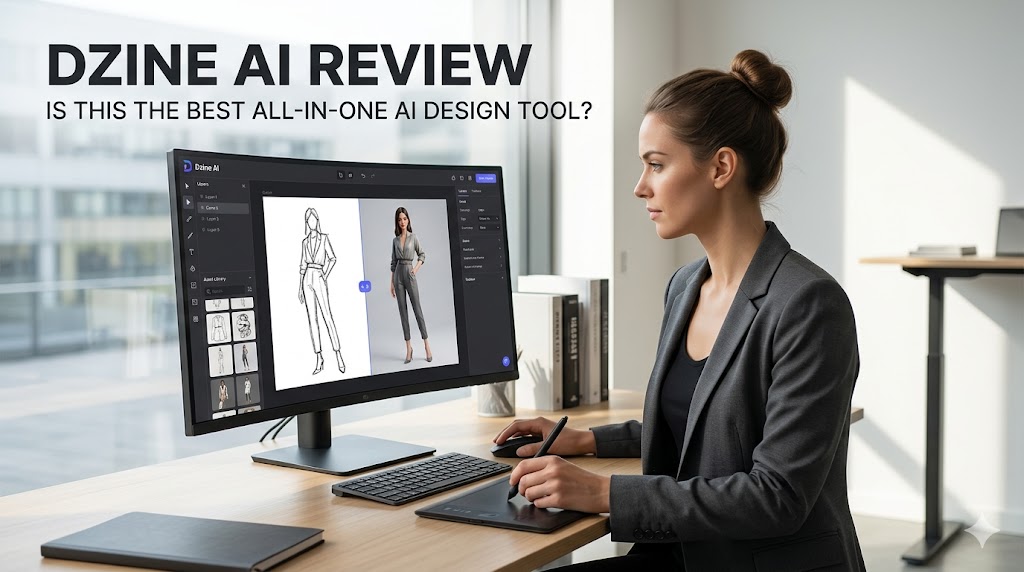
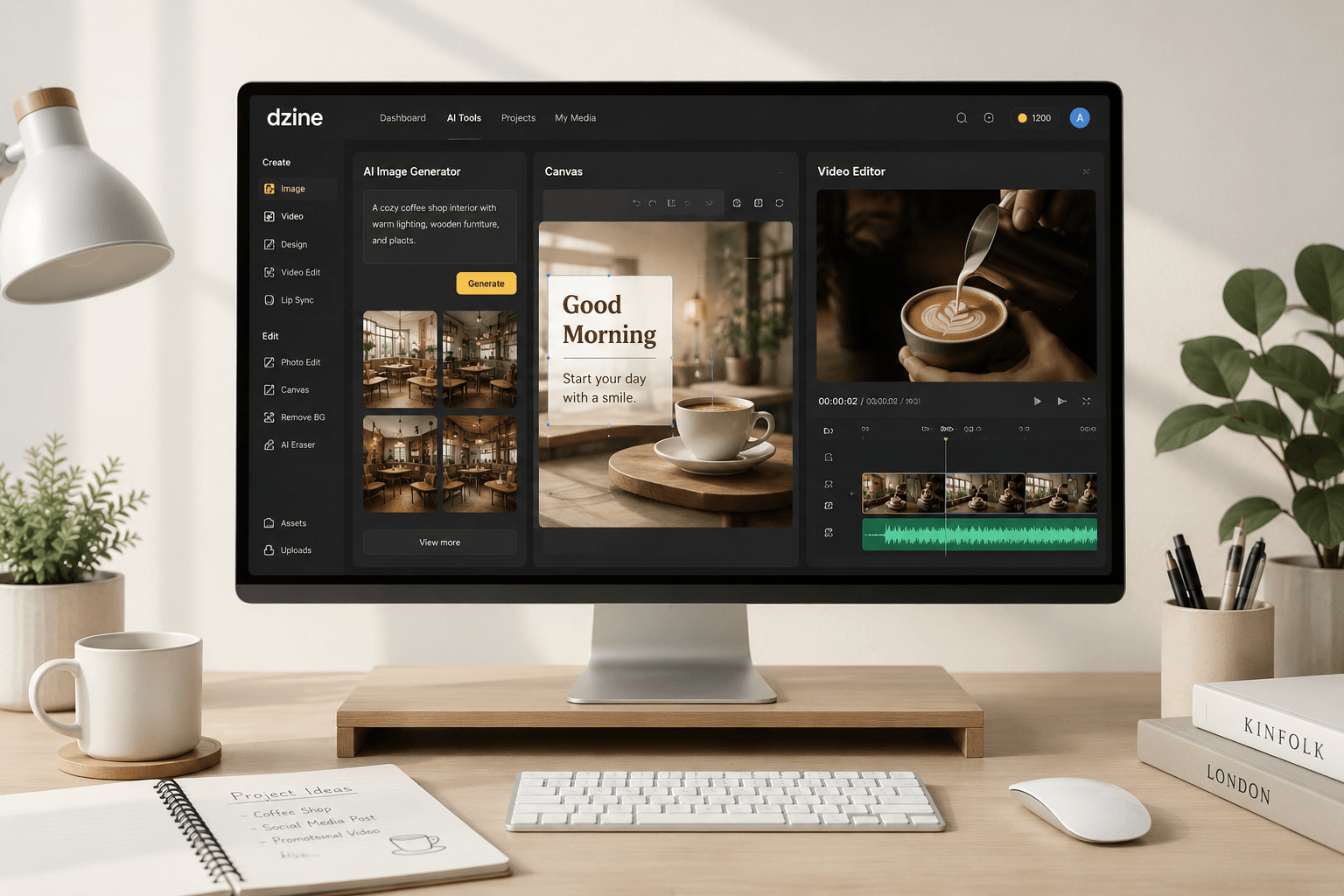
In the volatile landscape of SaaS, 2025-2026 will be remembered as the “Great AI Tax” era. The most prominent headline? Canva’s aggressive pricing pivot. Following its multi-billion dollar acquisition spree (including Leonardo.ai and Affinity), Canva has shifted from a “design for everyone” tool to an “AI-bundled-or-else” platform.
For many professional creators, the 300% price hike on Teams plans was the final straw. But as the design community recoils, a surgical alternative has emerged from the shadows: Dzine (formerly Stylar). This isn’t just another AI wrapper; it’s a direct challenge to the “unpredictable randomness” of generative art.
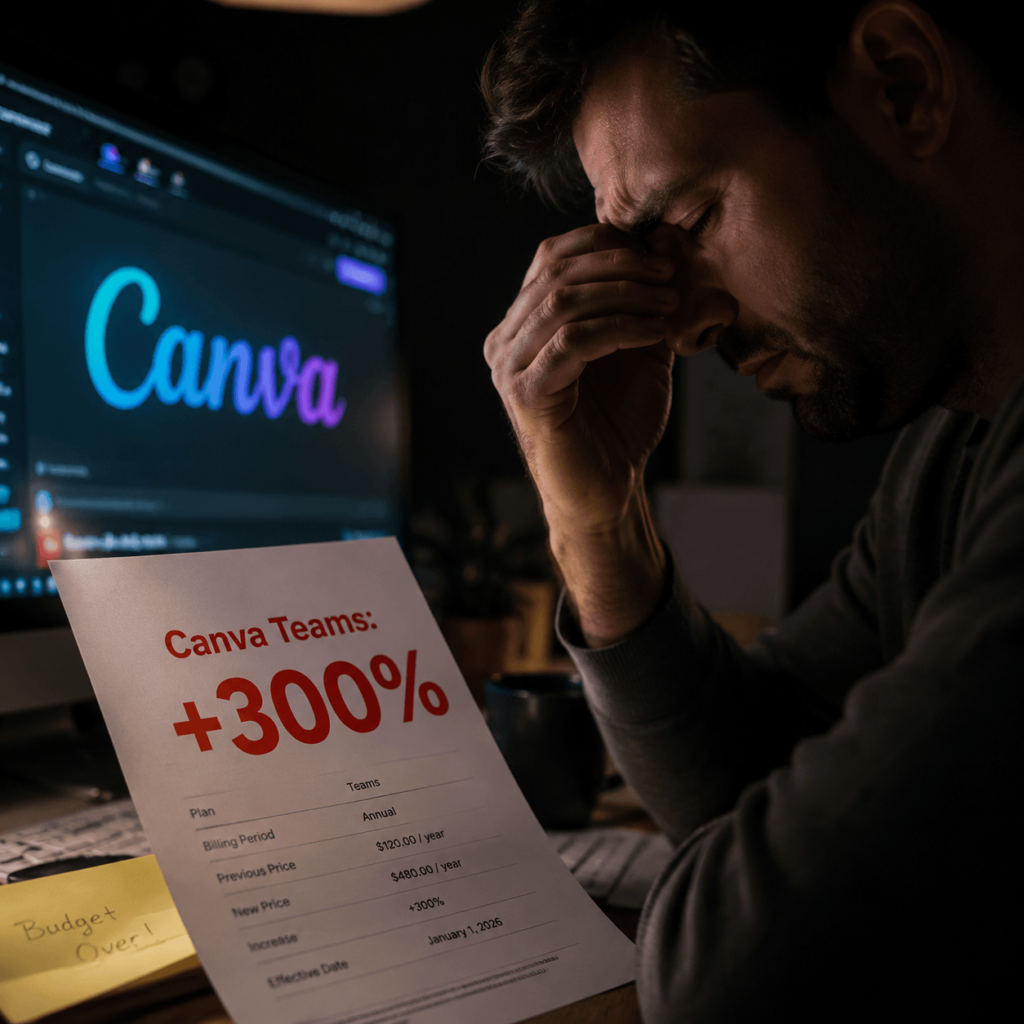
The “Canva Tax”: A Strategic Misstep?
The recent price surge isn’t just about inflation; it’s about the massive compute costs of running LLMs and diffusion models.
The Leonardo.ai Fallout
Canva’s acquisition of Leonardo.ai was meant to bring high-end generation into a drag-and-drop interface. However, the integration has created a “jack of all trades, master of none” scenario. Professional users complain that Magic Studio’s output lacks the fine-grained resolution needed for high-end print or 4K digital assets. You are essentially paying for a Ferrari engine inside a golf cart.
The Forced Subscription Trap
The biggest gripe in 2026 isn’t just the price—it’s the lack of choice. Unlike Adobe, which allows for some modularity, Canva has bundled its AI features into a “take it or leave it” package. For users who only need layout tools, paying for high-compute AI generation feels like an unfair tax.
Dzine.ai (Stylar): The Architecture of Control
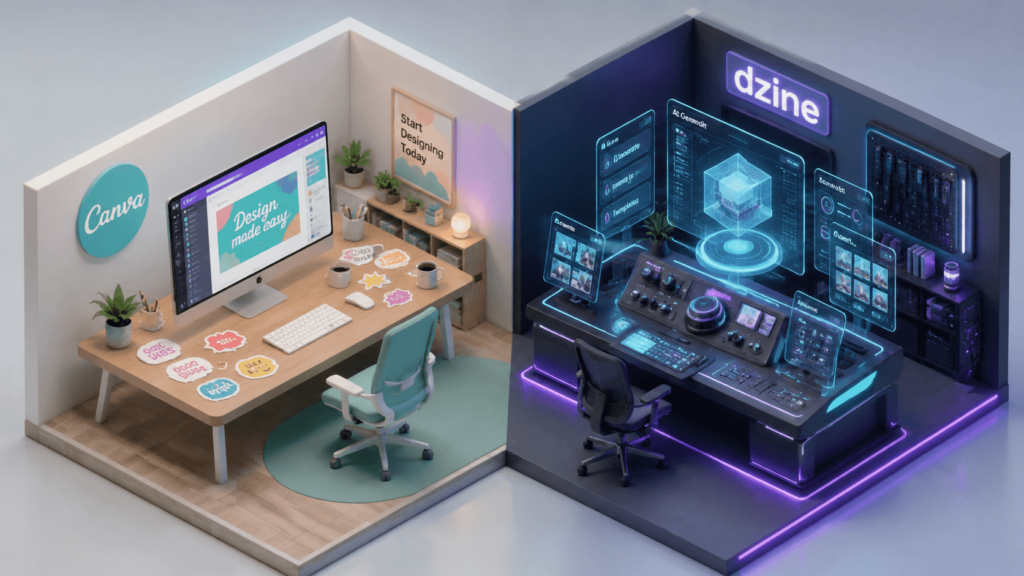
If Canva is an “Automatic Vending Machine,” Dzine is a “Custom Chef’s Kitchen.” To understand why Dzine is outranking its peers, we must look at its core technical pillars: Consistency, Structure, and Layering.
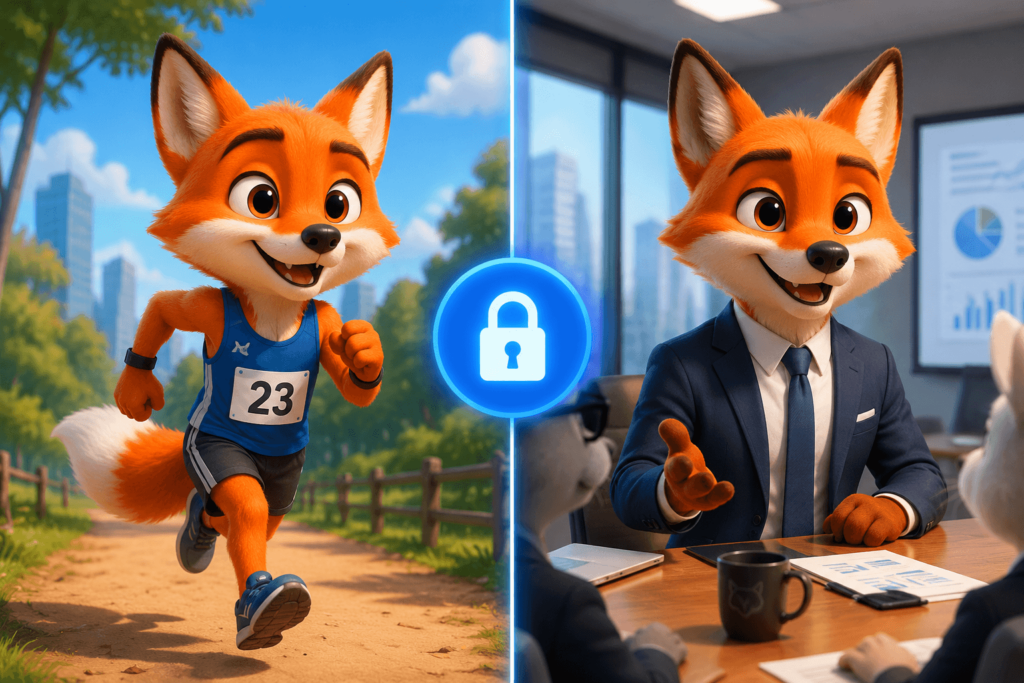
The Holy Grail: Character Consistency
In Canva, if you generate a mascot for a brand, and then try to generate that same mascot holding a cup of coffee, the character’s face will almost certainly “morph.”
Dzine’s proprietary “Character Reference” allows you to lock the facial geometry of an uploaded or generated person.
- Deep Dive: It doesn’t just copy colors; it maps the 3D structure of the face. This allows for multi-frame storytelling (comics, storyboards, ad campaigns) where the protagonist remains 100% recognizable across different environments.
Structure Reference (The End of “Prompt Engineering”)
In 2026, “Prompt Engineering” is dying. Professionals don’t want to spend 2 hours typing “highly detailed, 8k, volumetric lighting” hoping for a miracle.
Dzine uses “Structure-to-Image” technology. You can upload a rough sketch—literally a stick figure on a napkin—and Dzine will use that as a hard constraint. It keeps the edges exactly where they are while injecting high-fidelity textures.
III. The Workflow Revolution: “Canvas” vs. “Pages”
One of the most profound differences that adds to Dzine’s “Information Gain” is its spatial workflow.
Infinite Canvas vs. Static Layouts
Canva is built on the concept of “Slides” or “Pages.” This is great for PDFs but terrible for creative brainstorming.
Dzine uses an Infinite Canvas. This allows designers to branch out ideas. You can generate 20 variations of a logo, see them all at once, and use the “Chat Editor” to modify them in real-time.
The AI Chat Editor (Selective Editing)
This is where Canva’s “Magic Edit” falls short. In Canva, you brush over an area and pray. In Dzine, you select an object and give a natural language command: “Change the fabric of this sofa to Italian leather and add a sunlight glare from the left.” The tool understands layer hierarchy. It doesn’t just smudge pixels; it regenerates the object while respecting the shadows and reflections of the surrounding environment.
Professional Use-Cases: A 2026 Perspective
To justify the switch, let’s look at three industries where Dzine is currently cannibalizing Canva’s market share:
E-commerce & Amazon FBA
E-commerce sellers need “Hero Images” that look real. Canva’s background removal and AI replacement often leave a “haloing” effect. Dzine’s Generative Fill allows sellers to place their actual product (via Image-to-Image) into high-end lifestyle settings with perfect contact shadows.
Game Asset Design
Indie game developers are using Dzine to create consistent UI icons and character sprites. The ability to maintain a “Style Reference” across 100 different assets ensures the game doesn’t look like a disjointed mess of AI styles.
High-End Social Media Branding
Influencers are moving away from “Canva-style” templates because they all look the same. Dzine allows for Style Transfer, where you can take the aesthetic of a high-end fashion magazine and apply it to your own photos with one click.

The “Dark Side”: Pricing, Credits, and Ethics
No review is honest without addressing the friction.
The Credit Burn
Canva’s unlimited (within reason) model is comforting. Dzine’s Credit System can be stressful. Every “re-roll” or “upscale” costs points. For a power user, the monthly cost can fluctuate, making it harder to budget for freelance designers compared to a flat subscription.
The Learning Curve Gap
Canva is “stupid-simple.” Dzine is “logical.” If you don’t understand the difference between a “Reference Strength” of 0.3 vs 0.8, you might struggle. It’s a tool for people who want to be Digital Artists, not just people who want a “quick post.”
Final Comparison Table: 2026 Edition
| Feature | Canva Magic Studio | Dzine.ai (Stylar) |
| Consistency | Low (Random outputs) | Very High (Character Lock) |
| Input Type | Prompt-focused | Image/Structure focused |
| UI Philosophy | Drag-and-drop templates | Canvas-based professional suite |
| Output Quality | High (72-96 DPI feel) | Ultra-High (Print-ready upscaling) |
| Cost | Fixed subscription (High) | Pay-as-you-go / Credit-based |
Conclusion: The Survival of the Most Controllable
As we move deeper into 2026, the novelty of “AI that makes a random picture” has worn off. The market now demands utility.
If your goal is to churn out 50 generic Instagram stories a week, Canva’s price hike—while painful—might be a cost of doing business. But if you are building a brand, a game, or a professional portfolio that requires absolute consistency, Dzine.ai is the superior investment.
Don’t pay the “Canva Tax” for mediocrity. Choose the tool that puts the “Designer” back in the driver’s seat.
Go to WeShop AI For Exploration: