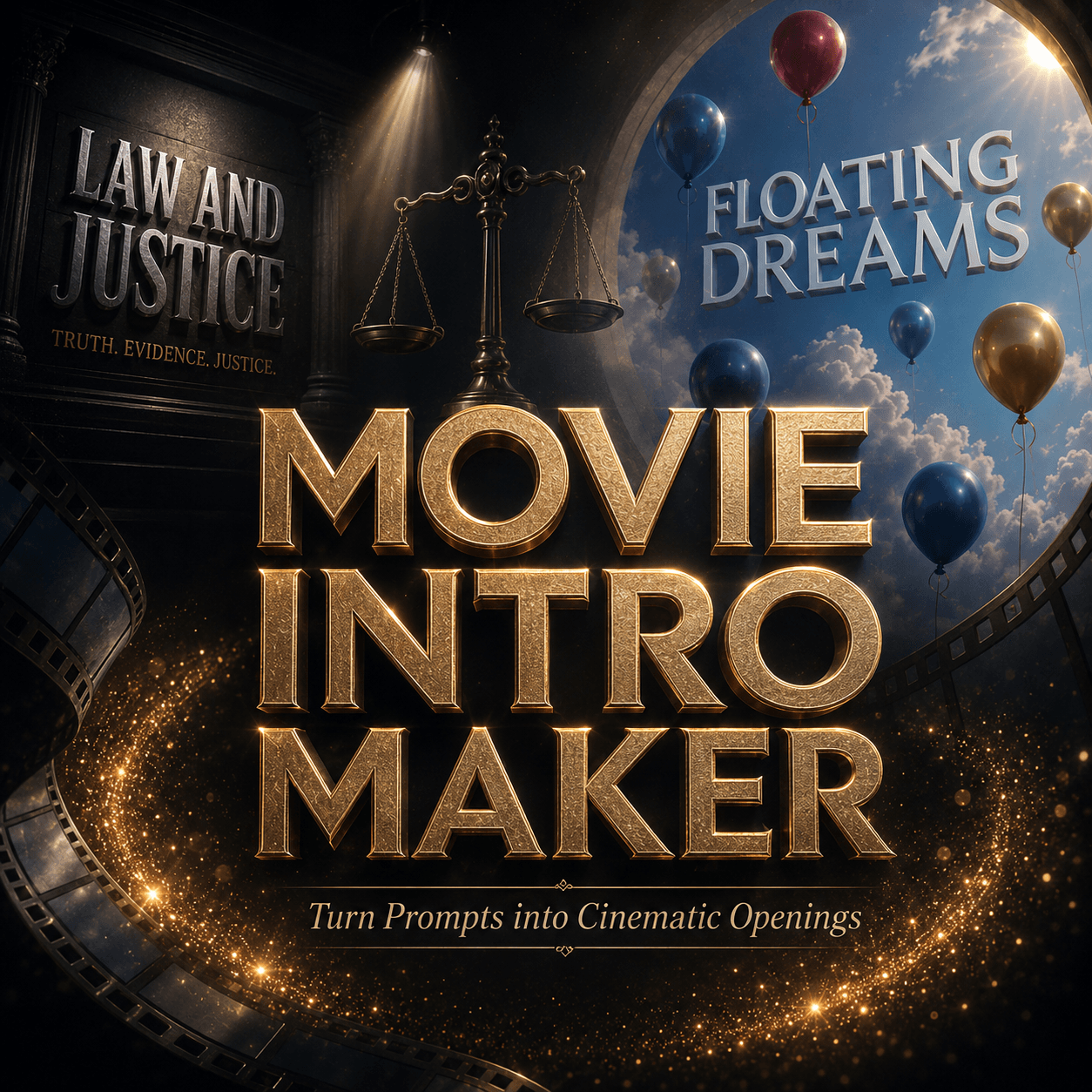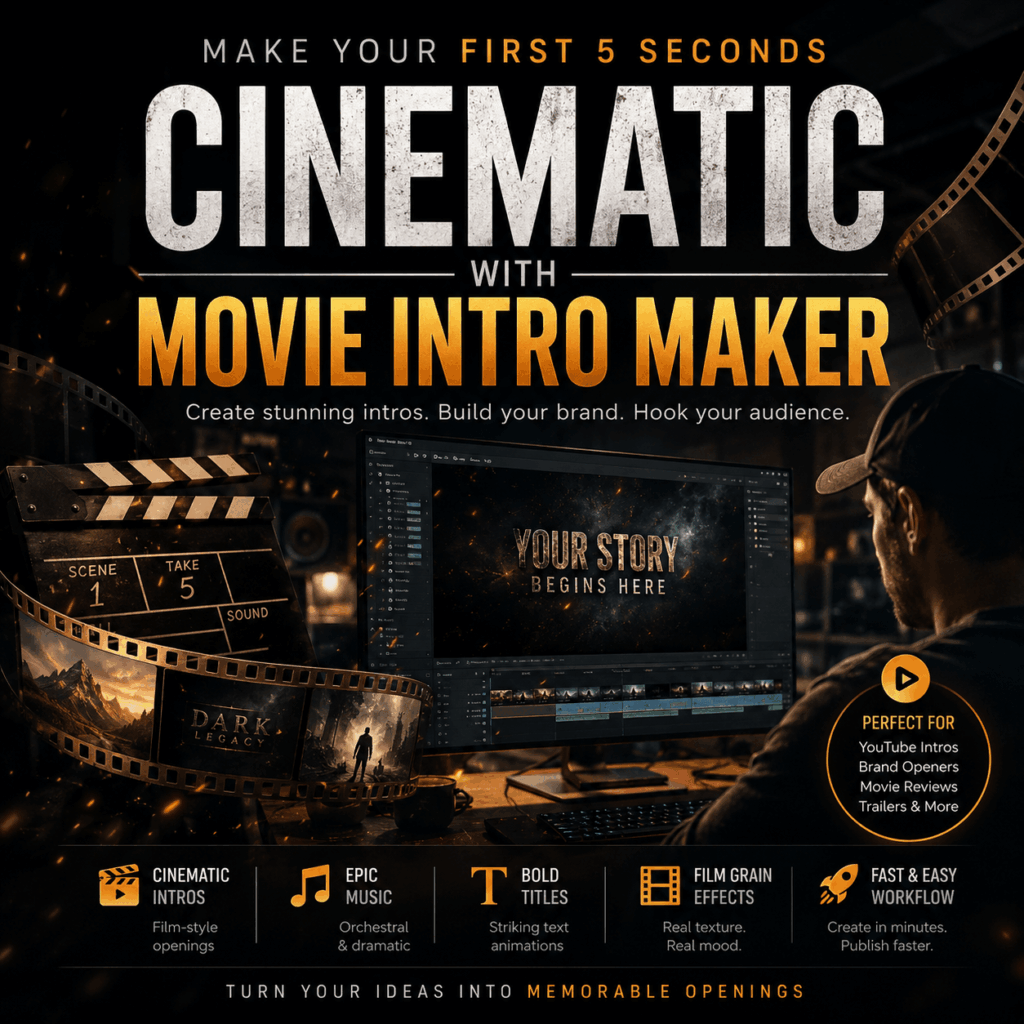
The first five seconds of a video can decide whether people stay or leave. Before viewers hear your main idea, they already feel the tone. They notice the title, the mood, the music, and the first frame. That is why Movie Intro Maker can be useful for creators who want a stronger opening without building everything from scratch.
A video intro is not just decoration. Instead, it works like the front door of your content. It tells viewers what kind of story they are about to enter. For example, a dark editing room can make a movie review feel serious. A clean logo reveal can make a brand video feel polished. Meanwhile, a wide outdoor shot can make a short film feel calm and cinematic.
However, many creators skip the intro because it feels hard to make. You may need title animation, lighting, camera movement, sound effects, music, and the right aspect ratio. As a result, the opening often becomes either too simple or too time-consuming.
This is where Movie Intro Maker helps. It can turn prompts, scripts, text, logos, and creative ideas into cinematic AI video openers. More importantly, it gives you a practical way to shape the first impression of your video.
What Is Movie Intro Maker?
A Simple Way to Create Video Openers
Movie Intro Maker is an AI video intro tool for creating film-style openers. It can help make YouTube intros, logo reveals, title sequences, parody openings, social media campaign intros, product teaser starts, and short film openers.
In other words, it is not only for “movie” content. It can also support creators, marketers, agencies, and brand teams who need a strong opening for video content.
Who Can Use It?
For instance, a YouTube creator can use it to make a repeatable channel intro. A small agency can use it to test branded openers for different platforms. Similarly, a short film maker can use it to create a title sequence that sets the mood before the story begins.
Still, the tool works best when you give it clear direction. A vague prompt may create a nice-looking result, but it may not match your real video. Therefore, the first step is not choosing effects. The first step is preparing the right source materials.
Prepare Source Materials First
What You Should Collect
Before using Movie Intro Maker, collect the basic materials that define your video. This makes the output more useful and less random.
You can prepare:
Your video title
Your channel name
Your brand name
Your logo
Your slogan
A short script
A visual style
A target platform
A mood or genre
A preferred intro length
A Practical Example
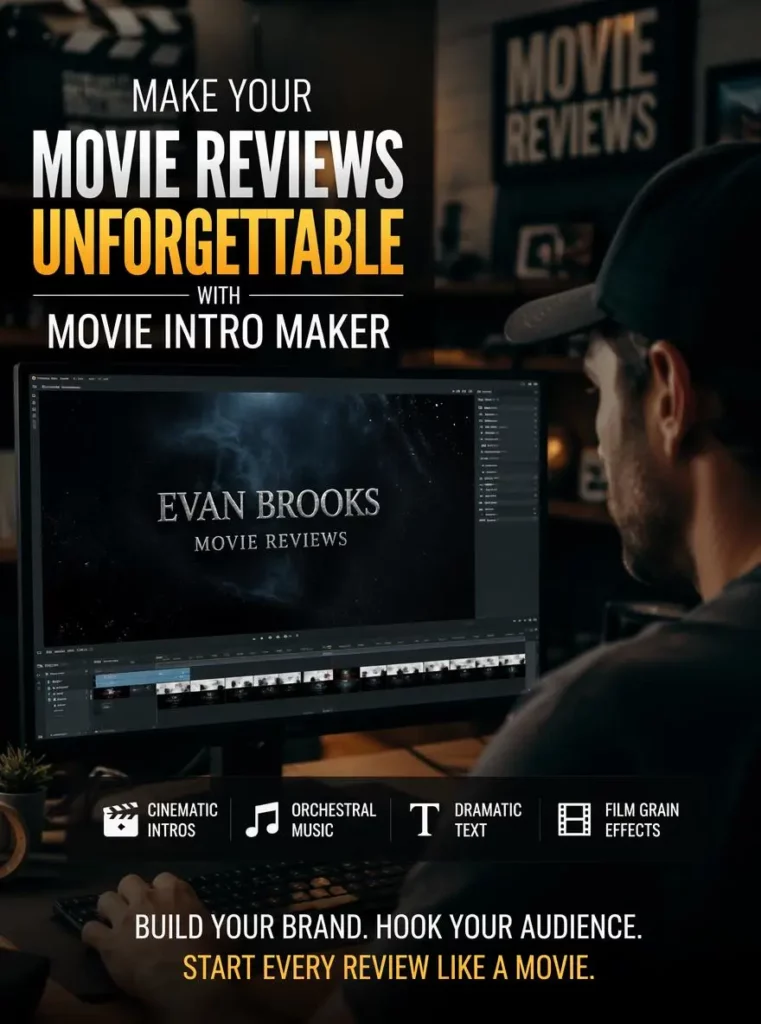
For example, if you are making a YouTube movie review intro, your source materials could be simple:
Channel name: Evan Brooks Movie Reviews
Video type: cinematic movie review
Mood: serious, thoughtful, suspenseful
Visual style: dark editing room, glowing screen, film grain
Platform: YouTube
Length: about five seconds
These details give Movie Intro Maker a clear creative brief. As a result, the intro can feel connected to the channel instead of looking like a random template.
Use Prompts Like a Creative Brief
Avoid Vague Prompts
A good prompt should explain the scene, mood, platform, title, and purpose. Also, it should tell Movie Intro Maker what the intro should feel like.
A weak prompt would be:
“Create a movie intro for my YouTube channel.”
This prompt is too broad. It does not explain the channel topic, visual style, title, audience, or pacing.
Write a More Specific Prompt
A better prompt would be:
“Create a cinematic YouTube intro for a movie review channel called ‘Evan Brooks Movie Reviews.’ Show a dark editing room with moody lighting, film grain, dramatic title text, and slow camera movement. Use a suspenseful orchestral mood. Make the intro feel professional, memorable, and suitable for the first five seconds of a YouTube movie review video.”
This version works better because it gives the tool more useful context. It includes the channel name, the scene, the mood, the platform, and the intro length. Therefore, Movie Intro Maker has a better chance of creating an opener that fits the real content.
Choose a Strong First Frame
Why the First Frame Matters
The first frame should not feel accidental. It is the first visual signal your viewer receives. So, it needs to be clear, readable, and emotionally direct.
A strong first frame usually does three things.
First, it shows the subject clearly. Viewers should quickly understand if the video is about movie reviews, a brand campaign, a legal story, a product teaser, or a short film.
Next, it sets the mood. Dark shadows can suggest suspense. Warm studio lighting can suggest teamwork. A wide landscape can suggest calm, scale, or documentary storytelling.
Finally, it leaves room for motion. Since the intro will move, the frame should have space for title animation, logo reveal, light movement, or camera motion.
When to Use a Reference Image
If you already have a strong visual style, you can use it as a guide for Movie Intro Maker. However, if you do not have one yet, you can create a first frame before making the video intro.
This extra step helps you avoid random results. It also gives the intro a clearer visual starting point.
Use GPT Image 2 to Create the First Frame
Build the Visual World First
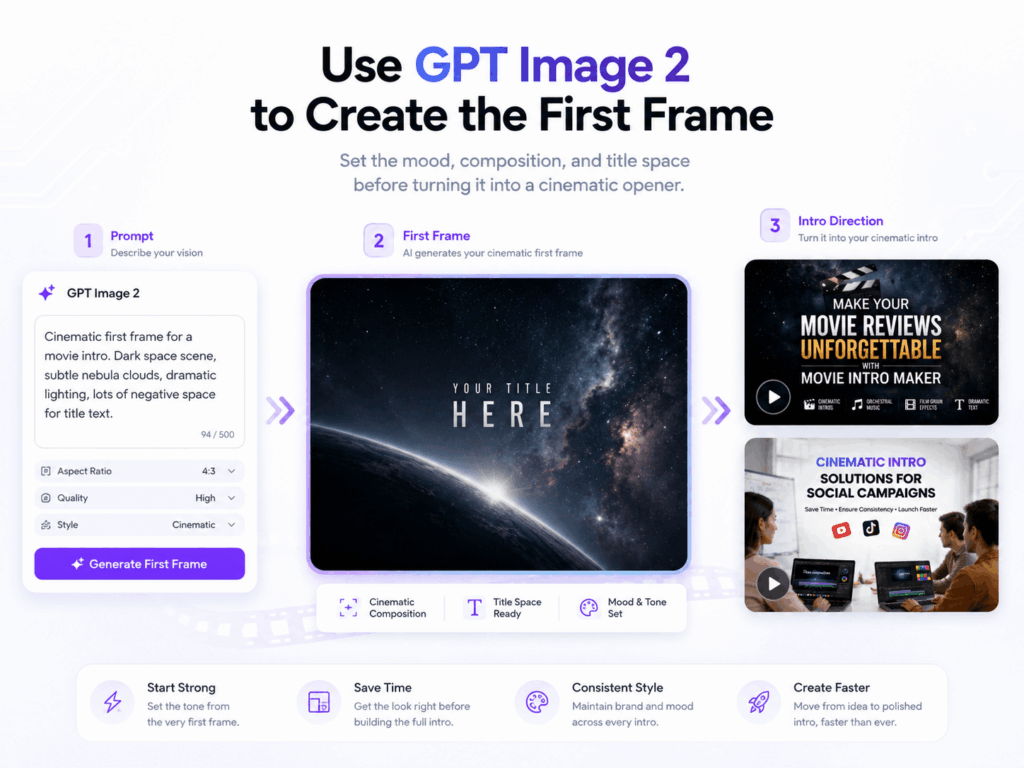
One practical workflow is to create the first frame with GPT Image 2 first. Then, you can use that image direction to guide Movie Intro Maker.
This gives you more control. Instead of asking the video tool to guess the visual world, you define the look first. After that, the intro can build motion around a stronger starting point.
First Frame Prompt Example
For example, a GPT Image 2 prompt could be:
“Create a cinematic first frame for a YouTube movie review intro. Show a dark editing room, a glowing monitor, subtle film grain, dramatic shadows, and empty space in the center for the title ‘Evan Brooks Movie Reviews.’ Make it professional, moody, and film-trailer inspired. Use a horizontal composition.”
After creating the first frame, you can write a related prompt for Movie Intro Maker:
“Use this dark editing-room style as the opening mood. Create a short cinematic intro for ‘Evan Brooks Movie Reviews’ with dramatic title animation, film grain, slow camera movement, and suspenseful orchestral music. The intro should feel like the beginning of a serious movie review show.”
This workflow is simple but effective. GPT Image 2 helps you lock in the visual direction. Then, Movie Intro Maker helps turn that direction into a dynamic opener.

Use Case: A Movie Review Channel
The Problem
Imagine a creator who runs a movie review channel. The content is thoughtful, but the opening feels plain. Each video starts too quickly, with no mood, no title rhythm, and no clear channel identity.
In this case, Movie Intro Maker can help build a repeatable intro style.
The Source Materials
The creator can prepare a few simple materials:
Channel name: Evan Brooks Movie Reviews
Scene: dark editing room
Style: cinematic, serious, film grain
Title: bold and dramatic
Music mood: suspenseful and orchestral
Platform: YouTube horizontal video
The Prompt
Then, the prompt can be:
“Create a short cinematic intro for a YouTube movie review channel called ‘Evan Brooks Movie Reviews.’ Show a dark editing room, glowing screen reflections, film grain, dramatic title animation, and a suspenseful orchestral mood. Keep the intro polished but not too flashy. Make it suitable for the first five seconds before a movie review begins.”
As a result, the channel can feel more recognizable. Viewers see a similar opening style across videos. Over time, that repeated intro helps build memory and trust.
This is one of the strongest uses of Movie Intro Maker. It helps solo creators look more consistent without manually editing every title sequence from zero.
Use Case: A Social Media Campaign
The Problem
Now, think about a small creative agency. The team needs product teasers, short ads, and campaign videos for YouTube, TikTok, and Instagram. Each platform has a different format. However, the brand still needs to feel consistent.
This is where Movie Intro Maker can support faster testing.
The Source Materials
The team can prepare the brand logo, campaign name, slogan, product name, color direction, and target platforms. Then, they can generate several intro styles and compare them.
The Prompt
A practical prompt could be:
“Create a cinematic branded video intro for a social media campaign. Use a clean logo reveal, modern title animation, warm studio lighting, and a polished creative-agency style. The intro should work for product teasers, short ads, and campaign videos across YouTube, TikTok, and Instagram. Keep the brand visuals consistent and make the opening feel professional within the first few seconds.”
This approach saves time. More importantly, it gives the team room to explore. They can test a clean version, a more energetic version, or a more premium version before choosing the final direction.

Pick the Right Intro Style
Match the Style to the Video
Not every video needs the same intro style. In fact, the wrong style can make the whole video feel disconnected.
For a movie review channel, darker lighting, film grain, editing-room visuals, and dramatic text can work well. For a legal or business video, metallic title text, low-key lighting, and symbolic props can create a serious tone. Meanwhile, a nature documentary may need wide scenery, soft light, and minimal title animation. For a brand campaign, a clean logo reveal and modern typography may be more effective.
Ask One Simple Question
Before using Movie Intro Maker, ask one simple question:
What should viewers feel before the main video begins?
If the answer is suspense, use slower motion, darker light, and strong title contrast. If the answer is trust, keep the frame clean and stable. If the answer is energy, use faster pacing and clearer text. If the answer is wonder, start with scale, space, and atmosphere.
In this way, the intro becomes part of the story. It does not feel like an extra effect added at the last minute.
A Simple Workflow for Movie Intro Maker
Step 1: Define the Purpose
First, define the purpose. Decide whether the intro is for YouTube, TikTok, Instagram, a product teaser, a short film, or a brand campaign.
Step 2: Prepare the Materials
Next, prepare your materials. Add the title, logo, slogan, script, platform, mood, and visual style. If you have a first frame or reference image, use it as a style guide.
Step 3: Write the Prompt
Then, write a clear prompt. Mention the scene, lighting, title animation, music mood, camera movement, platform, and length. Also, avoid vague words like “cool” or “epic” unless you explain what they should look like.
Step 4: Review the First Frame
After that, review the first frame. Check if the subject is clear. Also, make sure the mood fits the content. If the first frame feels weak, create a better one with GPT Image 2 before generating another intro.
Step 5: Create Platform Versions
Finally, create platform-specific versions. A YouTube intro can have more space and a slower rhythm. However, a TikTok or Instagram Reels opener needs faster visual clarity. For a campaign, keep the logo, colors, and title style consistent across versions.
This process keeps Movie Intro Maker practical. Instead of getting a random cinematic clip, you get an intro that supports your real content.
Why Movie Intro Maker Matters
It Helps Strong Content Feel Complete
A good intro will not fix weak content. However, it can help strong content feel more complete.
For solo creators, Movie Intro Maker can make a channel look more professional. For short film makers, it can set the mood before the story begins. For brand teams, it can make campaign videos feel more consistent. Also, for social media marketers, it can make the first few seconds more engaging.
It Adds Speed with Direction
The main benefit is speed with direction. You still choose the story, mood, title, and audience. Then, the tool helps turn those choices into a cinematic opener faster.
That is why Movie Intro Maker works best as part of a creative workflow. Start with the first frame. Build the mood. Use clear source materials. Then, generate an intro that supports the video instead of distracting from it.
Final Takeaway
Start with a Clear Direction
So, can Movie Intro Maker make your first five seconds feel cinematic?
Yes, if you give it a clear direction.
Start with what viewers should feel. Then, prepare your title, logo, script, platform, and visual style. If you need a stronger visual starting point, use GPT Image 2 to create a first frame first. After that, use Movie Intro Maker to turn the direction into a dynamic video opener.
Keep the Intro Intentional
Your intro does not need to be long. Also, it does not need to be loud. However, it should feel intentional.
When the first frame already has a story, the rest of the video has a better chance of being watched.
Go to WeShop AI For Exploration: