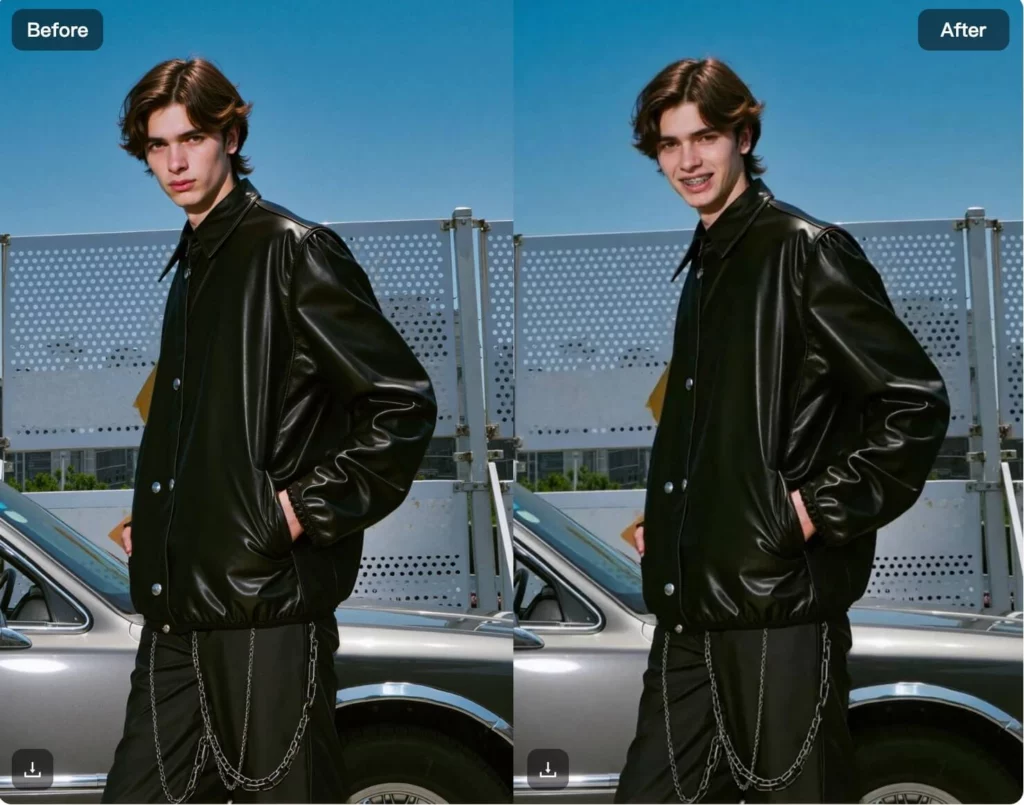
Many people feel curious—or uncertain—about how braces might look on their smile. Whether you’re considering orthodontic treatment, comparing braces versus no braces, or just experimenting for fun, seeing a preview can make the decision feel easier. With WeShop AI’s Braces Filter, you can instantly see what you’d look like with braces using a single photo.
The AI detects teeth placement and applies realistic virtual braces, making it easy to compare before-and-after results. From teens and students to social media creators, this tool is used for previewing smiles, reducing anxiety, and exploring new looks without pressure.
In this guide, I’ll walk you through how the Braces Filter works and the most common ways people use it today.
What Is a Braces Filter?
A Braces Filter is an AI-powered tool that adds virtual braces to a photo to show what a person might look like with braces. By analyzing facial features and teeth placement, the AI applies realistic braces to your smile while keeping the rest of the image unchanged.
The tool is designed for visual preview and comparison, not medical diagnosis or treatment planning. It helps users see a braces look before starting orthodontic treatment, compare with and without braces, or simply explore the appearance for fun.
Braces filters are commonly used by teens, students, and anyone curious about their future smile. Because the process is fast and non-invasive, it offers an easy way to preview changes without pressure or commitment.
How to Try Braces Online
Trying braces online with WeShop AI’s Braces Filter is quick and simple. You don’t need an app or any editing skills.
Step 1: Upload a Photo
Start by uploading a clear photo where your face and teeth are visible. Front-facing photos with good lighting usually give the best results.
Step 2: Apply the Braces Filter
Next, click the Braces Filter generator button. The AI automatically detects your teeth and places virtual braces on your smile.
Step 3: Compare With and Without Braces
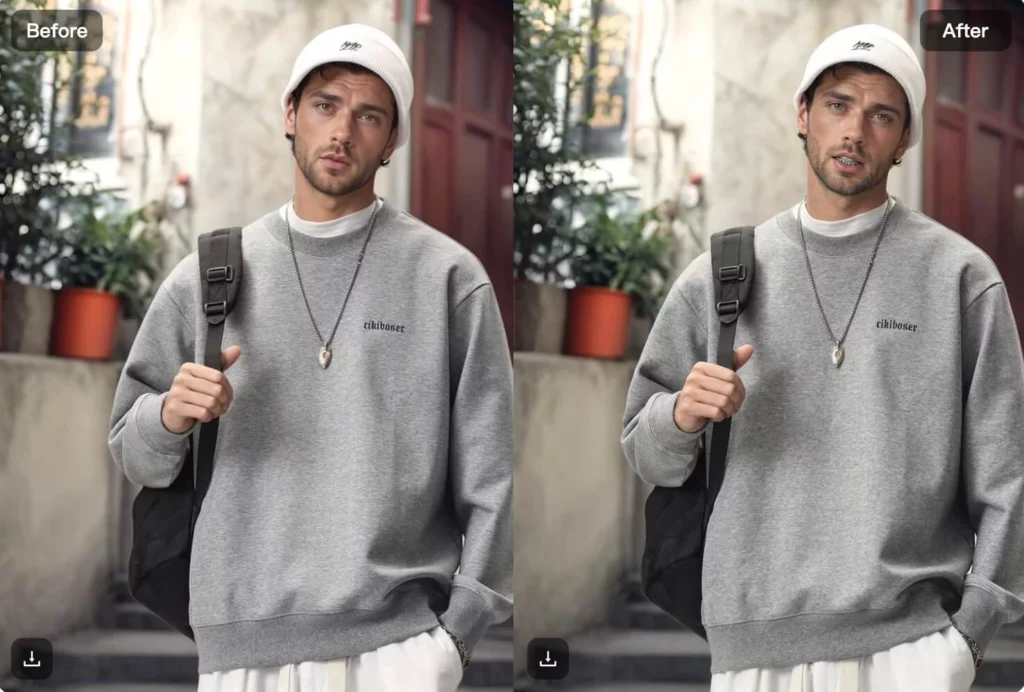
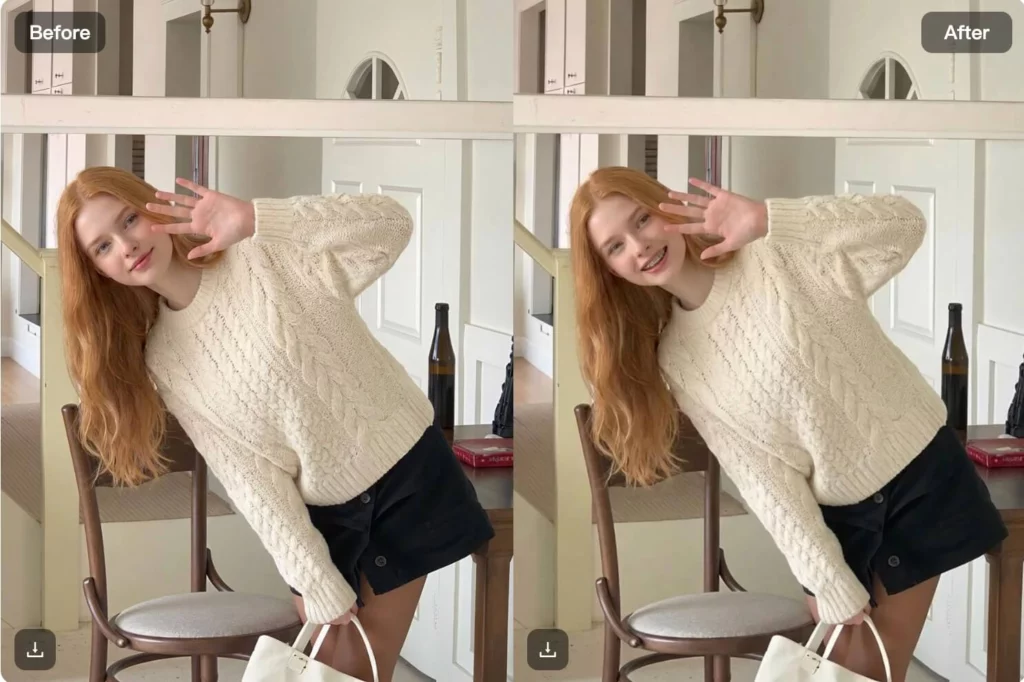
Once the image is generated, you can easily compare how you look with braces versus without braces. This side-by-side preview helps you visualize the change clearly.
Step 4: Adjust or Try Again
If you want a different result, you can upload another photo or generate again. Small changes in angle or expression may produce different previews.
Step 5: Download and Share
When you’re happy with the result, download the image. You can keep it for reference, share it with friends or family, or use it just for fun.

Who the Braces Filter Is Perfect For
The Braces Filter is designed for anyone who wants a simple way to preview or explore a braces look. It’s especially useful for the following groups:
- Teens and students
Many teens use the braces filter to see how braces might look before school photos or daily life, helping reduce anxiety about the change. - People considering orthodontic treatment
If you’re thinking about braces or clear aligners, the filter offers a quick visual preview to help you feel more prepared. - Parents and families
Parents often use the tool with their children to talk through orthodontic options in a more relaxed, visual way. - Curious users exploring new looks
Some people simply want to see what they’d look like with braces—no pressure, no commitment, just curiosity. - Social media creators and casual users
The braces filter is also popular for fun content, before-and-after posts, and lighthearted social sharing.
Overall, the braces filter is perfect for anyone who wants an easy, low-pressure way to preview a braces look online.
Braces Filter vs Traditional Photo Editing
Traditional photo editing tools can add braces manually, but the process usually takes time and editing experience. You often need to adjust layers, align braces carefully, and fine-tune details to make the result look natural.
In contrast, WeShop AI’s Braces Filter is designed for speed and simplicity. You upload a photo, apply the filter, and the AI automatically detects teeth placement and adds realistic virtual braces in seconds. No manual adjustments or editing skills are required.
Traditional photo editing works well for detailed, professional retouching. However, if your goal is to quickly preview a braces look or compare before-and-after results, an AI braces filter offers a faster and more accessible option.
In short, the braces filter doesn’t replace traditional photo editing—it provides an easier way to visualize changes without the extra effort.
Conclusion
The Braces Filter in WeShop AI offers a simple way to preview what you might look like with braces. Instead of manual photo editing, you can quickly visualize changes and compare before-and-after results with just one image.
Whether you’re considering orthodontic treatment, helping a child prepare, or simply exploring a new look, the Braces Filter makes the process easy, low-pressure, and accessible.