












logo
AI Image & Video Creative Studio

Sign In

🎉new
Our new Virtual Try-On just launched. Try it now!
🥳
close
addNew Task
How it works:
1
Create new task and upload an image
2
Generate

Braces Filter – See What You’d Look Like with Braces Online

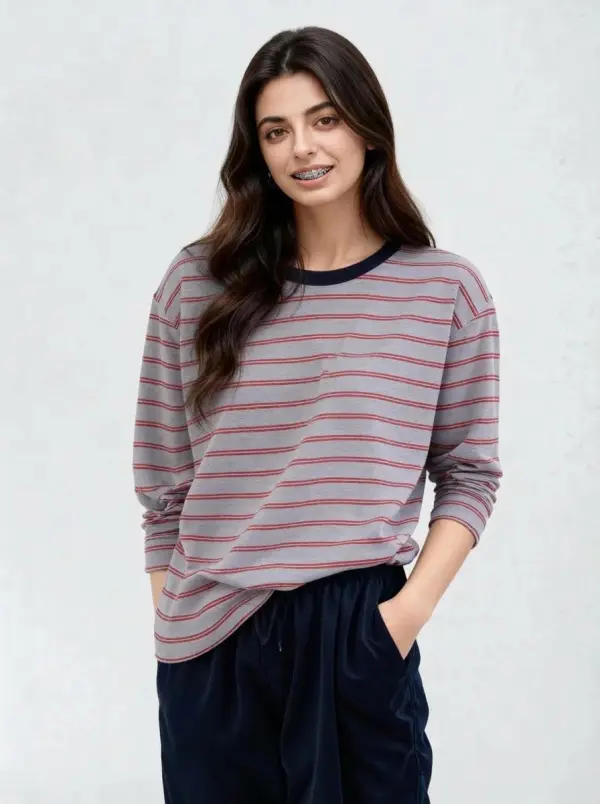
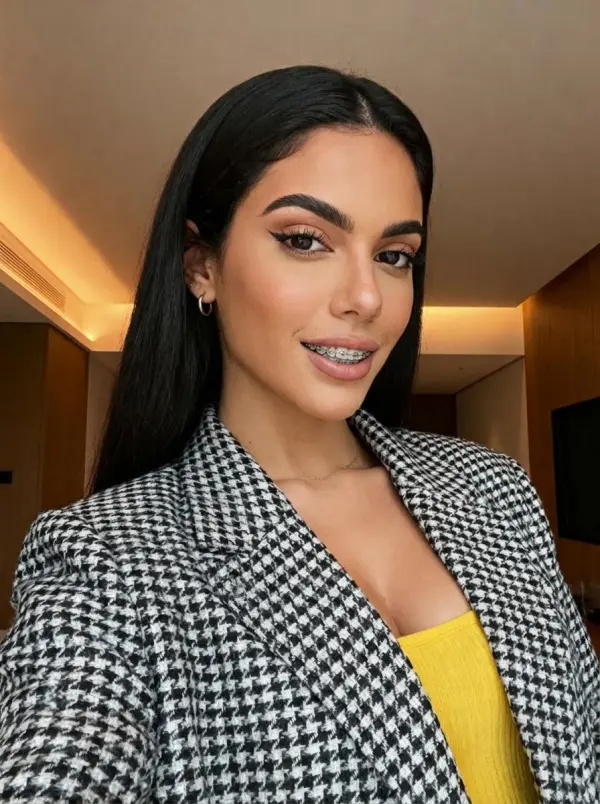
The Braces Filter is an AI-powered braces try on tool that lets you instantly see what you would look like with braces. Simply upload high resolution photos or clear smile photos, and the AI braces filter online free uses facial recognition to analyze facial features and add realistic braces in just a few clicks. Whether you’re considering traditional metal braces, ceramic braces, or exploring orthodontic looks for fun, this tool delivers a personalized result—completely free, no dentist visit required.

How People Use a Braces Filter to Make Better Decisions

Avoiding Braces Regret with Virtual Try-On

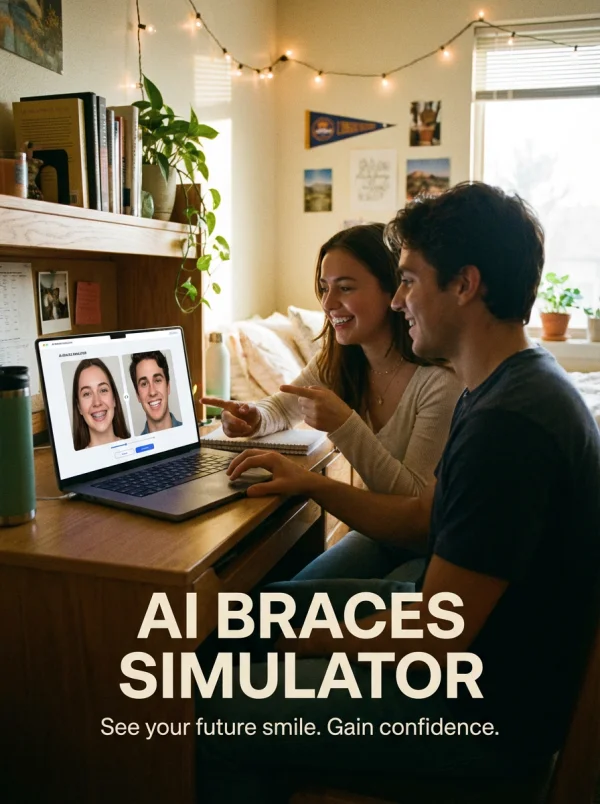
A student unsure how would I look with braces used a braces simulator online free before starting treatment. By previewing orthodontic looks like traditional metal braces and ceramic braces on their own facial features, they gained clarity and confidence. The AI braces filter helped reduce uncertainty, allowing them to make a more informed decision before committing to long-term orthodontic care.
Creators Generate Braces Content Faster for Social Media

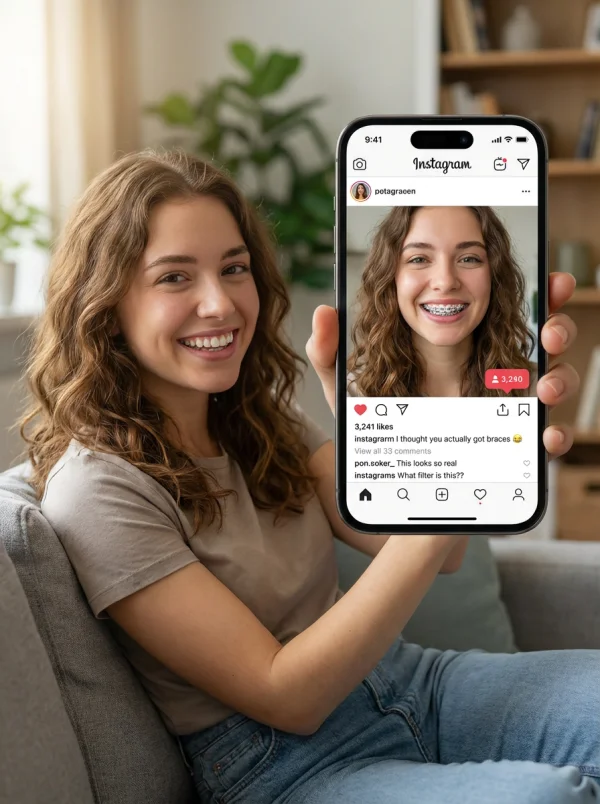
A creator used the AI braces filter to AI replace their smile with braces for fun social media posts. Instead of manual edits, they uploaded photos and added realistic braces instantly. Try-on time dropped from 10 minutes to seconds, and posts featuring personalized orthodontic looks—sometimes paired with a teeth whitening tool—saw higher engagement thanks to instant, natural-looking results.
Powerful Features of the AI Braces Filter

AI-Powered Braces Detection & Placement

The AI braces filter automatically detects the teeth area, mouth position, and facial features from each braces photo. Using advanced AI and smart photo editing logic, it places fake braces naturally, adjusting size, angle, and spacing so the braces effect looks close to real braces instead of a pasted overlay.

Braces Try On Online Instantly

With this braces filter online, you can apply braces in just a few seconds. Upload an image from any device—desktop or phone—and instantly see a new smile. It quickly answers questions like how will braces look on me or what would braces look like on me without any manual photo editing.

Braces Simulator Online Free

This braces simulator online free lets users explore different types of braces virtually, from classic metal braces to clear aligners. Whether you’re curious about new braces, planning orthodontic care, or just experimenting, the tool helps you visualize a possible future smile with zero commitment.

Realistic Braces Filter Results

Unlike basic filters, this AI braces filter blends lighting, shadows, and tooth shape for a more realistic look. The AI can adjust placement using a smart brush-like system, creating results that resemble real orthodontic outcomes and helping users better imagine their future smile.

Free Online Braces Filter – No App Required

The braces filter online free works directly in your browser—no app, no login, no download. Simply upload an image from any device and add braces instantly. You can preview, save your braces photo, or share it on Instagram in seconds.

See What You’d Look Like with Braces

Try Braces Before Orthodontic Treatment

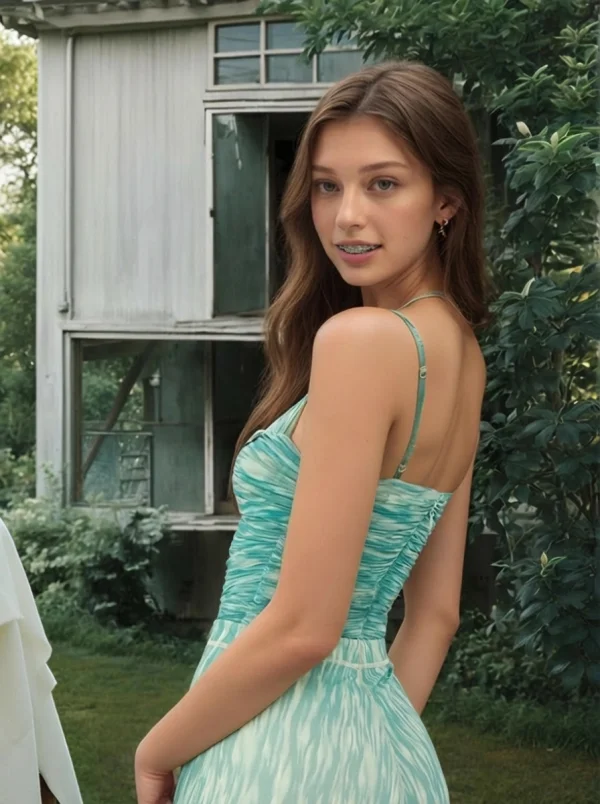
Use the braces simulator to preview braces before starting treatment. Seeing how real braces or clear aligners look on your teeth helps reduce anxiety and makes long-term decisions feel more confident and informed.

braces filter by weshop ai

Compare With Braces vs Without Braces

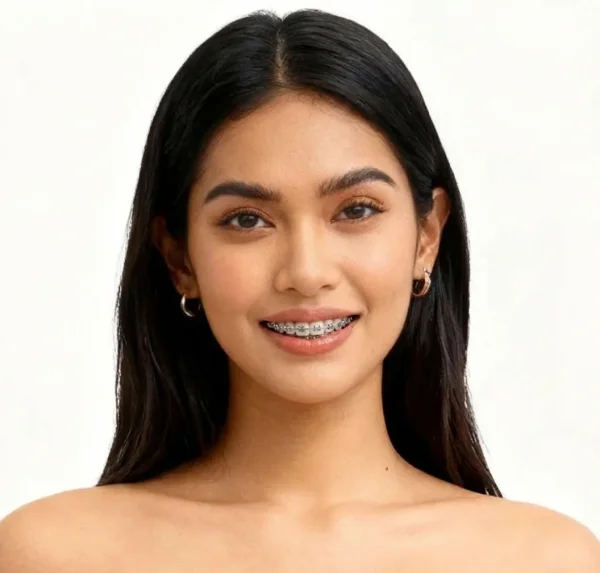
Easily compare what you look like with braces and without braces using the same image. This side-by-side comparison clearly shows how braces can change your smile and helps you picture your potential future smile.

braces filter by weshop ai

Braces Try-On for Teens & Students

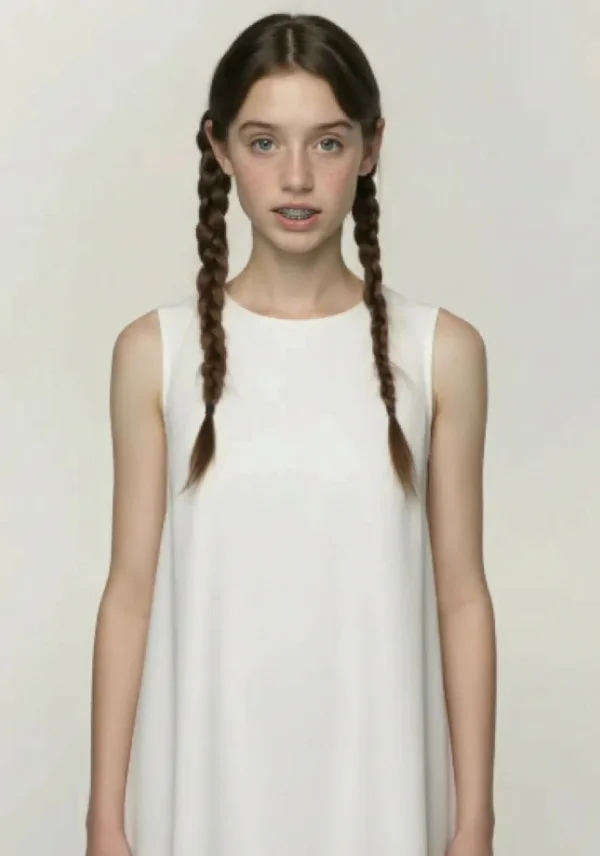
Many teens and students use the braces try on tool to explore different styles of braces before school photos or daily life. Seeing braces applied in advance makes the transition feel easier and less intimidating.

braces filter by weshop ai

Social Media & Fun Filters

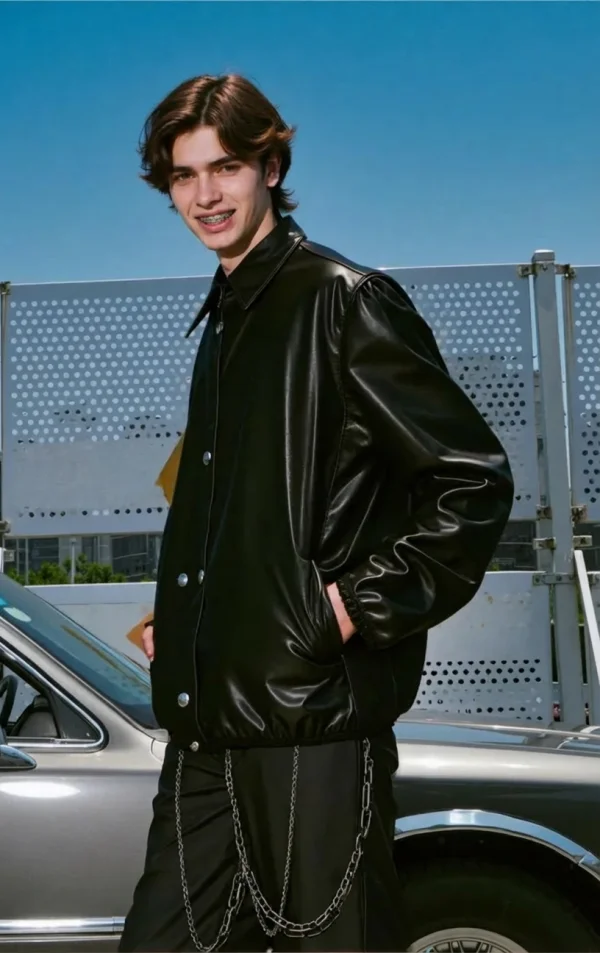
Creators use the fake braces filter to create fun content for Instagram and other platforms. Applying a braces effect in seconds makes it easy to create playful reactions, trends, and before-and-after posts.

braces filter by weshop ai

Free Fake Braces for Curiosity

If you’re just curious, the virtual braces try on is the easiest way to experiment. Upload an image, apply braces, and explore different types of orthodontic looks—no pressure, no cost, just a quick and fun way to preview a new smile.

braces filter by weshop ai

Frequently Asked Questions About the Braces Filter

What is a braces filter?

A braces filter is an AI tool that adds virtual braces to your photo.

Is the braces filter online free?

Yes, the braces filter can be used online for free with no app download.

How does the AI braces filter work?

Upload a photo and the AI detects teeth placement to apply realistic braces.

Can I see what I’d look like with braces?

Yes, the tool shows what you would look like with braces instantly.

Does it work as a braces simulator?

Yes, it functions as a braces simulator online free.

Can I try braces on my own photo?

Absolutely—just upload a photo and try on braces virtually.

Will the results look realistic?

Yes, the AI blends lighting and teeth details for realistic results.

Do I need editing skills?

No, the braces filter works automatically.

Explore More AI Tools

idea
helper