

Seedream 5.0 pro enters the market at a strange time. Brands can now create polished images in seconds. Yet many of those images look the same. They use smooth skin, glossy light, perfect shadows, and empty luxury sets. At first, they look impressive. A few seconds later, they are easy to forget.
People often call this flood of weak content “AI slop.” However, AI itself is not the problem. Careless use is the real issue. Brands may publish too many images with no clear idea. Product details may also change from one image to another. As a result, the work looks finished but still feels hard to trust.
The answer is not to stop using AI. Instead, brands need a better process. They must protect the product, guide the style, check the text, and edit small details. Seedream 5.0 pro supports this move from random output to controlled visual work.


Everyone Can Make a Beautiful Image Now
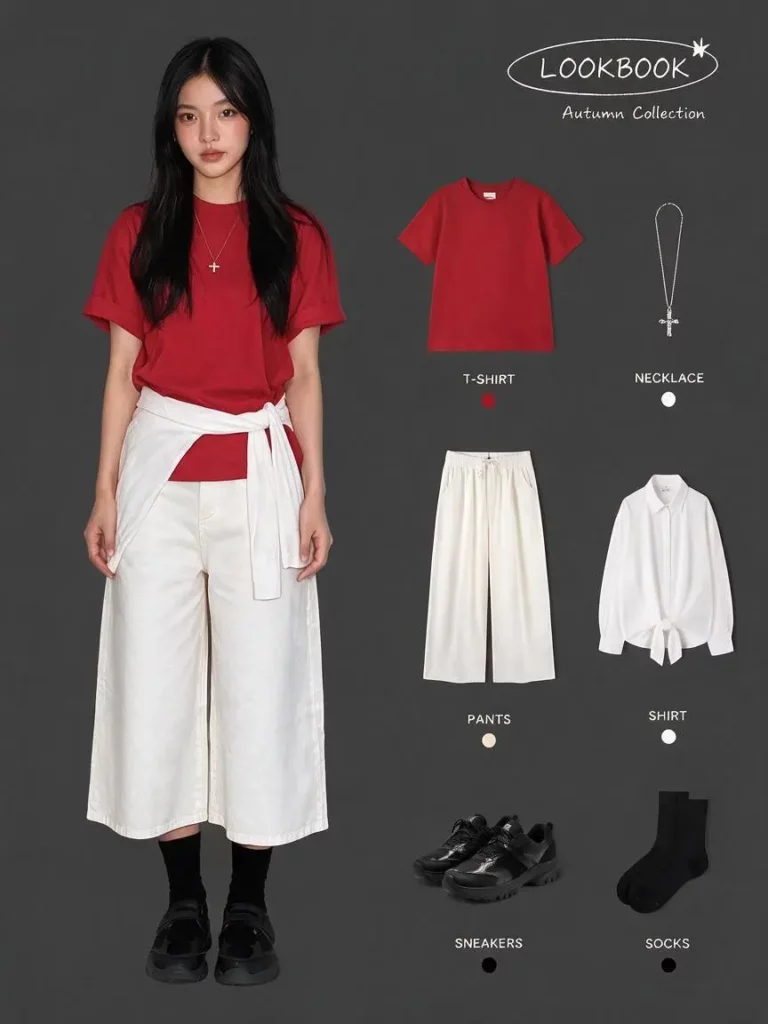
Beauty used to be the hard part. Today, almost any prompt can create dramatic light or a premium set. Therefore, surface polish is no longer enough.
A strong image must do more. It should show the product clearly. It should carry one clear message. In addition, it should feel connected to the brand.
However, many campaigns fail at these simple goals. One image feels soft and natural. The next looks cold and futuristic. Meanwhile, the product color changes. The logo moves. The label becomes hard to read.
Each image may look good alone. Still, the campaign feels broken.
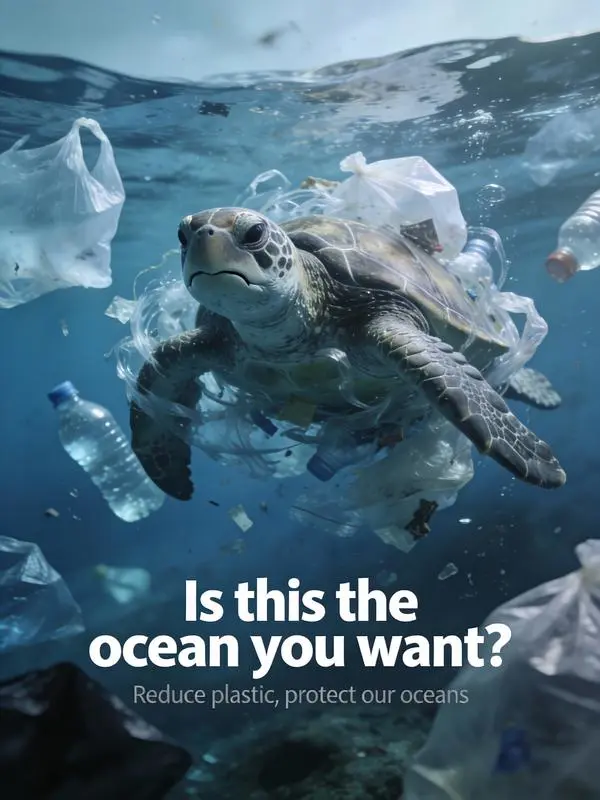
What Makes AI Images Feel Like Slop?
The Product Changes Too Much
Small changes can damage trust. A bottle may become wider. A dress may lose a seam. A pan may gain a new handle. Therefore, the customer sees a different item in each image.
This is a serious issue for ecommerce. A campaign should improve the product story. It should not rewrite the product itself.


The Image Has No Clear Idea
A trendy style is not a brand idea. Words such as “cinematic,” “editorial,” and “luxury” can guide the look. However, they do not explain why the image matters.
Before generating, ask one simple question:
What should the viewer feel or understand?
For example, a skincare launch may focus on calm daily care. A travel camera campaign may focus on freedom and movement. A cookware campaign may focus on color and simple home use.
Once the idea is clear, every visual choice has a purpose.
The Text Looks Like an Afterthought
Marketing images often need more than a short title. They may include features, prices, labels, or product claims. Yet weak text can ruin a strong image.
Therefore, teams should check every word. They should also review spacing and line breaks. Even clear text can be wrong. Human review is still needed.
How Seedream 5.0 Pro Moves Beyond Prompt Roulette
The old workflow was simple. Write a prompt. Generate an image. Then hope for the best.
That method is useful for quick ideas. However, it is too loose for serious brand work. Marketing teams need to know what will change. They also need to know what must stay fixed.
Seedream 5.0 pro supports more focused image creation and editing. Users can combine prompts, existing images, and several references. The model also supports targeted editing, layer separation, dense layouts, and multilingual text.
As a result, the first image does not need to be final.
For example, the product can stay in place while the background changes. The layout can remain stable while the headline changes. A person can also stay consistent while one object is replaced.
This is more useful than starting from zero after every review.


A Better Seedream 5.0 Workflow
Step 1: Set One Clear Campaign Idea
Start with one short sentence.
For example:
“A bright drinkware campaign that feels playful, useful, and easy to share.”
Next, define the audience and channel. Then list the details that cannot change. These may include the product shape, label, color, material, or logo position.
This small brief gives the project a clear direction.
Step 2: Give Each Reference One Job
Do not upload random images simply because they look good.
Instead, use one reference for light. Use another for layout. Then use a third for product detail.
In addition, keep the references close in mood. Too many styles may pull the image in different directions.
Step 3: Build One Strong Main Image
Do not create every format at once. First, make one clear hero image.
Check the product. Check the text. Check the light. Also check the visual order. The viewer should know where to look first.
If the main image feels weak, more versions will not help. Refine the main idea before expanding it.
Step 4: Use Seedream 5.0 Pro for Local Edits
Once the direction works, make small changes.
You may need to replace one object. You may need more space for copy. In other cases, the shadow or label may need a small fix.
Focused edits protect the parts that already work. Therefore, they save time and reduce risk. The tool page describes this as grounded editing, which targets selected objects, text, backgrounds, lighting, or product details.
Step 5: Adapt the Idea for Each Channel
A product page needs clarity. A social post can use more mood. A paid ad needs a fast message. Meanwhile, an email banner needs space for copy.
The layout should change for each channel. However, the product and campaign idea should remain easy to recognize.
Brand consistency does not mean using one image everywhere. Instead, it means keeping the same identity across many formats.
Where Seedream 5.0 Adds Real Business Value
Seedream 5.0 Pro for Product Campaigns
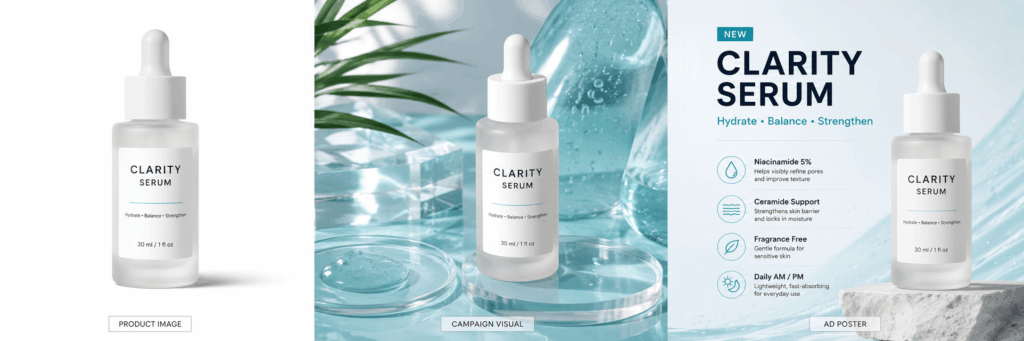
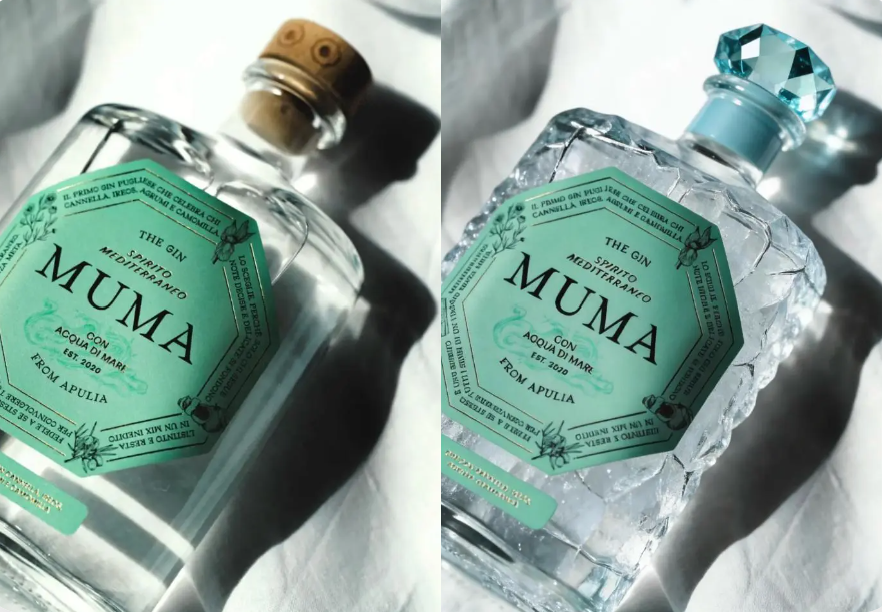
Brands can create product posters, launch graphics, banners, and social images from one visual direction.
For example, a drinkware brand may begin with a clean product shot. Next, it can create a colorful studio set. Finally, it can add a home scene and a feature poster.
Because the idea stays connected, the campaign feels larger without feeling random.
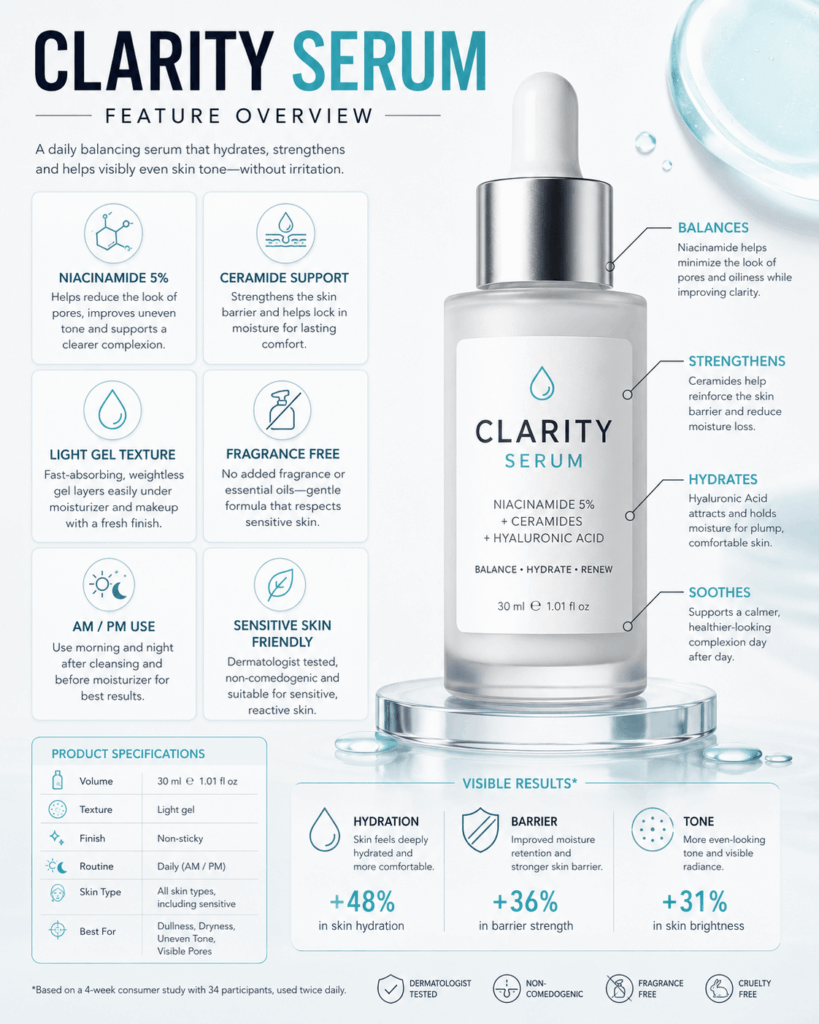
Seedream 5.0 Pro for Text-Rich Visuals
Some projects need clear information, not only mood.
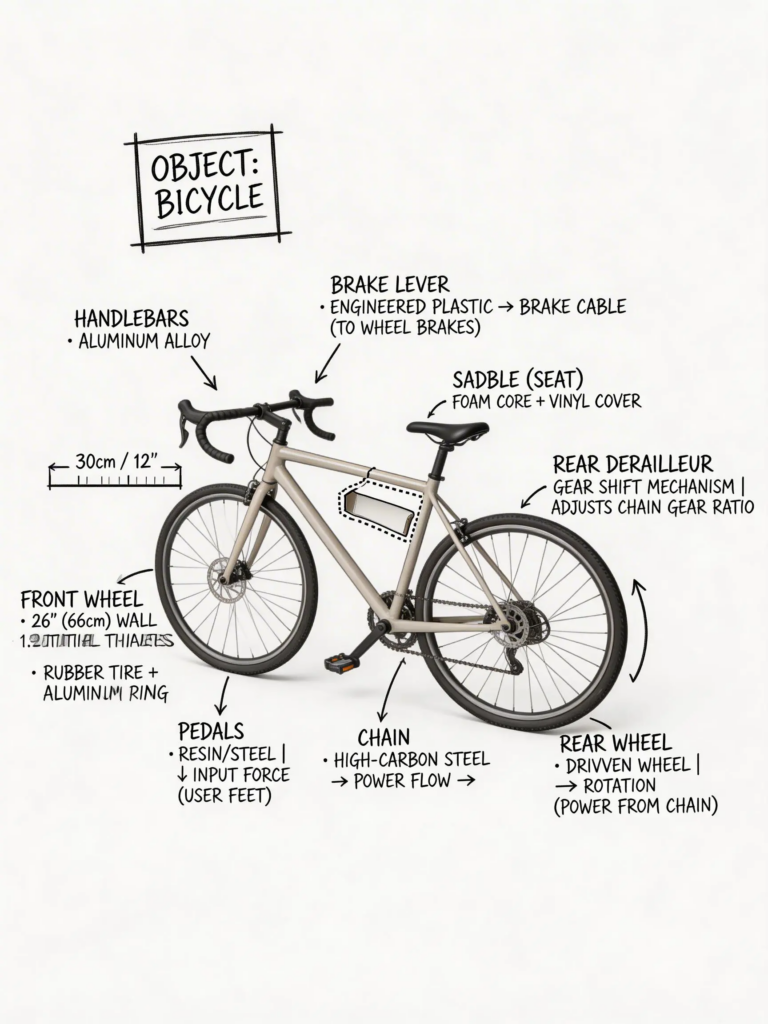
A product comparison may need columns, icons, labels, and several sections. A camera poster may also need feature notes. Meanwhile, an educational image may need a short process.
Seedream 5.0 can support dense infographics and organized text layouts. Still, teams should check facts, prices, product claims, and spelling before use.
Seedream 5.0 Pro for Local Campaign Versions
Global teams often need one campaign in several languages.
Instead of rebuilding every design, they can keep the main style and update the copy. They can also adjust the layout when one language needs more space.
However, direct translation is not enough. Local teams should review the tone, meaning, and cultural fit.

Seedream 5.0 Pro for Ecommerce Variations
Online stores need many image types. These include clean product shots, lifestyle scenes, sale graphics, and marketplace images.
With a controlled workflow, teams can change the setting or message while keeping the product clear. Therefore, one approved direction can support several sales moments.
The tool page shows use cases for product ads, infographics, presentation visuals, localized campaigns, and ecommerce variations.

What Seedream 5.0 Pro Cannot Decide for You
Better tools do not replace a strong idea.
Seedream 5.0 can help edit objects, guide a style, and create new formats. However, it cannot decide what your brand should stand for.
It cannot know which trend your audience is tired of. It also cannot decide which image feels honest.
People must make those choices.
Creative teams set the goal. They choose the references. They check the product. Most importantly, they decide what should never be published.
AI can speed up the work. Still, taste and judgment shape the result.
Create Less, Control More
The next stage of AI marketing will not reward the brand with the most images.
Instead, it will reward the brand with the clearest point of view.
Seedream 5.0 Pro can support that shift. It gives teams more ways to guide, edit, and adapt their visual work. Therefore, brands can spend less time chasing random results.
They can spend more time building images that feel useful, clear, and worth remembering.
Go to WeShop AI For Exploration:


