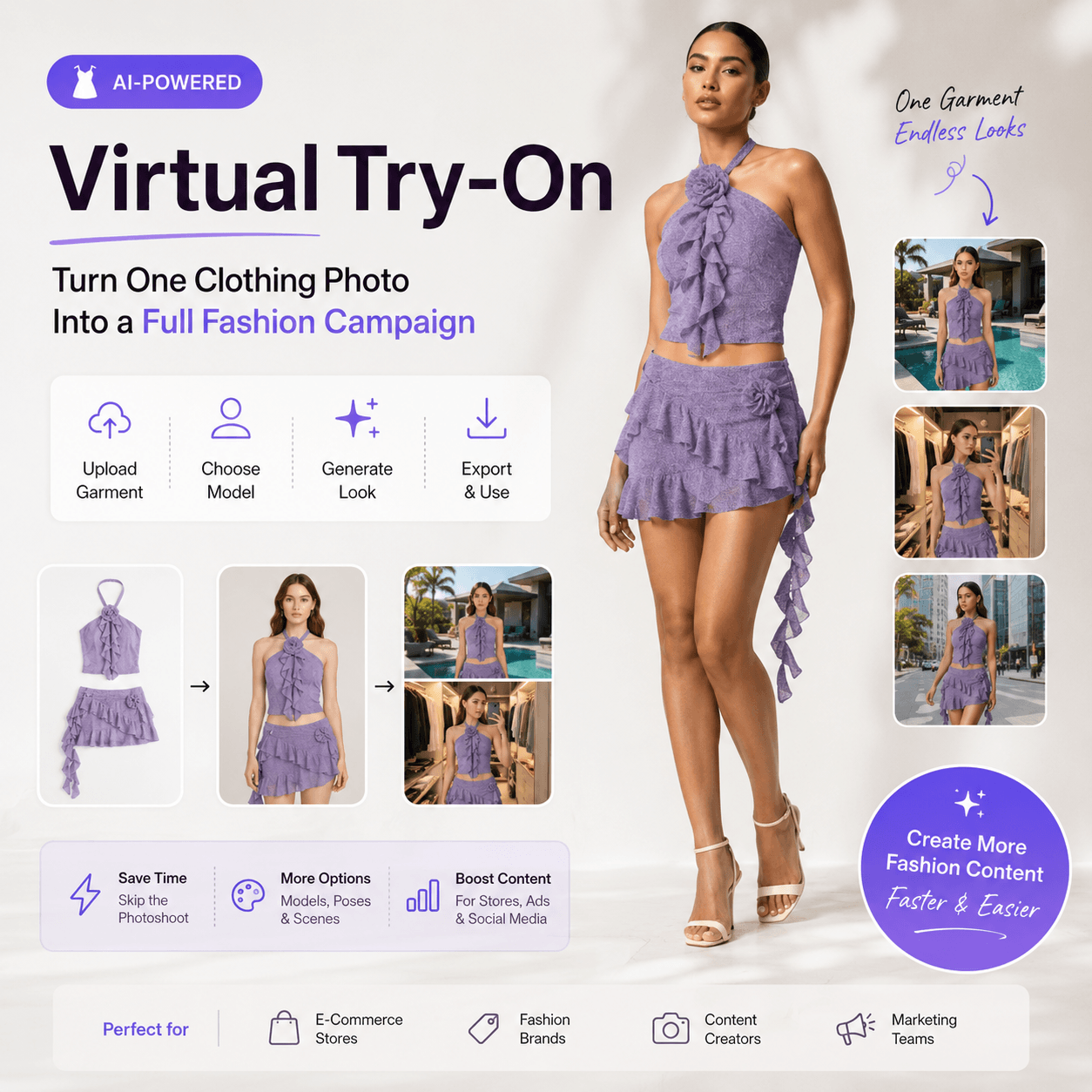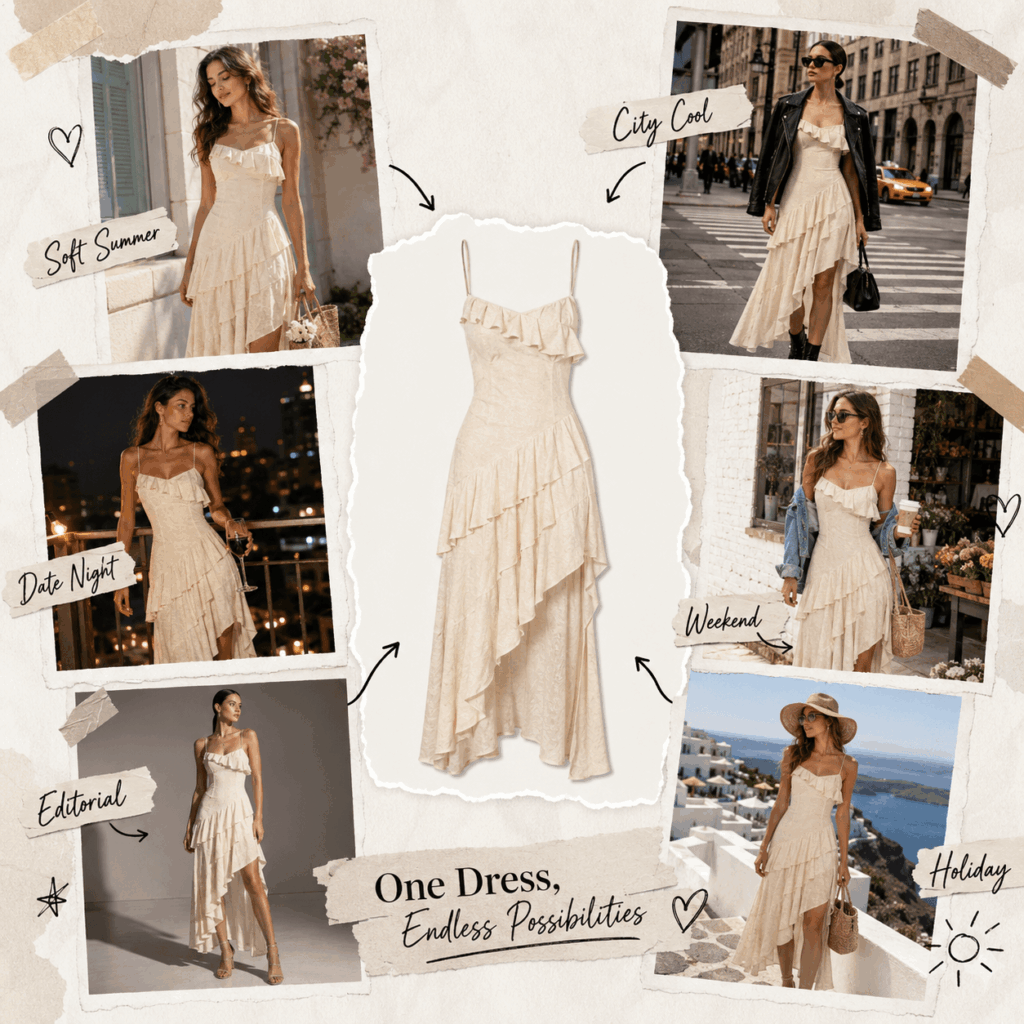
Some clothes catch your eye in seconds. It may be a soft summer dress, a bold printed top, or a jacket saved during a late-night scroll. However, one question usually comes next: how would you actually style it? An AI Outfit Changer can turn that single clothing photo into a full set of fresh fashion ideas.
Instead of guessing, you can place the garment on a model and explore different moods. For example, the same dress can feel romantic, minimal, or bold. Meanwhile, one jacket can move from an office look to a relaxed weekend outfit.
As a result, styling becomes more playful. You can test ideas before buying new pieces, planning a campaign, or creating your next post. More importantly, one clothing image can inspire far more than one look.
✨ Why an AI Outfit Changer Is So Easy to Love
Fashion inspiration changes quickly. One week, clean outfits are everywhere. The next week, bright colors and playful layers take over.
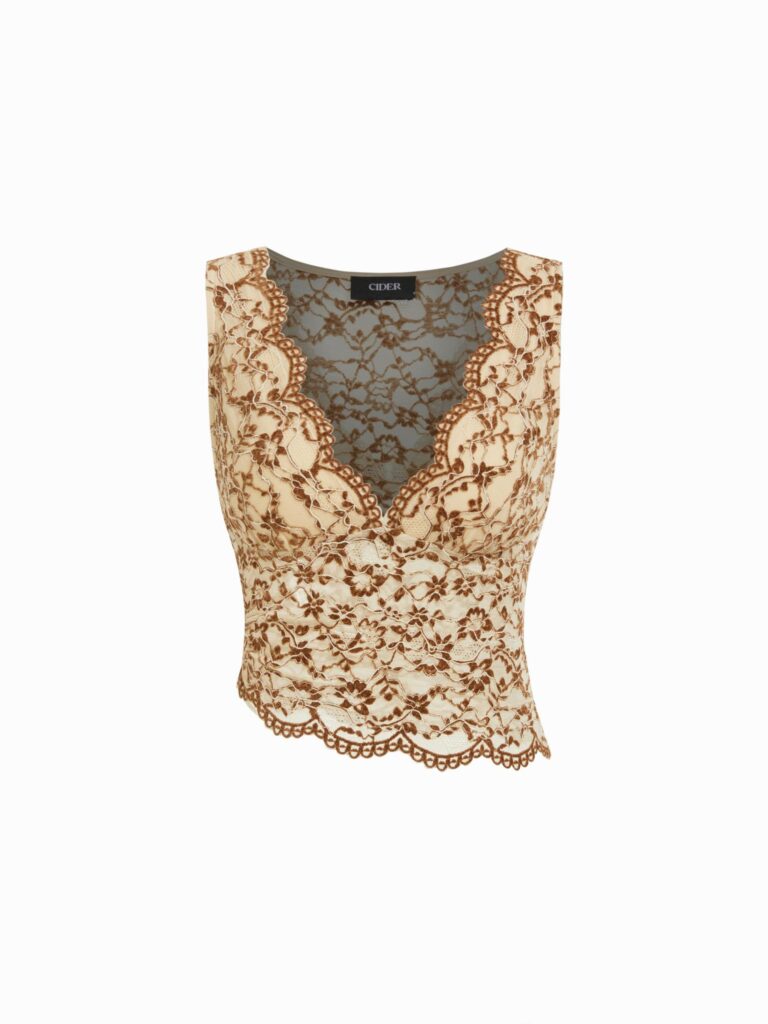
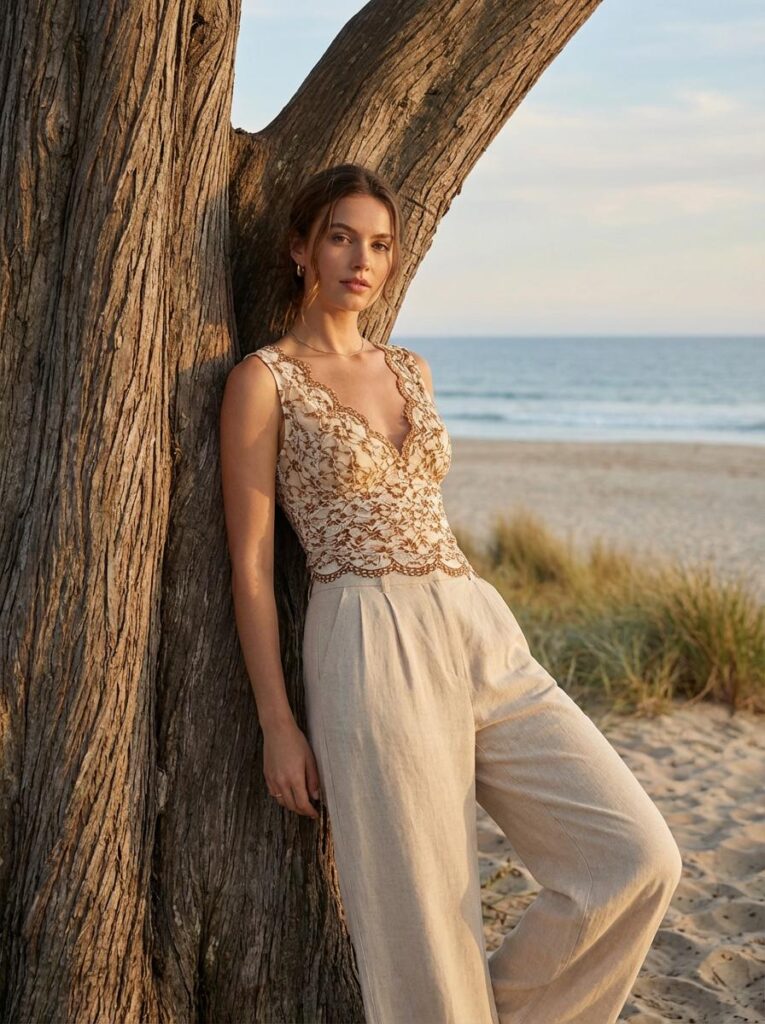
However, a flat product photo does not always show the full charm of a garment. A simple top may look plain against a white background. Yet, on the right model and in the right scene, it can feel much more stylish.
An AI Outfit Changer helps bring that idea to life. It lets you see the garment as part of a complete fashion image. Therefore, you can explore different poses, models, settings, and moods without building every look from the beginning.
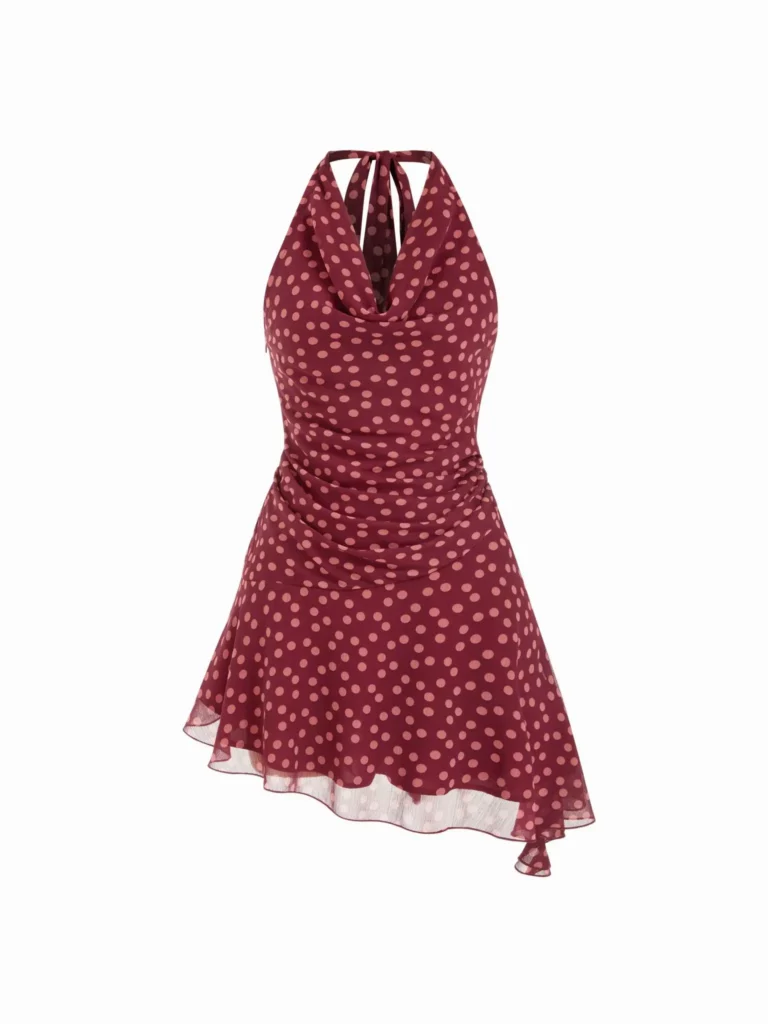
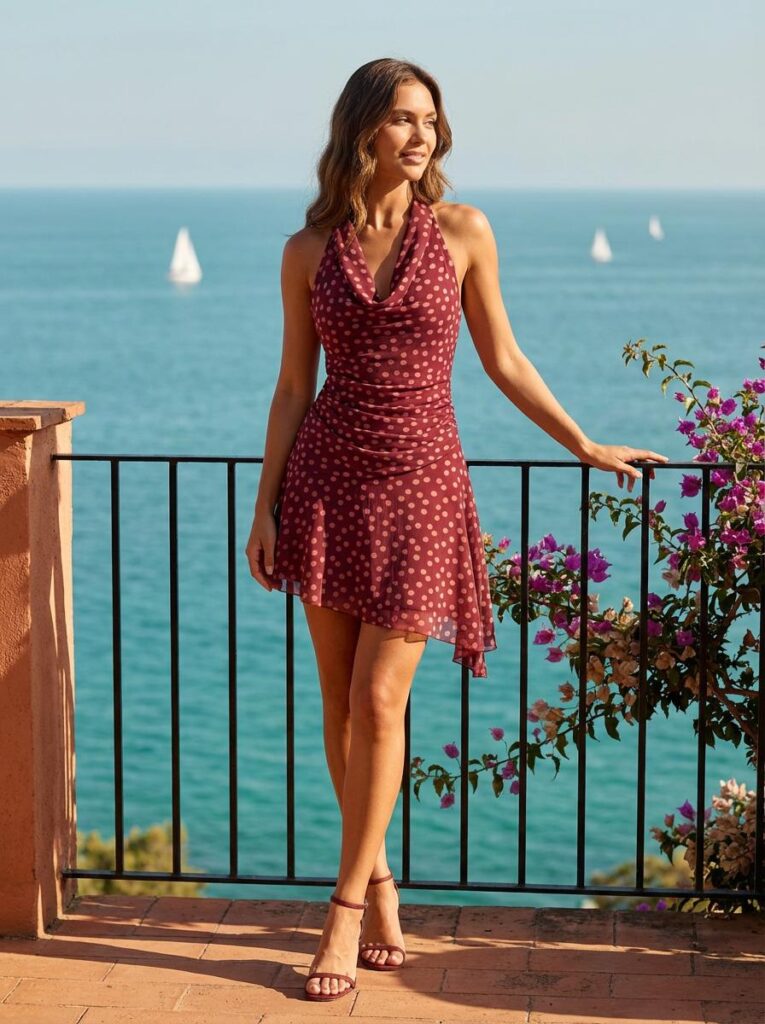
The AI Outfit Changer Makes Styling Feel Playful
Sometimes, you already love the clothing. However, you may not know which style suits it best.
For example, a cream dress could become a soft garden look. Meanwhile, the same dress could work in a western road-trip scene. It could even become part of a clean studio campaign.
Therefore, you do not need to choose one direction too early. Instead, you can create several versions and keep the one that feels most natural.
👗 Seven AI Outfit Changer Ideas Worth Saving
You do not need a complex plan to start. First, choose one clothing image with a clear shape and color. Then, use these seven ideas to discover how many looks it can create.
1. Use an AI Outfit Changer to Create Three Moods
Start with one dress and build three different moods.
For example, the first image could feel soft and romantic. Next, the second could look clean and modern. Finally, the third could have a stronger editorial style.
Keep the main garment the same. However, change the background, pose, lighting, and overall mood.
As a result, the three images will feel connected without looking repetitive. This format also works well for a social media carousel.
2. Try the Same Outfit on Different Models
Different people bring different energy to the same clothing. Therefore, using only one model may limit how viewers imagine the garment.
An AI Outfit Changer can help you place the same outfit on different body types, ages, and personal styles. For example, you could show one matching set on a petite model, a curvy model, and an athletic model.
Meanwhile, keep the lighting and background similar. This makes the group feel more thoughtful and consistent.
As a result, more viewers may connect with the clothing. In addition, the image set can feel much richer than a single product shot.
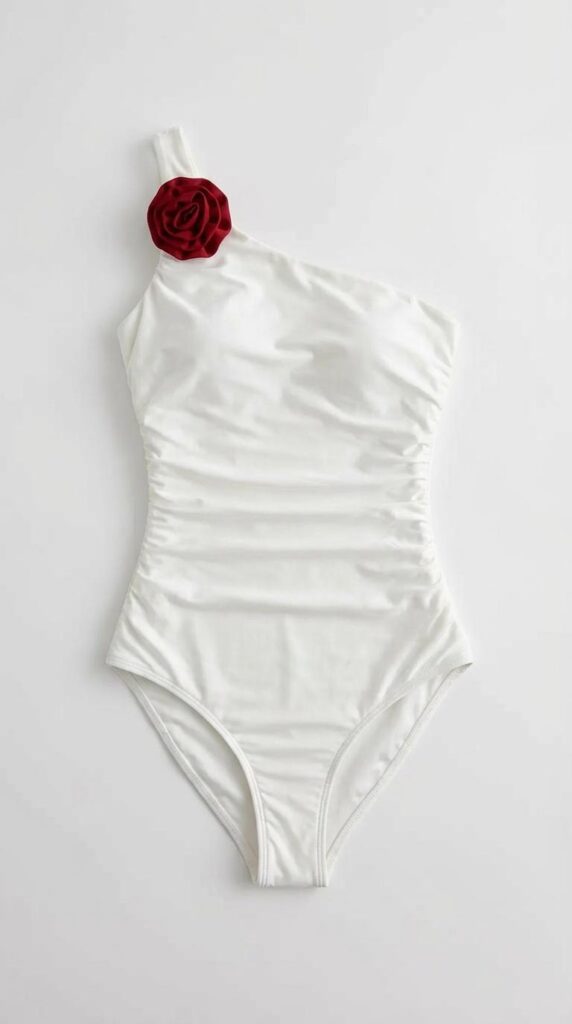
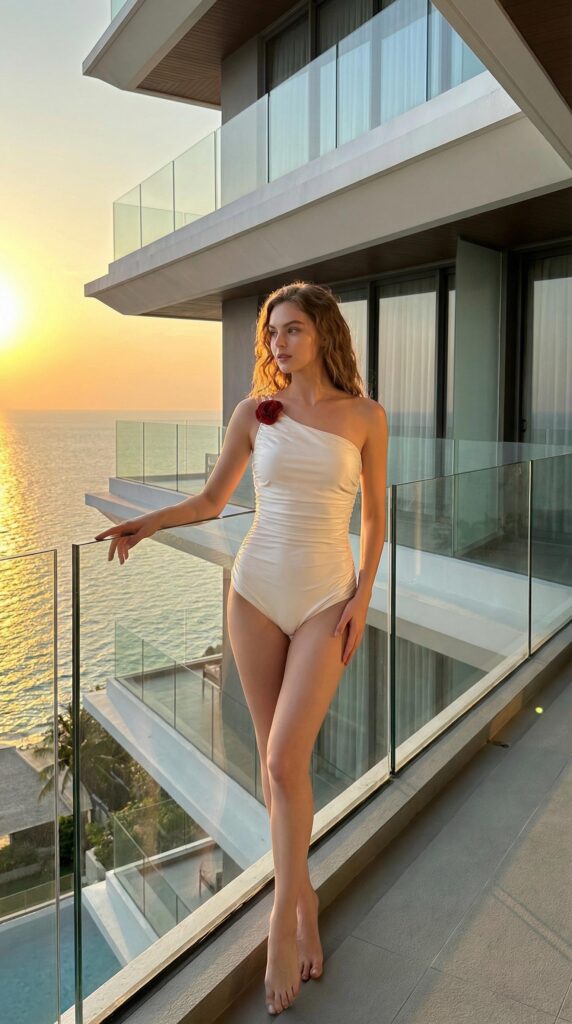
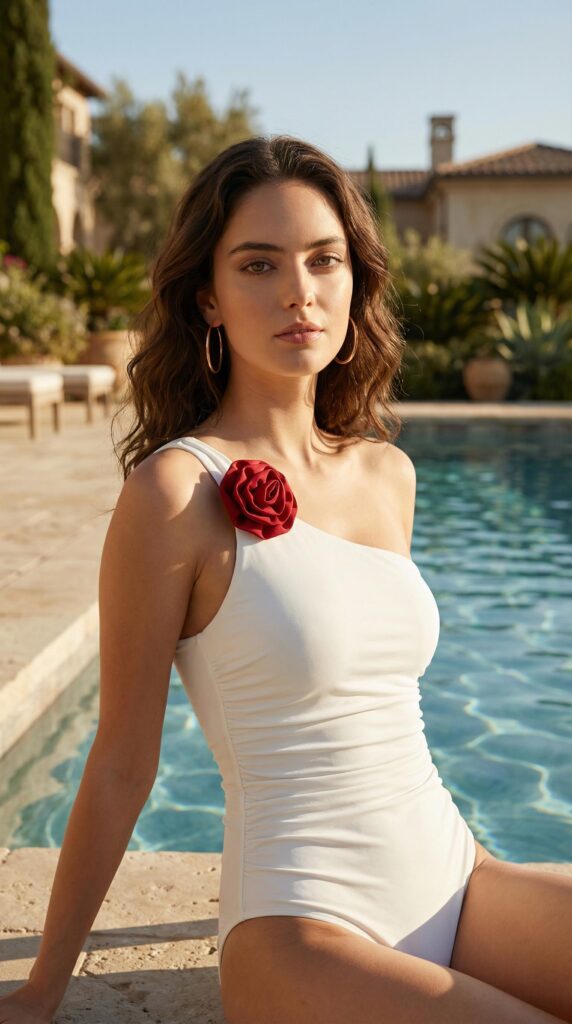
3. Build a “One Item, Three Outfits” Post
“One item, three outfits” posts are easy to understand. More importantly, they give viewers useful styling ideas.
First, choose one strong item, such as a blazer or jacket. Then, create a work outfit, a weekend outfit, and a travel outfit.
For the work look, pair it with clean trousers. Next, use jeans and sneakers for the weekend version. Finally, create a relaxed airport look with soft layers.
The key item stays the same. However, each image offers a new reason to love it.
As a result, the clothing feels more useful and easier to style. This format is also perfect for blogs, Pinterest, Instagram, and short fashion videos.
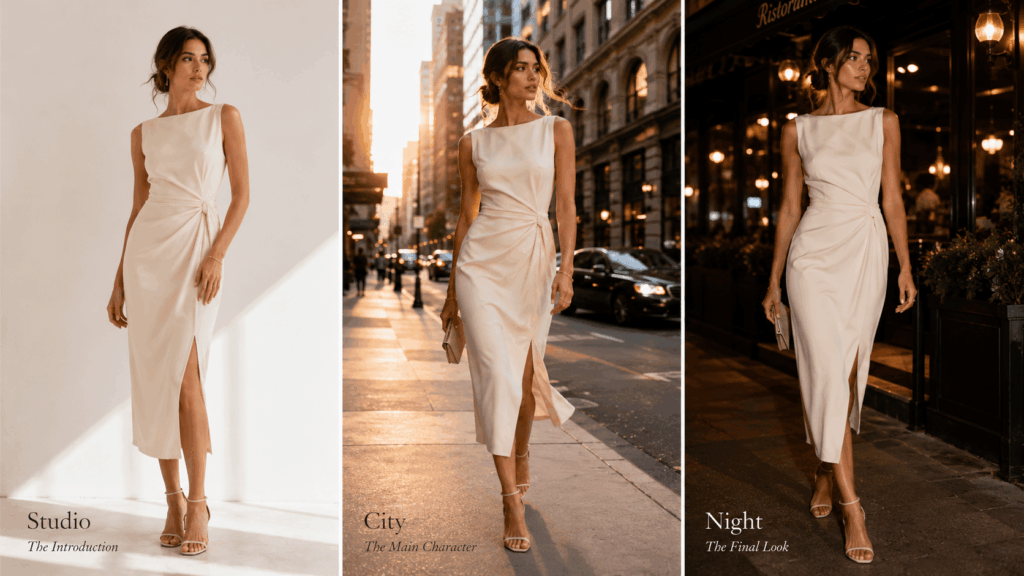
4. Turn One Outfit Into a Fashion Story
One image can show a nice outfit. However, three connected images can tell a full story.
First, begin with a simple studio image. Next, move the same outfit into a city setting. Finally, finish with a stronger campaign-style scene.
Meanwhile, keep the model and garment consistent. This helps the viewer follow the visual journey.
Therefore, the final set feels more like a fashion story than a group of random images. It can work well for a blog feature, campaign preview, social carousel, or visual mood board.
💡 How to Get Better AI Outfit Changer Results
A strong idea matters. However, the source image also plays an important role.
Fortunately, you do not need professional product photography. A few simple choices can make the process much smoother.
Start With a Clear Clothing Image
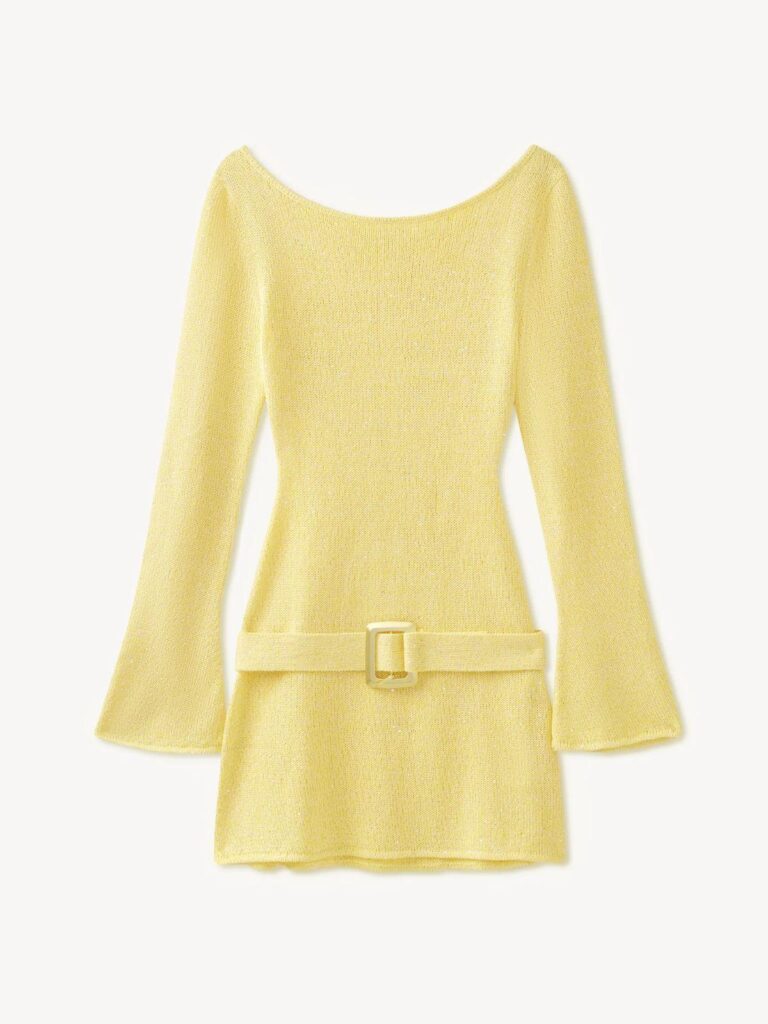
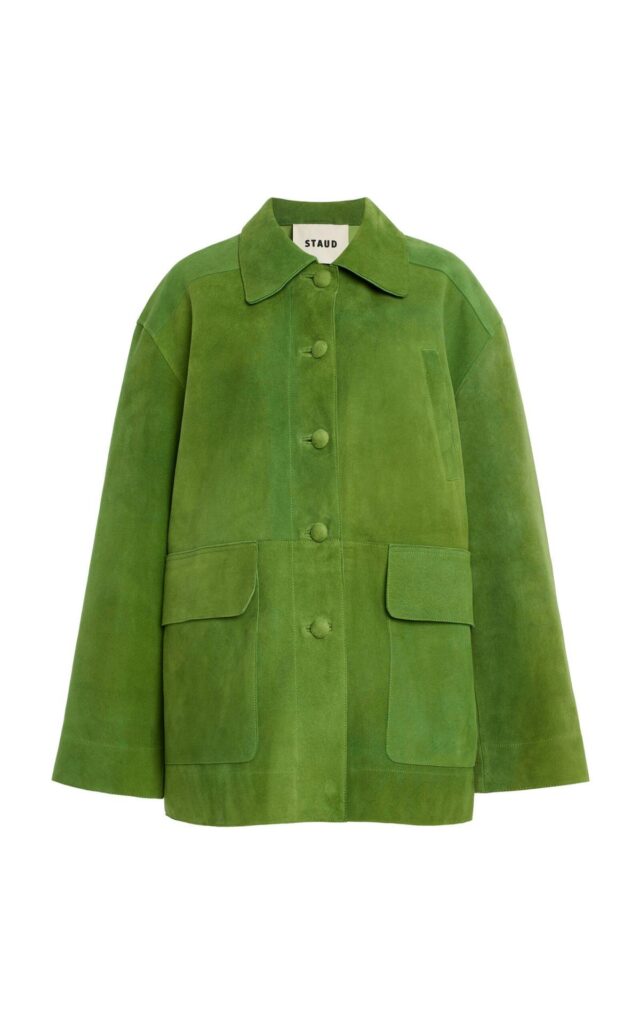
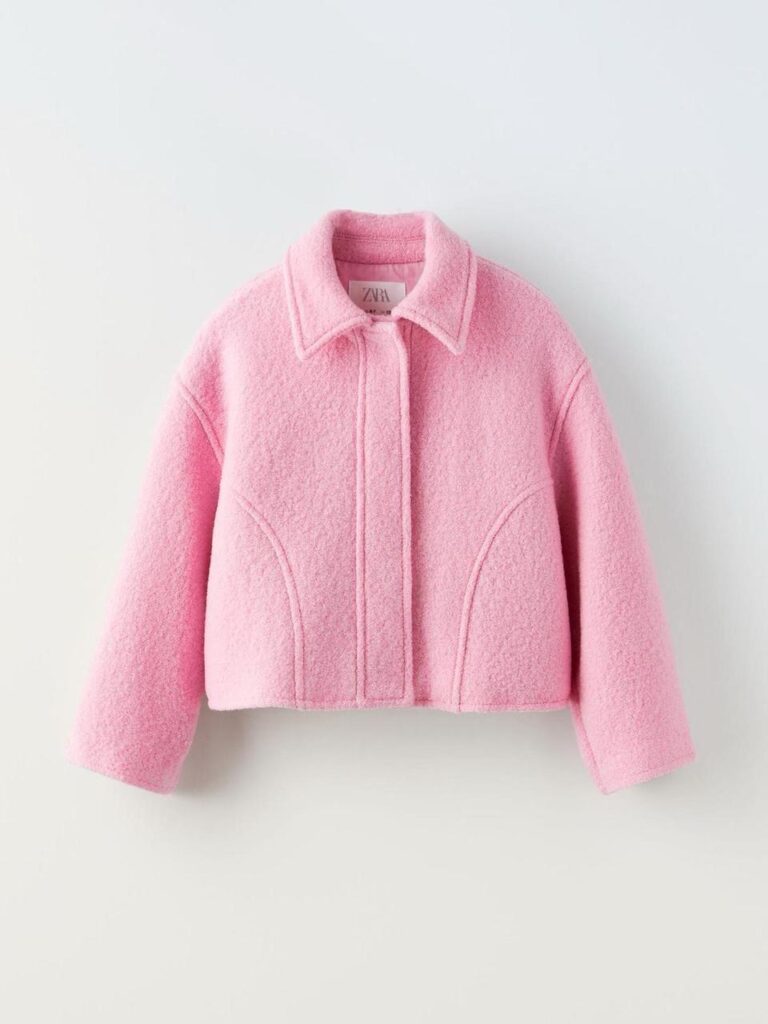
First, choose a photo where the full garment is easy to see. Avoid strong shadows, large folds, or objects that cover the clothing.
In addition, make sure the neckline, sleeves, waist, and hem are visible. Small details such as buttons, straps, prints, and seams should also be clear.
As a result, the AI Outfit Changer has a stronger reference to follow.
Give Each Look One Clear Mood
It can be tempting to change everything at once. However, too many ideas may make the result feel messy.
Instead, choose one simple mood for each image. For example, you could use “soft summer,” “weekend street style,” or “modern workwear.”
Then, match the model, pose, lighting, and setting to that mood.
Therefore, the final image will feel more focused. It will also look more natural.
Match the Model to the Garment
The model should support the clothing. However, the pose should not hide important details.
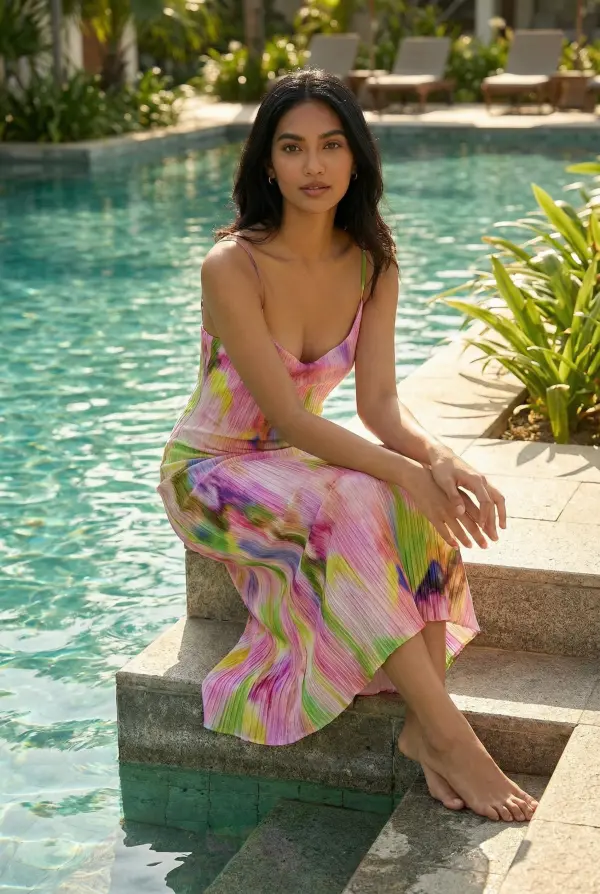
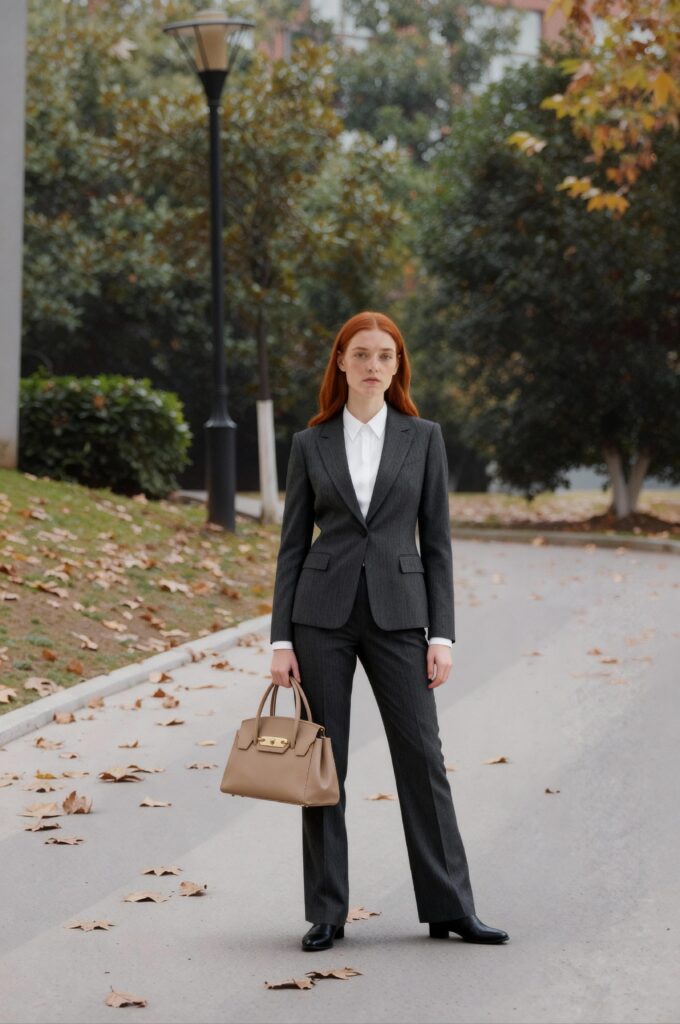
For example, a soft dress may suit a relaxed pose and natural light. Meanwhile, a structured blazer may look better with a confident stance.
Therefore, think about the mood of the garment before choosing a model. A good match can make even a simple outfit feel more convincing.
📸 Who Will Love an AI Outfit Changer?
This tool is useful for fashion brands. However, it can also inspire everyday shoppers, creators, and stylists.
AI Outfit Changer Ideas for Fashion Creators
Fashion creators always need new content. However, buying every outfit is not realistic.
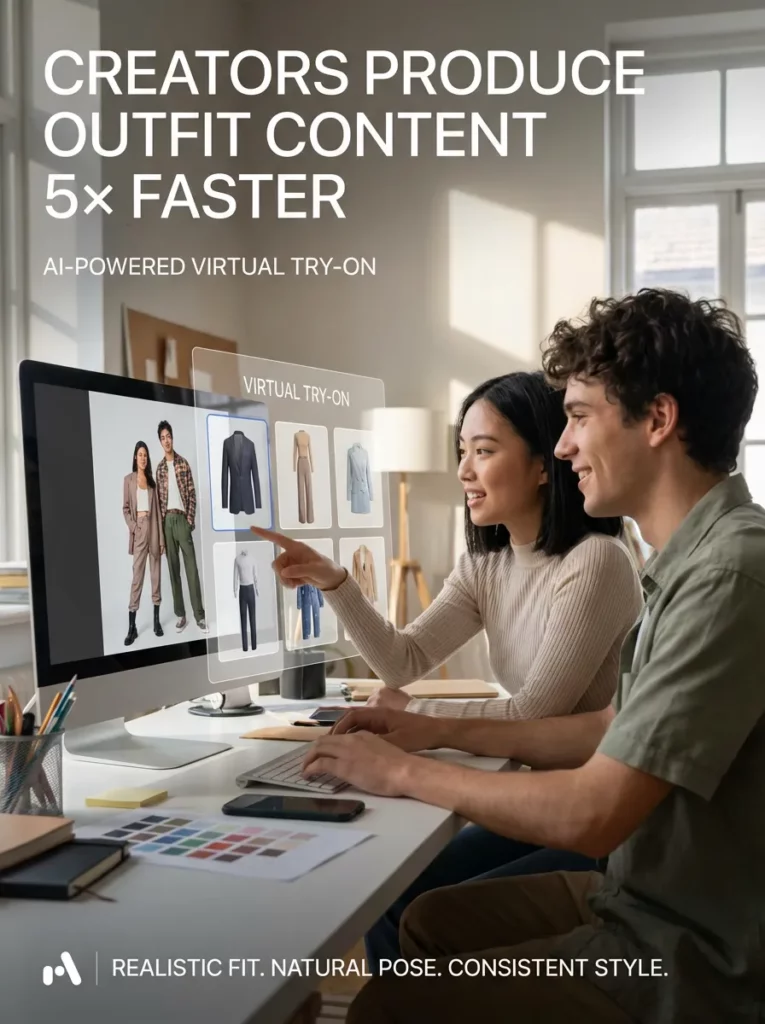
With one clothing photo, creators can build outfit posts, styling boards, and campaign ideas. In addition, the same garment can support several different posts.
As a result, content planning feels faster and less repetitive.
Inspiration for Online Shoppers
Online shoppers often save clothing without knowing how they would wear it.
An AI Outfit Changer can turn that item into a fuller styling idea. Therefore, it becomes easier to see whether the piece matches your wardrobe.
For example, you may discover that a bold top works well with simple trousers. On the other hand, you may decide that the item does not fit your usual style.
Either way, the visual idea makes the choice easier.
Faster Mood Boards for Stylists
Stylists often need to explain an idea before a shoot begins.
Therefore, quick outfit images can make a mood board easier to understand. The team can compare poses, settings, and styling directions in a clear way.
Meanwhile, everyone can see the same visual idea instead of trying to imagine it from words alone.

❓ AI Outfit Changer FAQ
Can an AI Outfit Changer Keep the Original Clothing Design?
A clear source image can help preserve the main shape, color, and style. However, you should still check small details such as prints, straps, buttons, and seams.
What Clothing Photos Work Best?
Front-facing product photos and clean flat-lay images usually work well. In addition, the full garment should remain visible.
Can I Use the Results for Social Media?
Yes. You can use the images for outfit inspiration, styling posts, fashion carousels, mood boards, and campaign ideas. However, remember to choose the right image size for each platform.
🌟 Final Thoughts: Let One Clothing Photo Go Further
A saved clothing image does not have to stay a simple product photo. With an AI Outfit Changer, it can become a city outfit, a holiday look, a workwear idea, or a complete fashion story.
More importantly, the process removes the pressure to get everything right at once. You can explore several moods, compare the results, and save only the ideas you truly like.
Therefore, the real appeal is not simply changing clothes in an image. It is discovering how many new ideas can begin with one good garment.
Go to WeShop AI For Exploration: