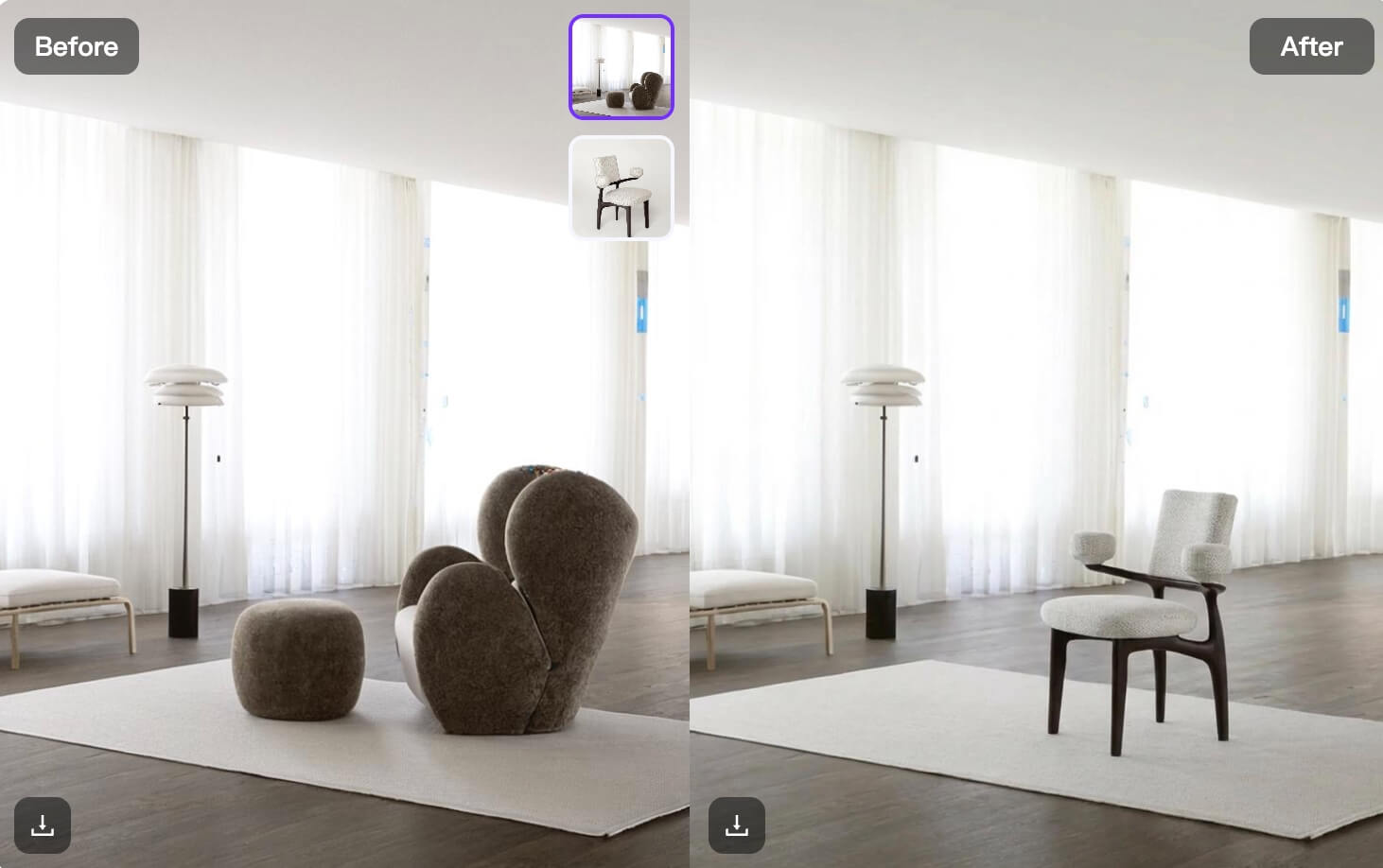
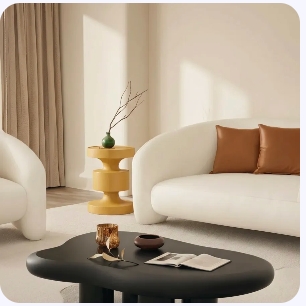
Two photos can look great on their own and still feel wrong when placed together. One may have warm light, while the other feels cold. One may look polished, while the other feels casual. An AI Image Combiner can solve more than this surface mismatch. More importantly, it can turn separate visual ideas into one clear story.
Instead of cutting, masking, and adjusting every detail by hand, you can bring two source images into one workflow and explain how they should connect. However, the best result still begins with a strong idea. A good combination is not simply “photo A plus photo B.” It is one image with one purpose.
🎯 Start With One Visual Decision
Before you upload anything, finish this sentence:
“I want to combine these images so that the final visual shows ______.”
For example, your answer might be “a skincare product in a calm morning routine” or “the same outfit in a dramatic city setting.” Because the goal is clear, every later choice becomes easier.
AI Image Combiner Rule 1: Choose the Hero
Every final image needs one clear hero. It could be a product, a person, a place, or one strong detail.
If both source images fight for attention, the result may feel crowded. Therefore, choose which image provides the main subject. Then, let the second image provide context, mood, texture, or a new setting.
For instance, the product photo can be the hero, while the second image supplies the environment. Alternatively, a portrait can be the hero, while a fashion reference supplies color and styling direction.
AI Image Combiner Rule 2: Define the Relationship
Do not tell the tool only what the images contain. Instead, explain how they should connect.
A weak instruction says, “Combine these two photos.”
A stronger instruction says, “Place the handbag from the first image on the café table in the second image. Match the warm afternoon light and keep the bag shape, color, and logo unchanged.”
The second version creates a clear relationship. Therefore, it gives the AI Image Combiner a more useful job.
👀 Why Two Good Photos Can Still Look Wrong Together
Most weak combinations are not caused by bad image quality. Instead, they fail because the images do not share the same visual logic.
For example, imagine a clean perfume bottle photographed in a white studio. Then, imagine a dark hotel room at night. Both images may be beautiful. However, if you merge them without a clear direction, the result may feel pasted together.
The Hidden Problem Is Visual Conflict
First, the light may come from different directions. Next, the scale may feel strange. In addition, the camera angles may not match. Therefore, the viewer notices the edit before they notice the idea.
A successful image combination needs one shared system. The subject, background, light, mood, and camera should support the same message.
How an AI Image Combiner Creates Visual Unity
An AI Image Combiner can help connect the main elements and make the transition between them feel smoother. As a result, creators can spend less time on basic assembly and more time choosing the right direction.
Still, automation does not replace taste. The tool can connect the images, but you must decide why they belong together.
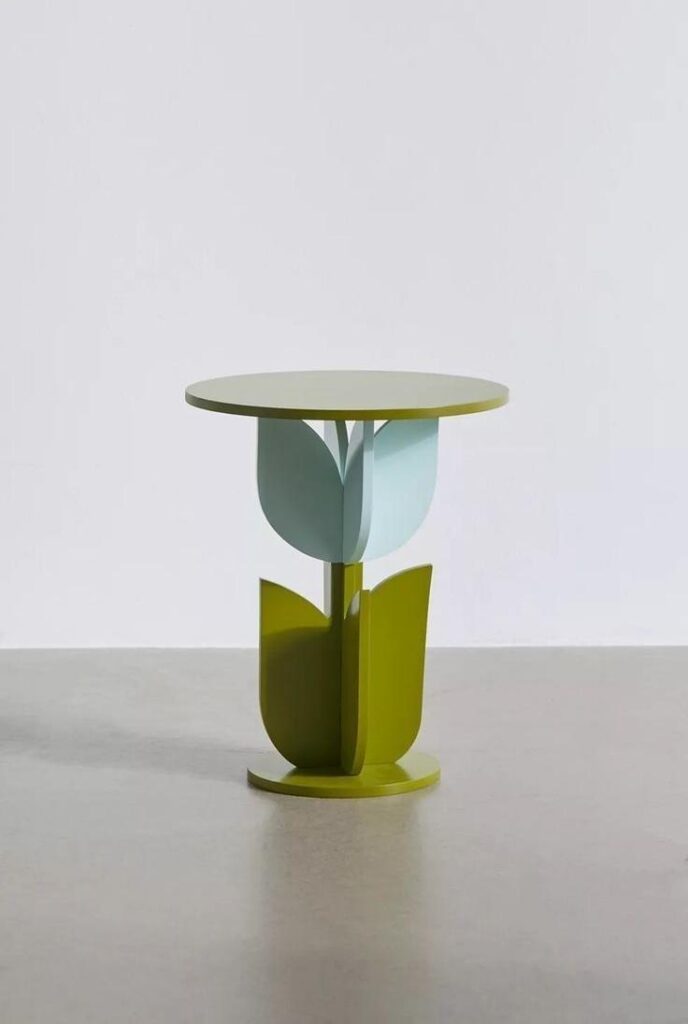
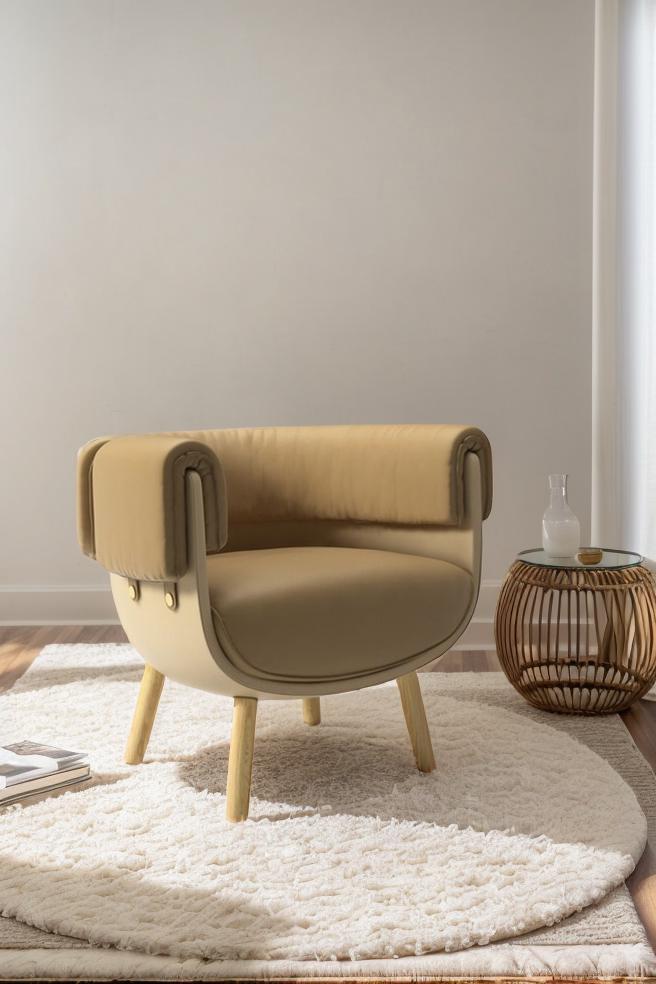
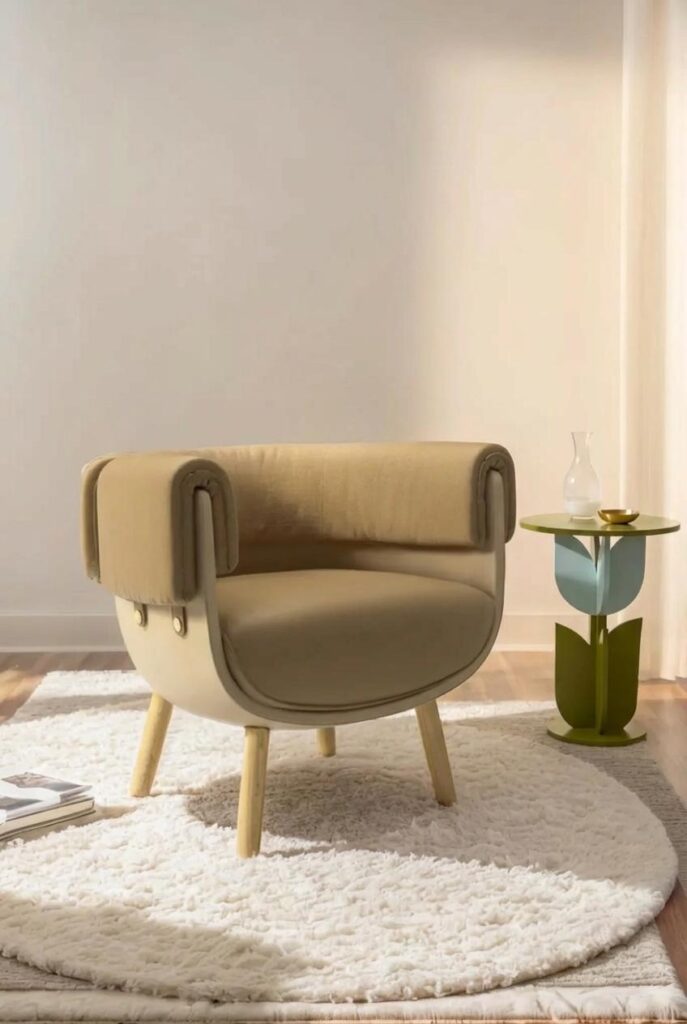
🧩 A Four-Step AI Image Combiner Workflow
A simple workflow often gives better results than a long, complicated prompt. Moreover, it is easier to repeat when you need several visual versions.
Step 1: Choose Images With One Shared Detail
Start with images that already have something in common. They may share a similar camera angle, light direction, color family, or mood.
However, the match does not need to be perfect. One clear connection is often enough. For example, two images may both use soft side light. Even if the settings differ, that shared light can help the final image feel believable.
Step 2: Tell the AI Image Combiner What to Keep
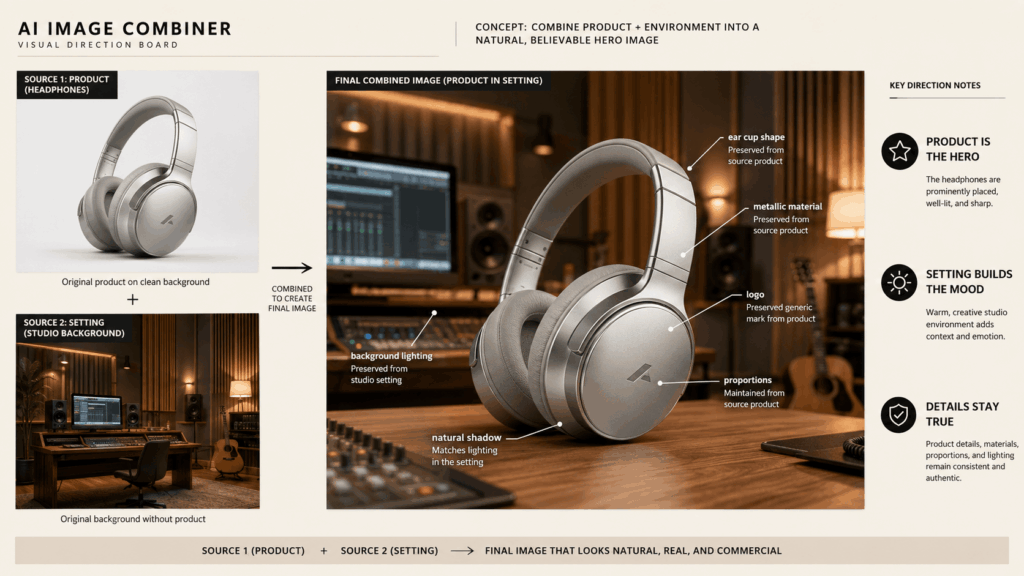
Next, list the details that must stay accurate. For a product, this may include shape, label, color, material, and proportions. For a person, it may include facial features, hairstyle, outfit, and pose.
This step matters because creative blending can change details that are important to the source. Therefore, use direct language such as “keep the bottle design unchanged” or “preserve the person’s face and clothing.”
Step 3: Change Only One Major Thing
It is tempting to change the background, pose, camera, light, styling, and season at the same time. However, too many changes can reduce control.
Instead, choose one major transformation for each generation. For example, move the product into a new setting first. Then, create a second version with different lighting. As a result, you can compare the changes and see what improved the image.
Step 4: Review the Result as a Viewer
Finally, stop looking at the image like an editor. Look at it like someone scrolling quickly.
Ask three simple questions:
- What do I notice first?
- Does anything feel pasted in?
- Can I understand the idea in two seconds?
If the answer is unclear, simplify the composition. Often, removing one detail is more useful than adding another prompt line.
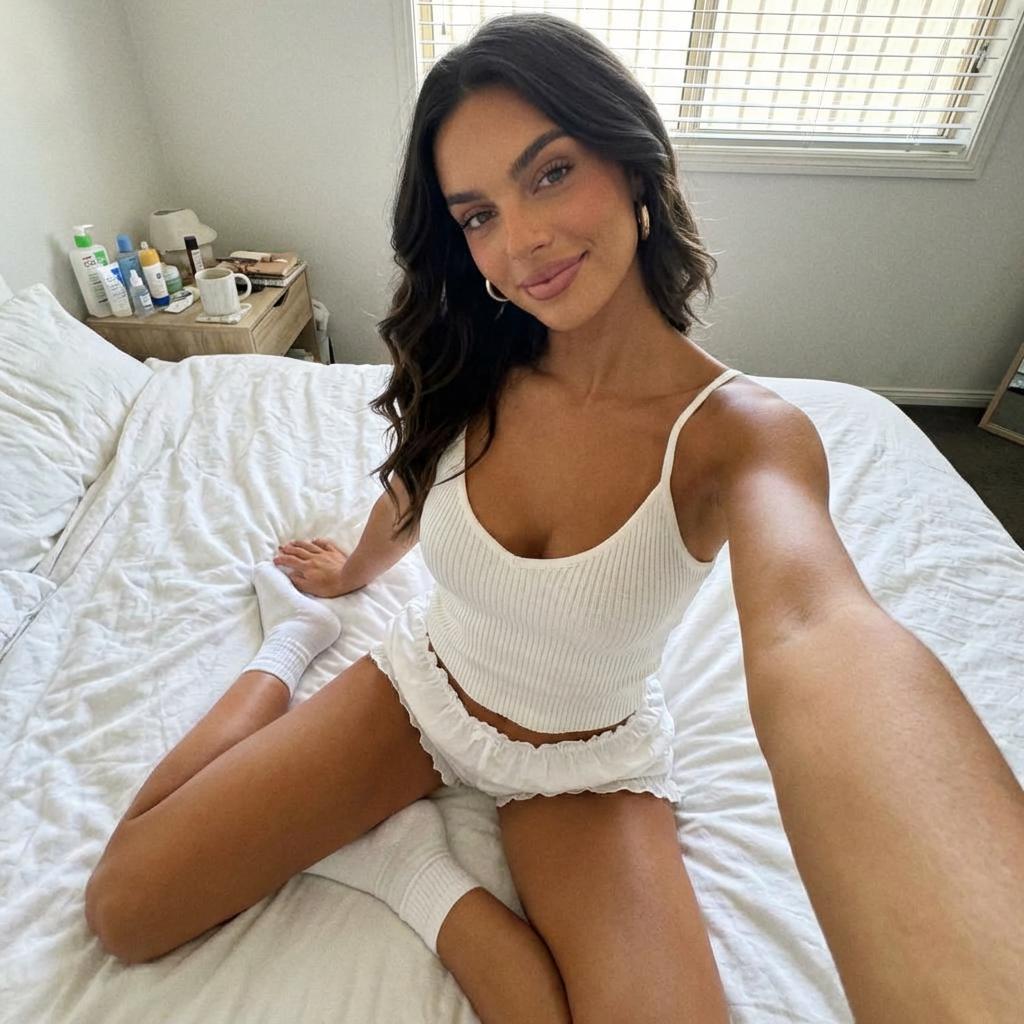
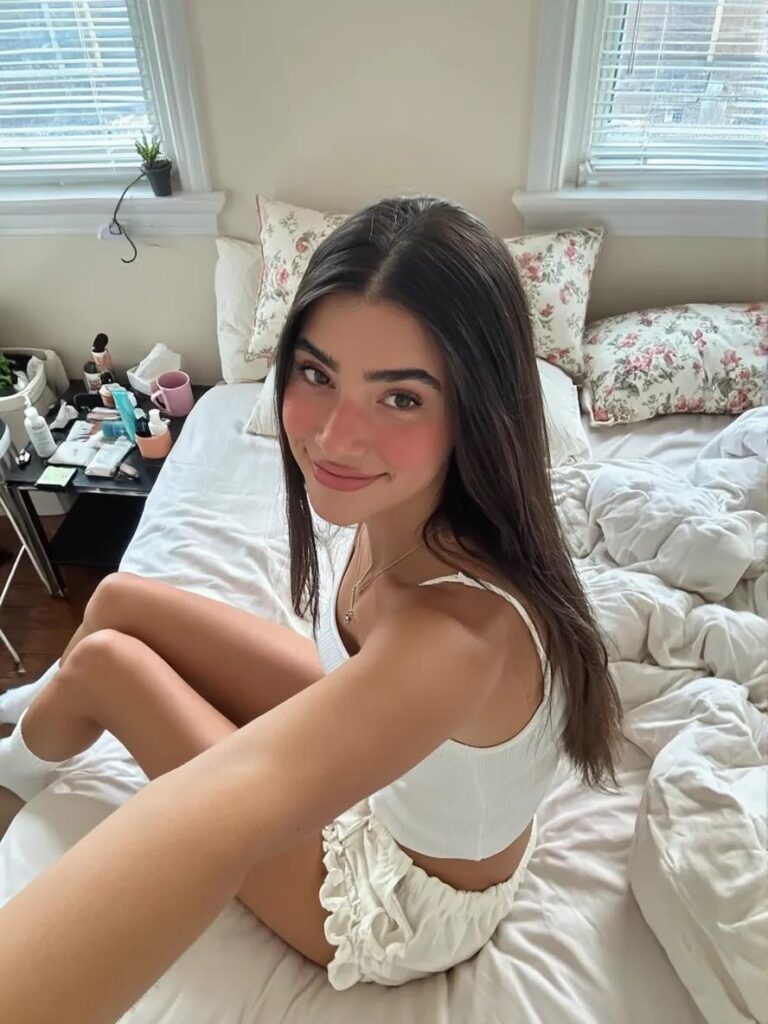
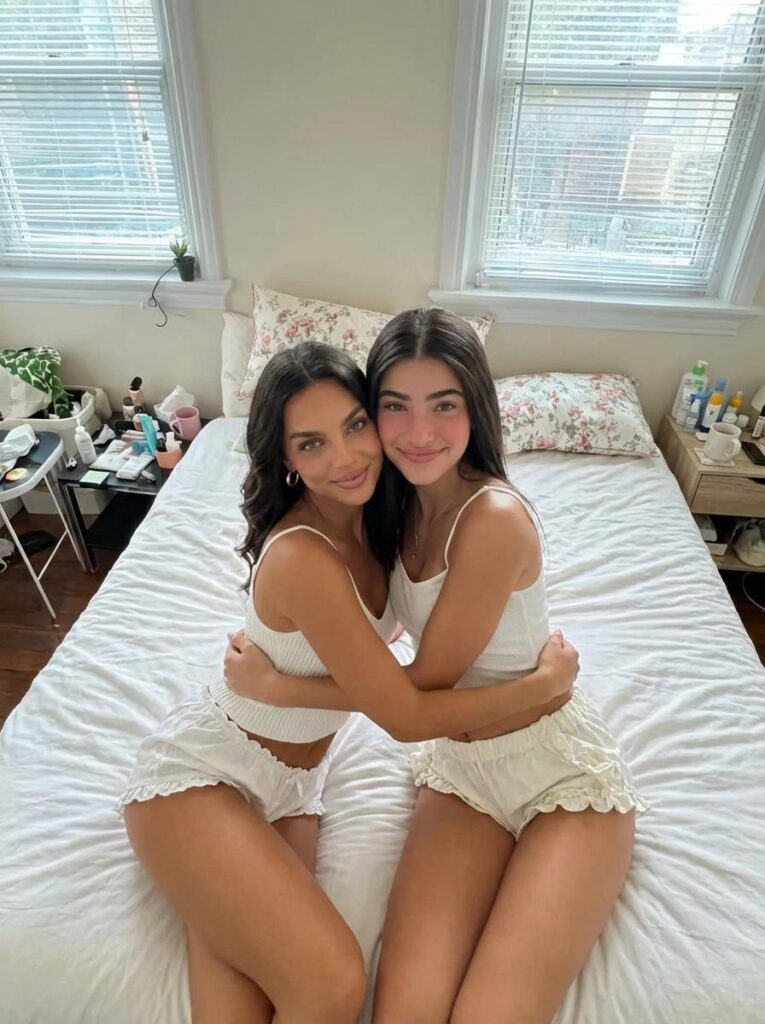
✍️ How to Write Better AI Image Combiner Prompts
A useful prompt does not need to sound technical. Instead, it should explain the subject, the relationship, the protected details, and the final mood.
A Simple Prompt Formula
Use this structure:
“Take [main subject] from image one and place or blend it into [setting or element] from image two. Keep [important details] unchanged. Match [light, angle, color, or mood]. Create a [type of final image].”
Because this formula is clear, it can work across many creative tasks.
AI Image Combiner Prompt for Product Photography
“Place the white sneaker from image one on the concrete steps from image two. Keep the shoe shape, stitching, sole, and logo unchanged. Match the soft morning light and natural shadows. Create a clean lifestyle product photo.”
AI Image Combiner Prompt for Social Content
“Blend the portrait from image one with the colorful paper background from image two. Keep the face, hairstyle, and clothing unchanged. Use the background colors as soft graphic shapes around the subject. Create a bright square social post.”
AI Image Combiner Prompt for Concept Testing
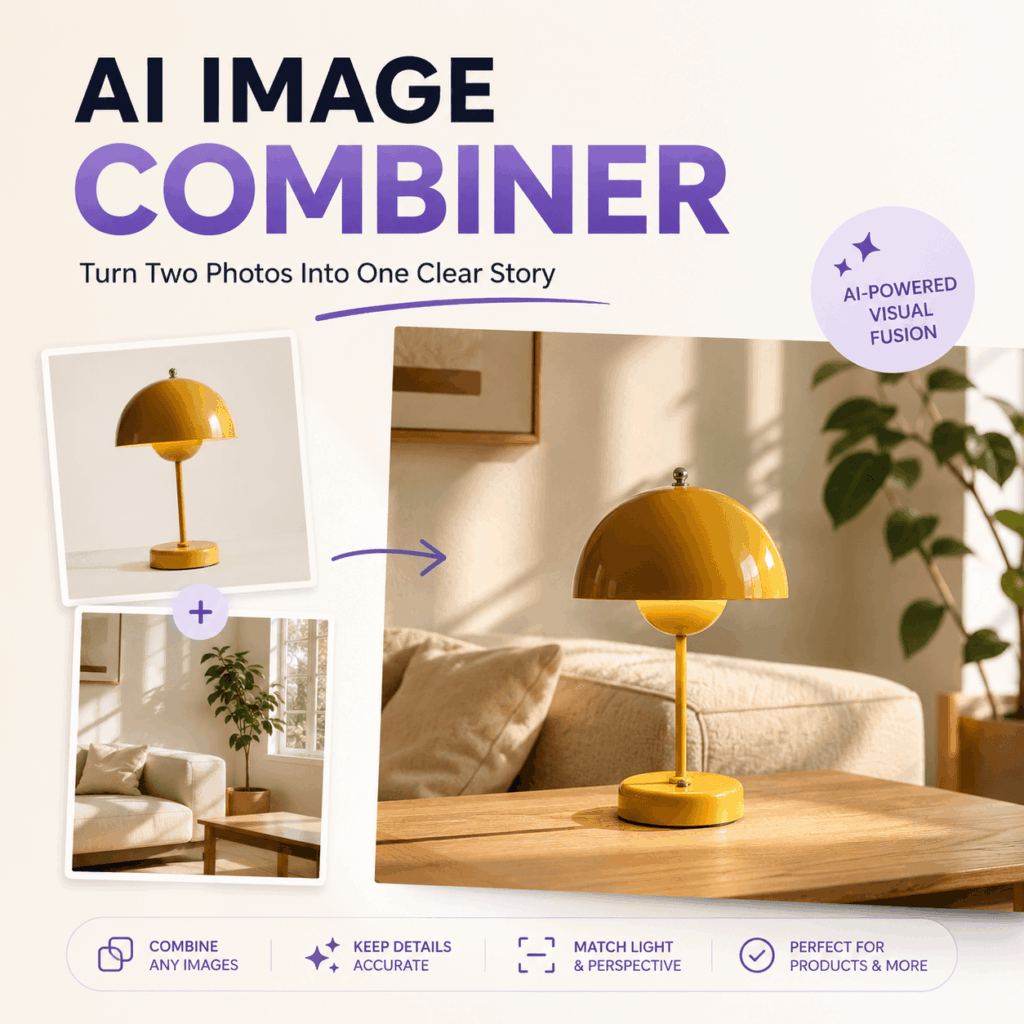
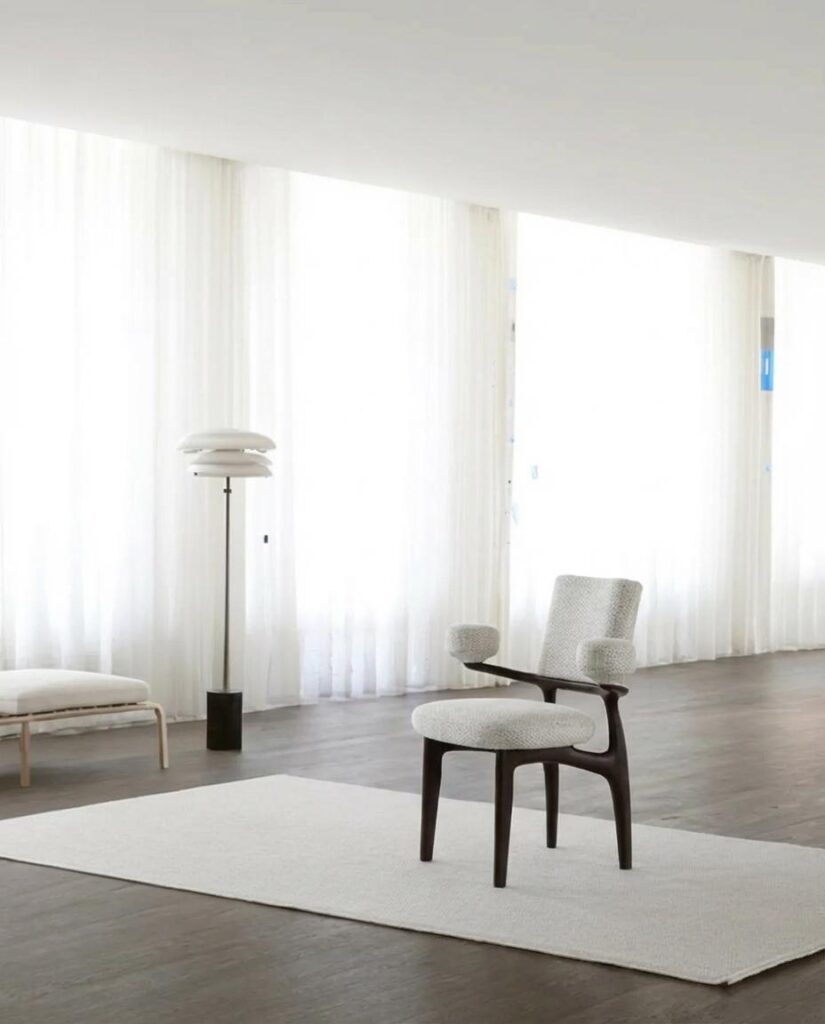
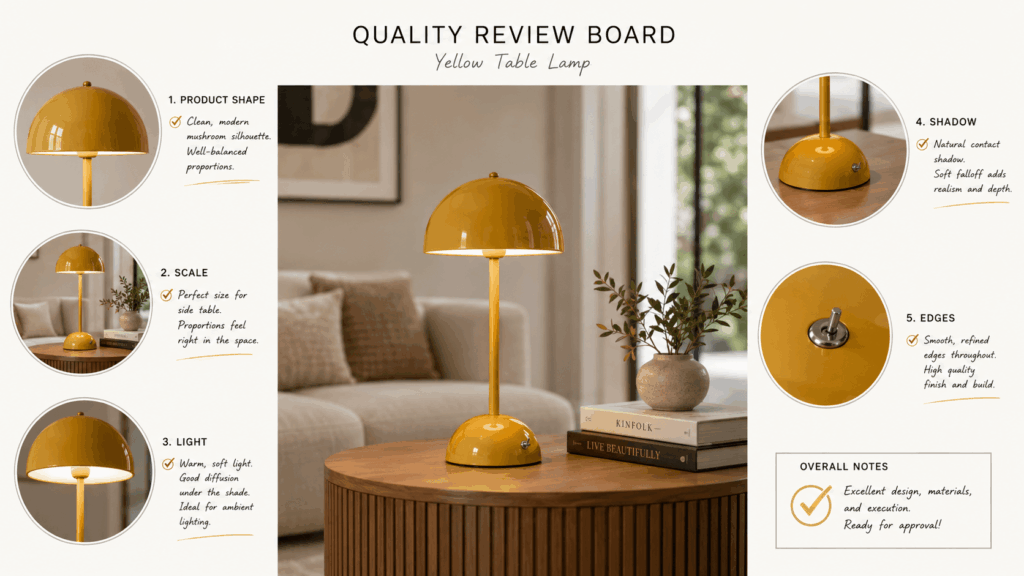
“Place the lamp from image one inside the modern living room from image two. Keep the lamp design and material accurate. Match the room perspective and warm evening light. Create a realistic interior campaign preview.”
Notice that each prompt protects the main subject. Meanwhile, it also explains what the second image contributes.
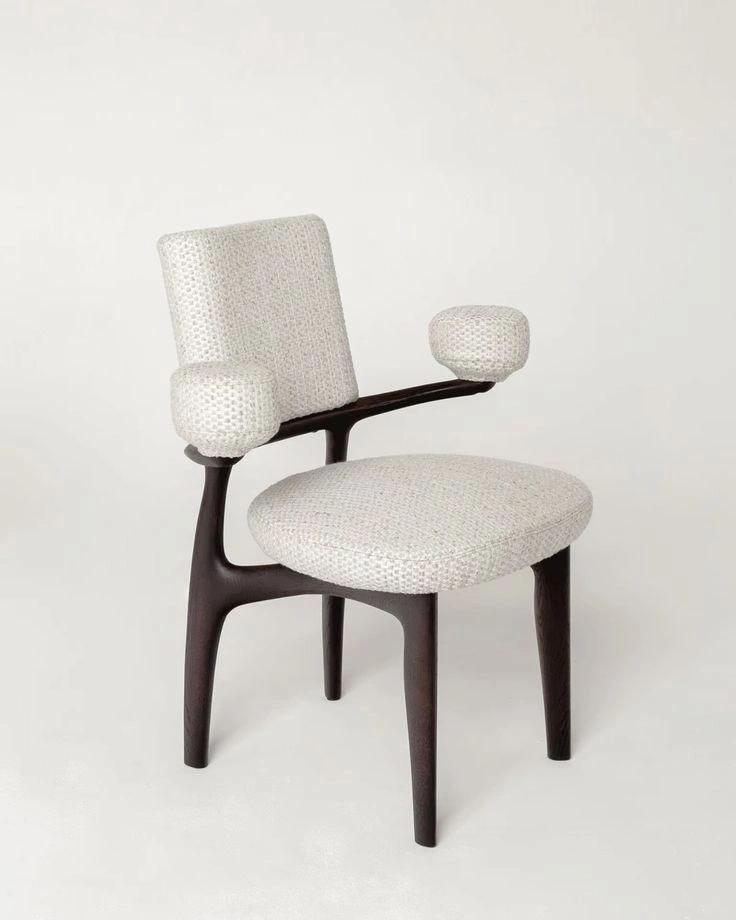
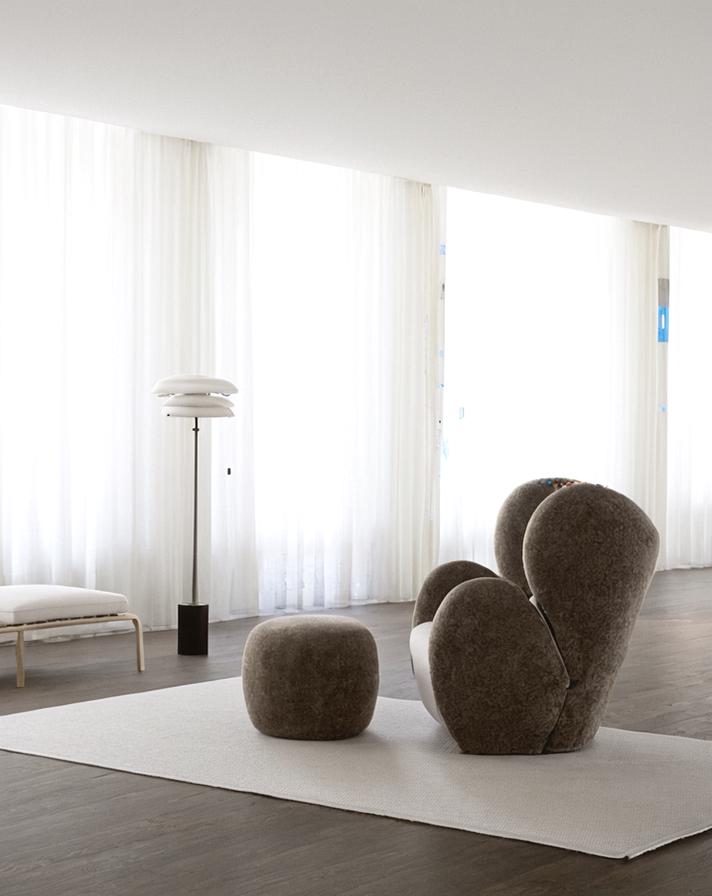
🛍️ Practical Uses Beyond a Basic Collage
A collage displays several images together. In contrast, image fusion tries to make separate sources feel like one visual world.
Product and Lifestyle Fusion
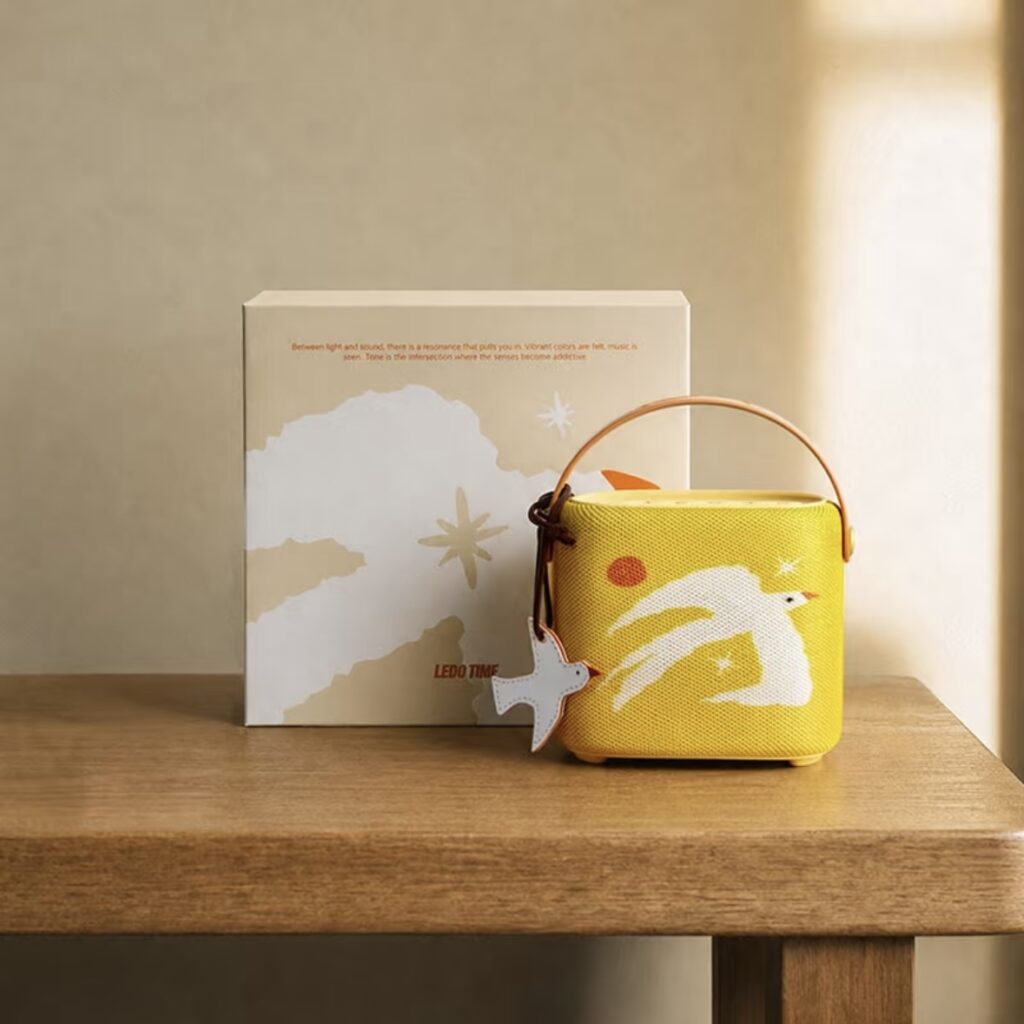
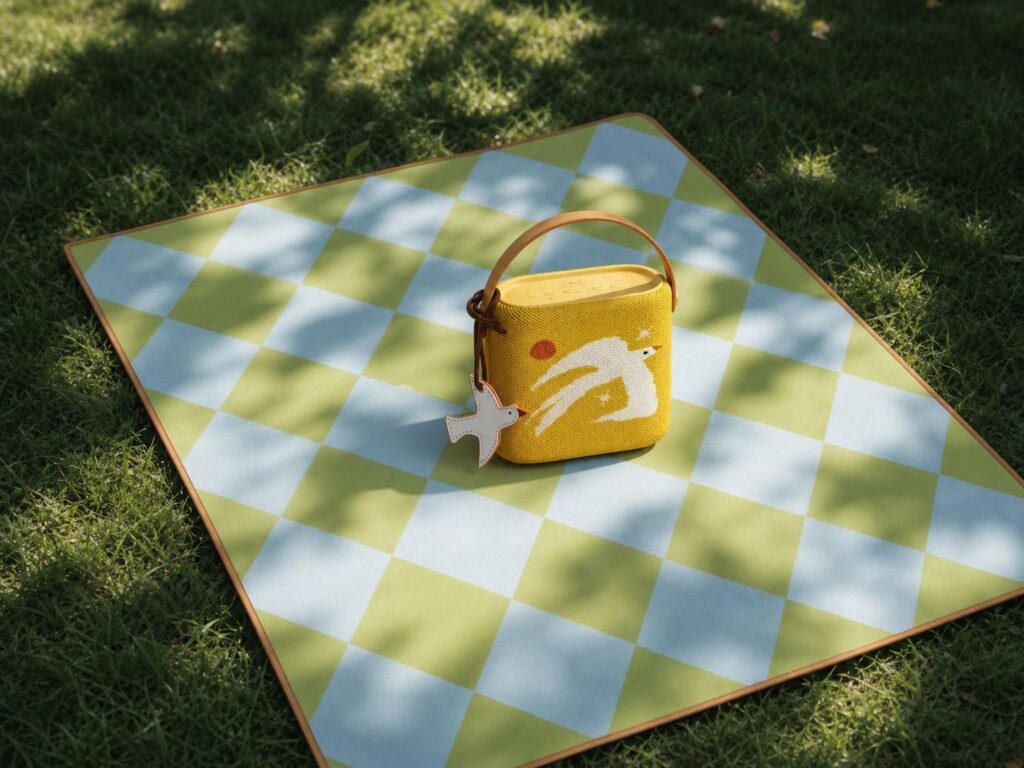
Ecommerce teams can combine a clean product photo with a lifestyle setting. Therefore, one studio image can support several campaign ideas, seasonal scenes, or audience moods.
For example, the same water bottle could appear in a gym, on a hiking trail, or inside a bright office. However, the product should remain consistent in every version.
AI Image Combiner for Fast Campaign Concepts
Marketing teams often need to test an idea before approving a full production. In that case, an AI Image Combiner can turn a product photo and a reference setting into a quick concept image.
As a result, the team can discuss the scene, light, and layout with something more useful than a written brief. The concept does not need to be the final ad. Instead, it becomes a visual decision tool.
Portrait and Environment Storytelling
Creators can also place a portrait into a setting that adds context. For instance, a simple studio portrait can become a travel poster, music cover, or editorial scene.
Still, the environment should support the person rather than hide them. Therefore, keep the background simple when the face is the main focus.
Product Comparison Visuals
Sometimes, the goal is clarity rather than fantasy. You may want to show two product versions in one consistent frame.
In this case, match the scale, camera angle, and spacing. In addition, keep the background quiet. The result should help viewers compare, not search for the differences.
🚫 Common AI Image Combiner Mistakes
The tool may be simple to use. However, several habits can still lead to weak results.
Trying to Merge Every Interesting Detail
More details do not always create a richer image. Instead, they often create visual noise.
Choose one hero, one setting, and one mood. Then, remove anything that does not support them.
Using Weak Source Images
AI can improve the connection between images, but it cannot fully recover missing product details or a heavily blurred face. Therefore, begin with clear source images whenever possible.
In addition, avoid extreme crops around the main subject. A little space gives the tool more visual information to work with.
Describing Style but Not Structure
Words such as “cinematic,” “premium,” and “beautiful” can guide the mood. However, they do not explain where the subject belongs or what should remain unchanged.
Therefore, describe the structure first. Then, add the style.
Accepting the First Result
The first output is useful feedback, not always the final answer. Look for one problem, revise one instruction, and generate again.
For example, if the product feels too small, change only the scale instruction. If the light feels wrong, adjust only the light direction. This controlled process is often faster than rewriting the whole prompt.
💡 Why an AI Image Combiner Fits Modern Content Work
Content teams rarely need only one image. Instead, they need versions for product pages, ads, social posts, thumbnails, emails, and presentations.
An AI Image Combiner makes early visual testing easier because it brings separate ideas together without a long manual editing process. More importantly, the workflow supports fast decisions. You can test a scene, review the result, and improve one detail at a time.
Therefore, creative work becomes less about building every pixel from zero. Instead, it becomes a process of choosing, testing, and refining the strongest direction.
Final Thoughts
The best image combinations do not look like two photos pushed together. Instead, they feel like one idea that could not exist without both sources.
An AI Image Combiner helps close the gap between imagination and execution. However, it works best when your direction is simple. Choose one hero. Define the relationship. Protect the important details. Then, review the result with fresh eyes.
When the visual story is clear, the technology becomes almost invisible. And that is when two separate images finally become one strong image.
Go to WeShop AI For Exploration: