

An AI Full Body Generator solves a practical visual problem. You may already have a strong selfie, portrait, or fashion idea, but you still need a complete head-to-toe image. Instead of stopping at the face, the tool lets you define the pose, outfit, footwear, setting, lighting, and final framing in one brief.
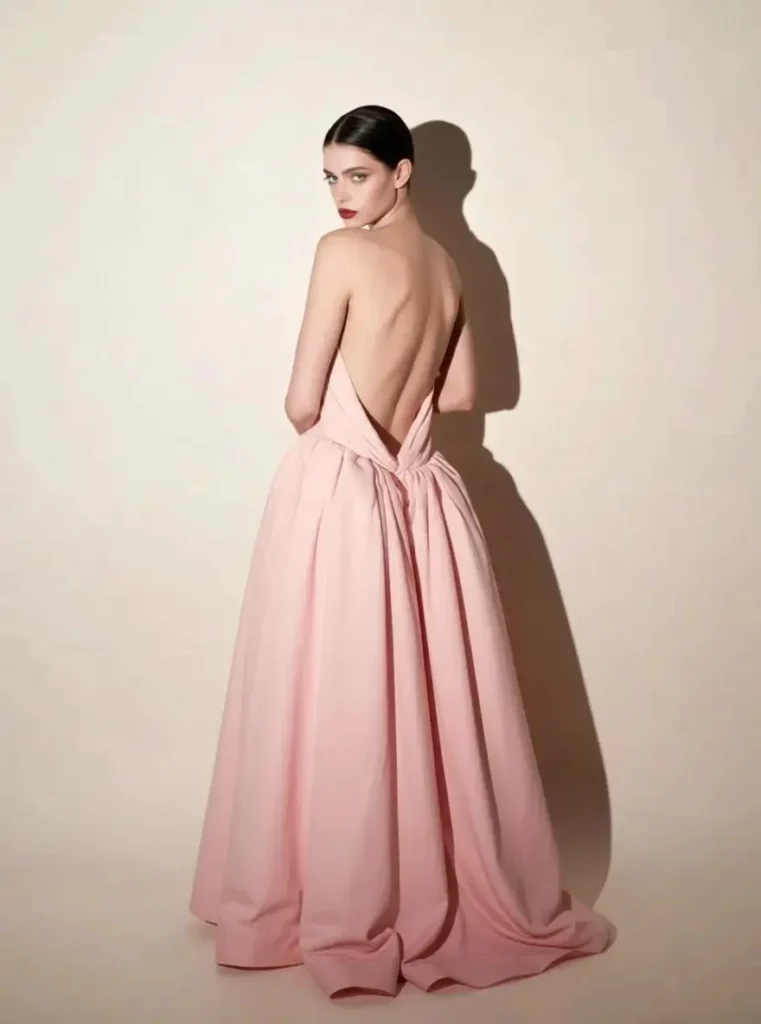
That difference matters because a full-body image carries more information. It shows how clothing falls, how a person stands, and how the whole scene feels. Therefore, it can become useful for a lookbook concept, campaign draft, social post, thumbnail, or creator profile.
WeShop AI Full Body Generator is especially valuable in two situations: planning fashion visuals before a shoot and building a larger content library from one reference photo. In both cases, the main benefit is not simply “more image.” It is more control over the complete composition.
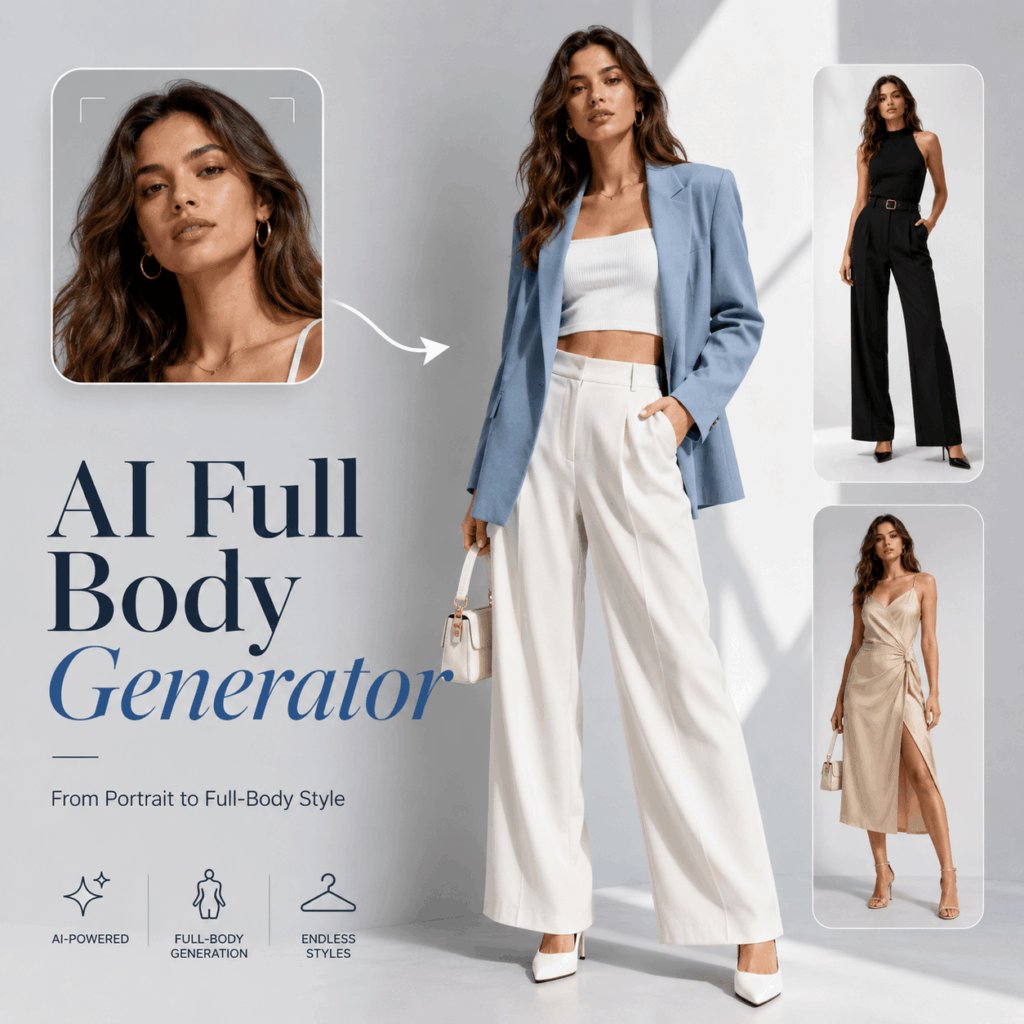
Why Full-Body Framing Changes the Brief
A cropped portrait can show expression and makeup. However, it cannot show a trouser silhouette, a long dress, a pair of shoes, or a walking pose. Those details often decide whether a fashion or lifestyle concept actually works.
A full-body frame also connects the subject to a setting. For example, a simple white outfit can feel like ecommerce content on a clean backdrop, resort content on a balcony, or luxury travel content on a boat. Because the background and pose change the message, creators need a tool that controls the whole image rather than only the face.
The AI Full Body Generator turns those decisions into prompt instructions. You can describe what should remain recognizable, what should change, and how the final image should be framed. As a result, the image becomes easier to plan around a real content goal.
Use Case 1: Build a Fashion Lookbook Before the Shoot
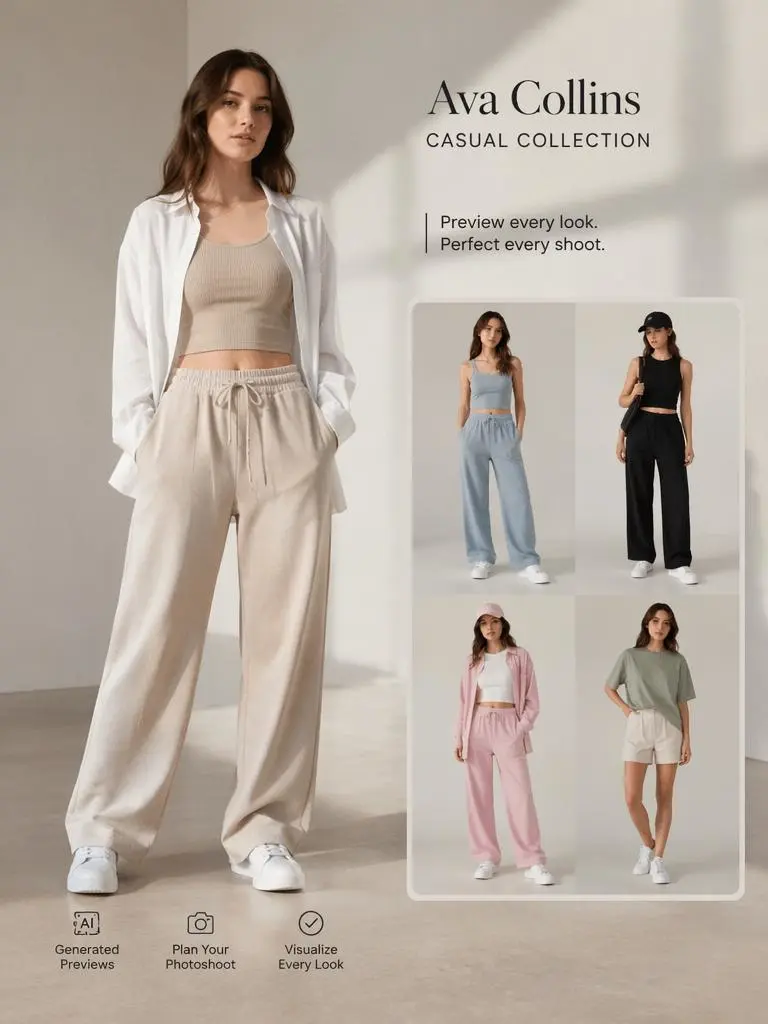
Imagine a small clothing label preparing a casual collection. The team has outfit ideas, color references, and a target mood. However, it does not yet know which combinations deserve a full production budget.
A traditional test shoot requires a model, styling, a location, and time. By contrast, an AI Full Body Generator can help the team preview several visual directions first. The seller can compare relaxed trousers, fitted dresses, streetwear layers, or occasion looks in complete head-to-toe frames.
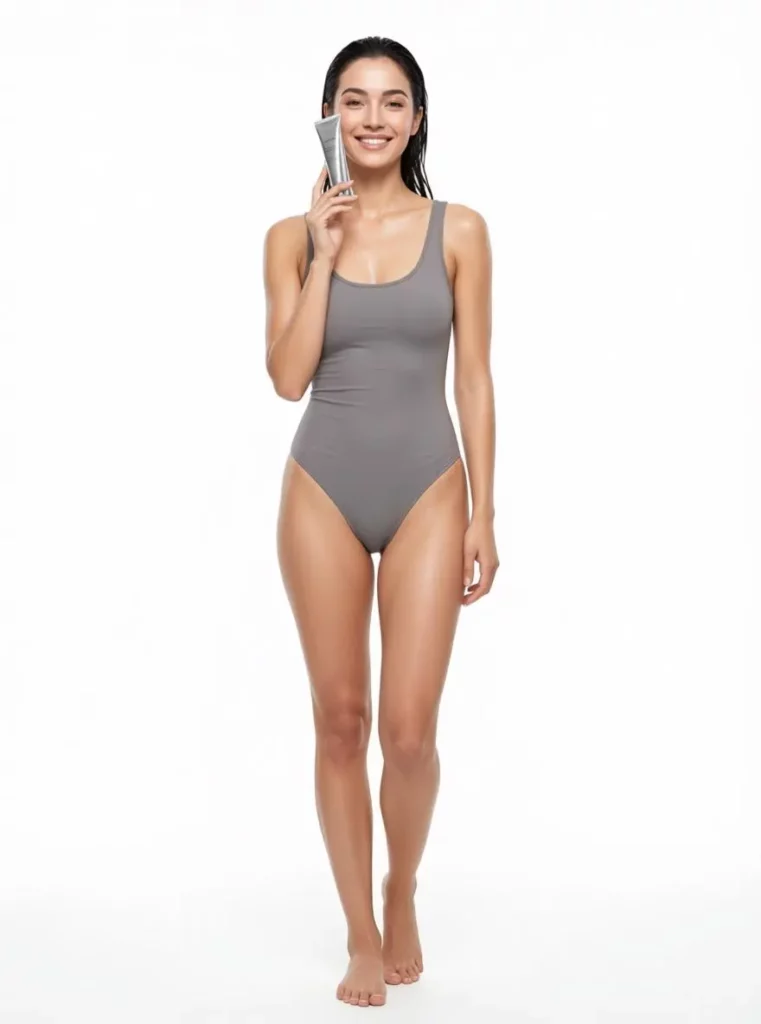
How the AI Full Body Generator Helps Fashion Sellers
The most useful result is not one perfect image. Instead, it is a controlled set that answers practical questions.
Does the outfit read clearly from head to toe? Does the pose suit the garment? Are the shoes helping or distracting? Should the background feel like a studio, a street, or a holiday location?
Because each option can follow the same creative brief, the team can review ideas side by side. Therefore, the tool works well for early lookbook planning, campaign mood boards, and creative testing before a real shoot.
It also helps teams discuss ideas more clearly. Rather than explaining a vague “relaxed summer campaign,” a marketer can show several complete visual options. Designers, photographers, and sellers can then choose a direction before production begins.
A Better Prompt for a Lookbook Concept
Start with the product and silhouette. Then add the model direction, pose, setting, lighting, and framing.
A useful prompt structure could be:
“Full-body fashion editorial of a confident model wearing [outfit details], standing in a relaxed pose, visible shoes, [background], natural soft light, realistic fabric texture, vertical composition, head-to-toe framing.”
Next, change only one or two elements at a time. For example, keep the outfit and model direction stable while testing a studio background, a city street, and a resort setting. This approach makes the results easier to compare.
Still, concept images should not replace product verification. Before publishing a sales image, check the garment shape, seams, colors, and accessories against the real item.
Use Case 2: Turn One Reference Into a Creator Content Set
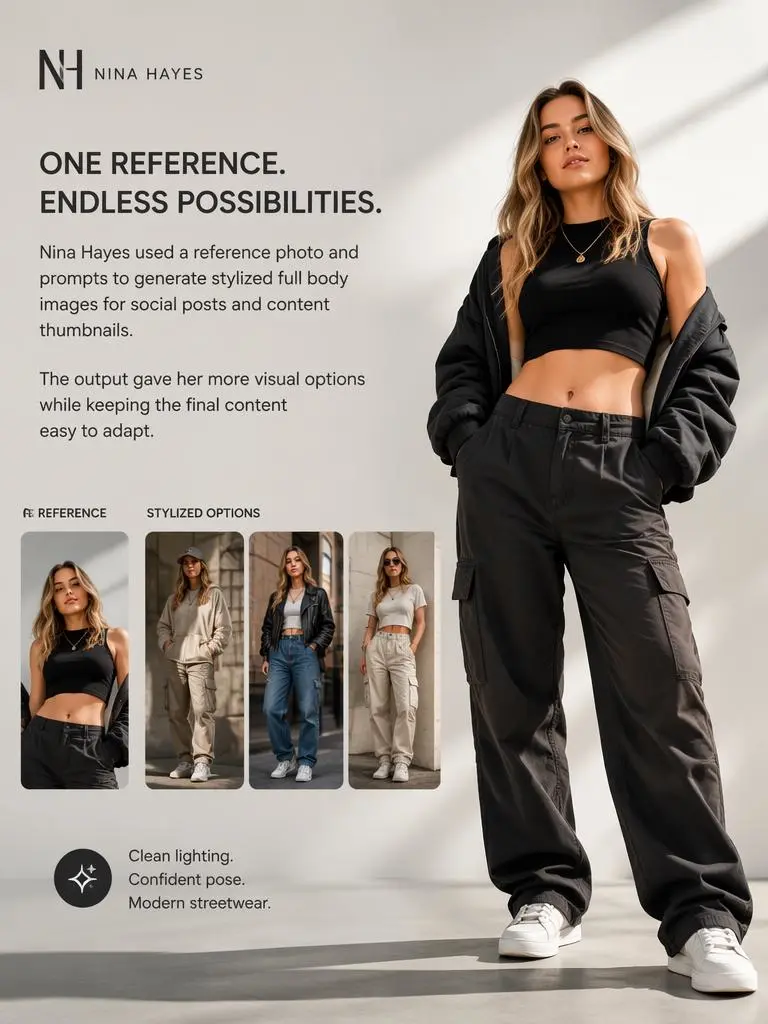
Now consider a creator with one strong portrait. The image works for a profile photo, but it cannot support every post, thumbnail, or brand pitch. The creator needs full-body options that feel connected, not a collection of unrelated characters.
The AI Full Body Generator can use a reference image as visual guidance. Then, the creator can request new poses, outfits, and environments while guiding the overall identity and style direction.
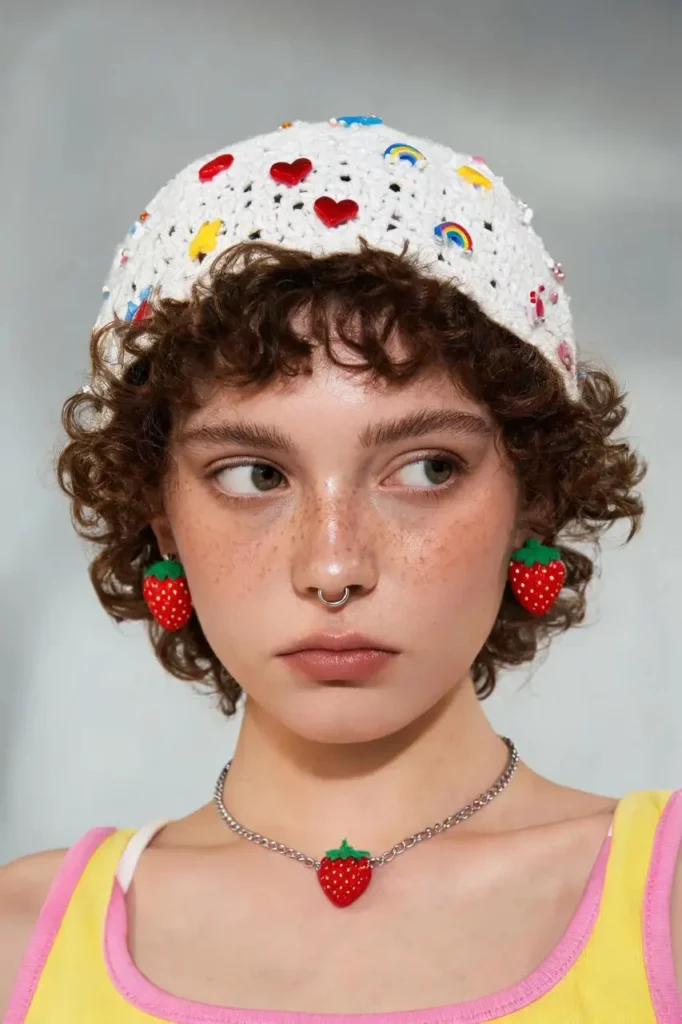
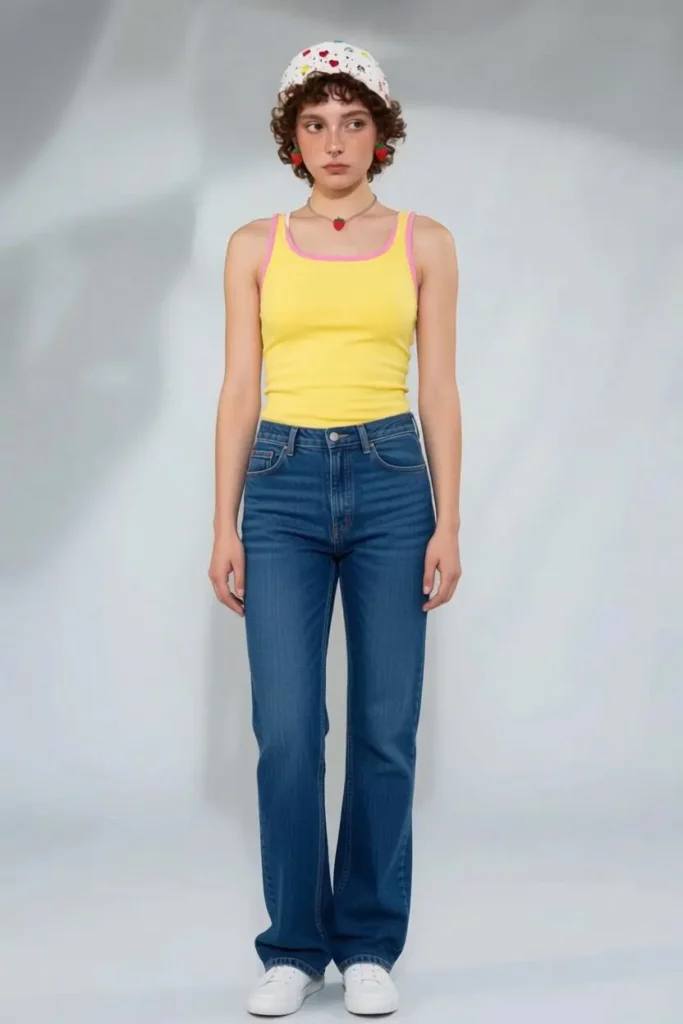
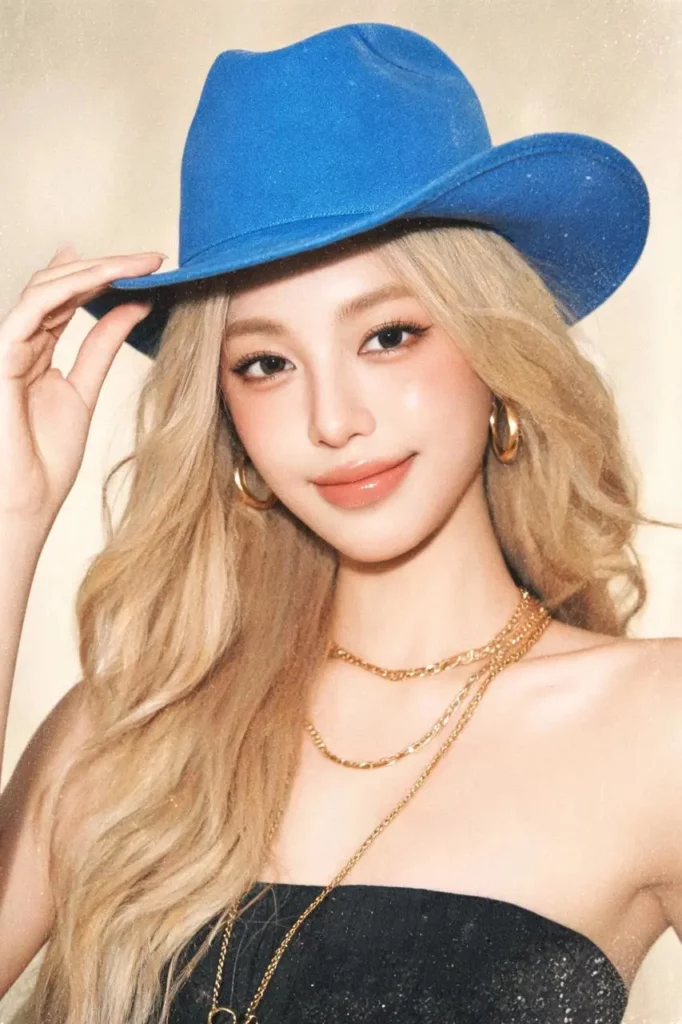
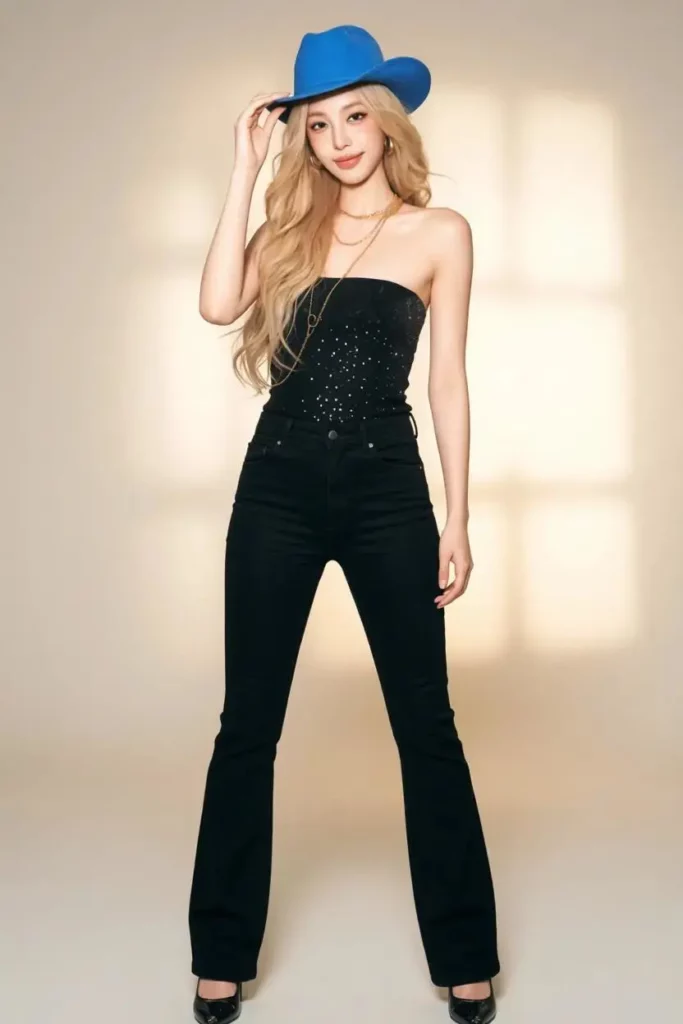
Why Creators Need More Than a Good Selfie
Social content often needs variety. One post may require a clean studio look. Another may need streetwear, travel styling, or a more polished campaign mood.
However, arranging a new shoot for every visual idea is rarely practical. Therefore, a creator can build several concepts from one approved reference and one clear style brief. The result is a more flexible content library for profile images, social posts, thumbnails, media kits, and campaign pitches.
More importantly, each image can serve a different role. A studio portrait may support a professional profile, while a streetwear image can introduce a casual post. Meanwhile, a lifestyle scene can help a creator present a more complete personal brand.
Build a Repeatable System With the AI Full Body Generator
First, choose a reference with clear lighting and a visible face. Next, define three elements that should remain stable, such as hair, overall styling, and color palette.
After that, create a small set with specific roles:
- A clean studio image for profiles and media kits
- A confident streetwear image for social posts
- A lifestyle image for travel or brand storytelling
Because the set has a purpose, each output becomes easier to use. Moreover, the creator avoids generating random images that look attractive but do not fit any channel.
For stronger visual continuity, keep the prompt structure stable. Change the pose or scene, but avoid changing the face direction, fashion style, lighting mood, and camera treatment all at once.
What Makes This Tool More Useful Than a Generic Image Generator?
A generic image generator may create an attractive person. Yet the result can still be cropped, poorly framed, or disconnected from the intended use.
The AI Full Body Generator focuses the brief on the complete figure. Therefore, it encourages users to think about visible shoes, body position, camera distance, and space around the subject. Those details make the image more useful for fashion and creator workflows.
Control the Whole Frame, Not Just the Face
A full-body image needs balance. The pose must fit the clothing, while the background must leave enough room around the subject. In addition, the camera angle should not distort the proportions.
By describing these elements directly, users can guide the composition toward a specific outcome. That makes the process more practical than asking for a vague “stylish portrait.”
The complete frame also makes styling decisions easier to evaluate. Users can see whether the outfit, footwear, pose, and environment support the same message.
Create Options Without Restarting From Zero
The second advantage is variation. Once a useful reference and prompt structure are ready, users can test another outfit, pose, or setting without rewriting the entire concept.
As a result, one creative direction can become a small visual system. Fashion teams can compare looks, while creators can build content for several channels.
This makes the tool especially useful during early creative planning. Instead of committing to the first idea, users can compare a focused group of alternatives.
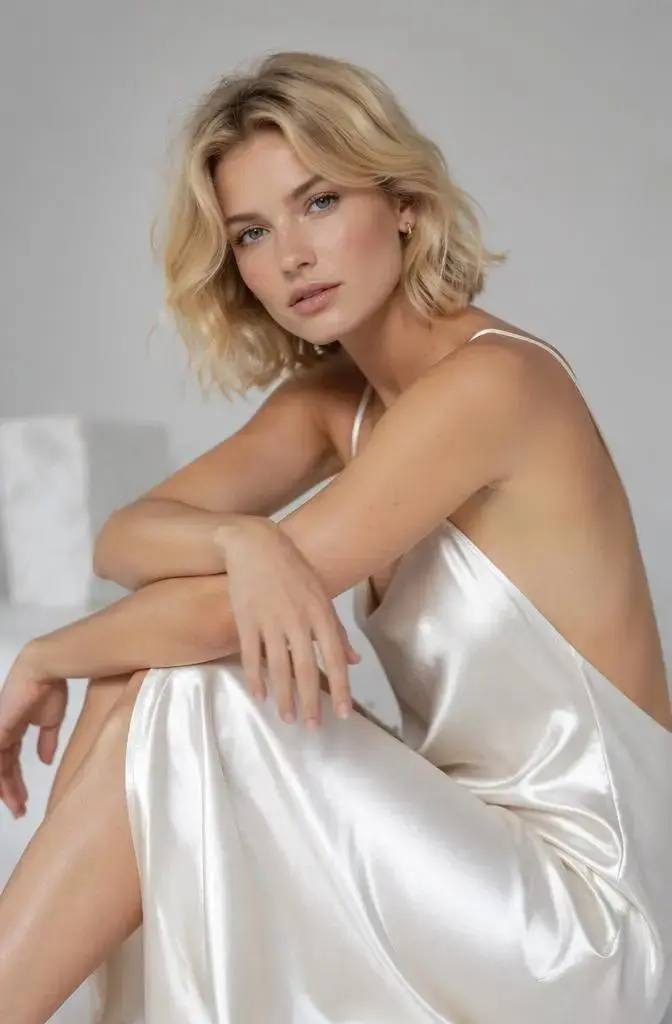
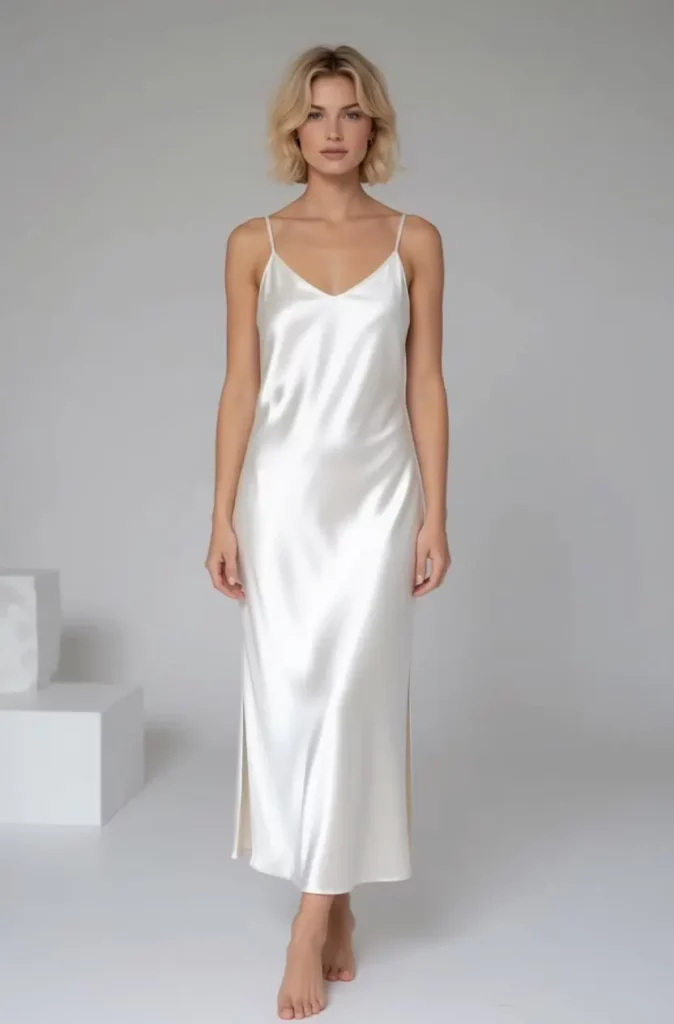
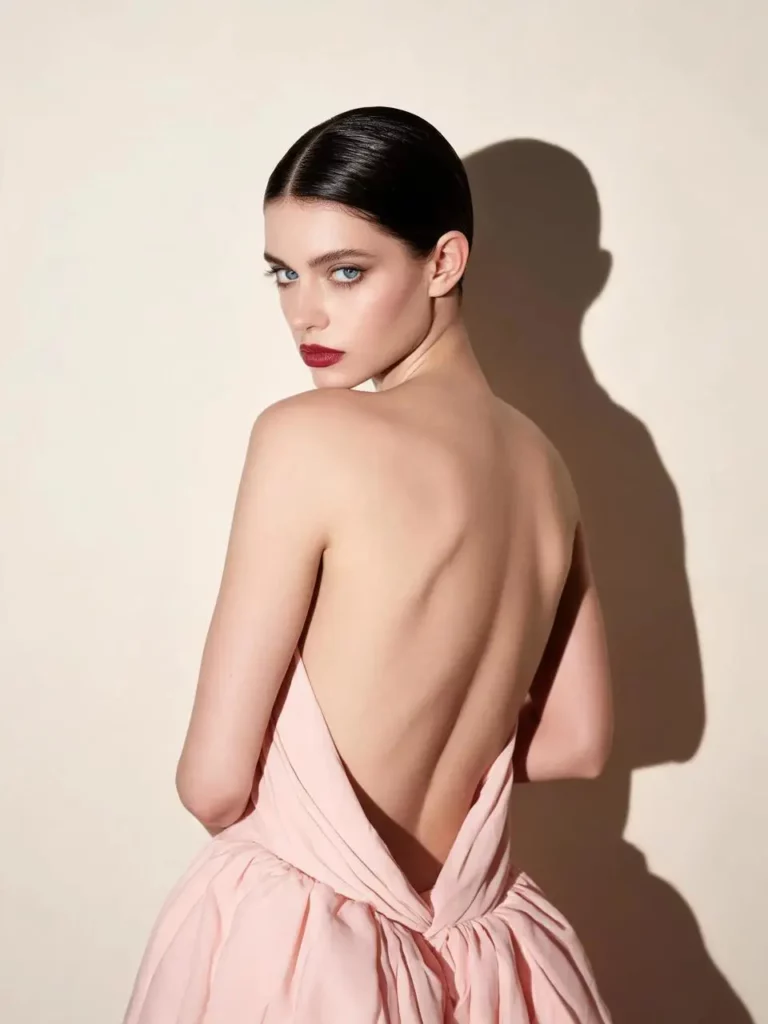
How to Use the AI Full Body Generator
The process works best when the brief is simple and intentional.
Start With One Clear Goal
Decide what the image must do before writing the prompt. Is it a lookbook concept, a profile visual, a social post, or a campaign draft? A clear use case helps you choose the right pose, background, and aspect ratio.
Then describe the full frame. Include phrases such as “full-body shot,” “head-to-toe framing,” “visible shoes,” and “space around the subject.” These details reduce the chance of an unwanted crop.
Next, add the outfit, pose, setting, and lighting. Avoid combining several conflicting styles in one request.
Review the Result Before Publishing
Check the face, hands, feet, clothing structure, and background edges. Also compare important product details with the source material.
If the result feels unclear, revise one part of the brief rather than changing everything. For instance, adjust the pose while keeping the outfit and background stable.
Finally, confirm that you have permission to use the reference image and any visible brand assets. A strong workflow combines creative speed with careful review.
AI Full Body Generator FAQ
Can I Create a Full-Body Image From a Selfie?
Yes. A clear selfie or portrait can provide visual guidance, while the prompt defines the clothing, pose, footwear, setting, and full-body framing.
For better results, choose an image with clear facial details and balanced lighting. Also avoid references with heavy filters or important facial features hidden by hair or accessories.
How Do I Prevent the Person From Being Cropped?
Use clear framing instructions. Ask for a full-body shot, head-to-toe composition, visible shoes, a centered subject, and enough space around the person.
A vertical aspect ratio is also helpful because it provides more room for the complete figure.
Can Fashion Sellers Use the Images on Product Pages?
An AI Full Body Generator is useful for lookbook planning, campaign concepts, mood boards, and creative testing. However, sellers should verify garment details before using an image in a live sales context.
Check the shape, material, pattern, seams, color, and accessories against the real product. This step helps prevent inaccurate product presentation.
Final Takeaway: One Reference, More Usable Visuals
The biggest reason to use an AI Full Body Generator is not novelty. It is the ability to turn a limited starting point into a complete, directed visual.
For a fashion seller, that means testing full lookbook concepts before committing to a shoot. For a creator, it means turning one reference into a useful set of full-body images for different channels.
Therefore, the tool is most valuable when every output has a job. Start with a clear reference, define the full composition, and generate a small set you can actually compare and use.
Go to WeShop AI For Exploration:


