New Feature – Magic Eraser
Imagine effortlessly removing unwanted elements from your photos with just a few taps. The magic eraser makes this possible, acting as your ultimate object remover. Whether it’s a distracting person in the background or an unsightly blemish, this tool helps you clean up your images with ease. You don’t need advanced editing skills to use it. Its intuitive design ensures anyone can achieve professional-quality results. By enhancing photo quality and simplifying the editing process, the magic eraser empowers you to create flawless images that truly capture your vision.

What is the Eraser Tool?
As the name suggests, our Eraser Tool is designed to seamlessly eliminate any part of an image that you wish to remove. Whether it’s a cluttered background, unwanted objects, or distracting elements, our tool can handle it all. Traditional tools such as Photoshop, they could help you to erase unwanted part as well, but AI tools such as WeShop AI provides more easiniess and flexibility.
Key Features:
- Intelligent Editing: Our AI-powered system automatically identifies and edits areas marked for removal, requiring minimal user input.
- Intuitive Interface: With a simple click, you can instantly remove unwanted elements, streamlining your workflow.
- Cost-Effective: Using only 10 processing units, you can achieve professional-quality results without breaking the bank.
Step-by-Step Guide to Using Magic Eraser
- Upload Your Image: Begin by uploading the image you want to edit.
- Select the Area: Our tool will automatically identify potential areas for removal.
- Customize (Optional): If needed, you can fine-tune the selection to ensure precise removal.
- Erase: With a single click, the unwanted elements will be seamlessly removed.
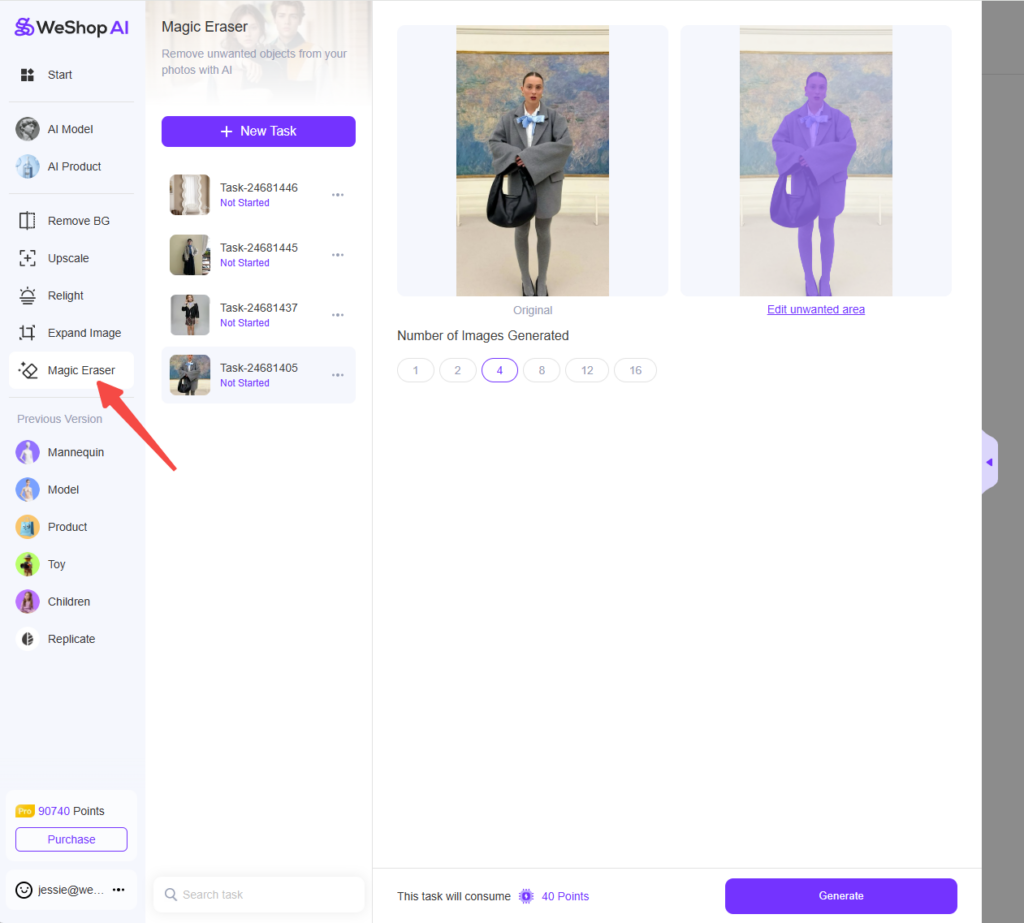

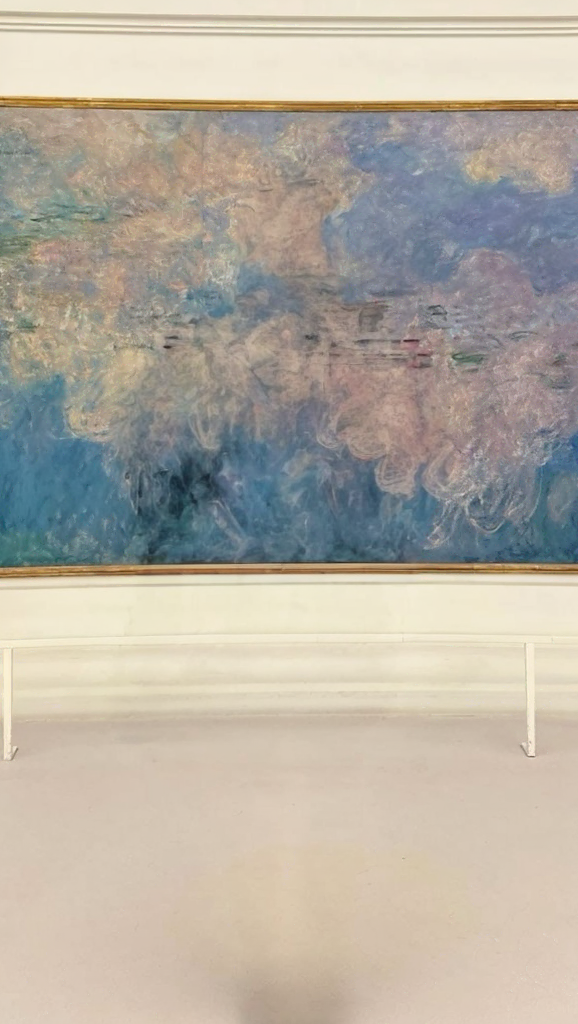
Real-world Examples:
- Product Photography: Create clean, minimalist product images by removing distracting backgrounds or props.


- Image Composition: Tailor your images to your exact vision by eliminating unnecessary elements.


- Background Removal: Quickly create professional-looking product cutouts for various marketing materials.


Discover More
The Magic Eraser has significantly streamlined the image editing process, making it easier for both professionals and amateurs to create high-quality images. Its ability to accurately remove objects and backgrounds with minimal effort has made it an indispensable tool for many. Explore our Eraser Tool and unlock its full potential. Experiment with different images and see how it can transform your creative projects.
Magic Eraser transforms your photo editing experience by making object removal simple and effective. It helps you create polished, distraction-free images that truly capture your vision. By following the tips shared, like selecting the right photos and refining edges, you can achieve seamless results every time.
Why not give it a try? Explore its features and see how effortlessly you can enhance your photos. Whether you’re editing for personal memories or professional use, Magic Eraser empowers you to create flawless images with ease. Start today and unlock your creative potential!
Ready to try it out? Head over to the Workspace and start creating!