Six tools. Six different promises. All claiming to remove background instantly and for free. But when you actually test them on real e-commerce product photos — complex edges, transparent materials, low contrast — the gap between marketing claims and production-ready output becomes obvious. Here is what actually works, what doesn’t, and why the tool comparison misses the point entirely.

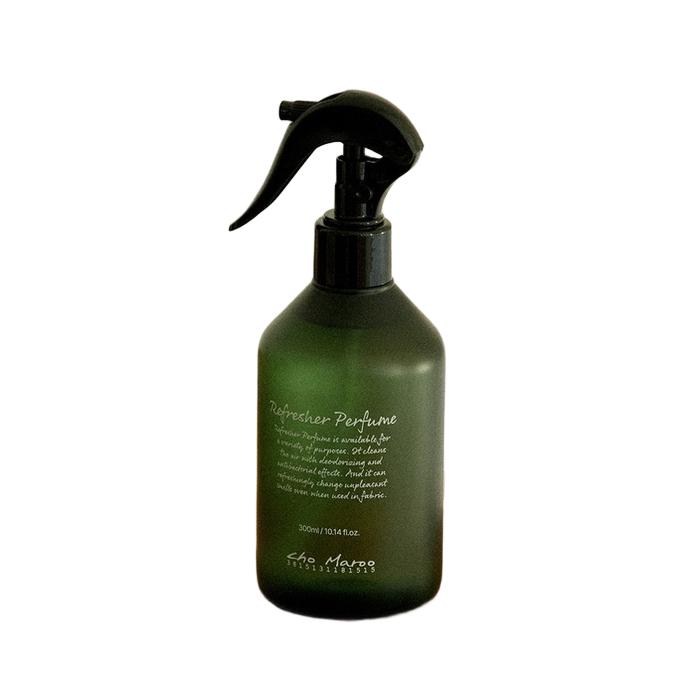
Before & After: One-click AI background removal with edge-perfect precision
The Real Cost of Manual Background Removal: It’s Not Just the Retoucher’s Fee
A freelance retoucher charges $3–$8 per image. Reasonable, until you account for project management overhead: briefing, quality review, revision requests, file management, delivery coordination. The true cost per image lands at $8–$15 when you include the PM hours.
Multiply by 200 images per month for a mid-size e-commerce store: $1,600–$3,000 monthly, with 3–5 day turnaround times that delay product launches.
AI tools that remove background collapse this to near-zero marginal cost with instant turnaround. The savings fund better photography equipment, larger product catalogs, or more marketing spend.


AI precision: complex edges handled with sub-pixel accuracy
Speed That Changes Workflow, Not Just Timeline
When background removal takes 3 seconds instead of 3 days, you don’t just get the same workflow faster — you get fundamentally different workflows.
Sellers photograph and list products the same day. Marketing teams A/B test different background styles in real-time. Seasonal collections launch on trend instead of two weeks late.
Speed isn’t a feature improvement. It’s a category change.


Batch-ready output: consistent quality across every image
Batch Processing: The Enterprise Unlock
Individual image processing serves solopreneurs. Enterprise e-commerce needs batch pipelines: upload folders, process overnight, receive standardized output in cloud storage by morning.
WeShop’s batch mode handles this full pipeline. Upload mixed-format product images, specify output requirements (PNG transparent, white background JPEG, or both), and receive processed results with consistent naming conventions and folder structure.
Post-processing, outputs route to AI Product for scene generation or Change Background for lifestyle composites.


Production-grade matting: ready for compositing and publishing
When Free Tools Aren’t Actually Free: The Hidden Costs
Free remove background tools monetize through resolution limits (download at 720p, pay for full resolution), watermarks, processing queues, and data collection. The time spent navigating these restrictions exceeds the cost of a paid tool.
For professional use, evaluate tools on total cost of ownership: processing quality, batch support, API availability, output format flexibility, and integration with downstream workflows. The cheapest per-image tool often costs the most per-project.
Expert FAQ
Q: Does image resolution affect remove background quality?
A: Yes. Higher resolution provides more edge detail. Upload at least 2000px on the longest side for production use.
Q: Can AI handle transparent or reflective products?
A: Modern matting networks assign per-pixel transparency values, correctly preserving glass, water, and reflective surfaces while removing the actual background.
Q: How does batch processing maintain quality consistency?
A: Neural networks apply identical processing logic to every image. Quality on image #500 is mathematically identical to image #1.
Q: What output formats are available after background removal?
A: PNG for transparency, WebP for optimized web delivery with transparency, JPEG for solid-color backgrounds. Choose based on your downstream workflow.
Q: How does remove background AI differ from portrait mode blur?
A: Portrait mode blurs the background but keeps it present. AI background removal physically separates foreground from background, producing a transparent layer for true compositing flexibility.
© 2026 WeShop AI — Powered by intelligence, designed for creators.