
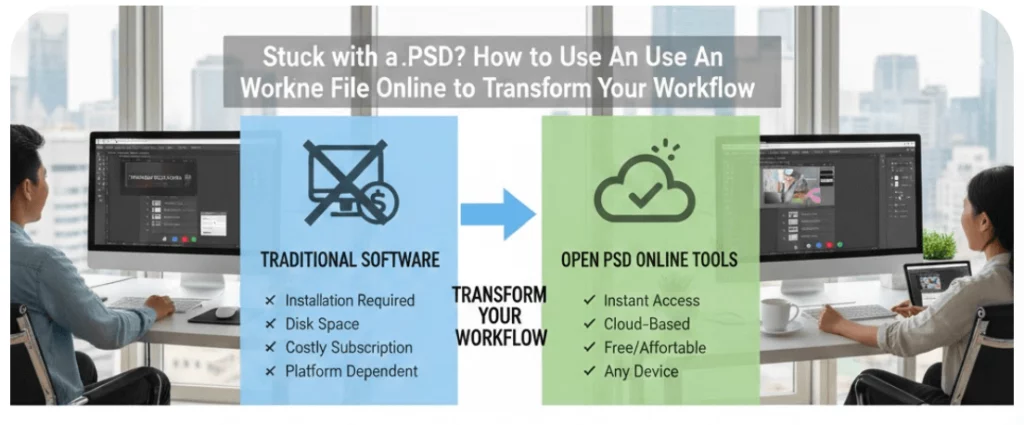
You just received a client file, but it ends in .psd. You don’t have Photoshop installed. Now what? Most people think they need to buy expensive software just to open psd file assets. That is simply not true anymore. You can view, edit, and export these professional files right from your browser.
Using an open psd file online tool is the ultimate shortcut for modern creators. It saves you time, money, and disk space. In this guide, we will show you how to handle these files like a pro without spending a dime.
Why You Need a Reliable PSD File Viewer Online
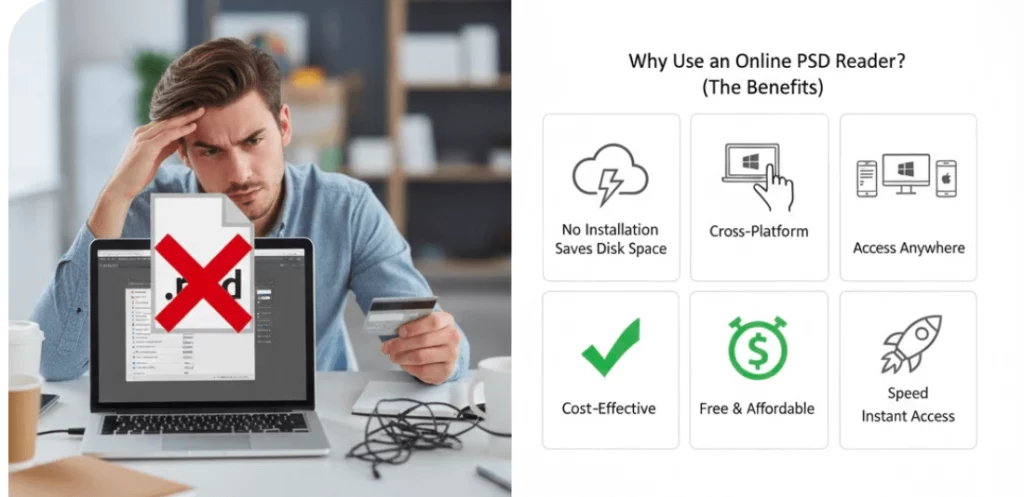
Opening a complex design shouldn’t be a headache. If you aren’t a full-time designer, paying for a monthly subscription feels like a waste. A browser-based open psd tool solves this perfectly.
First, these tools are fast. You don’t have to wait for a heavy program to load. Second, they are accessible. You can access your work from a library computer or a friend’s laptop. Finally, a good psd file viewer online keeps your layers intact. You aren’t just looking at a flat image. You are seeing the “bones” of the design.
How to Open PSD File Tasks Without Photoshop
The process is much simpler than it used to be. You no longer need to convert files to JPEGs just to see them. Most open psd online platforms use a simple drag-and-drop system.
Choosing the Right Tool
Not all viewers are equal. Some only let you look at the file. Others, like Photopea, give you full editing power. When you search for a psd file reader online, look for one that supports shortcuts. Using “Ctrl+Z” or “Cmd+T” in a browser makes you feel right at home.
The Drag-and-Drop Workflow
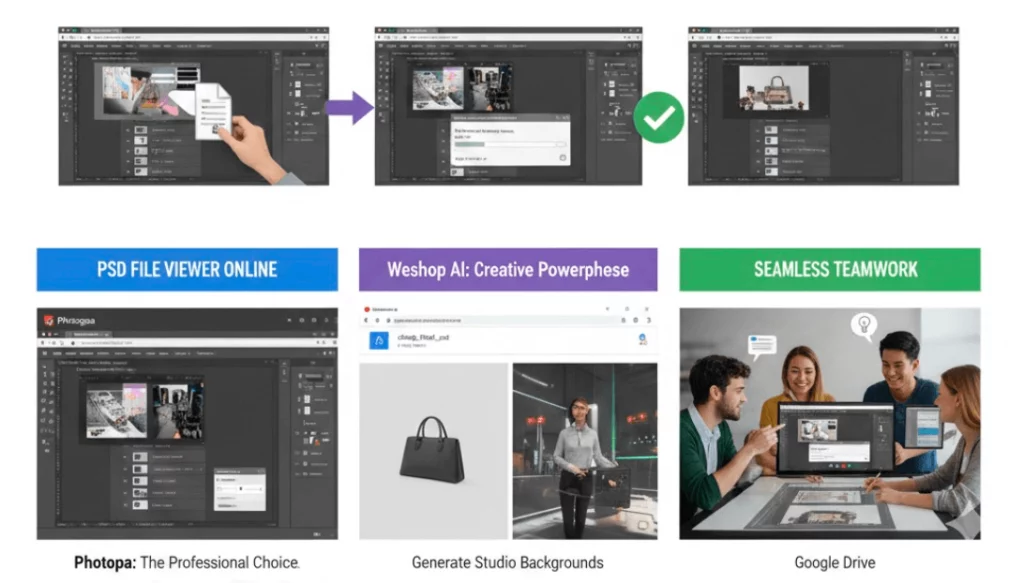
To start, simply find your file on your computer. Drag it directly into the browser window of your chosen tool. The open photoshop file online process usually takes only a few seconds. Once it loads, you will see your layers on the right side.
Saving Your Progress
Once you finish your tweaks, you need to save. Most openpsd tools allow you to export as a PNG or PDF. If you need to keep working later, you can often save it back as a .psd file. This keeps your layers editable for the next session.
Top Tools to Open PSD File Online for Free
There are many options available today. Some are simple, while others are powered by advanced AI. Let’s look at the best ways to manage your open psd file needs.
Photopea: The Professional Choice
This is the closest thing to Photoshop you can find for free. It is the gold standard for anyone who needs to open psd files frequently. It supports masks, smart objects, and complex filters. It is a complete psd file reader online that runs entirely in your web browser.
Weshop AI: The Creative Powerhouse
If you are working on e-commerce or fashion designs, Weshop AI is a game-changer. It goes beyond a simple psd file viewer online. It helps you generate high-quality backgrounds and models for your products. You can take a basic PSD layout and use AI to make it look like a professional photoshoot. It fits perfectly into a modern openpsd workflow.
Google Drive: The Quick Preview
Did you know Google Drive can act as a basic psd file reader online? If you just need to see what the image looks like, upload it to your Drive. Double-click the file to see a preview. You can’t edit layers here, but it is great for a quick check.
Managing Layers in an Open PSD File Environment
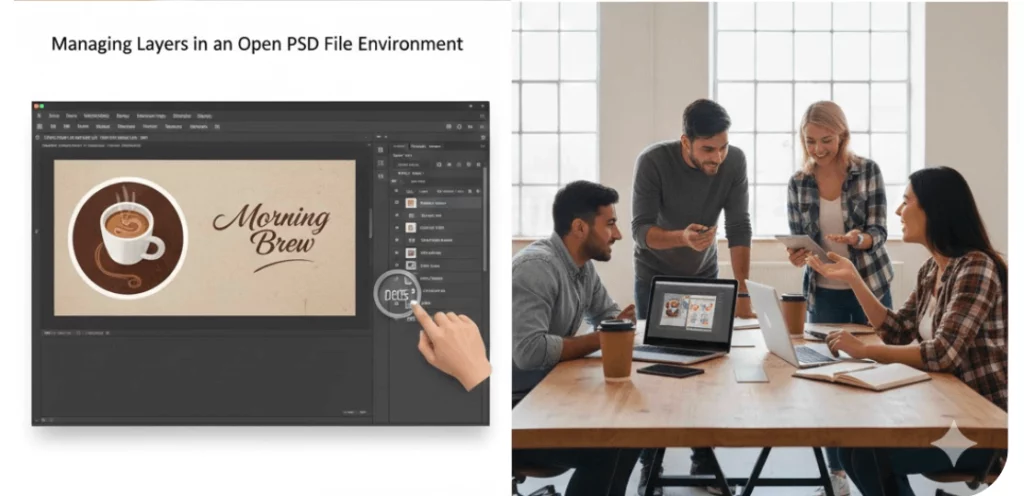
The biggest advantage of a PSD is the layer system. When you open psd file online, you want to keep those layers separate. This allows you to hide text or change background colors easily.
Understanding Layer Visibility
Look for the “eye” icon next to each layer. In any good psd file viewer online, clicking this icon hides the element. This is helpful when you want to export different versions of the same design. It makes the open photoshop file online experience much more flexible.
Editing Text and Images
Sometimes you just need to change a price or a name. A robust open psd tool lets you click a text layer and type. You don’t need to recreate the whole graphic. This is why using a dedicated psd file reader online is better than using a generic image converter.
Using Filters and Effects
Many online tools now support “Blending Modes.” This means you can add shadows or glows to your layers. Even though you are using an open psd online tool, the results can look professional. You won’t miss the desktop software at all.
Common Issues When You Open PSD File Online
Sometimes, things don’t go perfectly. Large files can occasionally slow down your browser. Here is how to handle common openpsd problems.
Handling Missing Fonts
If you open psd file assets from another designer, you might not have their fonts. Most online viewers will replace them with a default font. To fix this, you can usually upload your own .OTF or .TTF files directly into the browser tool.
Managing Large File Sizes
If your file is over 200MB, your browser might struggle. Before you open psd online, try to close other tabs. This frees up memory for the psd file viewer online. It ensures a smooth experience without any crashing.
File Security and Privacy
Always check the privacy policy of a psd file reader online. Most reputable tools process the file locally in your browser. This means your data isn’t actually uploaded to their server. This is the safest way to open photoshop file online for sensitive projects.
Transforming Your Workflow with OpenPSD
The goal of using these tools is efficiency. You want to spend less time waiting and more time creating. By using an open psd approach, you remove the barriers to high-end design.
Collaboration Made Easy
You can share a link to a tool with a teammate. They can open psd file assets on their own device instantly. No one needs to worry about software versions or license keys. It makes the entire team more agile.
Integrating AI Tools
Combining a viewer with a tool like Weshop AI creates a powerhouse workflow. You can open psd online, grab the main product layer, and let AI handle the rest. This is the future of digital marketing and design.
Final Thoughts on PSD Accessibility
You are no longer locked out of professional design files. Whether you use a basic psd file viewer online or a full editor, the power is in your hands. Now you know exactly how to open psd file online whenever duty calls.