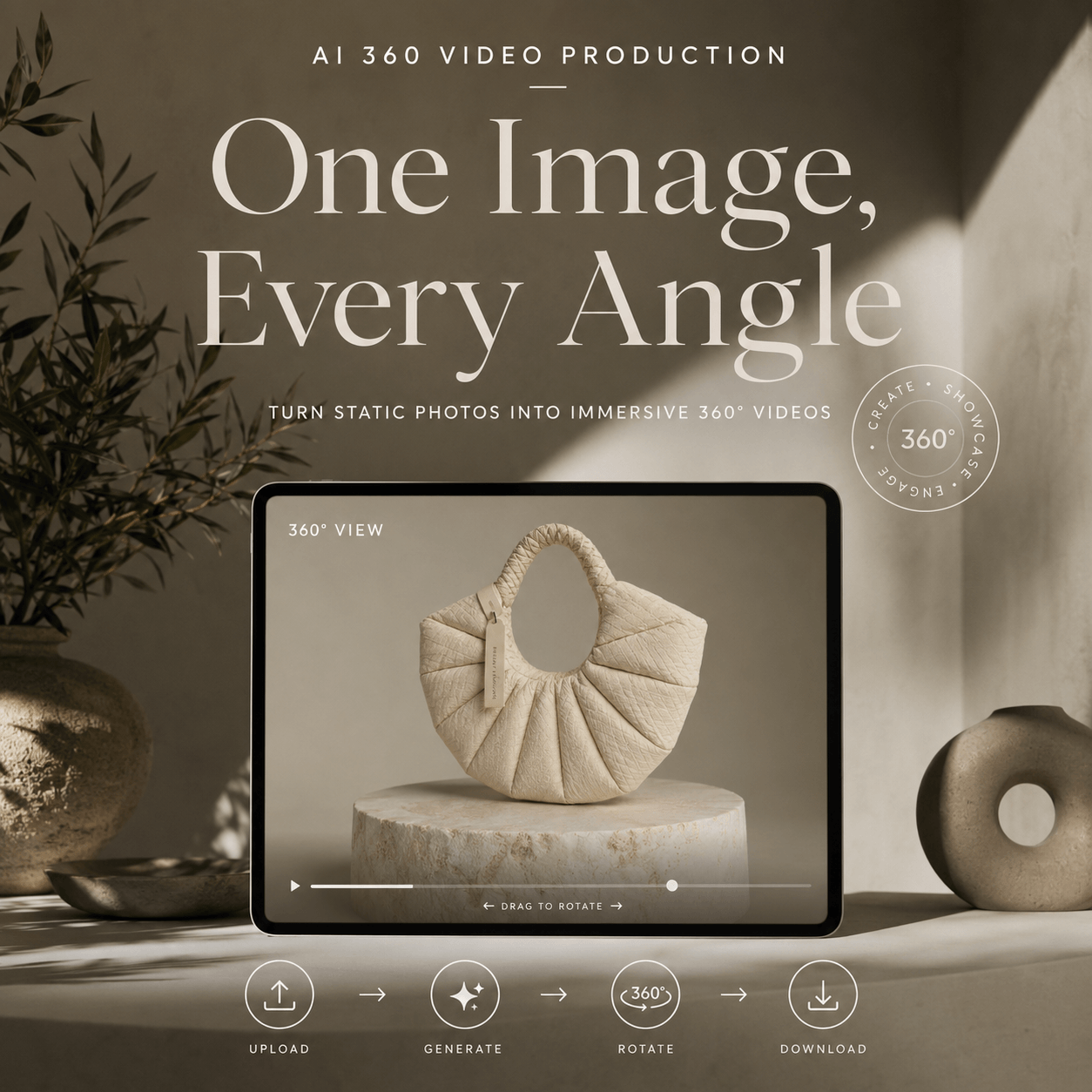
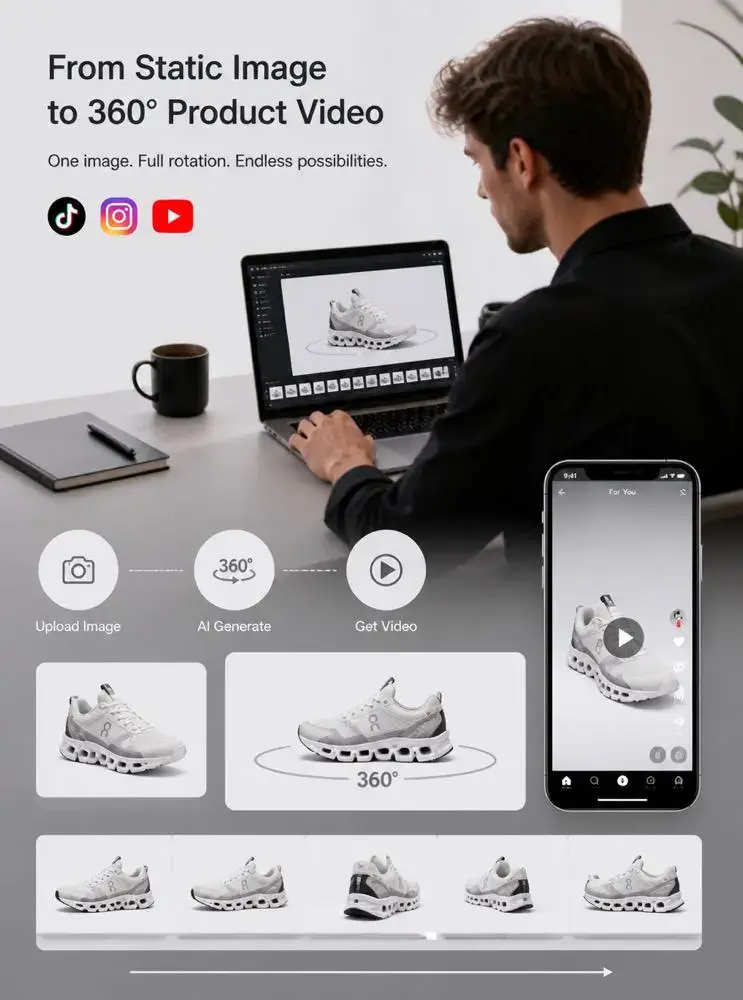
A 360 Product Video Generator can help one product photo do much more. Instead of showing only a fixed front view, it creates a smooth rotation that reveals the product from several angles. As a result, shoppers can understand its shape, size, and design more easily.
For ecommerce brands, this solves a common problem. Online shoppers cannot pick up an item or turn it around. Therefore, product visuals must answer questions before customers decide to buy.
Traditionally, creating a rotation video required a turntable, studio lights, a camera, and careful editing. However, that process can be expensive and slow. It also becomes difficult when a store has hundreds of products.
Fortunately, a 360 Product Video Generator offers a simpler workflow. You can start with one clear product image, generate a rotating video, and reuse it across product pages, ads, launch campaigns, and social media.
This guide explains how the process works, which images create better results, and how brands can use the final video more effectively.
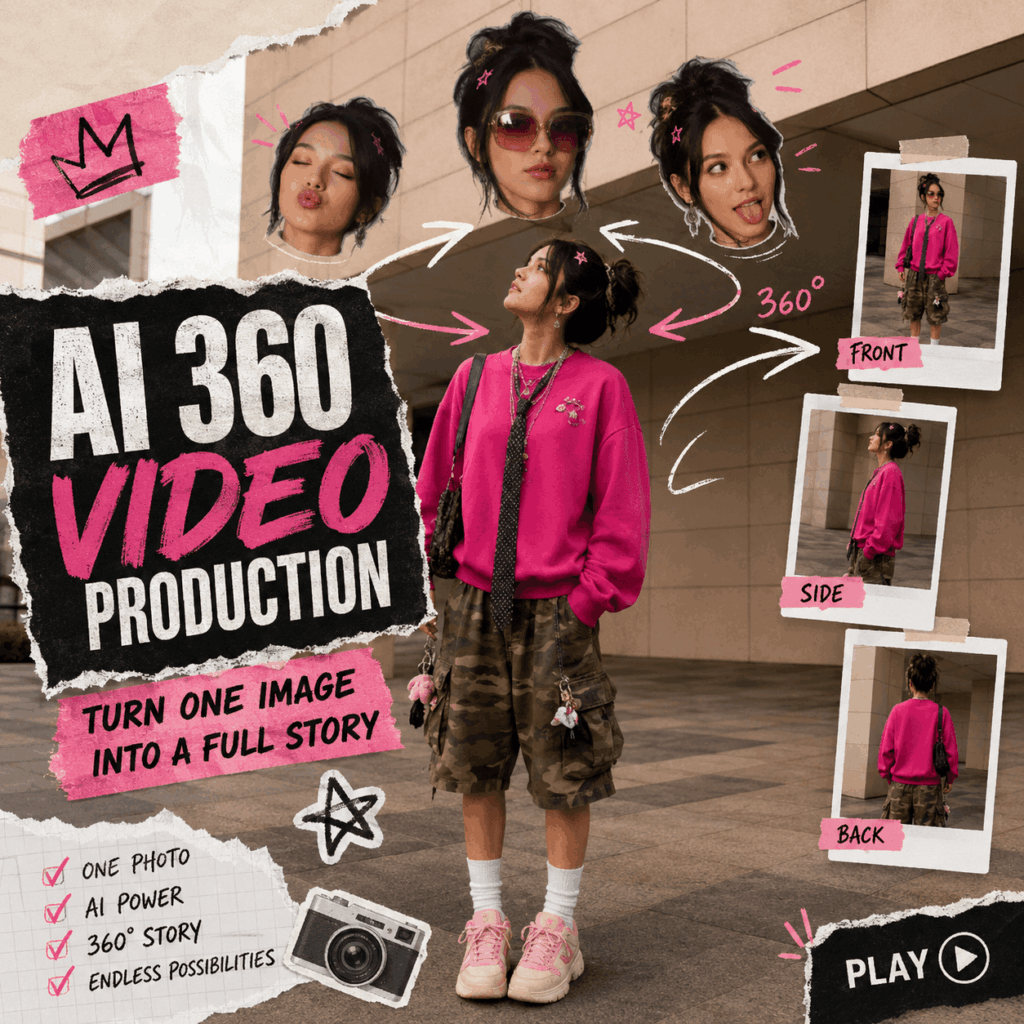
🛍️ What a 360 Product Video Generator Actually Does
A standard product photo shows one fixed angle. In contrast, a rotation video gives viewers a stronger sense of depth and structure.
The generator studies the product’s visible shape, color, surface, and details. Then, it estimates the hidden areas and creates a connected rotation.
As a result, the product appears to turn smoothly in front of the viewer.
A 360 Product Video Generator Reveals More Product Details
A front-facing image may show the main design. However, shoppers often want to see more.
For example, they may want to know how wide a bag is, what the side of a shoe looks like, or how thick a bottle appears. In addition, they may want a closer look at handles, seams, hardware, packaging edges, or material texture.
A rotating video can answer these questions quickly. Therefore, it works especially well for products where shape and structure affect the buying decision.
Moreover, movement helps direct attention to details that may be easy to miss in a static gallery.
A 360 Product Video Generator Makes Existing Photos More Useful
Many ecommerce teams already have large product image libraries. However, those photos are often used only in listings, catalogs, or social posts.
A 360 Product Video Generator gives the same image another purpose.
For instance, one clean product photo can become:
- A product-page video
- A short social advertisement
- A launch teaser
- A marketplace listing asset
- A digital catalog visual
Therefore, brands can create more content without organizing a new product shoot for every campaign.
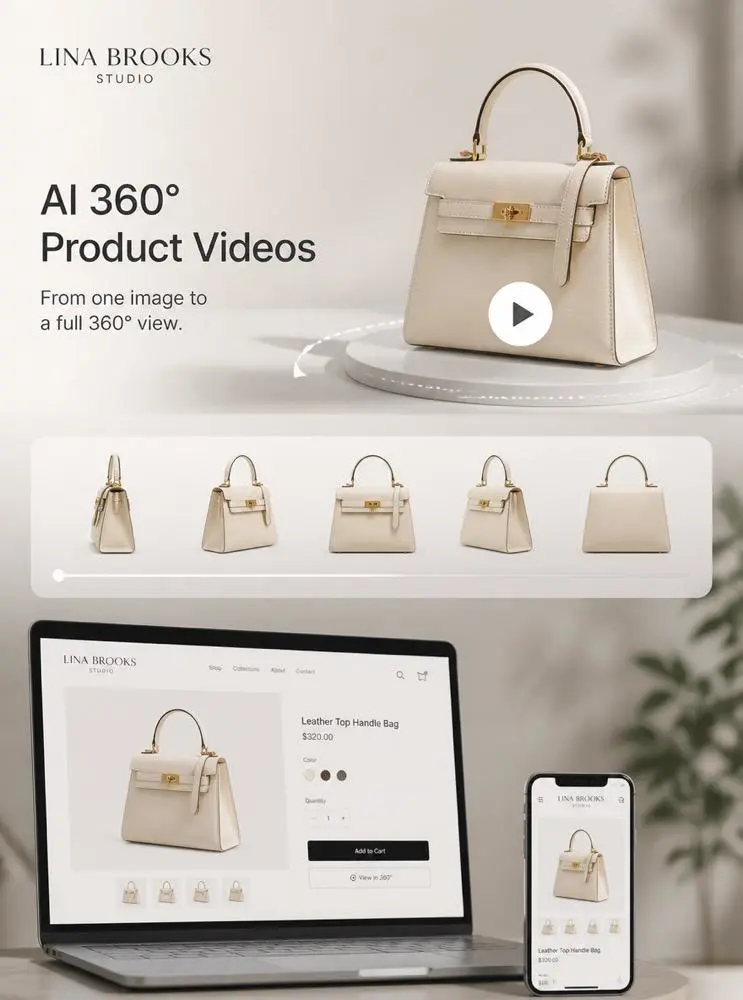
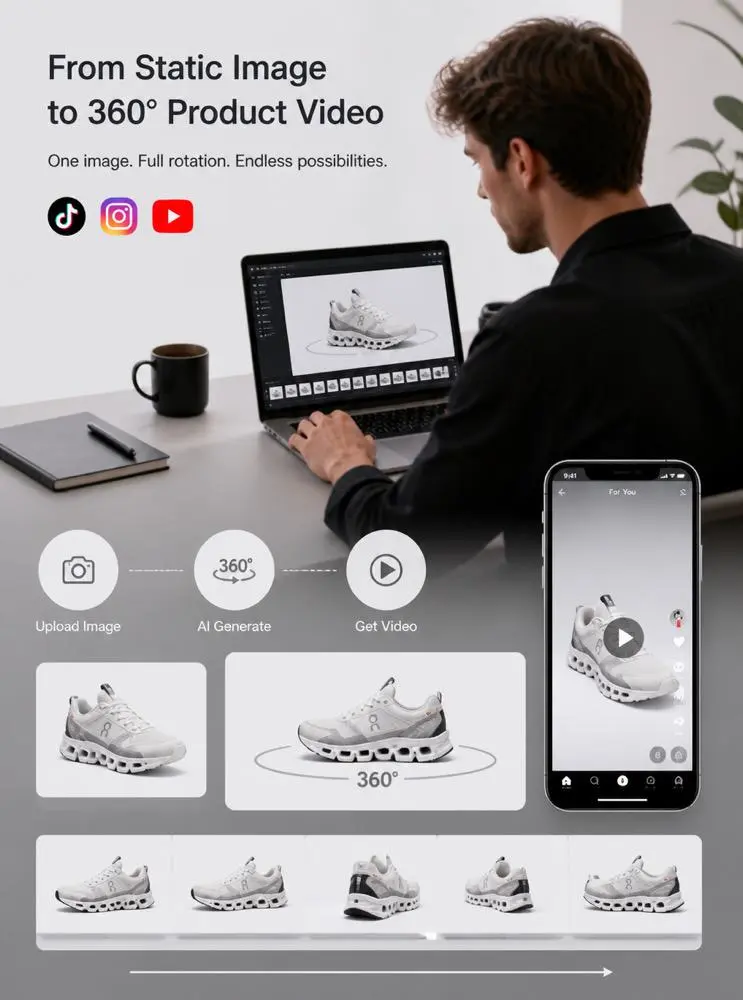
🛠️ How to Use a 360 Product Video Generator in Four Steps
The workflow is simple. Still, each step can affect the final quality.
Step 1: Choose a Clear Product Photo
First, choose an image with one main product.
The full item should be visible. Therefore, avoid photos that cut off handles, straps, soles, furniture legs, packaging corners, or other important parts.
Step 2: Upload the Image and Generate the Rotation
Next, upload the image to the 360 Product Video Generator.
For the first attempt, keep the direction simple. A clean and controlled rotation is usually more useful than a dramatic camera movement.
Step 3: Check the Product From Every Angle
After generation, watch the full video from beginning to end.
First, check the overall shape. The product’s width, height, and proportions should remain stable as it turns.
Next, inspect smaller details, including:
- Logos
- Labels
- Stitching
- Buttons
- Buckles
- Patterns
- Reflective surfaces
- Product edges

📈 How Ecommerce Brands Can Use a 360 Product Video Generator
A rotating video can support several parts of the customer journey. In addition, the same file can be edited into different formats.
A 360 Product Video Generator for Product Pages
Product pages are one of the most practical places to use rotation videos.
The video can appear beside the main image gallery, inside a media carousel, or below the product description. As a result, shoppers receive a faster overview of the product shape.
However, the video should support regular product photography rather than replace it.
For example, a handbag rotation can show the overall structure. Meanwhile, close-up images can explain the zipper, lining, pockets, and hardware.
Therefore, the strongest product page combines movement with accurate detail photography.
A 360 Product Video Generator for Product Launches
Product launches often require many types of content at once.
Brands may need teaser posts, landing-page visuals, email banners, advertisements, and sales presentations. Fortunately, one rotation video can support several of these placements.
For example, one version may show the complete product. Another may stop at a side angle and add the launch date. A third may use a close crop to highlight one design feature.
Therefore, one generation can become several campaign assets.
A 360 Product Video Generator for Online Catalogs
Large catalogs can be difficult to update with video.
However, brands do not need to convert every product at once. Instead, they can begin with:
- Bestsellers
- New arrivals
- High-value products
- Items with unusual shapes
- Products that receive many customer questions
This smaller test can show which categories benefit most from rotation videos.
As a result, teams can expand the workflow based on real performance rather than guessing.
⚠️ Common 360 Product Video Generator Mistakes
One common mistake is using a lifestyle photo with too many objects.
Props can make an image look attractive. However, they may overlap with the product and make its outline harder to detect.
Another mistake is using an image that is too small or blurry. Since the generator needs visible shape and texture information, low-quality files may produce soft or unstable details.
Finally, do not forget mobile viewing. A product that looks large on a desktop may appear very small in a vertical social post.
🌟 Final Thoughts on Using a 360 Product Video Generator
A 360 Product Video Generator helps brands turn one product photo into a more flexible marketing asset.
It can add movement to product pages, improve the opening of social ads, and support launch campaigns. Moreover, it reduces the need to create a physical turntable setup for every short video.
One product photo may seem like a single asset. With a 360 Product Video Generator, however, it can support an entire ecommerce campaign.
Go to WeShop AI For Exploration: