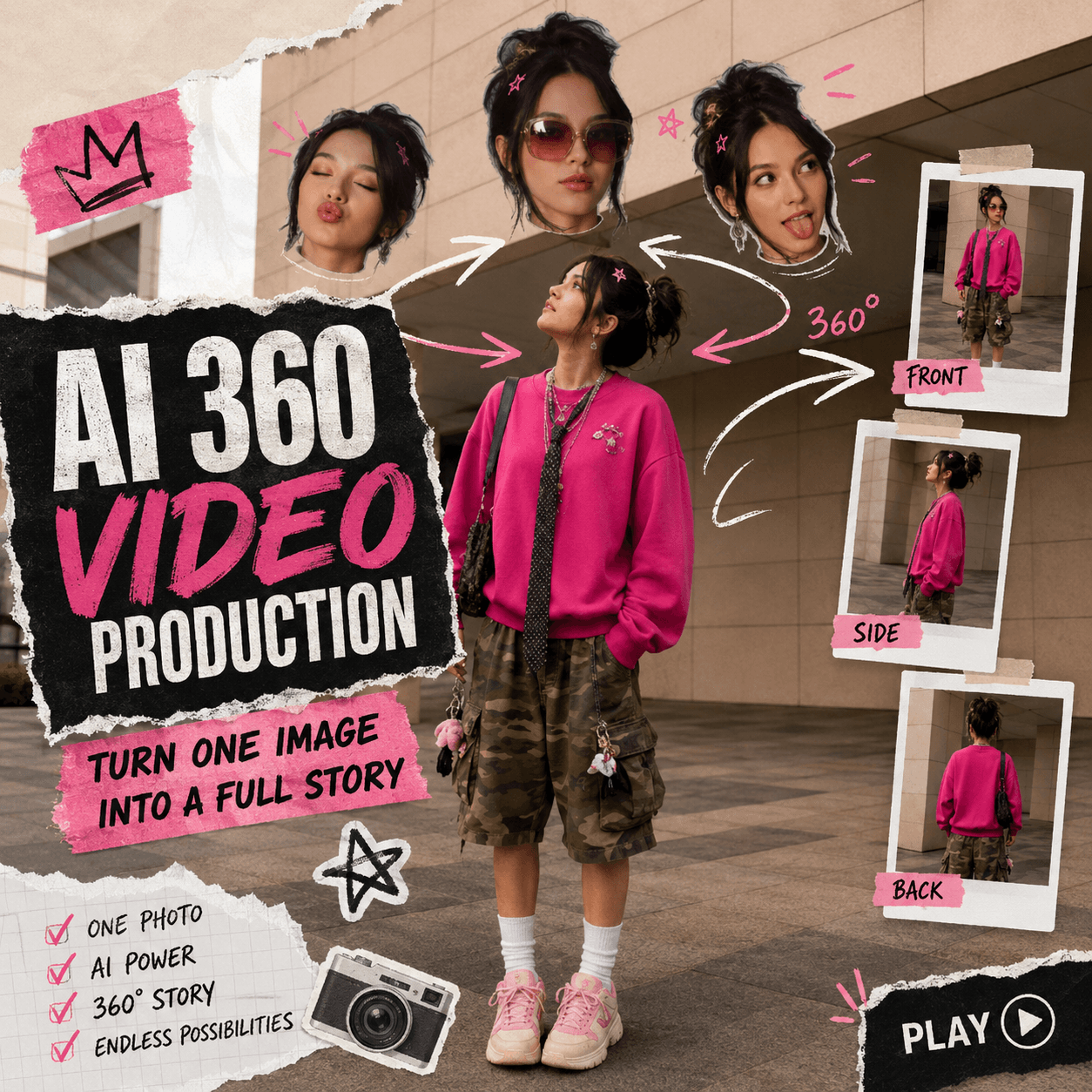
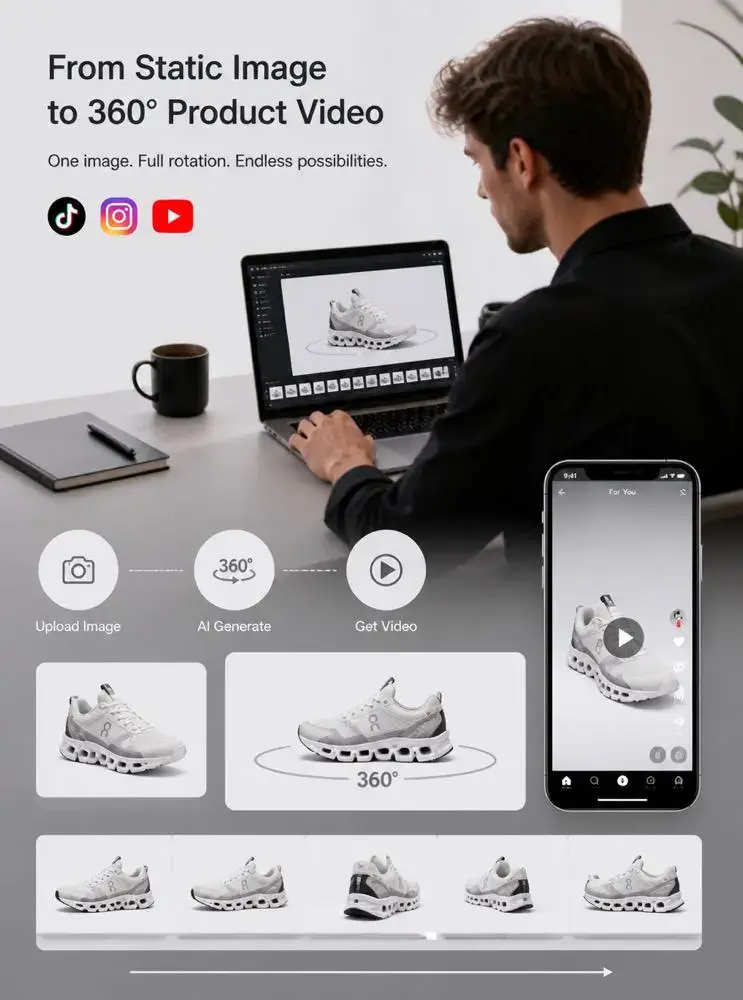
AI 360 Video Production can turn one static image into something that feels far more complete. Instead of leaving a subject frozen in one pose, it adds motion, depth, and new visual angles. As a result, a simple photo can begin to feel like a short visual story.
This matters because people now scroll through hundreds of images every day. A clean photo may look attractive. However, it still has to compete with moving content, fast edits, and bold visual ideas.
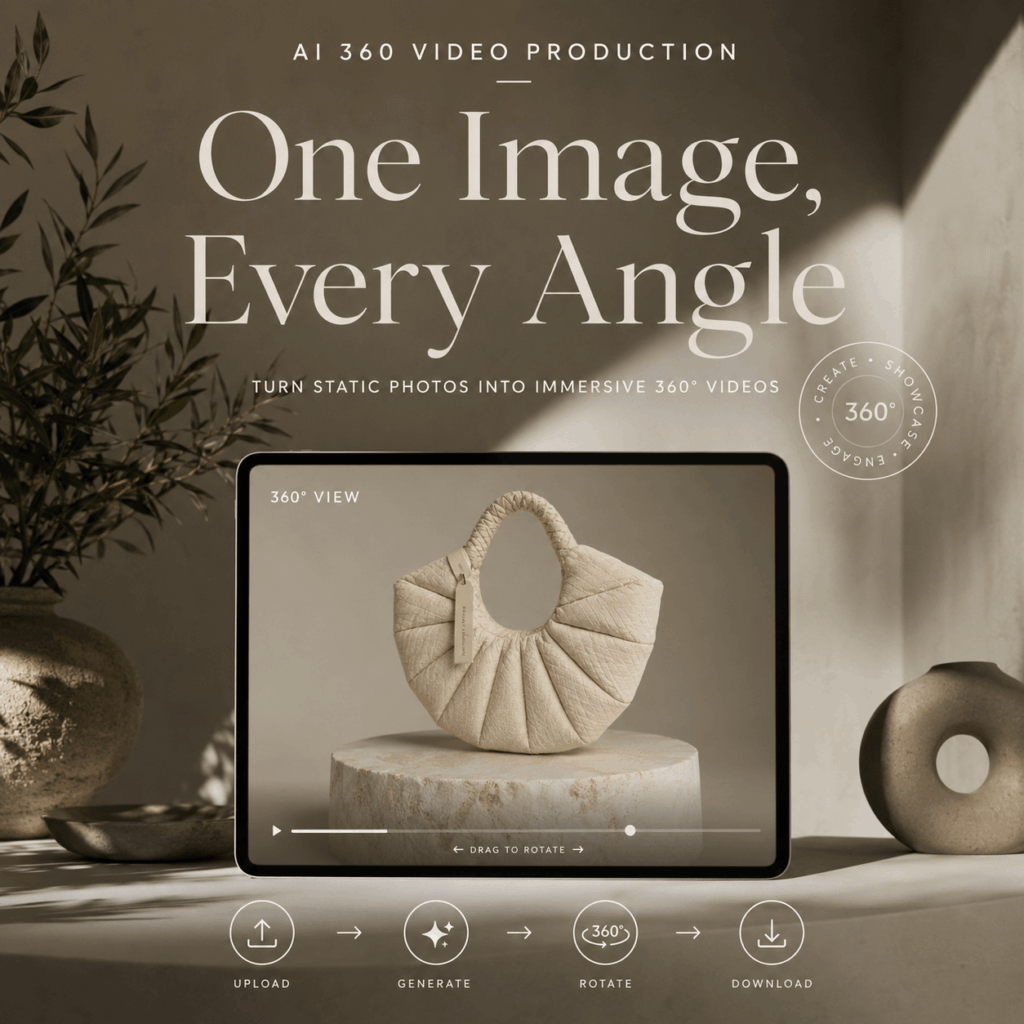
Fortunately, you do not always need a full video shoot to create that energy. With AI 360 Video Production, one clear image can become a smooth rotation video. Therefore, fashion creators, artists, small brands, and social media teams can make more from the visuals they already have.
The result is not only a spinning object. Instead, it can be a new way to introduce a character, reveal a design, or make a familiar image feel fresh again.
✨ Why AI 360 Video Production Fits Scroll-First Content
Social content needs to communicate quickly. In most cases, viewers decide whether to keep watching within a few seconds.
A static image gives them one view. However, a rotation video keeps revealing new information. The subject changes as it moves, even when the original idea remains simple.
Therefore, AI 360 Video Production works especially well for visual-first content. It gives people a reason to pause because they expect another angle, detail, or surprise.
AI 360 Video Production Gives One Subject More Presence
A single photo can already show color, styling, and mood. Still, movement can make the subject feel more present.
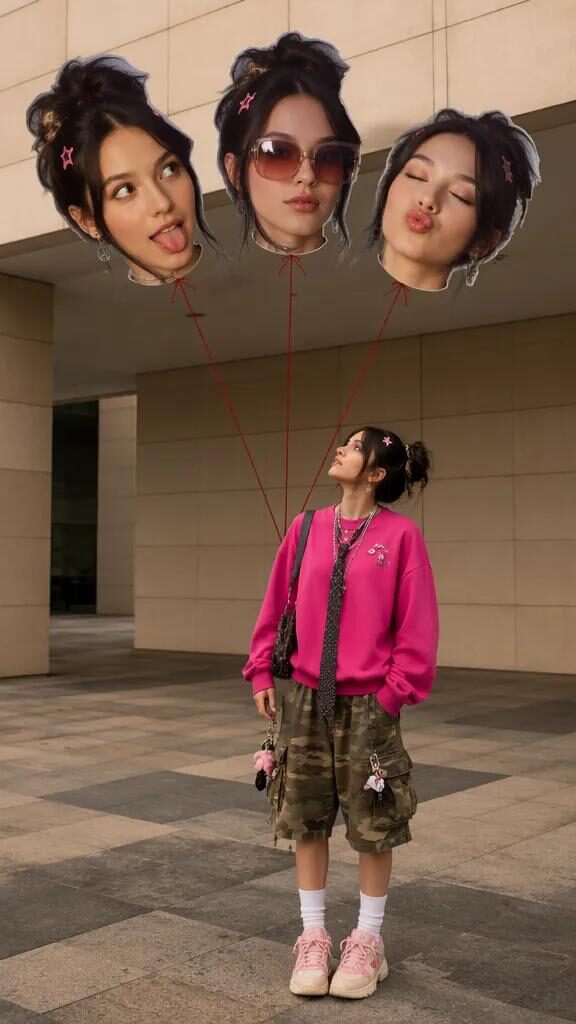
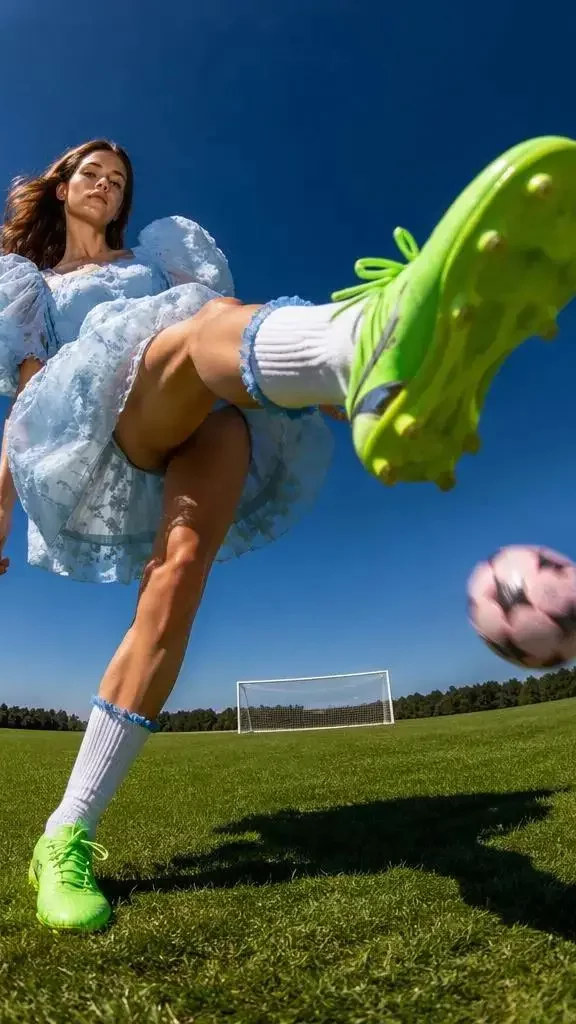
For example, imagine a fashion portrait with a strong outfit and playful expression. In a still image, the viewer sees one moment. Once the subject begins to rotate, however, the styling becomes easier to explore. The silhouette, accessories, hair, and clothing details can all receive more attention.
As a result, the subject begins to feel less like a flat image and more like a complete visual character.
This is especially useful when personality is part of the idea. A fashion creator may want the image to feel bold or playful. Meanwhile, an artist may want a character design to feel more alive. In both cases, motion adds another layer without changing the original concept.
One Image Can Suggest More Than One Mood
Good visual content does not always need a complicated plot. Sometimes, one subject and one strong idea are enough.
For instance, the same person can appear confident, playful, calm, or dramatic depending on the angle and pacing. Similarly, a product can feel minimal in one frame and more luxurious in another.
AI 360 Video Production helps extend that visual mood. Although the source begins as one image, the final video can make it feel more flexible and expressive.
Moreover, the effect can fit many styles. A smooth, slow rotation may feel polished and editorial. In contrast, a faster edit may suit a playful social post. Therefore, the same basic workflow can support very different creative directions.
🎥 How AI 360 Video Production Works From One Image
The process is simple. However, the quality of the source image still matters.
You do not need dozens of photos or a physical turntable. Instead, you begin with one clear visual and let the tool build the rotation around it.
Step 1: Choose an Image With a Strong Main Subject
First, choose an image with one clear focus. The person, product, character, or object should be easy to identify.
A full-body fashion image can work well when the outfit has a clear silhouette. Similarly, a character illustration can work when the design is not hidden behind text or heavy effects.
In addition, leave some space around the subject. Tight crops may remove important details when the image begins to move.
The source does not need to look like a standard ecommerce photo. However, it should still have clean edges, visible details, and balanced lighting.
Step 2: Upload the Image and Keep the Direction Clear
Next, upload the selected image to the AI 360 Video Production tool.
At this stage, a simple goal usually works best. For example, you may want a smooth full-circle reveal, a clean fashion rotation, or a controlled character showcase.
However, avoid combining too many ideas in one generation. A complex background, dramatic camera movement, and heavy subject motion may compete with each other.
Instead, let the rotation remain the main event. As a result, the final video will be easier to understand and reuse.
Step 3: Review Identity, Styling, and Small Details
After generation, watch the full video rather than judging only the opening frame.
First, check whether the subject remains recognizable. For a person or character, look at the face, hairstyle, outfit, and body shape. For a product, inspect the logo, material, edges, and design details.
Next, pay attention to areas that were not visible in the original photo. Since the tool must estimate these sections, they may vary between results.
Therefore, compare more than one version when possible. One result may preserve the face better, while another may create smoother movement.
💫 Creative Uses for AI 360 Video Production
AI 360 Video Production is often linked with product displays. However, its creative uses go much further.
The same technique can support fashion images, character art, collectibles, campaign concepts, and personal projects.
AI 360 Video Production for Fashion Content
Fashion visuals rely on more than the clothing itself. Pose, attitude, accessories, and styling all help build the final impression.
A rotation video can reveal the outfit from new angles while keeping the same visual identity. Therefore, it can work as a digital lookbook moment, a campaign teaser, or the opening of a short fashion edit.
For example, a creator could begin with a rotating full-body look. Then, the video could cut to close-ups of the bag, jewelry, makeup, or shoes.
As a result, one source image can become the starting point for a complete social post.
AI 360 Video Production for Characters and Artwork
Illustrators and character designers often present work as flat images. However, movement can make the design easier to explore.
A rotation can highlight the hairstyle, costume, silhouette, and accessories. In addition, it can help an original character feel more established before animation or storytelling begins.
The same idea works for sculptures, digital art, toys, and collectibles. Instead of showing one front view, creators can offer a fuller visual reveal.
Therefore, AI 360 Video Production can act as both a presentation tool and a source of creative inspiration.
📸 How to Get Better AI 360 Video Production Results
A stronger input usually creates a stronger result. Therefore, spend a little time checking the image before uploading it.
Use Clear Lighting and Visible Edges
Soft, even lighting makes the subject easier to understand. Meanwhile, clear edges help separate it from the background.
However, strong backlighting can hide the silhouette. Heavy shadows may also make clothing, hair, or product details less consistent.
Therefore, choose an image where the main subject is bright enough to see without looking overedited.
Avoid Crowded Backgrounds
A creative background can add mood. Still, it should not compete with the subject.
For example, a simple outdoor wall or studio scene may work well. In contrast, crowds, overlapping objects, and strong patterns may create visual confusion.
If the background is busy, make sure the subject still has a clear outline. Otherwise, the rotation may pull unrelated details into the motion.
Keep Important Details Large Enough to See
Small logos, thin jewelry, loose straps, and tiny printed text can be difficult to preserve.
Therefore, choose an image with enough resolution and a subject that fills a useful part of the frame.
In addition, check whether the most important design details are visible in the source. If they are already unclear, the video may not rebuild them accurately.
❓ AI 360 Video Production FAQ
Can AI 360 Video Production Work With People?
Yes, it can be used with fashion images, character visuals, and other clearly defined subjects. However, you should review facial features, clothing details, and body shape before publishing the result.
Do I Need Several Images to Create the Rotation?
No. The process can begin with one clear image. Still, the source should show enough of the subject for the tool to estimate its shape and depth.
Where Can I Share the Final Video?
You can adapt the result for social feeds, short-form videos, portfolios, campaign teasers, landing pages, and product content. However, remember to check the crop and subject position for each platform.
🌟 Final Thoughts on AI 360 Video Production
AI 360 Video Production offers a simple way to make static visuals feel more active and complete.
It can turn one fashion image into a stronger social moment. Likewise, it can help an artist reveal more of a character or object. For brands, it can also create quick launch content without planning another full shoot.
However, the best results still begin with a strong source image. Clear subjects, visible details, balanced lighting, and enough space around the frame all make a difference.
More importantly, the tool works best when the creative idea stays simple. One subject, one mood, and one controlled movement can often create the strongest result.
A static image does not always need to remain static. With AI 360 Video Production, it can become a fuller, more expressive visual story.
Go to WeShop AI For Exploration: