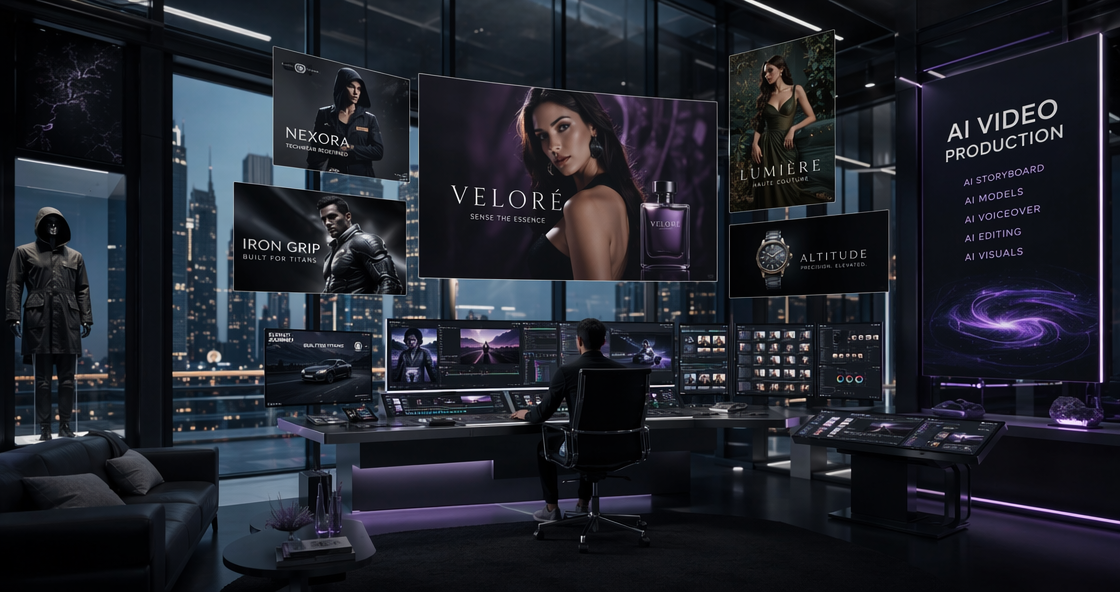
In 2026, the world of digital content moves faster than ever. Everyone needs professional photos for LinkedIn or social media. However, not everyone has the time for complex software. This is why AI Ease has become so popular lately. It promises professional results with zero technical effort. I spent weeks testing every feature on the site. I wanted to see if it truly lives up to the hype. In this AI Ease review, we will explore its tools, quality, and pricing.
Most AI tools today are either too expensive or too hard to use. AI Ease tries to solve both problems at once. It offers a massive suite of photo editing tools for free. You do not need to be a designer to use it. The interface is clean and very fast. Let’s dive into why this platform is a game-changer for 2026.
Why AI Ease is Your New Digital “Easy Button”
The name of the platform says it all. AI Ease is built for speed and simplicity. It targets people who need quick, high-quality edits. This includes small business owners and social media creators. You can skip the long tutorials found in Photoshop. Everything here works with just a few clicks.
The platform uses advanced neural networks to handle complex tasks. It can recognize faces, objects, and backgrounds instantly. In 2026, the speed of these models has improved greatly. Most edits take less than five seconds to complete. This efficiency makes AI Ease a top choice for busy professionals.
The All-in-One AI Ease Philosophy
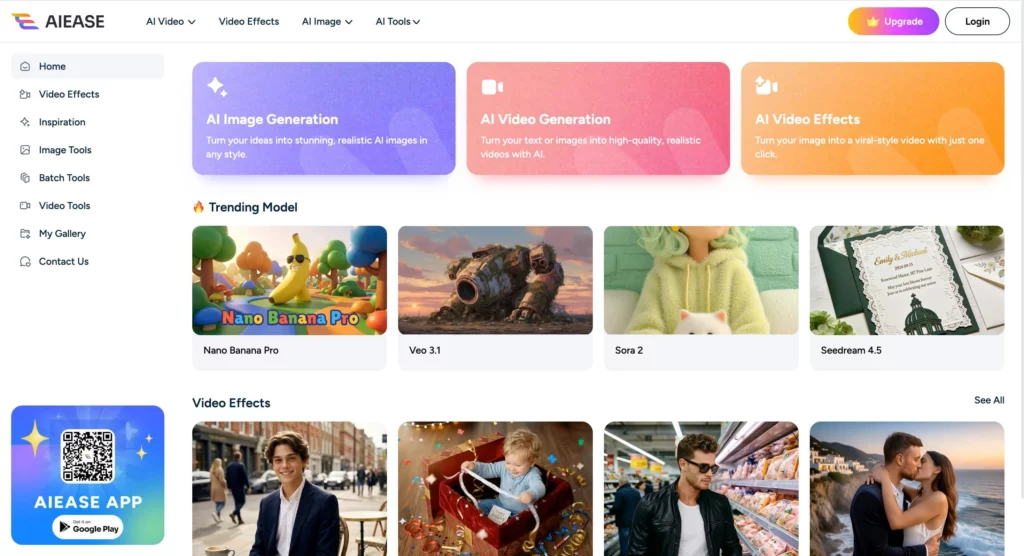
Many platforms specialize in only one thing. Some only do headshots, while others only remove backgrounds. AI Ease takes a different approach by offering everything in one place. You can generate a headshot and then edit it immediately.
This saves you from jumping between different websites. It keeps your workflow organized and fast. Whether you need a passport photo or a funny face swap, it is all there. This convenience is the biggest selling point of the platform.
Deep Dive into the Top Features of AI Ease
To give you an honest AI Ease review, I tested the most popular tools. The platform has expanded its library significantly in 2026. It now includes over a dozen specialized AI engines. Each one is designed for a specific creative problem.
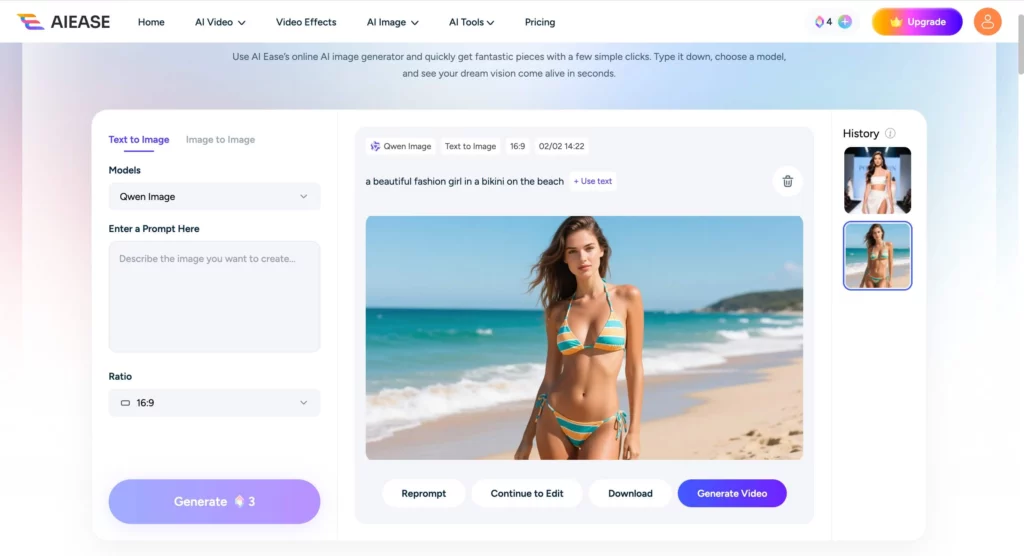
The image quality across these tools is surprisingly consistent. Even on the free tier, the results are sharp. The AI handles lighting and shadows much better than older versions. Let’s look at the specific features that stand out the most.
Professional AI Ease Headshots Without the Studio
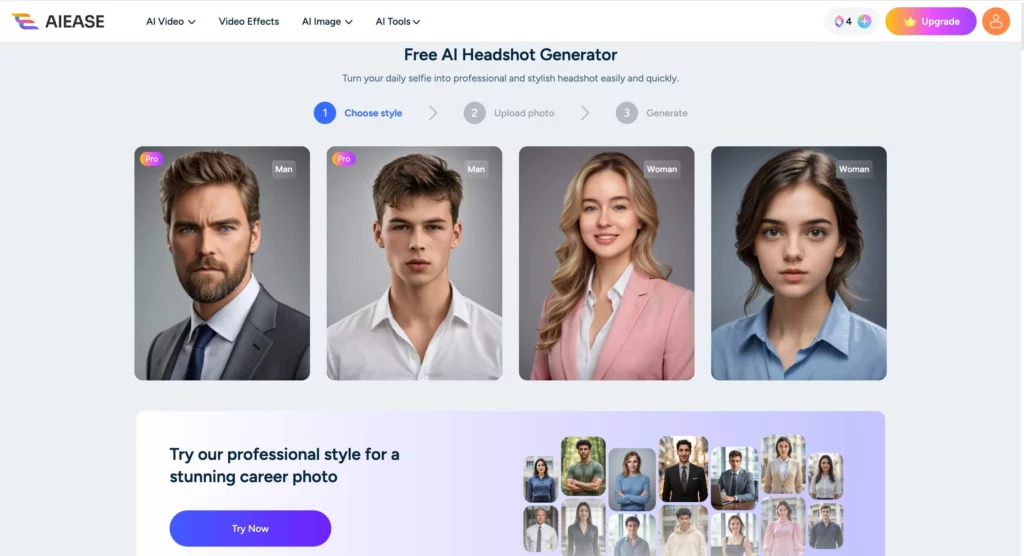
The AI Ease headshot generator is a massive hit this year. Professional photography can cost hundreds of dollars. With this tool, you only need a single selfie. The AI then places your face onto a professional body.
You can choose from over 100 different templates. Do you need a corporate suit for a law firm? Or a casual blazer for a tech startup? AI Ease has options for every industry. The skin tones look natural, and the hair blending is very smooth. It is perfect for updating your LinkedIn profile quickly.
One-Click Cleanup: Backgrounds and Objects
Removing unwanted items from photos used to be a nightmare. The AI Ease object remover makes it feel like magic. You just brush over the item you want to delete. The AI fills in the background perfectly in seconds.
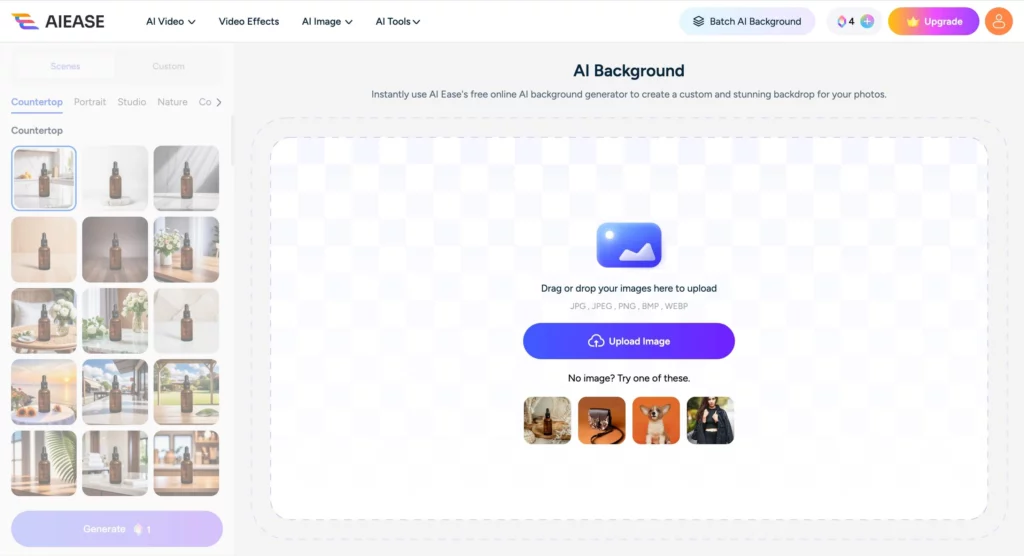
The background remover is equally impressive. It can handle difficult edges like frizzy hair or transparent glasses. You can then replace the background with a solid color or a new scene. This is essential for e-commerce sellers who need clean product shots. It helps your items stand out and look professional.
The Fun Side of AI Ease: Baby Generator and Face Swap
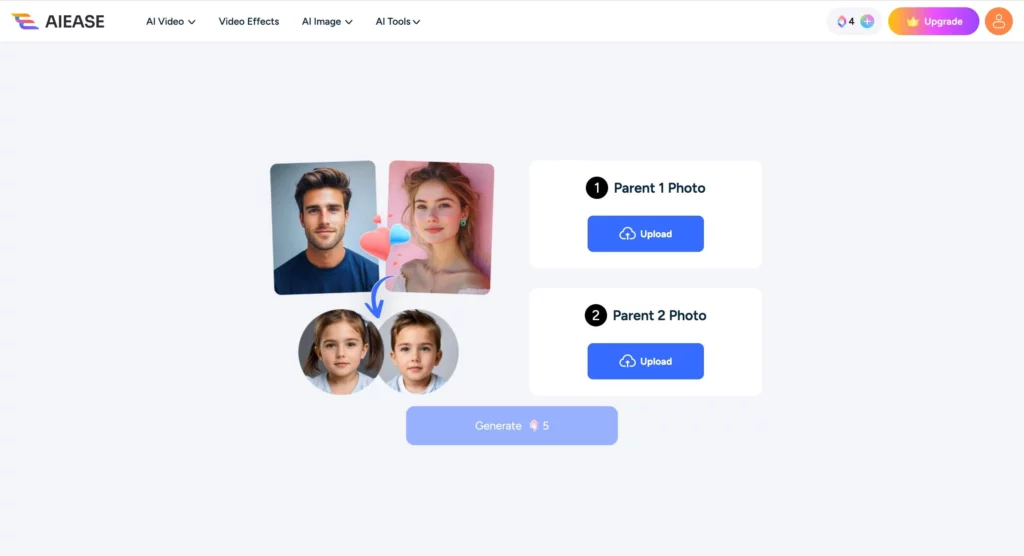
Not everything on the site is about work. AI Ease also includes several “fun” tools that have gone viral. The AI Baby Generator is a great example. You upload photos of two people to see a “future” child.
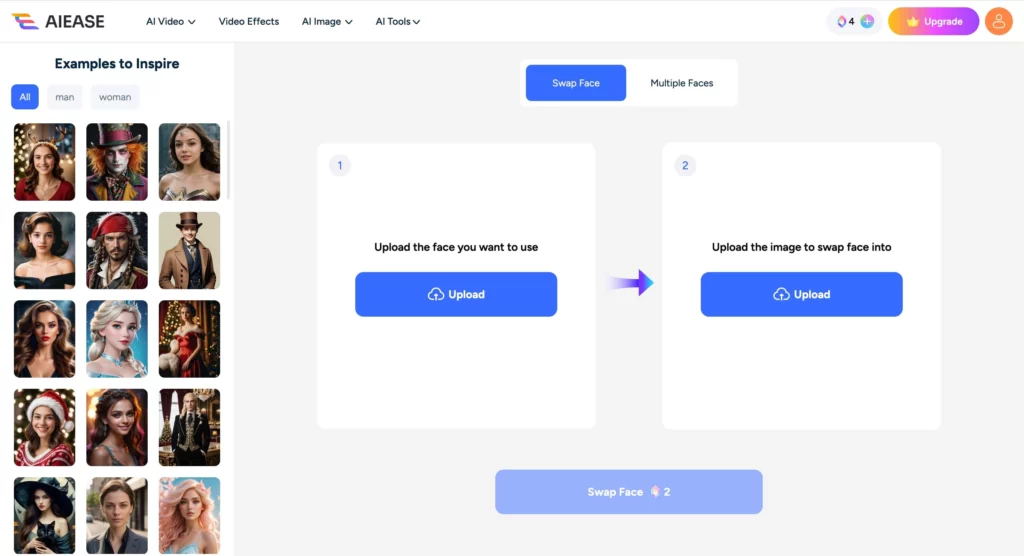
The Face Swap tool is also very popular for memes and creative projects. It is surprisingly accurate and maintains the original lighting. These features show the versatility of the AI Ease engine. It can handle both professional tasks and casual entertainment with ease.
Pricing and Performance: Does AI Ease Actually Work?
A major part of any AI Ease review is the discussion of cost. The platform markets itself as a “Free AI Photo Editor.” For the most part, this is true. You can access many tools without paying a cent.
However, there is a “Pro” tier for heavy users. In 2026, the subscription is around $9.99 per month. This unlocks unlimited generations and faster processing speeds. It also removes any watermarks from premium templates. For casual users, the free tier is usually enough.
| Feature | AI Ease Free | AI Ease Pro ($9.99/mo) |
| Daily Credits | 5-10 Credits | Unlimited |
| Download Quality | Standard HD | Ultra 4K |
| Processing Speed | Standard | Priority GPU |
| Object Removal | Basic | Advanced Batch Mode |
The performance is excellent across all devices. I tested it on both a desktop and a mobile browser. The site is fully responsive and does not lag. This accessibility is a huge plus for people on the go. You can fix a photo while sitting on the bus.
My Expert Tips for Using AI Ease in 2026
To get the best results from AI Ease, follow these simple steps. First, always use high-resolution source photos. The AI needs good data to create a good output. If your selfie is blurry, your headshot will look fake.
Second, try the “Image Enhancer” before you use other tools. This boosts the clarity of your original photo. It makes the subsequent edits look much more professional. Finally, don’t be afraid to experiment with different templates. Sometimes a “Startup” style looks better than a “Corporate” one.
AI Ease is a must-have tool in your creative arsenal. It takes the stress out of photo editing. Give it a try today and see how much time you can save.
The Pros:
- Extremely easy to navigate for beginners.
- The headshot generator offers a massive variety.
- Very generous free tier compared to competitors.
- High-speed rendering for all image types.
The Cons:
- Some “fun” tools can look a bit generic.
- Professional headshots still require a very clear selfie.
- Batch processing is locked behind the Pro tier.
Final Verdict: Is AI Ease Worth Your Time?
After testing the site thoroughly, my answer is a clear yes. AI Ease is the perfect middle ground for photo editing. It is not as complex as professional software. Yet, it is more powerful than a basic phone app.
It excels at practical tasks like headshots and background removal. The “Genius” models used in 2026 have fixed many old AI issues. Faces look more human, and backgrounds look more realistic. If you need a fast, free, and reliable tool, this is it.