

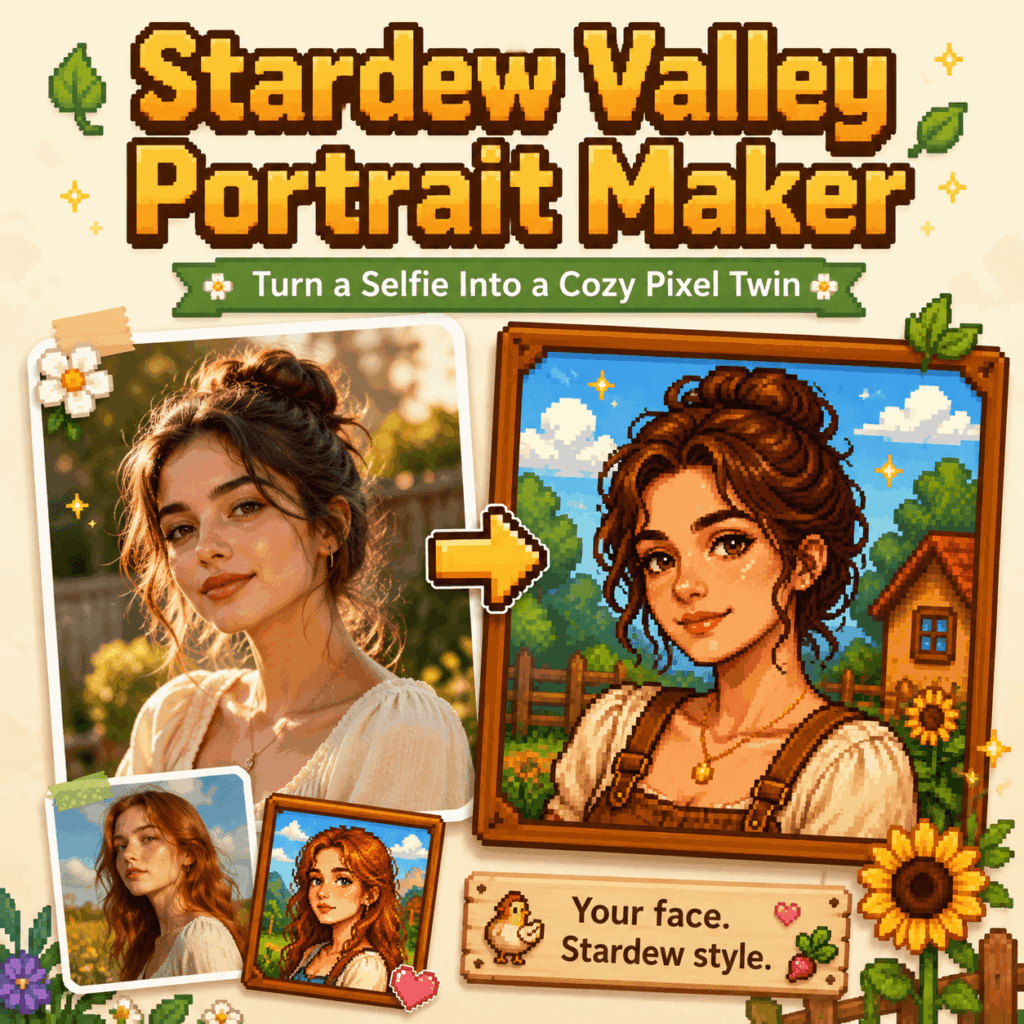
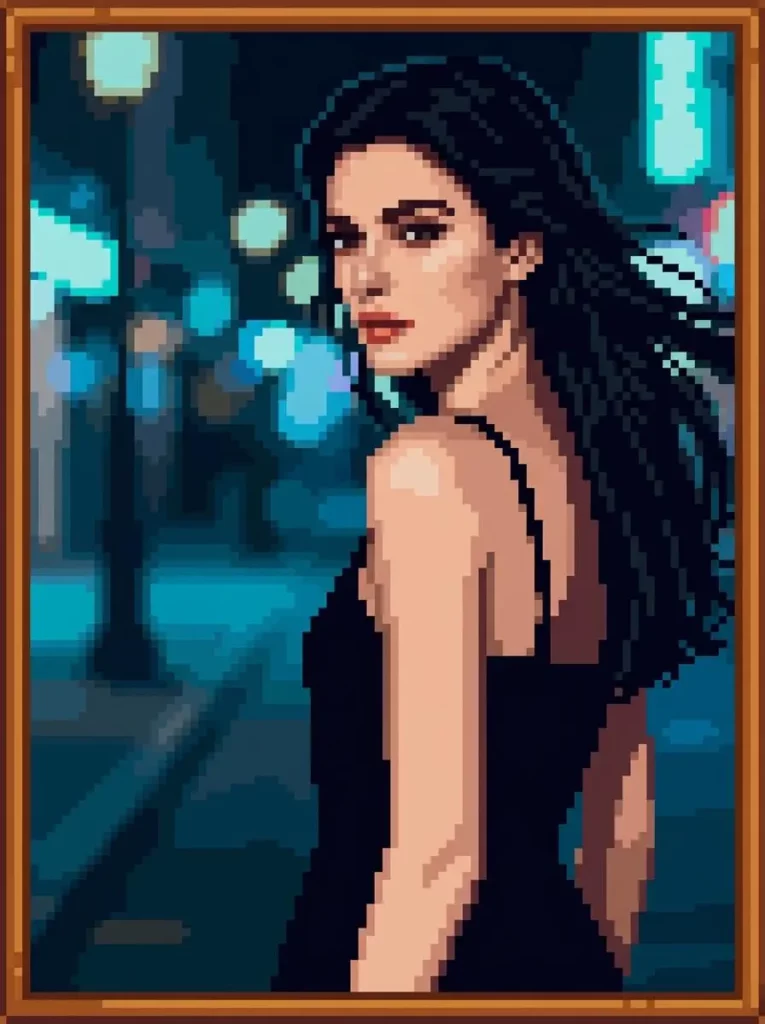
A normal selfie shows what you look like. However, a Stardew Valley Portrait Maker can imagine who you might become inside a cozy pixel village.
Maybe you would run a flower shop near the town square. Perhaps you would spend each morning watering strawberries. On the other hand, your pixel twin might prefer exploring dark mines with a lantern.
That possibility makes the result feel more personal than a basic photo filter. Instead of choosing from a fixed menu, you can start with your own photo. Then, you can guide the AI with details such as your hairstyle, clothes, mood, season, and village role.
As a result, the final portrait can still feel like you while showing a different side of your personality.
🙋Why the Stardew Valley Portrait Maker Feels So Personal
Pixel portraits may look simple. Still, a few tiny details can make a character easy to recognize.
Round glasses, short pink hair, or a favorite green jacket can carry a lot of personality. Meanwhile, the pixel style removes some realistic detail, so the portrait feels playful rather than too polished.
More importantly, the image can tell a small story. A character holding flowers may feel calm. In contrast, someone carrying a sword and lantern looks ready for adventure.
Because of this, a good Stardew Valley Portrait Maker does more than copy your face. It helps build a tiny fictional version of your life.
👣How to Use the Stardew Valley Portrait Maker in 4 Steps
Step 1: Choose a Clear Photo
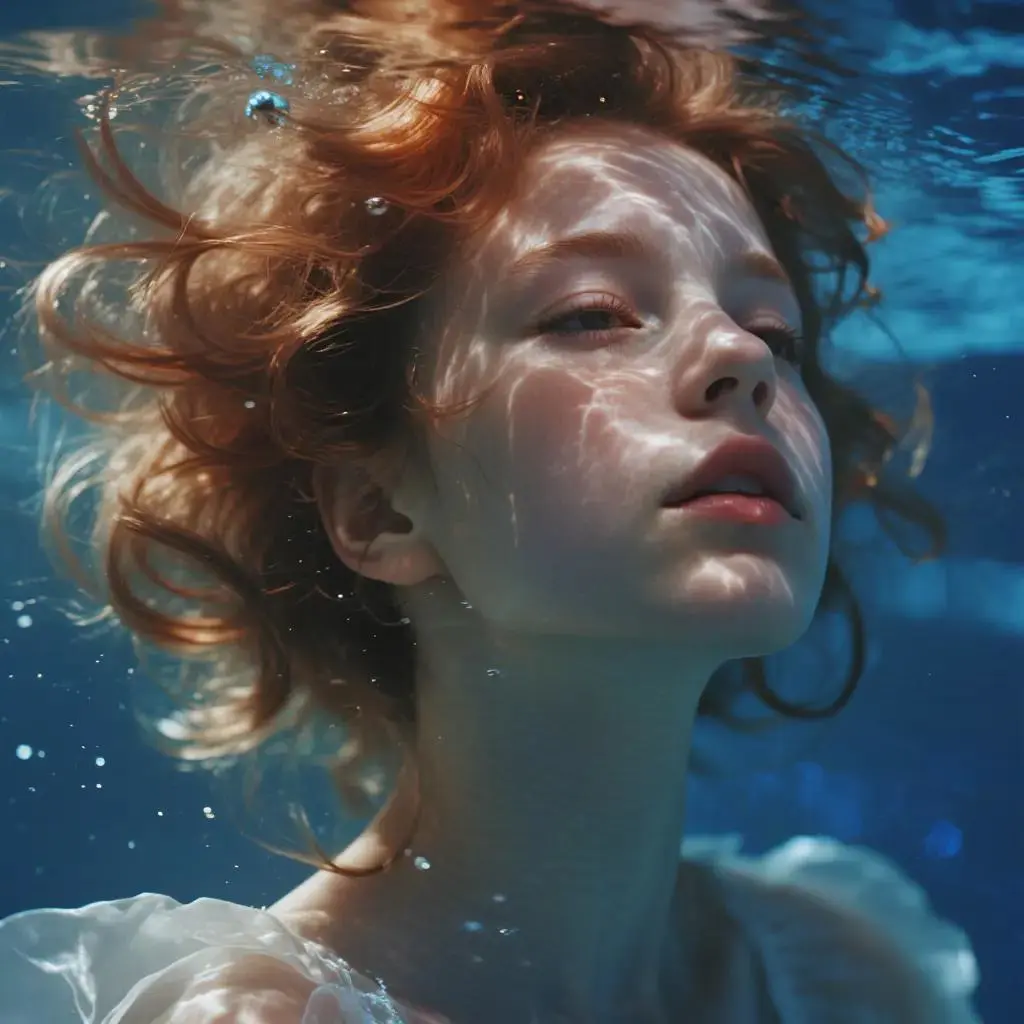
Start with a photo that clearly shows your face.
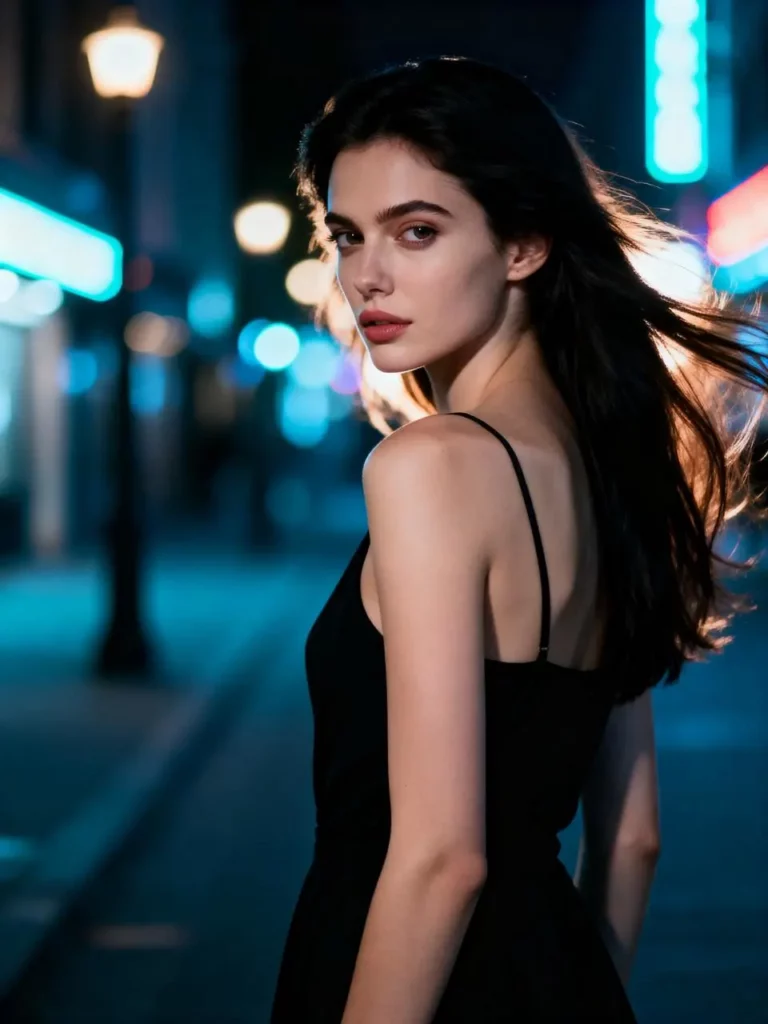
A front-facing portrait usually works best. Similarly, a slightly turned face can work if the main features remain visible. Natural light also helps the AI read your hair, face shape, and accessories.
For better results, avoid blur, heavy filters, dark lighting, and busy backgrounds.
Step 2: Upload the Image
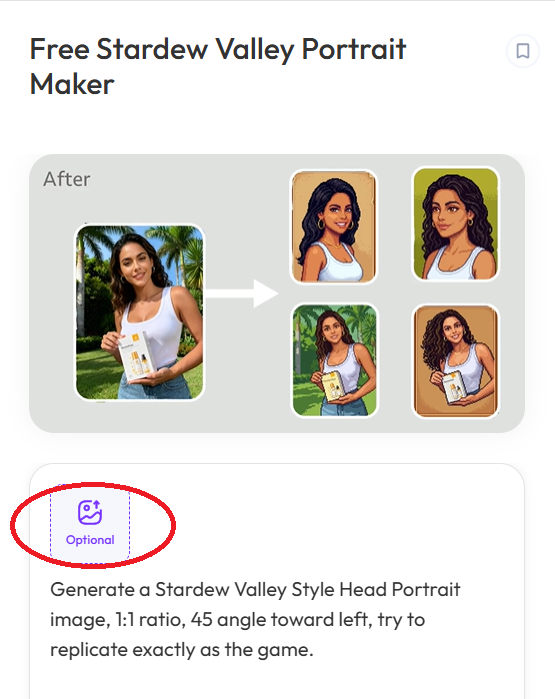
Next, open the WeShop AI Stardew Valley Portrait Maker and upload your photo.
You do not need a studio image. In fact, a simple everyday selfie is often enough. Once the picture appears clearly, move to the prompt box.
Step 3: Write a Clear Prompt
Now, describe the character you want.
Start with the features that should remain recognizable. Afterward, add the outfit, role, setting, and mood.
A useful structure is:
Person + key features + outfit + role + setting + mood
For example:
“Turn the person in the reference photo into a cozy pixel farmer. Keep the short brown hair, round glasses, face shape, and warm smile. Add green overalls, a cream shirt, and a straw hat. Place the character beside a farmhouse with sunflowers and soft morning light.”This works because the important features come first. By contrast, “make me cute in Stardew Valley” is too broad, so the result may look generic.
Step 4: Generate, Compare, and Refine
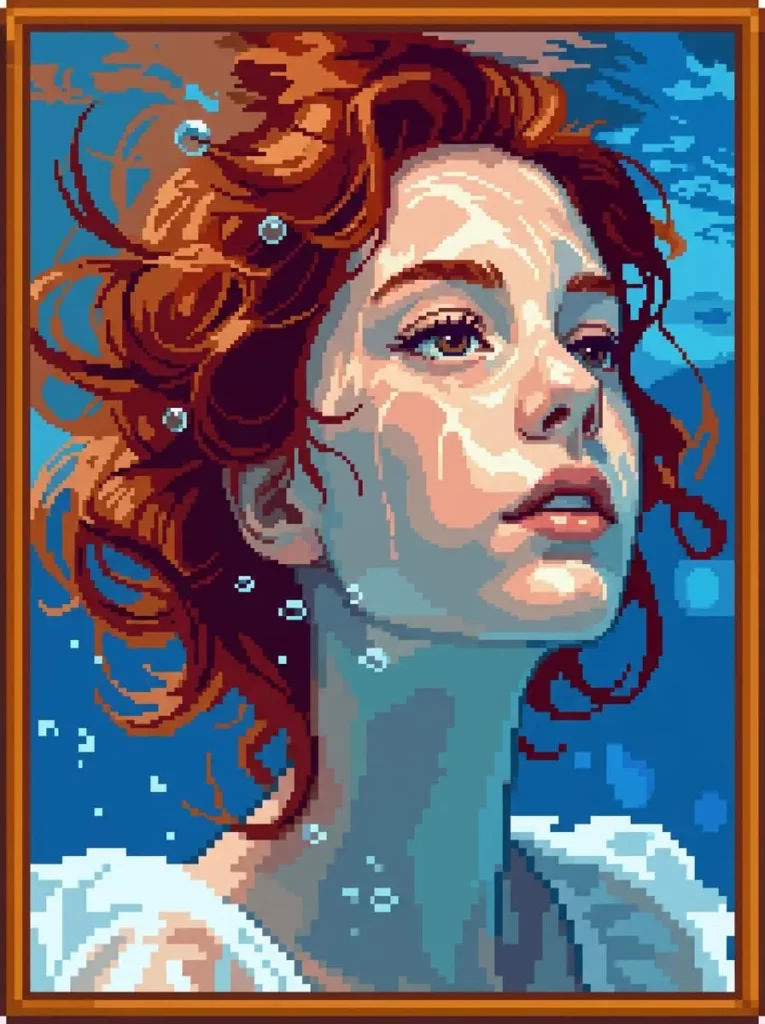
After the prompt is ready, generate several versions.
The first result may already look good. Still, compare the hairstyle, glasses, expression, outfit, and background before choosing a final image.
If one detail feels wrong, change only that part. For example, write “keep the original glasses,” “make the hair shorter,” or “use a simpler farm background.”
Finally, download the portrait that feels most like you.
📝Tips for Better Stardew Valley Portrait Maker Results
A long prompt is not always better. In fact, the strongest prompts usually focus on a few clear details.
First, choose three signature features, such as glasses, hair color, and face shape. Then, place them near the beginning of the prompt.
Simple outfits also work better in pixel art. Therefore, use clear colors and shapes instead of tiny patterns.
One main mood is enough. For instance, choose “quiet and mysterious” or “bright and cheerful” instead of mixing many feelings.
Finally, keep the background short. A phrase like “spring farm at sunrise” is often more useful than a long list of crops, animals, and buildings.
🏁Creative Ways to Use Your Stardew Valley Pixel Portrait
The final image does not have to stay as a single profile picture.
You can create an original character card with a name, role, personality, and favorite gift. Alternatively, make matching portraits for friends while keeping the same season and color palette.
Seasonal versions also work well. Keep the face and hairstyle consistent, then change the clothes, weather, and lighting.
As a result, one portrait can become a complete visual collection.
✨Stardew Valley Portrait Maker FAQ
Can I Use a Selfie With the Stardew Valley Portrait Maker?
Yes. A clear selfie is usually the easiest reference. For better results, use natural light and keep the face, hair, and accessories visible.
How can I make the character look more like me?
Mention two or three signature features near the beginning of the prompt. For example, describe your hairstyle, glasses, freckles, or usual expression.
Can I create a character without a photo?
Yes. You can describe the character’s face, clothes, personality, role, and background. However, a reference image may help the design stay more consistent.
🎨Create Your Own Cozy Pixel Character
A Stardew Valley Portrait Maker can turn one simple selfie into a small character story.
Upload a clear image, keep the prompt focused, and refine one detail at a time. Then, create a farmer, baker, explorer, or forest villager that still feels like you.
Go to WeShop AI For Exploration:


