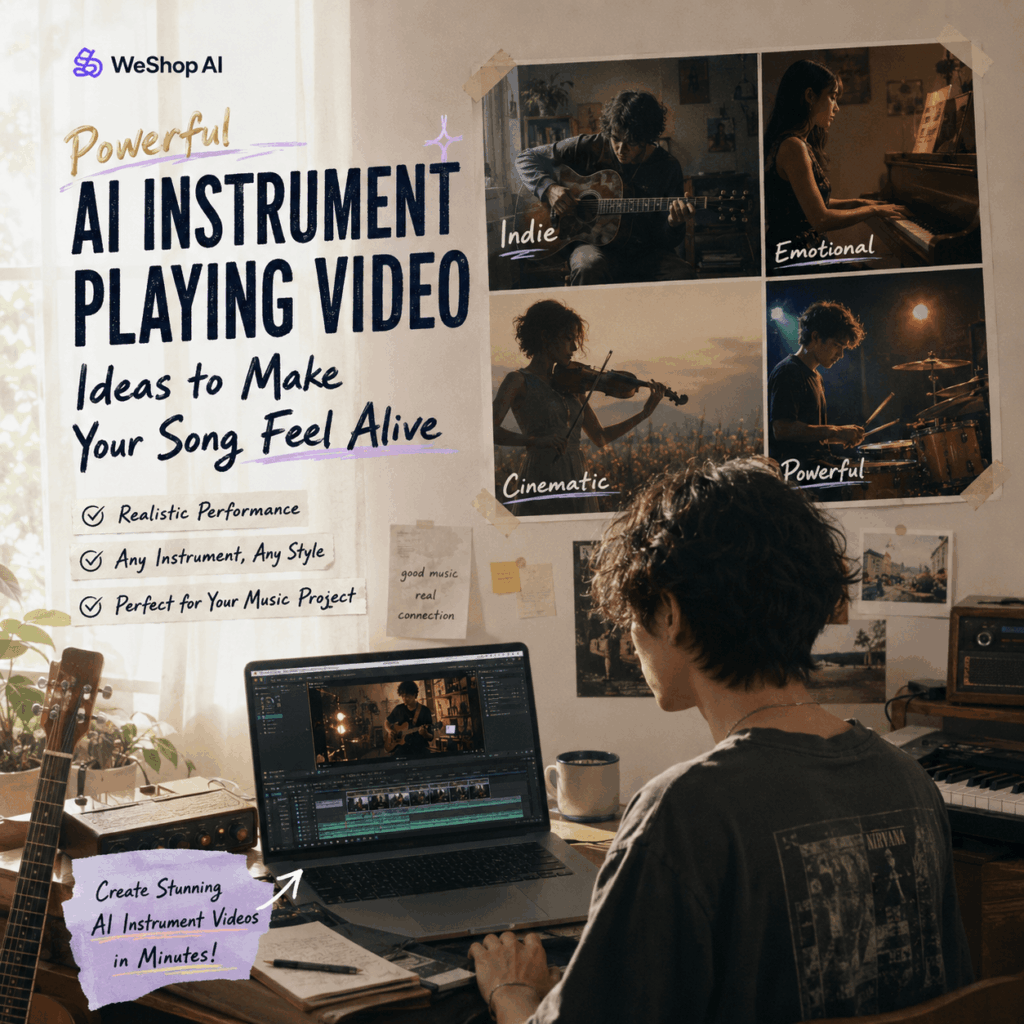
An AI instrument playing video is quickly becoming one of the easiest ways to make music promotion feel alive. Instead of posting the same cover art again and again, artists can now turn a photo, first frame, or virtual character into a short performance-style video.
And honestly, that solves a real problem. Your song may be ready, your cover may look good, your release date may be planned. However, one question still remains: What should people actually watch?
A still image can feel too quiet. Meanwhile, a full music video can be expensive, slow, and hard to plan. As a result, many independent musicians end up promoting great songs with very little visual content.
That is where an AI instrument playing video fits in. It gives your track a visual moment without asking you to book a studio, hire a crew, rent lights, or pretend your bedroom corner is a “creative production space.”
Instead, you can create a short clip where a person, avatar, or artist image appears to play guitar, piano, violin, drums, saxophone, bass, or another instrument. Therefore, your song gets something more dynamic than a cover image, but much lighter than a full MV.
Why Musicians Need More Short Videos Now
Music promotion has changed.
Before, artists could release a song, post a cover, share a link, and maybe upload one music video. Now, however, one song often needs many pieces of content.
You may need a teaser before release. Then, you need a release-day clip. After that, you may need a chorus video, a lyric snippet, a behind-the-song post, a remix announcement, and a few short-form clips for TikTok, Instagram Reels, YouTube Shorts, and other platforms.
Because of this, one song is no longer just one upload. It becomes a whole content cycle.
However, most artists do not have endless footage. Independent musicians may not have live performance clips. Bedroom producers may not want to appear on camera. Also, AI music creators may not have a real performer at all.
An AI instrument playing video helps fill that gap.
It gives you a performance-style visual without a full shoot. More importantly, it makes your song easier to package for short-form platforms, where movement matters.
What Is an AI Instrument Playing Video?
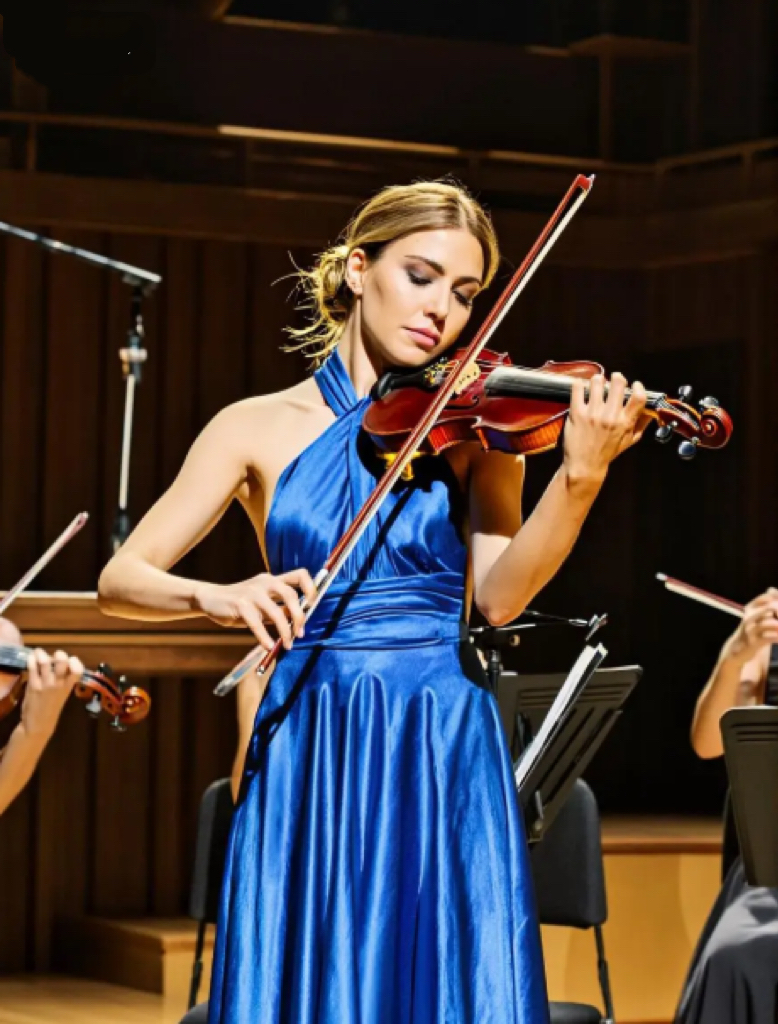
An AI instrument playing video is a short AI-generated clip where a person, character, or visual subject appears to play a musical instrument.
Instead of creating a random moving image, this type of video focuses on performance details. For example, the person may strum a guitar, touch piano keys, hold a violin bow, play drums, or move with the rhythm of a stage scene.
In a tool like WeShop AI’s Instrument Playing Video Generator, you can start with a prompt, a reference image, or a creative scene idea. Then, the AI helps turn that concept into a short music-performance video.
The result can look like:
- A singer-songwriter playing acoustic guitar under warm lights.
- A pianist performing in a rainy apartment.
- A drummer playing under concert lighting.
- A violinist standing in a cinematic fantasy scene.
- A saxophone player in a late-night jazz club.
- A virtual character performing as part of an AI band.
Therefore, this format is useful for musicians, labels, fan editors, music marketers, virtual idols, and creators who need performance-style visuals fast.
Why an AI Instrument Playing Video Works Better Than a Static Cover
A cover image is important. However, it does not always stop the scroll.
On social media, people react to movement first. A hand strumming a guitar, a camera moving around a pianist, or stage lights falling across a performer can create instant mood. As a result, even a short clip can feel more emotional than a still image.
Also, instrument visuals are easy to understand.
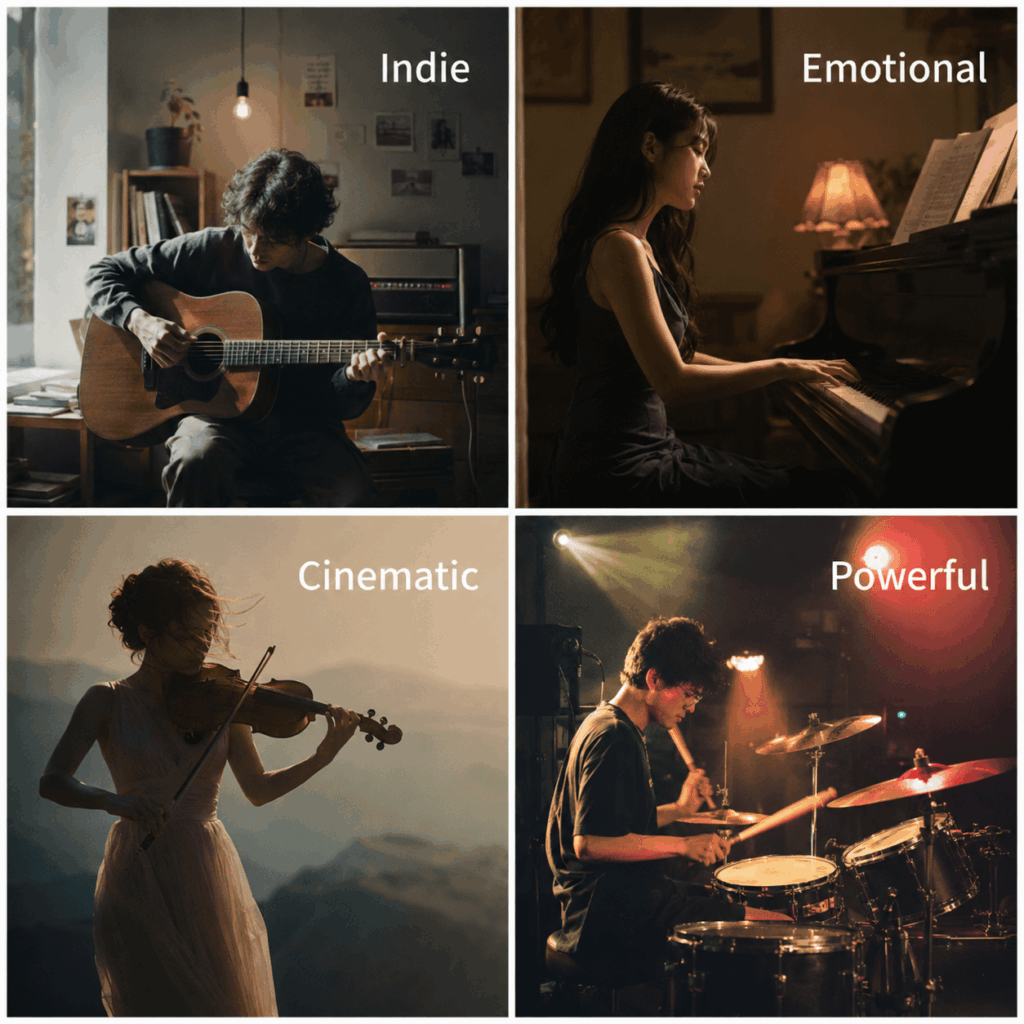
- A guitar suggests indie, folk, rock, or live-session energy.
- A piano suggests emotion, softness, sadness, or cinematic drama.
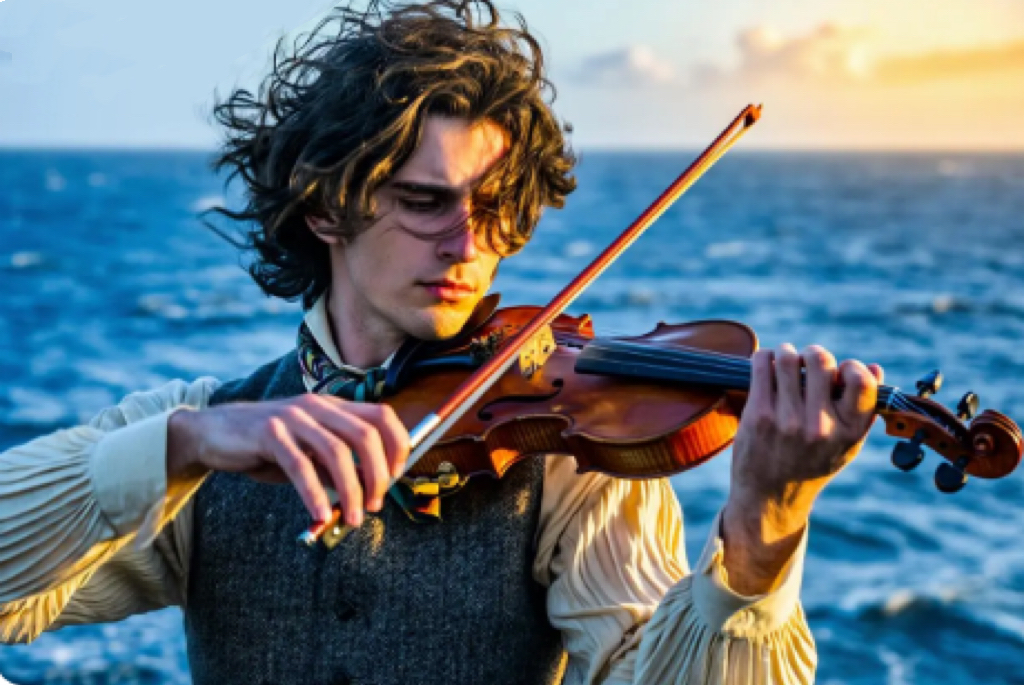
- A violin suggests elegance, fantasy, tension, or storytelling.
- Drums suggest power, rhythm, and energy.
- A saxophone suggests jazz, retro nightlife, or smooth city-pop mood.
In other words, the instrument becomes part of your song’s visual language.
That is why an AI instrument playing video can be so useful. It does not only show “someone playing music.” Instead, it helps define the feeling of the track before the listener even hears the full song.
When Should You Use AI Instrument Playing Video?
You do not need to use an AI instrument playing video for every single post. However, it works very well when your song needs a quick visual hook.
Use AI Instrument Playing Video for a New Single Teaser
Before a song drops, you can create a short clip that matches the mood of the track. For example, if the song is soft and emotional, a piano performance video can make the teaser feel more intimate.
Instead of posting only “out Friday,” you can show a cinematic AI pianist playing under warm lights while your chorus fades in.
That feels more like a moment.
Use AI Instrument Playing Video for a Chorus Hook
If your chorus is the strongest part of the song, pair it with a clear performance visual.
For example, a guitar strum can match a folk chorus. Meanwhile, a drum performance can match a rock or EDM drop. As a result, the viewer gets both sound and motion at the same time.
This makes the clip easier to watch, save, and share.
Use AI Instrument Playing Video for a Virtual Artist or AI Music Project
If your music project uses an AI singer, fictional artist, or virtual band, visuals matter even more. People need to “see” the artist world.
An AI instrument playing video can help create that world. You can keep the same character style, outfit, lighting, and stage mood across multiple clips. Therefore, the project feels more consistent.
Use AI Instrument Playing Video When You Have No Live Footage
Not every artist has live show videos. Also, not every producer wants to film themselves.
That is completely normal.
With an AI-generated performance clip, you can still create the feeling of a live session, studio moment, or stage scene. In addition, you can make different versions for different parts of the song.
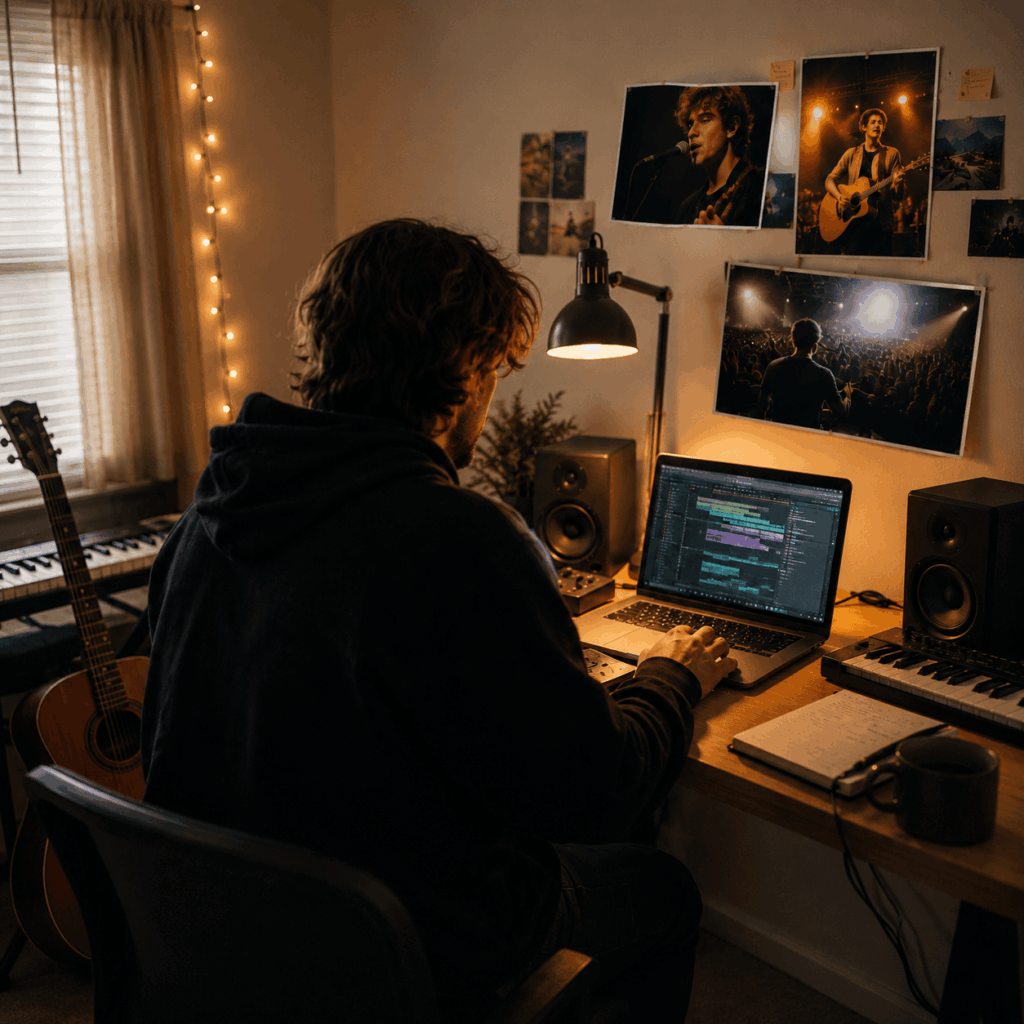
How to Create an AI Instrument Playing Video for Music Promo
The best results usually come from clear input. Therefore, do not only type “make a music video.” That is too vague.
Instead, think like a creative director.
You need to decide the performer, the instrument, the scene, the lighting, the motion, and the mood.
Step 1: Choose the Song Moment
First, choose the part of the song you want to promote.
Do you want to highlight the intro? The chorus? The drop? The sad bridge? The final line?
This matters because the video should match the sound. For example, a soft piano visual may work beautifully for a slow chorus. However, it may feel weak for a heavy drum drop.
So, before generating anything, pick the exact moment you want to support.
Step 2: Choose the Right Instrument
Next, choose the instrument based on the song’s emotion.
- Acoustic, indie, folk, or singer-songwriter tracks, guitar is usually the safest choice.
- Ballads, sad pop, R&B, or cinematic songs, piano works well.
- Dramatic, fantasy, trailer-like, or emotional music, violin can add strong visual tension.
- Rock, EDM, pop-punk, or energetic hooks, drums can bring more power.
- Jazz, lo-fi, city pop, or retro night vibes, saxophone gives instant mood.
As a result, the instrument becomes a shortcut for emotion.
Step 3: Prepare a Strong Reference Image
If you use a reference image, choose one that gives the AI enough visual information.
A half-body or full-body image is usually better than a tight face crop. Also, the hands and arms should not be completely hidden if the video needs clear playing motion.
Prompt Examples for AI Instrument Playing Video
Here are a few ready-to-use prompt ideas. You can adjust the artist, outfit, scene, and mood based on your song.
Acoustic Guitar Teaser Prompt
Create an AI instrument playing video where the person is naturally playing an acoustic guitar on a small live stage. Preserve the face, hairstyle, outfit, and body proportions from the reference image. The left hand holds the fretboard, while the right hand softly strums the strings. Add warm stage lights, subtle audience shadows, emotional singer-songwriter posture, and slow cinematic camera movement. Avoid distorted hands, extra fingers, broken guitar shape, floating instrument, flickering, and sudden outfit changes.Late-Night Piano Ballad Prompt
Create an AI instrument playing video where the person is playing a grand piano in a quiet apartment at night. Preserve the face, hairstyle, outfit, and body proportions. The hands move naturally across the piano keys with soft finger motion. Add warm lamp light, a rainy window, gentle reflections, and a slow camera push-in. The mood should feel intimate, emotional, and cinematic. Avoid wrong keyboard layout, distorted fingers, floating hands, unstable face, and sudden background changes.Cinematic Violin Performance Prompt
Create an AI instrument playing video where the person is playing a violin in a dramatic golden-hour outdoor scene. Preserve the face, hairstyle, outfit, and body proportions. The violin rests naturally under the chin, while the bow moves across the strings with believable arm motion. Add soft wind, cinematic lighting, emotional posture, and slow camera movement. Avoid floating bow, deformed violin, extra fingers, broken arm motion, flickering, and sudden outfit changes.Common Mistakes That Make AI Instrument Playing Video Look Fake
An AI instrument playing video can look impressive. However, it can also look strange if the prompt is too loose.
Here are the mistakes to avoid.
Mistake 1: How to describe “Playing Music”?
Always name the exact instrument. Also, describe how the hands should interact with it.
For example, “playing guitar” is okay. However, “left hand on the fretboard, right hand strumming the strings” is better.
Mistake 2: Why do the AI instrument playing video I generate look so obviously AI-made?
A blurry selfie, extreme face crop, or messy background may confuse the AI.
Instead, use a clear portrait with visible body structure. If possible, choose an image where the pose already fits the instrument.
Mistake 3: Why did the results actually worsen when more visual elements were included in the description?
Do not ask for too much at once.
A singer, a guitarist, a drummer, fireworks, dancers, a crowd, moving lights, and a flying camera may sound exciting. However, it can make the result messy.
For better results, use one main person, one instrument, and one strong mood.
Final Thoughts: Every Song Needs a Visual Moment
Not every song needs a full music video.
However, every song needs something people can see, feel, and remember.
An AI instrument playing video gives musicians a faster way to create that moment. It turns a photo, artist image, or virtual character into a short performance-style clip that can support teasers, Reels, Shorts, release campaigns, and music storytelling.
Of course, it will not replace every real music video. A full MV still has its own value. However, for daily promotion, early teasers, visual experiments, and indie campaigns, this format is much easier to use.
So, if your song is ready but your visuals are not, start small.
Choose the song moment. Pick the instrument. Write a clear prompt. Add the mood. Then, let an AI instrument playing video give your track the visual hook it deserves.
Go to WeShop AI For Exploration: