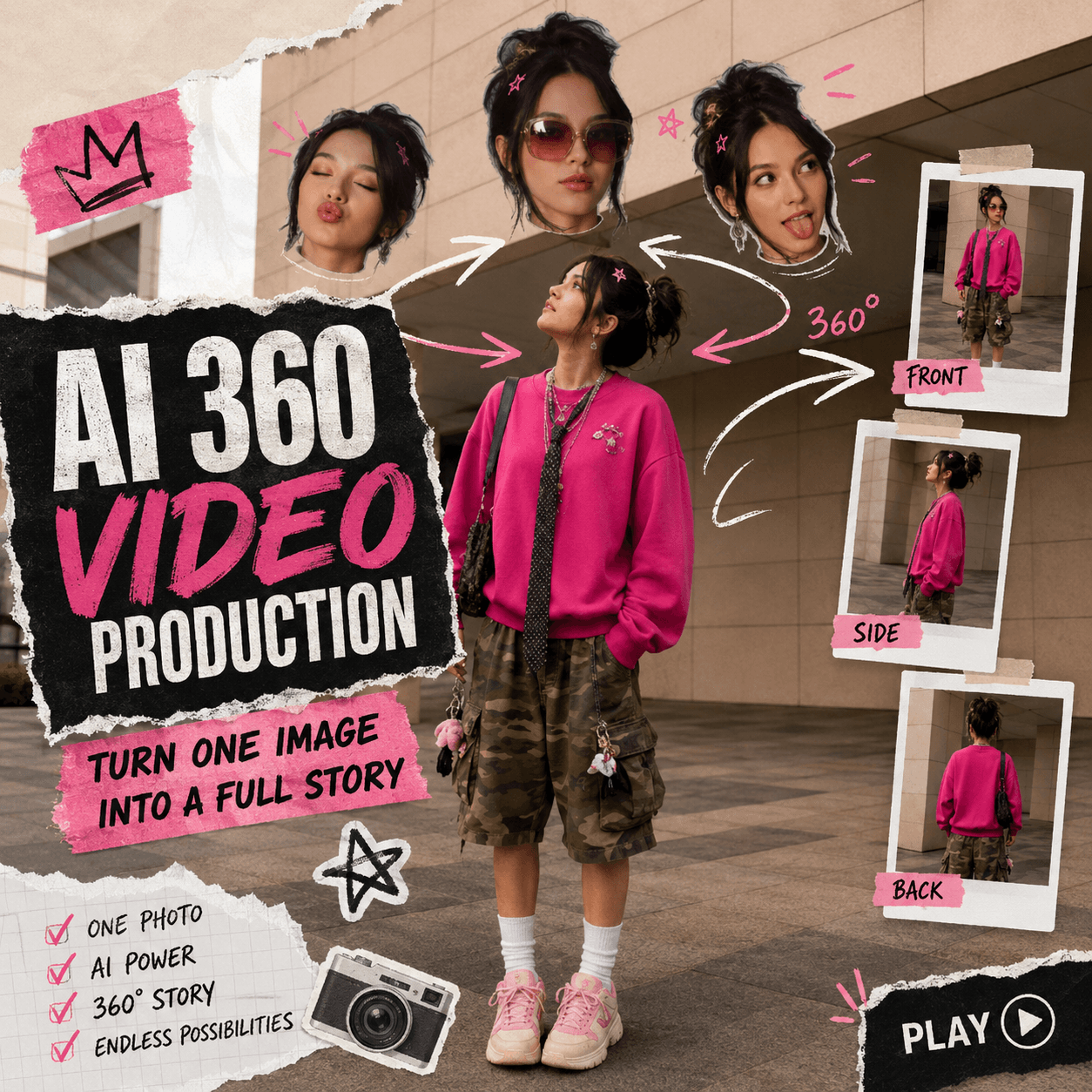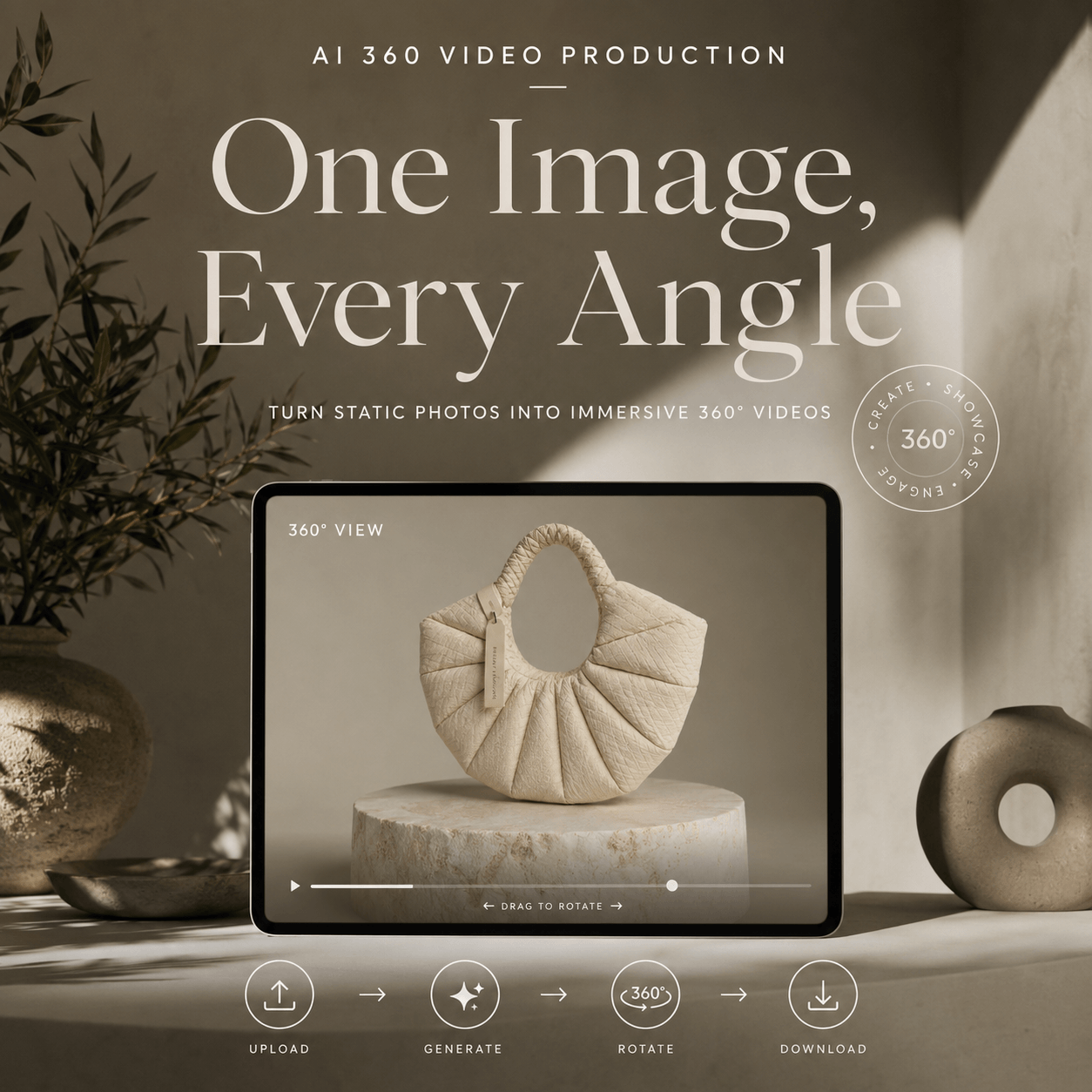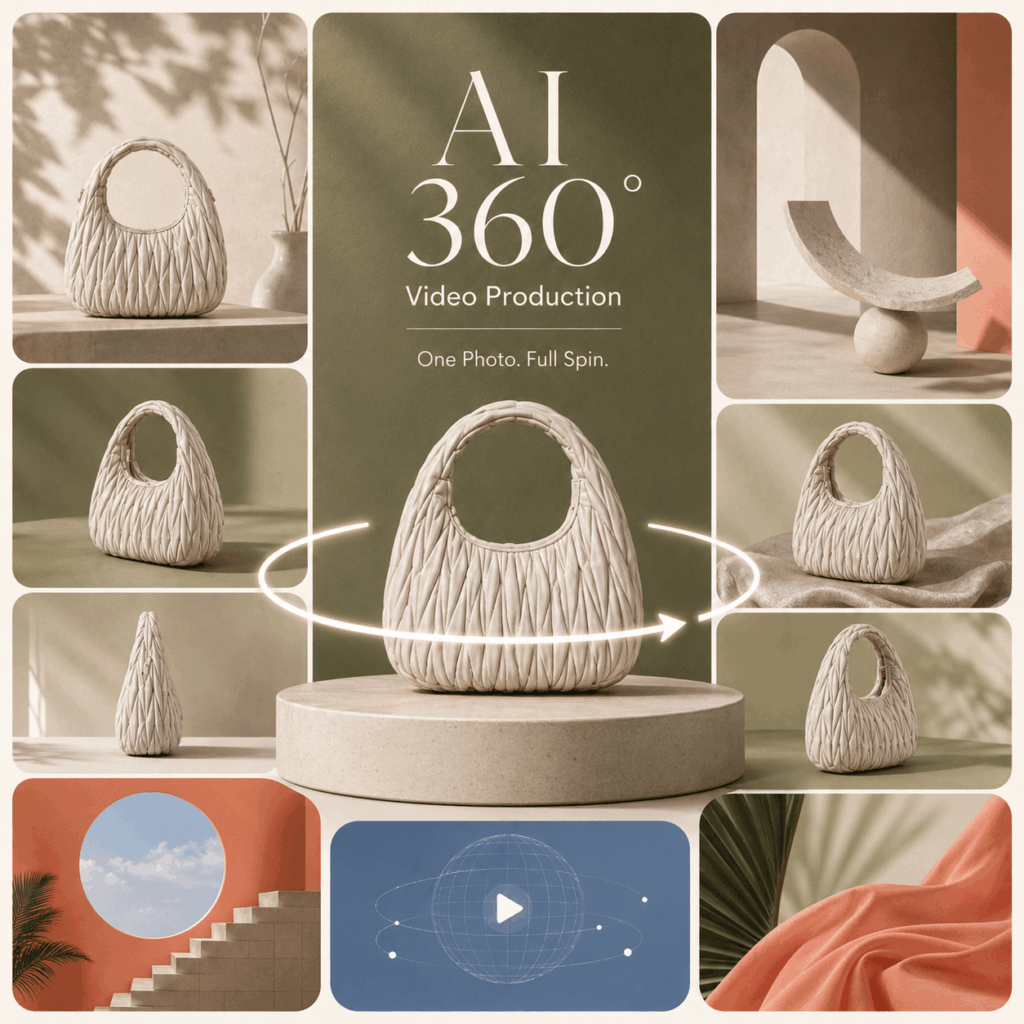
Product photos still matter. However, they often feel too flat for today’s ecommerce and social media feeds. That is exactly why AI 360 Video Production feels so useful: it turns one product image into a smooth 360° product video, without a studio, turntable, or full reshoot.
Instead of asking shoppers to guess the shape, texture, and details from one still image, a 360° product video lets the product move. As a result, the item feels more real, more premium, and much easier to understand.
Even better, you do not need a professional video setup. With AI 360 Video Production, one clear product photo can become a ready-to-use video for product pages, TikTok, Instagram Reels, ads, launch campaigns, and brand websites.
In other words, this is not just an AI video trick. It is a faster way to turn a static product image into a visual asset that feels ready for the scroll economy.
What Is AI 360 Video Production?
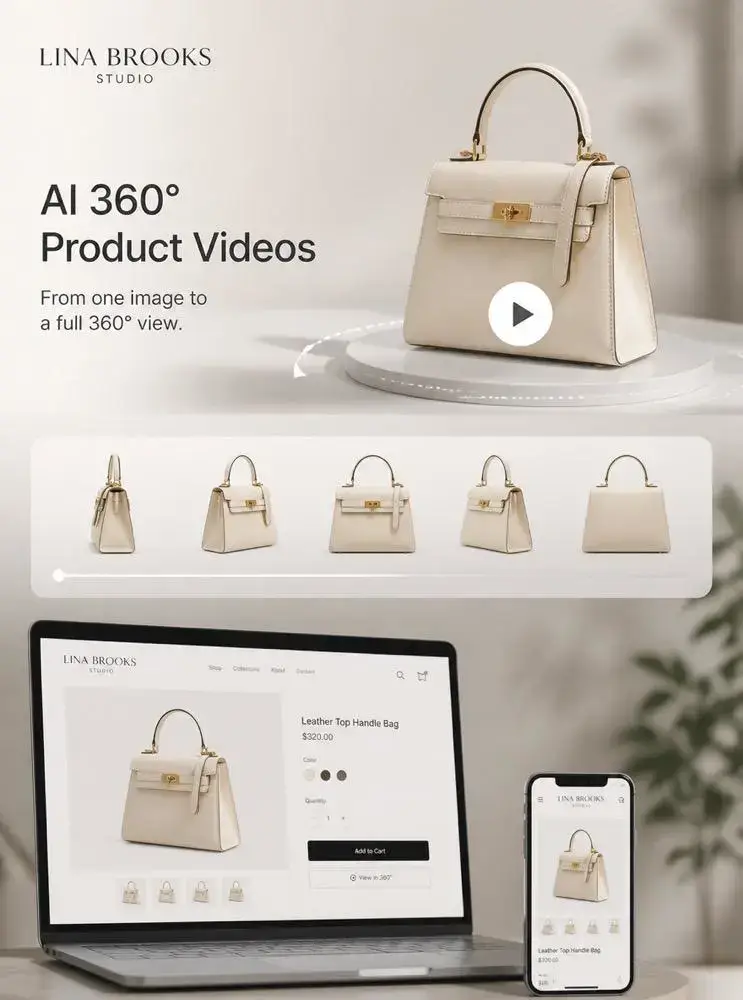
AI 360 Video Production is an AI tool that turns a single product image into a 360° rotation video.
The idea is simple. You upload one product photo, and the tool creates a smooth product spin video based on the product’s shape, edges, texture, and visual details. Therefore, it does more than add motion to a still image. It helps your product look more dimensional.
In other words, AI 360 Video Production works like a virtual product turntable. However, instead of setting up lights, cameras, and equipment, you only need one strong image.
This makes it useful for ecommerce stores, product landing pages, social media ads, online catalogs, and launch content. After all, a product that moves can show much more than a product that just sits there.
A Simple Way to Understand It
Imagine you have one clean product photo.
Maybe it is a sneaker. Maybe it is a perfume bottle. Maybe it is a handbag, a watch, a skincare jar, or a collectible figure.
Normally, that photo can only show one angle. However, with AI 360 Video Production, that same image can become a rotating product video. As a result, shoppers can see more shape, more texture, and more personality.
That is the real hook. One image stops being “just a product photo.” Instead, it becomes a reusable video asset.
Why AI 360 Video Production Works So Well for Ecommerce
Static product images are useful. Still, they do not always answer the questions shoppers have before buying.
What does the side look like?
How thick is it?
Does the material look glossy, soft, matte, or textured?
Would it feel premium in real life?
Because of these questions, a 360° product video can make the shopping experience feel more complete. Instead of showing only one angle, it gives shoppers a better sense of the full product.
Meanwhile, ecommerce content is becoming more video-first. Product pages need stronger visuals. Social platforms reward motion. Ads need to grab attention quickly. Therefore, AI 360 Video Production fits right into the current content workflow.
It helps brands turn a normal product photo into a short, polished video asset. More importantly, it does this without asking teams to book a studio or shoot every product again.
The Real Pain Point: Product Content Is Expensive
For many sellers, the problem is not the product. The problem is content.
A product launch needs photos. Then, it needs videos. After that, it needs ads, banners, thumbnails, social posts, and short clips. However, most small teams do not have the time or budget to create custom video content for every SKU.
That is where AI 360 Video Production becomes practical. It does not ask you to rebuild your whole content process. Instead, it helps you get more value from images you already have.
So, if your store already has product photos, this tool gives those photos a second life.
How AI 360 Video Production Makes Product Photos Look More Premium
Some products are not boring. They just look boring in flat photos.
For example, a sneaker may have a strong side profile, layered texture, and interesting sole design. However, if shoppers only see one front-facing image, those details may disappear. Similarly, a perfume bottle may look much more expensive when its curves, shine, and packaging catch the light from different angles.
That is where AI 360 Video Production becomes valuable. It helps the product show its shape, structure, and texture through movement. As a result, the product feels more polished and easier to trust.
This matters because premium presentation often changes how people read a product. A clear 360° product video can make a simple listing feel more like a real brand experience.
So, the value is not just “the image moves.” Instead, the value is that the product feels more complete, more detailed, and more ready to sell.
Why Movement Feels More Convincing
A still image can look beautiful. However, it can also hide too much.
Movement gives the viewer more clues. It shows edges. It reveals volume. It makes packaging, material, and silhouette easier to understand. Therefore, a rotating product video can reduce the feeling of “I cannot really tell what this looks like.”
That small shift matters. When a shopper understands a product faster, they can make a decision faster.
Best Products to Try with AI 360 Video Production
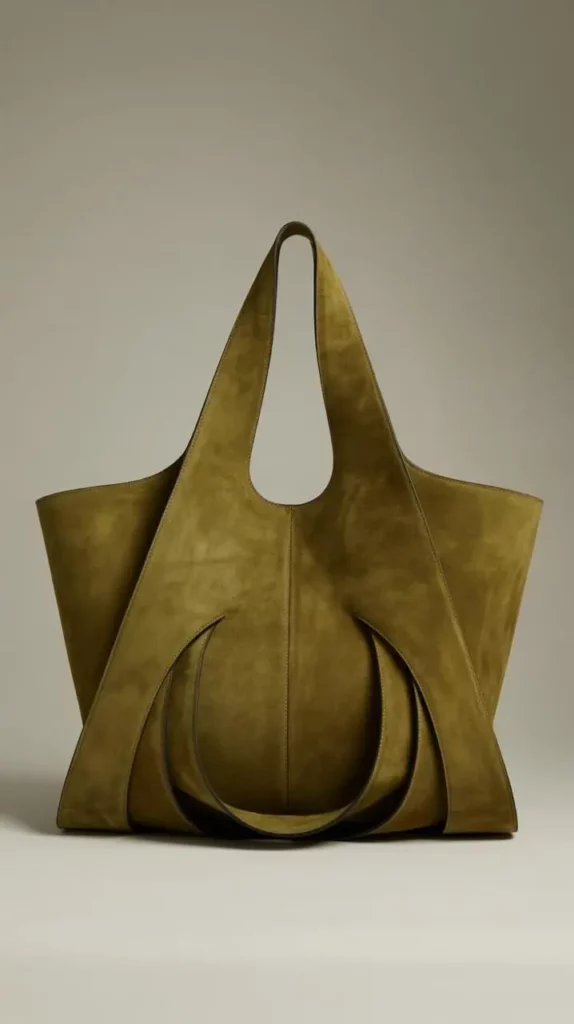
AI 360 Video Production works best with products that have clear shapes, visible details, and strong outlines.
For example, it is a great fit for:
Shoes
Bags
Watches
Headphones
Perfume bottles
Skincare packaging
Jewelry
Electronics
Toys and figures
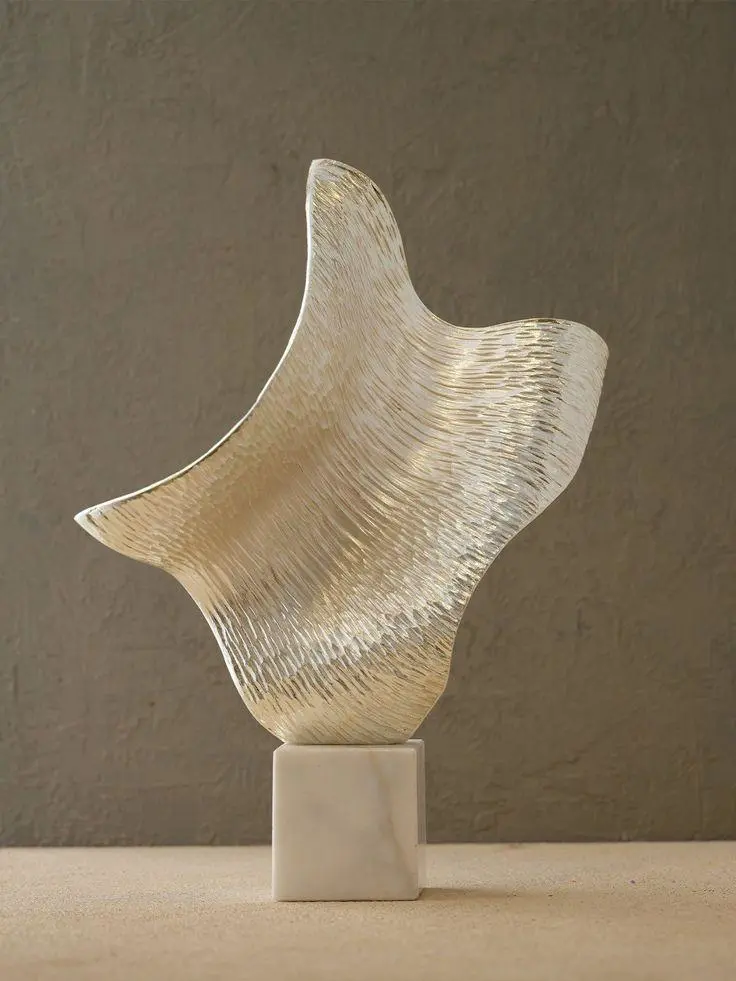
Home decor
Art objects
Collectibles
These products usually look interesting from more than one angle. Therefore, a 360° rotation video can help show what a single image cannot.
However, the input image still matters. If the photo is blurry, too dark, heavily blocked, or filled with distracting background elements, the final video may look less clean.
For better results, choose a product image with a clear subject, simple background, soft lighting, and visible edges. Also, make sure the product is large enough in the frame. Otherwise, small details may not carry well into the final video.
Products That May Not Work as Well
Not every image is perfect for AI 360 Video Production.
Very flat items may not create much visual excitement. Overly complex objects may also look less clean if the original image does not show enough structure. Meanwhile, transparent products, reflective products, and items with tiny text may need a very clear image to look good.
So, instead of uploading a random screenshot, use a photo that already looks clean and intentional. The stronger the input image, the better the final 360° product video usually feels.
How to Use AI 360 Video Production
Using AI 360 Video Production is simple, even if you have no editing experience. The workflow is short, clear, and easy to repeat.
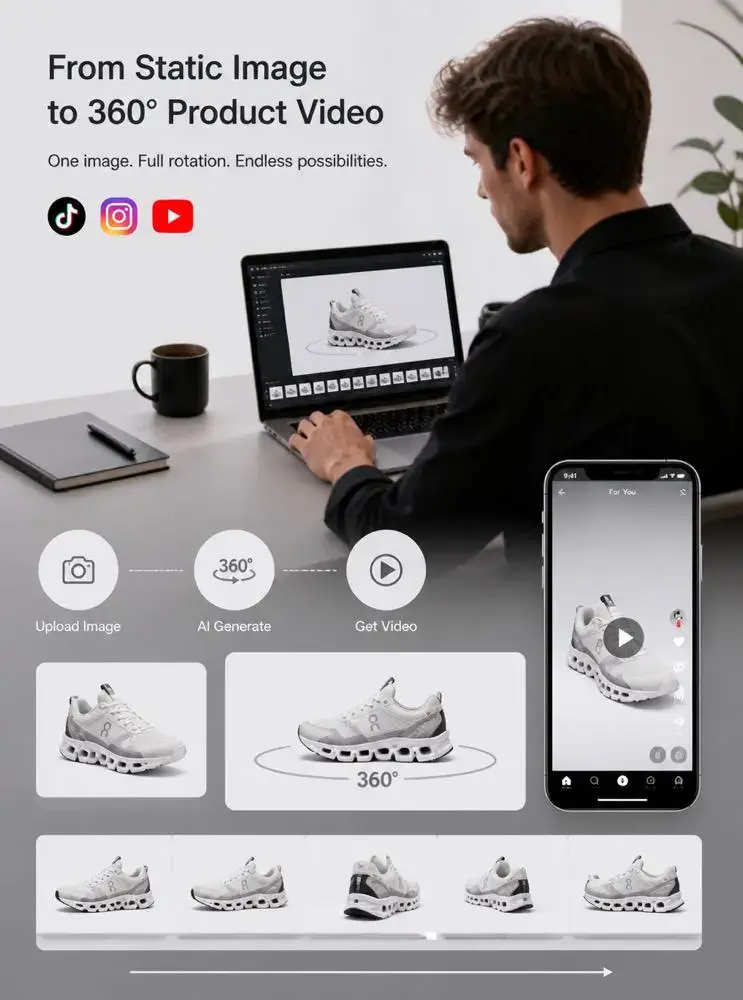
Step 1: Upload a Clear Product Image
First, choose a clean product photo. Ideally, the product should sit in the center of the image. The background should also be simple, so the AI can read the product edges more clearly.
White background images, clean studio shots, ecommerce product photos, and polished brand visuals usually work well.
Step 2: Generate the 360° Product Video
Next, upload the image to AI 360 Video Production and start the generation process.
The tool will turn the still product photo into a 360° rotation video. As a result, you get a product spin video that can be used across ecommerce pages, ads, and social media content.
Step 3: Repurpose the Video Across Channels
Finally, use the generated video wherever product motion can help.
You can add it to a Shopify product page, place it inside an Amazon-style listing, cut it into a TikTok video, use it in Instagram Reels, include it in a product launch page, or test it as an ad creative.
Therefore, one product image can become more than one piece of content. It can become a flexible video asset for several channels.
Prompt Ideas Before Using AI 360 Video Production
Although AI 360 Video Production can work from one product image, a better starting image will make the final video stronger. Therefore, you can first use an AI image tool to create a cleaner product image, then turn it into a 360° video.
Below are prompt ideas you can use to prepare better product visuals before generating the spin video.
Prompt for a Clean Ecommerce Product Image
Create a clean ecommerce product photo of a [product name], centered composition, simple light background, soft studio lighting, sharp product edges, realistic texture, premium product photography, no hands, no text, no watermark.
Prompt for a Premium Product Ad Image
Create a premium product advertising image of a [product name], floating slightly above a minimal background, soft shadow, elegant lighting, high-end commercial product photography, realistic material, clear silhouette, modern composition, no text, no logo, no watermark.
Prompt for a Social Media Product Visual
Create a stylish social media product image of a [product name], clean background, trendy layout, soft natural light, realistic product details, subtle shadow, modern ecommerce aesthetic, eye-catching but not crowded, no text, no watermark.
Prompt for a Luxury Perfume or Skincare Product
Create a luxury product photo of a [perfume bottle/skincare jar], centered on a minimal surface, soft reflection, elegant studio lighting, clear glass or packaging texture, premium beauty brand aesthetic, realistic shadows, no text, no watermark.
Prompt for a Sneaker or Fashion Accessory
Create a clean product photo of a [sneaker/bag/watch], 3/4 angle view, centered composition, sharp outline, visible material details, soft studio light, premium fashion ecommerce photography, simple background, no text, no watermark.
Video Script Ideas for AI 360 Video Production Content
If you want the blog to feel more social-friendly, do not only show the final video. Instead, show the transformation.
Here are a few short video concepts you can use in the article, social posts, or product demo sections.
Video Idea 1: One Photo, Full Spin
Opening shot: A flat product image appears on screen.
Transition: The image slides into a clean AI workspace.
Main shot: The product starts rotating in 360°.
Ending shot: The video appears inside a product page and a TikTok-style frame.
On-screen text:
One Photo → 360° Product Video
No Studio Needed
Ready for Product Pages & Reels
Video Idea 2: Static Photo vs Premium Product Video
Opening shot: Split screen. Left side shows a static product image. Right side shows a rotating product video.
Middle shot: Add small labels around the moving product: Shape, Texture, Details, Motion.
Ending shot: Show the product video placed in an ecommerce page.
On-screen text:
Static Is Fine.
Motion Sells the Detail.
Try AI 360 Video Production.
Video Idea 3: No Studio Product Shoot
Opening shot: A messy list appears: studio, turntable, lights, camera, editing.
Transition: The list disappears.
Main shot: A single product photo uploads, then becomes a 360° video.
Ending shot: The product spins on a clean background.
On-screen text:
No Turntable.
No Reshoot.
Just One Product Photo.
Video Idea 4: Product Page Upgrade
Opening shot: A plain product page with only static images.
Transition: The 360° video is added to the gallery.
Main shot: The product rotates smoothly in the page.
Ending shot: The product page looks more interactive and polished.
On-screen text:
Upgrade Your Product Page
Add Motion in Seconds
AI 360 Video Production
How to Get Better Results with AI 360 Video Production
Better input usually means better output. So, before using AI 360 Video Production, take a moment to check your product image.
Start with the subject. The product should be clear, complete, and easy to separate from the background. Avoid images where hands, props, shadows, or other objects cover important parts.
Next, look at the lighting. Soft and even lighting helps the final 360° product video feel more natural. On the other hand, harsh shadows or uneven highlights may make the rotation look less smooth.
Also, keep the background simple. A clean background helps the AI focus on the product instead of the scene around it.
Finally, use an image with enough detail. If the product looks tiny in the frame, the video may not show texture, shape, or design clearly.
In short, the best image is centered, sharp, well-lit, and not too busy.
Quick Checklist Before You Upload
Use this checklist before generating your 360° product video:
Is the product clearly visible?
Is the background clean?
Are the edges sharp?
Is the lighting soft and even?
Is the product large enough in the frame?
Are important details not blocked?
Does the image already look good as a product photo?
If most answers are yes, the image is probably a strong starting point for AI 360 Video Production.
Final Thoughts on AI 360 Video Production
AI 360 Video Production is not just a cool AI trick. Instead, it solves a very real content problem.
Many brands already have product images. However, they do not always have enough product videos. This tool helps bridge that gap by turning one static image into a 360° product video that can work across product pages, social platforms, ads, and launch campaigns.
That is why it feels so useful. It gives brands a faster way to make products feel more alive, more detailed, and more ready to sell.
Static photos help people see the product. However, a 360° product video can make them stop, look closer, and understand it faster.
So, if your product page still feels too flat, this is a simple place to start. Upload one strong image, generate a product spin video, and let the product do more of the talking.
Go to WeShop AI For Exploration: