

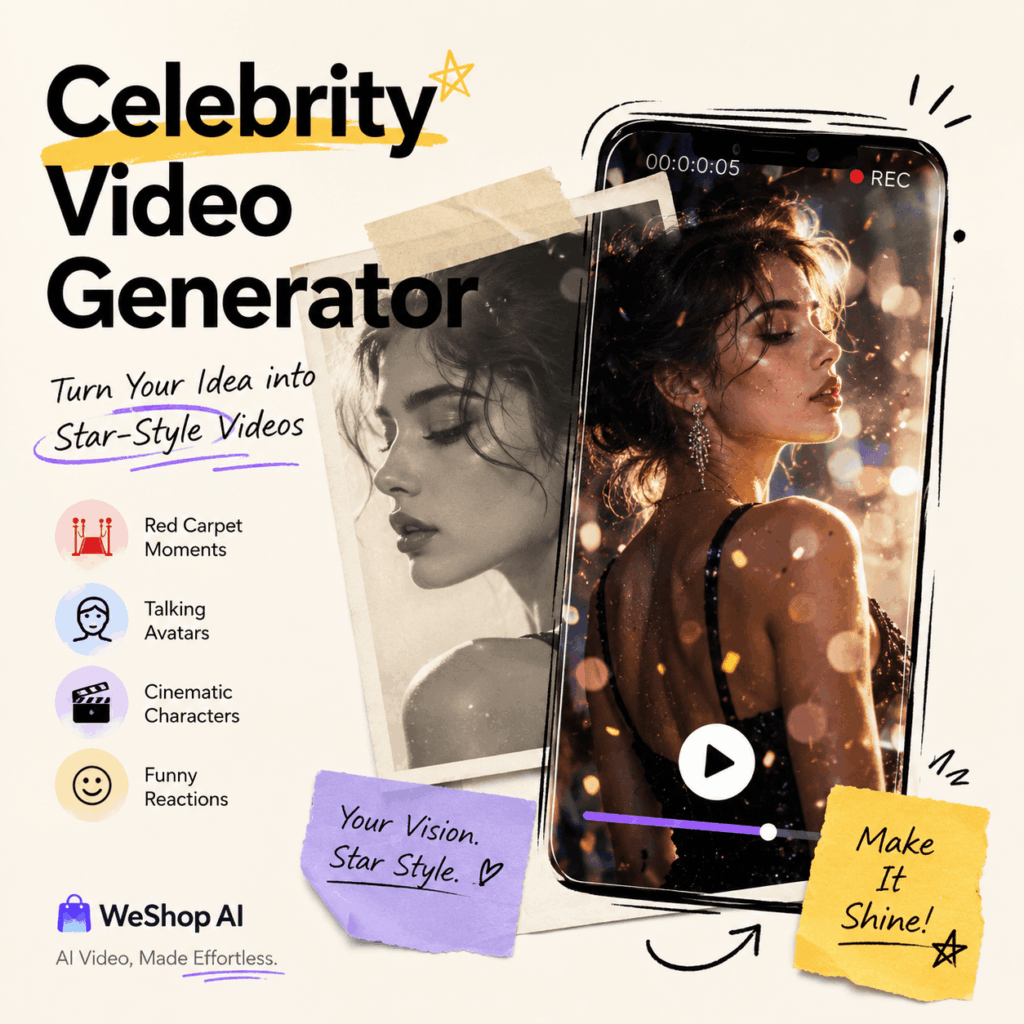
The Celebrity Video Generator from WeShop AI helps solve a problem many creators face. You may have a good idea. However, your video may still feel too plain in the first few seconds.
That matters because people scroll fast. Therefore, your opening needs to catch attention right away. It needs a face. It also needs a mood, a setting, and a reason to keep watching.
This is where celebrity-style AI video becomes useful.
With WeShop AI Celebrity Video Generator, you do not need to hire a celebrity. Also, you do not need a red carpet set, a camera crew, or a full production team. Instead, you can start with a reference image, a short script, or a clear prompt.
Then, the tool helps turn your idea into a short video with a stronger visual hook.
However, the goal is not to copy a real celebrity. The better goal is to create a star-style moment. In other words, you are not borrowing someone else’s fame. You are giving your own content a stronger entrance.
For example, a birthday message can feel like a red carpet moment. Meanwhile, a product launch can feel like a movie premiere. In addition, a simple social media hook can feel like a backstage interview. Even a static portrait can become a talking avatar.
As a result, the Celebrity Video Generator helps creators move faster. You can go from “I have an idea” to “I have a video people may want to watch” with much less effort.
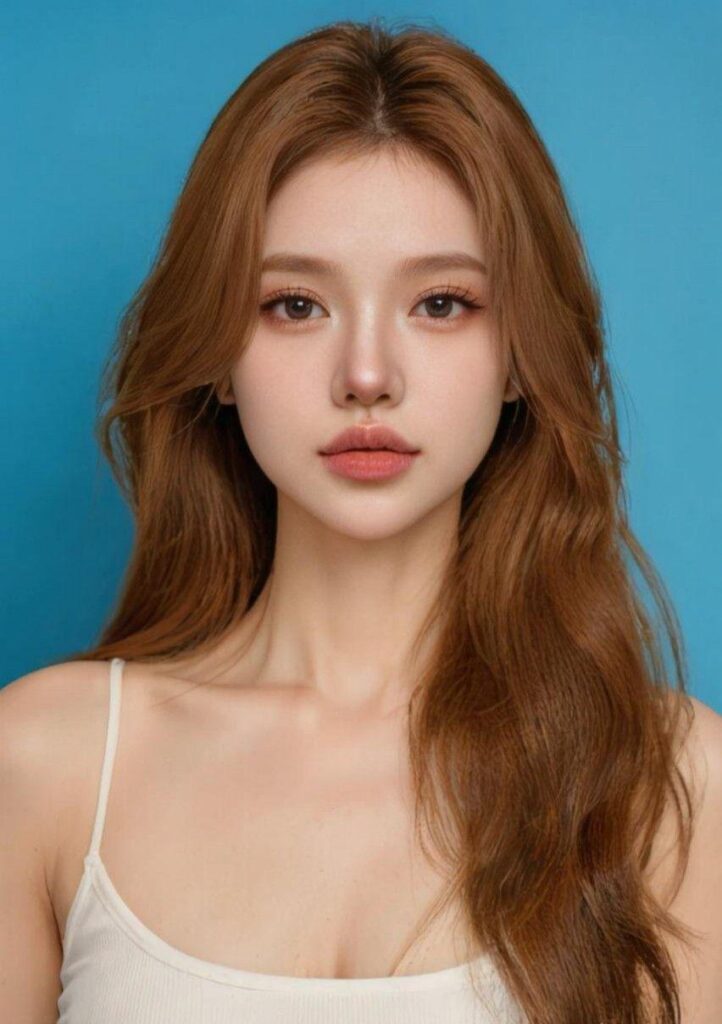
Why Celebrity-Style Videos Work So Well
Most people do not stop scrolling for another basic product post. However, they may stop for a moment that feels different.
A red carpet scene feels important. Meanwhile, a close-up portrait feels personal. A movie-style character can make the viewer feel that a story is starting. On the other hand, a funny reaction face feels perfect for social media.
That is why celebrity-style videos work. They are not only about glamour. More importantly, they are about framing.
A normal product update says:
“Our new product is here.”
However, a star-style video can say the same idea in a better way:
“Tonight’s spotlight belongs to the most anticipated new arrival of the season.”
The message is simple. Yet, the delivery feels bigger.
Similarly, a birthday message can move beyond a plain “Happy birthday.” Instead, a red carpet host can look into the camera and say:
“Happy birthday. Tonight, every spotlight is on you.”
As a result, the content feels more personal. It also feels more shareable. Most importantly, it gives a simple message a stronger reason to exist as a video.
That is the real value of the Celebrity Video Generator. It turns basic information into a small event.
1. Red Carpet Videos: Best for Product Launches, Birthday Messages, and Event Teasers
A red carpet video is one of the easiest formats to understand. Viewers know the scene right away. Something important is happening.
Therefore, this format works well when you want to create attention fast.
It can be used for product launches. It also works for birthday greetings, brand announcements, event invitations, livestream teasers, and holiday campaigns. In addition, it fits fashion, beauty, jewelry, fragrance, and gift content very well.
For example, a beauty brand can use the Celebrity Video Generator to create a red carpet host holding a new product. First, the host walks toward the camera. Then, the host pauses. After that, the host introduces the product as if it were the star of the night.
Because of this setup, the product feels more memorable than it would in a static image.
The same idea works for personal content. For instance, if you are making a birthday video, the red carpet format adds instant emotion. The person receiving it does not just get a message. Instead, they get a “main character” moment.
That is why this format is a strong first choice. It is clear, visual, and easy to understand.
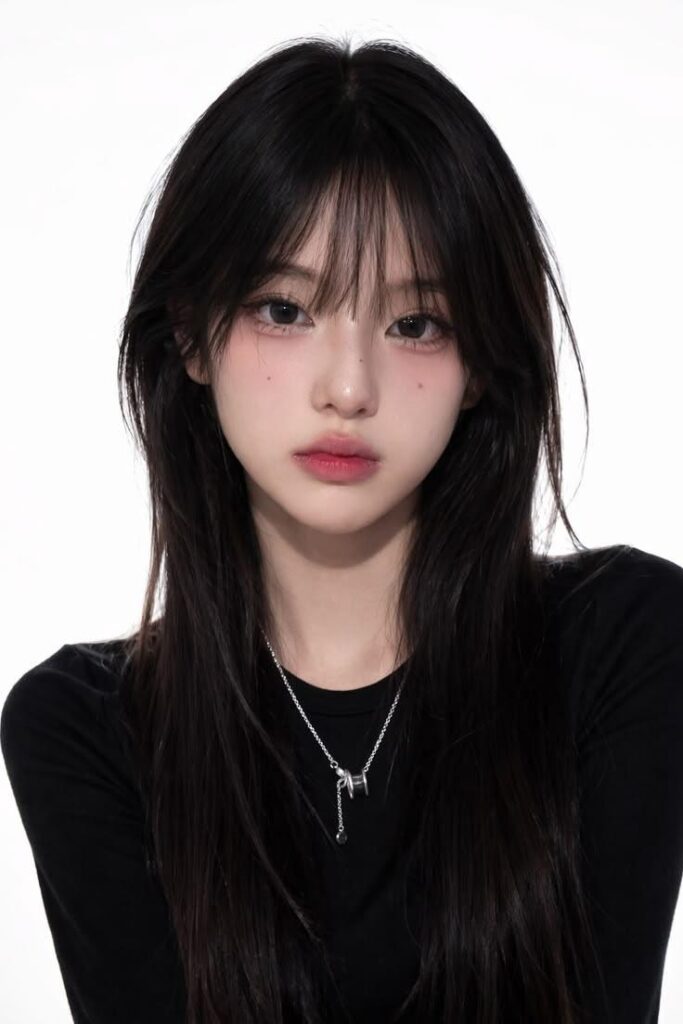
Prompt Example: Red Carpet Product Launch
Create a 5-second vertical celebrity-style AI video. The character is an original star-style host. She wears an elegant outfit and walks on a luxury red carpet. The background includes photographers, camera flashes, a branded event wall, velvet ropes, and award-show lighting. Then, the character smiles, waves naturally, and looks into the camera. Also, use a cinematic close-up and a glamorous red carpet photography style. The video should feel premium, confident, and social-media ready. Add this line: “Tonight’s spotlight belongs to the most anticipated new arrival of the season.”
Prompt Example: Red Carpet Birthday Greeting
Create a 5-second vertical celebrity-style birthday greeting video. The character is an original red carpet host. She stands in front of flashing cameras and an elegant event backdrop. Then, she smiles warmly and looks directly into the camera. Add this line: “Happy birthday. Tonight, every spotlight is on you.” Keep the style cinematic, warm, glamorous, and personal.
2. Talking Avatar Videos: Best for Personal IP, Virtual Hosts, and Brand Spokespeople
Not every video needs a big scene. Sometimes, a clean portrait video works better.
This is where the Celebrity Video Generator can also work as a talking avatar tool. You can start with a face or character image. Then, you can turn it into a short video with natural expressions, eye contact, and speech.
This format is useful for personal brand intros. It also fits virtual influencers, brand spokespeople, AI hosts, social profile videos, short explainers, and creator account openings.
However, the key is to keep it simple.
For avatar-style videos, you do not need a complex background. In fact, a clean background often works better. It keeps attention on the face, the expression, and the message.
For creators, this is a fast way to build a clear video identity. Meanwhile, for brands, it is a flexible way to test a virtual spokesperson before building a full campaign.
In other words, this format is not about big drama. Instead, it is about trust, clarity, and consistency.

Prompt Example: Talking Avatar Intro
Create a 5-second vertical talking avatar video. Keep the character’s facial features and hairstyle consistent with the reference image. The character is an original virtual social media host. She looks friendly and confident. Use a clean studio background with soft lighting. Then, the character looks into the camera, smiles naturally, and nods slightly. Add this line: “Let your ideas get seen faster.” Use a close-up portrait shot, modern lighting, and a clean social media style.
Prompt Tip
For talking avatar videos, avoid an overloaded prompt. Instead, focus on five basic details.
Who is the character?
What expression should they have?
What should they say?
What should the background look like?
Which platform is the video for?
In many cases, a simple avatar prompt works better than a dramatic one. Also, a short line usually feels more natural than a long script.
3. Cinematic Character Videos: Best for Storytelling and Entertainment Marketing
The Celebrity Video Generator is not limited to red carpet scenes. It can also create videos with a strong cinematic character feel.
For example, you can create fantasy students, superhero-style characters, vintage film stars, dramatic hosts, or comedy-style personalities. These videos work well when you want the content to feel more like a story than an ad.
This format is useful for entertainment marketing. It also works for holiday campaigns, fan-style edits, short story hooks, campaign teasers, creative brand concepts, and meme-driven content.
For example, a brand can turn a normal event announcement into a fantasy-style invitation. Instead of saying, “Join our launch event,” the character can stand in front of a castle-like background and say:
“Welcome to tonight’s most mysterious creative reveal.”
This feels more visual. Also, it gives the viewer a reason to keep watching.
Moreover, cinematic character videos help brands test more playful ideas. You can try a fantasy world. You can try a superhero scene. You can even try a retro movie look. As a result, one simple message can become several creative versions.
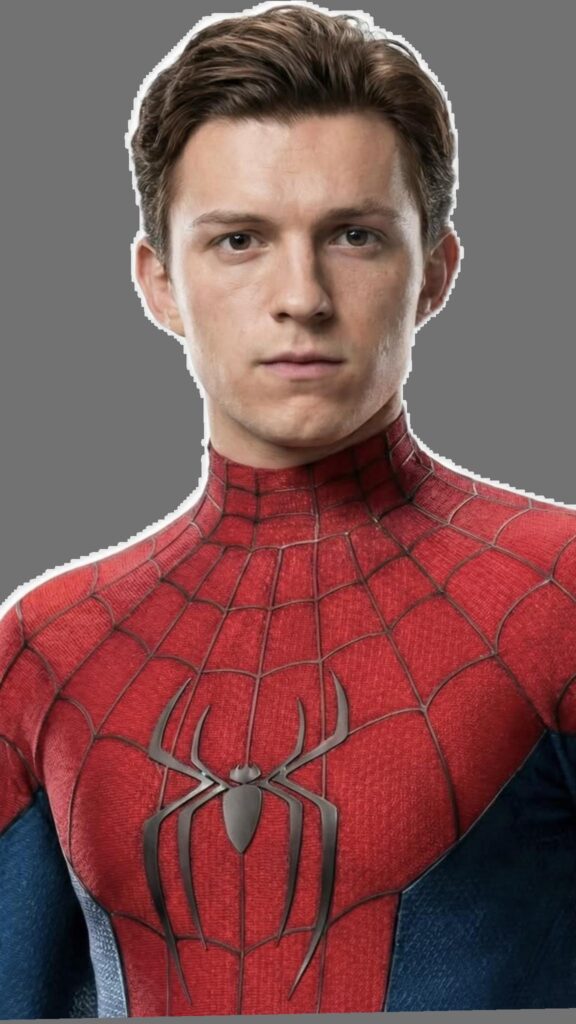
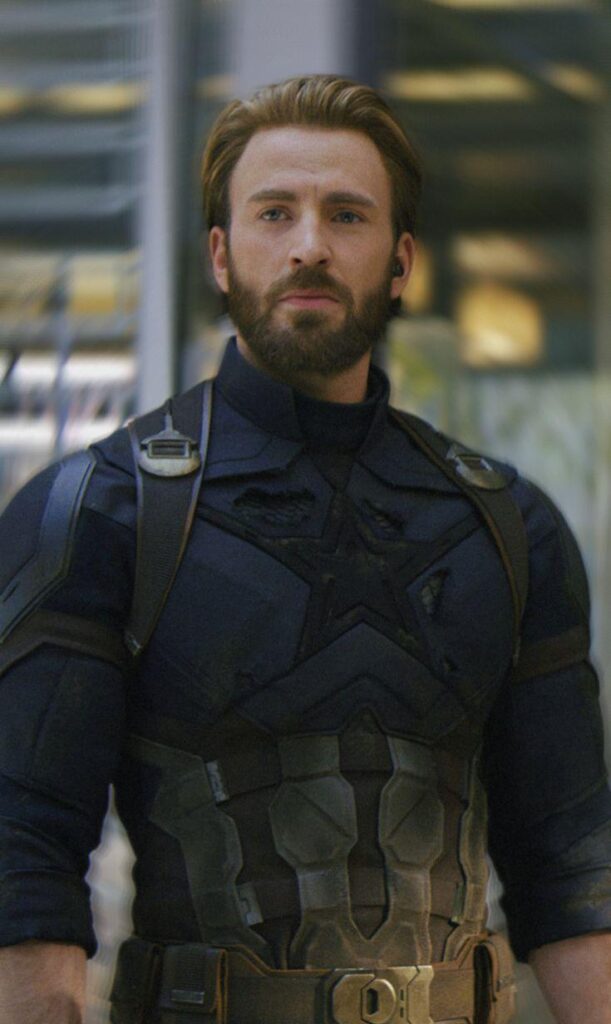
Prompt Example: Fantasy Character Teaser
Create a 6-second vertical cinematic fantasy video. The character is an original magic academy student wearing a classic robe. The character stands in front of a castle hallway at sunset. Also, the character holds a glowing wand. Then, the character looks into the camera and smiles with confidence. Add subtle magical light effects in the background. Add this line: “Welcome to tonight’s most mysterious creative reveal.” Use cinematic fantasy lighting, a slow camera push-in, and a dramatic social media teaser style.
Prompt Example: Superhero-Style Hook
Create a 5-second vertical superhero-style AI video. The character is an original hero standing in the middle of a modern city street. The background includes tall buildings, light smoke, and dramatic movie-style lighting. Then, the character turns toward the camera and says with confidence: “Ready? The real star is about to arrive.” Use an action movie style, strong lighting, and a high-energy social media hook.
4. Funny Reaction Videos: Best for Memes, Product Hooks, and Light Social Content
Not every celebrity-style video needs to look expensive. Sometimes, funny works better.
A comedy-style character with an expressive face can be perfect for TikTok, Instagram Reels, YouTube Shorts, and other fast-moving platforms. After all, social content often wins because it feels quick, human, and easy to react to.
This format is useful for product reactions. It also works for funny reviews, meme-style ads, lightweight promotion, social media hooks, comment-driven content, and “if this product could talk” videos.
The benefit is clear. Funny content feels less like an ad. Therefore, it gives the viewer something to react to.
For example, instead of saying, “This product is popular,” a comedy-style character can look into the camera and say:
“I saw it once, and I already knew it was going to go viral.”
The line is simple. However, it has personality.
In addition, funny videos can make a product feel more native to social platforms. They do not need to explain everything. Instead, they only need to create a quick reaction.
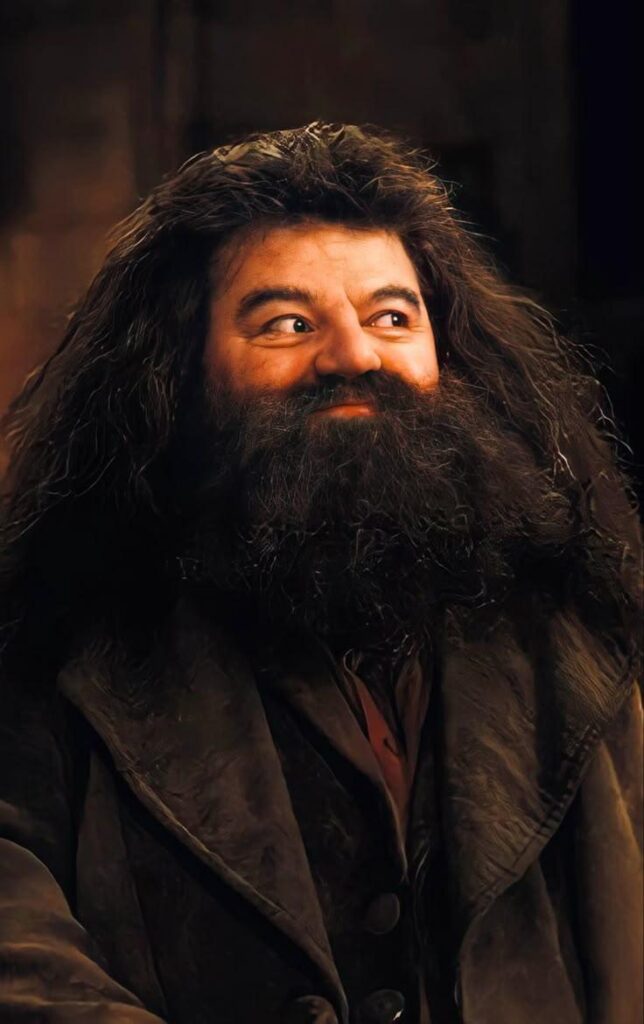
Prompt Example: Funny Product Reaction
Create a 5-second vertical comedy-style celebrity video. The character is an original funny commentator. He wears a retro suit and stands in front of a simple studio background. First, the character makes an exaggerated confident expression. Then, he looks into the camera and says: “I saw it once, and I already knew it was going to go viral.” Use a close-up shot, expressive facial movement, quick pacing, and a meme-friendly social media style.
Prompt Tip
If your goal is social reach, do not only chase a premium look. Instead, focus on a strong expression and a sharp one-liner. In many cases, that performs better than a polished commercial.
How to Write Better Prompts for Celebrity Video Generator
A common mistake is writing prompts that are too vague.
For example:
“Create a celebrity-style video.”
This does not give the AI enough direction. It does not explain who appears in the video. Also, it does not explain where they are, what they do, how they feel, or what the video should achieve.
A better prompt works more like a short director’s note.
Use this formula:
Character + Scene + Action + Emotion + Line + Camera + Style + Platform
Now, let’s break it down.
1. Character: Who Is on Screen?
Be specific. However, avoid misleading real-person imitation unless you have the proper rights.
Good choices include an original red carpet host, a virtual brand spokesperson, a star-style fashion commentator, a futuristic AI presenter, a comedy-style product reviewer, or a fantasy movie-inspired character.
This keeps the video creative. It also makes the idea more flexible. More importantly, it is safer for brand use.
2. Scene: Where Is the Video Happening?
Do not write “nice background.” Instead, write the actual scene.
For example, you can write a luxury red carpet with photographers and camera flashes. You can also write a clean studio with soft lighting. If you want more drama, try a movie premiere entrance at night, a fantasy castle hallway at sunset, or a modern city street with cinematic lighting.
The more concrete the scene is, the better the visual result tends to feel.
3. Action: What Does the Character Do?
A video needs movement, even if it is small.
For example, the character can walk toward the camera. Then, they can stop and smile. They can also wave, show the product, turn toward the camera, raise an eyebrow, nod slightly, or react with surprise.
These small actions matter. They make the video feel less static. As a result, the final clip feels closer to a real short video.
4. Emotion: How Should the Character Feel?
Emotion gives the video its tone.
For a birthday greeting, use warm and sincere. For a product launch, use confident and premium. Meanwhile, for a meme video, use funny and expressive. For an event teaser, use excited and professional.
Without emotion, the video can feel flat. Even if the image looks good, the message may not land.
5. Line: What Should the Character Say?
Keep the line short. Short lines work better in short videos.
Here are a few examples:
“Tonight’s spotlight belongs to you.”
“This is not just a product. It is the star of the season.”
“Ready? The real reveal starts now.”
“I saw it once, and I knew it would go viral.”
“Welcome to tonight’s creative launch.”
A good line should sound natural. Also, it should match the scene.
6. Camera and Style: How Should It Be Filmed?
Camera details help the video feel more professional.
For example, you can write vertical 9:16 video. You can also write close-up portrait shot, medium shot to close-up, slow camera push-in, cinematic red carpet lighting, soft studio lighting, background slightly blurred, high-fashion commercial style, or meme-friendly reaction style.
Together, these details help the Celebrity Video Generator understand not only what to create, but also how it should feel.
Use Case-Based Prompt Templates
For a Birthday Greeting
Create a 5-second vertical celebrity-style birthday greeting video. The character is an original red carpet host standing in a glamorous event scene with photographers and camera flashes. The host smiles warmly, looks into the camera, and says: “Happy birthday. Tonight, every spotlight is on you.” Use a cinematic close-up, warm lighting, and a personal celebration style.
For a Product Launch
Create a 6-second vertical celebrity-style product launch video. The character is an original star-style spokesperson standing on a luxury red carpet and holding the product naturally. The background includes a branded event wall, photographers, and bright camera flashes. Then, the character walks toward the camera, shows the product, and says: “This is not just a new arrival. It is the star of the season.” Use a premium, cinematic, high-fashion style.
For a Social Media Hook
Create a 5-second vertical social media hook video. The character is an original funny celebrity-style commentator in a red carpet interview area. First, the character looks surprised. Then, the character turns to the camera and says: “If this product walked the red carpet, it would win best look of the night.” Use fast pacing, expressive facial movement, and a meme-friendly style for TikTok, Reels, and Shorts.
For an Event Invitation
Create a 6-second vertical celebrity-style event invitation video. The character is an original virtual host standing at the entrance of an award-show stage. The background includes golden lights, a large event poster, and a premium venue atmosphere. Then, the host smiles and says: “The red carpet is ready. Tonight, the big reveal begins.” Use a slow camera push-in and an elegant event teaser style.
For a Virtual Brand Spokesperson
Create a 5-second vertical talking avatar video. The character is an original virtual brand spokesperson with a friendly, confident look. The background is a clean modern studio with soft lighting. Then, the character looks into the camera, smiles, nods slightly, and says: “Let your ideas get seen faster.” Use a close-up portrait shot, natural expression, and a polished social media style.
How to Match Each Video Style With the Right Content Goal
If you want attention, start with a red carpet video. It gives your content instant drama. Therefore, it works well for product launches, announcements, birthday messages, and event teasers.
If you want trust, use a talking avatar. It creates a face for your brand or personal IP. As a result, it works well for intros, quick explainers, and recurring social content.
If you want imagination, use a cinematic character video. It turns a basic idea into a story. For that reason, it fits entertainment marketing, campaign concepts, holiday content, and creative teasers.
If you want comments and shares, use a funny reaction video. It feels lighter and more native to social platforms. Therefore, it works well for memes, product hooks, and playful brand content.
In short, do not choose a video style only because it looks cool. Instead, choose it based on the job it needs to do.
A Simple Workflow for Better Results
Start with one clear goal.
Do you want people to click, laugh, buy, share, attend, or remember the brand?
Next, choose the right format.
A red carpet video can make a product feel important. Meanwhile, a talking avatar can make a brand feel more personal. In addition, a fantasy character can make a campaign feel more imaginative. Finally, a funny reaction video can make a product feel more shareable.
After that, write one short line.
Do not write a full paragraph. Short AI video lines should be sharp and easy to understand.
Finally, add visual details.
Where is the character? What are they doing? What does the camera do? What is the mood?
This workflow keeps your prompt focused. Also, it helps the Celebrity Video Generator produce a video that feels intentional, not random.
Responsible Use: Celebrity-Style Does Not Mean Misleading Imitation
The best way to use a Celebrity Video Generator is to create celebrity-style content, not to mislead viewers.
For brand and commercial use, it is better to work with original star-style characters, virtual hosts, authorized likenesses, fictional personalities, parody or entertainment concepts, and brand-owned AI spokespeople.
Also, avoid creating videos that make viewers believe a real person endorsed a product, attended an event, or said something they did not actually say.
This approach is safer. Moreover, it is more useful in the long run.
When a brand creates its own virtual host or star-style character, it builds a repeatable content asset. The character can appear in launch videos, social posts, event promos, seasonal campaigns, and product explainers.
In other words, you do not need to borrow someone else’s fame. Instead, you can build your own visual identity.
Final Thoughts
The Celebrity Video Generator is not just a tool for making someone look famous. Its real value is more practical.
It helps you give ordinary content a stronger entrance.
For example, a birthday message becomes a spotlight moment. A product demo becomes a red carpet reveal. In addition, an event notice becomes a cinematic invitation. A static image becomes a talking character. Finally, a simple hook becomes something people may want to watch, share, or comment on.
That is why WeShop AI Celebrity Video Generator is useful for creators, marketers, e-commerce teams, and brands that need more video ideas without slowing down production.
You do not need a celebrity budget to create a video with star-style energy.
Instead, you need a clear idea, a strong scene, a short line, and a prompt that tells the AI exactly what to create.
So, before making your next product teaser, event invite, birthday greeting, or social media hook, ask one simple question:
If this idea walked the red carpet, what would it look like?
With WeShop AI Celebrity Video Generator, you can find out fast.
Go to WeShop AI For Exploration:


