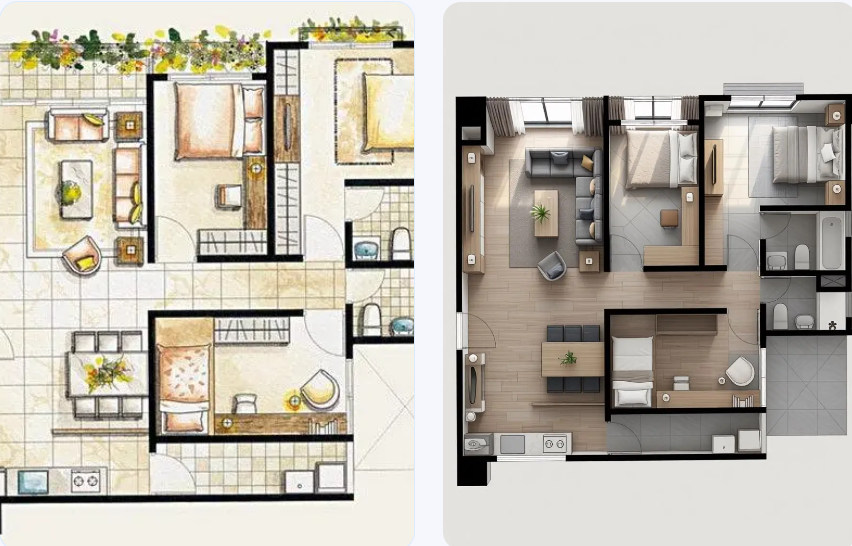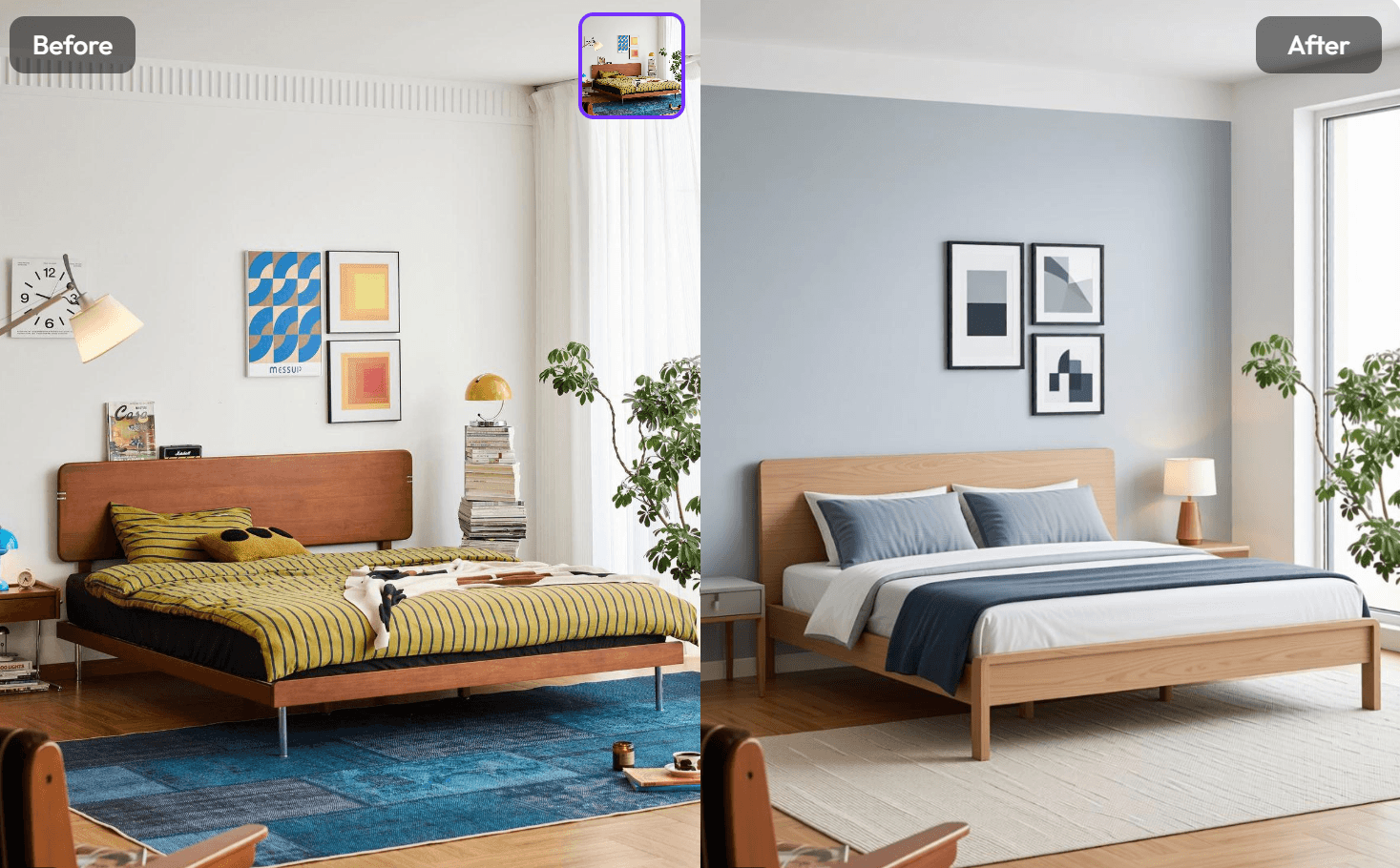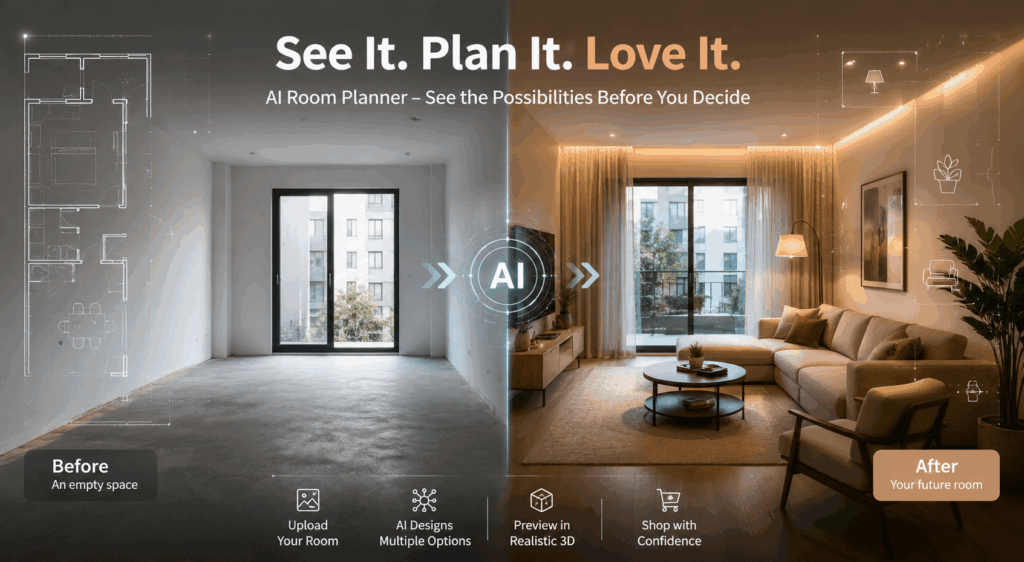
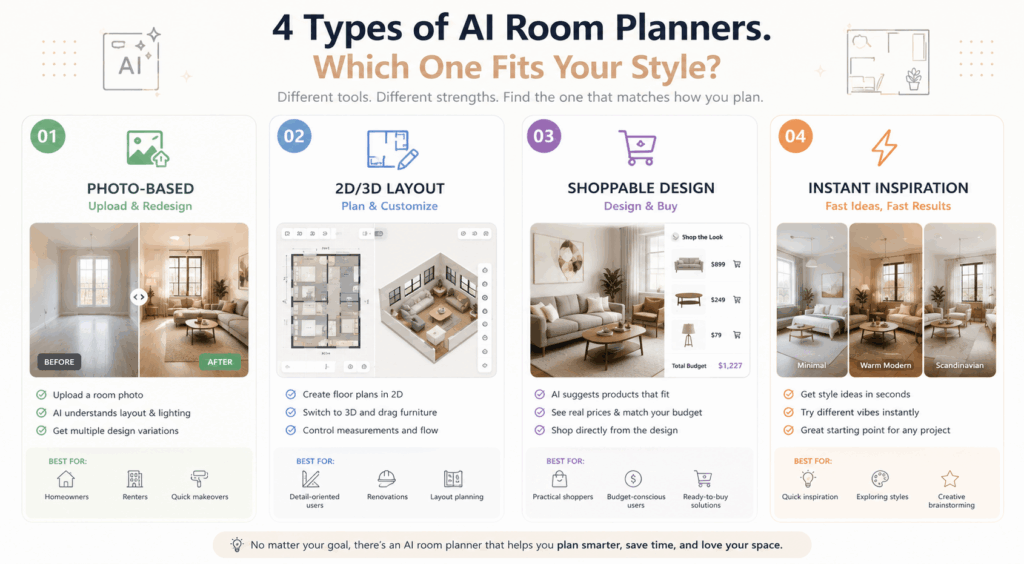
Moving into a new place, refreshing a room, or choosing new furniture can feel deceptively simple until you actually start making decisions. Should the sofa go against the wall or float in the middle? Is that desk too big for the bedroom? Will the layout still feel open after you add storage? That is exactly where an AI room planner becomes useful: it lets you see the room before you commit to buying, moving, or rebuilding anything. Some tools focus on photo-based redesign, others on 2D and 3D layout planning, and others on combining visual ideas with real products you can actually buy.
Why People Use AI Room Planners
It saves you from expensive mistakes
For renters, new movers, and small-space owners, the biggest risk is not style. It is buying the wrong thing for the room. A piece of furniture can look perfect online and still completely fail once it is inside your space. That is why room-planning tools matter: they help you test scale, flow, and fit before you spend money. Planner 5D, for example, emphasizes 2D-to-3D planning, drag-and-drop furniture placement, and spacing checks before you commit to a layout.
It helps you make decisions faster
A good planner is not only about visual beauty. It also reduces hesitation. Instead of imagining five different layouts in your head, you can compare them side by side and quickly rule out the ones that do not work. ReimagineHome describes its tool as a way to visualize layouts, décor, and flow directly from room photos, while also connecting the result to real, shoppable products.
Which AI Room Planner Fits Which Kind of User?
If you want a fast visual preview, choose a photo-based tool
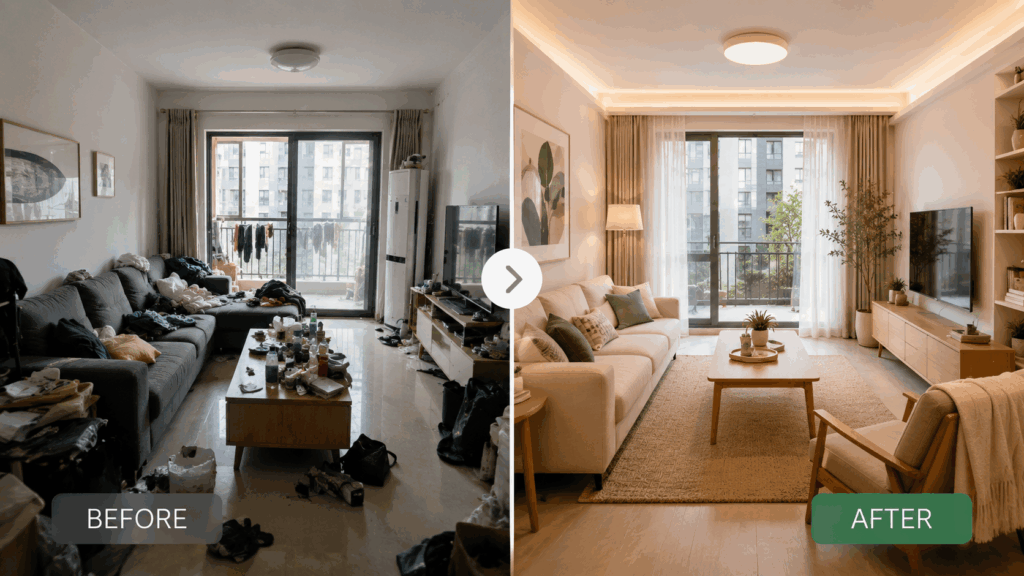
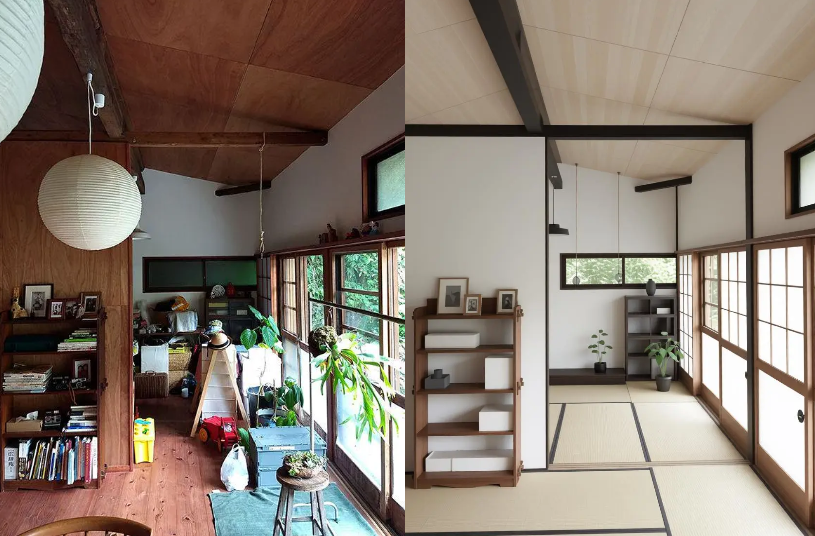
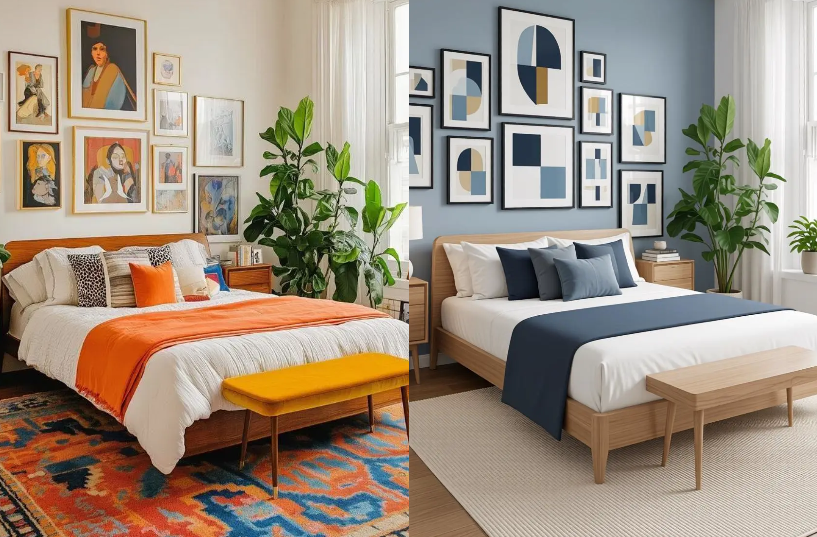
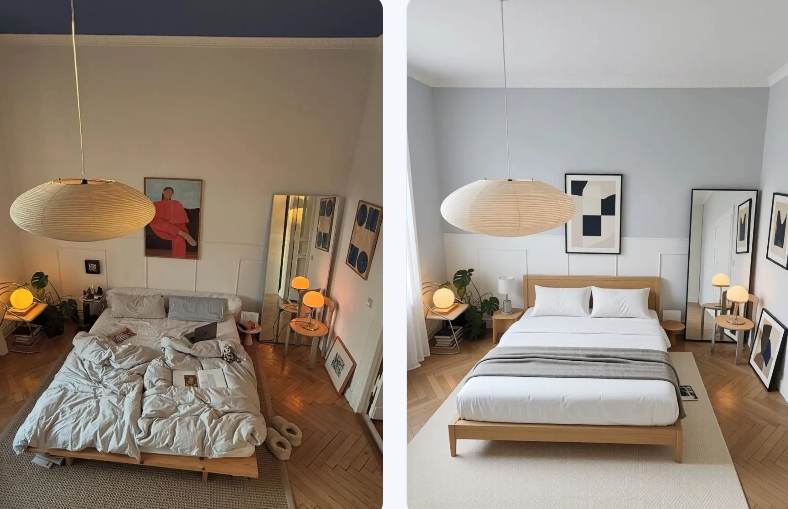
WeShop AI is a strong fit for people who want to upload a room photo and immediately see multiple design variations. Its official room-planner page says users can test different design directions, preserve the original room’s structure and light, and create polished visuals for bedrooms, living rooms, client presentations, and real-estate staging. That makes it especially useful when you want a quick, realistic before-and-after effect without building a floor plan from scratch.
If you want control over layout and measurements, choose a 2D/3D planner
Planner 5D is better for people who want to work through a room more methodically. Its official room-planner pages emphasize 2D and 3D switching, floor plans, doors and windows, drag-and-drop furniture, and the ability to review spacing and flow before making changes in real life. If you like to think in terms of measurement, structure, and layout logic, this is the kind of tool that feels more hands-on.
If you want design plus buying decisions, choose a shoppable workflow
ReimagineHome stands out because it links visual planning with product decisions. Its homepage says it creates personalized designs and real shoppable products tailored to a room’s taste and budget, and its room-planner page describes the tool as a way to view the likely end result of layout and décor decisions in a photoreal format. In other words, it is built for people who do not just want inspiration; they want something close to a finished decision.
If you just want a quick redesign idea, choose a lightweight tool
RoomGPT keeps the experience simple. Its official page positions the product as a way to redesign a room in seconds, which makes it useful for fast experiments and casual inspiration. It is not trying to be the most technical planner; it is trying to be the fastest way to see a room in a different style.
Which Websites Offer AI Room Planner Features?
The short list worth mentioning in a blog
If you are writing for readers who want actual options rather than vague advice, these are the names that make sense to include: WeShop AI, Planner 5D, ReimagineHome, and RoomGPT. Each one is positioned differently. WeShop AI focuses on photo-based room redesign and variations. Planner 5D focuses on 2D/3D layout control. ReimagineHome focuses on visual planning connected to real products and budget. RoomGPT focuses on speed and simplicity.
How to Write Better Prompts for an AI Room Planner
Use structure, not decoration
Most prompt failures come from being too vague. “Modern bedroom” can produce something usable, but it usually gives you a generic result. A better prompt gives the model a clear hierarchy: room type, style, key furniture, materials, colors, light, mood, and constraints. ReimagineHome’s prompt guide and related design pages show that more specific instructions work better for different planning scenarios, including room redesign, virtual staging, furniture swapping, and surface changes. WeShop AI’s user guide also emphasizes keeping prompts clear, concise, and positively phrased, with the most important details placed first.
Use this prompt formula
A simple formula works well:
Room type + style + main furniture + materials/colors + lighting + mood + constraints
Example prompts you can copy
- Warm modern bedroom
“small bedroom, warm modern style, low platform bed, soft beige bedding, oak wood side table, natural daylight from window, calm and uncluttered, keep the room layout realistic”
- Small apartment living room
“small apartment living room, compact sofa, round coffee table, wall-mounted storage, light neutral palette, bright natural light, practical layout, open walkway, cozy but clean”
- Rental-friendly minimal room
“rental apartment bedroom, minimal Scandinavian style, light wood furniture, white walls, linen curtains, soft textures, simple and airy, avoid heavy decoration”
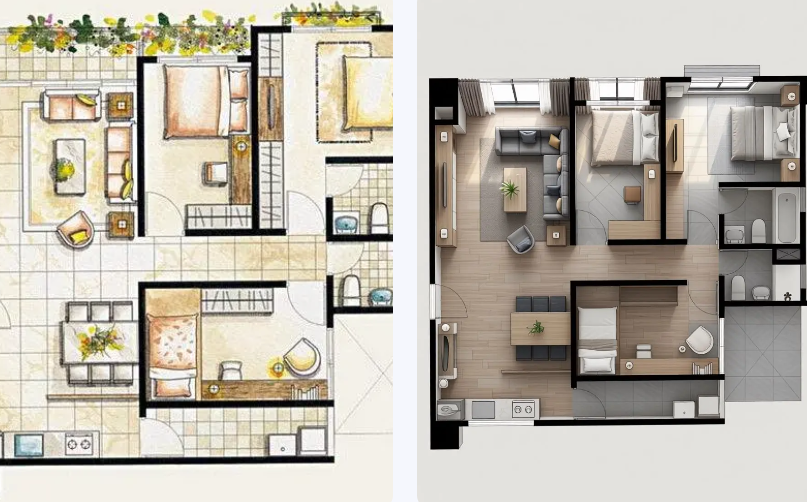
When an AI Room Planner Helps the Most
Before you buy furniture
This is probably the most practical use case. If you are still deciding between a few sofas, tables, or storage units, a planner can quickly show which option actually fits the room. That is especially important in small spaces, where one oversized piece can make the whole room feel cramped. Planner 5D’s layout tools and ReimagineHome’s room-photo workflow are both built around this kind of pre-decision stage.
Before you refresh a room
If you already own the furniture but the room still feels off, a planner can help you test a new arrangement before you do the heavy lifting. That is where photo-based redesign tools are especially useful, because they let you keep the room you already have and explore different directions without starting from zero. WeShop AI highlights this kind of workflow by focusing on photo uploads and multiple design variations.
Before you commit to a style
Sometimes the problem is not layout. It is uncertainty. You might like warm modern, Scandinavian minimal, or soft neutral styling, but you are not sure which direction suits the space best. In that case, quick redesign tools like RoomGPT can be useful for fast testing, while ReimagineHome can help you move closer to a purchasable version of the idea.
When You Should Not Rely on It Alone
AI gives direction, not final measurements
Even the best planner cannot replace a real tape measure, a careful floor check, or the final judgment you need before ordering furniture or starting a renovation. Planner 5D is useful because it helps users check spacing and flow in 2D and 3D, but the real room still needs real-world verification.
AI is best for decision support
The best way to think about an AI room planner is as a decision-support tool. It helps you narrow down options, compare layouts, and reduce uncertainty. It is not there to replace your taste. It is there to make your taste easier to execute. ReimagineHome’s emphasis on visualizing likely end results and pairing them with real products is a good example of that approach.
Final Take
If all you want is a prettier image, any room generator can be entertaining. But if you are trying to solve a real problem—fitting furniture, testing a layout, choosing a style, or avoiding bad purchases—then an AI room planner becomes much more useful. The key is to choose the right type of tool for the job: photo-based if you want fast visual feedback, 2D/3D if you want structure and control, shoppable if you want a practical buying path, and lightweight if you only need a quick idea.
Go to WeShop AI For Exploration: