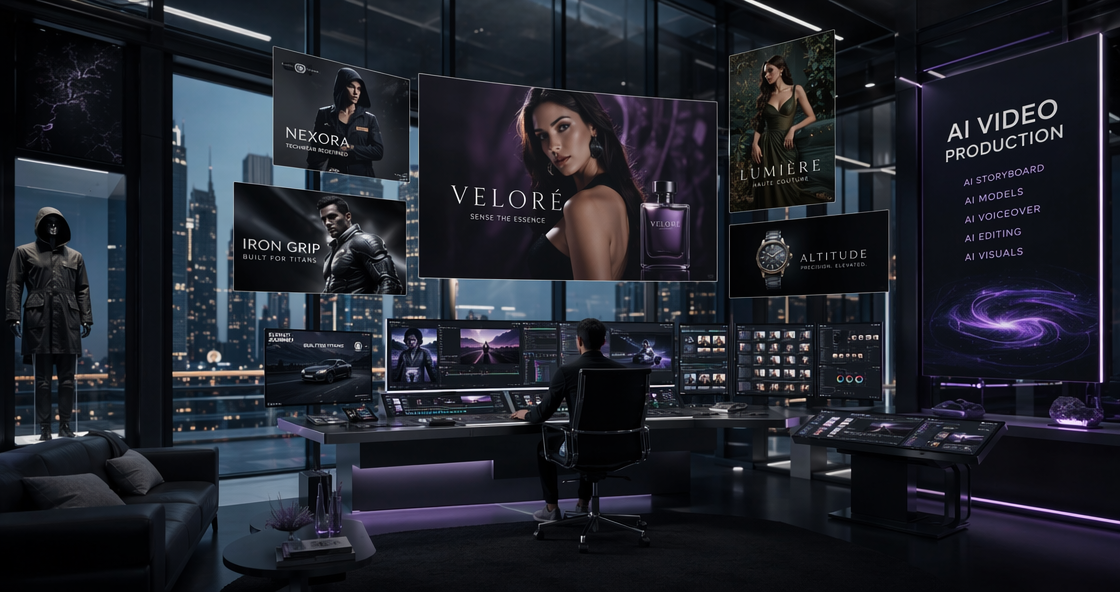
The speed of AI development in 2026 is terrifying. Just three months ago, we were praising PixVerse V5 for finally stabilizing a single character’s face. We thought that was the peak. We were wrong. This week, PixVerse AI released the massive V5.6 update. It claims to solve the “Holy Trinity” of AI video problems: Multi-Character Consistency, Native 4K Rendering, and Realistic Physics.
If you are a filmmaker or a marketer, you know the pain. You can get a great shot of a girl running, but you can’t get her to hold hands with a boy without their fingers melting together. V5.6 promises to fix this. In this comprehensive review, we are putting the new engine to the test. Is PixVerse V5.6 just another update, or is it the first true “Virtual Director” we have been waiting for?
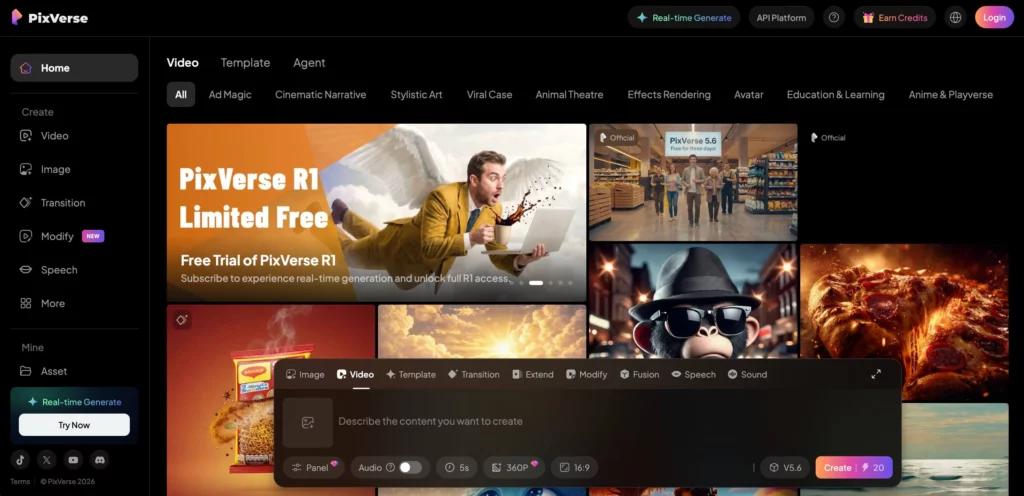
The V5.6 Leap: Why “Native 4K” Changes Everything
For the last two years, “4K AI Video” was a lie. Most tools generated a blurry 720p video and then used an upscaler to stretch it to 4K. The result? Weird artifacts and waxy skin textures.
PixVerse V5.6 introduces Native 4K Generation. This means the AI actually “dreams” in 4K resolution. When we tested this with a macro shot of a reptile’s eye, the difference was shocking. You can see individual pores and distinct scales. There is no “smoothing” effect. It looks like it was shot on an ARRI Alexa camera, not a computer.
Physics Engine 2.0: No More “Ghosting”
The second major upgrade is the physics. In previous versions, if a character walked through a curtain, the curtain would often clip through their body. V5.6 adds a collision detection layer.
We tested this with a “Dancer in Water” prompt. In V5.6, when the dancer spins, the water splashes away from her legs, not through them. The wet fabric clings to the skin realistically due to the new weight simulation algorithms. It is not perfect yet—complex handshakes are still tricky—but it is a massive step forward for realism.
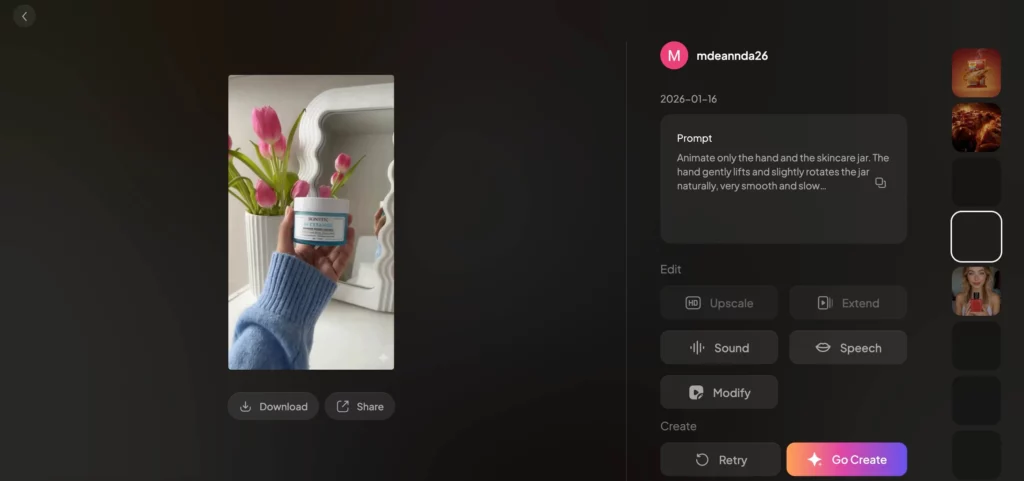
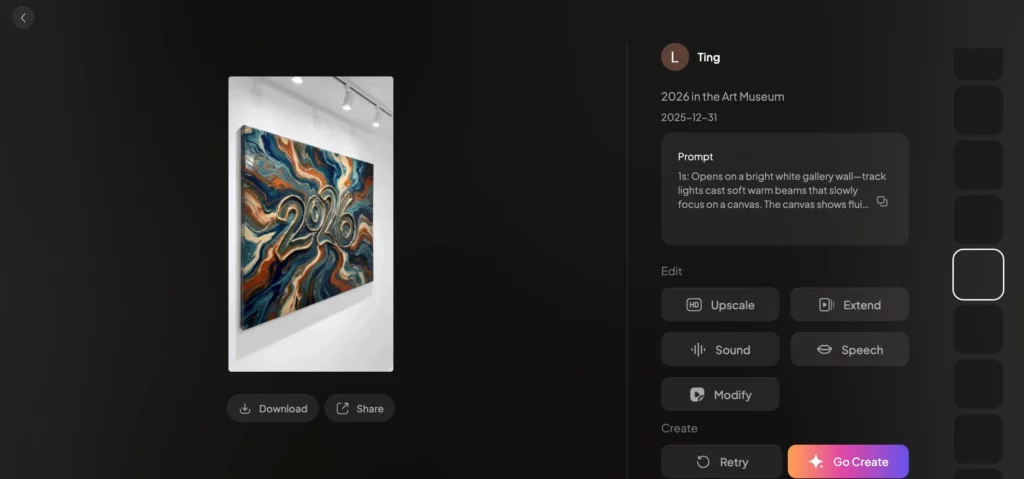
Multi-Subject Fusion: The 2026 Killer Feature
This is the reason you should buy a subscription. Until now, keeping two specific characters consistent in one shot was impossible. AI would blend their features, creating two people who looked like siblings.
PixVerse V5.6 allows you to lock up to three different identities in a single scene.
- How it works: You upload reference photos for “Character A” (e.g., an old man) and “Character B” (e.g., a young woman).
- The Result: You can type a prompt like “The old man argues with the young woman.” The AI understands who is who. It keeps the old man’s beard distinct from the woman’s smooth skin.
For narrative filmmakers, this is the missing link. You can finally film a dialogue scene. You can shoot a reaction shot. You can tell a story about a relationship, not just a lonely person walking in slow motion.
Mastering Control: Smart Motion Vectors & 15s Coherence
The Magic Brush has also evolved. In V5.6, it is now called Smart Motion Vectors with “Depth Awareness.”
In the past, you could tell a car to move “left.” Now, you can tell it to “drive away from the camera into the sunset.” The AI understands the 3D space of the video. It scales the car down as it moves further away. This allows for complex cinematic movements like “Dolly Zoom” or “Rack Focus” that feel genuinely optical.
Long-Form Coherence is another win. V5.6 allows for single generations up to 15 seconds. We tested this with a drone shot flying through a city. Usually, the buildings would morph or change style after 5 seconds. In V5.6, the city remains stable for the full clip. It remembers the architecture from the first second to the last.
PixVerse AI Pricing 2026: The Cost of Power
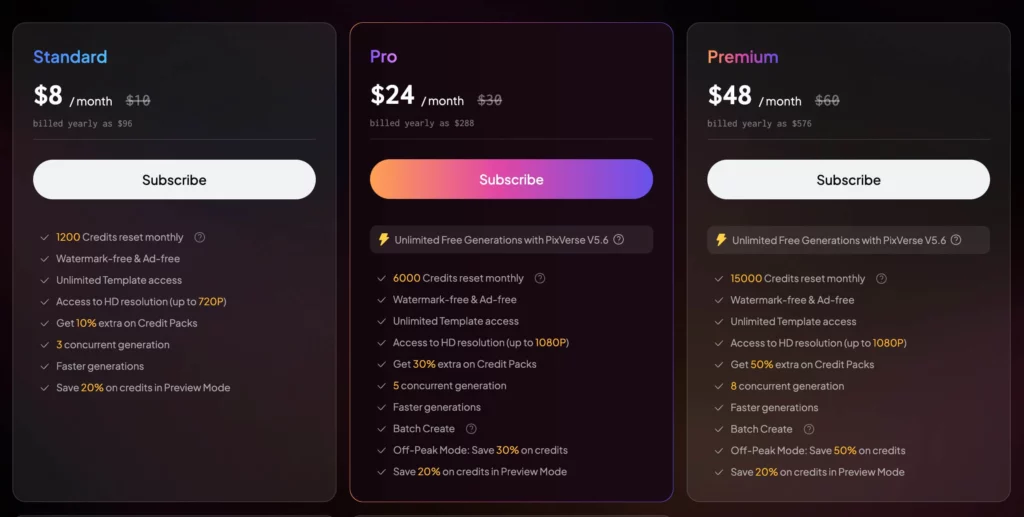
With the release of V5.6, PixVerse has adjusted its pricing. Rendering native 4K and calculating physics is expensive, and the price reflects that.
| Plan Tier | Monthly Price (Billed Annually) | Features & Credits | Best For |
| Standard | $12.00 | HD Gen, Single Character Lock | Social Media Clips |
| Pro Max | $30.00 | Native 4K, Multi-Subject Fusion (3 Pax) | Indie Filmmakers |
| Studio | $60.00 | Unlimited Relax Mode, API Access | Agencies & Production Houses |
The Pro Max plan is the sweet spot. If you want to use the multi-character feature (which is the main reason to use V5.6), you need this tier. The Studio Plan is great because it brings back “Unlimited Relax Generations,” allowing you to experiment overnight without burning fast credits.
PixVerse AI V5.6 vs. The Competition
How does it stack up against the other titans of 2026?
PixVerse V5.6 vs. Kling 3.0
Kling is still the king of lighting. If you want a moody, atmospheric horror scene, Kling’s lighting engine is slightly better. However, Kling struggles with character consistency. If you need a specific actor to star in your movie, PixVerse V5.6 wins hands down. PixVerse is for directors; Kling is for cinematographers.
PixVerse V5.6 vs. Runway Gen-4
Runway has moved towards abstract art and “weirdcore” visuals. It is amazing for music videos and experimental art. But for narrative consistency and realistic physics, PixVerse V5.6 is far superior. Runway feels like a dream; PixVerse feels like a movie set.
Who Is This Tool For?
- Short Film Directors: The ability to lock two actors’ faces means you can actually script scenes.
- Game Developers: The 15-second coherence is perfect for generating animated cutscenes or loading screens.
- Luxury Brands: The native 4K resolution allows these videos to be played on large in-store displays without looking pixelated.
Step-by-Step: Using the New Multi-Subject Fusion
Here is a quick workflow to get you started with the new V5.6 feature.
- Prepare Assets: Gather 5 clear photos of “Actor A” and 5 photos of “Actor B.”
- Upload to Asset Library: Go to the “Fusion” tab and create two separate Character LoRAs. Label them clearly.
- Compose the Shot: In the prompt box, type: “@ActorA handing a book to @ActorB.” using the tags for your characters.
- Set Physics Level: Set the “Physics Weight” slider to 0.7. This ensures their hands don’t clip through the book.
- Generate: Hit “Generate 4K.” Wait about 60 seconds (it takes longer than HD).
Final Verdict: Is V5.6 the Future?
PixVerse AI V5.6 receives a score of 9.2/10.
It is the most complete storytelling tool available in 2026. The combination of Native 4K and Multi-Subject Fusion removes the biggest barriers to entry for AI filmmaking. It is no longer a toy; it is a studio in your browser.
However, a word of caution for E-commerce professionals: While PixVerse is amazing for video, it is not designed for static product accuracy. If your job depends on showing the exact stitching of a sneaker or the precise texture of a fabric in a still image, video AI is still too “fluid.” For those tasks, Weshop AI remains the gold standard. Weshop AI specializes in retaining 100% SKU accuracy for static catalog shots, whereas PixVerse prioritizes motion and narrative.