

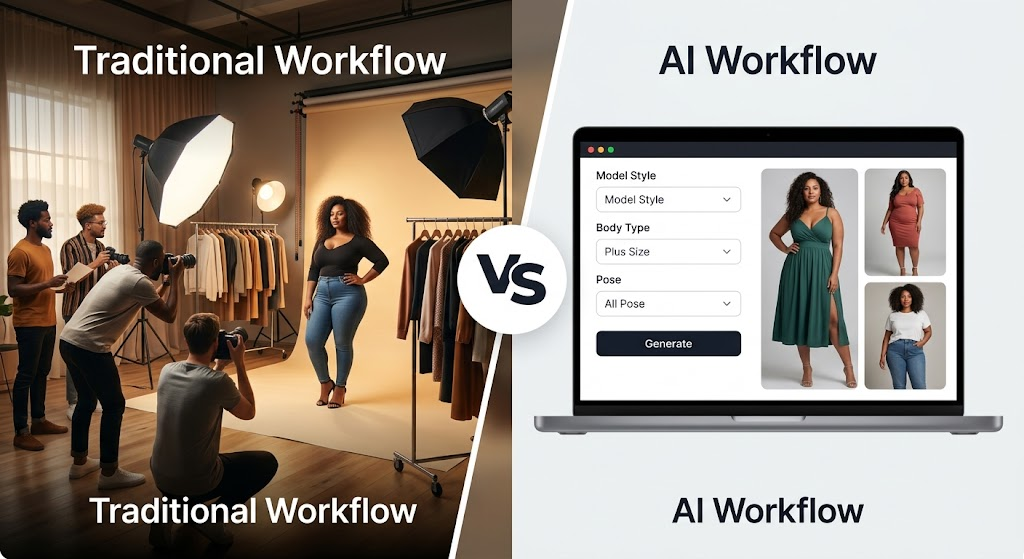
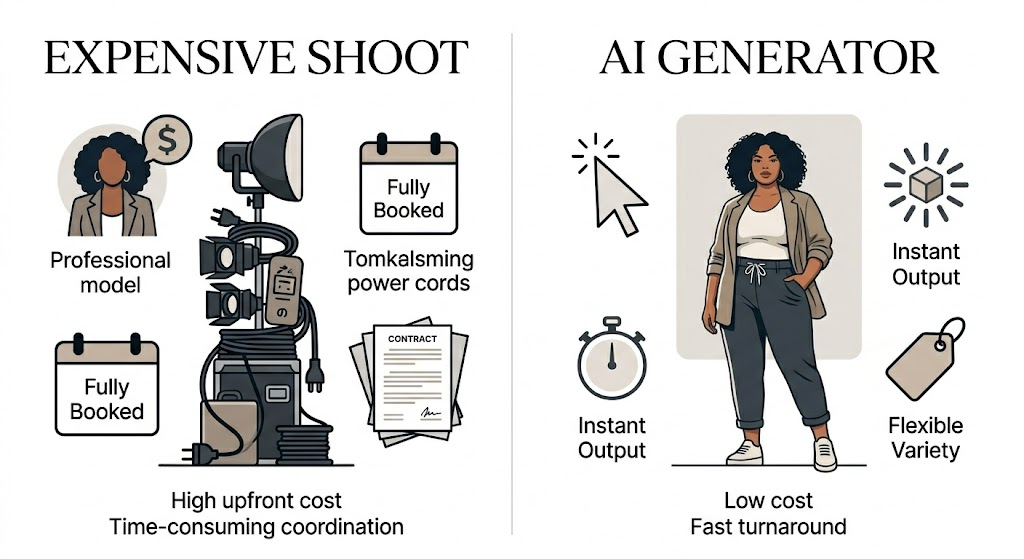
For a long time, creating plus-size fashion visuals took time, money, and a lot of coordination. You had to book a shoot, find the right model, set up the studio, and make sure every detail looked right. That process still works, of course. But it is not always practical, especially when you need content fast.
That is where AI changes the game. With the right plus size model generator, you can create realistic fashion images much faster. Even better, you can keep the visuals inclusive, polished, and useful for real marketing work.
This is especially important for e-commerce brands. Customers want to see how clothes look on different body types. They want images that feel honest, not overly edited or fake. At the same time, brands need visuals that are clean, consistent, and ready to publish.
So, in this guide, we will look at the best plus size model generator tools in 2026. Some are better for realism. Some are better for speed. Others work well for teams that need to produce a lot of content. Either way, the goal is the same: better visuals with less friction.
Quick Comparison of the Best Options
Before we get into the details, here is the big picture.
Some tools focus on realism. Some focus on speed. Others give you more control over body type, pose, background, and styling. So instead of asking which tool is simply “best,” it helps to ask which one fits your workflow.
Here is the simplest way to think about the top choices:
- Best overall: the most balanced option for realism, ease of use, and output quality
- Best for e-commerce: ideal for product pages and catalog visuals
- Best for social media: great for fast content and campaign posts
- Best budget option: good for smaller brands and solo creators
- Best for customization: strongest control over look, pose, and styling
The right choice depends on what you need most. If you care about speed, choose accordingly. If you care about visual accuracy, choose differently. That is exactly why a comparison like this matters.
Best Overall Pick
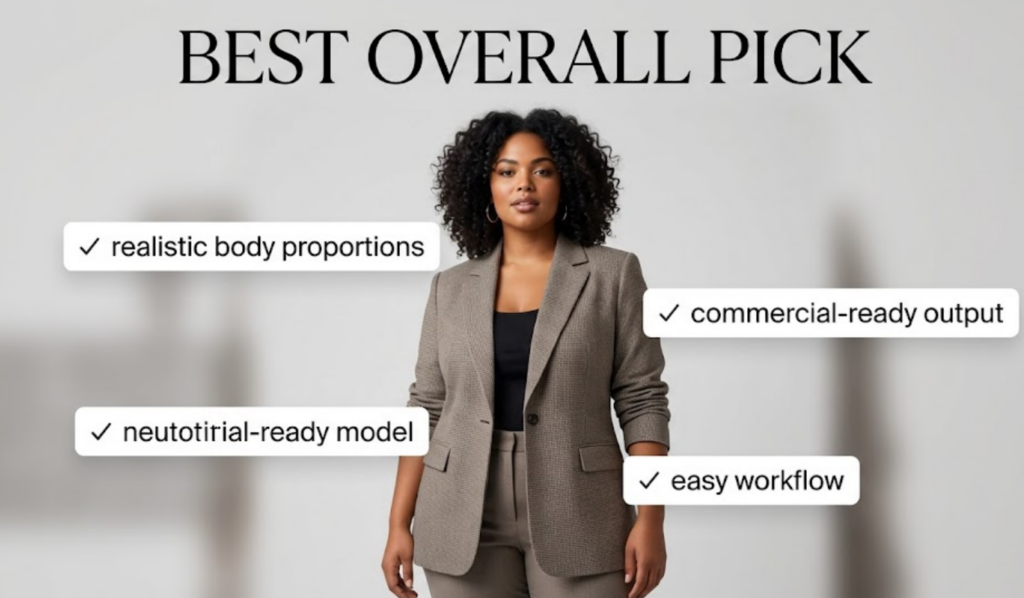
The best plus size model generator should do three things well. First, it should create realistic body shapes. Second, it should show clothing clearly. Third, it should be easy enough to use without a steep learning curve.
That balance matters. If a tool looks good but feels hard to use, it slows your team down. On the other hand, if it is easy to use but produces awkward results, it will not help your brand much. So the best overall option should sit right in the middle.
A strong all-around tool also saves time. Instead of rebuilding every image from scratch, you should be able to make quick changes and move forward. That is especially useful if you need to test several looks before launching a campaign.
In short, the best overall pick is the one that gives you good results without making the process feel heavy.
What to look for in the best overall tool
A strong option should give you:
- realistic body proportions
- accurate clothing fit
- clean lighting and texture
- simple editing controls
- commercial-ready output
Why it matters
If the image looks too artificial, the audience will notice. And once that happens, the product becomes harder to trust. The best tool keeps the focus on the clothing and the brand, not on the AI behind it.
Best for E-commerce
If you run an online store, this category is probably the most important one.
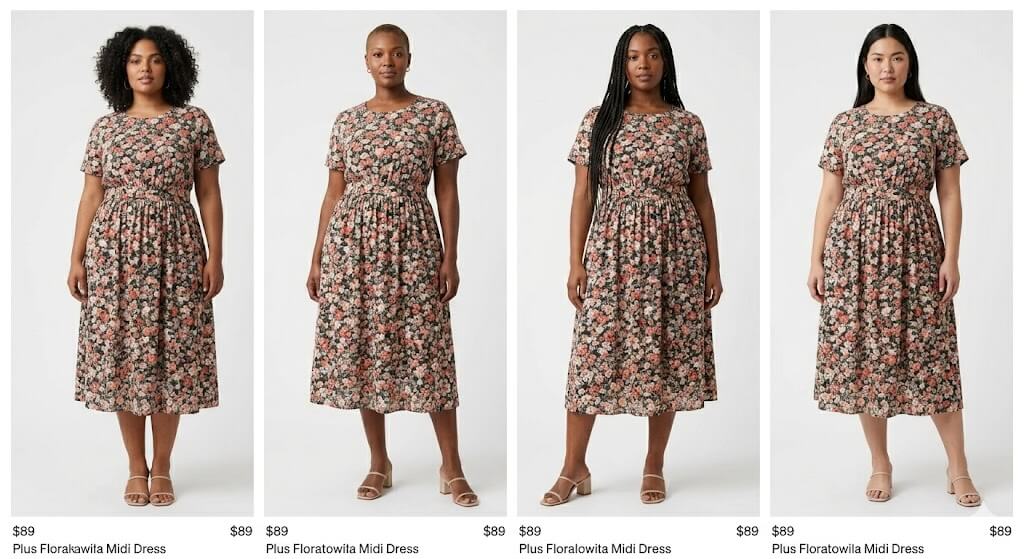
E-commerce images need to do more than look nice. They need to show fit, shape, and product detail clearly. They also need to feel consistent across your whole site. That is why the best e-commerce tool is usually the one that handles clothing accuracy well.
A good tool should keep sleeves, waistlines, hems, and fabric flow believable. It should also avoid strange distortions around the body. That might sound obvious, but it makes a big difference in how professional the final image feels.
This is where AI can save a lot of time. Instead of planning repeated photoshoots for every new item, you can generate visuals that follow the same style across your catalog. As a result, your store looks more polished, and your workflow becomes much easier to manage.
Why e-commerce teams use it
- product pages need consistent visuals
- catalog updates happen often
- customers want to see fit on diverse body types
- production speed matters
Best use case
This type of tool works especially well for dresses, denim, tops, activewear, and seasonal collections.
Best for Fast Content Creation
Not every team needs deep customization. Sometimes, speed matters more.
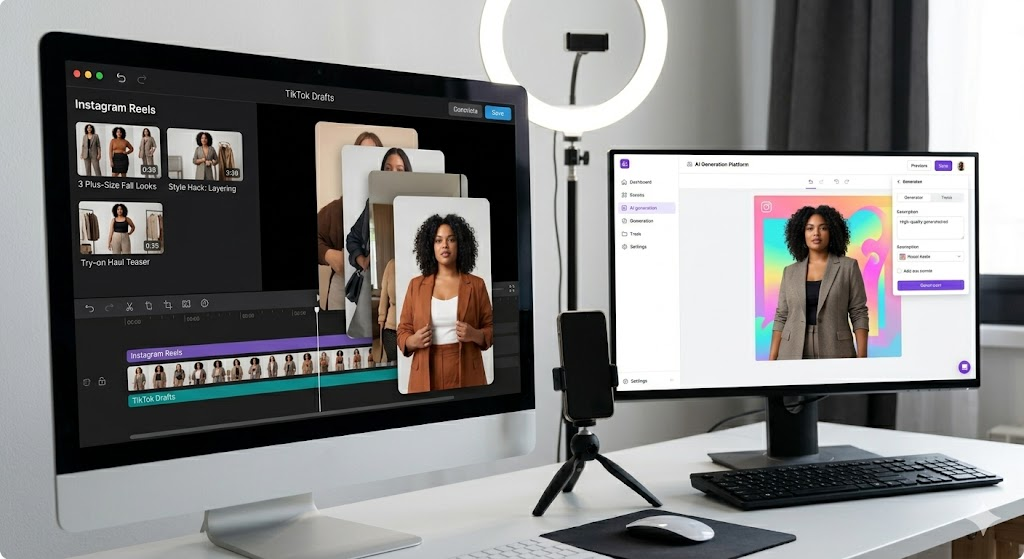
If your main goal is to create social posts, ad concepts, or campaign visuals quickly, then a fast plus size model generator can be the better choice. These tools are useful when you need to move from idea to image without a long process in between.
The best fast-content tools are usually simple. They do not ask too much from the user. Instead, they help you generate usable content quickly and then keep moving. That makes them a strong fit for marketers, solo creators, and busy brand teams.
This is also where testing becomes easier. You can try different looks, compare outputs, and publish faster. That flexibility is often more valuable than having dozens of advanced settings.
Why speed matters
Fast content creation helps you:
- test more ideas
- publish more often
- react to trends quickly
- reduce production delays
Best Budget Option
A smaller brand does not always need the most advanced tool. Sometimes, it just needs something affordable that still looks good.
That is where a budget-friendly plus size model generator comes in. This type of tool usually offers fewer advanced controls, but it can still produce clean and useful results. For many startups and solo creators, that is enough.
The real value here is balance. You may not get every feature you want, but you should still get decent quality, a simple workflow, and output that looks professional enough to use. That is often the smartest tradeoff when budgets are tight.
This category is especially useful for new fashion labels, independent sellers, and small teams that want to look more polished without spending too much.
Best for
- small fashion brands
- solo creators
- startup product launches
- light social media production
Best for Customization
Some users do not just want a realistic image. They want control.
If you need to adjust body type, pose, background, lighting, or styling, then a customization-focused generator is the right fit. This is a strong choice for brands that care a lot about visual identity and want their images to feel specific, not generic.
Customization is especially helpful in plus-size fashion because body representation is not one-size-fits-all. Different audiences want different looks. Different clothing styles also need different visual treatment. So the more control you have, the easier it becomes to match the image to the message.
This type of tool is also useful when you want to build a more editorial or branded look. Instead of settling for a default result, you can shape the final image more intentionally.
Look for controls such as
- body shape variation
- pose editing
- styling changes
- background replacement
- lighting adjustments
How to Choose the Right Plus Size Model Generator
The best tool is not always the one with the most features. It is the one that fits your workflow.
If you are running an e-commerce store, you will probably care most about realism, clothing accuracy, and consistency. If you are creating social content, speed may matter more. And if you are a small business, price and simplicity may matter most of all.
To make the right choice, look at these factors:
Realism
The image should feel natural, not overly smooth or artificial.
Body consistency
The model should keep believable proportions across different images.
Clothing accuracy
The outfit should sit properly on the body and show the product clearly.
Workflow speed
The tool should save time instead of creating extra steps.
Commercial use
Make sure the output works for the type of content you plan to publish.
Ease of use
The interface should be simple enough for your team to handle without trouble.
In the end, the right tool is the one that fits your production style. A large brand and a solo creator will not need the same setup. So it helps to choose based on your real use case, not just the marketing claims.
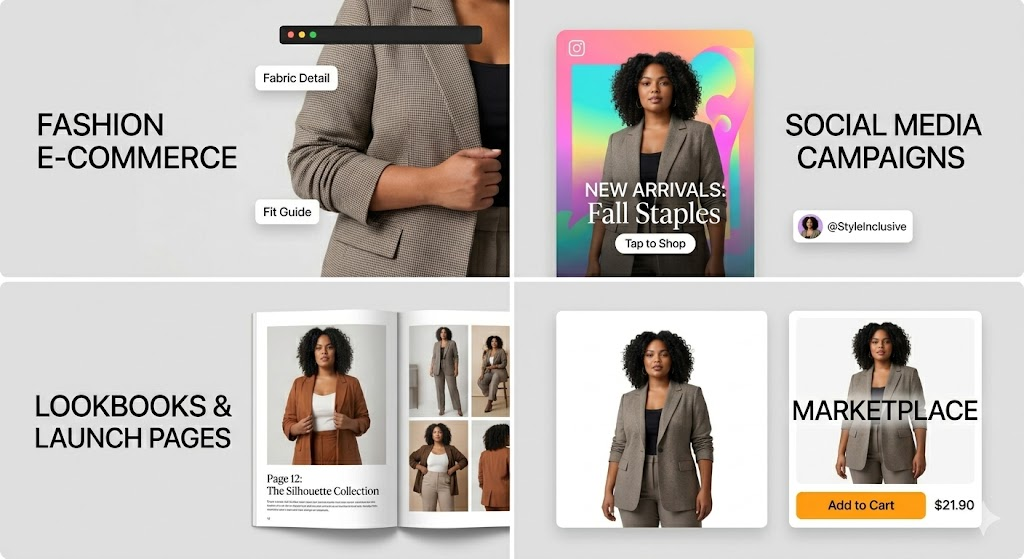
Best Use Cases
Fashion E-commerce
This is the most obvious use case. If you sell clothing online, plus-size model visuals can help customers understand fit, shape, and style much more clearly.
Social Media Campaigns
AI-generated fashion visuals are also great for social posts. They help you stay active without relying on constant photoshoots.
Lookbooks and Launch Pages
When you need a clean, polished campaign look, these tools can help you build that visual story faster.
Marketplace Listings
For product listings, good visuals can make your brand look more trustworthy and more professional.
FAQ
What is a plus size model generator?
A plus size model generator is a tool that creates fashion images featuring plus-size body types using AI or digital generation.
Can it replace a real photoshoot?
Not completely. However, it can replace many content tasks, especially when you need product visuals, campaign drafts, or fast variations.
Is it good for e-commerce?
Yes. It is especially useful when you need consistent visuals and want to show clothing on different body types.
How do I keep the body shape realistic?
Choose a tool with strong control settings, and always review the result before publishing.
What makes one tool better than another?
The best tool depends on realism, speed, customization, pricing, and how well the output fits your brand.
Final Verdict
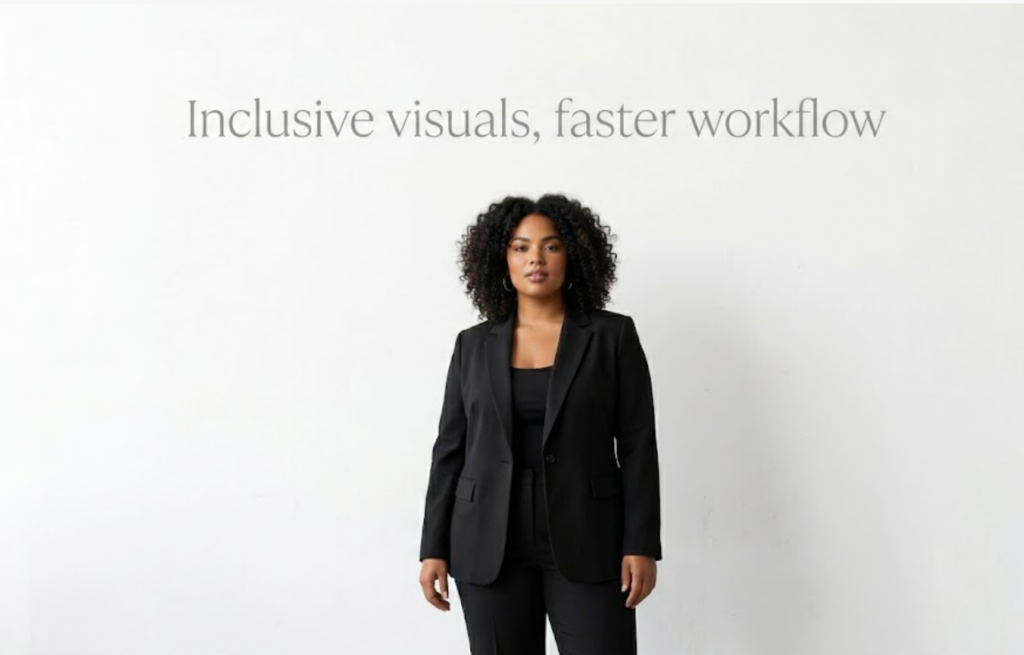
A good plus size model generator should do more than create a nice image. It should help you work faster, show clothing more clearly, and present fashion in a more inclusive way.
If you need a balanced choice, look for the tool that gives you both realism and ease of use. If you focus on e-commerce, put clothing accuracy first. If speed matters most, choose the simplest tool that still gives you polished output. And if you are working with a smaller budget, choose something that gives you enough quality to publish with confidence.
The best option is the one that helps your brand look more professional, more flexible, and more ready for today’s audience.
Go to WeShop AI For Exploration:


