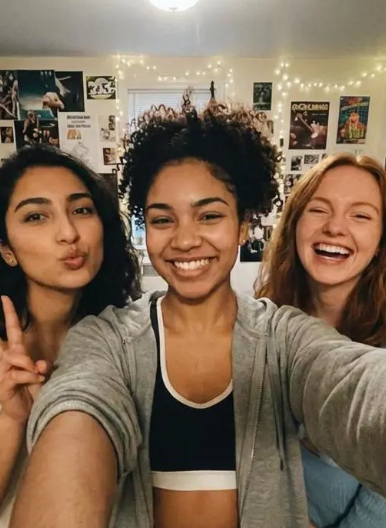
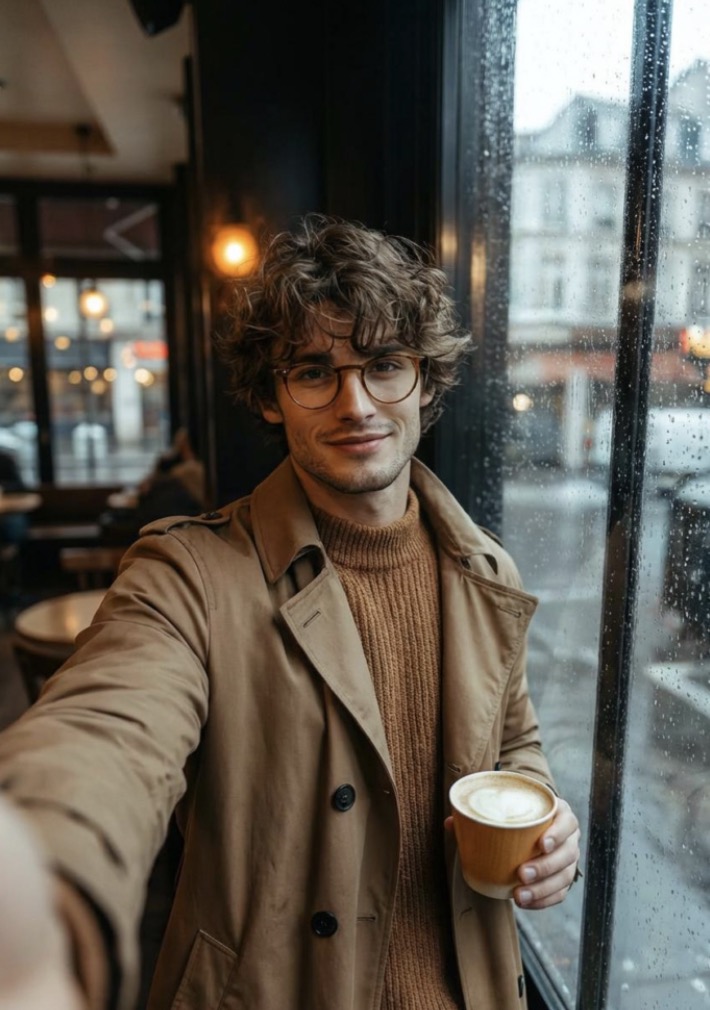
The AI selfie generator space is crowded for a simple reason: people want polished, shareable self-portraits without learning complicated editing software or booking a studio shoot. On the public feature pages, the strongest tools tend to fall into a few lanes: quick upload-and-generate apps, realism-first systems that train on your selfies, and design platforms that fold selfie creation into a bigger creative workflow. WeShop AI, Fotor, Remini, Canva, Photo AI, and PFPMaker all fit into that picture in different ways.
That is why the real question is not just “which tool makes a nice image?” It is “which AI selfie generator gives you the kind of selfie you actually need?” Some users want a clean headshot for work. Others want an avatar for social media. Some want a stylized portrait with a little personality. And some want a more photo-shoot-like result that still feels like them.
What makes an AI selfie generator worth using
Fast results without a learning curve
A good AI selfie generator should make the first result easy. Browser-based tools like WeShop AI and Fotor emphasize quick creation, simple input, and no design skills required, which makes them easy to test when you do not want to spend time learning a new editor.
Style range that matches your goal
Not every selfie needs to look like a LinkedIn headshot. WeShop AI highlights anime, cyberpunk, realistic portraits, and headshot styles, while PFPMaker pushes a broader profile-picture toolkit with creative and photorealistic options. That kind of range matters if you want more than one look from the same selfie.
Top 5 AI selfie generator tools
| Tool | Best for | Public feature snapshot | Editor’s take |
|---|---|---|---|
| WeShop AI | Quick all-round experimentation | Free online tool that creates AI-generated selfies, avatars, and digital personas from photos or text prompts, with styles such as anime, cyberpunk, realistic portraits, and professional headshots. It works in the browser and says no design skills are required. | Strong if you want breadth, speed, and a simple first try. |
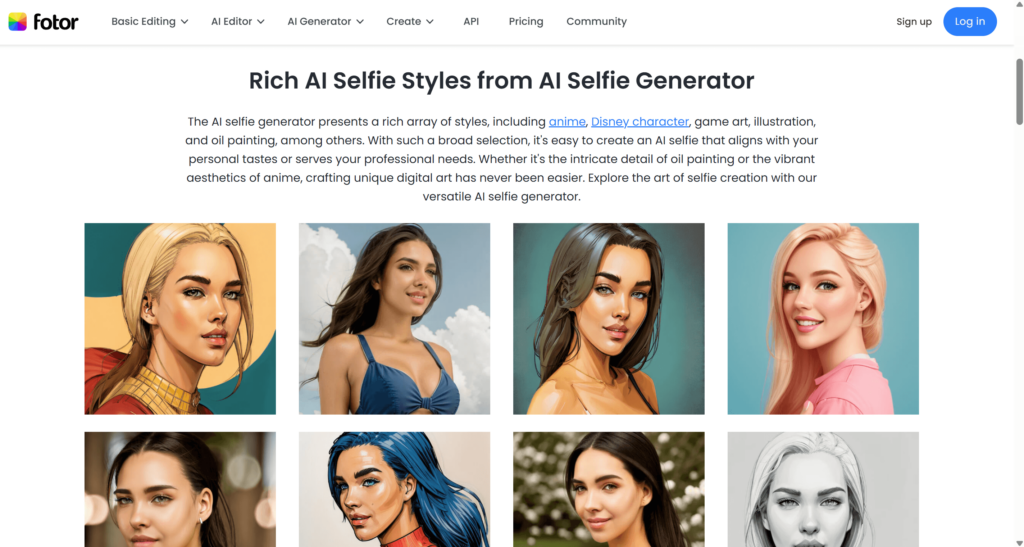
| Fotor | Simple creative testing | Free online AI selfie generator that uses your own images and positions the result as a fast way to create visually appealing AI selfies in seconds. Fotor also offers related headshot and profile-picture tools. | Good for users who want easy style changes without a heavy setup. |
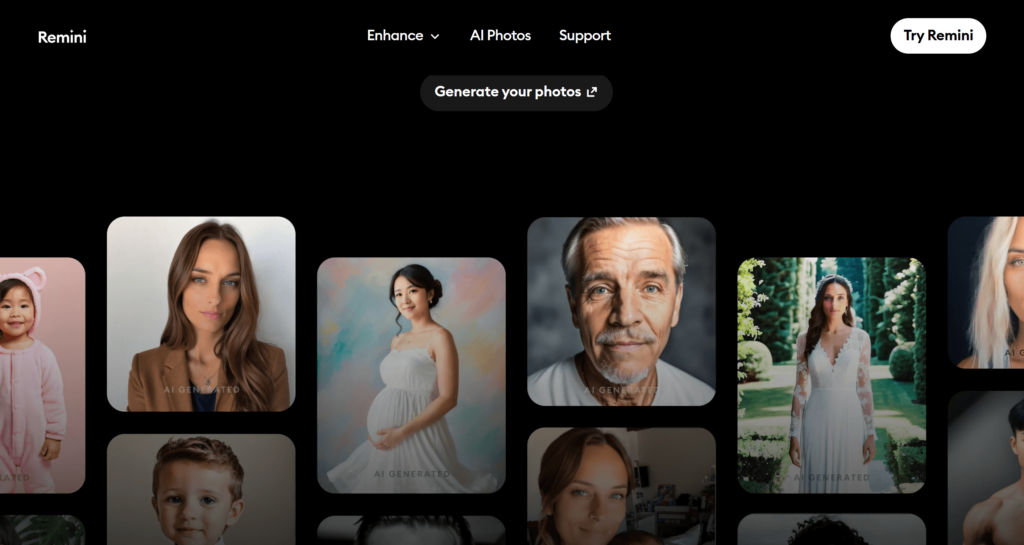
| Remini | Hyperrealistic portraits | You upload selfies, train the AI on 8 to 12 images, and then generate countless photos from model images and styles. The page frames the output as hyperrealistic and photographer-like. | Best when realism matters more than speed. |
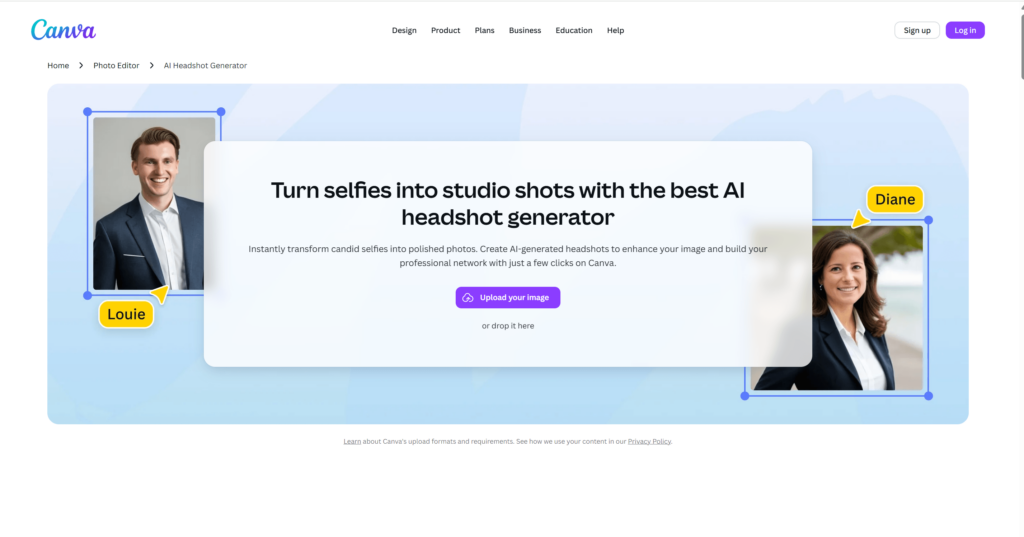
| Canva | Headshots inside a design workflow | Upload any selfie to make professional headshots, or use the AI profile picture generator to turn selfies into polished portraits in multiple styles. Canva also emphasizes no design background needed. | Smart for people already creating content inside Canva. |
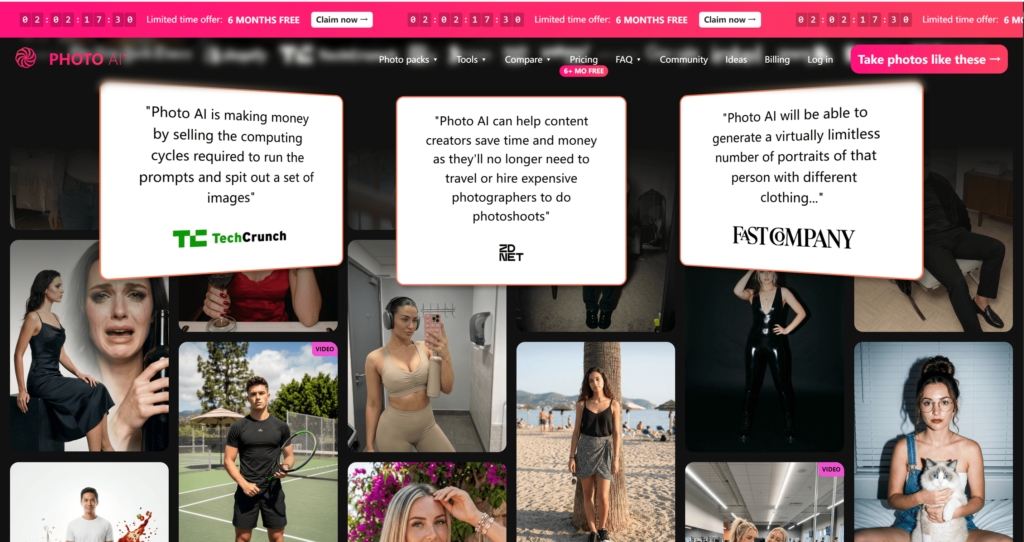
| Photo AI | Photo-shoot-style selfies | Upload selfies, create an AI model of yourself, and then generate photo and video content with fast training that can produce first photos in less than a minute. | A strong pick if you want a more model-based workflow. |
Why WeShop AI belongs in the conversation
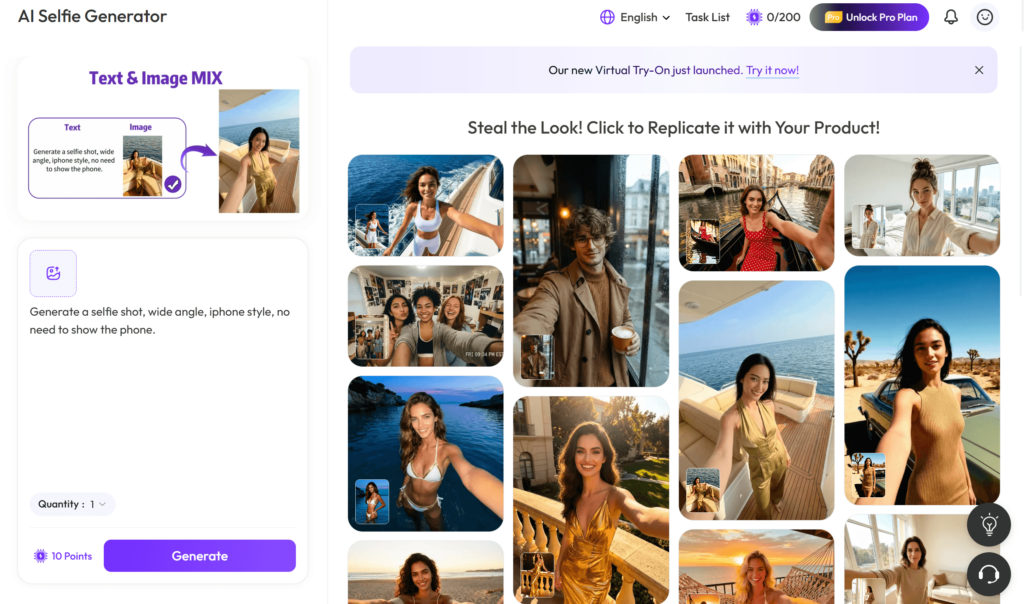
WeShop AI is worth a serious look because it sits in the middle of convenience and creative range. The public page positions it as a free online AI selfie generator that can turn uploaded photos or text prompts into selfies, avatars, digital personas, anime portraits, and professional headshots. It also works directly in the browser, does not require design skills, and gives users access to more AI tools beyond the selfie workflow.
That makes it a practical first stop for readers who want to test ideas quickly without a complicated setup. It is not the most realism-heavy tool in the list, and it is not pretending to be. Instead, its strength is that it covers a lot of common selfie needs in one place. The public page also notes that some advanced styles, higher-resolution downloads, or premium editing tools may require a paid plan, so the free version is best treated as a strong starting point rather than an unlimited promise.
How to choose the right AI selfie generator
Choose speed if you post often
If your main goal is to make social-ready selfies fast, browser-based tools with simple upload flows make the most sense. WeShop AI and Fotor both lean in that direction, which is why they work well as first-click options for casual users and content creators alike.
Choose realism if the image needs to look like you
If you care most about likeness and a photoreal result, Remini and Photo AI are built around training or modeling your face first, then generating many images from that base. That extra step takes more effort, but it usually gives you more control over identity and consistency.
Choose convenience if you already work in a design suite
If you already create social content or brand assets inside Canva, its AI headshot and profile-picture tools keep the whole workflow in one familiar place. That makes it an easy choice for users who want polished results without leaving their design stack.
FAQ About AI Selfie Generator
💡Is an AI selfie generator good for headshots
Yes. Several current tools explicitly position themselves around professional headshots or profile pictures, including WeShop AI, Fotor, Canva, and PFPMaker.
💡Do I need design skills to use one
No. The current public pages for WeShop AI, Fotor, Canva, PFPMaker, and Photo AI all emphasize simple upload-based or guided workflows rather than manual editing.
💡Can I try one without paying first
Many platforms offer a free entry point, though the exact limits vary. WeShop AI, Fotor, Canva, and PFPMaker all present free or free starting options on their public pages, while Remini and Photo AI focus more on model-based generation and product-led signup.


Ready to explore more? Discover our full suite of innovative AI-powered tools to elevate your lifestyle and professional creativity: