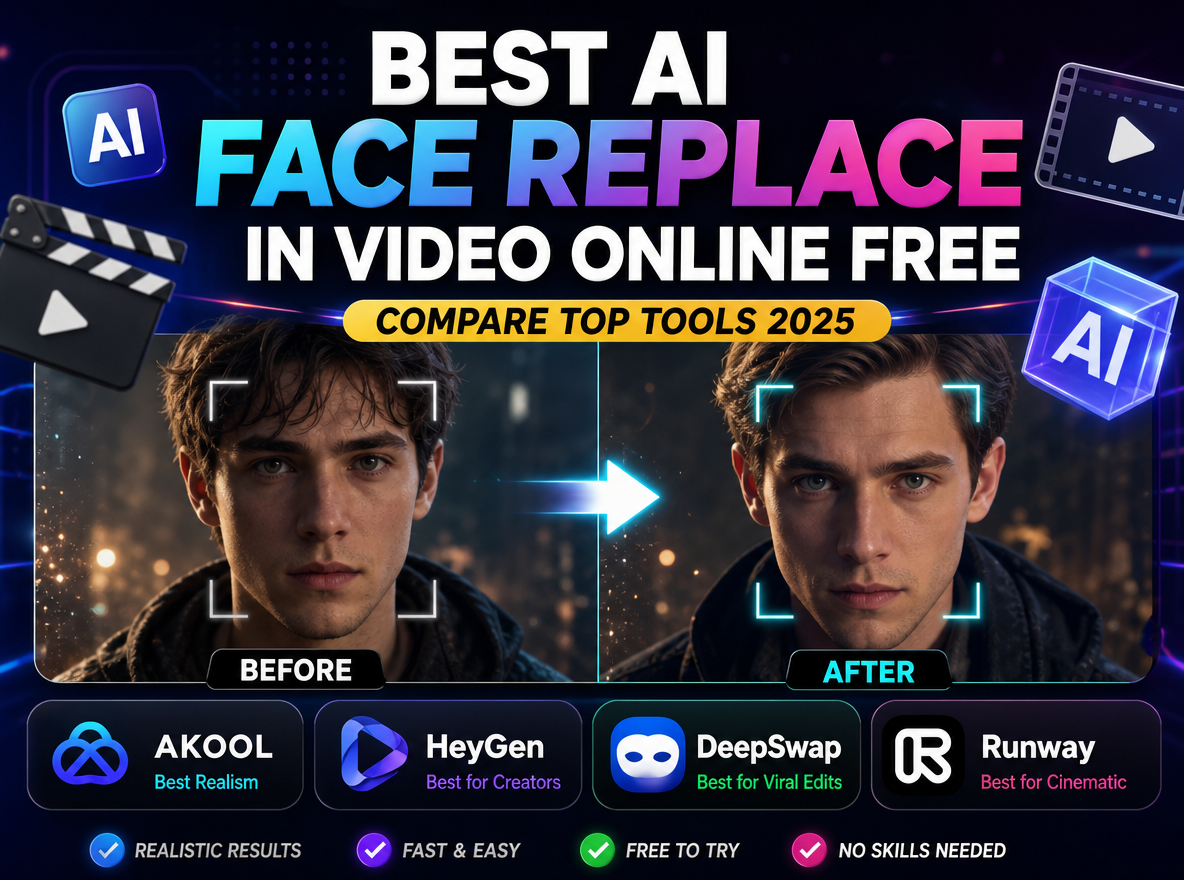
Currently, being a cross-border e-commerce seller is harder than ever. You probably face a very common problem: video production is too expensive. To sell your products in the US, Europe, or the Middle East, you usually have to hire different models. This means paying for travel, studio time, and high daily rates.
However, in 2026, the smartest brands are using a new strategy. They shoot one base video and then use AI to change the model’s face for different markets. Today, we will show you how to replace face in video online free using WeShop AI. This simple trick can save you over 80% on your content budget.
Why You Should Replace Face in Video Online Free with WeShop AI
There are many AI tools available today. Nevertheless, most of them are either too expensive or too difficult to use. WeShop AI is different because it focuses on realism and ease of use. Specifically, here is why this tool is a “money-maker” for e-commerce:
- Zero Cost Testing: First of all, you can try it without a big investment. This allows you to test different looks to see which one sells more products.
- Amazing Realism: Moreover, the AI uses “Frame-by-Frame” tracking. This means that even if your model is moving, jumping, or talking, the new face stays perfectly in place.
- Browser-Based Power: In addition, you do not need a powerful computer. You can do everything directly in your web browser.
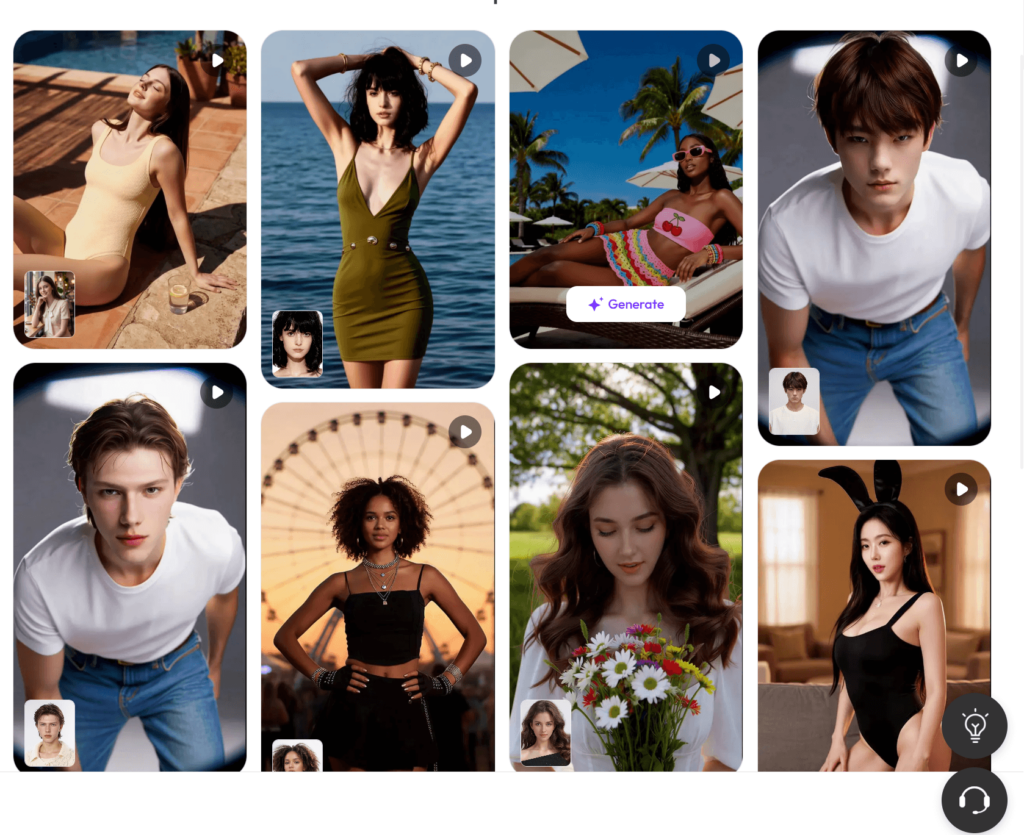
The ROI Battle: Traditional Shoots vs. AI Face Swapping
To better understand the value, let’s look at the numbers. If you want to create three videos with three different ethnic models, here is the comparison:
| Feature | Traditional Video Shoot | WeShop AI (Online & Free) |
| Model Fees | $1,500 – $3,000 | $0 (Use your own staff) |
| Time Needed | 1 to 2 Weeks | A few minutes |
| Equipment | Pro Cameras & Lights | Just your phone & browser |
| Result | One fixed look | Unlimited variations |
As a result, by using AI, you keep more profit in your pocket instead of giving it to modeling agencies.
How to Replace Face in Video Online Free: A 3-Step Guide
You do not need to be a professional editor to get great results. Just follow these simple steps:
- First, upload your “Target Video.” This is your original footage of someone wearing or using your product.
- Next, upload a “Source Face.” This should be a clear photo of the face you want to use for your target market.
- Finally, click the generate button. The AI will automatically analyze the lighting and movement to create a natural look.
FAQ
Is it really free?
💡Yes! You can replace face in video online free on the WeShop AI platform. It is designed to be accessible for growing businesses.
Will the video look fake?
💡Actually, no. Because the system tracks facial expressions and lighting consistency, the results are very realistic. Most customers will never know it is AI.
Can I use it for TikTok and Instagram?
💡Definitely. In fact, this is the best way to create viral content. You can quickly follow trends by swapping your face into popular clips.
Conclusion: Start Saving Money Today
Overall, the world of e-commerce is changing fast. You no longer need a Hollywood budget to create world-class video ads. By learning how to replace face in video online free, you gain a massive advantage over your competitors.
In conclusion, why spend thousands of dollars when you can get the same results for free? Stop wasting your budget and start scaling your brand with WeShop AI today.


Ready to explore more? Discover our full suite of innovative AI-powered tools to elevate your lifestyle and professional creativity: