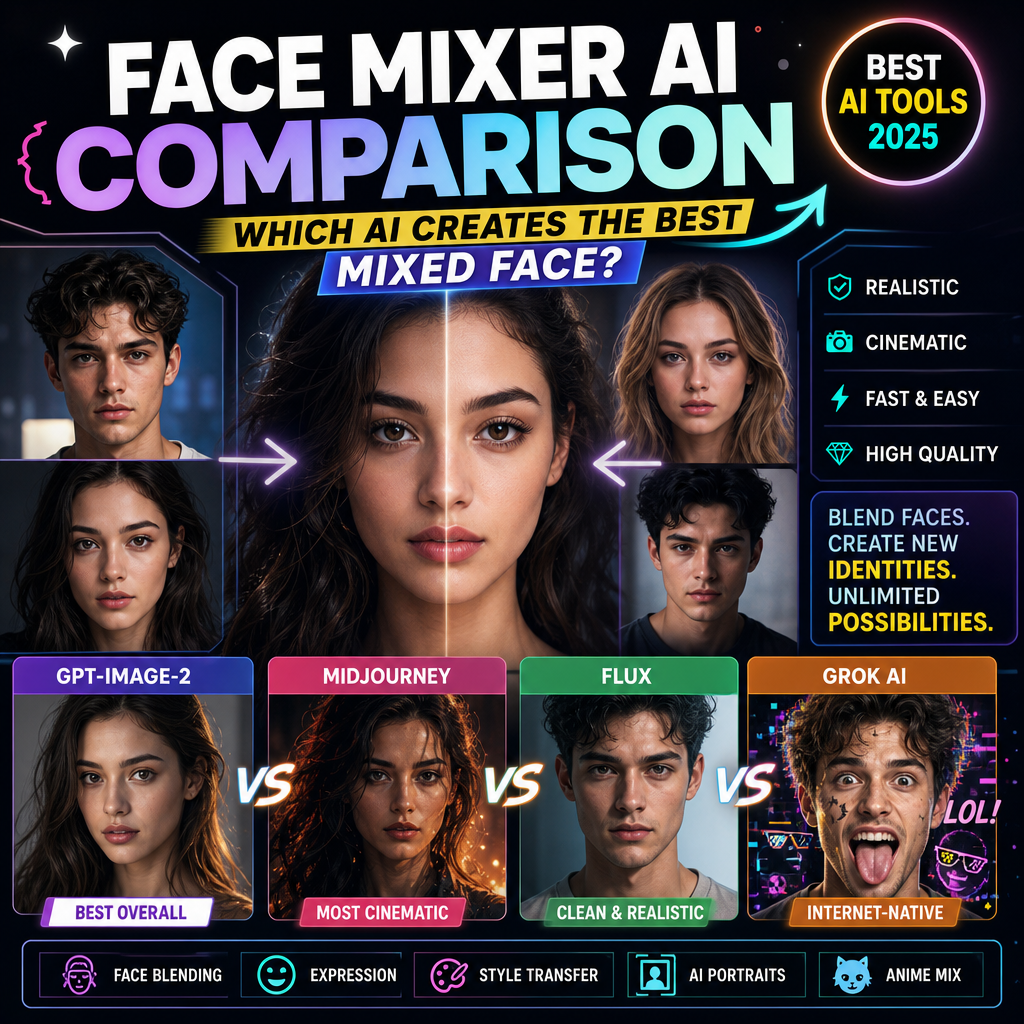
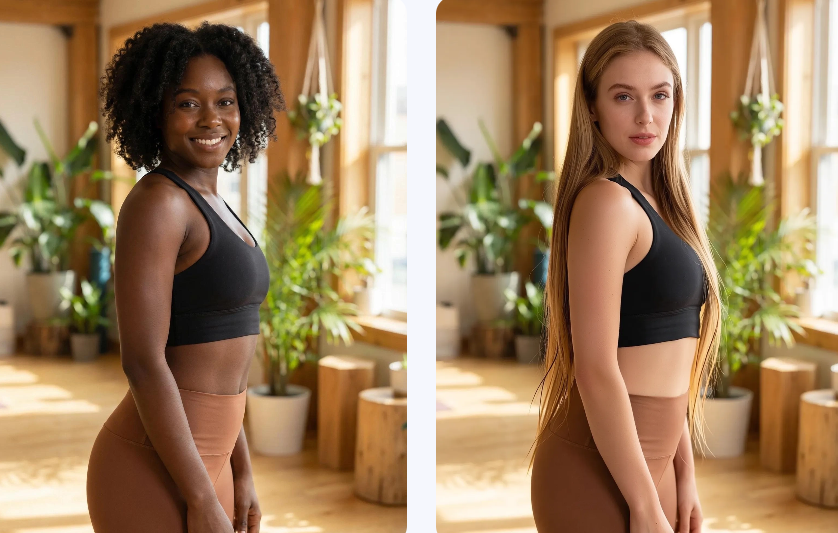
WeShop AI makes AI Face Merge feel surprisingly simple: upload two faces, let the AI blend them, and get a natural-looking result without manual editing. The official page says the tool is free, works online in the browser, supports watermark-free output, and is designed to blend facial features automatically.
What makes this topic click so well is not just the novelty. It is the mix of curiosity, speed, and shareable output. People want to see what two faces look like blended together, but they do not want to spend time learning complex software. That is exactly where this kind of tool wins.
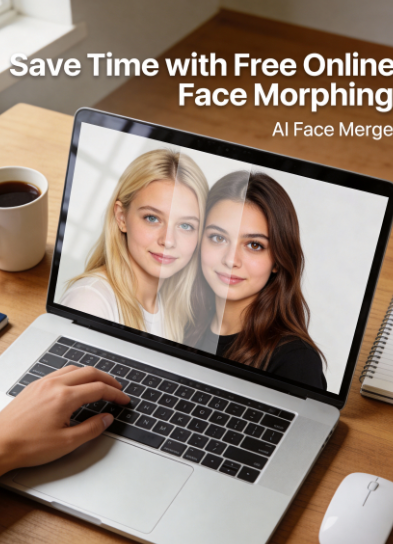
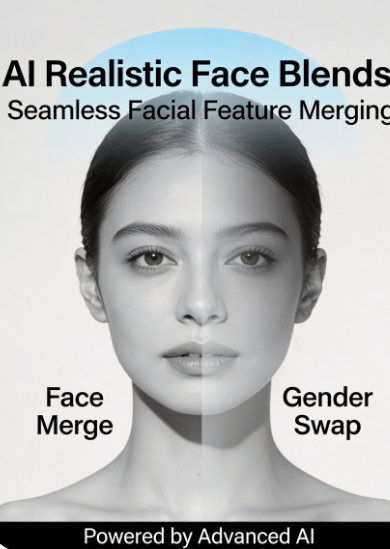
Why AI Face Merge gets attention so fast
Most image tools ask for patience. AI Face Merge asks for curiosity. The official WeShop AI page says the tool analyzes facial structure and proportions, aligns the source images, and creates smooth morphing results automatically. It also says results can be generated in seconds, which is a big part of why this format works so well for social content and quick experiments.
It feels playful, but the workflow is practical
A lot of people try face merge tools for fun, but they stay because the workflow is efficient. According to the product page, users simply upload their photos, choose the faces to combine, and let the AI handle the blending. No desktop app. No heavy editing steps. No advanced skills needed.
The best tools do not just merge faces, they keep them believable
That is where AI Face Merge matters most. The page repeatedly emphasizes natural-looking output, seamless blending, and watermark-free results. In other words, it is not just about making something strange or funny. It is about making the result clean enough to share.
Why WeShop AI stands out from the usual face merge experience
The easiest way to explain the value is this: some tools are built to impress in a demo, while WeShop AI is built to be used repeatedly. It is free, online, beginner-friendly, and does not require installation. The official FAQ also says the tool works in the browser and does not need professional editing skills.
Here is a simple comparison that makes the difference clearer:
| What users want | Traditional approach | WeShop AI AI Face Merge |
|---|---|---|
| Fast results | Manual editing takes time and skill | Upload and blend in seconds |
| Natural look | Hard to align features by hand | AI analyzes structure and skin tone automatically |
| Easy access | Software install is often required | Works online for free in the browser |
| Shareable output | Exports may need cleanup | Watermark-free results are supported |
How AI Face Merge works on WeShop AI
The official FAQ gives a simple process. First, upload both photos. Then let the AI analyze facial features and match skin tones. After that, the tool automatically blends the faces into a natural-looking composite. Finally, you preview and download the merged image.
Step 1 Upload the two photos
The page says users upload both photos they want to merge. That makes the tool approachable right away, especially for people who do not want to deal with manual layer work.
Step 2 Let the AI do the blending
This is the part that saves the most time. The official page says the AI handles facial detection, blending, and alignment automatically, so the workflow stays simple even for beginners.
Step 3 Preview and download
Once the merge is ready, the page says users can preview and download the result. Since the output is watermark-free, it is easier to use for creative drafts, social posts, or concept testing.
Where AI Face Merge fits best
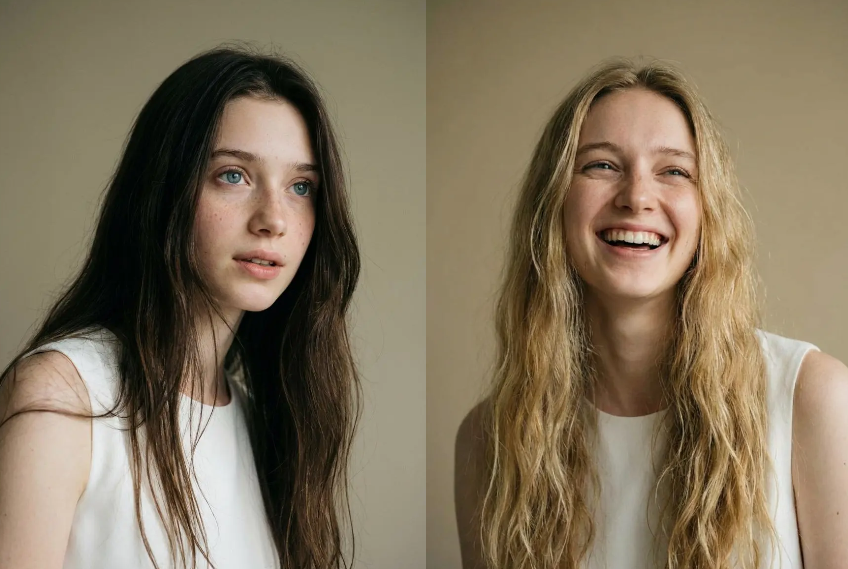
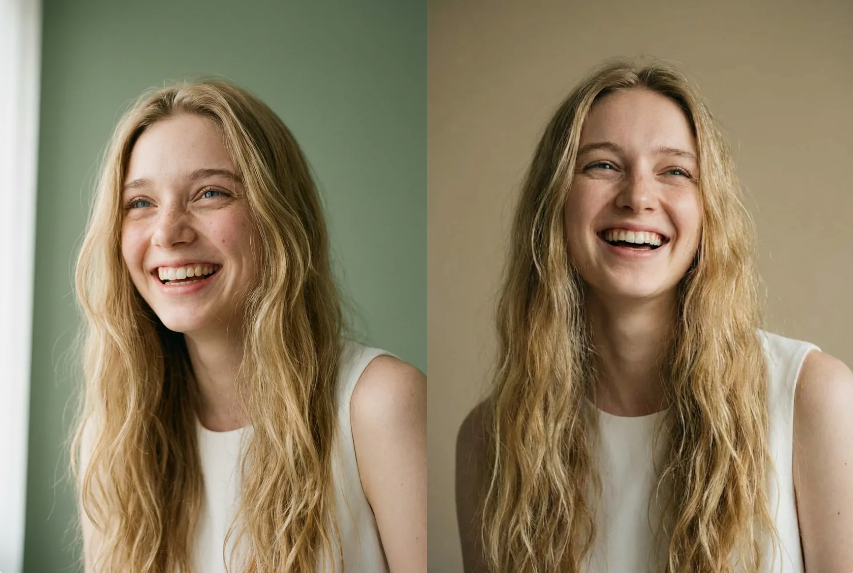
This tool is not limited to one type of user. The product page mentions fun face mashups, celebrity face merges, gender swap effects, future-baby style blends, digital art, group photos, avatars, and educational experiments. That range makes it useful for both casual users and creators who want fast visual ideas.
Best use cases at a glance
| Use case | Why it works |
|---|---|
| Social content | Fast, eye-catching, easy to share |
| Creative experiments | Smooth AI blending for playful identity concepts |
| Digital art drafts | Watermark-free output makes reuse easier |
| Beginner testing | Browser-based and no software download required |
FAQ
What is AI Face Merge?
💡AI Face Merge is an AI-powered face morphing and face merge tool that blends two human faces using artificial intelligence.
Can I merge two faces online?
💡Yes. The official page says you can merge two faces online in seconds.
Do I need to download software?
💡No. The tool works online for free in your browser.
Is it beginner-friendly?
💡Yes. The FAQ says you simply upload photos and the AI handles facial detection, blending, and alignment.
What image formats are supported?
💡The page says common formats such as JPG, PNG, and JPEG are supported, and that high-quality front-facing photos usually produce the best results.
Is AI Face Merge safe to use?
💡The official page says uploaded images are processed securely and automatically deleted after use, and that photos are not stored on the server. It also advises users to avoid sensitive ID photos or highly personal images when privacy is a concern.
Final take
AI Face Merge works because it turns a complicated-looking task into a fast, browser-based, low-friction experience. WeShop AI gives users a free way to blend faces naturally, keep the output watermark-free, and create shareable visuals without a steep learning curve. That combination is what makes the tool feel more like a habit than a one-time gimmick.


Ready to explore more? Discover our full suite of innovative AI-powered tools to elevate your lifestyle and professional creativity: