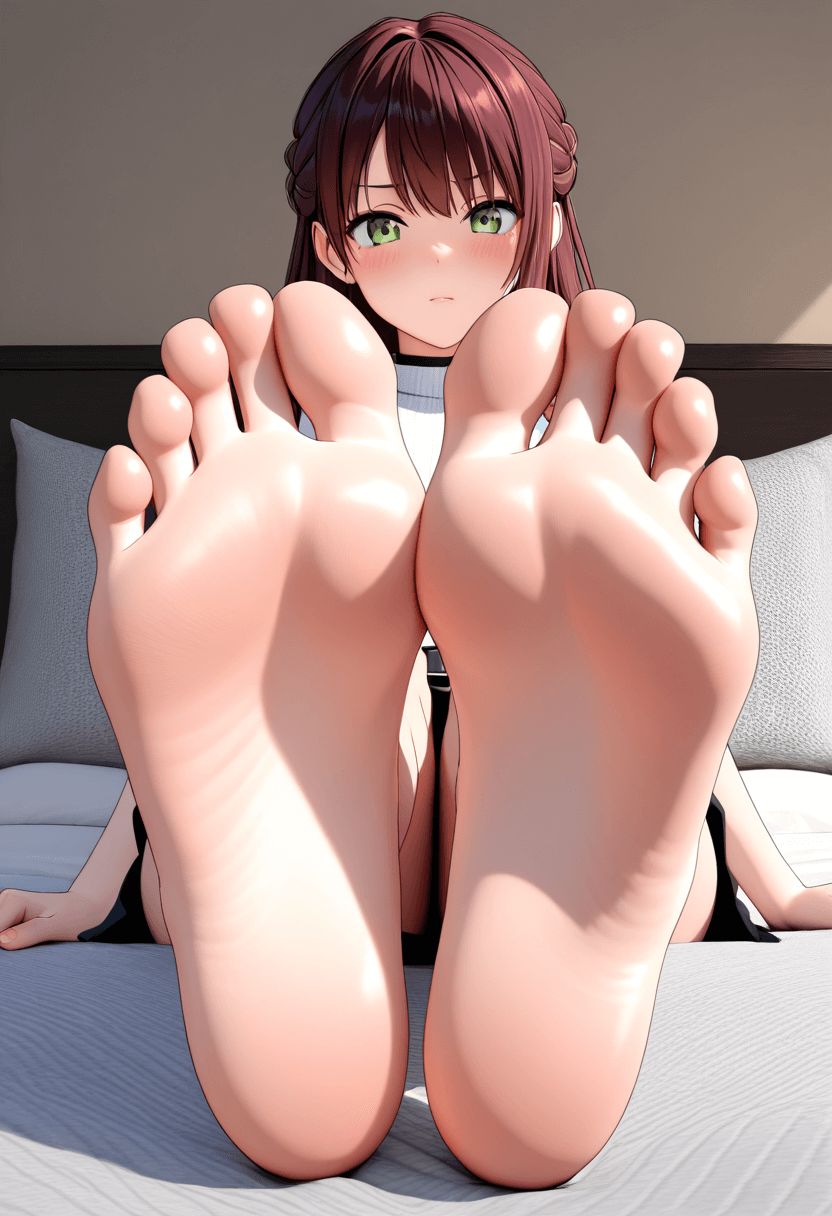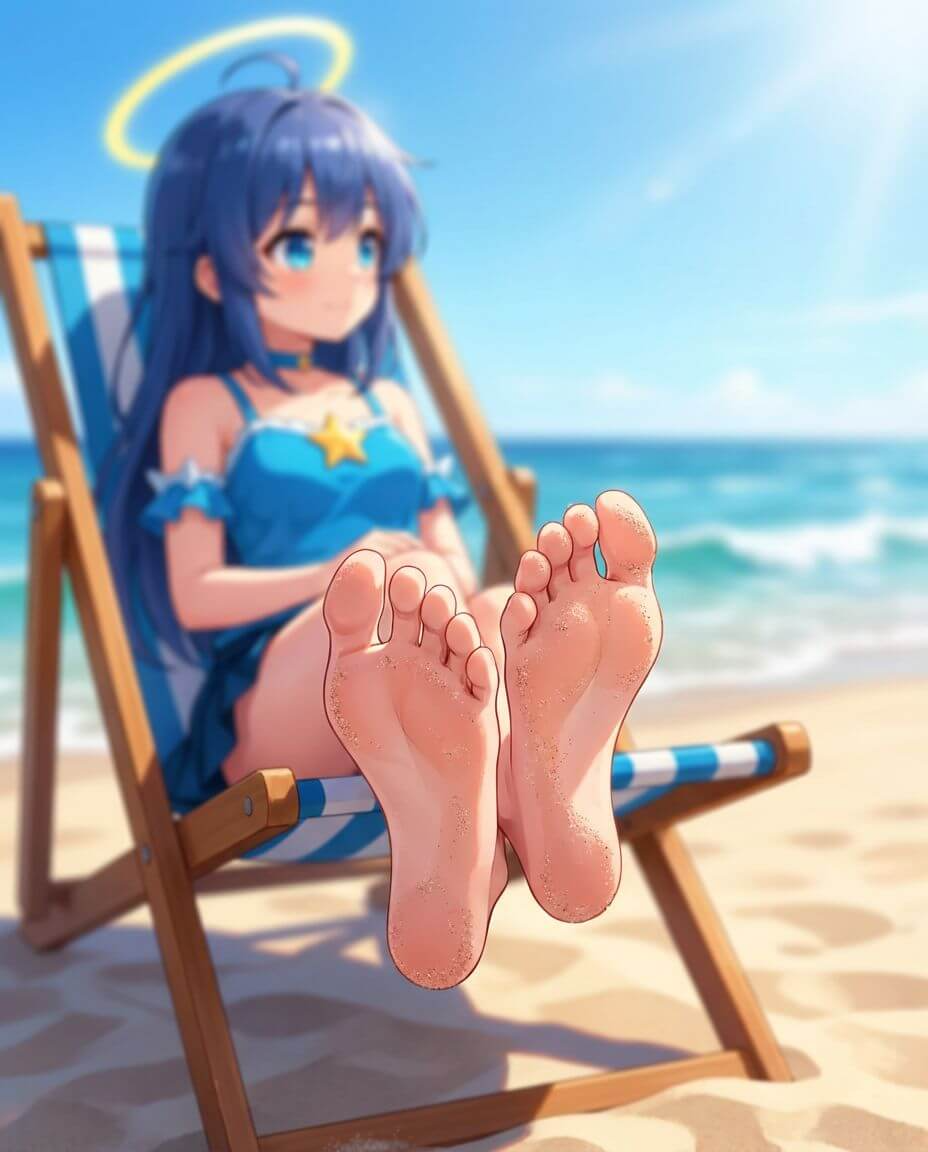

AI image generation has rapidly evolved, making it easier than ever to create highly realistic images from simple prompts. One trending niche is AI Feet Generator, where users generate foot-related images using advanced AI tools.
Whether you’re exploring creative concepts, working on design projects, or testing AI capabilities, this guide will show you exactly how to use an AI Feet Generator online for free and fast in 2026.
What is an AI Feet Generator?
An AI feet generator is a tool that uses artificial intelligence to create realistic or stylized images of feet based on text prompts.
Using models like Stable Diffusion or advanced proprietary systems, these tools can generate:
- Realistic foot photos
- Artistic or stylized feet images
- Product-style images (e.g., footwear, fashion)
- Concept or creative visuals
Popular keywords in this space include feet ai, ai feet, feet pic ai, and ai feet generator, all referring to similar tools and workflows.
How AI Feet Image Generation Works
AI image generators create visuals from text descriptions. Instead of editing images manually, the system analyzes your request and produces a new image based on patterns, lighting, and composition learned from large datasets.
However, not all tools work the same way. In many traditional AI tools, users must write detailed prompts to get good results. This can be time-consuming, especially for beginners who are not familiar with prompt engineering.
Tools like WeShop AI simplify this process. Instead of requiring users to write complex descriptions, the platform provides ready-made templates with built-in prompts and optimized settings. This means you can focus on selecting styles and visual direction, rather than figuring out the perfect wording.
As a result, the entire workflow becomes faster, more intuitive, and more accessible for both beginners and experienced creators.
Step-by-Step: How to Use an AI Feet Generator Online
Step 1: Choose a Tool with Ready Templates
Start by selecting a platform that offers structured workflows instead of manual setup.
For example, WeShop AI provides pre-designed templates that already include optimized prompts, lighting setups, and composition styles. This reduces the learning curve and helps you generate better results from the beginning.
Step 2: Select a Template or Start a New Image
Once you enter the platform, you can choose how you want to create your image.
On WeShop AI, there are two main options:
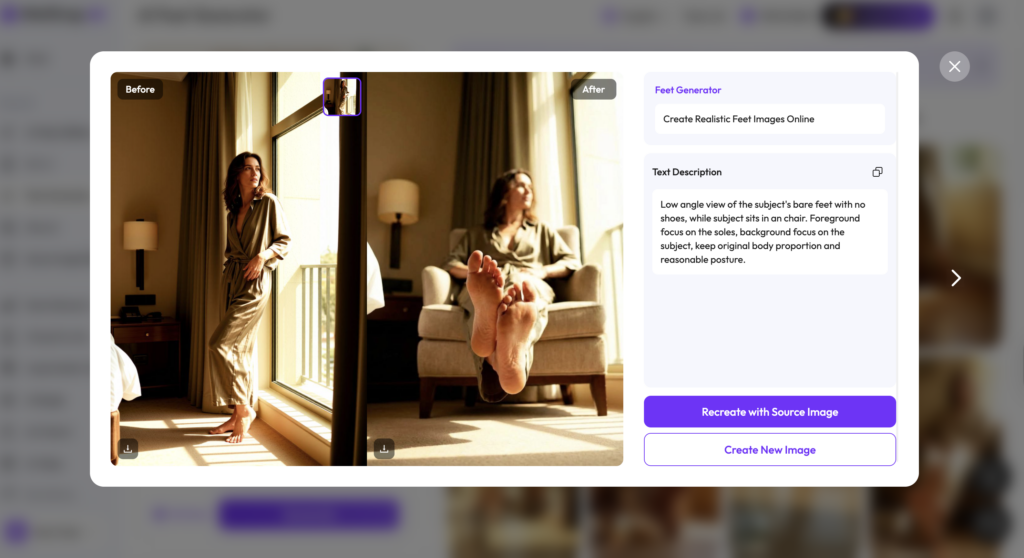
- Recreate with Source Image
Upload an existing photo and apply AI-generated changes while keeping the original structure. This is useful if you already have content and want to enhance or modify it. - Create New Image
Generate a completely new image using the built-in templates. Since the prompts are already optimized, you don’t need to manually write detailed descriptions.
This flexibility allows users to either edit existing images or create new visuals from scratch.
Step 3: Generate the Image
After selecting your template or option, simply click generate.
Each image typically costs around 10 points, which makes it easy to manage usage while testing different styles or ideas.
One of the biggest advantages here is speed. Most images are generated within seconds, allowing you to quickly review results and move on to the next variation if needed.
Step 4: Refine or Regenerate
If the output is not exactly what you want, you can easily regenerate the image or switch to another template.
Because the system already includes optimized prompts, improving results becomes a matter of choosing the right style rather than rewriting complex instructions.
Over time, this makes the workflow much more efficient compared to traditional AI tools that rely heavily on manual prompt writing.


Why Use WeShop AI for AI Feet Generation
Choosing the right tool can make a big difference in both the quality of your images and the time you spend creating them. While many AI generators rely heavily on manual prompt writing, WeShop AI takes a different approach by simplifying the entire process.
One of the biggest advantages is the use of built-in templates with optimized prompts. Instead of spending time figuring out how to describe lighting, angles, and style, users can start with pre-configured settings that already produce high-quality results. This is especially helpful for beginners who may not be familiar with prompt engineering.
Another important benefit is speed. The platform is designed for fast generation, allowing users to create images within seconds. This makes it easier to experiment with multiple styles and quickly find the best result without slowing down your workflow.
In addition, the system offers a flexible creation process. Users can either upload their own images and apply changes, or generate completely new visuals from scratch. This flexibility makes it suitable for a wide range of use cases, from content creation to product visualization.
The point-based system also adds a layer of control. Since each generation typically costs around 10 points, users can easily manage how often they generate images while testing different ideas. This makes the platform both efficient and predictable in terms of usage.
Overall, WeShop AI focuses on reducing complexity while maintaining high-quality output. Instead of requiring technical skills, it allows users to focus on creativity and results, which is what most people care about in the end.
Whether you’re experimenting with AI feet generators or building creative content, it provides a smooth and efficient workflow.