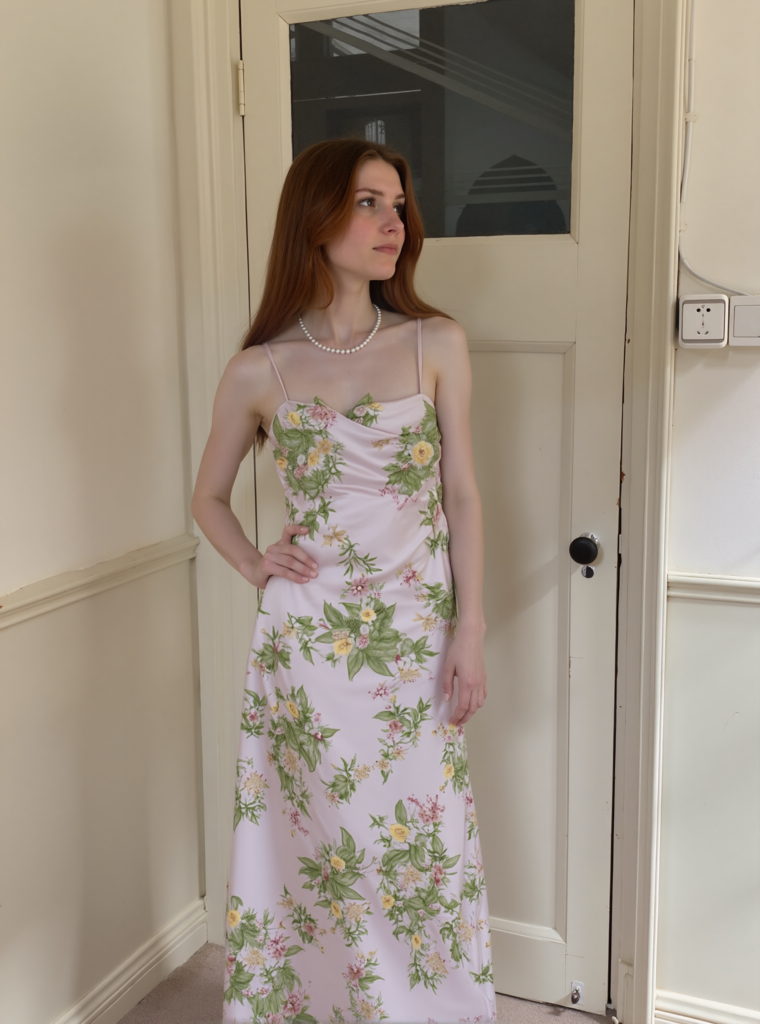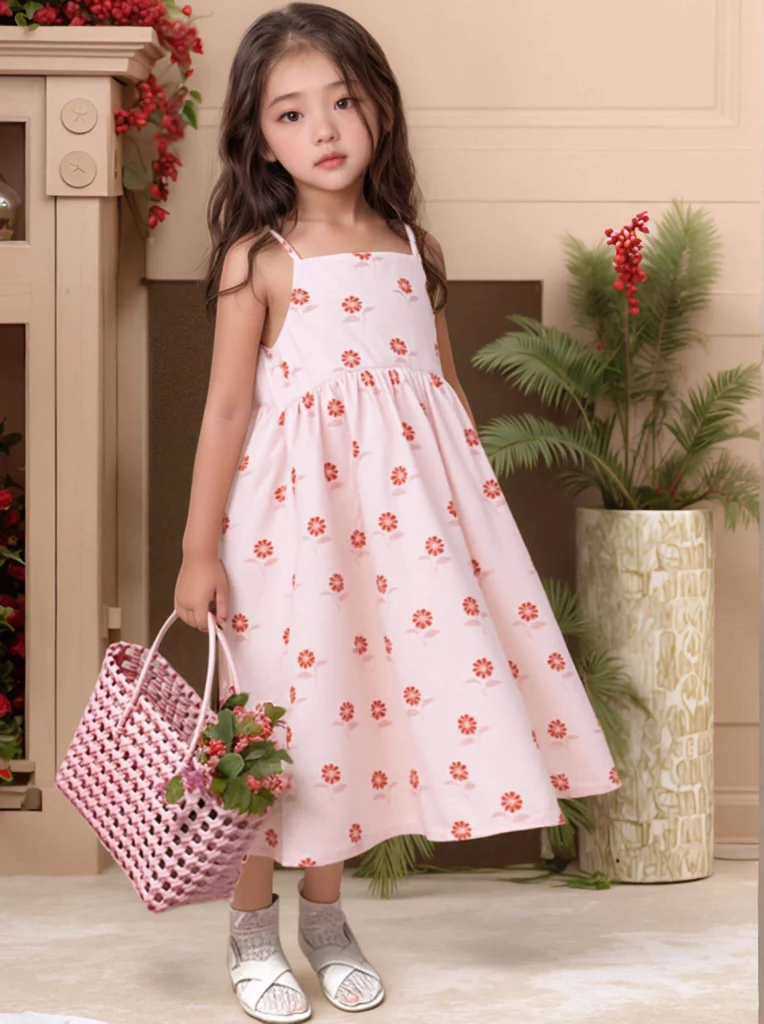
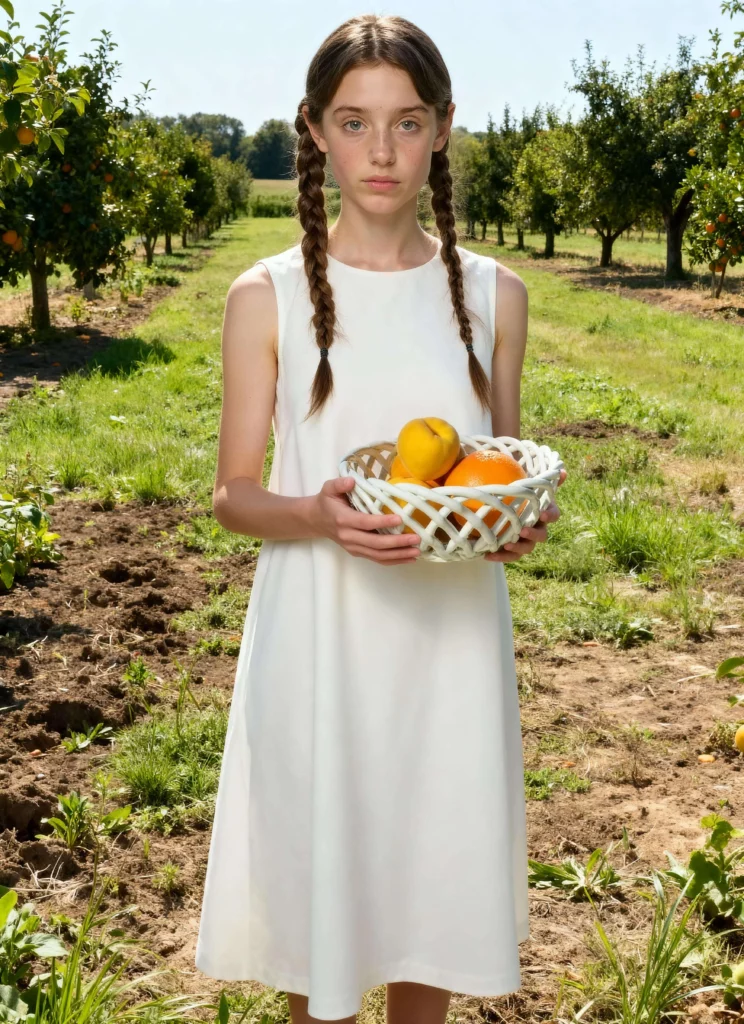
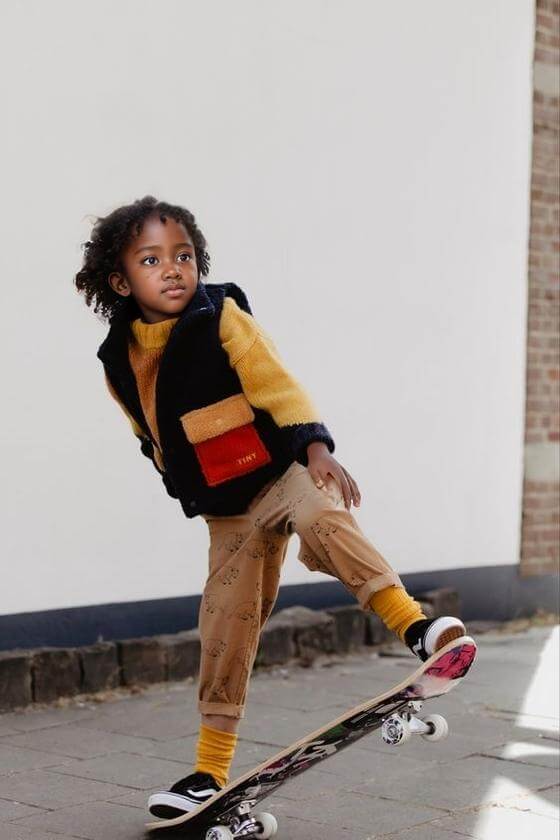
Are you tired of booking child models, renting studios, and waiting for sunny days? Now you can finish a whole set of kids’ fashion images in less than ten minutes. WeShop AI builds AI model and digital kids who never get tired, never cry, and always smile on cue. Below you will see the exact steps, real screen shots, and cost numbers that Amazon, Shopify, Etsy, and eBay sellers are already using.
Why classic kids’ shoots hurt your wallet
First, let’s look at the old way.
You need a child model, a parent, a studio, lights, and a stylist.
One half-day shoot can cost $400-$1,200 and you still have only one angle.
If the jacket comes in six colors, you pay six times.
Weather cancels outdoor plans, kids lose focus, and post-editing adds another day.
Those hidden costs eat margin faster than any ad fee.
How AI Model solve the problem
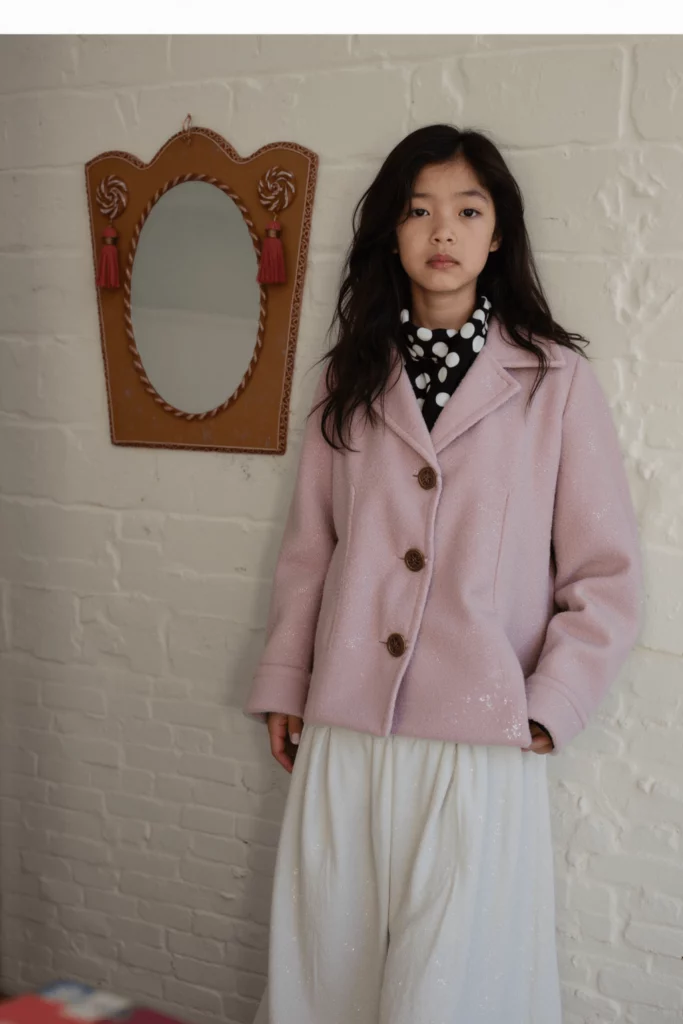
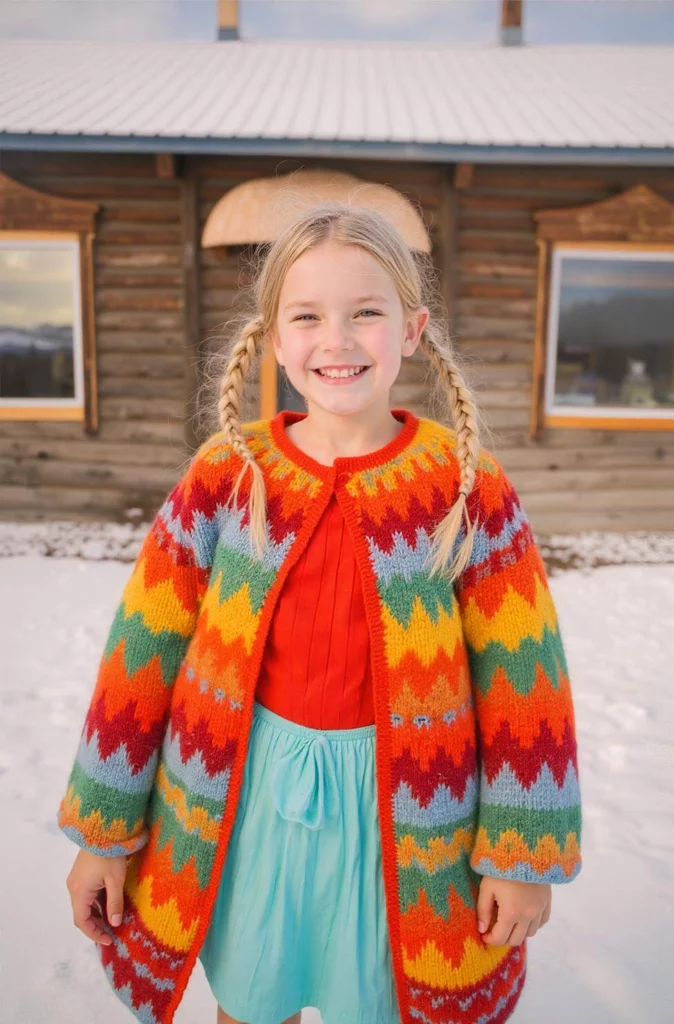
WeShop AI makes virtual children who look real.
Pick any age, skin tone, hair style, or mood you need.
Upload one flat lay or mannequin photo, choose “Child” Model in the AI Model Shop, and click Generate.
In sixty seconds, you receive four high-resolution model shots.
No model release, no travel, no candy bribes.
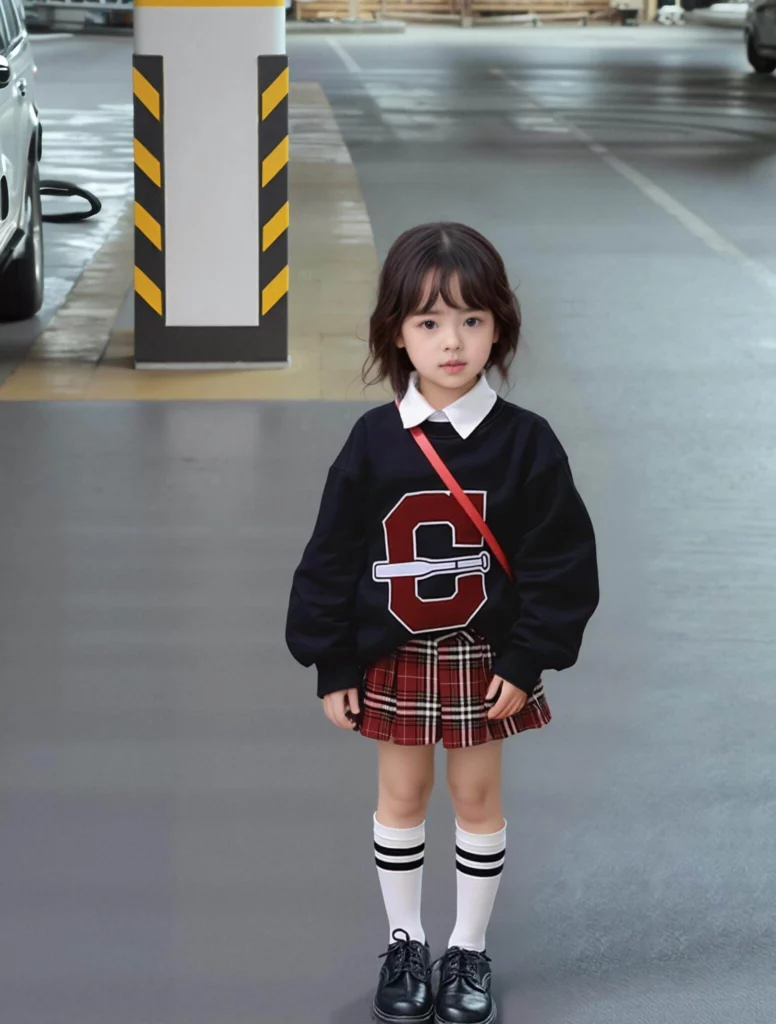
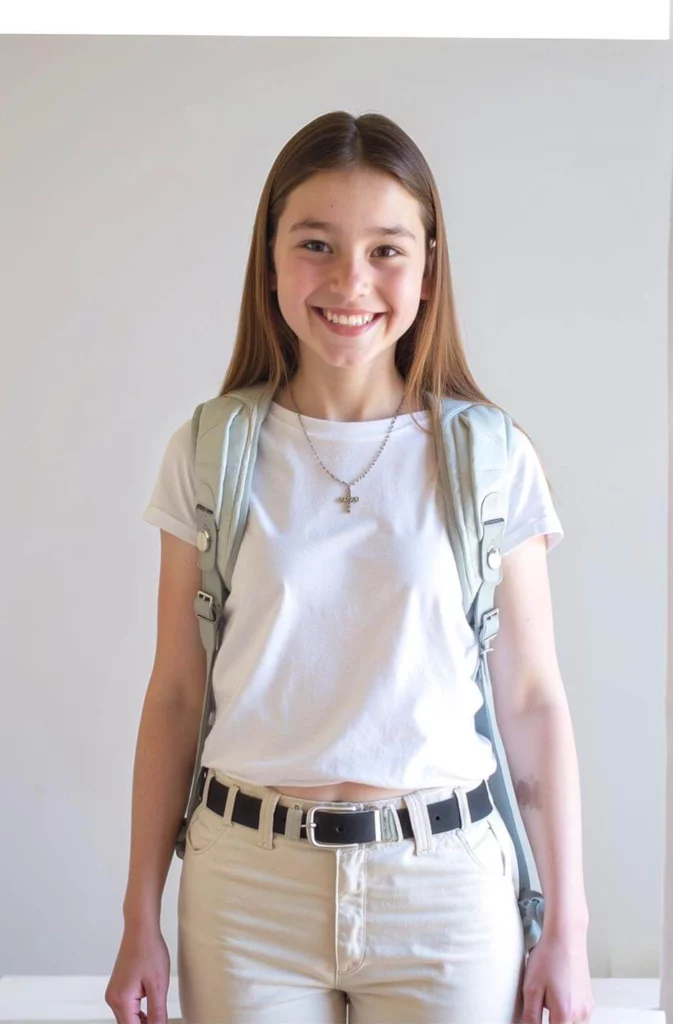
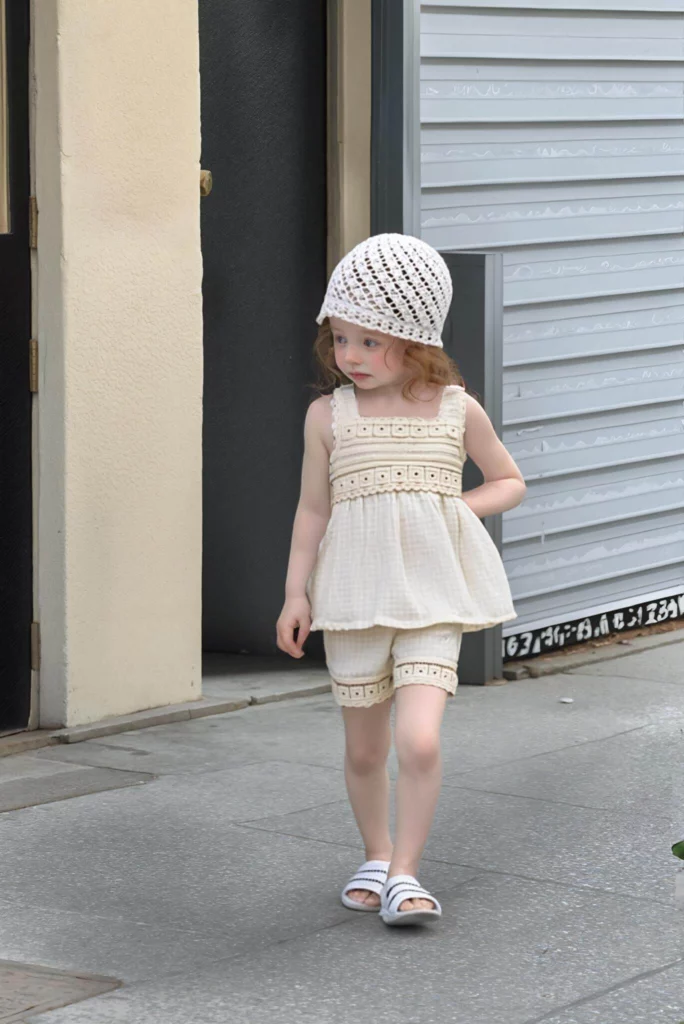
Step-by-Step Guide: How to Use AI Model to Create Children’s Clothing Photos
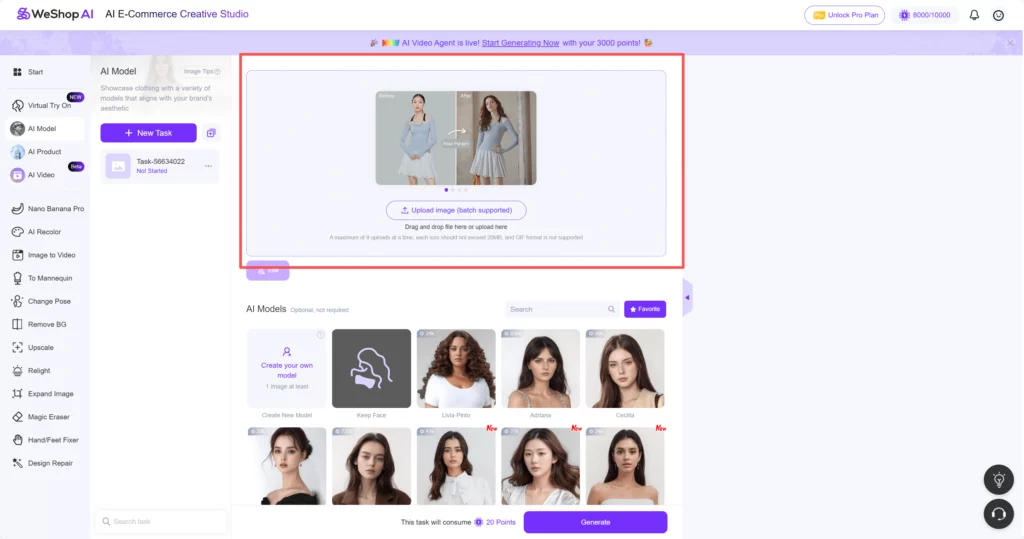
Step 1: Upload Your Image in AI Model
Log in to your account.
The dashboard is clean and easy to navigate.
Click on the “AI Model” feature on the left menu.
You’ll see a big “Upload” button.
Upload a flat lay or mannequin photo of your product.
Make sure the garment fills at least one-third of the frame so the AI sees the details.
Step 2: Navigate to the Model Shop and Select a Child Model
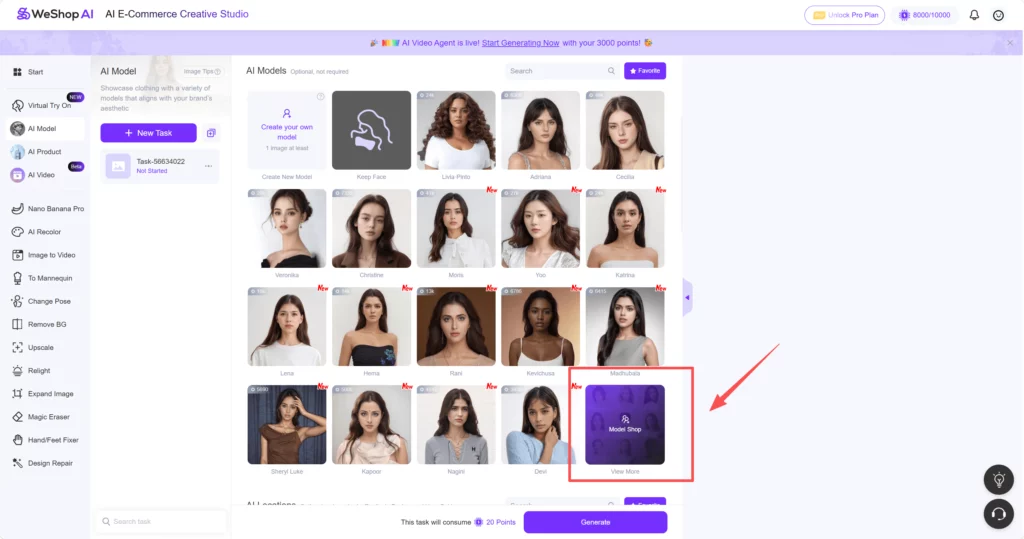
Scroll down to the “AI Model” section.
Click “View More” under “Model Shop.”
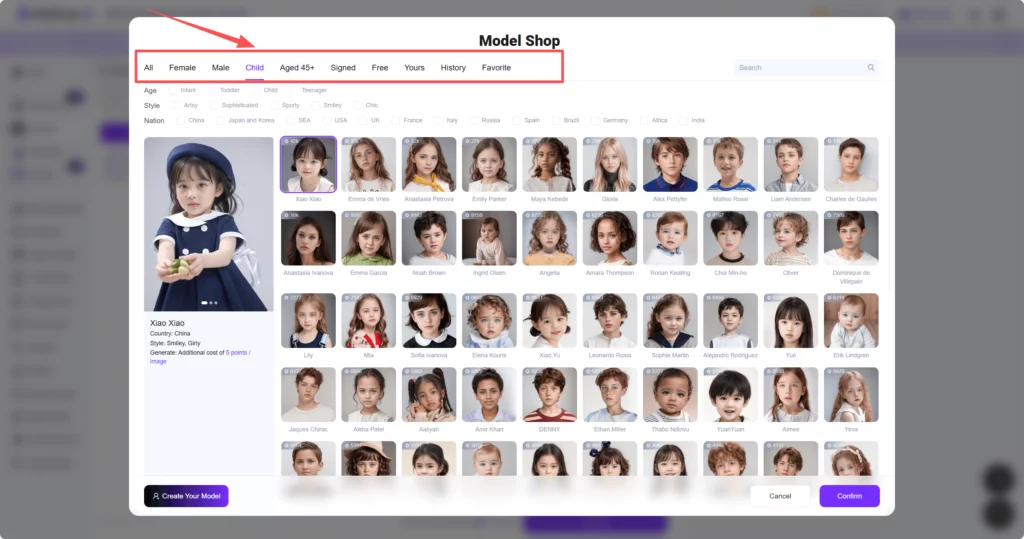
This will open a new window with various model options.
In the task bar at the top, filter by “Child.”
You’ll see a variety of child models to choose from.
Select a model that matches your brand’s style.
Click “Confirm” to proceed.
Step 3: Choose a Background and Generate the Image
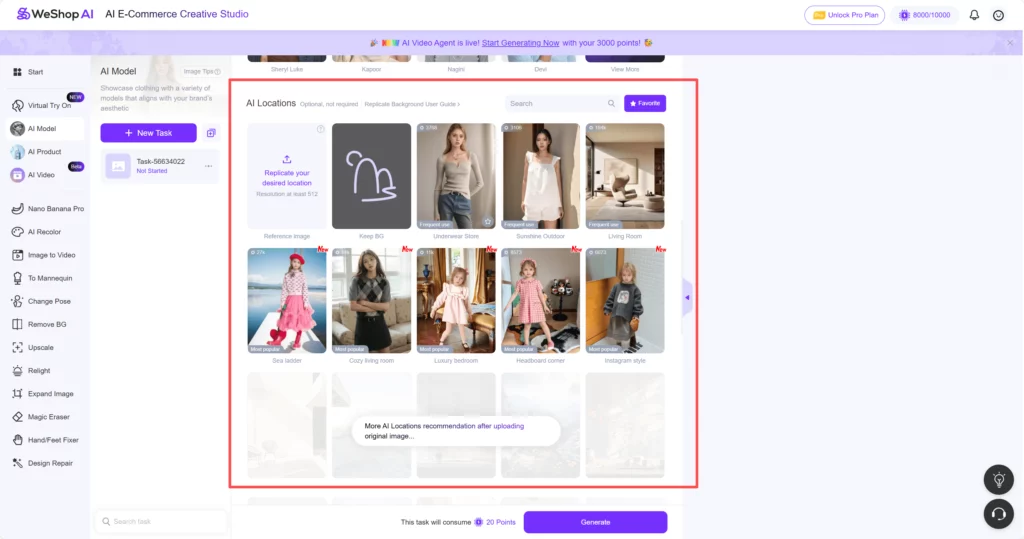
Next, you’ll see the “AI Locations” section.
Choose a background that fits the style of your product.
Options like “Bedroom” or “Cozy Living Room” work well for children’s clothing.
Click “Confirm” to finalize your selection.
Click “Generate” and wait for the magic to happen.
Tips to Make the AI Kids Look Even More Real
- Keep the garment angle natural; shoot it slightly folded so shadows show.
- Pick scenes that match your real customers’ weather; tank tops look odd in snow.
- keep the same child model when you add a new color; this keeps your shop feed consistent.
- Add small props in the prompt such as “holding a school bag” to add story.
Seller Stories from Four Platforms
Amazon
A mom-and-pop store used AI kids for holiday pajamas.
They tested two scenes: “Christmas living room” and “plain white.”
The white version won the Buy Box in one week.
Shopify
A street-wear brand made AI teens wear oversized hoodies in front of graffiti walls.
Their bounce rate dropped 22% because buyers could see the fit.
Etsy
A handmade dress shop used soft pastel scenes.
The AI girls held paper flowers that matched the dress print.
Sales doubled during prom season.
eBay
A reseller had thirty used coats.
He laid each coat on a bed, took one photo with his phone, then let WeShop AI create thirty different kids in a winter park.
Listing time fell from three days to one afternoon.

Conclusion
Stop letting tight budgets and tired toddlers slow your kids’ fashion brand. With WeShop AI’s child models and cozy room scenes, you can upload, click, and download sale-ready photos in minutes—no studio, no tears, no extra cost. Try the free credits today and watch your listings turn into best-sellers faster than bedtime.