Ready for a fresh catalog without a re-shoot? In this Nano Banana 2 showcase we test three one-click fixes. First, Background Replacement drops your product on a new set in seconds. Next, Lighting Adjustment adds golden-hour glow or soft studio light, no extra gear. Then, Color Change lets you turn a single sample into the full palette. Each step keeps the original shape and texture, so your photo still feels real. Scroll on to see how fast an old image turns into four new ones.
Meet Nano Banana 2
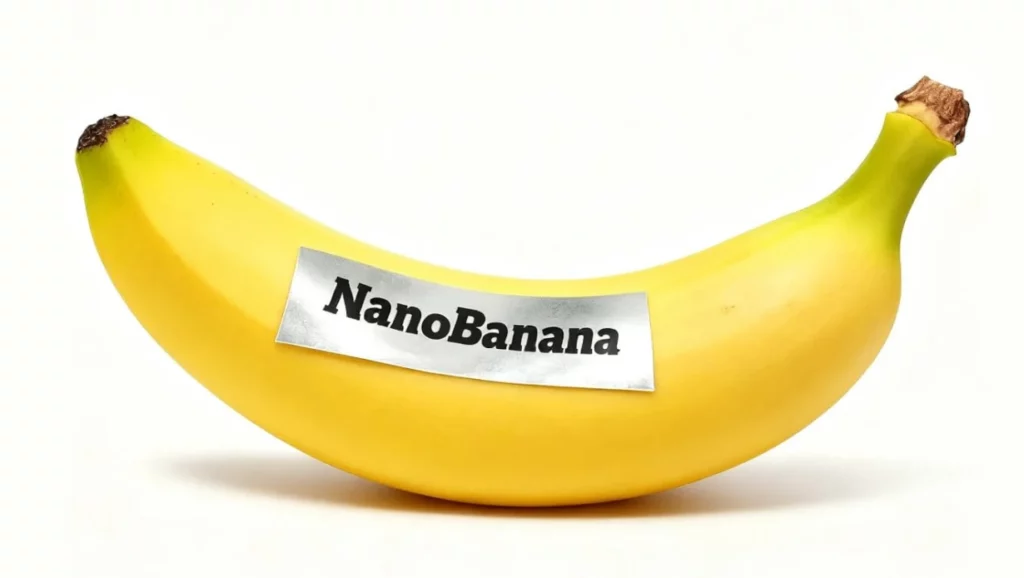
Nano Banana 2 is the newest AI imaging engine inside WeShop AI. It keeps every stitch and shadow of your product while you edit around it. The update brings sharper edges, truer colors, and faster renders. You also get three fresh tools: Background Replacement, Lighting Adjustment and Color Change. Each one works in under ten seconds and needs no extra uploads. The model now handles multi-angle shots and keeps labels readable, so your final image is store-ready in one click.
Nano Banana 2 Showcase: More Images in One Click
Background Replacement
See how Nano Banana 2 moves your product anywhere in one click.
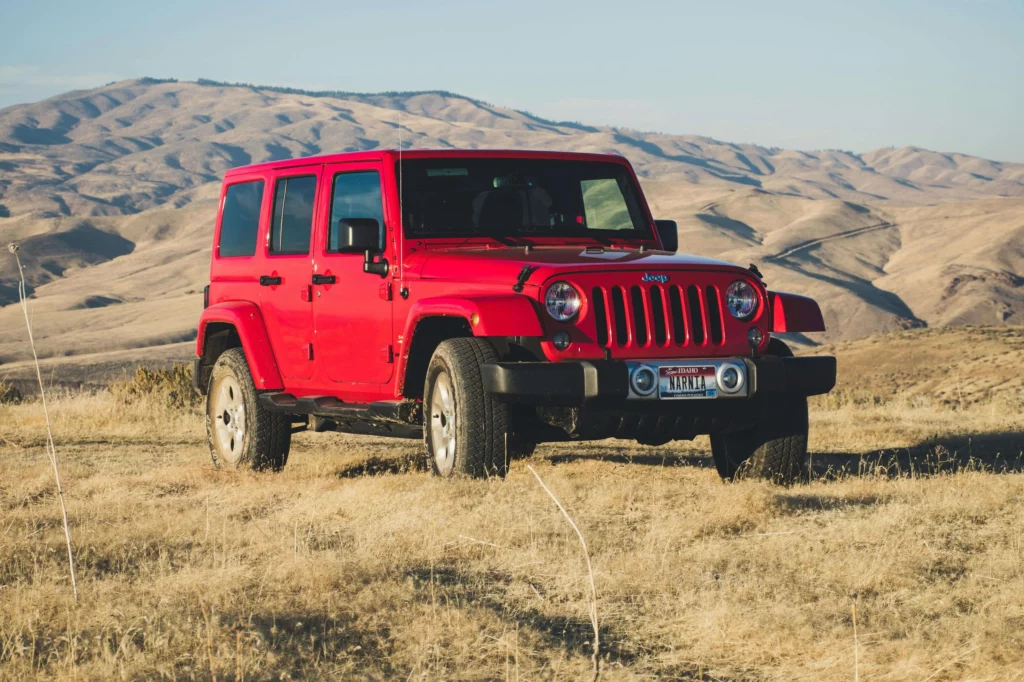
Our starter frame is honest but dull: a bright-red 4×4 parked on tired, yellow-brown grass, sky washed-out, zero mood. We keep the shot, kill the scene.
Prompt typed: “Change the background to a vast grassland.”
Result in six seconds: endless emerald hills roll toward a soft blue horizon. The wheels now sit on healthy green blades, and reflections match the new sky color temperature. Red paint gains warm contrast against the cooler greens.

Prompt typed: “Change the background to a snowy winter landscape.”
Result appears almost instantly: the same car plants its tires on fresh powder. Subtle cool highlights glide across the hood, tire-tread edges carry believable white dust.

Lighting Adjustment – One City, Two Moods
Our base photo shows a sunny seaside city: white buildings, bright sea, huge mountains in back, all under clear midday light. We left every pixel in place and only told Nano Banana 2 to repaint the light.
Prompt typed: “Adjust to the cool tones of the blue hour.”
In seconds the scene slips into twilight. Sky turns deep cobalt, windows glow with soft amber, and the sea picks up a glassy indigo sheen. Mountain ridges stay sharp, but shadows lift slightly to reveal hidden textures.

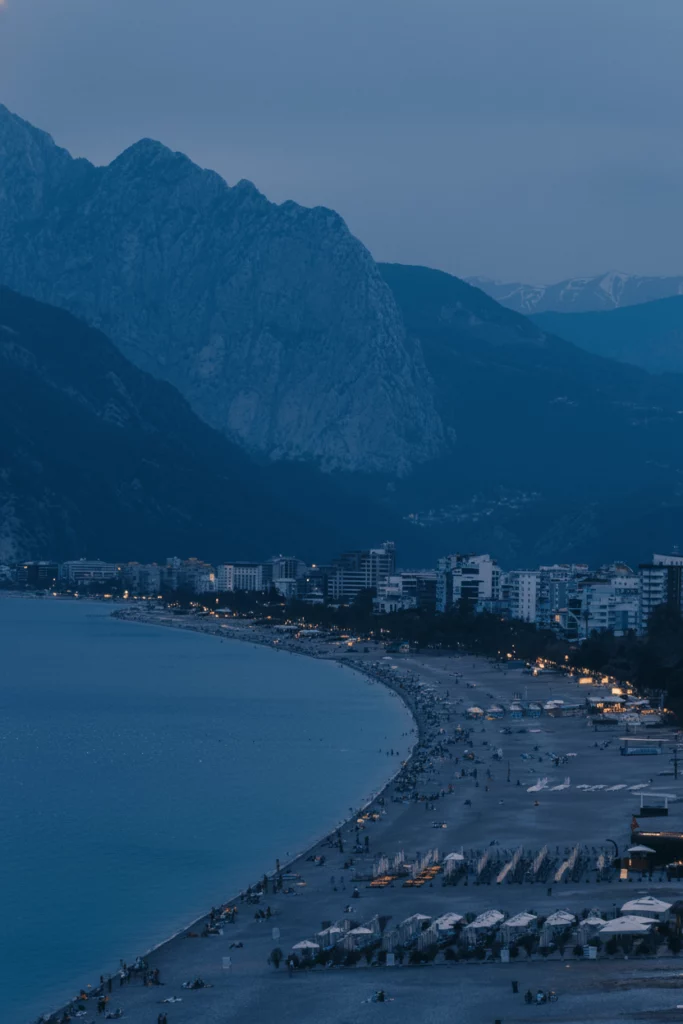
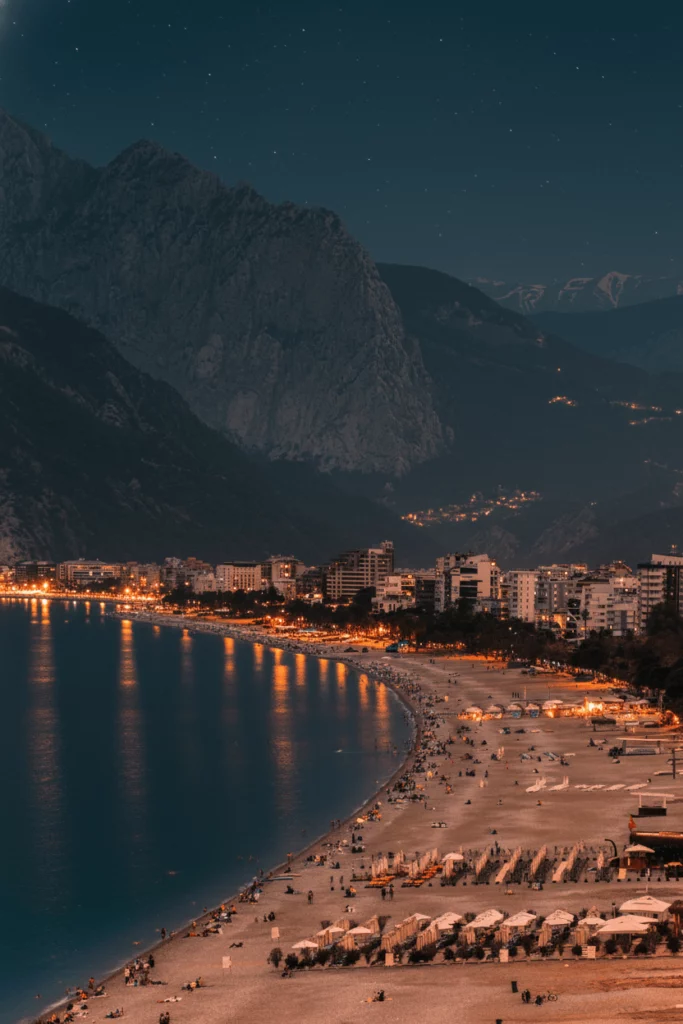
Prompt typed: “Switch to a night scene with point light sources.”
The same frame now flickers to life after dark. Nano Banana 2 plants each light with its own pool and reflection on wet pavement, while the mountain silhouette stays solid against a star-pierced sky. No extra assets, no manual masking—just words and one click.
Color Change – One Rose, Endless Palettes
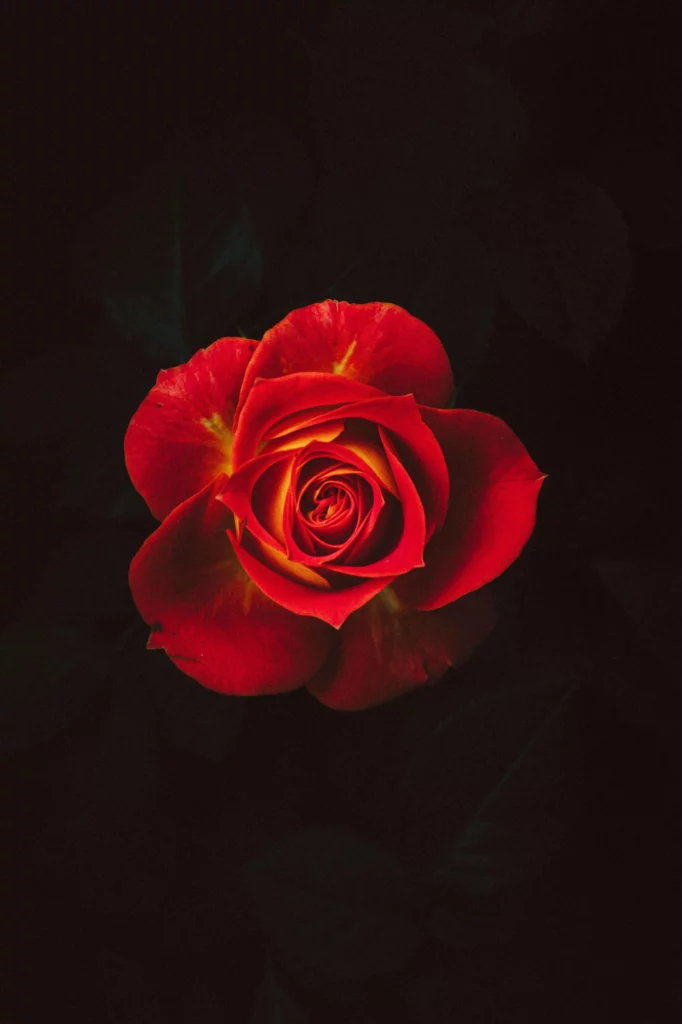
We started with a single crimson rose shot on pure black. No extra props, no new stems—just three quick commands.
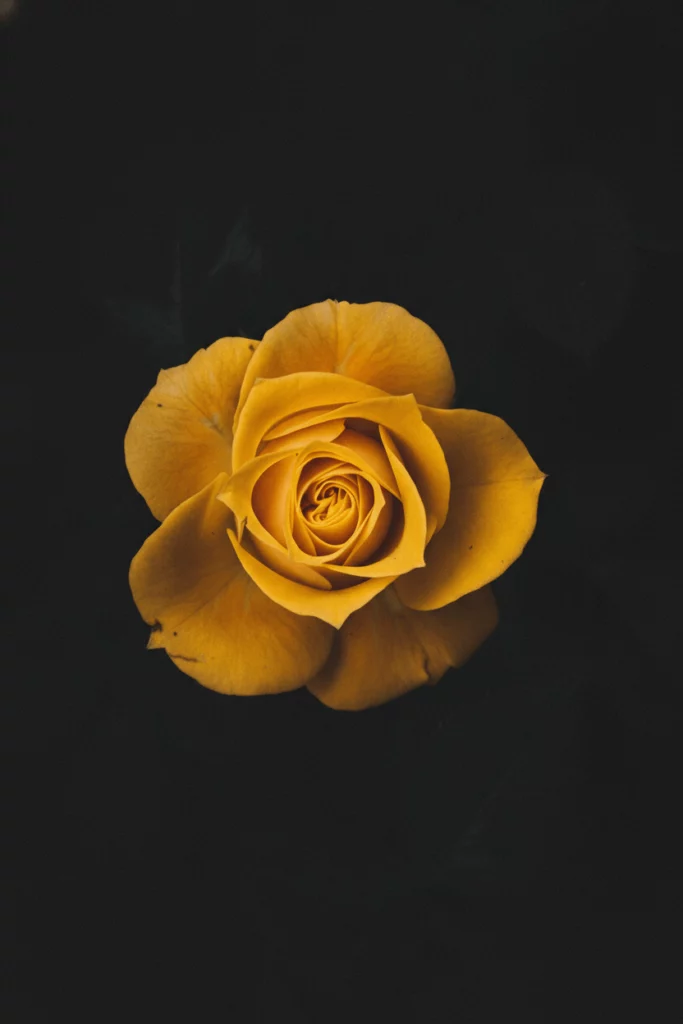
Prompt:”Change the rose to yellow.”
Petal layers shift to buttery gold while natural ridges keep their soft shadows. The black backdrop stays untouched, so the bloom looks like it was grown under studio spotlights.
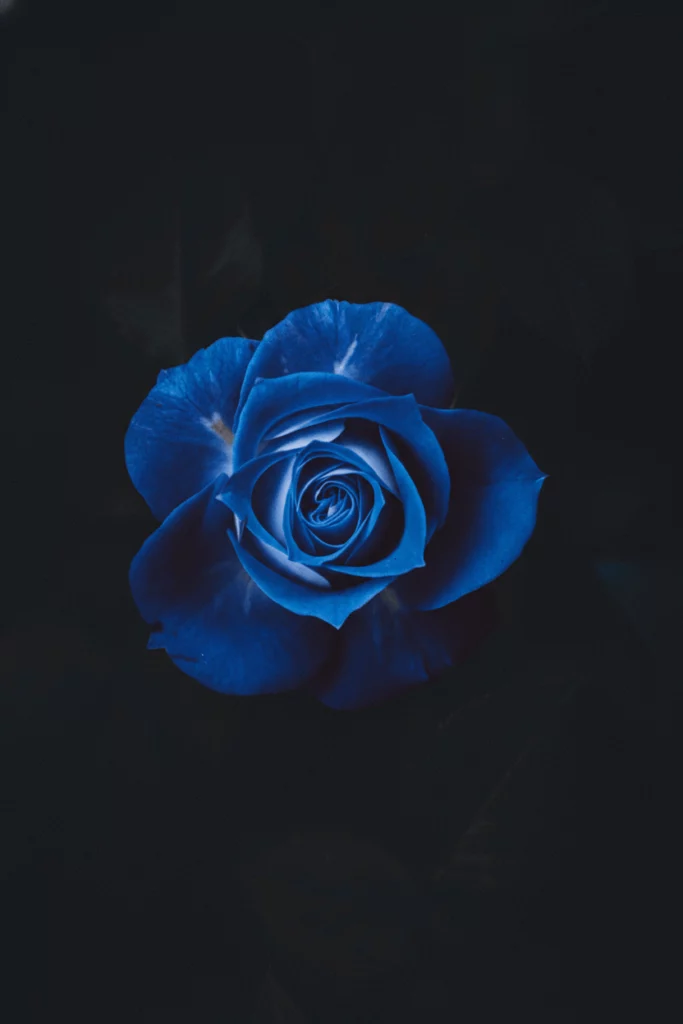
Prompt: “Change the rose to blue.”
Nano Banana 2 swaps reds for deep sapphire, keeping every fold crisp. Highlights pick up a faint icy sheen, giving the flower an almost metallic feel without losing realism.
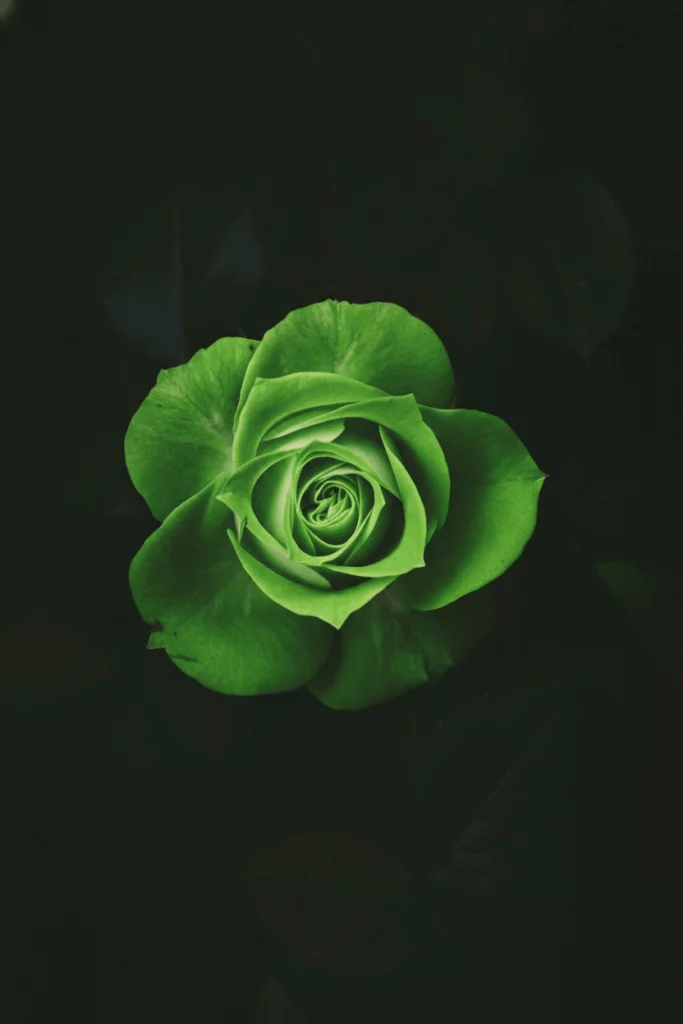
Prompt: “Change the rose to green.”
The same head turns leafy emerald, veins now visible like a young tulip. Color saturation auto-balances against the black, so the final image feels garden-fresh, not painted.
In this Nano Banana 2 showcase we swapped backdrops, rewrote light, and repainted petals—no re-shoots, no masks, no wait. Same product, three fresh stories, ready for upload. Try the tools yourself and turn yesterday’s photo into tomorrow’s hero shot.
Conclusion
Nano Banana 2 is now a one-click tool inside WeShop AI, and this showcase proves its power. We drove an SUV from dry grass to snowy peaks, cooled a sunny city into blue-hour calm, then lit the night with pinpoint lamps. Finally, we grew a rainbow of roses without touching a petal. Each edit took seconds, cost cents, and needed no extra gear or Photoshop skills.
The model keeps every product edge, label, and texture sharp while you swap background, light, or color at will. Open WeShop AI, choose the Nano Banana 2 tile, drop your own photo, and type what you see in your head. A fresh batch of store-ready images is ready before your coffee cools. Visuals are no longer a budget item—they are a daily habit.