
In today’s fast-paced e-commerce world, creating compelling product listings and visuals is crucial for success. But what if you could streamline this process using AI? Let’s dive into a powerful workflow that combines ChatGPT and WeShop AI to create amazing AI video and boost your e-commerce efficiency.
When using Weshop AI to generate videos, we often end up with subpar results due to poorly written prompts. Simply shift your approach: leverage ChatGPT or any other text-generating AI to effortlessly solve prompt issues and create AI videos with a single click.
Step By Step Guide: How to Create E-commerce AI Video
Step 1: Chat with ChatGPT
Alright, let’s say you’ve got a cool product—a sleek pair of sunglasses, for example. You want to make a short video showing someone wearing them, looking stylish and confident. But you don’t have a professional video crew or tons of time. No worries! Here’s what you do:
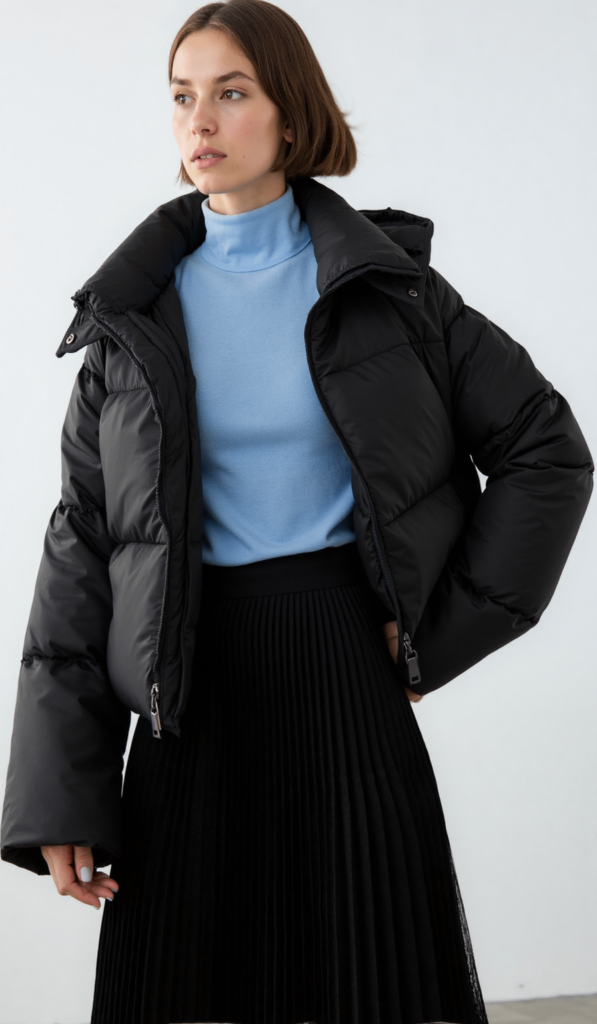
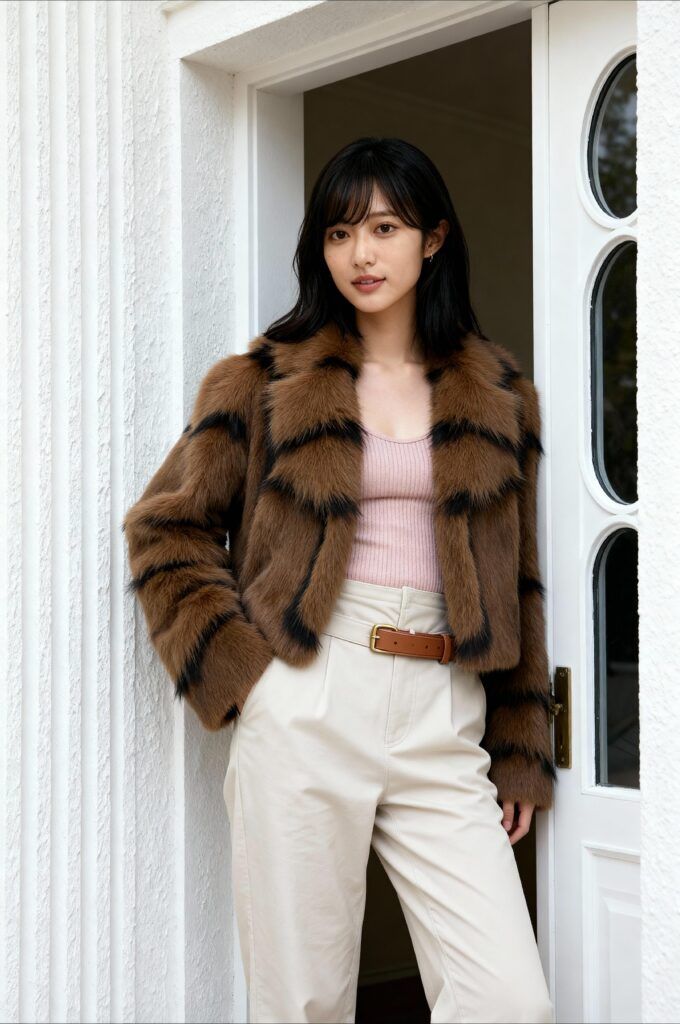
- Upload Your Model Photo: First, you need a good photo of a model wearing your sunglasses. It doesn’t have to be perfect, just clear and well-lit.
- Talk to ChatGPT: Now, you’re going to chat with ChatGPT. You tell it, “Hey, I’ve got this photo of a model wearing sunglasses. I want to turn it into a short video where the model walks down a city street, looking cool and confident. Can you help me write a prompt for an AI video generator?”
- Get a Precise Prompt: ChatGPT will take your idea and turn it into a more detailed and precise prompt. It might say something like,”Generate a dynamic video from the provided image of a model wearing sunglasses. The video should feature the model walking confidently down a bustling city street, with people in the background. The lighting should be bright and natural, capturing a lively urban vibe.”
Step 2: Feed the Prompt to WeShop AI Video Agent
Now that you have a super clear prompt, it’s time to use WeShop AI to bring your idea to life.
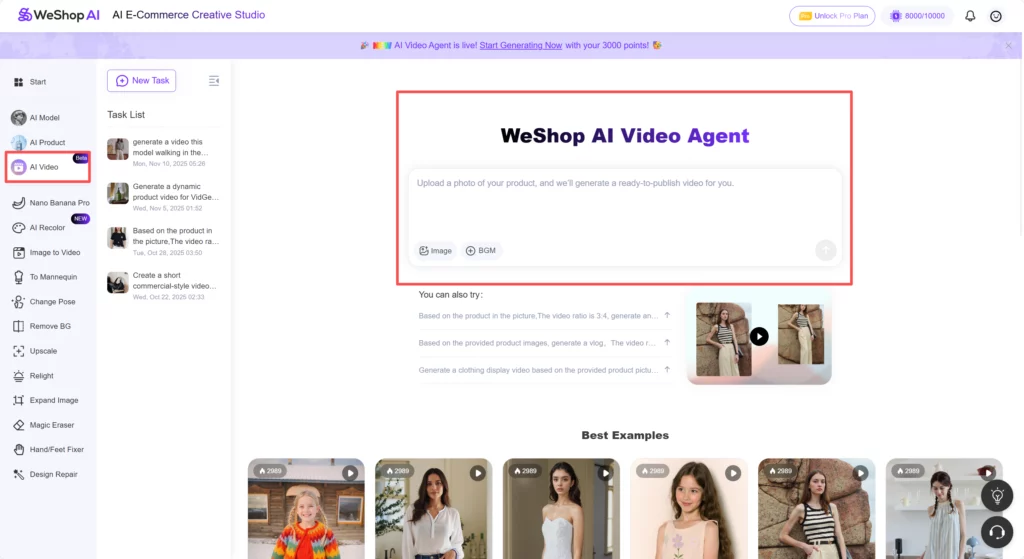
- Upload the Photo: Head over to WeShop AI and upload the model photo you used earlier to the AI Video agent.
- Enter the Prompt: Copy the precise prompt from ChatGPT and paste it into the description box in WeShop AI.
- Generate the Video: Click the “Generate” button, and let WeShop AI work its magic. It will create a short video based on your prompt.
Why This Workflow Rocks: Creating AI Video by Chatgpt and Weshop AI
Think of it as hiring a full creative crew, but they never sleep and they don’t charge overtime. First, ChatGPT turns your half-sentence idea into a shot-list quality prompt in under ten seconds—no blank-page panic, no writer’s block. Next, WeShop AI reads that polished prompt and actually “films” the scene, adding motion, lighting shifts, and camera angles you never thought possible from a single still image.
It’s also budget-proof. No location scouts, no models, no rented gear; just your laptop and a couple of AI credits. Need five different vibes for the same product? Hit “generate” five times and you’ve got a whole campaign—no extra fees.
Finally, the combo is endlessly reusable. Save your best prompts, swap in a new product photo next week, and watch the system churn out fresh videos on autopilot. More listings, more social clips, more ads, zero extra sweat. That’s why this workflow rocks: faster, cheaper, and scalable creativity on demand.
Additional Tips for Success
1. Batch Processing: Create multiple product descriptions and visuals at once. This can save time and ensure consistency across your listings. For example, if you have a whole collection of sunglasses, you can generate videos for each one in a single session.
2. Feedback Loop: Use customer feedback to refine your prompts and templates. If customers respond well to a particular style, incorporate that into your future descriptions and visuals. Pay attention to comments and reviews to see what resonates with your audience.
3. Automation: Consider automating parts of the process. For example, you can set up templates in ChatGPT and WeShop AI that you can reuse for different products. This way, you can quickly generate new content without starting from scratch every time.
4. Continuous Improvement: Regularly update your prompts and templates based on new trends and customer preferences. This will help you stay ahead of the competition. Keep an eye on what’s popular in your industry and adapt your content accordingly.
Best Examples
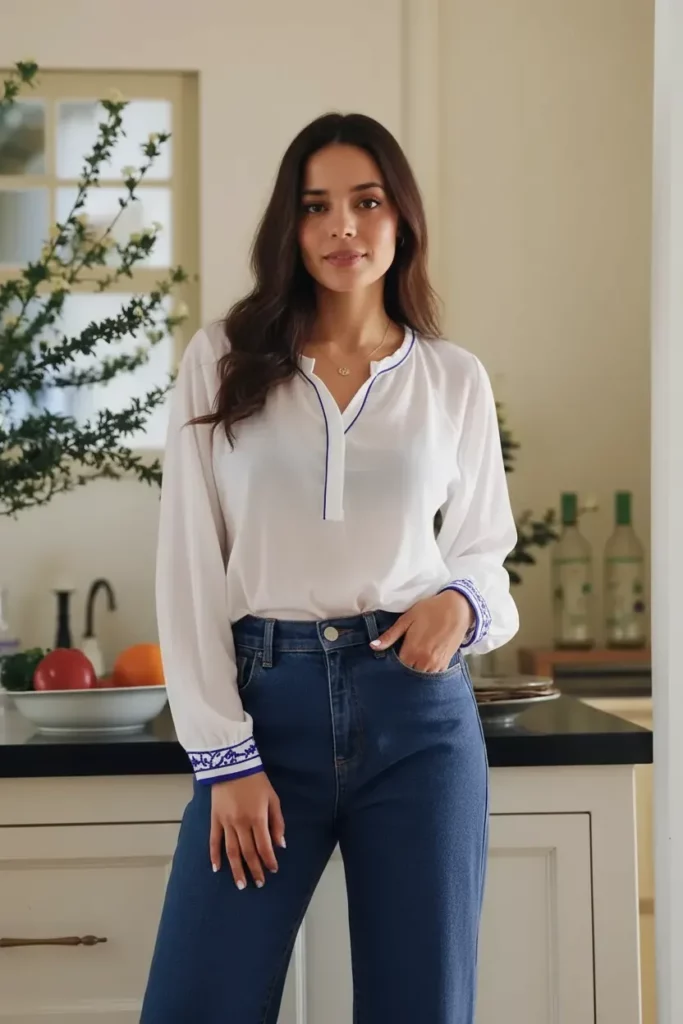
Prompt Generated with GPT:
Please generate an Instagram blogger vlog video based on the product pictures I provided. The video aspect ratio is 16:9,The model and the details of the clothes should remain the same, and the model should flexibly display the products.
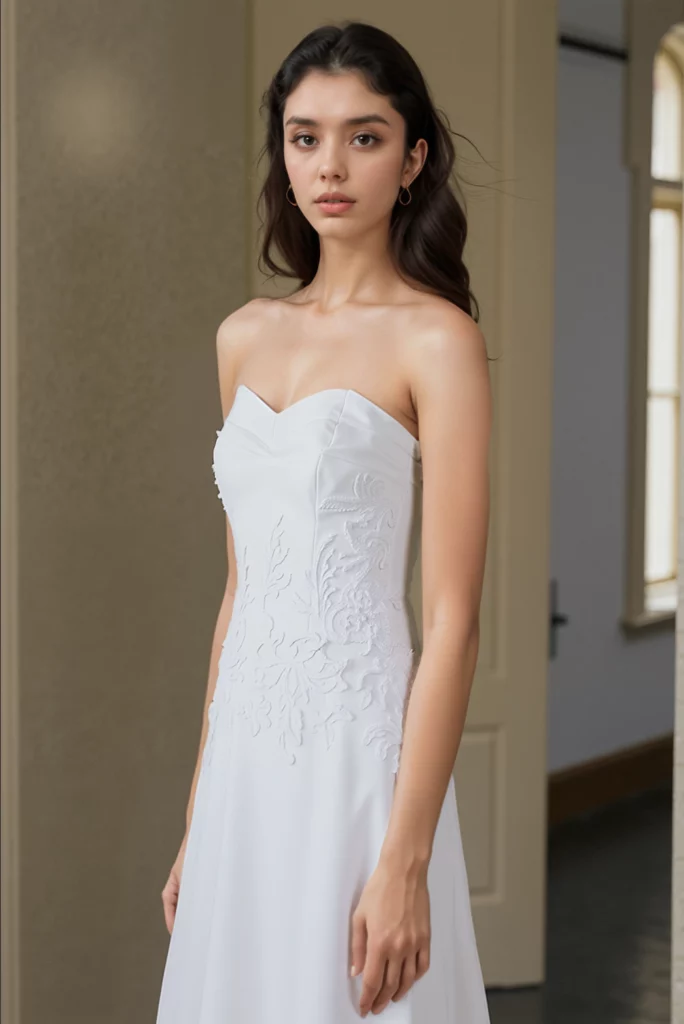
Prompt Generated with GPT:
Generate a clothing display video based on the provided product pictures. Requirements: The video aspect ratio should be 3:4, presenting the product from multiple angles, keeping the details of the product clothing and the characters unchanged, enhancing the interaction between the characters and the environment, the effect of the handheld camera following the movement of the lens, and beautiful music accompaniment.

Prompt Generated with GPT:
Based on the product in the picture,The video ratio is 3:4, generate an ins blogger promotion video. Requirements: Keep the background unchanged, the clothing and details unchanged, and the model unchanged.
Conclusion
Combining ChatGPT and WeShop AI is like having a personal creative assistant and a professional video studio at your fingertips. You don’t need to be a tech wizard or spend a fortune on video production. With just a few clicks and some clear instructions, you can create amazing videos that tell a story and sell your products.
So, go ahead and give it a try! Turn your static photos into dynamic videos that make your e-commerce game stronger. Happy creating, and may your products shine bright in the digital marketplace!