

The right prompt changes everything. While most users type vague descriptions and hope for the best, a small community of power users has discovered that Nano Banana Pro responds to carefully structured prompts with output that rivals commissioned photography. Here is what they know — and how you can replicate it in minutes.
The Science Behind Prompt-Driven Image Generation
Nano Banana Pro processes text prompts through a CLIP-based encoder that maps natural language to a 768-dimensional latent space. The specificity of your prompt determines where in that space the diffusion model begins its denoising trajectory. Vague prompts land in high-density regions (generic output); precise prompts navigate to sparse, high-quality neighborhoods where the model generates distinctive imagery.
The key insight: the model responds not just to what you describe but to how you structure the description. Lighting direction, lens focal length, material texture, and emotional tone each activate different attention channels in the generation network.
Actionable Scene Guide: Prompt Frameworks That Deliver
1. The Product Hero Shot
Structure: [product] + [material detail] + [lighting setup] + [camera angle] + [mood]. Example: “Cashmere turtleneck draped over a wooden chair, warm side lighting from left, 85mm portrait lens, quiet luxury aesthetic.”
2. The Lifestyle Context
Add environment and implied narrative: “Model in linen blazer walking through a Lisbon side street at golden hour, candid mid-stride, shallow depth of field.”
3. The Multi-Angle Batch
Use consistent style anchors across prompts: same lighting descriptor, same lens, same color palette — only the angle changes. This ensures collection coherence.
4. The Seasonal Campaign
Layer seasonal cues: “Autumn morning light, fallen leaves on wet cobblestones, model in camel overcoat, breath visible in cold air, editorial Vogue tone.”
5. The Minimalist Studio
Sometimes less prompt = better output: “White cyc wall, single model, black bodysuit, high-contrast lighting, clean shadow lines.” Let the AI handle composition.
Visual Transformations
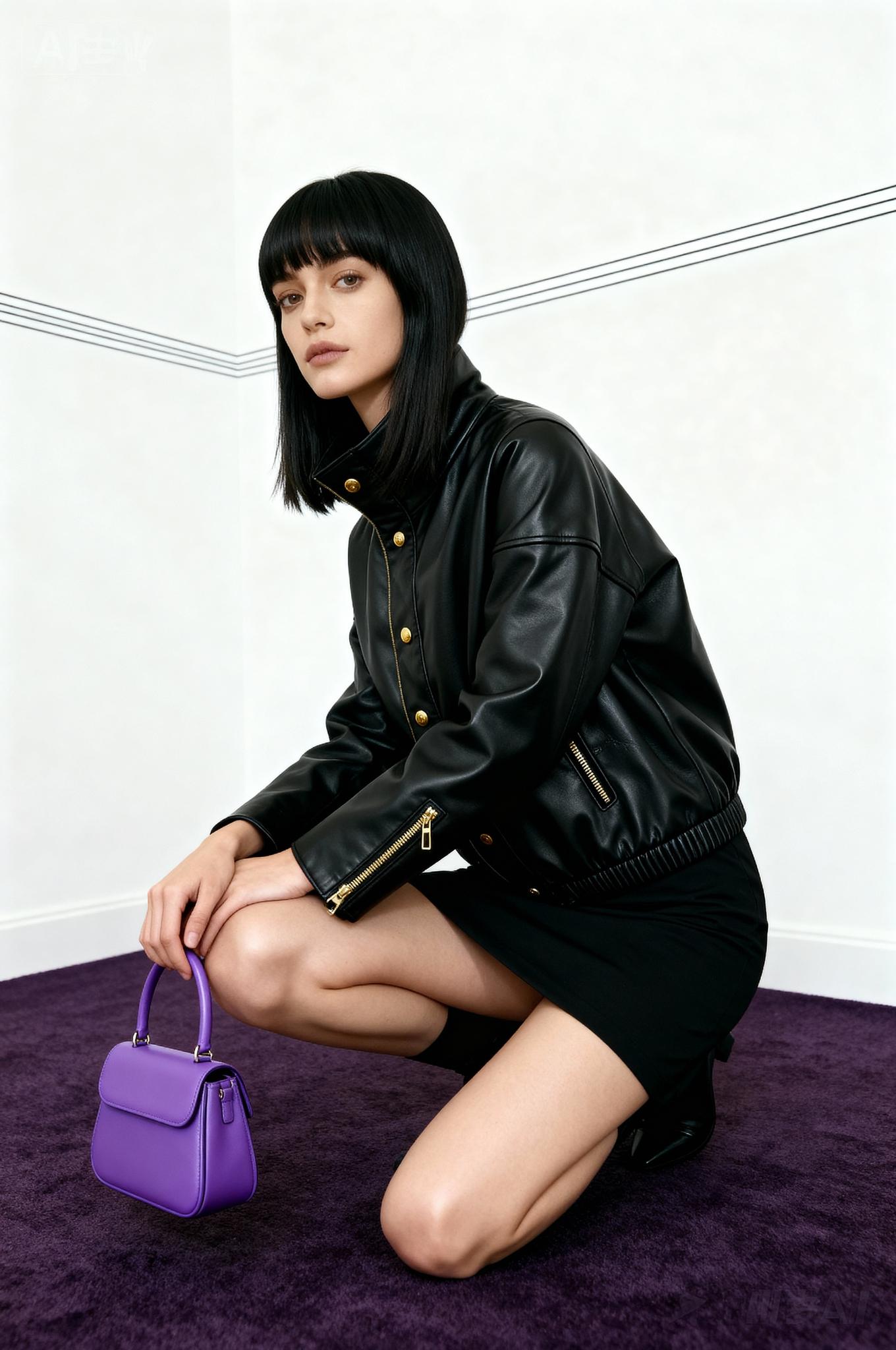
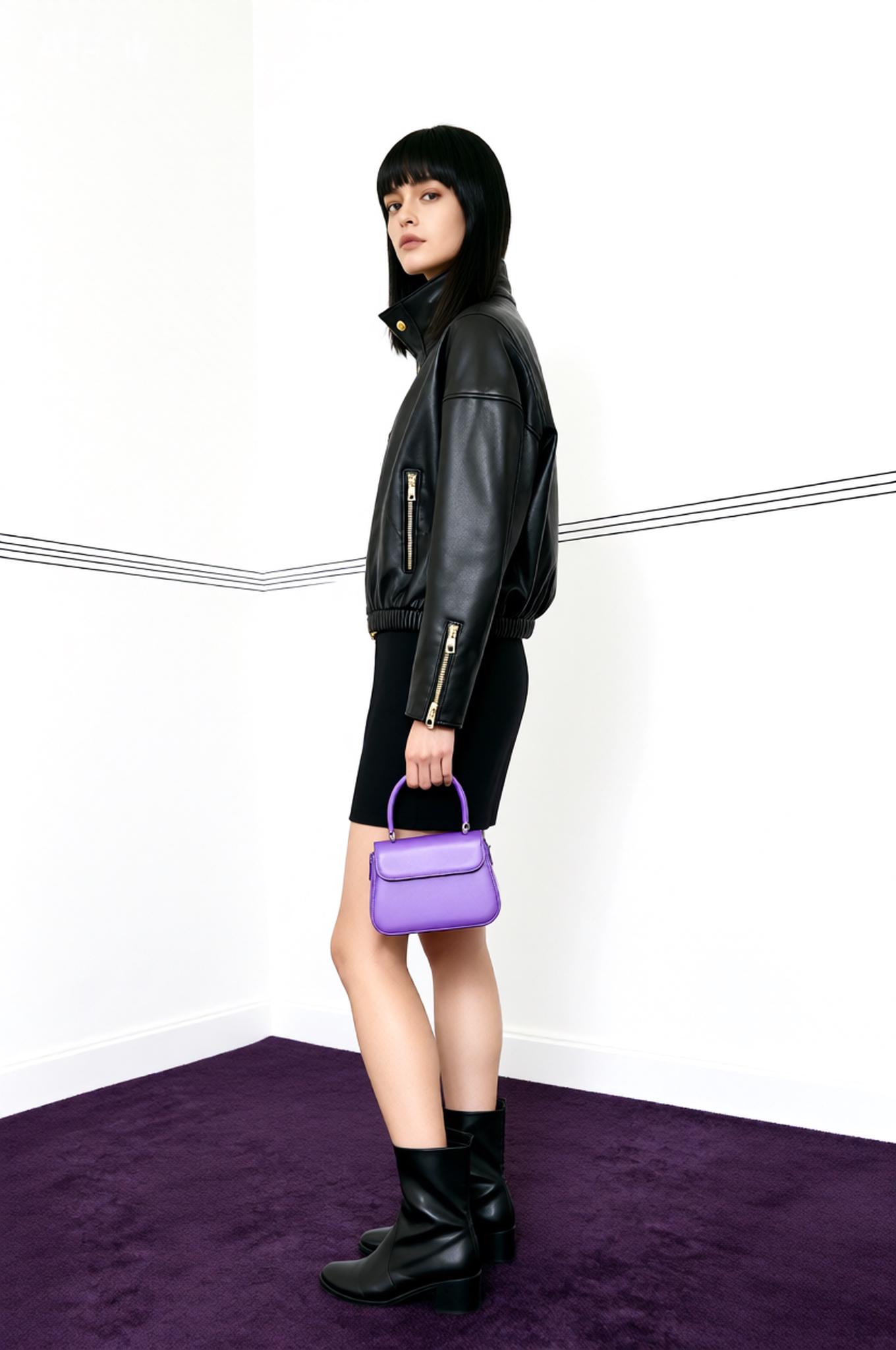
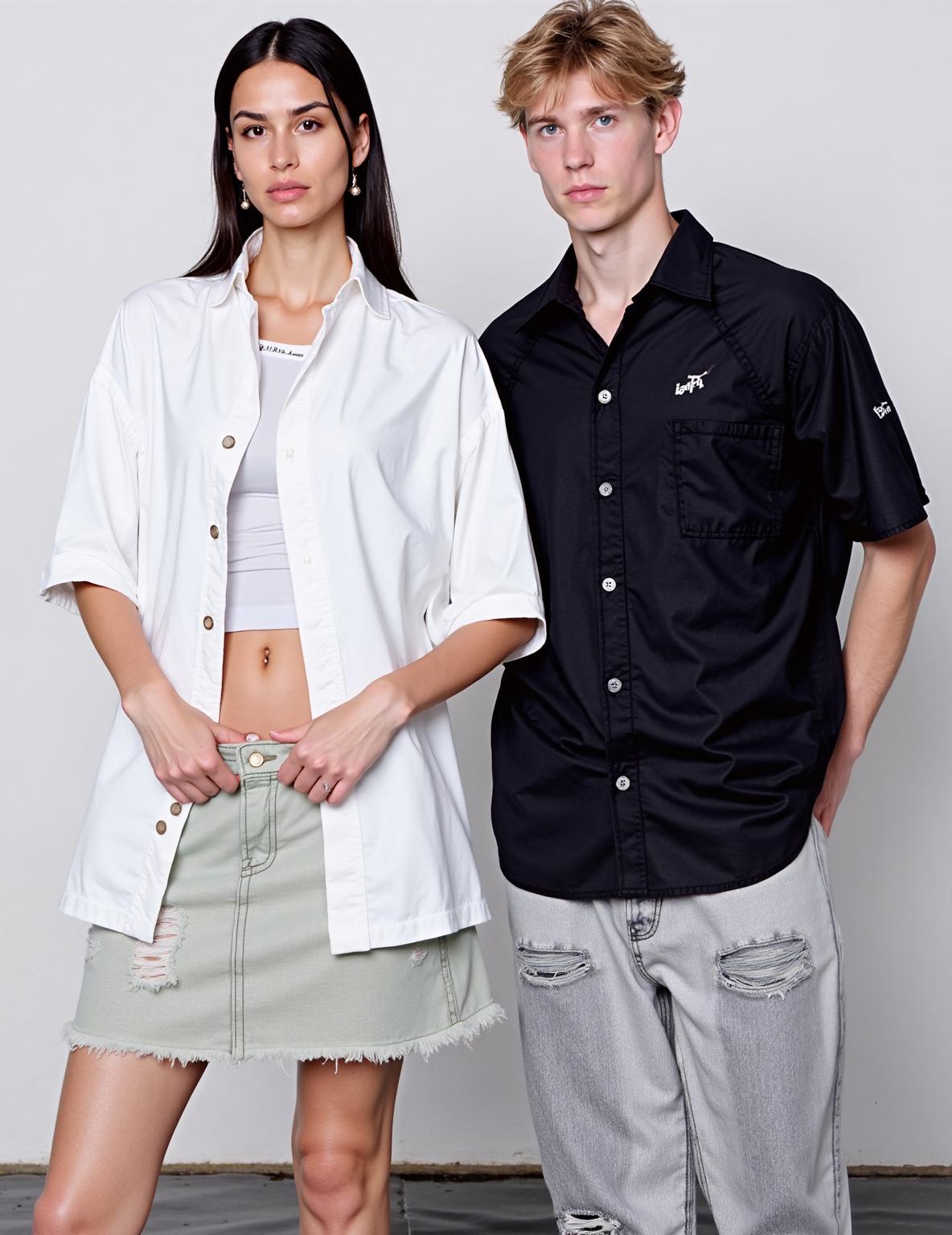
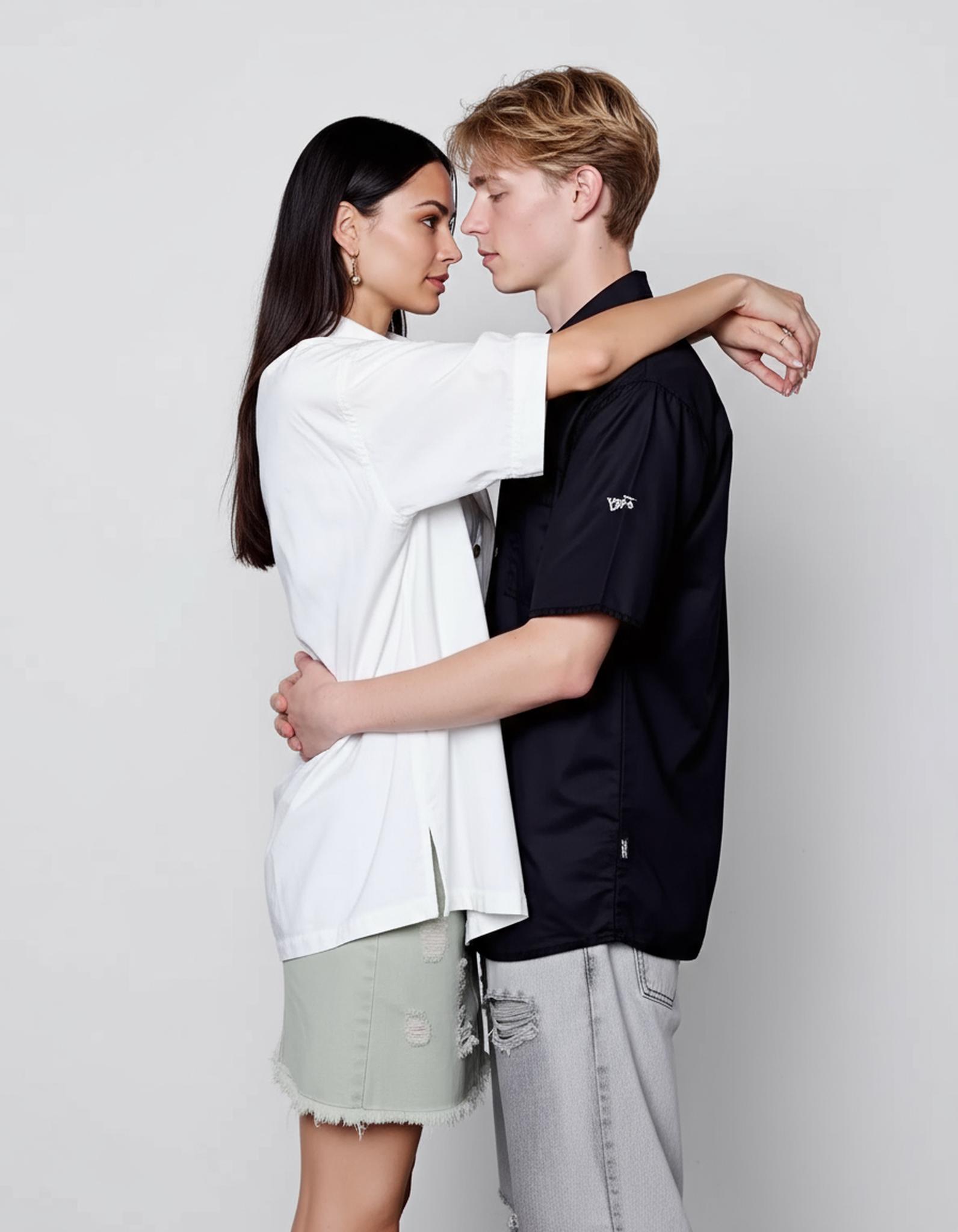
Transformation 1: From static reference to AI-generated premium output. Notice the lighting consistency and material fidelity.
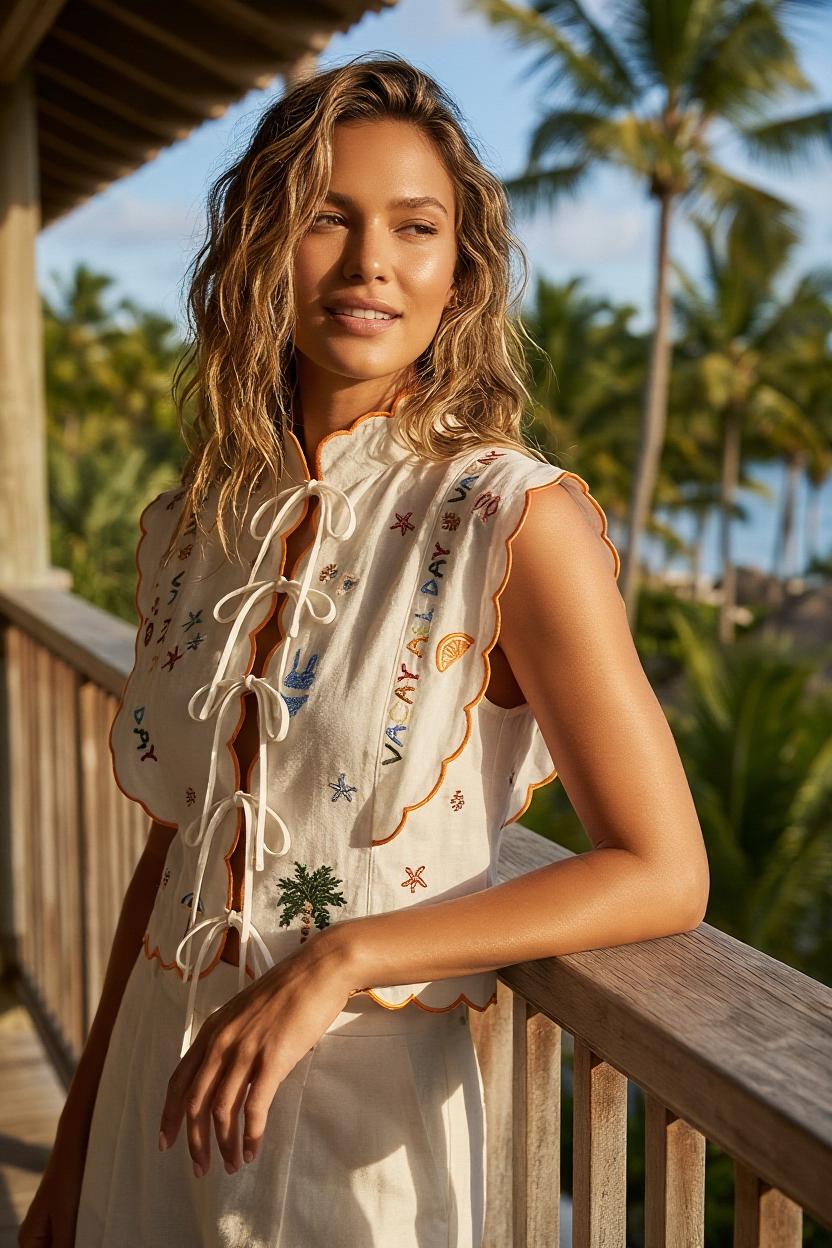
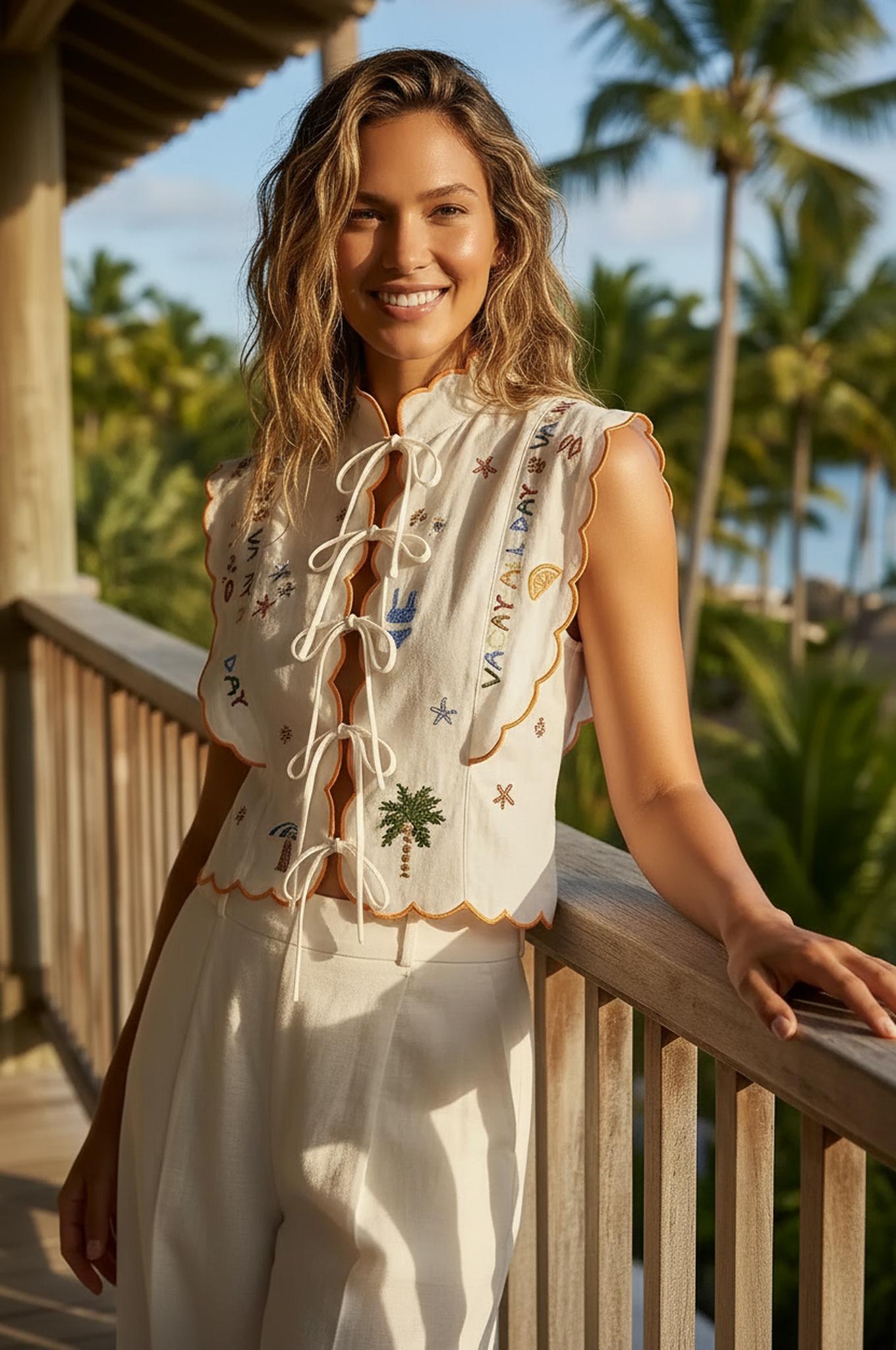
Transformation 2: From static reference to AI-generated premium output. Notice the lighting consistency and material fidelity.
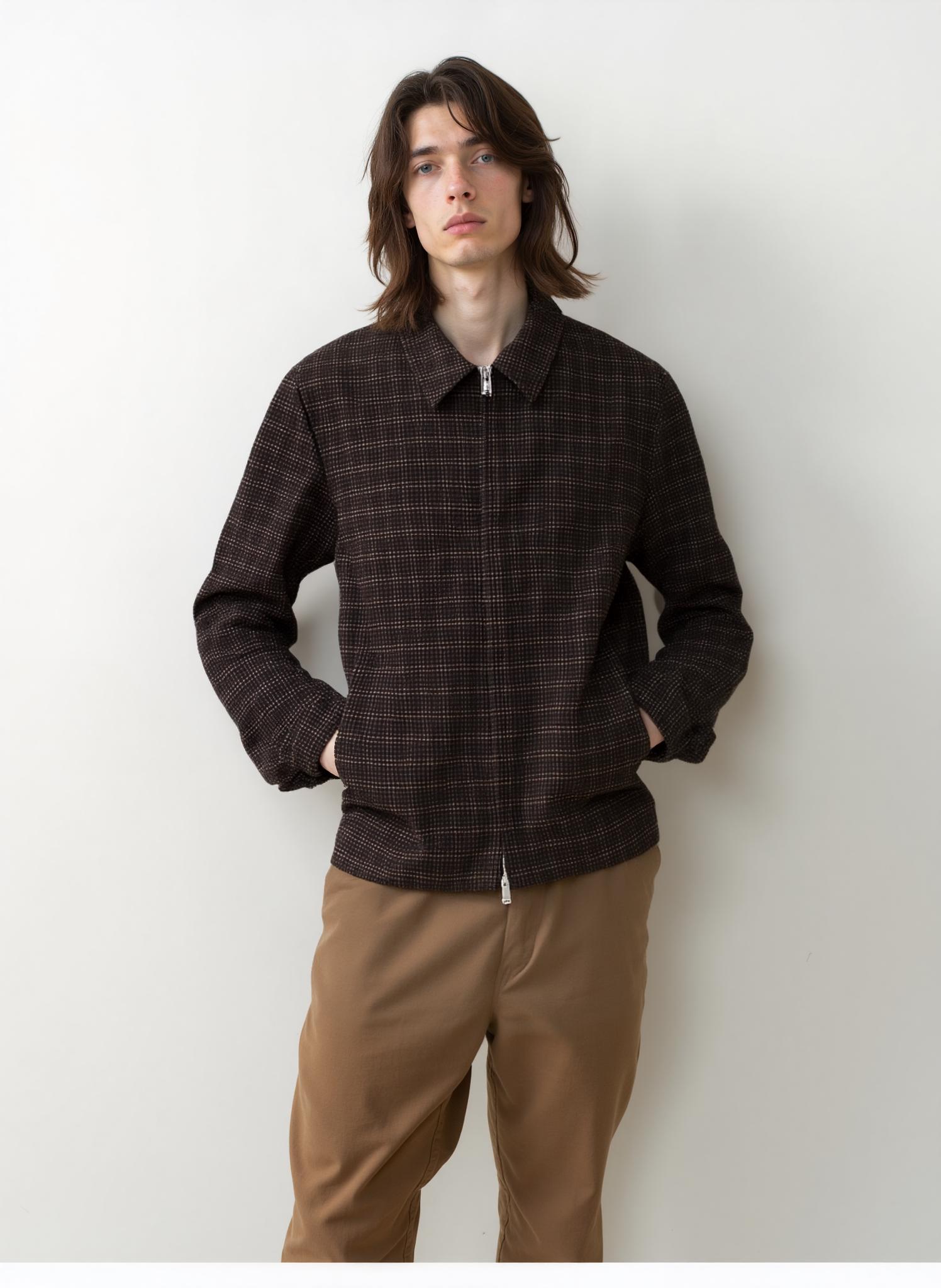
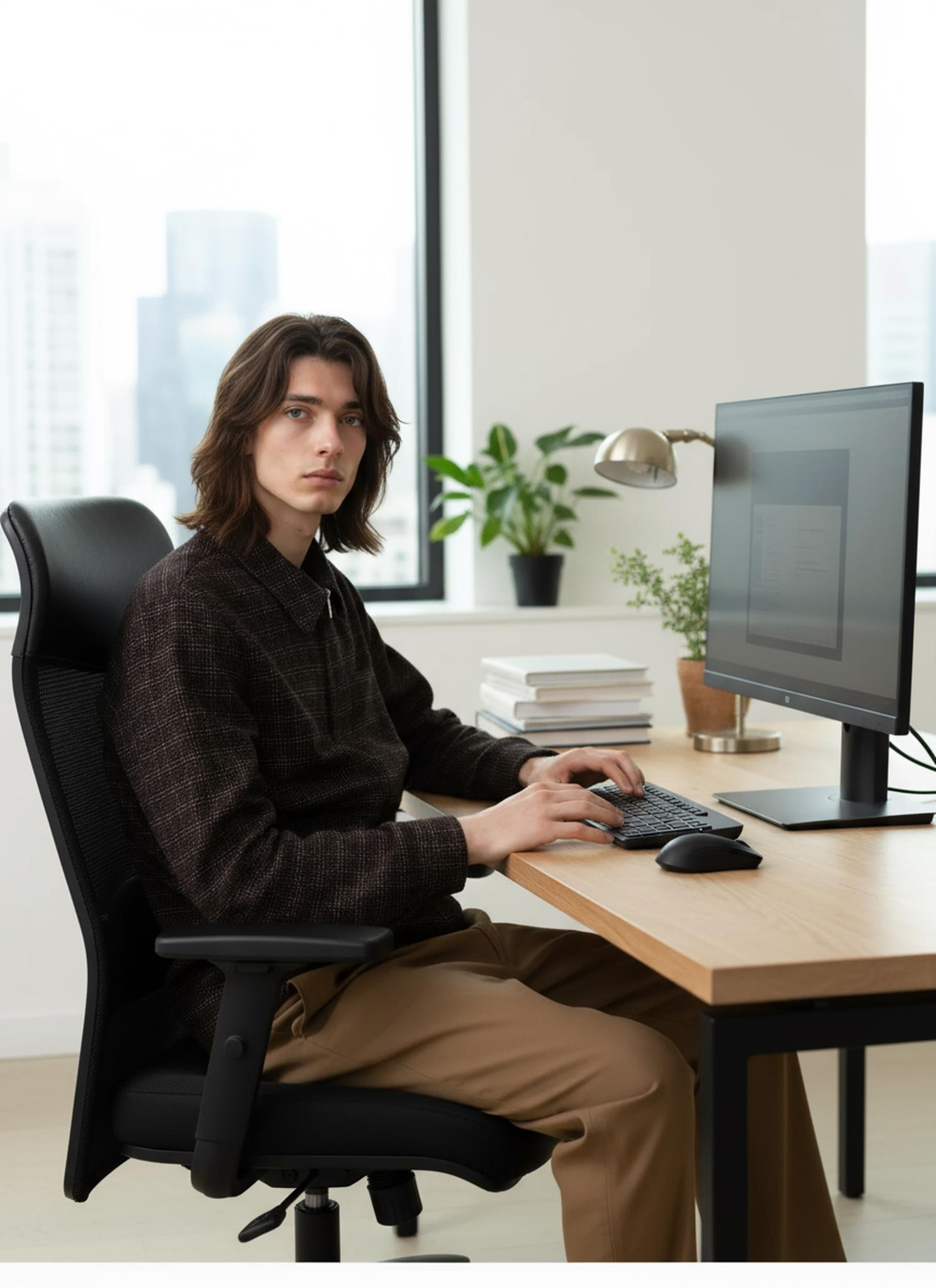
Transformation 3: From static reference to AI-generated premium output. Notice the lighting consistency and material fidelity.
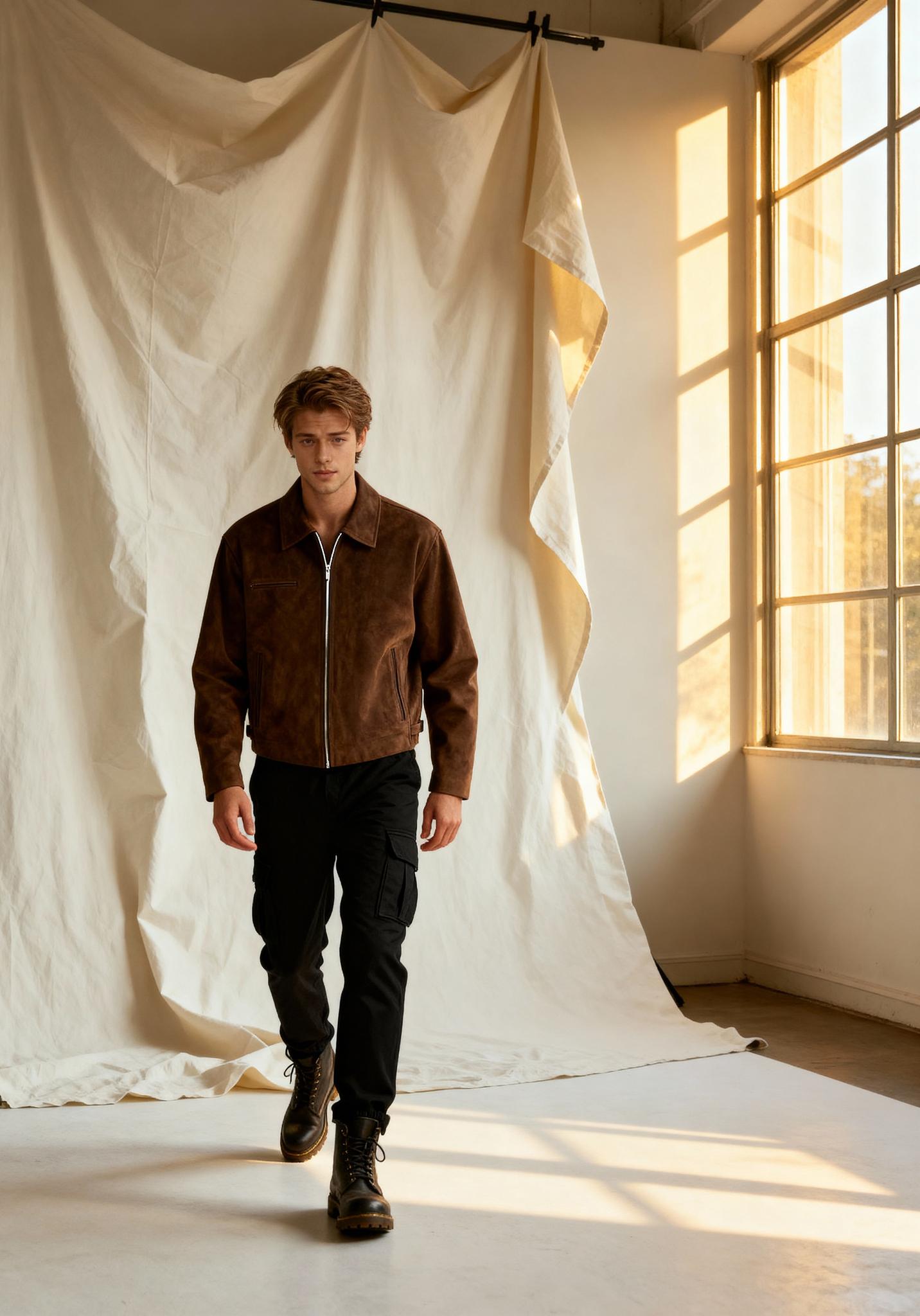
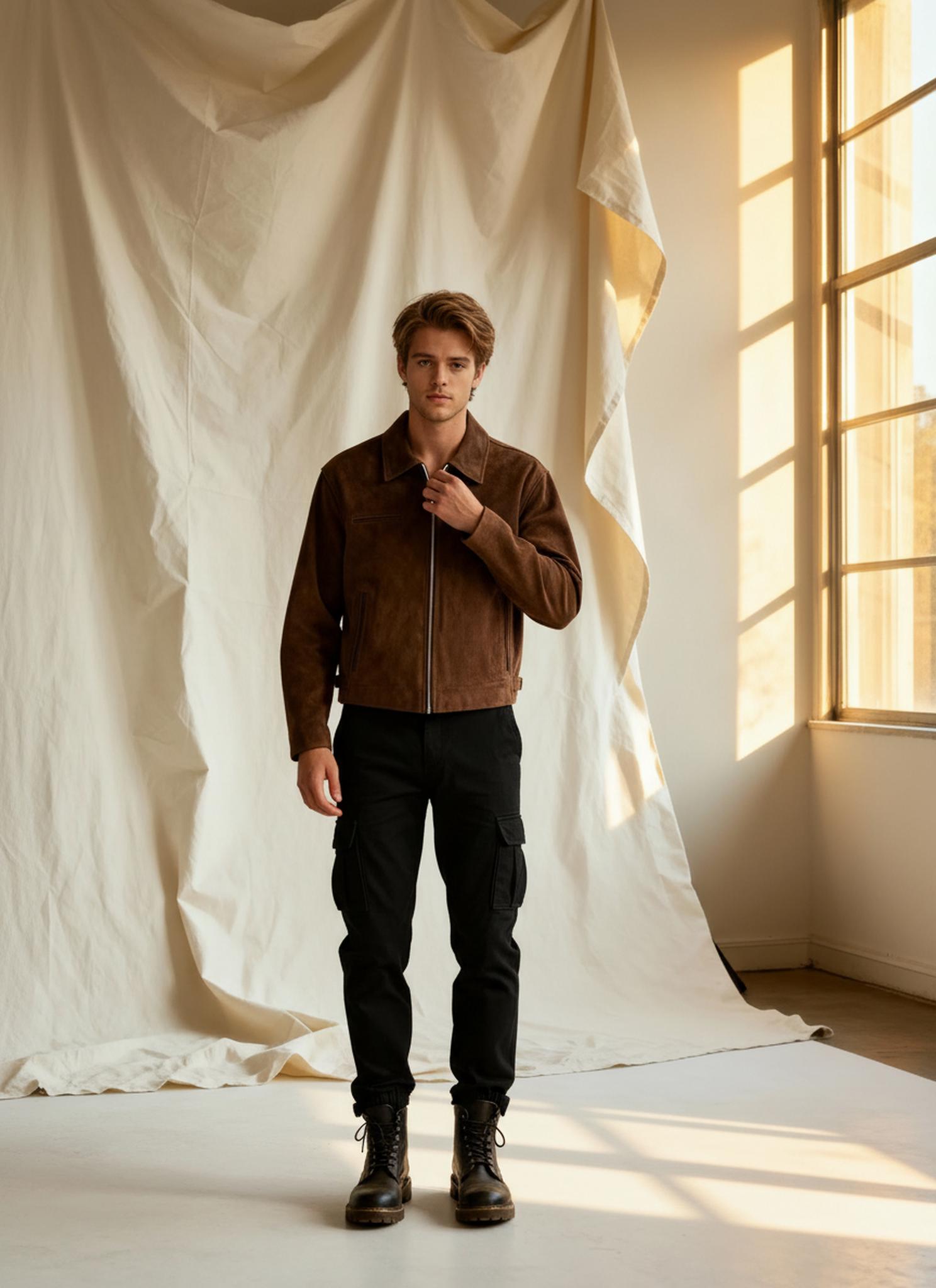
Transformation 4: From static reference to AI-generated premium output. Notice the lighting consistency and material fidelity.
Transformation 5: From static reference to AI-generated premium output. Notice the lighting consistency and material fidelity.
Expert FAQ
Q1: Do longer prompts always produce better results?
No. After ~40 words, additional detail yields diminishing returns. Focus on the five key dimensions: subject, material, lighting, camera, and mood.
Q2: Can I save and reuse prompt templates?
Yes. Build a library of tested prompt frameworks and swap the product/model variables for each new generation.
Q3: How does the tool handle conflicting prompt instructions?
The CLIP encoder weights later tokens slightly more than earlier ones. Place your highest-priority descriptors at the end of the prompt.
Q4: What resolution can I expect?
Up to 2048×2048 natively, with optional 4× upscaling for print-ready output.
Q5: Can I reference specific art styles or photographers?
Yes — stylistic references activate learned aesthetic patterns in the model. “In the style of Peter Lindbergh” or “Helmut Newton contrast” produce recognizable tonal shifts.
© 2026 WeShop AI — Powered by intelligence, designed for creators.


