A decade ago, professional product photography meant hiring a photographer, renting a studio, and sending raw files to a retouching service that charged per image. The turnaround was days. The cost was prohibitive for small sellers. Today, a single entrepreneur with a smartphone and an AI background remover produces marketplace-ready images in minutes — and the quality gap has nearly closed.
The Economics That Changed Everything
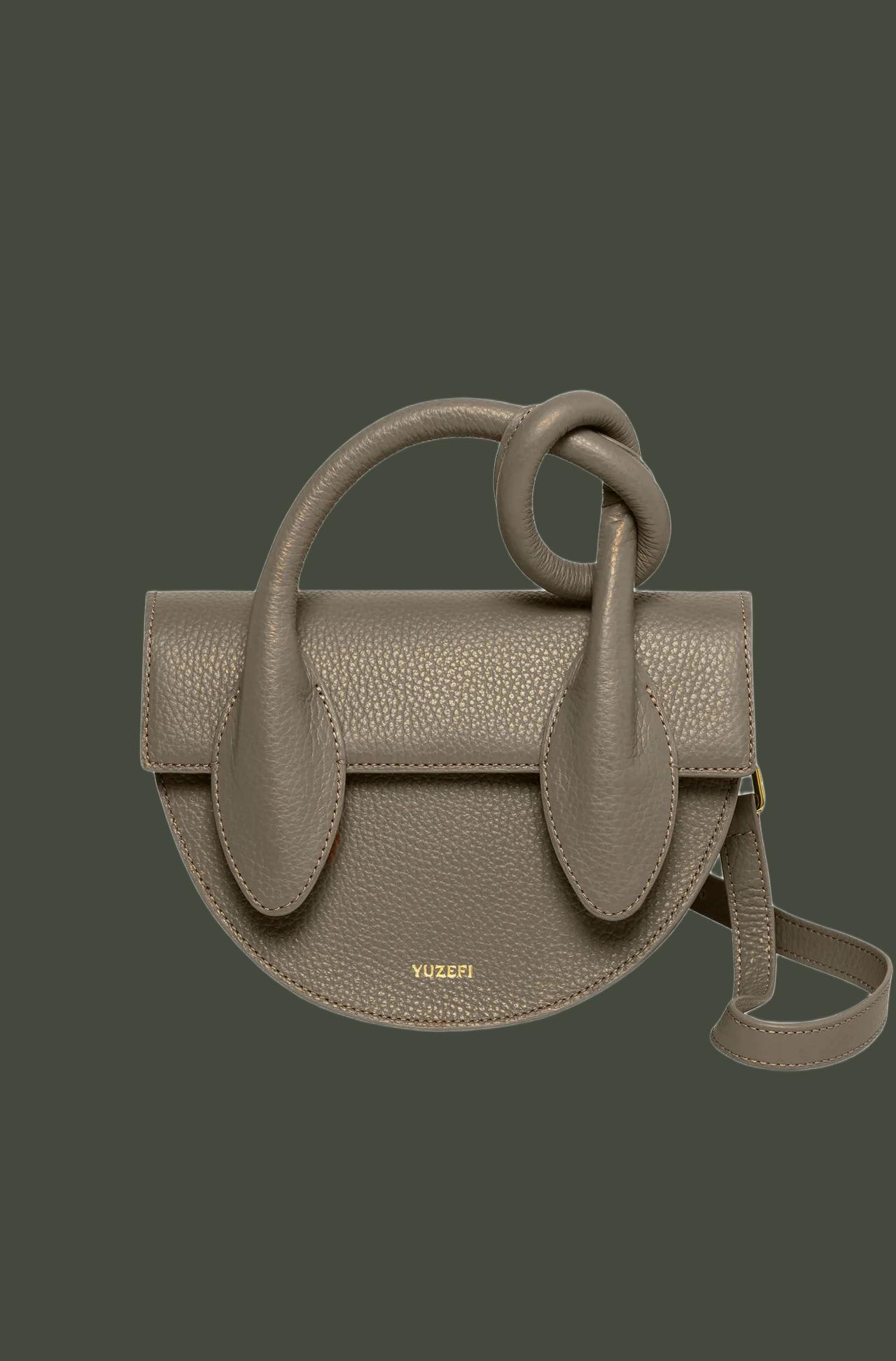
Professional retouching services charge $0.50–$3.00 per image for background removal. A catalog of 500 SKUs costs $250–$1,500 per refresh. Seasonal updates (4× per year) bring the annual spend to $1,000–$6,000 — just for removing backgrounds. AI background removers process the same 500 images for free or at a fraction of the cost, with results delivered in minutes instead of days.
But the cost savings aren’t the real story. The real story is speed-to-market. When a trending product appears, the first seller with professional listing images captures the algorithm’s attention. Waiting 3–5 days for outsourced retouching means losing the launch window. AI processing in 5 minutes means listing the product the same day you photograph it.
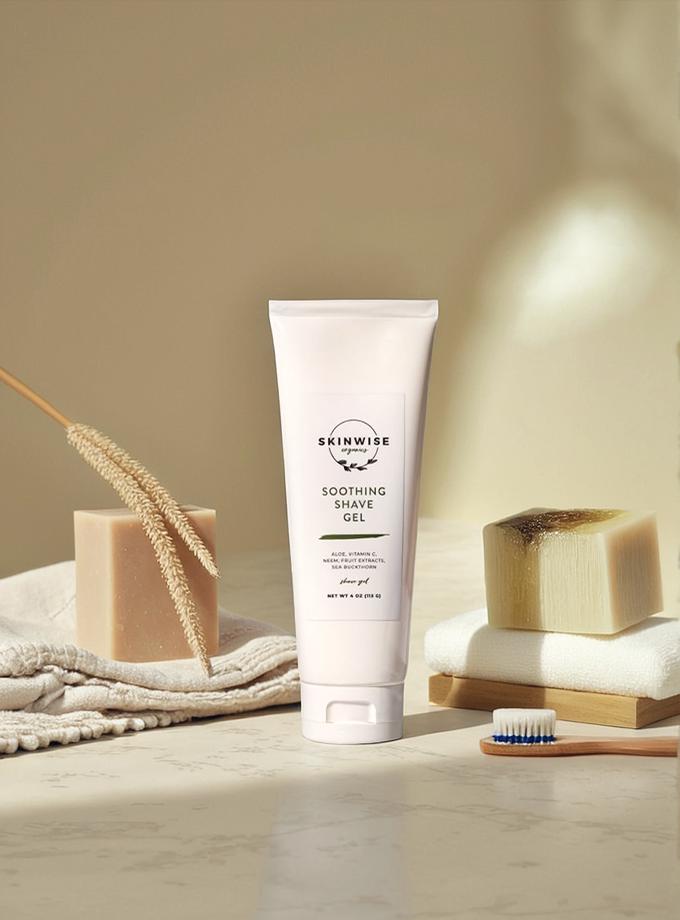
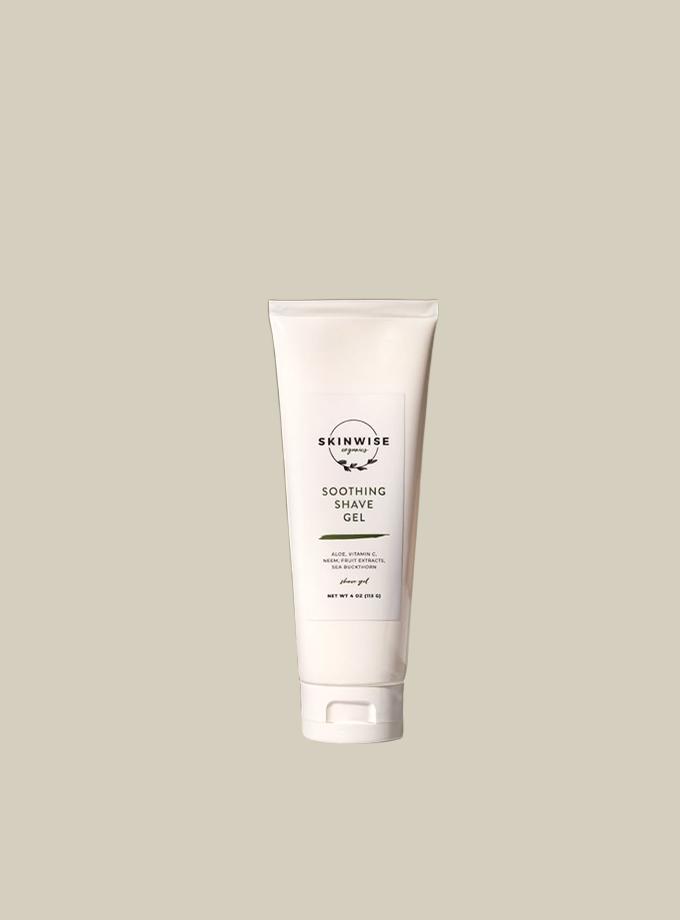
From phone photo to listing-ready image — no studio, no outsourcing, no waiting.
The Five Tools Powering Self-Service Product Photography
WeShop AI leads the self-service revolution with its integrated pipeline: background removal feeds directly into scene composition, resolution enhancement, and model pose generation. A solo seller photographs products on their kitchen table and outputs images that look like they were shot in a professional studio — complete with lifestyle backgrounds, consistent lighting, and marketplace-compliant dimensions.
PhotoRoom optimizes for the mobile-first seller who shoots and edits entirely on their phone. Remove.bg offers the simplest possible workflow for quick one-off edits. Canva integrates removal into broader marketing design. Pixlr provides browser-based post-processing for sellers who need manual touch-up flexibility.
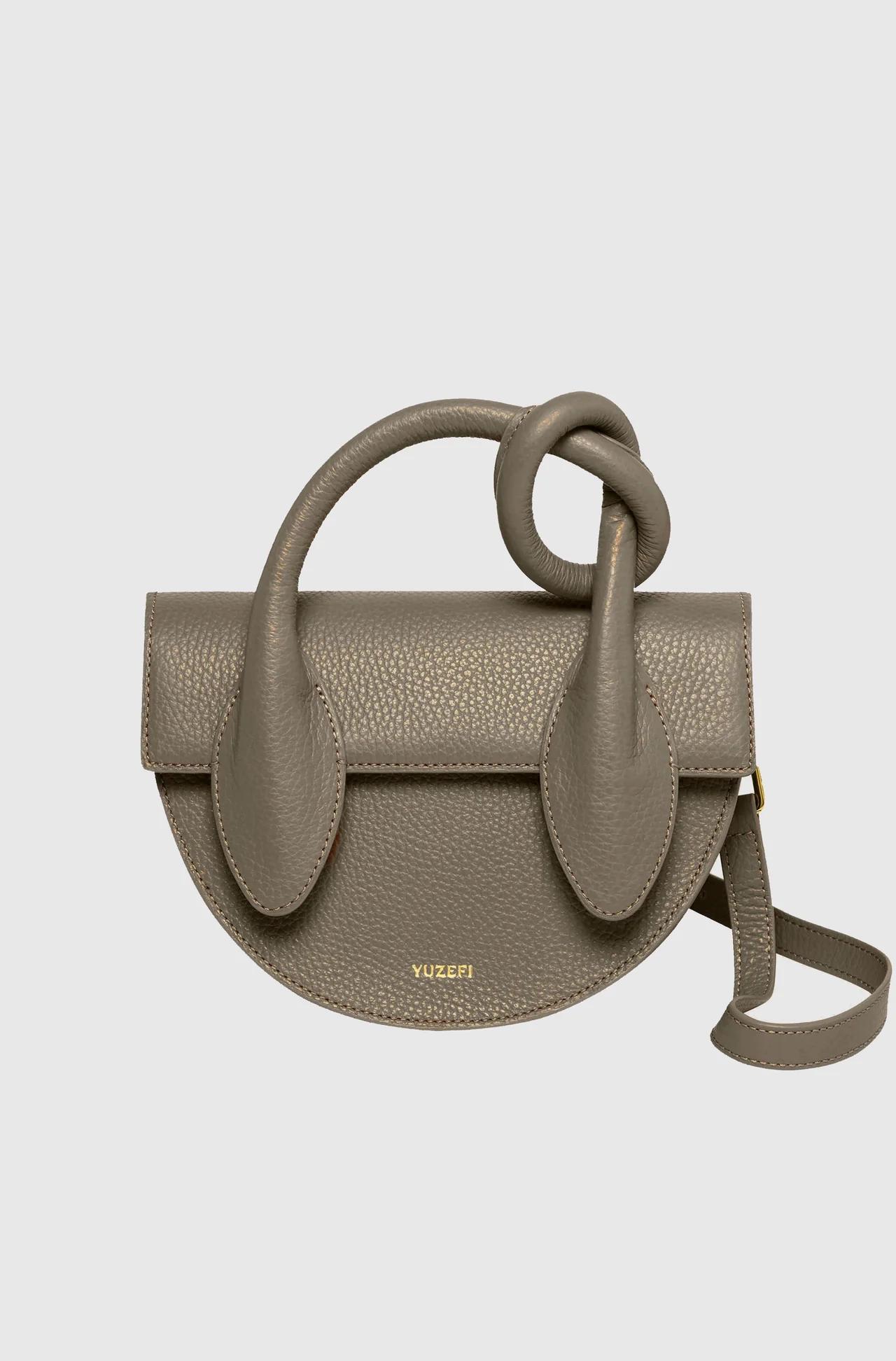
Professional studio quality from a self-service workflow — the outsourcing line just moved.
The Complete Self-Service Workflow
- Photograph products with your phone — use natural window light, shoot against any background
- Upload to WeShop AI’s background remover — batch entire photo sessions
- Remove backgrounds — AI processes in seconds per image
- Add context — Use AI Change Background for lifestyle scenes, or keep white for marketplace compliance
- Enhance — Run through Image Enhancer for marketplace-resolution output
- List — Upload directly to your marketplace the same day
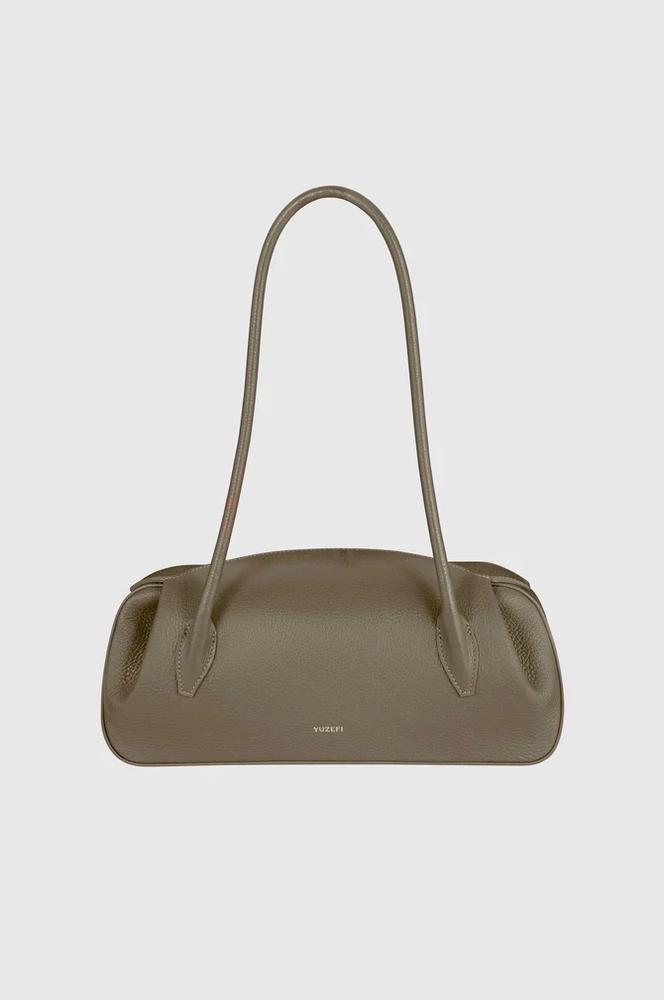
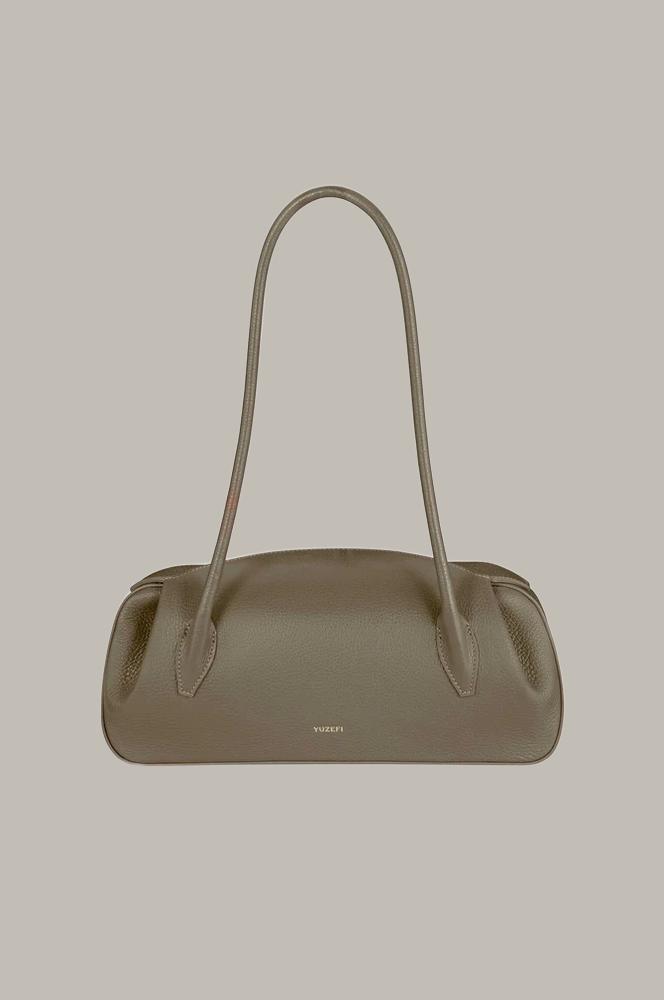
Same-day listing: photograph in the morning, process at lunch, live on marketplace by afternoon.
Expert FAQ
Can phone photos really match professional studio quality after AI processing?
Modern smartphone cameras (iPhone 15+, Galaxy S24+) capture sufficient resolution and dynamic range. AI background removal plus enhancement closes 90% of the gap. The remaining 10% — precise lighting control, color accuracy — matters for luxury brands but is negligible for most marketplace listings.
How do I achieve consistent lighting across products I photograph at different times?
AI background removal normalizes much of the inconsistency by isolating the subject. For remaining color temperature differences, WeShop AI’s Image Enhancer can adjust white balance during the enhancement step.
Is self-service good enough for Amazon’s image requirements?
Yes. Amazon requires white backgrounds (RGB 255,255,255), minimum 1000px on the longest side, and the product filling 85% of the frame. AI tools meet all three requirements. Many top Amazon sellers have fully switched to self-service AI workflows.
What about lifestyle images — can AI create those from a simple product photo?
Yes. After removing the background, use WeShop AI’s AI Change Background to composite your product into any scene — kitchen counter, outdoor patio, holiday setting. The compositing engine adjusts lighting and shadows for realistic integration.
How many images can I process per day on free tiers?
Varies by tool. WeShop AI offers generous free processing at full resolution. Remove.bg provides 1 free HD download per session (unlimited previews). Check each tool’s current limits — they update frequently.
© 2026 WeShop AI — Powered by intelligence, designed for creators.