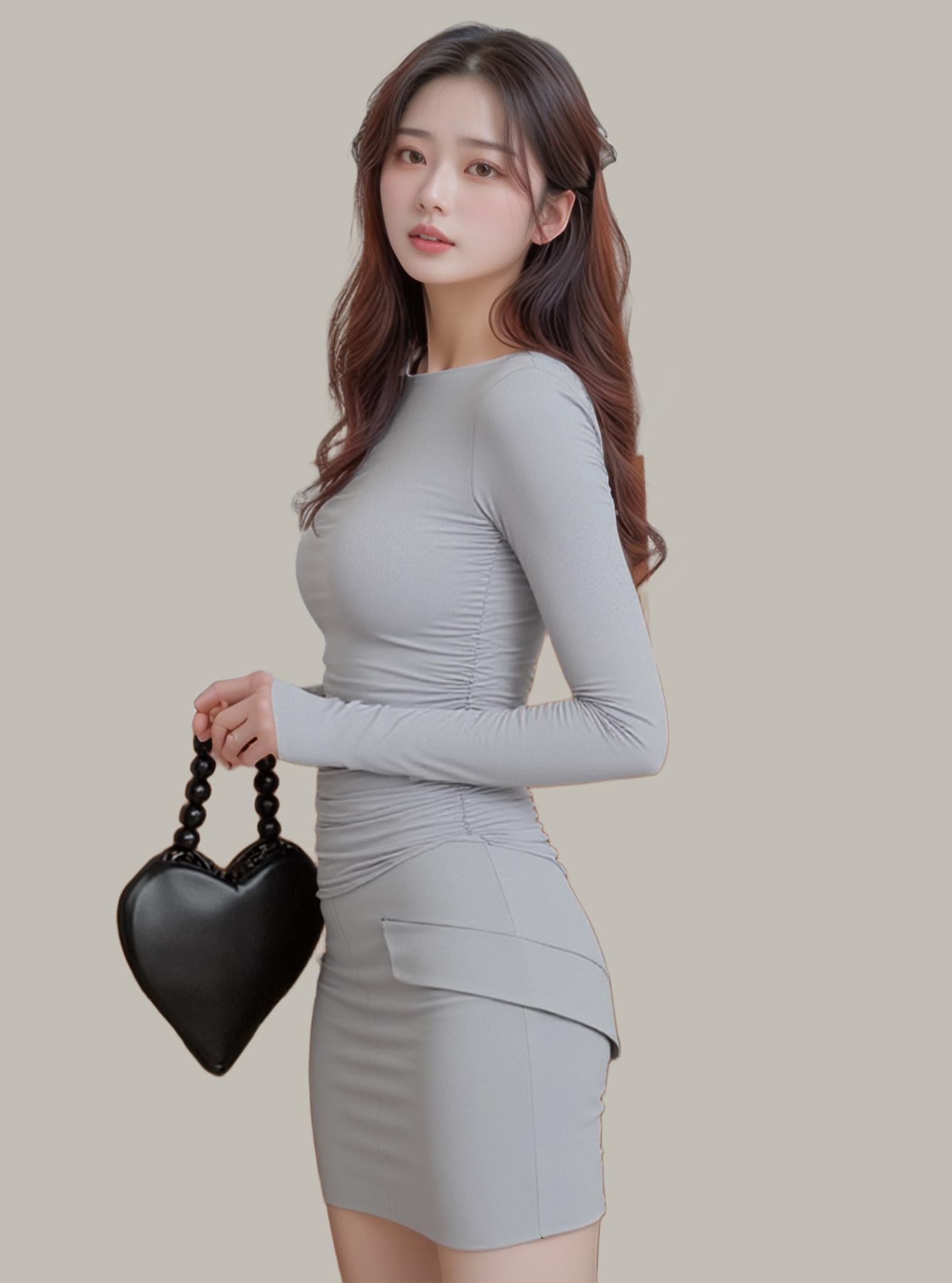
The difference between a product image that converts and one that gets scrolled past often comes down to a single element: the background. A cluttered backdrop pulls focus from what matters — your product, your model, your design. That is exactly why background remover tools have become non-negotiable in every creative workflow.

Why Background Removal Is the New Design Essential
The fashion and e-commerce industries have collectively shifted toward cleaner visual storytelling. Alibaba’s internal data shows that product listings with isolated, white-background hero images see 38% higher click-through rates compared to lifestyle-only galleries. Amazon mandates pure white backgrounds for main product images. For designers working across marketplaces, social media, and brand lookbooks, a reliable background remover isn’t optional — it’s table stakes.
But here’s the tension: traditional methods (Photoshop’s pen tool, manual masking) demand 15–45 minutes per image. When you’re processing a 200-SKU catalog refresh, that math becomes untenable. AI-powered background removers compress that timeline to seconds.
The Science Behind AI Background Removal
Modern background removal engines rely on semantic segmentation — neural networks trained on millions of annotated images learn to classify every pixel as either foreground subject or background. The most advanced models use trimap-free matting architectures that handle semi-transparent regions (hair wisps, sheer fabrics, glass) without requiring manual boundary hints.
The critical technical challenge is alpha matting precision — determining the exact opacity of edge pixels where foreground blends into background. Early AI tools produced harsh, aliased edges. Current-generation models like those powering WeShop AI’s background remover use multi-scale feature fusion, processing the image at multiple resolutions simultaneously to capture both global context (is this a person or a product?) and fine-grained detail (individual hair strands, lace patterns).

Notice how the AI preserves every strand of hair while completely removing the studio backdrop — a task that would take a skilled Photoshop artist 20+ minutes.
Six Background Removers Ranked: The Designer’s Honest Take
1. WeShop AI Background Remover — The Batch Processing Powerhouse
WeShop’s background remover stands apart for one critical reason: batch processing at scale. Upload dozens of images and get transparent PNGs back in seconds, not hours. The AI handles everything from complex hair matting to translucent fabric edges. Beyond removing backgrounds, WeShop integrates this into a complete e-commerce workflow — remove the background, then use AI Change Background to place your product in a lifestyle scene, or run the result through AI Photo Enhancer for pixel-level refinement.
Best for: E-commerce teams processing 50+ images daily, brands needing consistent white-background catalogs.
2. Remove.bg — The Original One-Click Solution
Remove.bg pioneered the “upload and done” approach. It handles standard portraits and products well, though complex edges (frizzy hair, mesh fabric) can show artifacts. Free tier limits resolution to 0.25 megapixels — usable for social media thumbnails, less so for print or hero images.
Best for: Quick social media edits, individual one-off removals.
3. Canva Background Remover — Built Into Your Design Flow
Canva’s Pro plan includes background removal as part of its design suite. The advantage is zero context-switching — remove the background and immediately drop the subject into a Canva template. Accuracy is decent but not best-in-class for fine details.
Best for: Social media managers already using Canva for design.

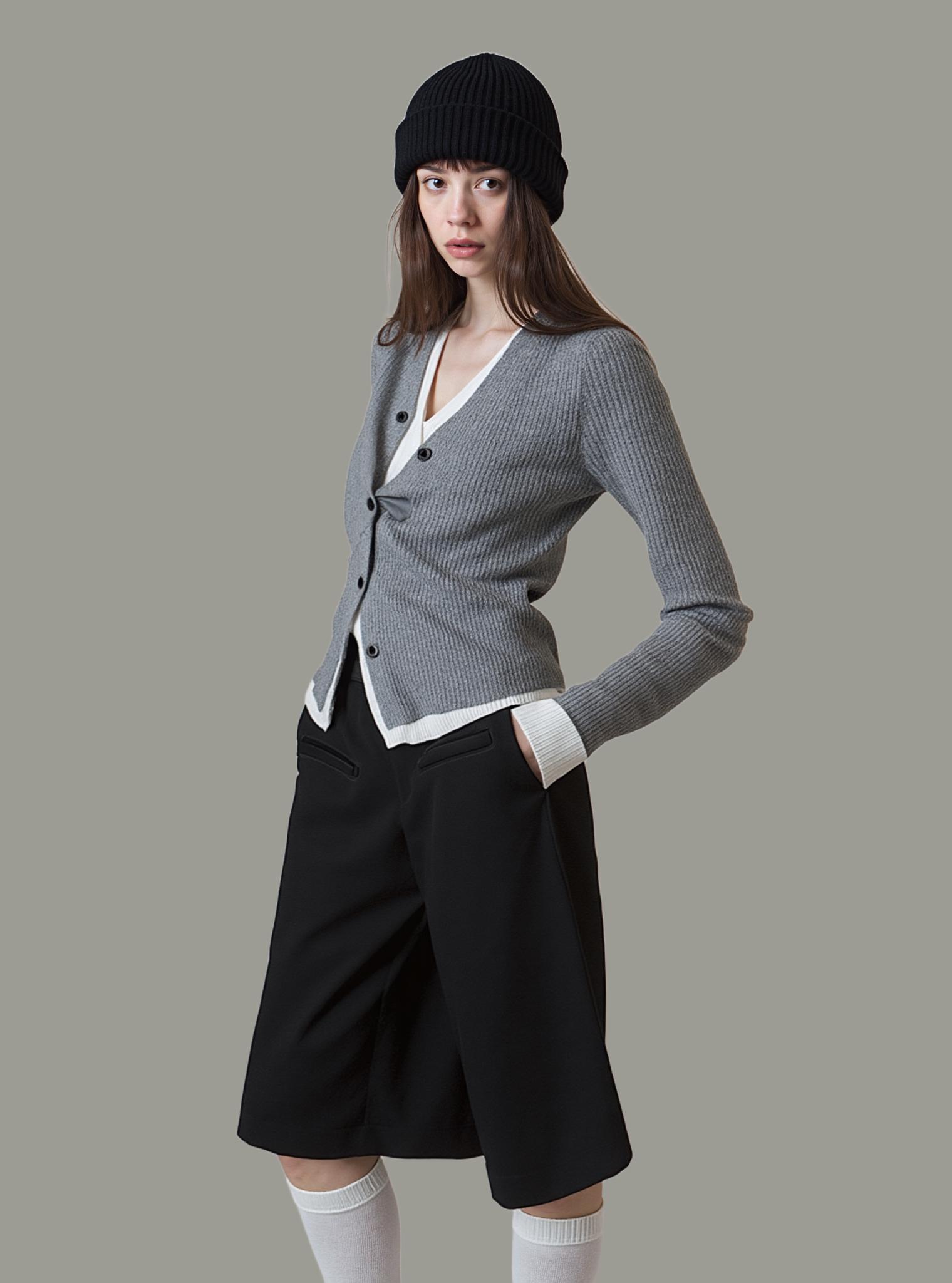
Batch processing makes the difference at scale — what takes hours with manual tools takes minutes with AI.
4. PhotoRoom — Mobile-First E-Commerce Focus
PhotoRoom’s strength is its mobile experience — snap a product photo with your phone and get a clean cutout immediately. The template library makes it easy to create marketplace-ready images. Batch processing requires the Pro plan.
Best for: Small sellers who shoot products on mobile.
5. Adobe Express — The Photoshop Lite Approach
Adobe Express offers background removal as part of its free creative suite. Leveraging Adobe’s decades of imaging technology, edge quality is generally good. The tradeoff is that it sits within Adobe’s ecosystem, which may feel heavy for users who just need a quick cutout.
Best for: Users already invested in Adobe’s ecosystem.
6. Clipdrop — The Technical Enthusiast’s Pick
Stability AI’s Clipdrop combines background removal with other AI image tools. The underlying model is strong, especially on complex scenes. API access makes it developer-friendly for custom integrations.
Best for: Developers building custom image processing pipelines.
Actionable Scene Guide: Getting Perfect Background Removal Results
Fashion Photography Workflow:
- Upload your model shot to WeShop AI’s background remover
- AI automatically detects the subject and generates a transparent PNG
- Use AI Change Background to place the model in a seasonal scene
- Run through Image Enhancer to sharpen fabric texture and skin detail
- Export at full resolution for your marketplace listing
Product Photography Workflow:
- Shoot your product against any background (doesn’t need to be white)
- Batch upload — process your entire catalog in one session
- Download transparent PNGs for marketplace compliance (Amazon, Shopify)
- Optionally use AI Product Photography to generate lifestyle context shots
Pro Tips for Edge Quality:
- Hair and fur: Ensure good lighting separation between subject and background. Even the best AI benefits from clear contrast at edges.
- Transparent materials: Glass bottles, sheer fabrics — upload at the highest resolution available. More pixels = more data for the AI to determine edge opacity.
- Group shots: If removing backgrounds from images with multiple people, verify each person’s edges individually.
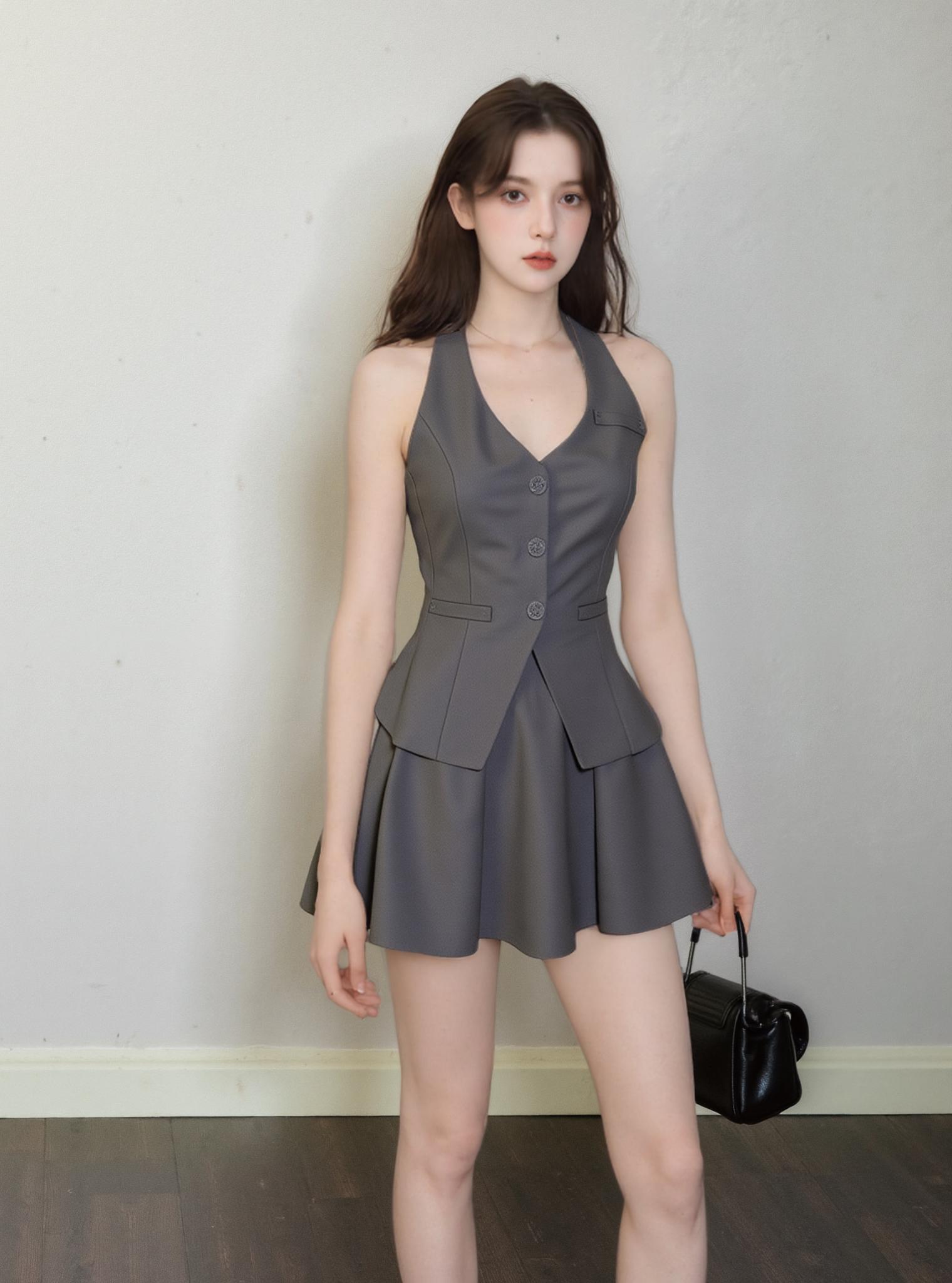
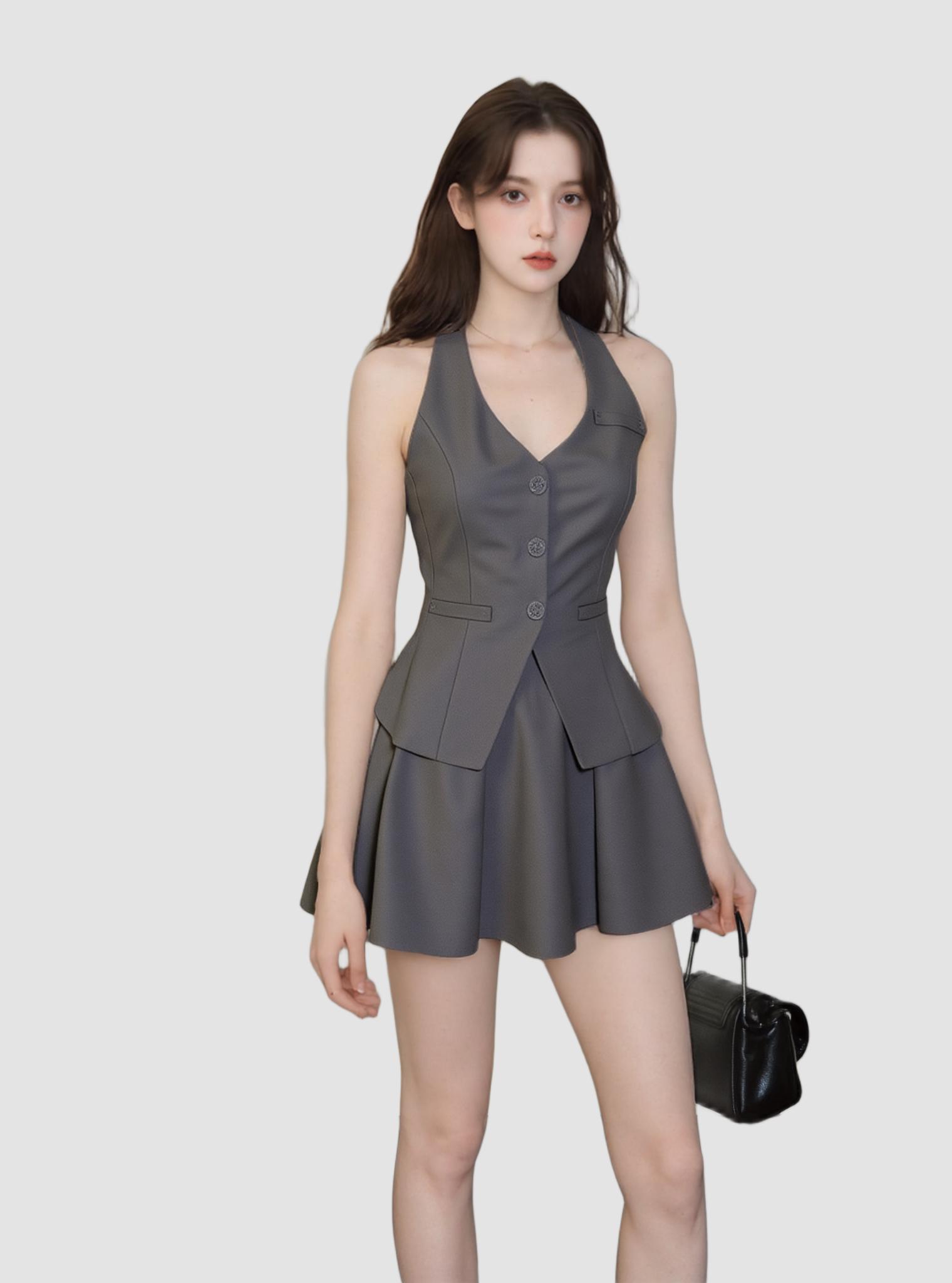
From studio shot to clean isolated product in 3 seconds — ready for any marketplace or lookbook.
Expert FAQ
Can AI background removers handle hair as well as manual Photoshop masking?
Current-generation AI matting models match or exceed manual masking quality for 90%+ of hair types. The remaining edge cases may need a quick manual touchup, but the AI gets you 95% of the way in seconds versus 20+ minutes of full manual work.
Will removing the background reduce my image quality or resolution?
Quality tools like WeShop AI process at full resolution and output lossless transparent PNGs. No downscaling occurs during the removal process. Always upload the highest quality source image available.
How does batch background removal handle inconsistent lighting across a photo set?
AI models evaluate each image independently, so inconsistent lighting across your batch won’t cause problems. Each image’s foreground-background boundary is determined by that specific image’s pixel data.
What’s the best file format to export after background removal?
PNG with transparency for maximum flexibility. If your marketplace requires JPEG (white background), export as PNG first, then convert — this preserves edge quality better than removing the background directly to JPEG.
Can I use background remover results commercially without licensing issues?
The background removal process doesn’t create new copyrightable content — it’s a transformation of your existing image. The output is yours to use commercially. Ensure you have rights to the original source image.
© 2026 WeShop AI — Powered by intelligence, designed for creators.