
Does WeShop AI Support NSFW Images?
WeShop AI currently does not support generating NSFW (Not Safe for Work) or sexually explicit images.
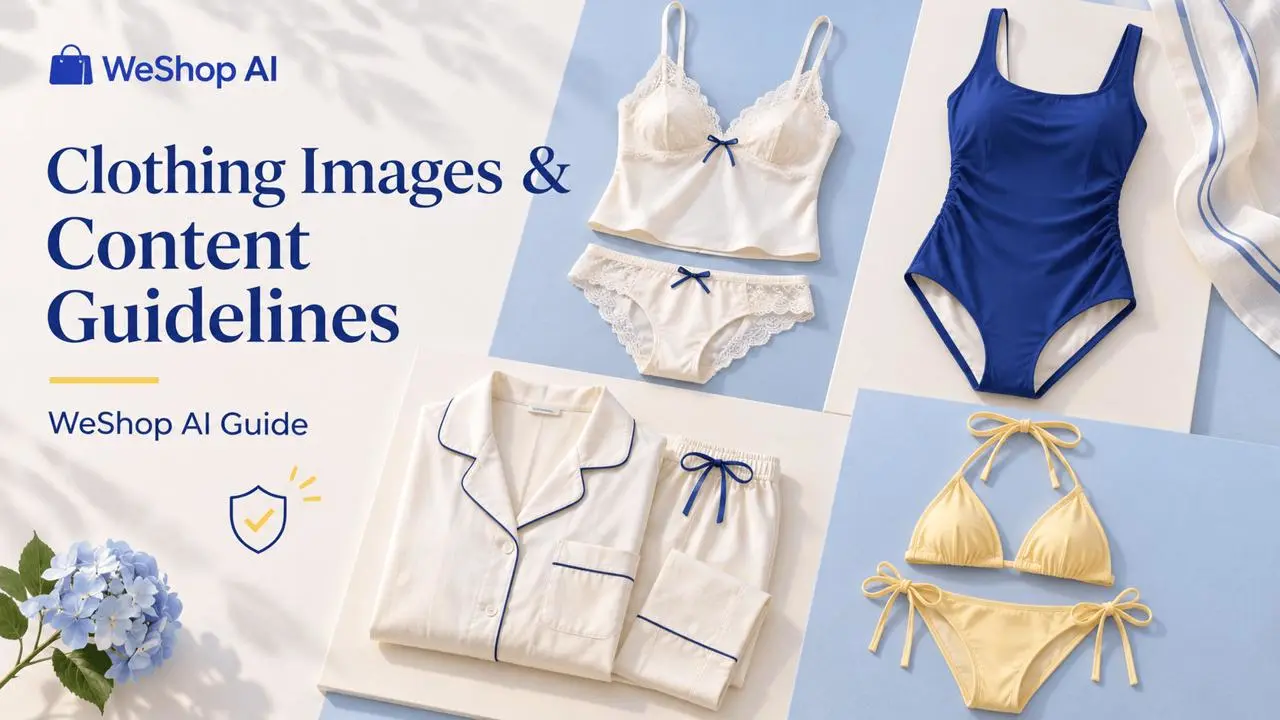
If your goal is to showcase lingerie, swimsuits, bikinis, or pajamas, use the clothing-focused tutorials below. These guides cover outfit changes for clothing imagery. All requests and results must still follow the platform’s content guidelines.
Choose a Clothing Tutorial
Choose the guide that matches the garment you want to display:
| Clothing type | Tutorial |
|---|---|
| Lingerie | AI Lingerie Outfit Change |
| One-piece swimsuit | AI One-Piece Swimsuit Change |
| Pajamas | AI Pajama Outfit Change |
| Bikini | AI Bikini Outfit Change |
Keep the Request Focused on Clothing
- Open the tutorial for your clothing type and follow its instructions.
- Use source images that you have permission to upload.
- Describe the garment, fabric, fit, and intended presentation clearly. Keep the request focused on a non-explicit clothing showcase.
- Review the result before using it.
For example, a clothing-focused request could be: “Show the one-piece swimsuit’s design and fabric in a neutral standing pose against a simple studio background.”
Availability of a clothing tutorial does not mean every source image, prompt, or result in that category will be accepted. Safety checks still apply.
If Your Request Is Restricted
Read the message shown for the task and review your source image and prompt. Do not try to bypass a restriction. If you believe a non-explicit clothing showcase was restricted incorrectly, contact hi@weshop.ai with the task ID or link and a screenshot of the message.
For more information, see Content Safety and Generation Limits. If no content-related message appears and the task is simply not responding, follow Troubleshoot Generation and Website Issues.