You know the feeling. You boot up your machine, ready to work or game. But instead of inspiration, you see a blurry, pixelated mess. It kills the vibe immediately. Your monitor deserves better. It deserves crisp, vibrant 4K Wallpapers that pop. Finding the right image is only half the battle. Making it look perfect is the real trick.
Most people settle for grainy images. They stretch low-resolution photos to fit high-end screens. The result is awful. But you don’t have to settle. In this guide, we will show you exactly how to find, create, and optimize the best computer backgrounds on the web. We will turn your desktop into a work of art.
Why Your Setup Needs Top Rated 4K Wallpapers
Your monitor is likely the most expensive part of your desk setup. Why feed it low-quality data? A standard HD image looks soft on a 27-inch or 32-inch screen. You need density. You need pixels.
Top rated 4K wallpapers provide the clarity your eyes crave. They reduce eye strain. They make text and icons stand out. More importantly, they set the mood. A chaotic, blurry background creates a chaotic mind. A sharp, clean background creates focus.
When we talk about computer backgrounds, we are talking about your digital environment. You wouldn’t paint your office walls with muddy paint. Don’t do it to your digital walls. High-resolution 4k pictures are an easy win for your productivity.
The Difference Between 1080p and 4K Wallpapers
It comes down to math. A 1080p image has about 2 million pixels. A 4k pic has over 8 million pixels. That is four times the detail.
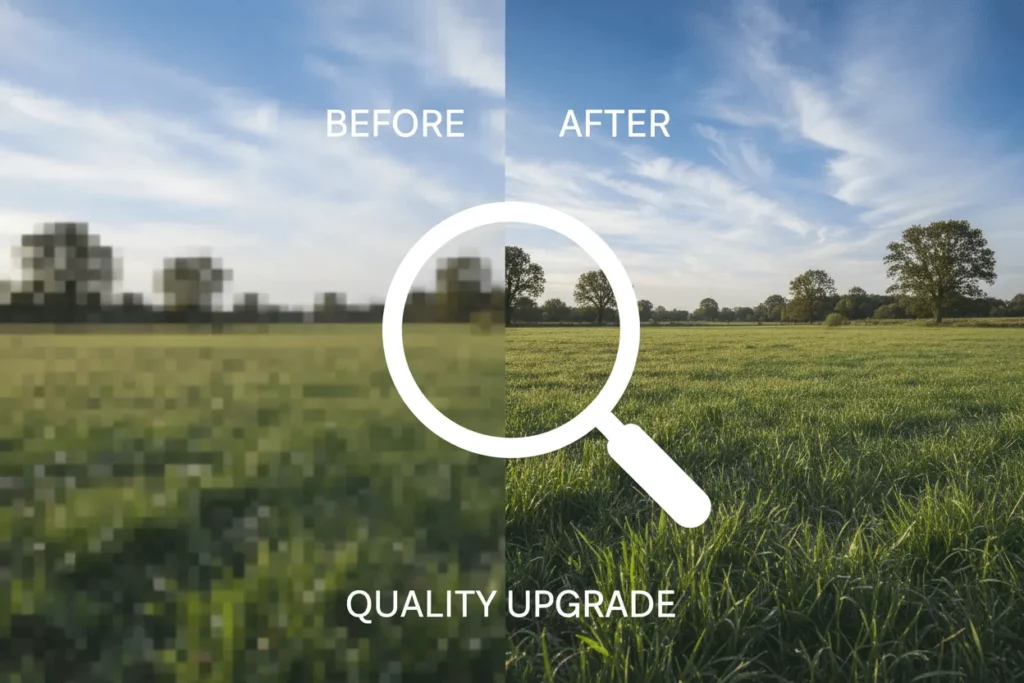
When you stretch a small image, the computer guesses the missing data. This causes “artifacts” or fuzziness. Real 4K Wallpapers have that data built-in. Every leaf on a tree is sharp. Every line in a cityscape is distinct. Once you switch to true 4K, you can never go back.
Where to Find Good 4K Wallpapers
The internet is full of images. But most of them are compressed junk. You need sources that respect quality. You need platforms that host uncompressed good 4k wallpapers. Here are the best places to start your hunt.
Unsplash and Pexels for 4K Wallpapers
If you want photography, start here. Unsplash and Pexels are the gold standards. They are free. They are high quality.
Artists upload their best work here. You can find incredible landscapes, city views, and abstract art. The best part? You can filter specifically for “Large” images. This ensures you are getting true 4K Wallpapers and not upscaled fakes.
- Pros: Completely free, artistic, high resolution.
- Cons: Limited selection for gaming or anime styles.
Wallhaven for Niche 4K Wallpapers
Do you prefer anime, sci-fi, or tech aesthetics? Wallhaven is your best bet. It is community-driven. Users tag images meticulously. You can sort by resolution.
You can strictly search for 4k windows backgrounds. The variety here is unmatched. It is the best place to find a specific 4k pic that matches your RGB keyboard lighting.
Reddit Communities for 4K Wallpapers
Never underestimate Reddit. Subreddits like r/wallpapers and r/WidescreenWallpaper are goldmines. Users often post uncompressed links. They share Google Drive folders full of top rated 4k wallpapers. It is a bit of a treasure hunt, but the rewards are worth it.

How to Create Custom 4K Wallpapers with AI
Sometimes, you can’t find the perfect image. Maybe you have a great idea, but the picture doesn’t exist. Or maybe you have a small photo that you love. This is where AI changes the game. We can now generate and enhance computer backgrounds in seconds.
Using WeShop AI for Unique 4K Wallpapers
You might know WeShop AI for e-commerce. But it is a secret weapon for desktop aesthetics. It has powerful generative capabilities. You can use it to create scenes that don’t exist in reality.
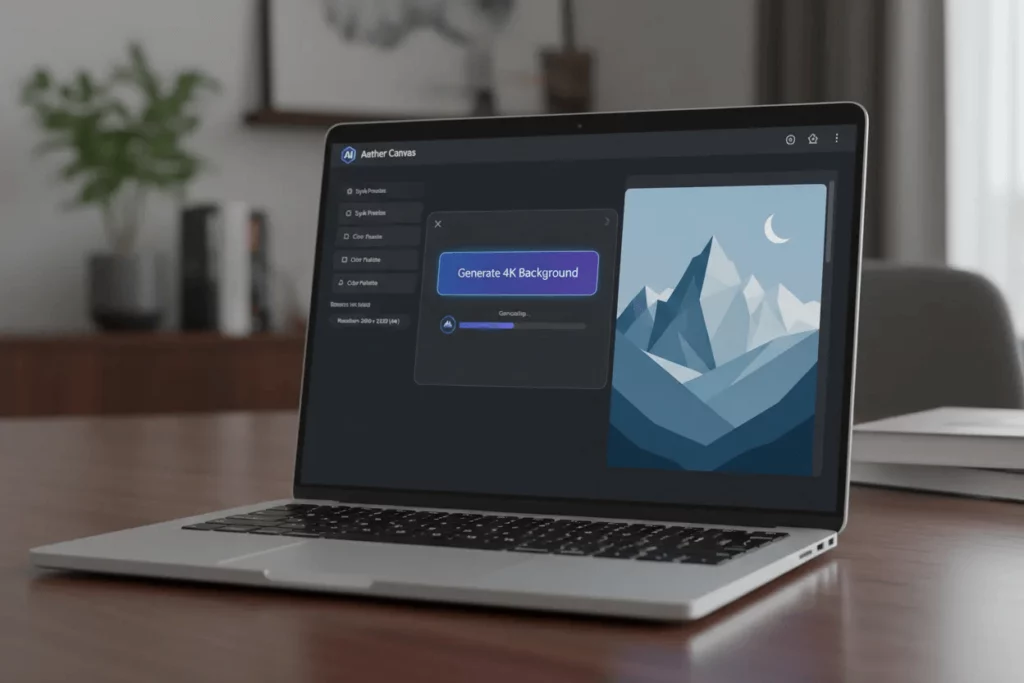
Let’s say you want a specific minimalist setup. You can upload a simple reference or use their text-to-image features. WeShop AI handles lighting and texture incredibly well. It produces clean, high-fidelity images.
You can generate a background that matches your room’s color palette perfectly. No more searching for hours. You just create it. This is the future of good 4k wallpapers. You become the artist.
Upscaling Tools for Crystal Clear 4K Wallpapers
What if you have a favorite photo that is too small? Maybe it is an old family photo or a meme you love. If you set it as a background now, it looks terrible. You need an upscaler.
AI upscalers fill in the missing pixels. They analyze the image and “hallucinate” the details. The result is a sharp 4k pic from a 1080p source.
- Select your tool. There are many web-based options.
- Upload your image. Choose the photo you want to fix.
- Choose 4x Upscale. This usually brings a standard image to 4K resolution.
- Download. You now have a ready-to-use background.
This process takes seconds. It saves you from having to abandon a picture just because the resolution was low. It turns any image into top rated 4k wallpapers.
Optimizing Your 4K Windows Backgrounds
You have the file. Now you need to set it up correctly. Windows can sometimes compress your wallpapers. This ruins all your hard work. Here is how to ensure your 4k windows backgrounds stay crisp.
Check Your Display Settings
Right-click your desktop. Go to Display Settings. Make sure your resolution is set to the maximum (3840 x 2160 for 4K). If this is wrong, your computer backgrounds will look soft no matter what.
Prevent Windows Compression for 4K Wallpapers
Windows 10 and 11 compress images by default. They drop the quality to 85% to save RAM. You can fix this in the Registry Editor, but there is an easier way.
Save your image as a PNG file, not a JPG. PNGs are lossless. Windows tends to treat them better. Also, ensure the file size isn’t massive. A 50MB file might cause lag. Aim for 5MB to 10MB for your 4k pic.
Setting a Slideshow for 4K Wallpapers
Why settle for one image? Create a folder named “Desktop Rotation.” Drop all your good 4k wallpapers into it.
- Right-click the Desktop.
- Select “Personalize.”
- Choose “Background” and switch to “Slideshow.”
- Point it to your new folder.
Now your desktop feels fresh every hour. It keeps your setup feeling dynamic.
Matching Your Theme to Your 4K Wallpapers
A great background is part of a system. Your taskbar, your icons, and your browser should match.
If you choose dark 4K Wallpapers, switch Windows to Dark Mode. It is easier on the eyes. It looks seamless. If you choose a bright nature scene, Light Mode might feel cleaner.
Consider hiding your desktop icons. Nothing ruins a stunning landscape like a cluttered grid of Excel files. Right-click, View, and uncheck “Show desktop icons.” You can bring them back whenever you need them. But for pure aesthetics, a clean screen is best.
Conclusion: Enjoy Your New View
Your computer is your workspace. It is your entertainment center. It is your window to the world. Don’t let that window be dirty.
By using sources like Unsplash and tools like WeShop AI, you can elevate your experience. You can turn a boring screen into a gallery of top rated 4k wallpapers. It takes seconds to find a 4k pic. It takes seconds to upscale it. But the feeling of satisfaction lasts all day.
Go find your new favorite image. Upscale it. Set it. Admire it. Your digital life just got a massive upgrade with these computer backgrounds.