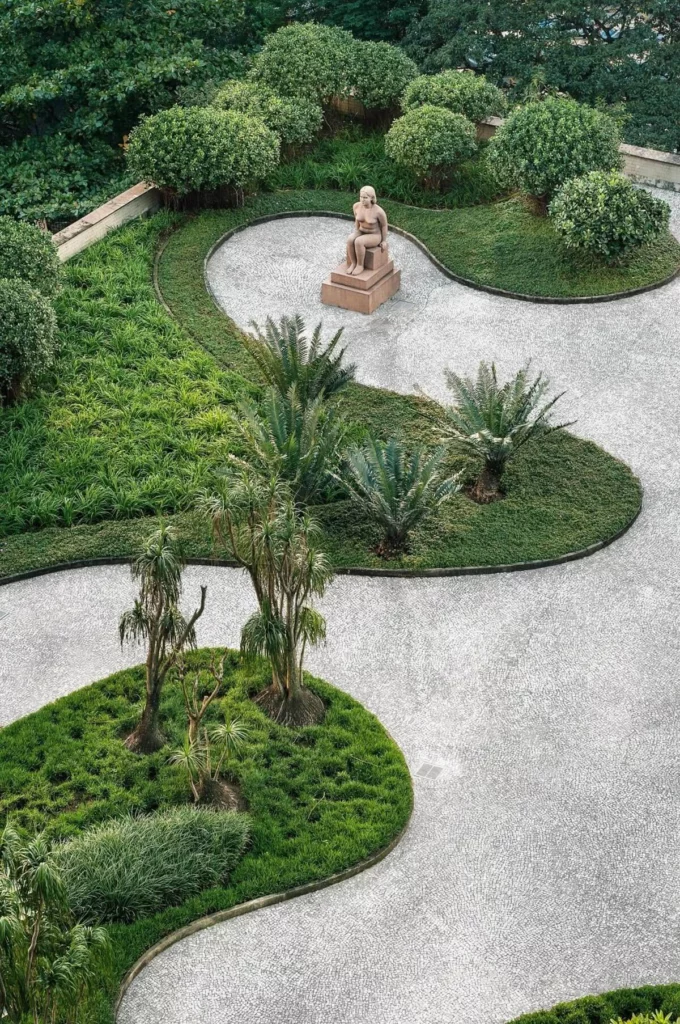
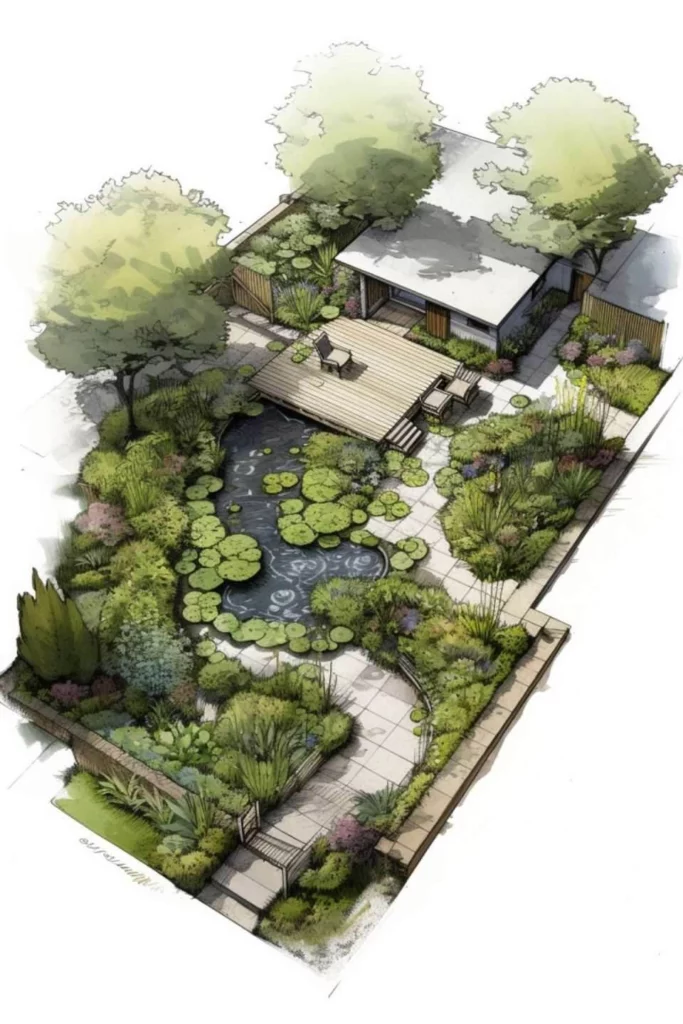
AI landscape design tools are becoming a practical way to explore, visualize, and communicate outdoor space ideas. Instead of relying only on sketches or static plans, designers and teams now use AI to generate concepts, layouts, and realistic visuals much earlier in the process.
These tools do not replace professional landscape design software. Instead, they support different stages of the workflow—from early inspiration to visual presentation. In this article, we look at how several AI landscape design tools are used today, including WeShop AI, DALL·E, Planner 5D, Prome AI, Adobe Firefly, and Kaedim, and where each one fits best.
What AI Landscape Design Tools Are Used for Today
Before comparing tools, it helps to clarify what people usually mean by AI landscape design.
In practice, AI landscape design tools are used for:
- Generating early visual ideas and styles
- Exploring garden, patio, or outdoor space concepts
- Creating visuals for presentations or proposals
- Communicating how people might use a space
They are generally not used for:
- Detailed construction drawings
- Planting schedules or soil planning
- Engineering or compliance documentation
Understanding this distinction makes it easier to choose the right tool for the right task.
Different Roles of AI Landscape Design Tools
Most AI landscape design tools fall into one or more of these roles:
- Concept generation – turning text or rough input into visual ideas
- Layout planning – arranging outdoor elements in space
- Visualization and storytelling – showing how a space feels with people, lighting, and context
No single tool covers all three perfectly. Most projects combine multiple tools.
WeShop AI in Landscape Visualization Workflows
WeShop AI is not a dedicated landscape design platform, and it is important to be clear about that.
It does not create measured site plans, planting layouts, or construction-ready drawings. Tools designed specifically for landscape planning handle those tasks better.
However, WeShop AI plays a useful role in landscape visualization and scenario presentation.
How WeShop AI Supports AI Landscape Design
WeShop AI focuses on scene composition and visual generation, which helps teams show how outdoor spaces might be used rather than how they are built.
With WeShop AI, users can:
- Place people into outdoor environments such as gardens, patios, or public spaces
- Adjust pose, position, and scale to reflect real usage
- Match lighting and atmosphere across different scenes
- Generate multiple visual variations for comparison
This makes it useful for:
- Early-stage concept presentations
- Client-facing visuals
- Marketing or promotional images for outdoor spaces
- Communicating lifestyle and mood
Limitations to Keep in Mind
WeShop AI does not:
- Enforce spatial measurements
- Generate terrain logic or planting rules
- Replace professional landscape planning tools
For that reason, it works best alongside other AI landscape design tools rather than on its own.

DALL·E for Landscape Concept Exploration
DALL·E is commonly used in the idea and inspiration stage of AI landscape design.
What DALL·E Is Useful For
- Generating visual concepts from text prompts
- Exploring different landscape styles quickly
- Building mood boards for early discussions
Designers often use it to test ideas like modern backyard, minimal garden, or resort-style outdoor space.
Practical Limits
- Images are conceptual rather than precise
- Reproducing consistent results can be difficult
- Not suited for layout planning
DALL·E works best when the goal is to explore direction, not finalize details.
Planner 5D for AI-Assisted Outdoor Layouts
Planner 5D represents a more structured side of AI landscape design tools.
Where Planner 5D Fits
- Creating basic outdoor layouts
- Arranging paths, furniture, and zones
- Viewing designs in 2D and 3D
It helps users think through spatial relationships rather than visual style.
Trade-Offs
- Visual realism is limited compared to image generators
- Creative styling options are more constrained
- Best used for planning, not storytelling
Planner 5D is most useful when layout clarity matters more than aesthetics.

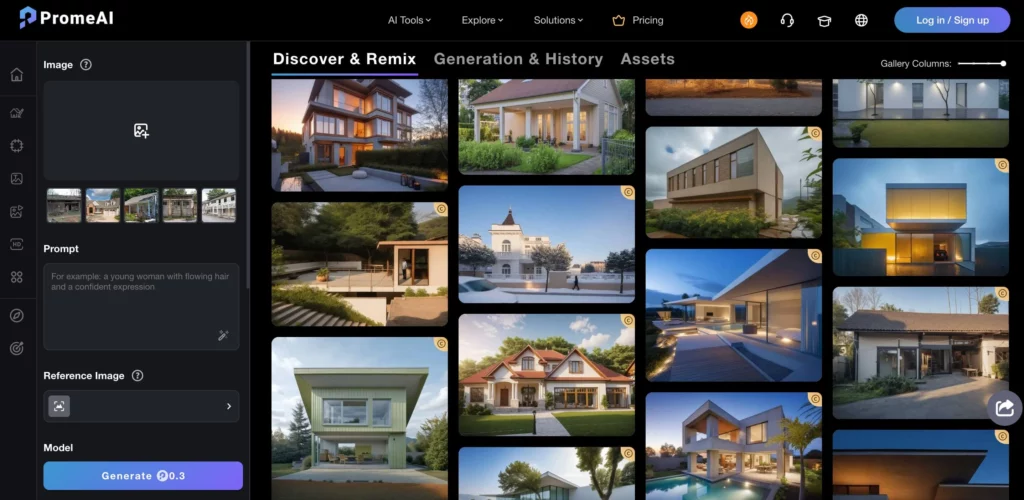
Prome AI for Concept Rendering and Presentation
Prome AI focuses on turning rough ideas into polished concept visuals.
How Prome AI Is Used
- Converting sketches or photos into cleaner renders
- Enhancing concept images for presentations
- Visualizing architectural or landscape ideas
Limitations
- Requires clear input to guide results
- Does not manage spatial constraints
- Less emphasis on people-in-space scenarios
Prome AI supports visual refinement rather than detailed planning.
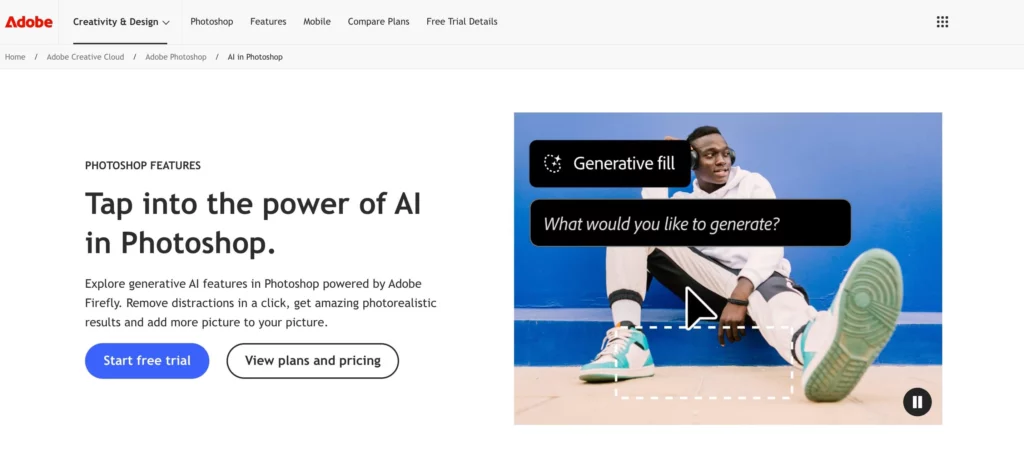
Adobe Firefly for Creative Landscape Assets
Adobe Firefly is part of a larger creative ecosystem and supports AI-assisted image generation and enhancement.
Where Firefly Helps
- Generating textures, materials, and landscape elements
- Editing or extending existing images
- Supporting graphic and presentation design
Considerations
- Often requires additional manual steps
- Not focused on complete landscape scenes
- Works best for designers already using Adobe tools
Firefly is typically used to polish visuals rather than generate full designs.
Kaedim for 3D Landscape Assets
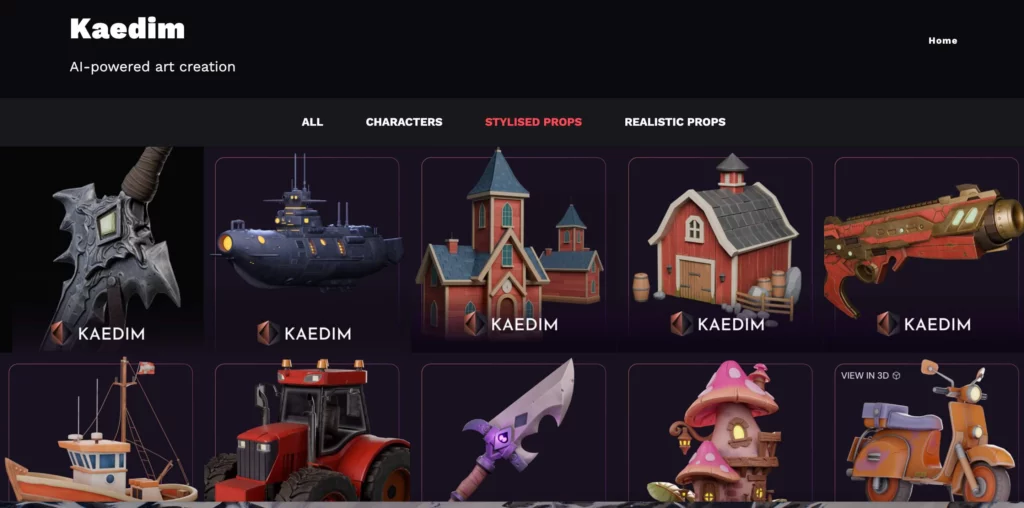
Kaedim focuses on AI-generated 3D models, which can support landscape design in certain contexts.
Use Cases
- Generating 3D plants, furniture, or outdoor objects
- Supporting AR, VR, or immersive presentations
- Feeding assets into 3D or real-time engines
Constraints
- Not a landscape design tool by itself
- Requires 3D workflows to be effective
- Less accessible for non-technical users
Kaedim is most relevant when landscape design intersects with 3D environments.
How These AI Landscape Design Tools Are Often Combined
In real projects, teams often combine tools:
- Planner 5D for layout and structure
- DALL·E or Prome AI for visual direction
- WeShop AI for lifestyle scenes with people
- Adobe Firefly for asset refinement
- Kaedim for 3D components
This layered approach helps teams move from idea to presentation without forcing one tool to do everything.
Choosing the Right AI Landscape Design Tools
When selecting AI landscape design tools, ask:
- Do I need ideas, layouts, or presentation visuals?
- Who will use the output—designers, clients, or marketers?
- How much realism versus structure is required?
The right choice depends more on workflow stage than on feature lists.
Conclusion
AI landscape design tools support different parts of the design and communication process. None of them replace professional landscape planning, but each can reduce friction in early exploration and visual storytelling.
Used together, tools like WeShop AI, DALL·E, Planner 5D, Prome AI, Adobe Firefly, and Kaedim help teams explore ideas faster, communicate more clearly, and iterate with less effort.
The value of AI landscape design lies not in finding a single solution, but in choosing the right tools for the right moments.