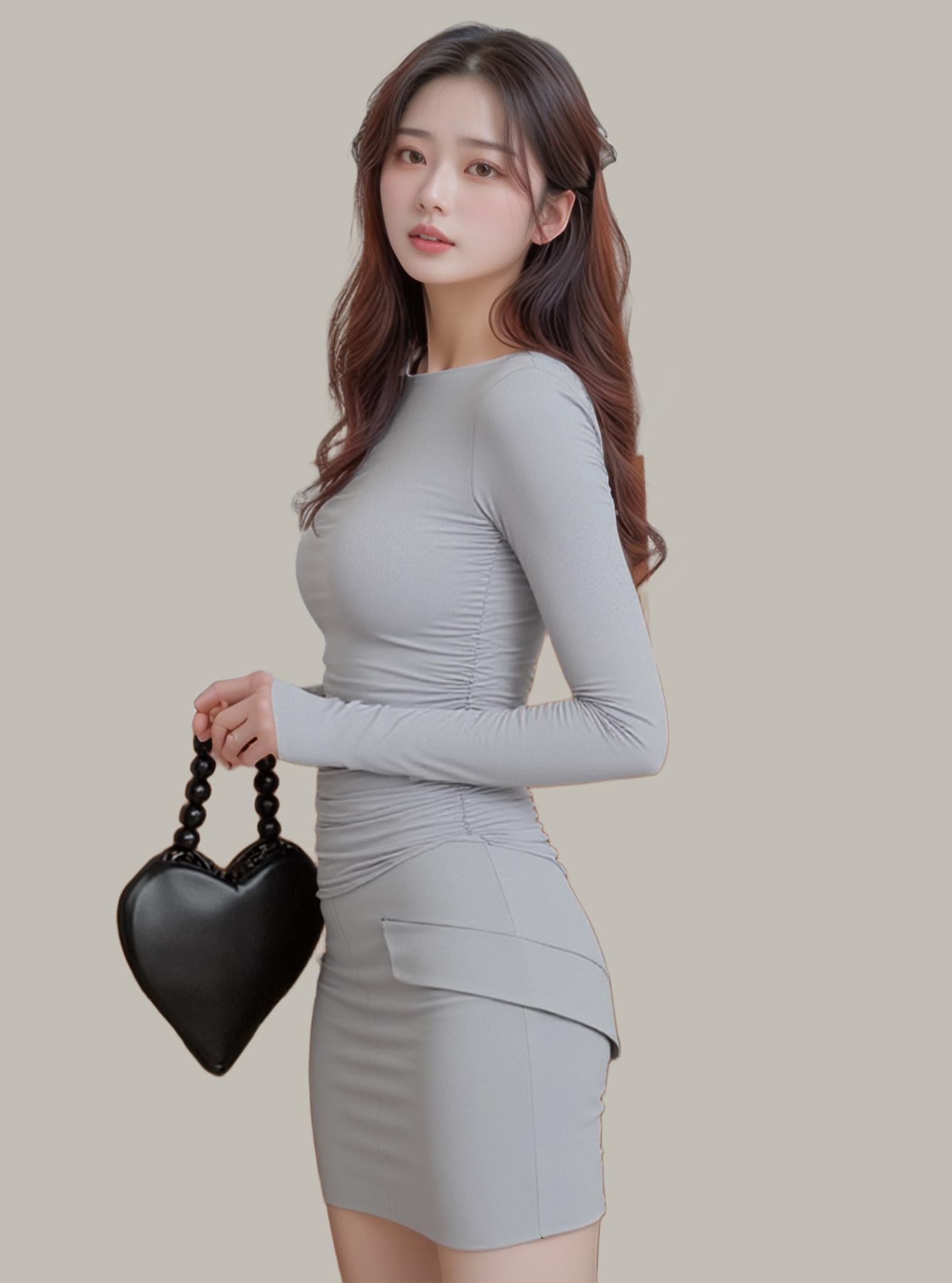
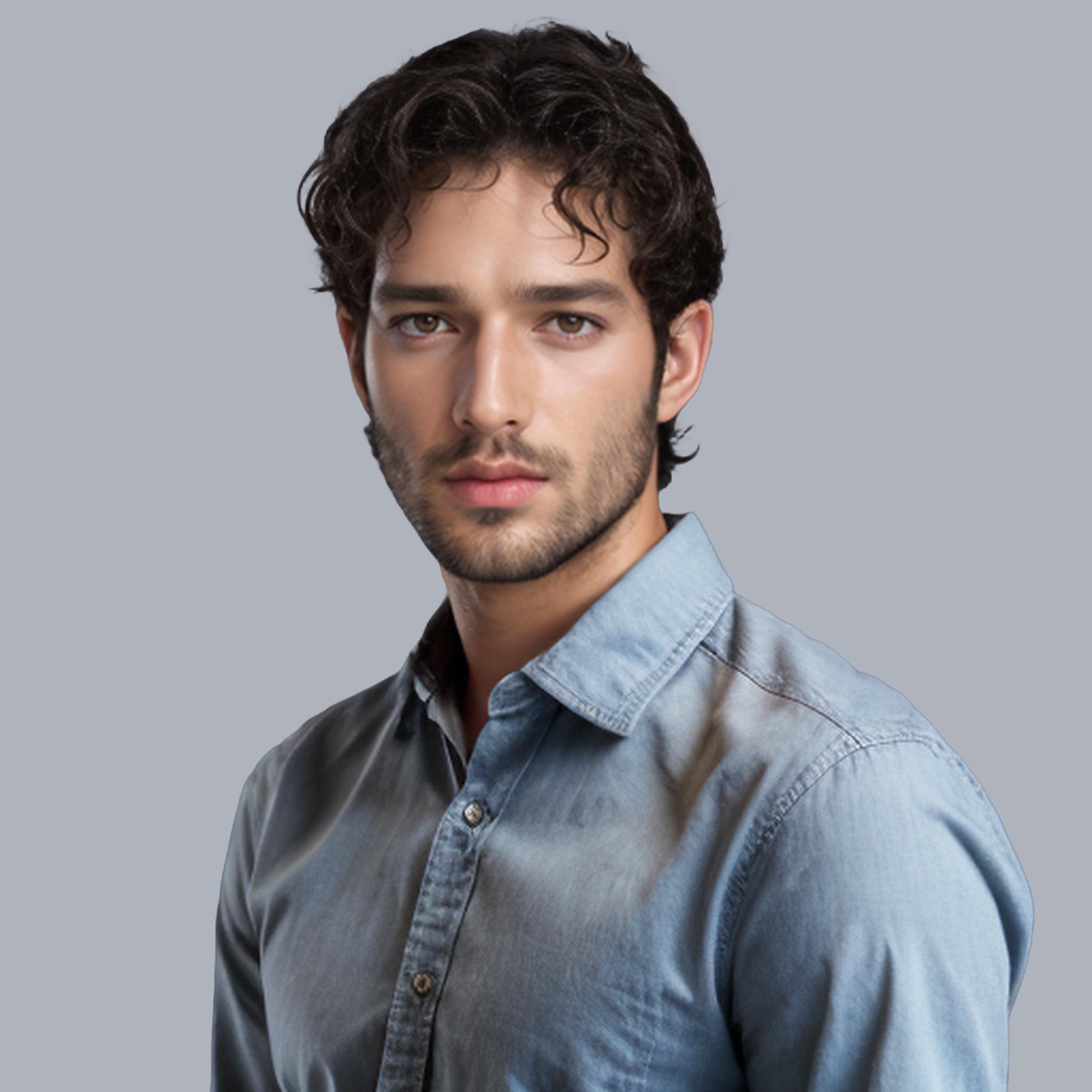
There are at least 40 tools claiming to be the “best free background remover” online right now. Most are mediocre wrappers around the same open-source model with different paint jobs. I tested 14 of the most-promoted options against the same set of 20 challenging images — portraits with flyaway hair, products on cluttered surfaces, fashion shots with sheer fabric — and only three delivered results I’d actually use professionally.
The Testing Methodology
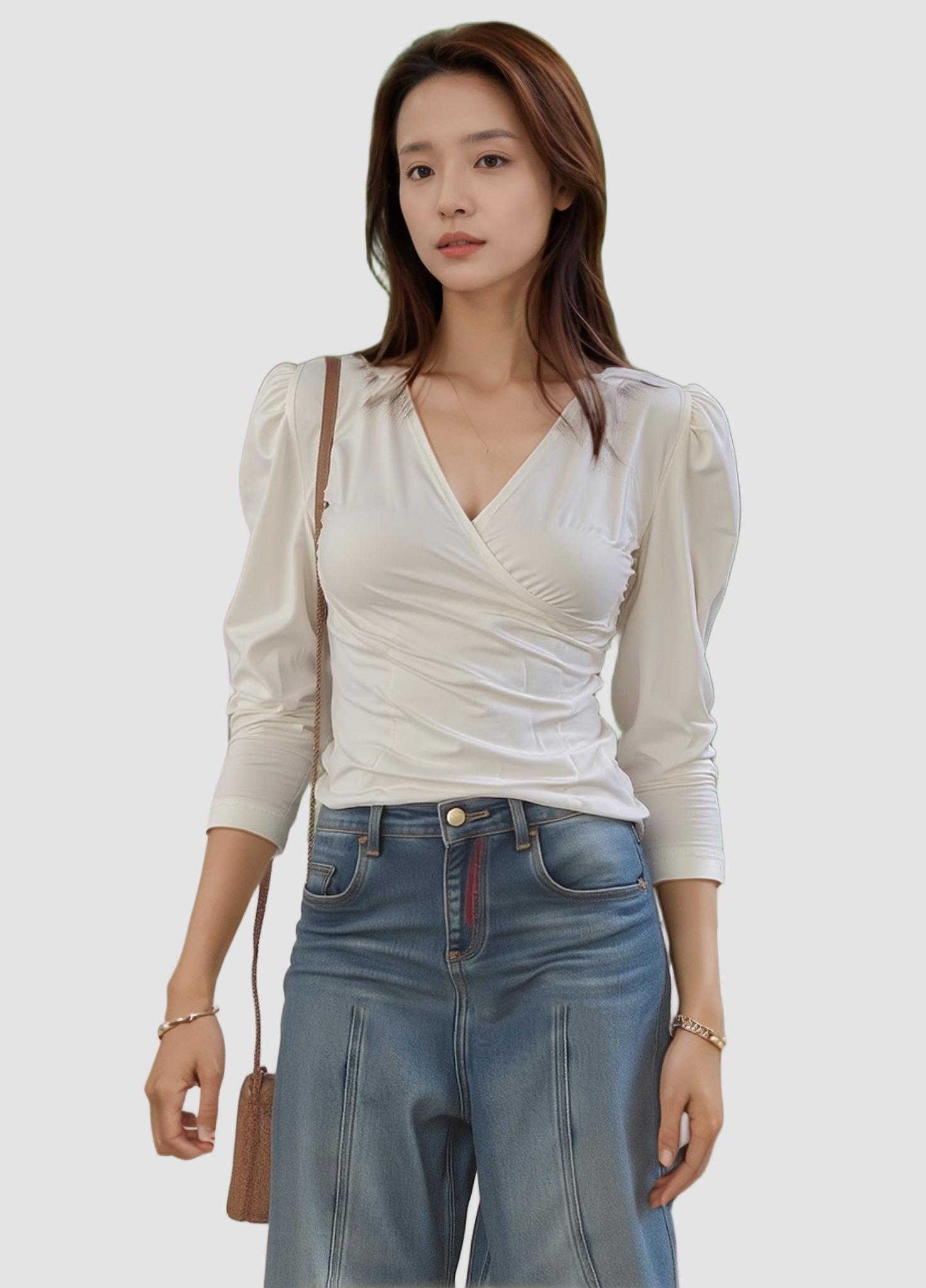
I ran every tool against the same 20-image test set covering the five hardest background removal scenarios: (1) curly hair against a similarly-colored background, (2) transparent wine glasses on a wooden table, (3) a white sneaker on a white sheet, (4) a model in a sheer blouse, and (5) a jewelry flat lay with shadows and reflections. Each result was scored on edge precision, processing speed, and output resolution.
The Three That Actually Deliver
#1: WeShop AI — Best Overall Quality and Speed
WeShop AI won on every metric except one (it tied on speed with one competitor for simple images). Where it pulled ahead decisively was on the hard cases: the curly hair test, where 11 of 14 tools produced visible halo artifacts, came through with strand-level precision. The transparent glass test — where most tools either deleted the glass entirely or left ghost outlines — rendered a clean, physically accurate alpha matte.
The bonus: WeShop AI’s background remover is the first step in a broader pipeline. After extraction, I could immediately test the cutout in different scenes using AI Change Background, enhance it with Image Enhancer, or try new model poses with AI Pose Generator — all within the same session, no re-uploading.
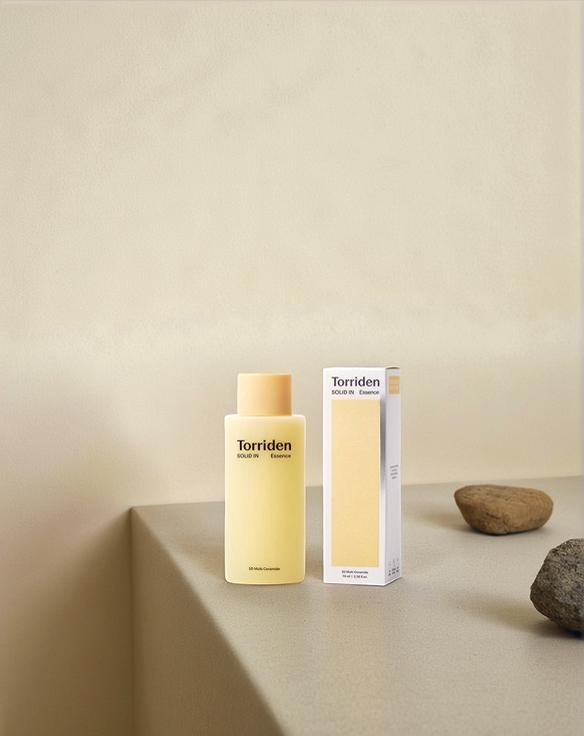
The hardest test images revealed the biggest quality gaps between tools.
#2: Remove.bg — Best for Quick Simple Jobs
Remove.bg is fast and reliable for straightforward subjects — solid-edge products, standard portraits, simple compositions. It faltered on the transparent glass and sheer fabric tests but handled the sneaker-on-white and the standard portrait cleanly. The free tier’s resolution cap (0.25 MP) is the main limitation for professional work.
#3: Clipdrop — Best Developer API
Clipdrop’s Stability AI backing shows in its consistent quality across diverse image types. Edge precision was a half-step below WeShop AI on the hardest tests but significantly above the pack. The developer API is well-documented and reliable, making it the choice for programmatic integration where a dedicated image editing platform isn’t needed.
The Eleven That Didn’t Make the Cut (And Why)
The remaining tools fell into three failure patterns:
The Halo Producers (5 tools): These tools produced visible white or dark halos around the subject — the telltale sign of a binary segmentation mask applied without alpha matting. Unusable for any professional context.
The Resolution Cheaters (3 tools): Advertised as “free” but processed at heavily downscaled resolution, producing results that looked acceptable as thumbnails but fell apart at actual print or marketplace dimensions.
The Partial Deleters (3 tools): Removed parts of the subject along with the background — clipping hair, deleting translucent accessories, or losing fine texture detail. Worse than no tool at all, since you’d need to re-photograph rather than just manually mask.

11 of 14 tools produced halo artifacts on this test image. WeShop AI delivered strand-level precision.
How to Test Any Background Remover Yourself
- Use the same test image set — include at least one hair, one transparent, and one low-contrast subject
- Check at 200% zoom — halos and artifacts are invisible at thumbnail size
- Download and composite — place the cutout on a solid color (not checkerboard) to see edge quality
- Time the batch — single-image speed means nothing; batch 20 images and measure total throughput

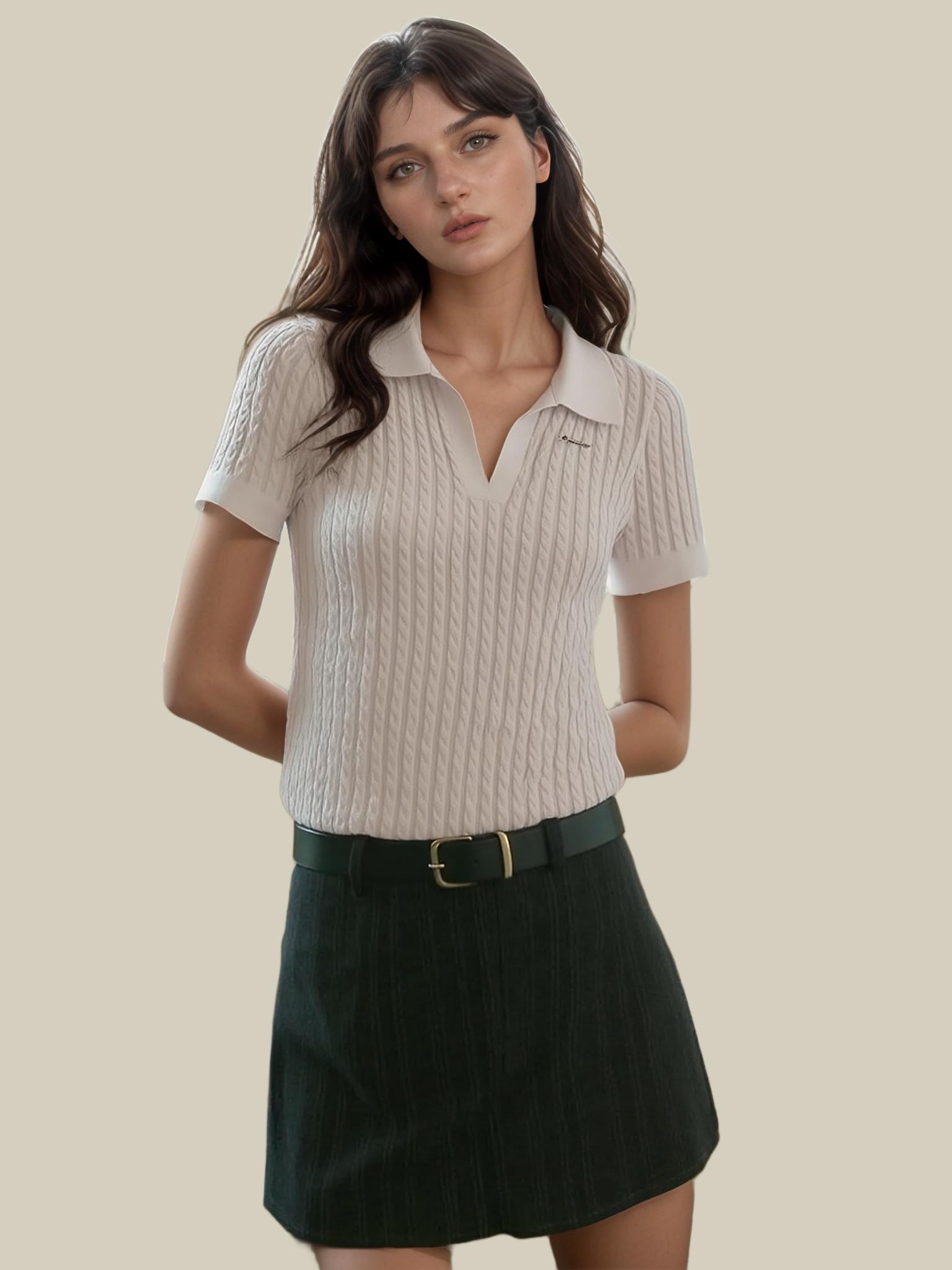
The ultimate test: place your cutout on a solid dark background at 200% zoom. Quality gaps become obvious.
Expert FAQ
Why do most free background removers produce halo artifacts?
They use binary segmentation (pixel is either foreground or background) without alpha matting. The transition zone between subject and background — where pixels are partially transparent — gets forced to one side or the other, creating visible halos.
Is the “free” version of these tools actually free, or are there hidden costs?
Varies by tool. WeShop AI’s free tier is genuinely free at full resolution. Remove.bg’s free tier caps resolution. Some tools require account creation and credit card on file, technically charging nothing but creating friction. Always check the output resolution — that’s where most “free” tools compromise.
Should I use one background remover for all tasks or different tools for different image types?
If a single tool handles your hardest images well, use it for everything — consistency and workflow simplicity outweigh minor quality differences on easy images. WeShop AI’s performance on hard cases (hair, transparency, low contrast) means it handles easy cases effortlessly too.
How often do AI background removers update their models?
Major tools update their neural networks 2–4 times per year, with each update improving edge quality and expanding the range of subjects handled well. WeShop AI’s cascaded architecture allows independent updates to the segmentation and matting stages.
Can I use these tools commercially, or are free tiers for personal use only?
Most tools (including WeShop AI) allow commercial use of outputs from free tiers. Always check the specific terms of service — some tools restrict commercial use to paid plans.
© 2026 WeShop AI — Powered by intelligence, designed for creators.