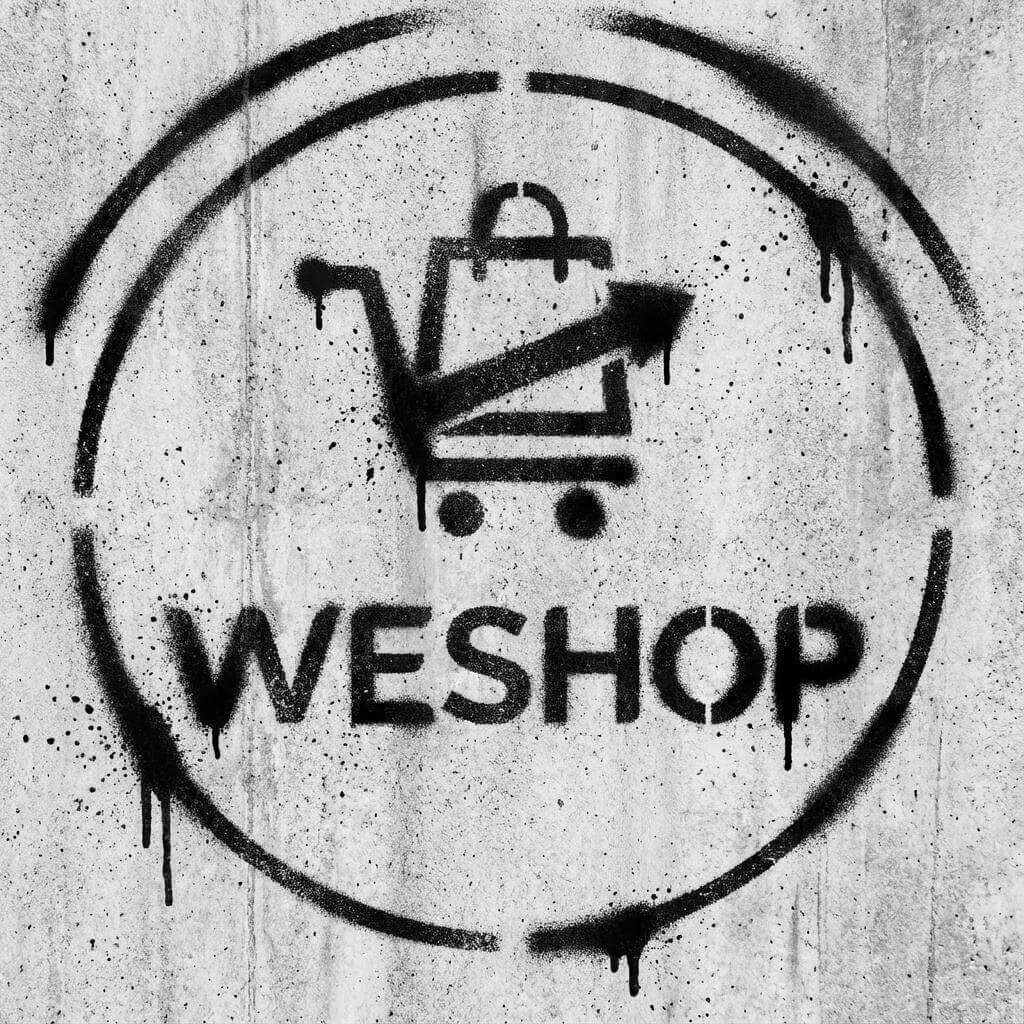
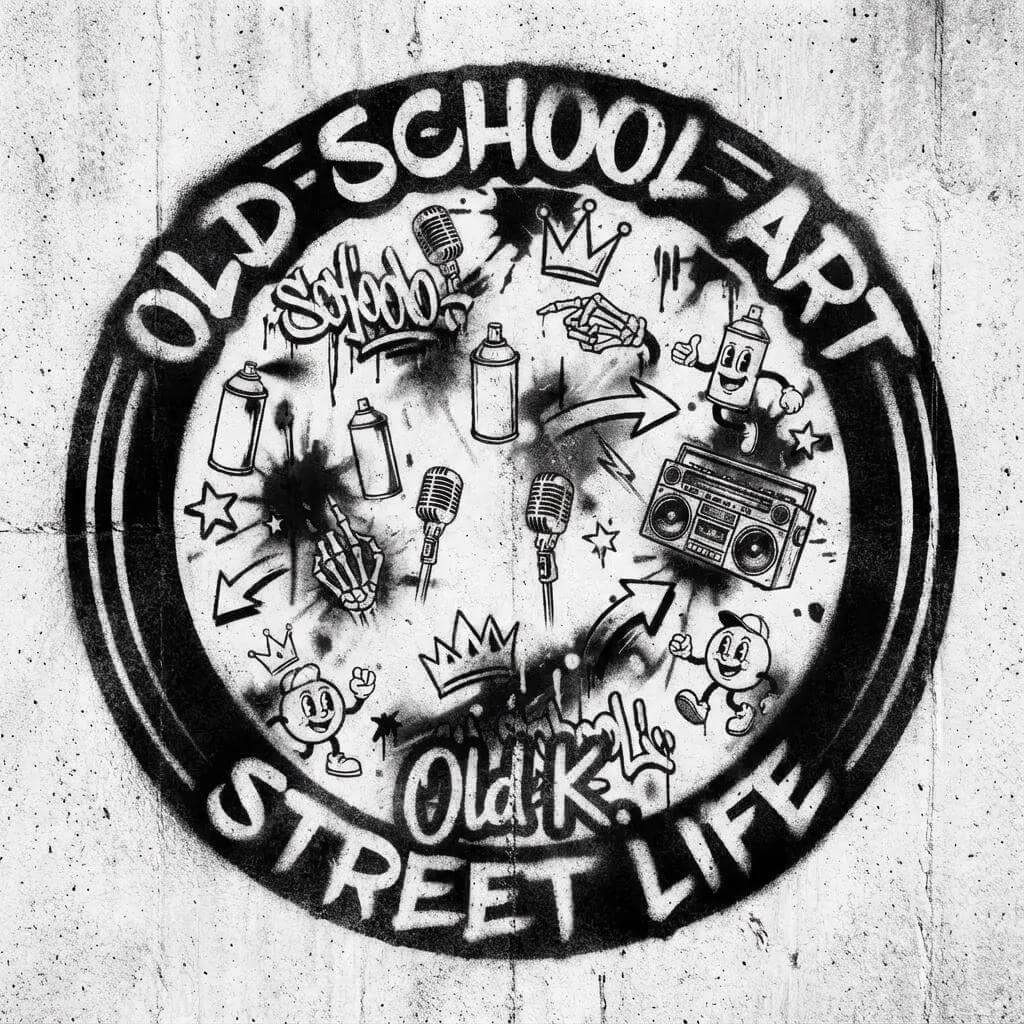
A SprayPaint Stencil Maker makes it possible to turn almost any image, logo, or text into a clean, spray-ready stencil in minutes. Instead of tracing by hand or cutting stencils manually, creators can now use AI to generate high-contrast stencil designs that work for graffiti, street art, DIY projects, branding, and events.
With WeShop AI’s SprayPaint Stencil Maker Online, you can generate custom spray paint stencils simply by describing your idea in a prompt or uploading an image or logo. The AI handles contrast, edge clarity, and negative space automatically, so your stencil is ready to use without design experience.
In this guide, we’ll walk through what a SprayPaint Stencil Maker is, how to use it, real-world use cases, who it’s best for, practical tips, and how it compares to traditional stencil-making methods.
What Is a SprayPaint Stencil Maker?
A SprayPaint Stencil Maker is an AI-powered tool that converts images or text into stencil-style designs optimized for spray painting. These designs focus on bold shapes, strong edges, and clear cutouts so paint passes cleanly through the stencil.
Unlike standard image filters, a stencil maker must balance:
- Contrast so details remain visible
- Edge strength so lines don’t blur when sprayed
- Negative space so the stencil doesn’t fall apart
WeShop AI’s SprayPaint Stencil Maker Online is built specifically for this purpose. It transforms photos, illustrations, logos, and graffiti text into spray-ready stencils that work on walls, wood, canvas, clothing, signage, and more.
How to Use the SprayPaint Stencil Maker Online
The process is simple and flexible, which is why many creators use it for fast experimentation.
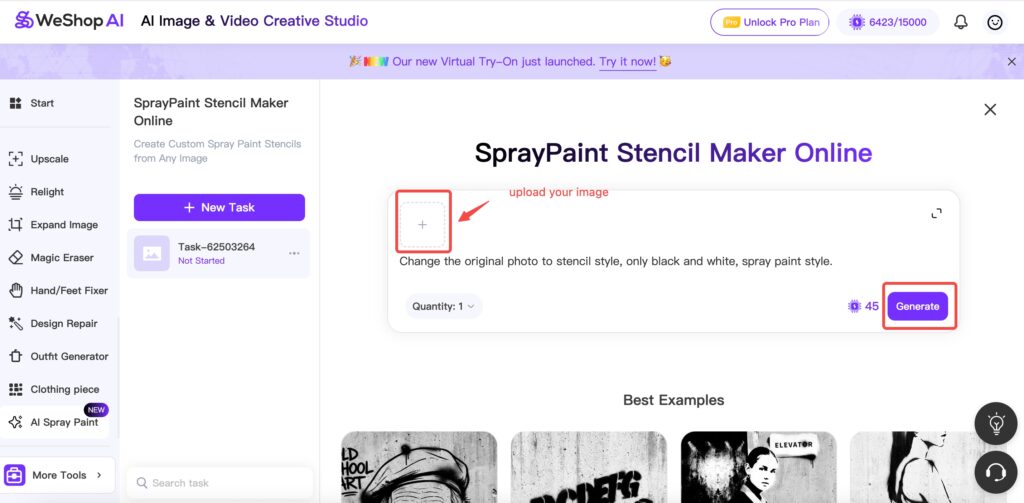
Option 1: Create a SprayPaint Stencil from a Prompt
If you already know the style you want, you can start with text.
- Enter a prompt describing your stencil design
- For example: “bold graffiti stencil of a fox, high contrast, street art style”
- The AI generates a stencil-style image based on your description
- Preview the result and refine it if needed
This approach works well for graffiti text, symbols, icons, and abstract designs.
Option 2: Upload an Image or Logo
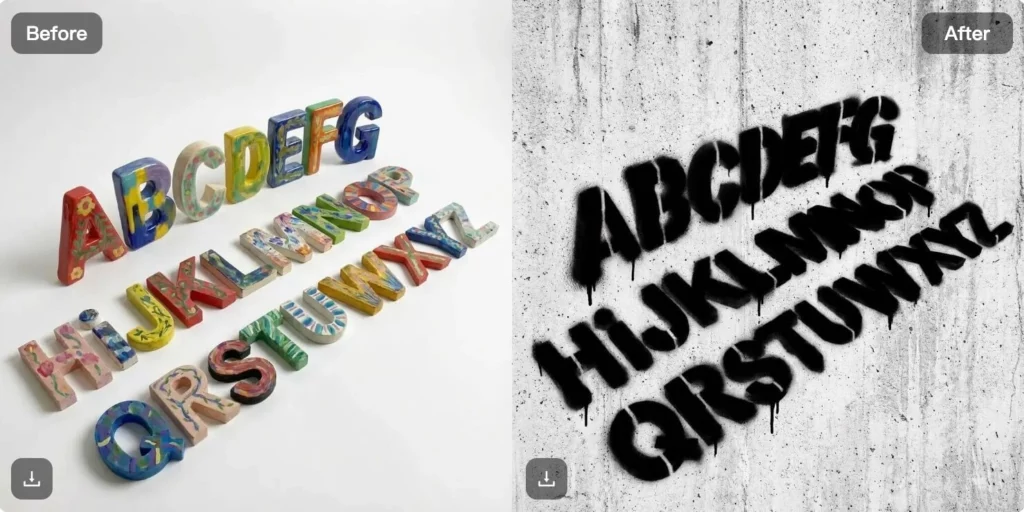
If you already have a reference image, the tool adapts it automatically.
- Upload a photo, logo, illustration, or graphic
- The SprayPaint Stencil Maker converts it into a stencil format
- The AI simplifies details while keeping the core shape intact
This method is ideal for logos, portraits, and recognizable visuals.
Export and Use
Once finished, you can export the stencil design and use it digitally or print it for cutting. The output is optimized for spray paint, so it works well across different surfaces.
SprayPaint Stencil Maker Use Cases
A SprayPaint Stencil Maker isn’t limited to graffiti alone. In practice, creators use it across many creative and practical scenarios.
Graffiti Names and Personal Tags
Artists and creators generate graffiti-style name stencils for:
- Personal branding
- Social media profile visuals
- Stickers and posters
The AI helps explore lettering styles quickly without manual sketching.
Street Art and Urban Graffiti Stencils
Street artists use stencil designs to test:
- Composition
- Line weight
- Negative space
By generating stencils digitally first, artists reduce mistakes before painting on walls or large surfaces.
DIY Art and Home Projects
For DIY creators, stencil making becomes much easier:
- Wall art
- Canvas paintings
- Furniture decoration
The SprayPaint Stencil Maker removes the need for drawing skills while still producing clean results.
Logos and Branding Projects
Small businesses and creators turn logos into spray paint stencils for:
- Pop-up events
- Packaging
- Custom signage
This is especially useful for temporary branding or experimental visuals.
Events, Signs, and Installations
Event organizers use spray paint stencils for:
- Directional signs
- Workshop branding
- Festival decor
Because the designs are reusable, they save time and cost.

Who Is the SprayPaint Stencil Maker Perfect For?
The tool fits a wide range of users, not just professional artists.
Street Artists and Graffiti Creators
For artists who care about speed and consistency, AI-generated stencils provide a reliable starting point without replacing creative control.
Designers and Brand Creators
Designers use stencil outputs to explore bold visual directions for urban-style branding, merchandise, and marketing visuals.
DIY Makers and Hobbyists
Beginners often struggle with stencil cutting and design balance. A SprayPaint Stencil Maker removes that friction entirely.
Educators and Workshop Hosts
Teachers and workshop leaders use stencils to introduce spray art techniques without long prep time.
Best Tips for Better SprayPaint Stencil Results
Even with AI doing the heavy lifting, a few tips make a big difference.
Keep Designs Bold and Simple
Spray paint works best with strong shapes. Avoid overly thin lines or tiny details, especially for large surfaces.
Think About Negative Space
A good stencil needs connected areas so it doesn’t fall apart when cut. If something looks too delicate, simplify it.
Test at Small Scale First
Before committing to a wall or large print, test your stencil on paper or cardboard.
Adjust Contrast Intentionally
High contrast improves paint clarity. Dark-on-light designs usually perform best.
SprayPaint Stencil Maker vs Traditional Stencil Creation
Traditional stencil making often involves:
- Manual tracing
- Image editing software
- Trial-and-error cutting
This process takes time and requires design skills.
By comparison, a SprayPaint Stencil Maker Online:
- Generates results in seconds
- Reduces manual adjustments
- Allows fast experimentation with styles
Instead of replacing creativity, the AI removes repetitive technical steps, letting creators focus on ideas and execution.
Why Use WeShop AI’s SprayPaint Stencil Maker?
WeShop AI combines stencil generation with a broader creative toolkit. That means users can move from stencil design to other visual formats without switching platforms.
The SprayPaint Stencil Maker works seamlessly alongside other WeShop AI tools for image editing, background removal, and creative design—making it easier to experiment, iterate, and produce consistent visuals.
Final Thoughts
A SprayPaint Stencil Maker changes how artists, designers, and DIY creators approach stencil design. What once took hours of tracing and cutting can now happen in minutes.
With WeShop AI’s SprayPaint Stencil Maker Online, anyone can turn ideas, images, or logos into spray-ready stencils—no drawing skills required. Whether you’re creating graffiti tags, DIY wall art, branding visuals, or event signage, the tool offers a fast and accessible way to bring bold ideas to life.