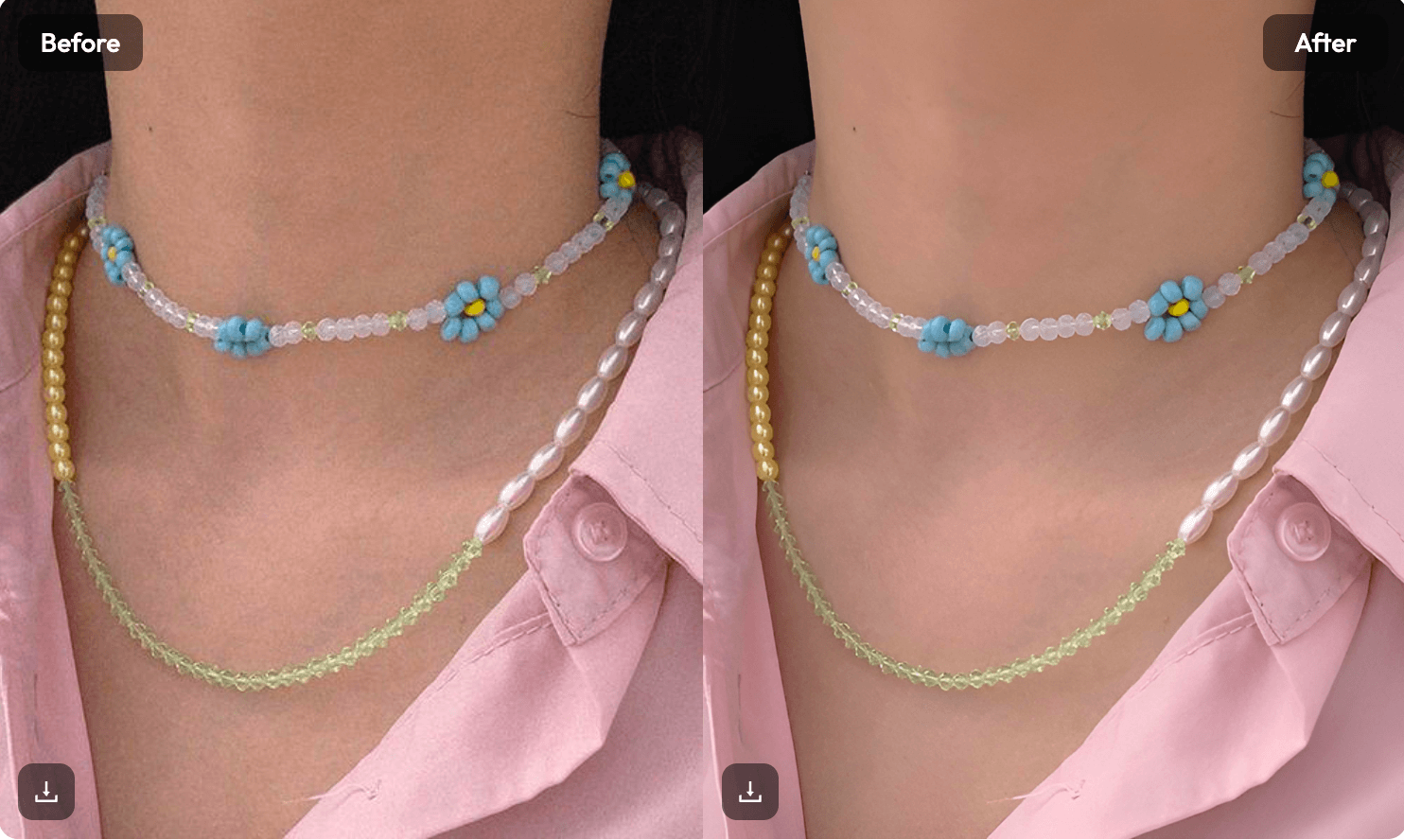
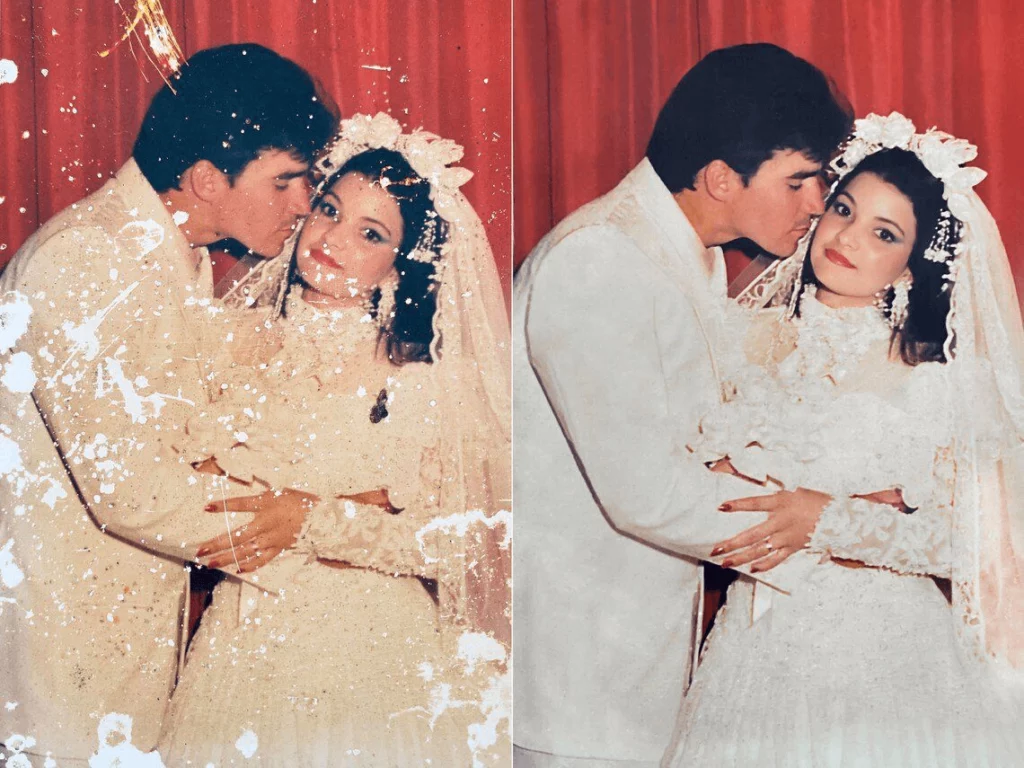
Do you have a box of old family photos hidden in your attic? Maybe there is a faded picture of your grandparents or a scratched wedding photo that has seen better days. It feels like these memories are slowly slipping away as the paper turns yellow.The good news is that you don’t need to be a Photoshop expert anymore. Modern technology makes it easy to restore old photos from the comfort of your couch. With just a few clicks, you can turn a grainy, damaged image into a sharp, colorful masterpiece.
In this guide, we will show you how to use ai photo restoration to bring your history back to life.
Why You Should Restore Old Photos Right Now
Physical prints are fragile. They suffer from humidity, sunlight, and accidental tears. If you don’t digitize and restore old photos soon, the damage might become permanent.
Beyond just saving the image, picture restoration allows you to share these memories on social media. It also lets you print large posters for family reunions. Using an hd image converter ensures that even a tiny 2-inch photo can look stunning on a 50-inch TV screen.
How to Restore Old Photos in Three Simple Steps
You might think you need expensive software, but that is a myth. You can restore old images using simple online tools. Here is the basic workflow:
1. Digitize Your Physical Prints
Before you can use an old photo restoration online free tool, you need a digital file. You don’t need a high-end scanner. Most modern smartphones take incredible photos. Just make sure you have bright, natural light and avoid glare on the glossy surface.
2. Use an AI Upscaler and Enhancer
Once you have the file, upload it to an AI platform. The AI looks at the “noise” and grain in your photo. It then “guesses” what the missing details should look like. This is how you get that crystal-clear finish in seconds.
3. Apply Color Correction
Many restore old photos tools include an auto-color feature. This turns black-and-white shots into full-color scenes. It makes the past feel much more “real” and immediate.
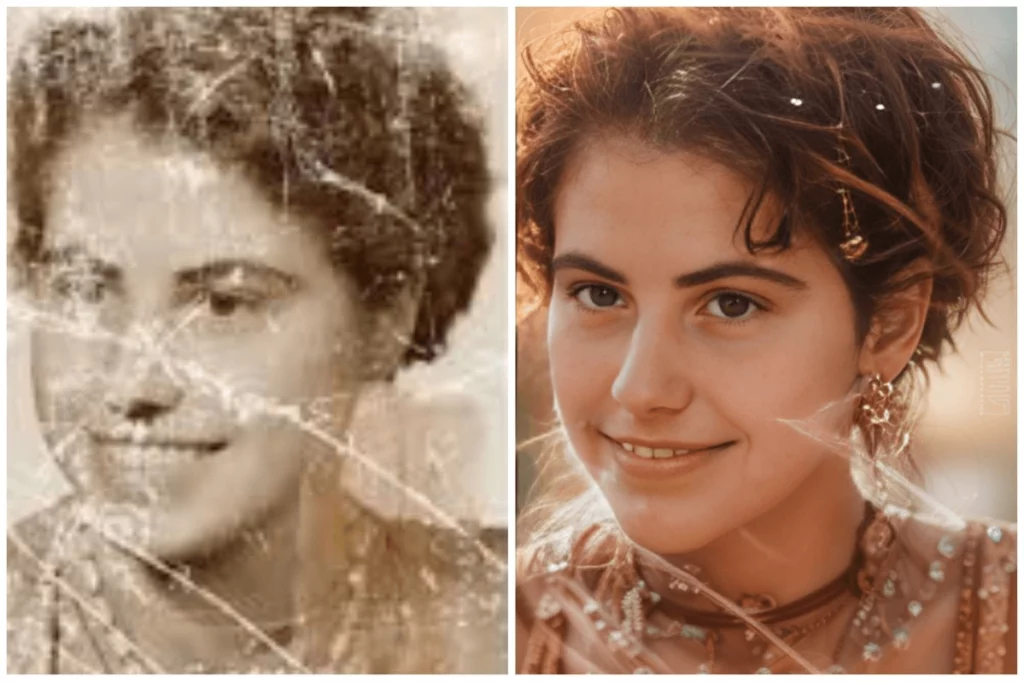
Best Tools to Restore Old Photos Online
There are many options available today. Some are professional suites, while others are quick mobile apps. Here are the top picks for different needs.
WeShop AI: The Modern Choice
If you want professional results without the complexity, WeShop AI is a fantastic option. While many know it for e-commerce, its creative suite includes powerful tools to restore old photos. It excels at sharpening faces and improving background textures. It provides a clean, user-friendly interface that handles the heavy lifting for you.
Specialized AI Restoration Sites
Websites dedicated to ai photo restoration often feature “scratch removal” buttons. These are great if your photo has physical fold lines or water spots. They use “in-painting” technology to fill in the gaps seamlessly.
Mobile Apps for Quick Fixes
For those who want to restore old images directly on their phone, apps like Remini or Adobe Express are popular. They are fast, though the free versions often limit how many photos you can process per day.
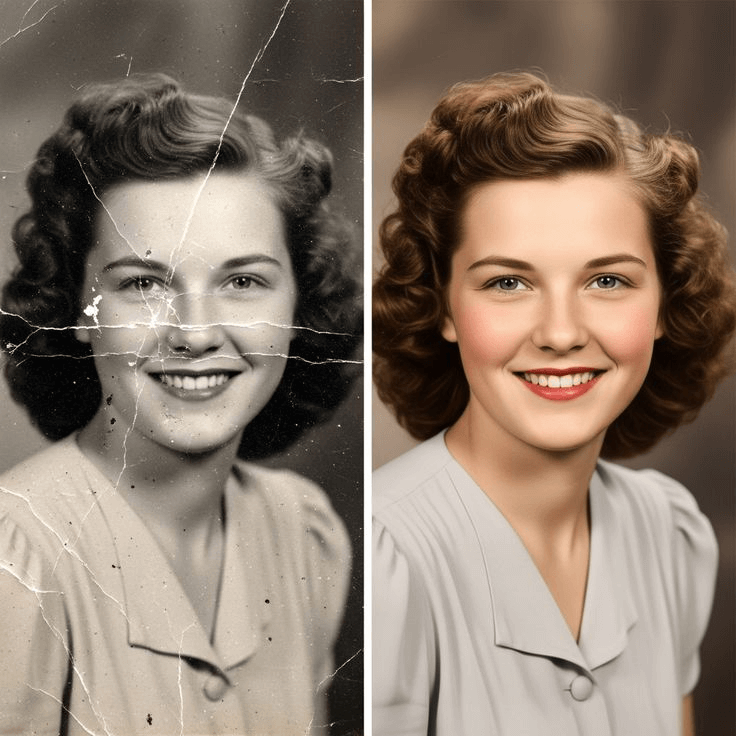
Pro Secrets to Better Picture Restoration
Getting a “crystal-clear” result involves more than just clicking a button. Here is how to get the best out of any hd image converter.
Avoid Over-Smoothing Faces
One common mistake in ai photo restoration is “plastic skin.” If the AI settings are too high, people can look like wax figures. Always keep a little bit of the original grain to maintain a natural look.
Fix the Lighting First
Before you restore old photos, try to adjust the brightness and contrast. A photo that is too dark is hard for the AI to read. A quick brighten can help the software see the details it needs to fix.
Choose the Right Export Format
After you restore old images, save them as PNG or high-quality JPEG. This prevents the file from losing detail when you share it via email or text.
The Benefits of Old Photo Restoration Online Free
The best part about the current tech landscape is the cost. You can find many ways to restore old photos online free or for a very low cost.
- No Learning Curve: You don’t need to learn layers or masks.
- Instant Results: Most AI tools finish the job in under 30 seconds.
- Safety: Most reputable sites delete your uploads after 24 hours to protect your privacy.
Using a tool like WeShop AI or other online enhancers means you don’t have to ship your precious originals to a lab. You keep the physical copy safe at home while the digital copy gets a makeover.
Restore Old Photos to Preserve Your Family Legacy
At the end of the day, picture restoration is about more than just pixels. It is about honoring the people who came before us. When you restore old photos, you are creating a bridge between generations.
Imagine showing your kids a photo of their great-grandfather, but instead of a blurry mess, they see his eyes clearly. That is the power of ai photo restoration. It turns a “relic” into a living memory.
Frequently Asked Questions
Can I restore a photo that is torn in half?
Yes, but it is harder. You should scan both pieces separately and use a tool that supports “stitching” or manual repair before using an AI enhancer.
Is AI photo restoration safe for my privacy?
Most major tools, including WeShop AI, have strict privacy policies. Always check the terms of service before uploading private family images.
How much does it cost to restore old images?
Many sites offer a “freemium” model. You can often restore old photos for free with a watermark, or pay a small fee for high-resolution, watermark-free downloads.
Conclusion: Your Memories Deserve a Second Life
Restore old photos today, and you are doing more than just fixing an image. You are saving a piece of history that would otherwise fade away. Thanks to ai photo restoration, the days of complicated software and expensive professional services are over. Whether you use a versatile tool like WeShop AI or a dedicated hd image converter, the power to revive your family legacy is now in your hands.
Don’t let your precious moments sit in a dark box. Take a few minutes to restore old images and share them with your loved ones. Seeing a blurry memory turn into a crystal-clear portrait is a truly rewarding experience. Start your journey with old photo restoration online free tools today and see the magic for yourself.