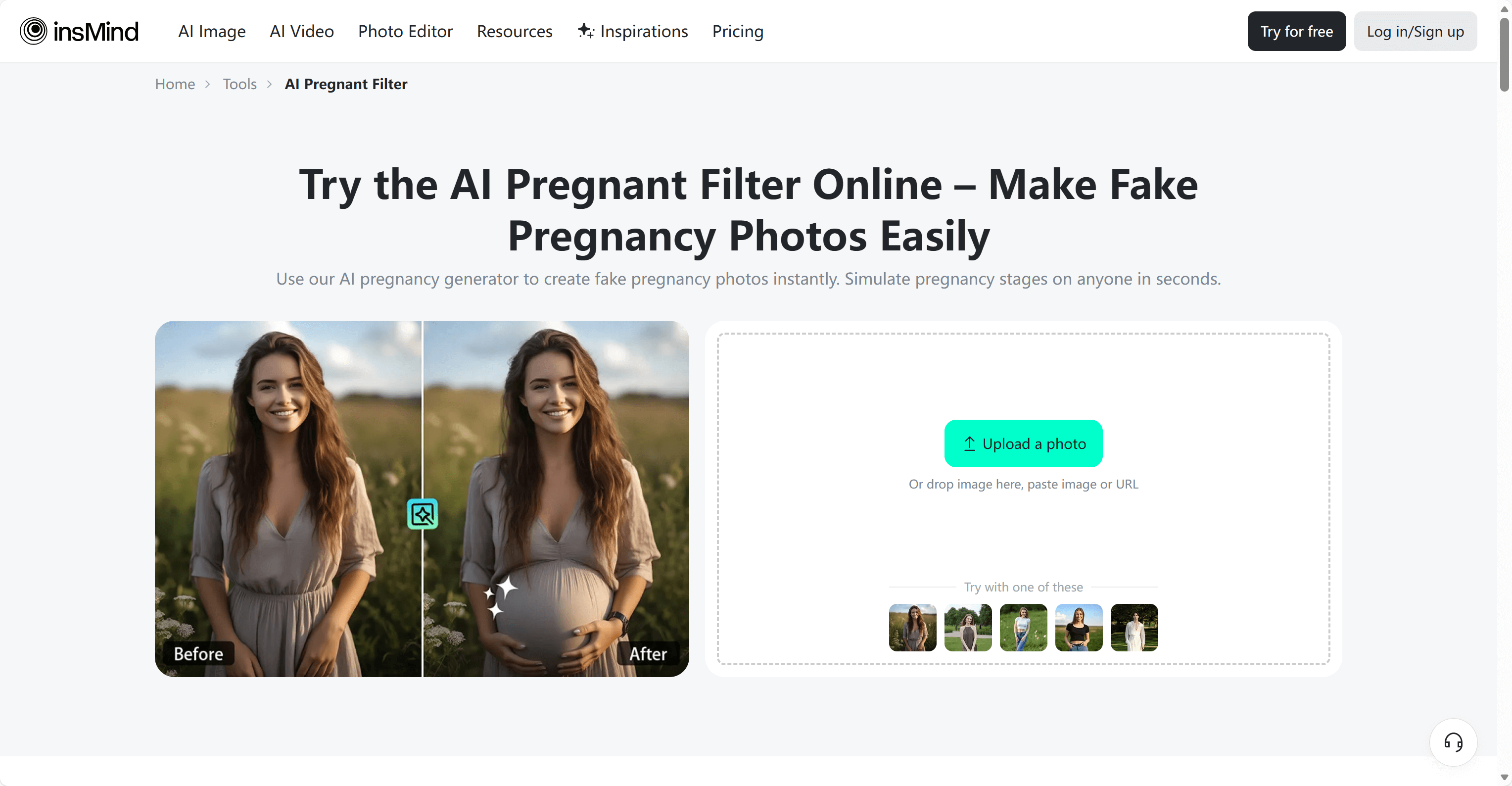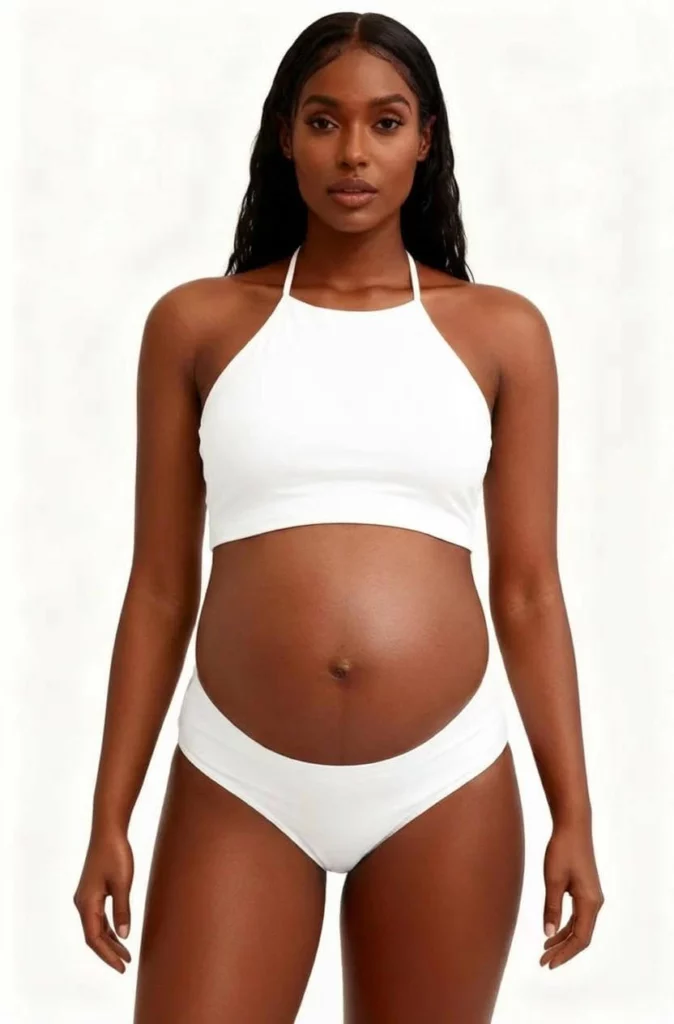
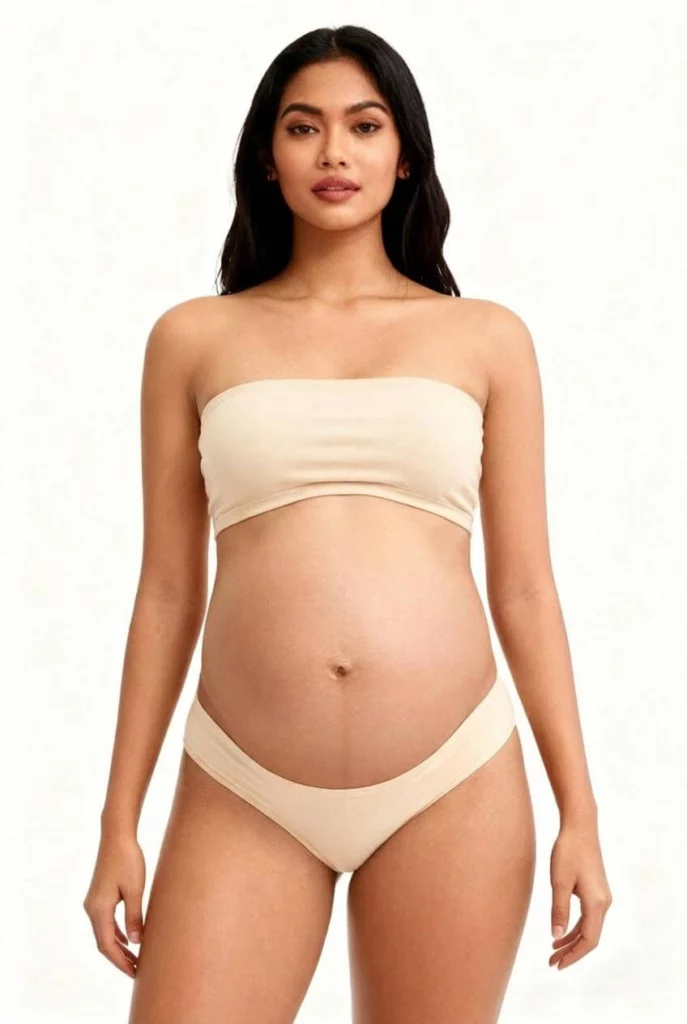
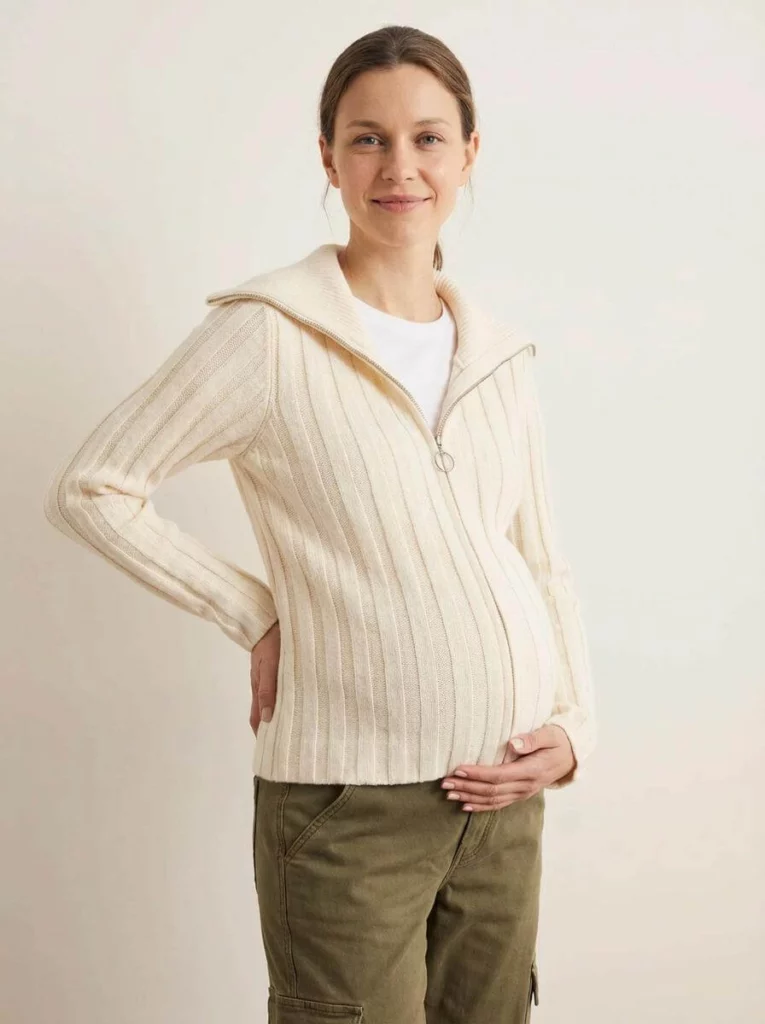
WeShop AI just dropped its newest button: Pregnant AI.
Upload any non-pregnant model photo.
Click once.
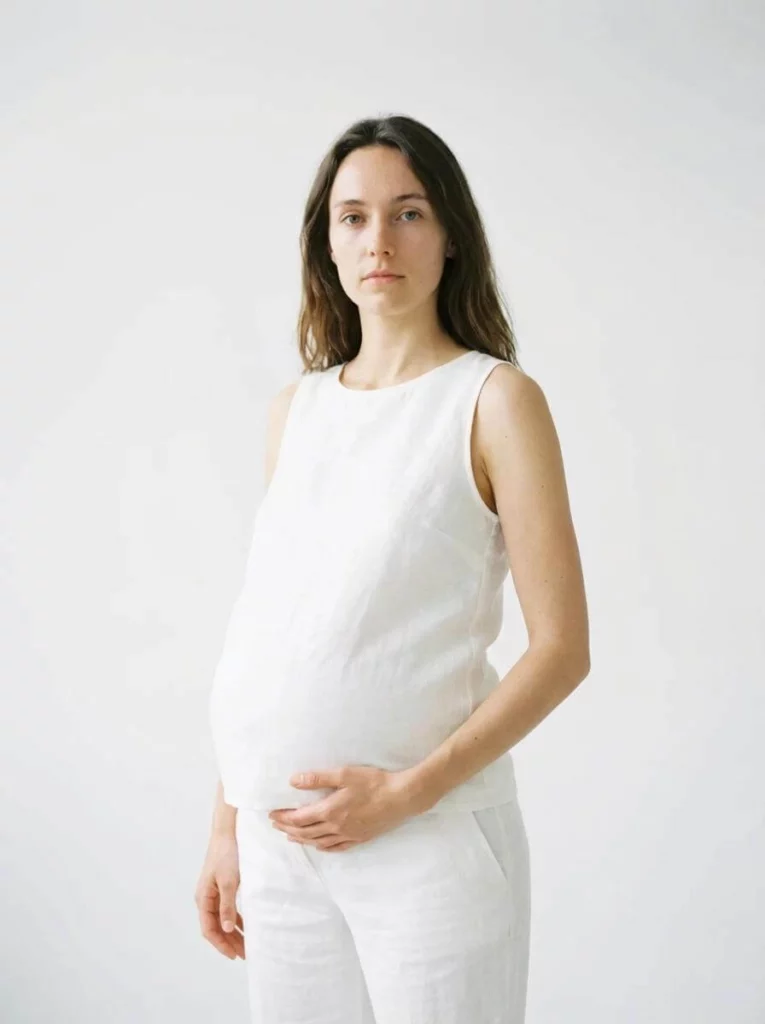
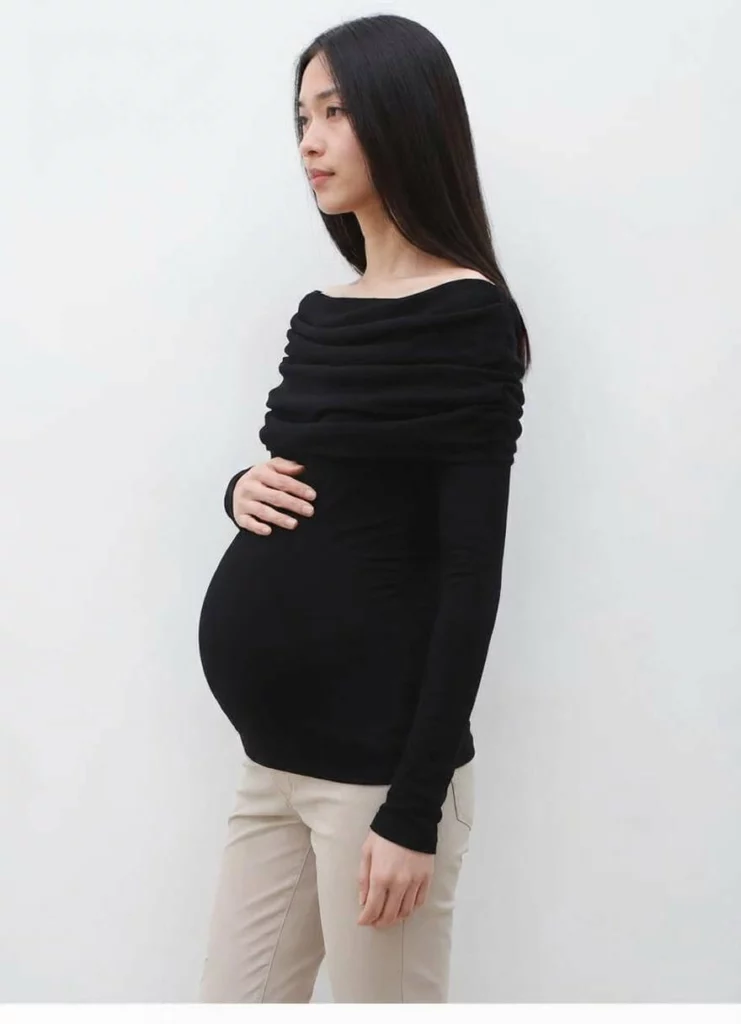
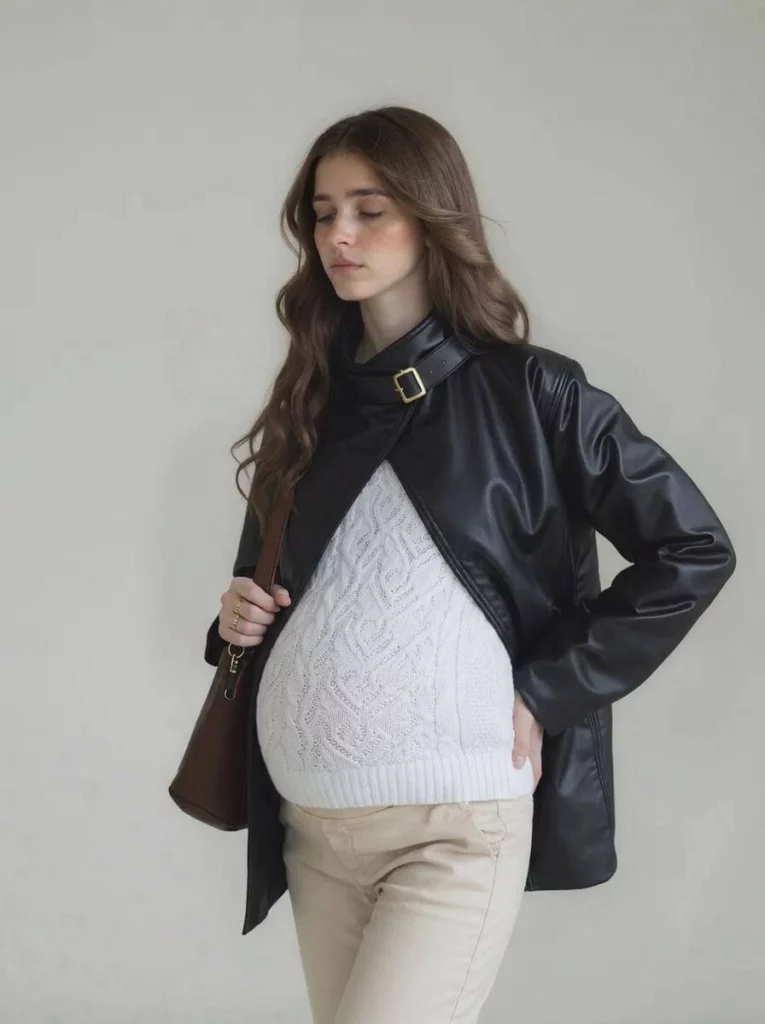
In seconds you’ll see the same model, same smile, same outfit—now beautifully, believably pregnant.
No studio. No stylist. No nine-month wait.
Below we walk you through why we built it, how it works, and the quickest ways to plug it into your workflow.
Why we built Pregnant AI
We listened.
Every week, merchants told us the same story: maternity lines are small but mighty—high margin, high loyalty, yet brutal to photograph. Booking real pregnant models means juggling due dates, limited size ranges, and shoots that slip later and later as bellies grow. Miss the window and the season is gone.
We also saw the data: pages that show “fit on bump” convert up to 38 % better, but only 12 % of brands have those images. The rest skip maternity shots entirely, or paste a crude oval under the shirt and hope no one zooms in.
So we asked, “What if the bump could be added after the fact—same model, same lighting, same garment?”
Our engine team spent eight months training on half a million maternity photos, teaching the AI how fabric stretches, how shadows fall, how rib cages lift and jeans sink. The result is a one-click layer that respects every pleat, zipper, and print while giving shoppers the true-to-life drape they need to hit “add to cart.”
Pregnant AI was built so every brand—big or small—can speak to expecting mothers without re-shooting a single frame.
Real Brands, Real Numbers
Beta testers ran Pregnant AI for three weeks.
Three fast take-aways:
- 92 % faster listing time vs booking real pregnant models.
- $1,200 saved per SKU on average.
- 38 % lift in “add-to-cart” on pages that showed maternity views.
One children’s wear brand even used the tool to preview how a wrap dress would look on a mom-to-be. The maternity version outsold the regular version 2:1。
Step-by-Step Guide: Make Your First Pregnant AI Image in Under 60 Seconds
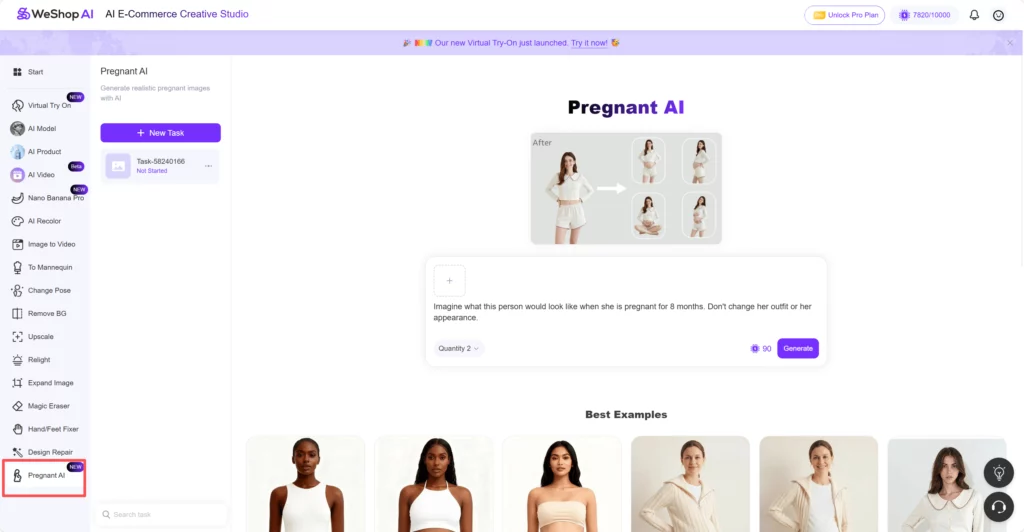
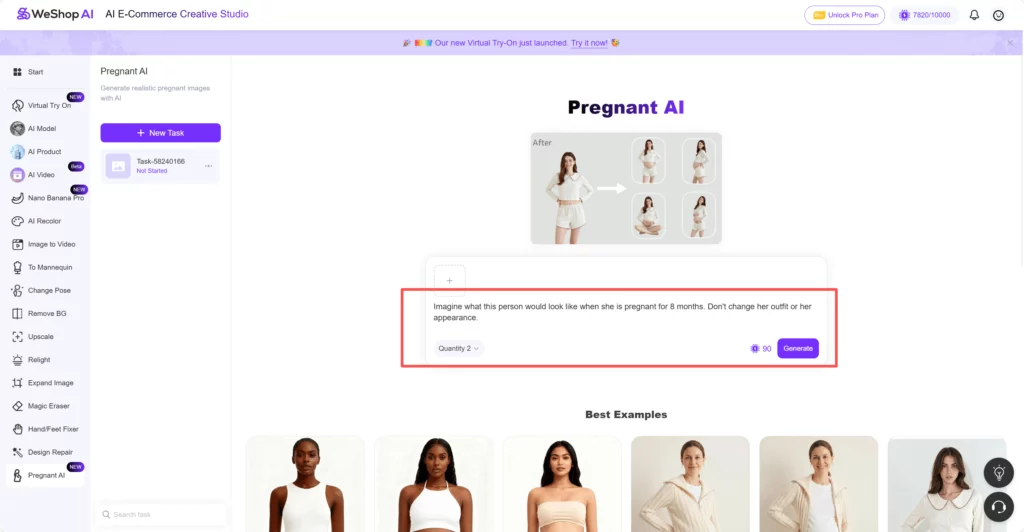
STEP 1 – Find the Button
Open WeShop AI and look at the left-hand menu.
You will see “Model,” “Mannequin,” “Product,” and, near the bottom, a pink icon labeled “Pregnant AI.”
Click it once. The whole workspace flips to the maternity dashboard. That’s it—no hidden tabs.
STEP 2 – Upload Your Image
Click the upload button.
Choose a photo that shows an adult woman from the front; side angles work, but straight-on gives the cleanest bump map.
Make sure both face and body are clear—no heavy blur, no crossed arms hiding the torso.
Drag, drop, done.

STEP 3 – Read, Edit, or Write Your Prompt
A text box appears on the right.
By default it already says:
“Imagine what this person would look like when she is pregnant for eight months. Don’t change her outfit or appearance.”
You can leave this exactly as-is and skip to “Generate.”
Or tweak it in seconds:
- Want a smaller bump? Replace “eight months” with “three months.”
- Want to see the same dress but in a maternity cut? Add “with side ruching and extra length.”
- Need a twin bump? Type “carrying twins, third trimester.”
Keep the sentence simple; one line is enough. The engine ignores spelling mistakes, but short, clear words give the fastest render.
STEP 4 – Generate
Hit the purple “Generate” button.
Pregnant versions pop up in 15–30 seconds.
Pick your favorite, star it, download, or send it straight to Replicate Task for more angles.
That’s all—four clicks from start to bump.
Common questions answered about Pregnant AI
Q: Does the face really stay the same?
A: Yes. We lock facial landmarks so the customer sees the person she already trusts.
Q: How realistic is the belly shape?
A: We trained on 500 k maternity photos. The engine predicts weight gain patterns, rib-cage lift, even belly-button depth.
Q: Can I use it on flat-lay images?
A: Absolutely. The AI inflates the garment as if a bump were underneath, then adds a soft shadow underneath the hem.
Q: Will my account run out of credits fast?
A: One click costs the same as a standard model swap.
Conclusion
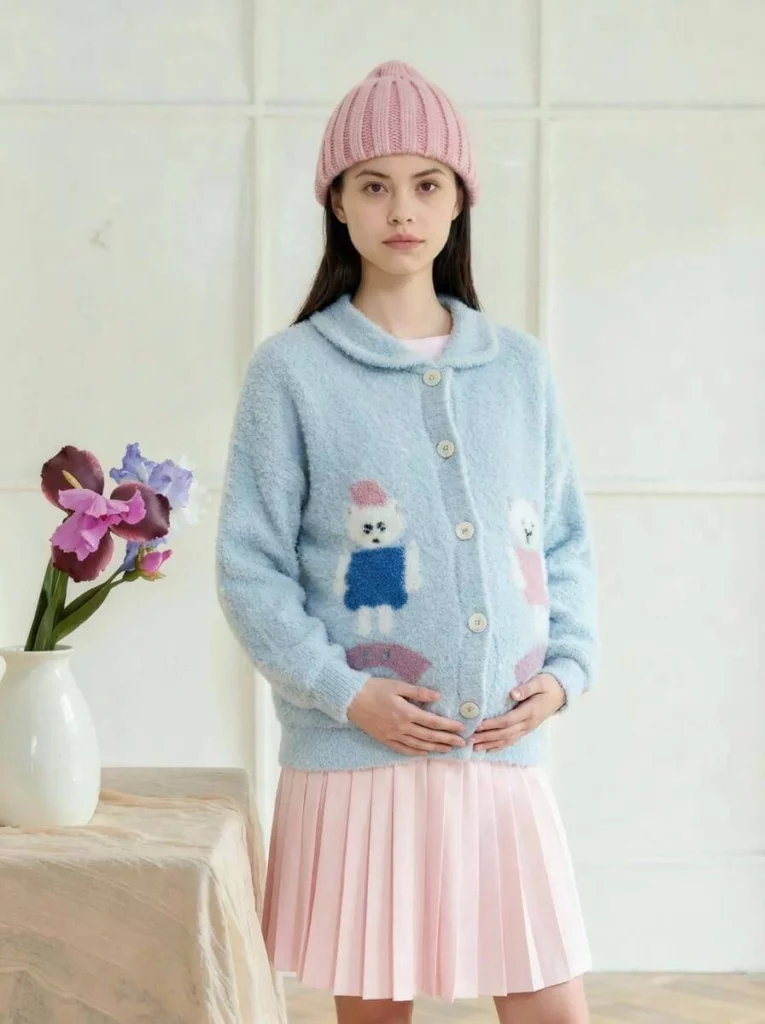
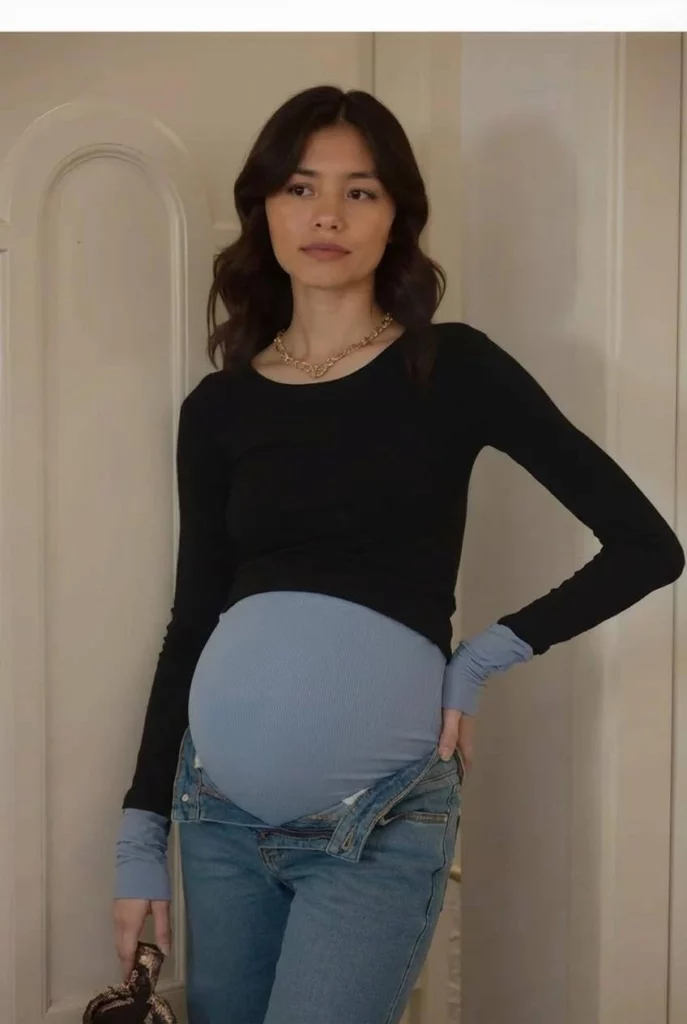
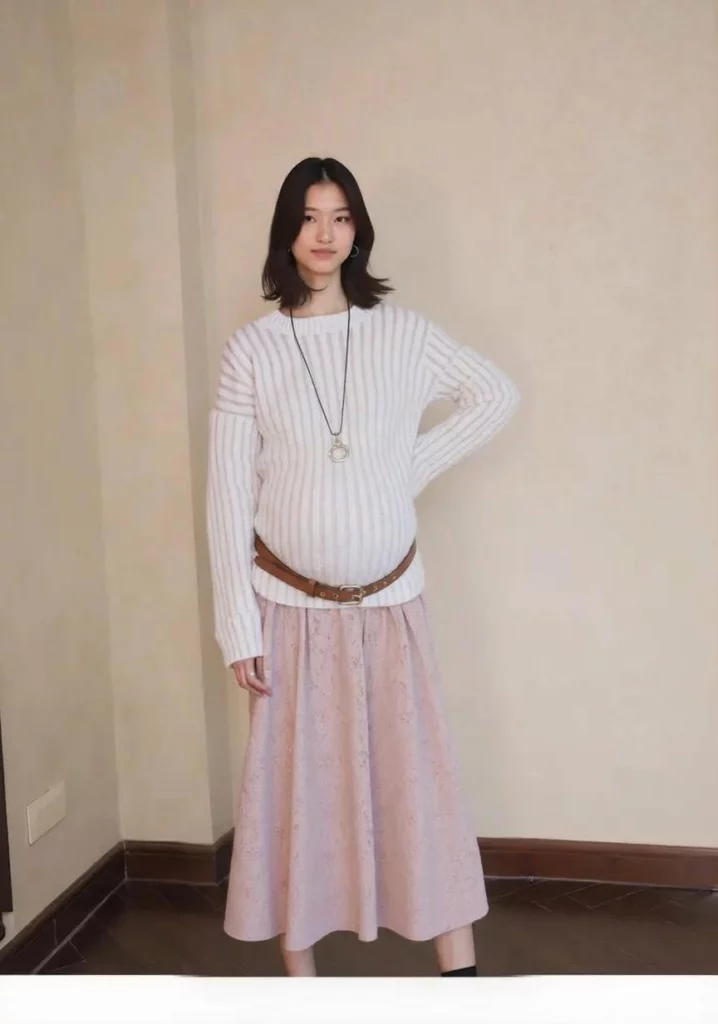
Pregnant AI turns one standard photo into a full maternity catalog—same model, same light, same garment, new life. No extra shoots, no extra cost, no nine-month wait. Try it today, add the bump in seconds, and give every shopper the confidence to click “buy.” Your maternity line is now as fast as your regular line. Welcome to the future of inclusive, instant fashion imagery.