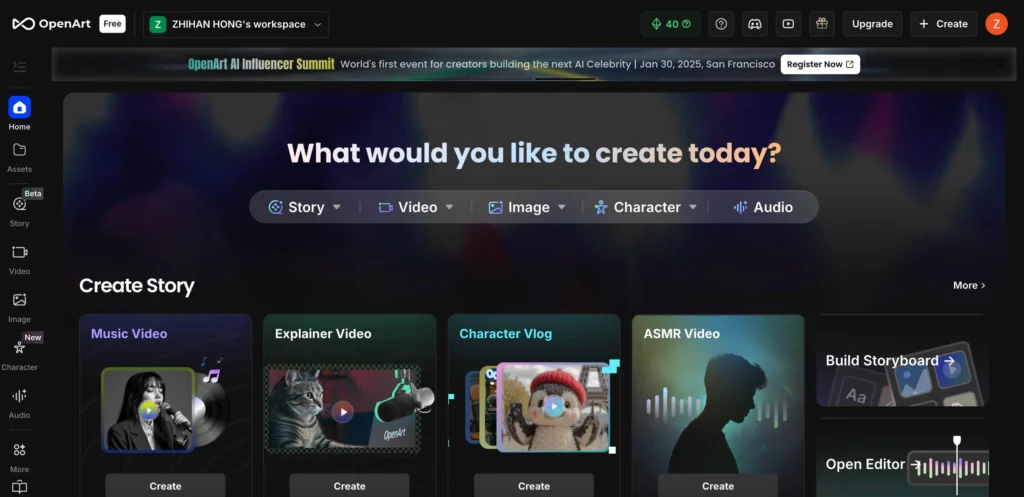
Choosing the right AI tool is a big task in 2026. Many artists feel trapped by simple apps. They want to change every detail. OpenArt AI is built for these people. It is more than just a prompt box. It is a full workspace for creators. This review looks at how it works. We will check its features and its new 2026 prices. Most importantly, we will see if it fits your specific workflow.
Why OpenArt AI Features Lead the Market in 2026
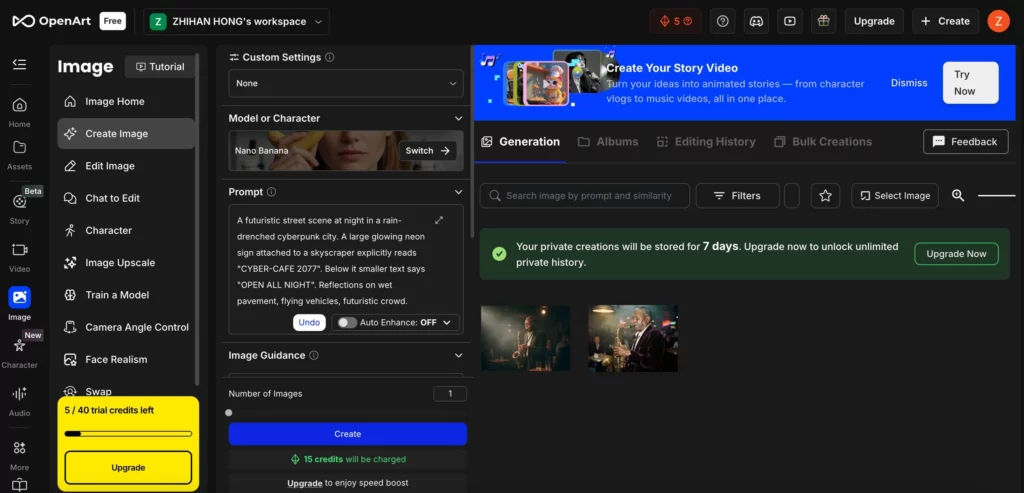
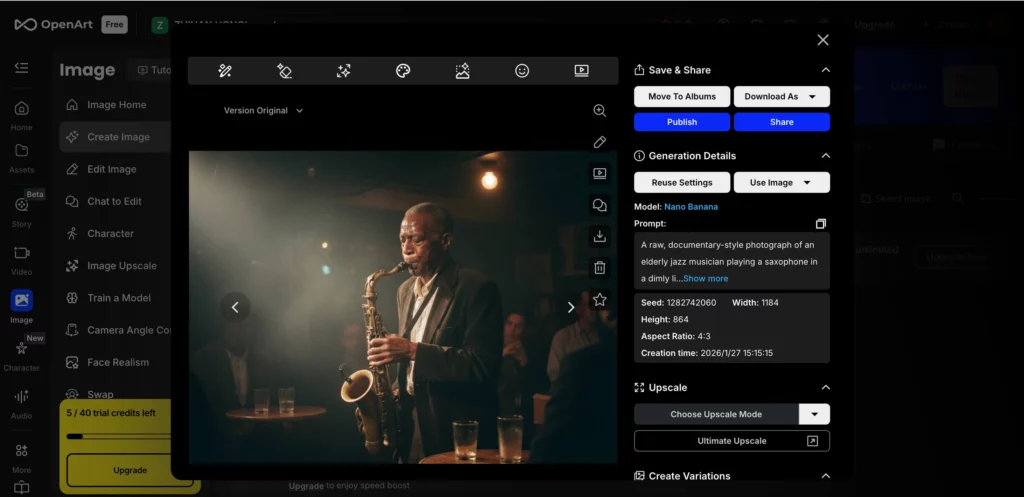
OpenArt AI focuses on giving you choices. Most tools give you one model. OpenArt AI gives you many. You can use Flux, Nano Banana Pro, or Seedream 4.5. You can switch between them in one click. This makes it very flexible for different projects.
The “Smart Flow” editor is a key highlight. It looks like a node-based system. But it is much easier to use. You can connect different steps of a design. For example, you can link an upscaler to a specific model. This creates a repeatable workflow for your team.
Consistent characters are also much better now. The “Character 2.0” update arrived in late 2025. You only need one reference image. The AI then keeps that person the same in every shot. This works for humans and even for monsters. It is a huge win for storytellers.
A Deep Dive into OpenArt AI 2026 Pricing
Pricing changed at the start of the year. OpenArt AI now offers four clear plans. They want to fit every budget. Paying annually is the best way to save. You can get up to 50% off the monthly rate.
| Plan Name | Annual Price (Per Month) | Monthly Fast Credits | Parallel Generations |
| Starter | $7.00 | 4,000 | 8 |
| Basic | $12.00 | 10,000 | 16 |
| Pro | $24.00 | 25,000 | 32 |
| Ultimate | $48.00 | 60,000 | Unlimited |
The Pro Plan is our top recommendation. It gives you 25,000 credits. It also lets you train eight custom models every month. This plan removes most limits for professional designers.
If you are just starting, the Starter Plan is great. It is very cheap at $7 per month. You still get access to premium models like Nano Banana Pro.
OpenArt AI vs. Midjourney: Flexibility vs. Simplicity
Many people ask about the difference between these two. Midjourney is like a professional camera. It has one great lens and a specific look. OpenArt AI is like a full studio.
Midjourney excels at artistic lighting. It creates “vibes” effortlessly. But it can be hard to control. OpenArt AI excels at precision.
You can use the “Sketch-to-Image” tool on OpenArt. You draw a few lines. The AI follows them exactly. Midjourney cannot do this as well. Also, OpenArt works in your browser. You do not need Discord. This makes it easier to use in a professional office.
How to Master OpenArt AI in Four Simple Steps
Using this platform is easy if you have a plan. Follow these steps to get great results.
Step 1: Pick Your Base Model
Don’t just use the default. If you want realism, pick Nano Banana Pro. If you want anime, pick a fine-tuned SDXL model.
Step 2: Use a Reference Image
Upload a photo to guide the layout. You can adjust the “ControlNet” strength. This tells the AI how closely to follow your photo.
Step 3: Refine with the Magic Brush
If you don’t like a small part, use the brush. You can paint over a hat to change its color. You don’t have to regenerate the whole image.
Step 4: Scale and Polish
Use the “Creative Upscaler” for the final touch. It adds tiny details that make the image look real. It can even fix blurry faces.
Advanced Model Training with OpenArt AI
This is the most powerful feature for brands. You can train your own AI model in minutes. This is called LoRA training.
You only need 20 to 30 photos. Upload them to the training dashboard. The AI learns the face or the style. In 2026, this process takes less than 15 minutes.
Once it is done, you can use a “trigger word.” Whenever you type that word, the AI uses your custom style. This is perfect for keeping a brand look consistent. It is much better than trying to describe a style with words every time.
The Hidden Power of AI QR Codes and Logos
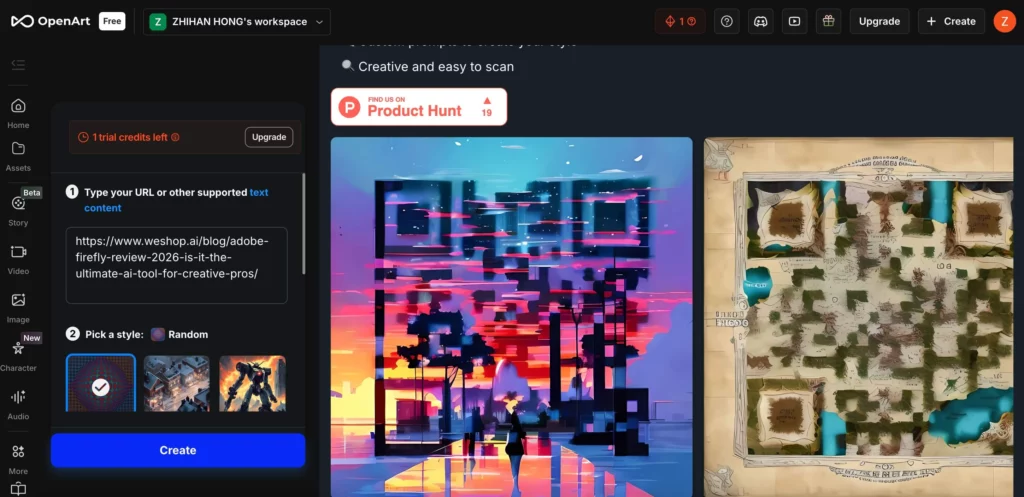
Marketing teams love the QR code tool. It creates art that is also a working link. You can turn a mountain landscape into a scannable code.
This works great for posters and social media. It looks like art, not an ad. People are more likely to scan it.
The logo transformer is also very useful. You can upload a flat 2D logo. The AI can turn it into 3D glass or chrome. This gives old logos a fresh look for 2026 campaigns.
Final Verdict: Is an OpenArt AI Subscription Worth It?
The answer depends on your needs. If you just want fun art, a free tool is fine. But for professionals, OpenArt AI is worth every penny.
It saves time by putting all tools in one place. You get images, videos, and custom training. The 2026 updates have made it faster than ever. It is truly a “creative sandbox” that grows with you.
We love how it balances power and ease of use. It is a solid investment for any creative team. However, keep in mind that every tool has its focus. If your daily work is strictly about E-commerce photography, you might need more. While OpenArt is great for creative art, tools like Weshop AI specialize in making products look perfect in commercial shots.