Your phone camera lies to you every day. It compresses, crops, and quietly destroys the detail you thought you captured. That blurry group shot from last weekend? The product photo that looks fine on your screen but turns to mush when you zoom in? AI photo enhancement fixes what your camera broke — and it takes about three seconds.
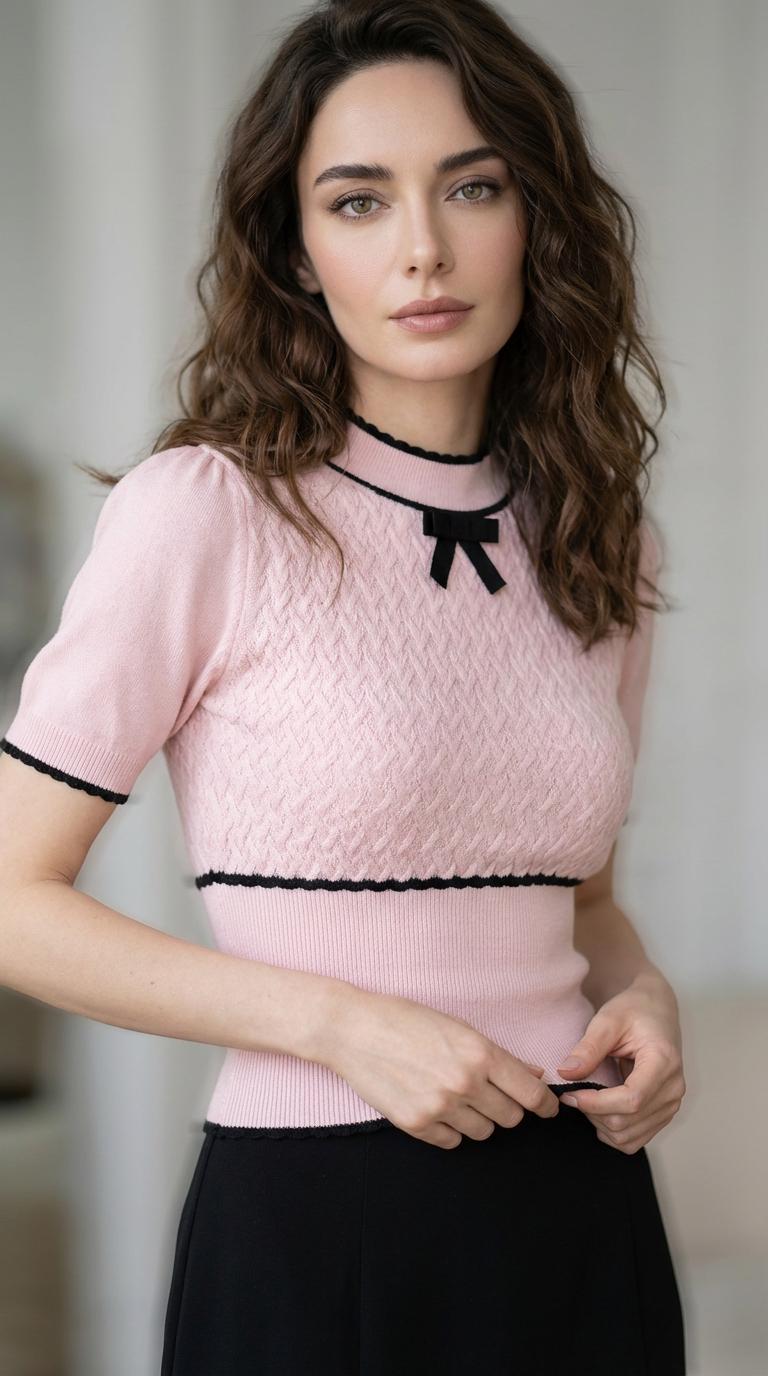
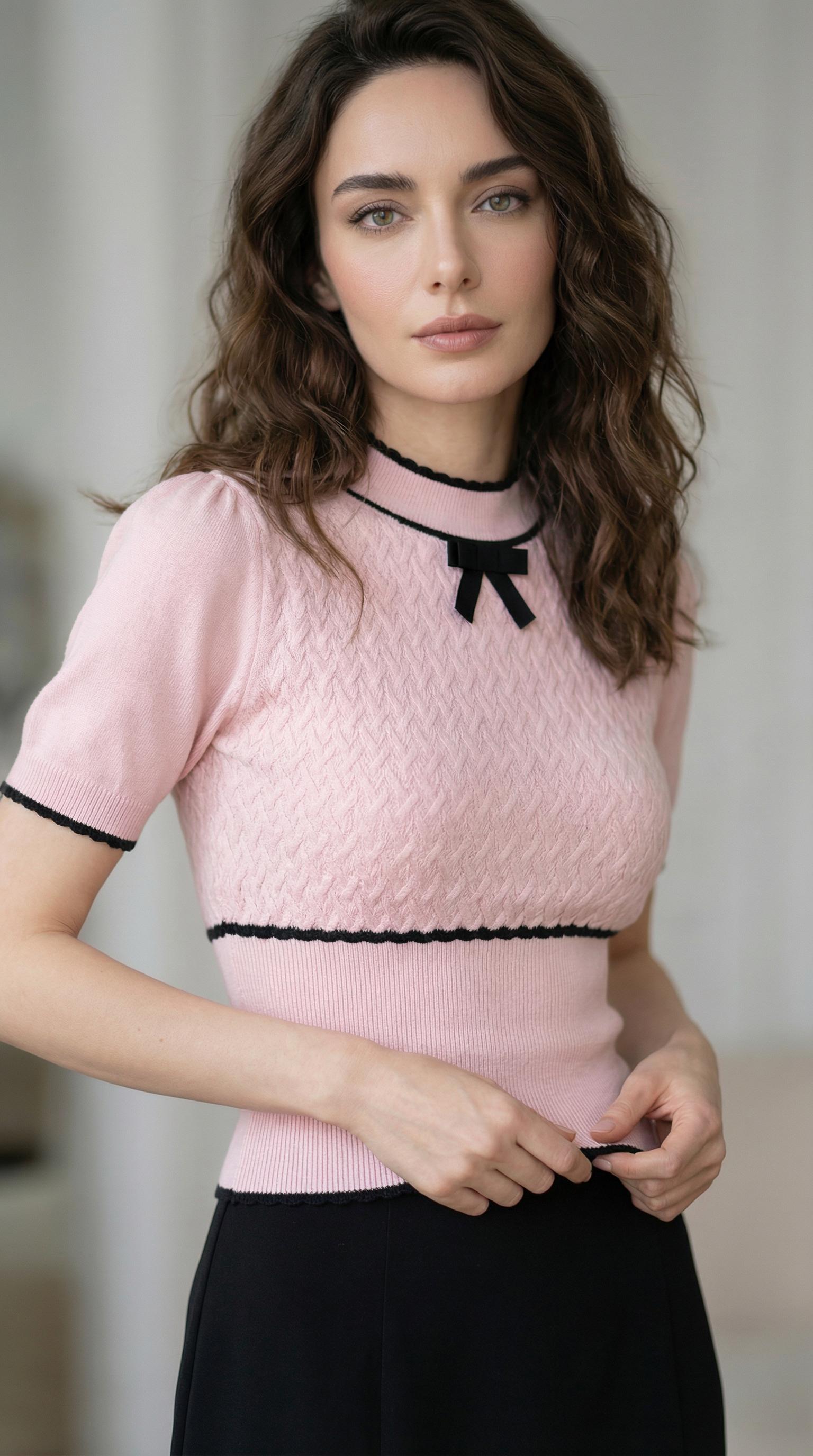
Before / After: A fashion portrait with knit fabric detail. The AI-enhanced version recovers stitch patterns, skin texture, and ambient lighting nuance that compression flattened.
Why Every Photo You Take Is Already Degraded
Here is the uncomfortable truth about digital photography in 2026: the moment you press the shutter button, your device begins destroying information. JPEG compression throws away high-frequency data. Social media platforms re-compress on upload. Screenshots capture screen resolution, not image resolution. By the time a photo has been shared twice, it has lost measurable detail at every step.
Traditional fixes — sharpening filters, bicubic upscaling — just amplify what is already there. They cannot invent detail that compression deleted. That is the fundamental difference with AI photo enhancement: neural networks trained on millions of image pairs learn to predict what the missing detail should look like and reconstruct it from scratch.
The technology behind this is called super-resolution, and it relies on residual learning — networks that calculate the gap between your blurry input and a sharp output, then fill that gap with statistically probable detail. Not fake detail. Not smoothed-over guesswork. Reconstructed texture, edges, and clarity based on patterns the network learned from real photographs.
Three Seconds to HD: How AI Photo Enhancement Works in Practice
The entire workflow fits in your lunch break:
Step 1: Upload your image to WeShop’s AI Photo Enhancer. Any format. Any size. Phone screenshots, old scans, compressed social media downloads — all accepted.
Step 2: The AI processes your image through a residual learning pipeline with perceptual loss optimization. Translation: it figures out what detail is missing and rebuilds it to match how humans actually perceive sharpness.
Step 3: Download your enhanced image at up to 4× the original resolution. Done.
No sliders to adjust. No “enhancement level” to guess at. No 47-step Photoshop tutorial. The AI handles the technical decisions — you just get the result.
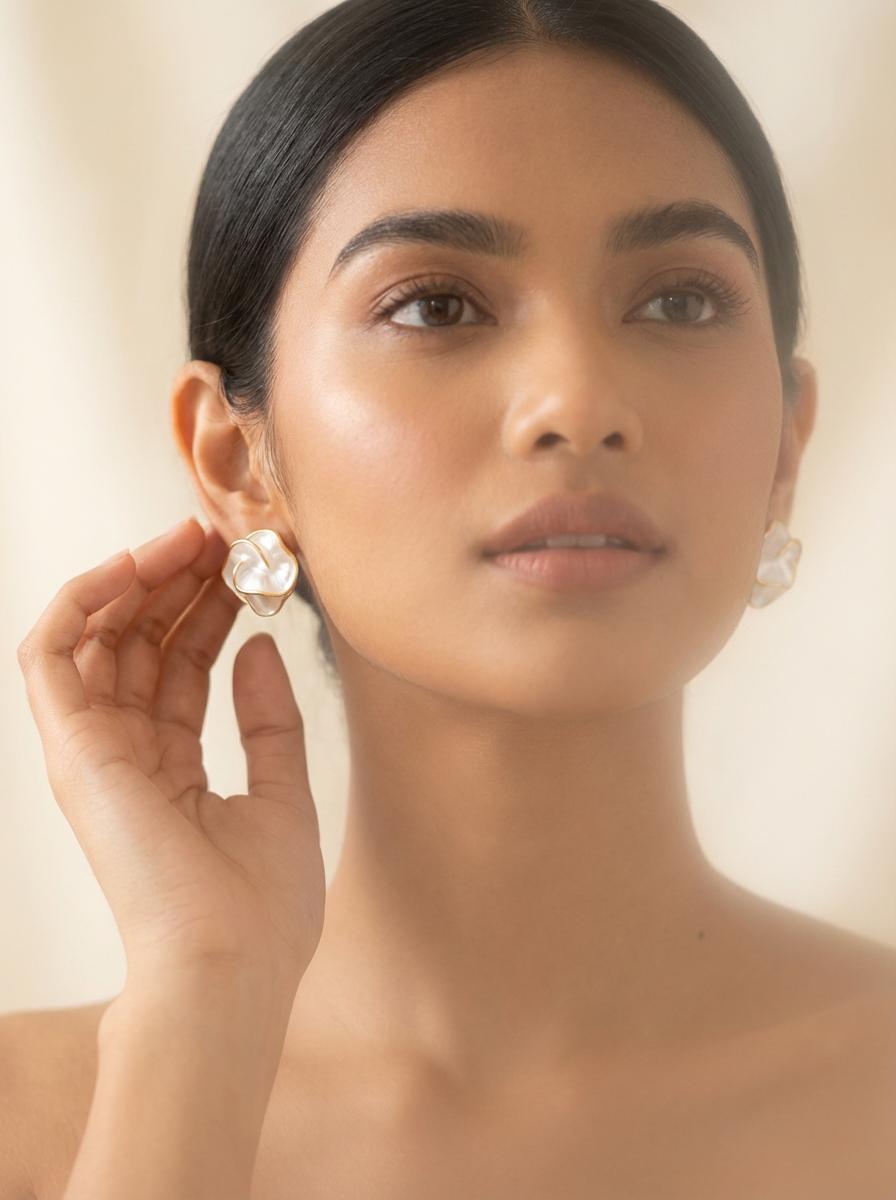
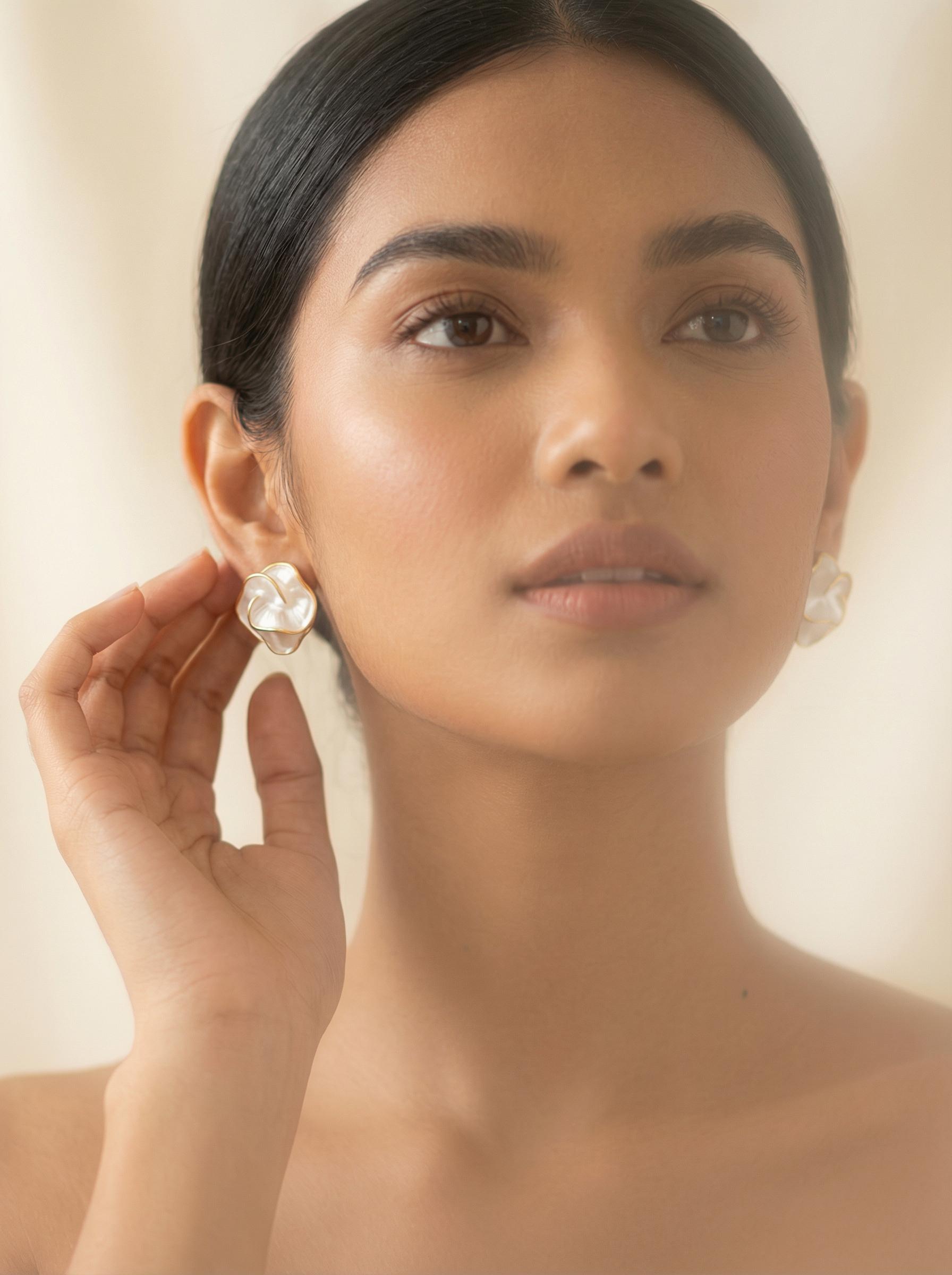
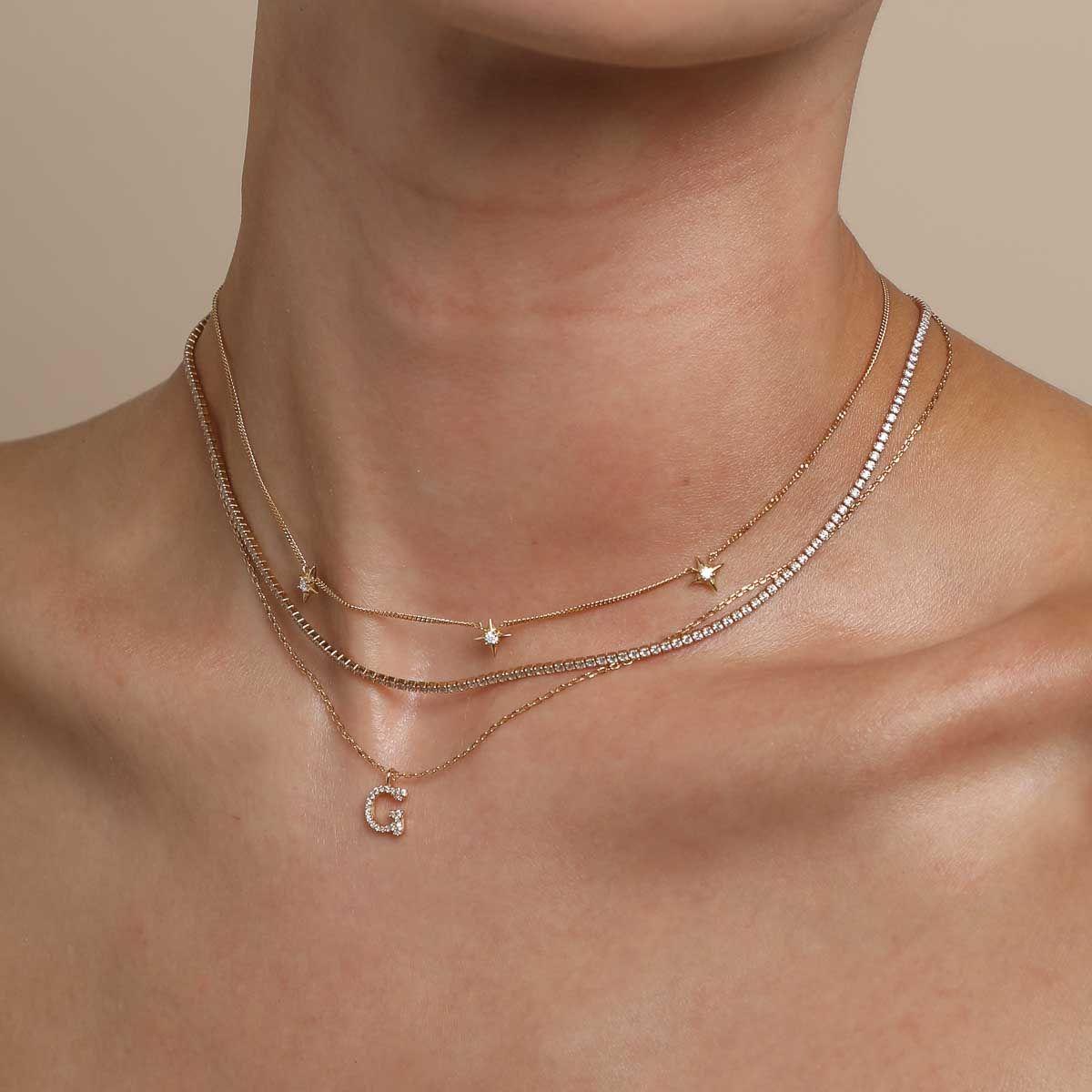
Before / After: Close-up jewelry shot. AI enhancement resolves the fine metalwork and gemstone facets that low-resolution capture reduced to a blur — exactly the clarity that drives purchase confidence.
The Real-World Playbook: Six Scenarios Where AI Photo Enhancement Saves Your Day
Fan Photo Rescue
You screenshotted your favorite celebrity from a livestream. It is 480p. It looks like it was taken through a window during a rainstorm. AI photo enhancement turns that blurry mess into something you can actually use for edits, prints, or wallpapers. The network recovers facial features, hair texture, and clothing detail that compression smashed flat.
E-Commerce Product Glow-Up
Your supplier sent product photos taken with what appears to be a potato. You need them on your Shopify store by tomorrow. AI upscaling takes those 800×600 catalog rejects and delivers 3200×2400 images with visible texture, clean edges, and enough resolution for zoom-to-detail functionality.
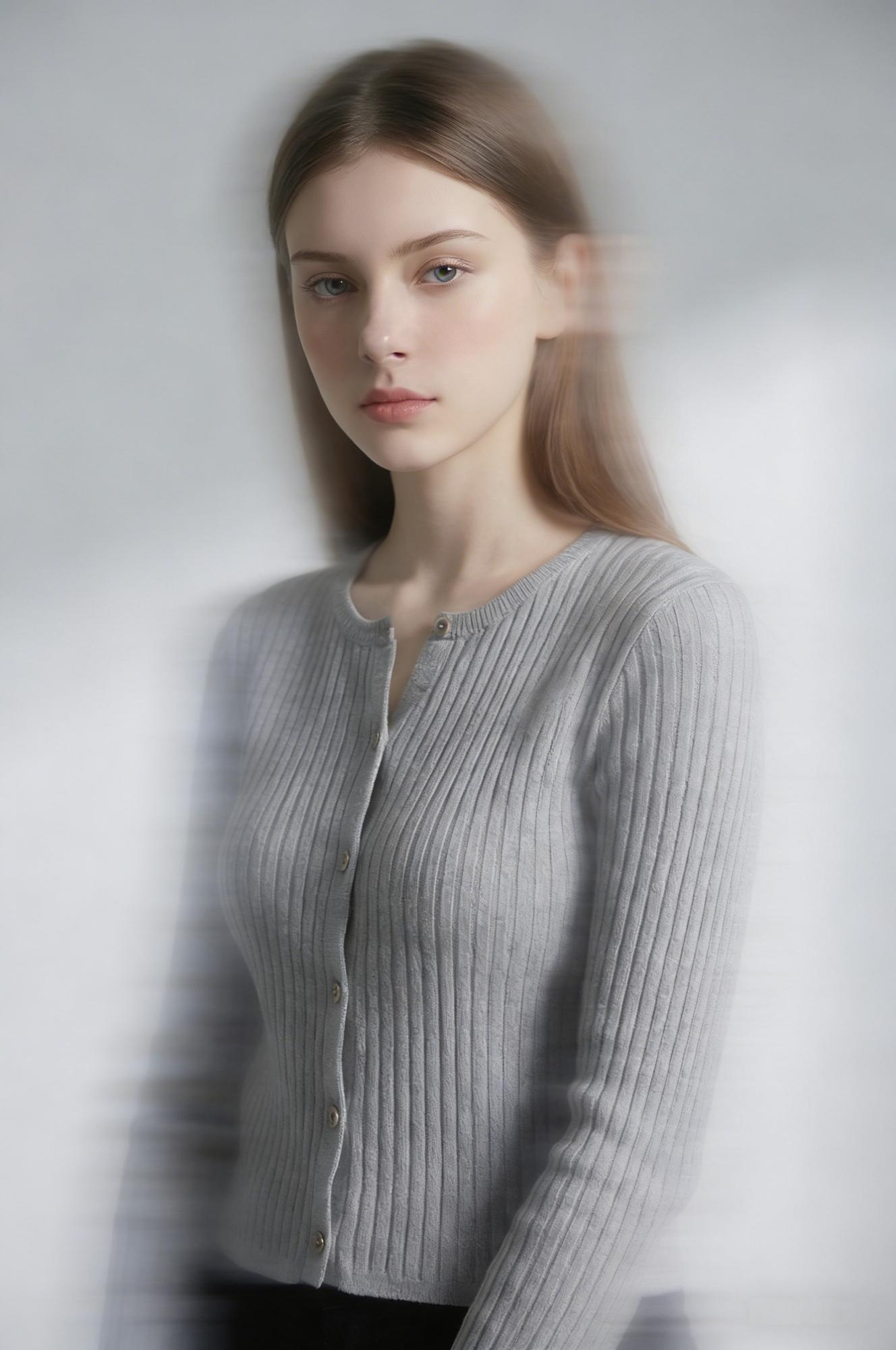
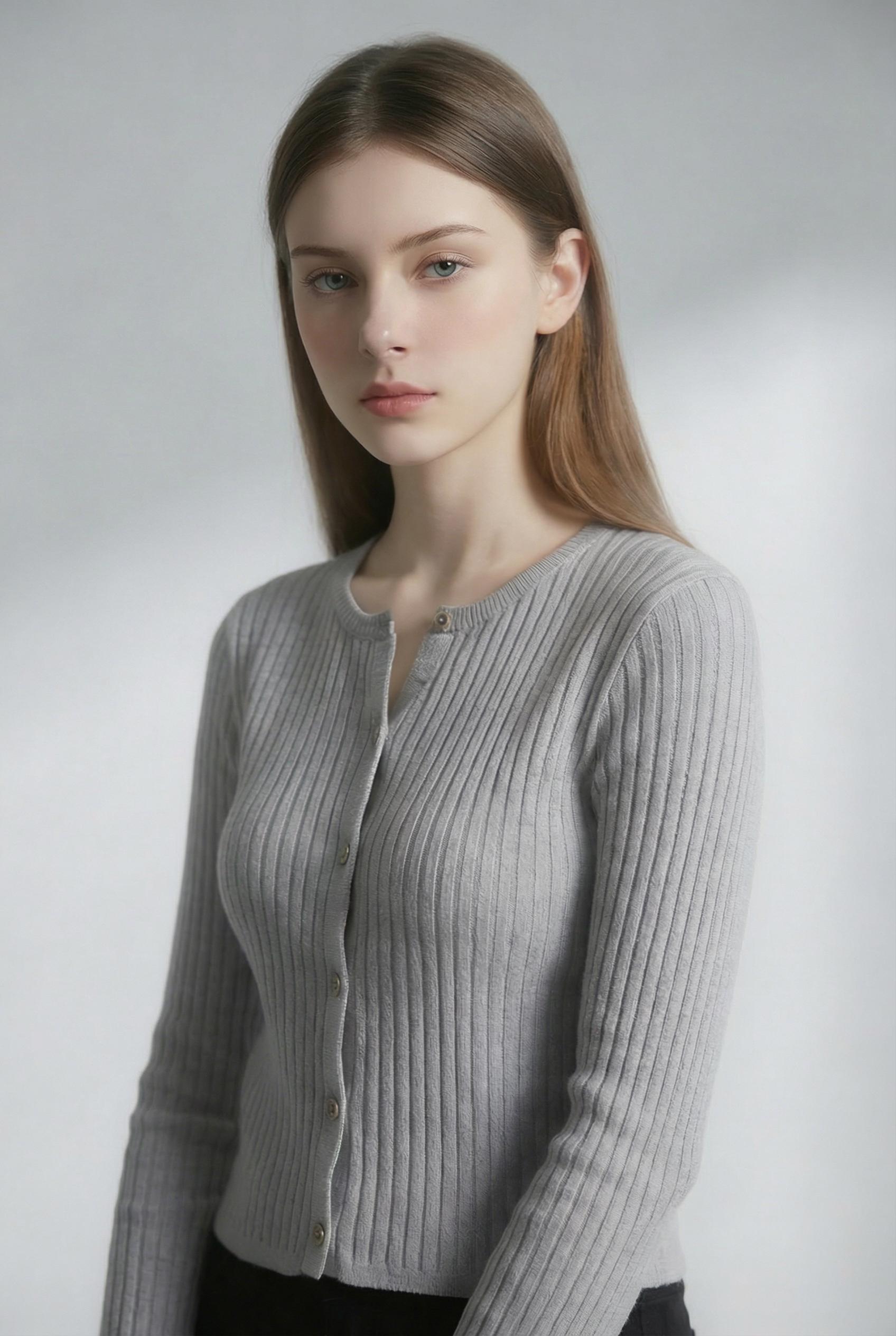
Before / After: E-commerce fashion photography. The enhanced version reveals the ribbed knit texture and drape of the cardigan — detail that converts browsers into buyers.
Old Photo Revival
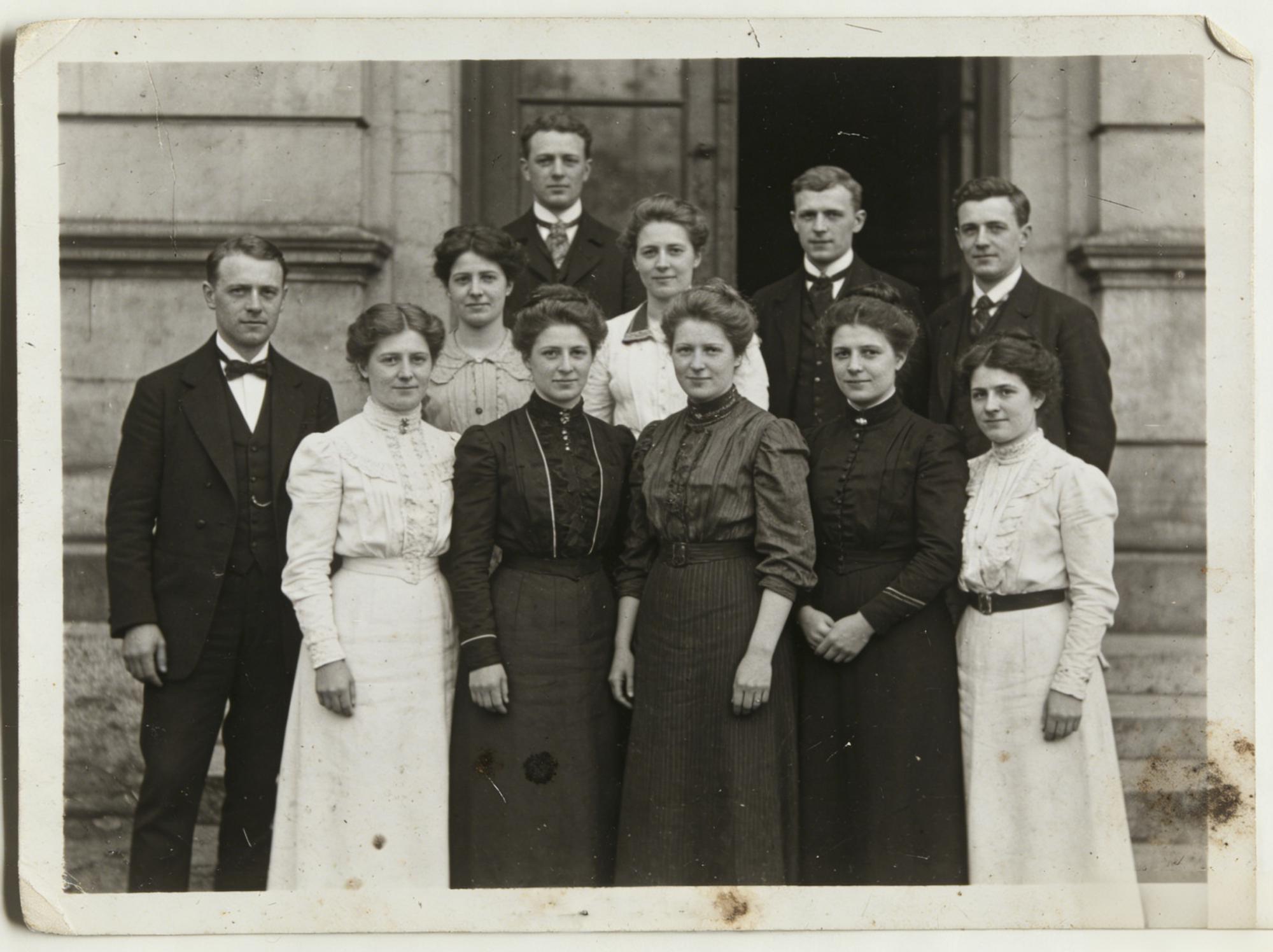
Grandma’s wedding photo from 1965 has been scanned, printed, scanned again, and JPEG-compressed into oblivion. The faces are suggestions. The dress is a white blur. AI photo enhancement rebuilds fabric folds, facial bone structure, and background architecture from the surviving low-frequency data.
Social Media Multi-Platform Publishing
You posted a photo to Instagram. Instagram compressed it. Now you want to use it on your website, your newsletter, and a print flyer. Running it through AI enhancement recovers the sharpness Instagram stole, giving you a source file that works across every medium.
Phone Screenshot Enhancement
Screenshots are resolution-limited by your screen. A screenshot of a product, a meme, a tutorial frame — all capped at screen DPI. AI upscaling breaks that ceiling, delivering print-quality output from screen-quality input.
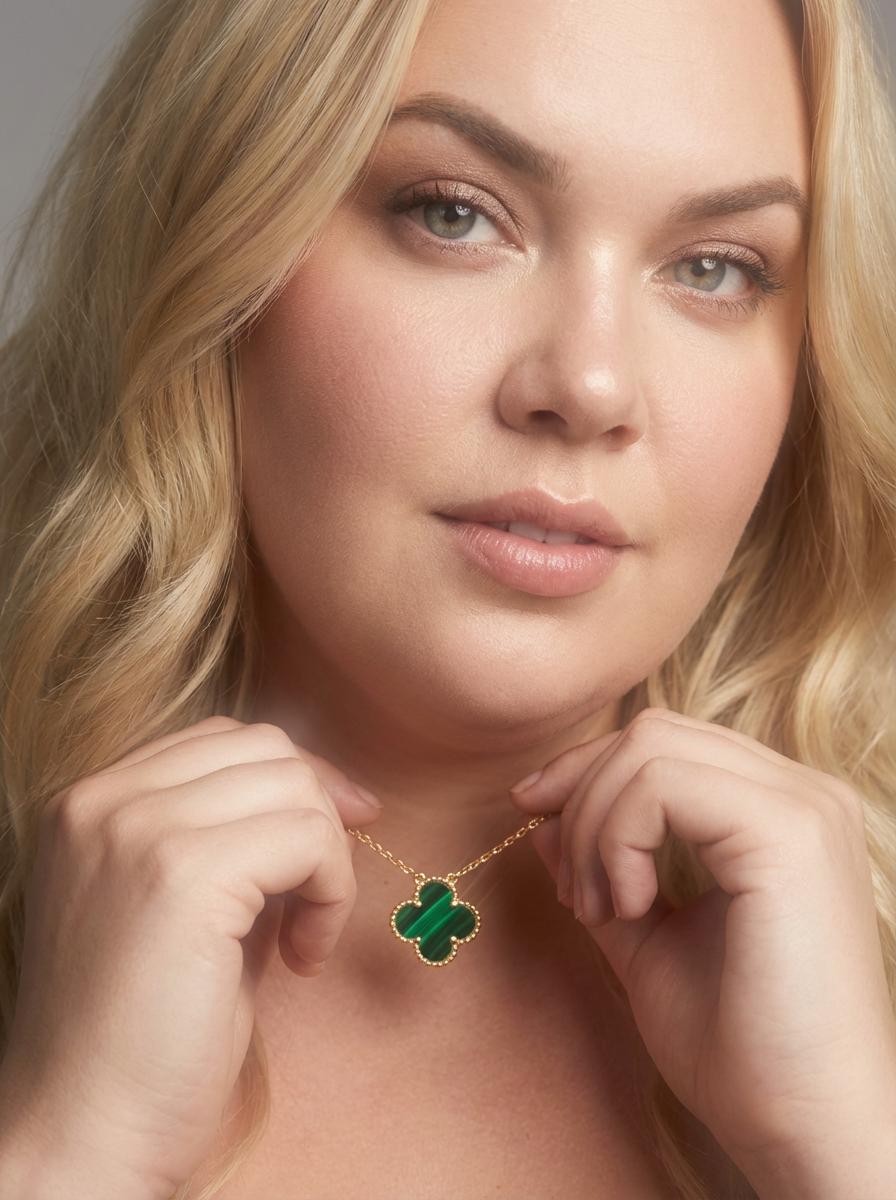
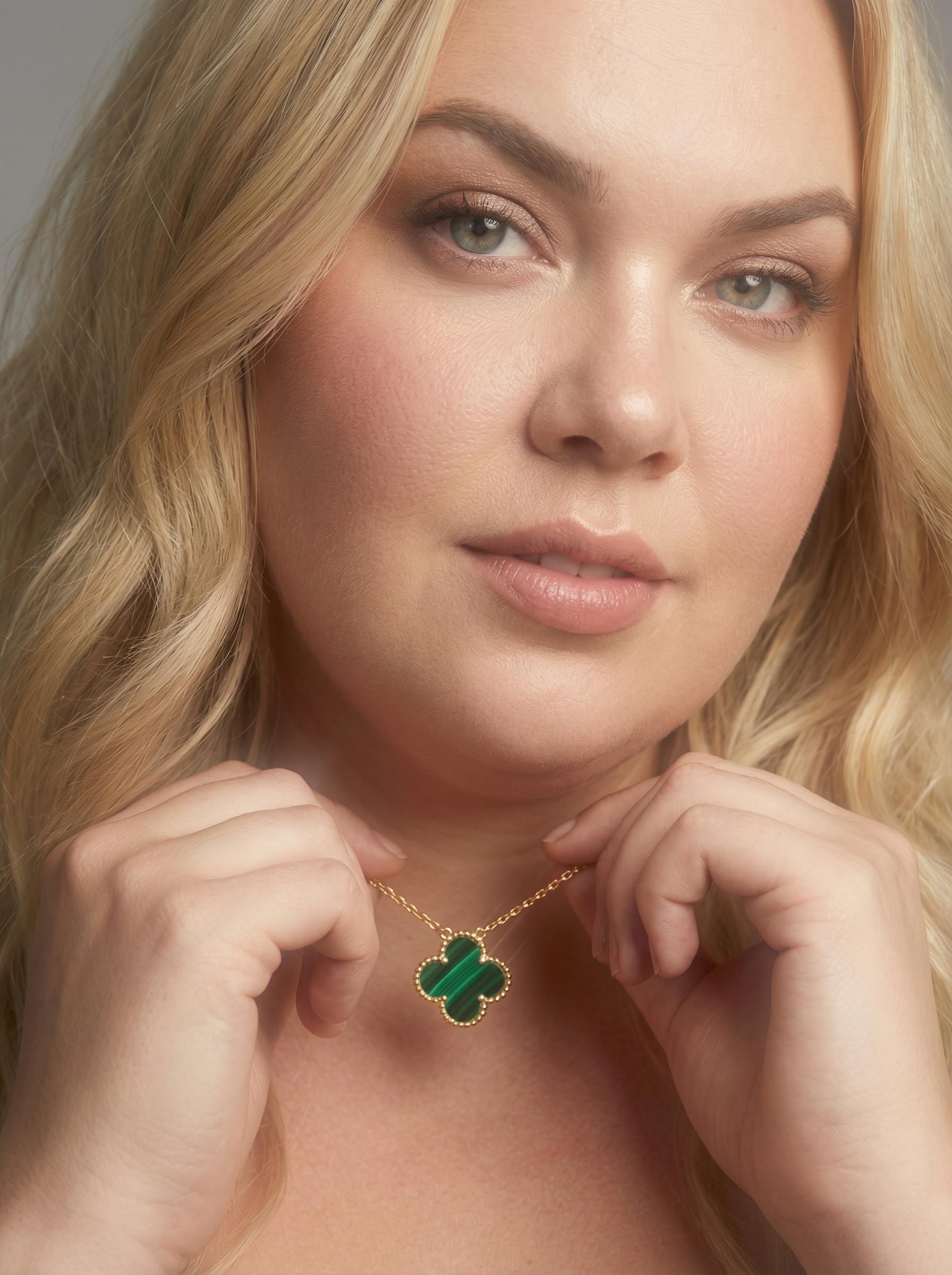
Before / After: Jewelry product photography. AI enhancement resolves individual chain links and clover pendant detail — the kind of micro-texture that builds trust in high-value e-commerce.
Batch Processing for Teams
E-commerce teams with 200+ SKU images to enhance do not have time for one-at-a-time editing. WeShop’s batch processing handles the entire catalog in a single run, applying consistent enhancement across every image.
The Pipeline Play: AI Photo Enhancement as Your Finishing Move
Smart creators do not use AI photo enhancement in isolation. They chain it with other tools for compound results:
Enhancement → Background Removal → Product Staging. Start with a blurry supplier photo. Enhance to recover detail. Remove the cluttered background. Place on a clean studio backdrop. Four steps, zero photographers needed.
Enhancement → Pose Adjustment → Video Generation. Take an enhanced portrait, adjust the pose for your campaign, then generate a short video from the final image. Each tool in the chain benefits from the sharp, detail-rich input that enhancement provides.
This “universal downstream” positioning is the real power move. AI Photo Enhancer works as the first step in virtually any visual content pipeline — because every subsequent operation performs better when it starts with a high-resolution, detail-rich source.


Before / After: Promotional composite with multiple products. AI photo enhancement sharpens the typography, recovers skincare packaging labels, and restores the sunglasses lens reflections — all in one pass.
For detailed artistic enhancement techniques, check the official guide: Enhance and Upscale: Crystal-Clear Artistic Effects.
Tech Corner: What Makes AI Photo Enhancement Different From “Sharpen”
The difference is architectural. Your phone’s sharpen filter applies an unsharp mask — it increases contrast at edges. The image looks “sharper” but contains zero additional information. Zoom in and you see halos, ringing artifacts, and amplified noise.
AI photo enhancement generates new information. The neural network produces high-frequency texture data — fabric weave, skin pores, hair strands, text edges — that did not exist in the input file. It accomplishes this through perceptual loss optimization: instead of matching pixels, the network matches feature representations, producing output that satisfies how the human visual system evaluates sharpness.
The practical result: an AI-enhanced image holds up under zoom. A sharpened image falls apart.
Expert FAQ
Can AI photo enhancement fix a completely blurry photo?
It depends on how much structure survives. If the blur has obliterated all edge information — think extreme motion blur or severe defocus — there is not enough signal for the network to reconstruct from. Moderate blur, compression artifacts, and low resolution? Those are the sweet spot where AI enhancement delivers dramatic improvement.
Does enhancement change the colors or style of my photo?
No. The residual learning approach specifically preserves the original color palette and tonal character. The network adds detail and sharpness without altering white balance, saturation, or artistic intent. Your photo comes out looking like itself, just clearer.
How large can I upscale without losing quality?
WeShop supports up to 4× upscaling, which is the practical ceiling for photographic content. Beyond 4×, neural reconstruction becomes increasingly speculative. For most use cases — social media, e-commerce, print — 2× to 4× covers everything you need.
Is AI photo enhancement suitable for professional print production?
Absolutely. A 1500×1000 web image upscaled 4× produces a 6000×4000 file at 300 PPI — sufficient for a 20×13 inch print. The perceptual loss optimization ensures textures and edges hold up at print viewing distances, unlike bicubic upscaling which produces visibly soft results.
Do I need powerful hardware to run AI photo enhancement?
No. WeShop’s enhancer runs entirely in the cloud on GPU-optimized infrastructure. Your device uploads the image and downloads the result. Whether you are on a three-year-old laptop or the latest workstation, the processing speed and output quality are identical.