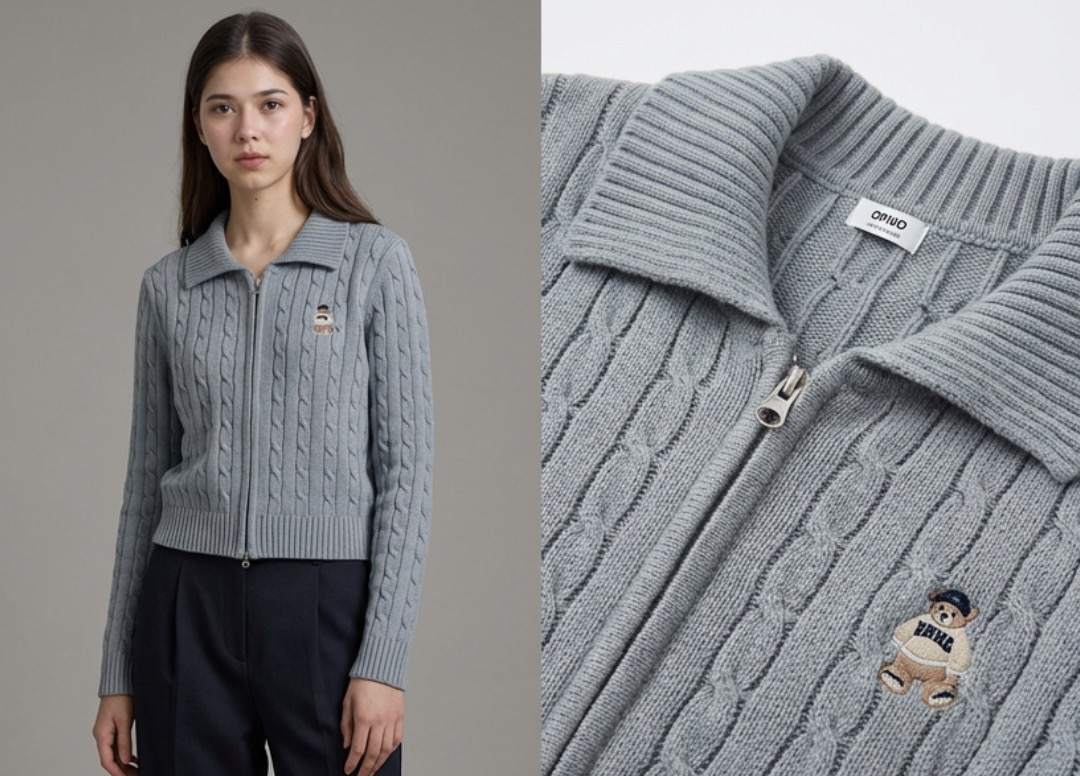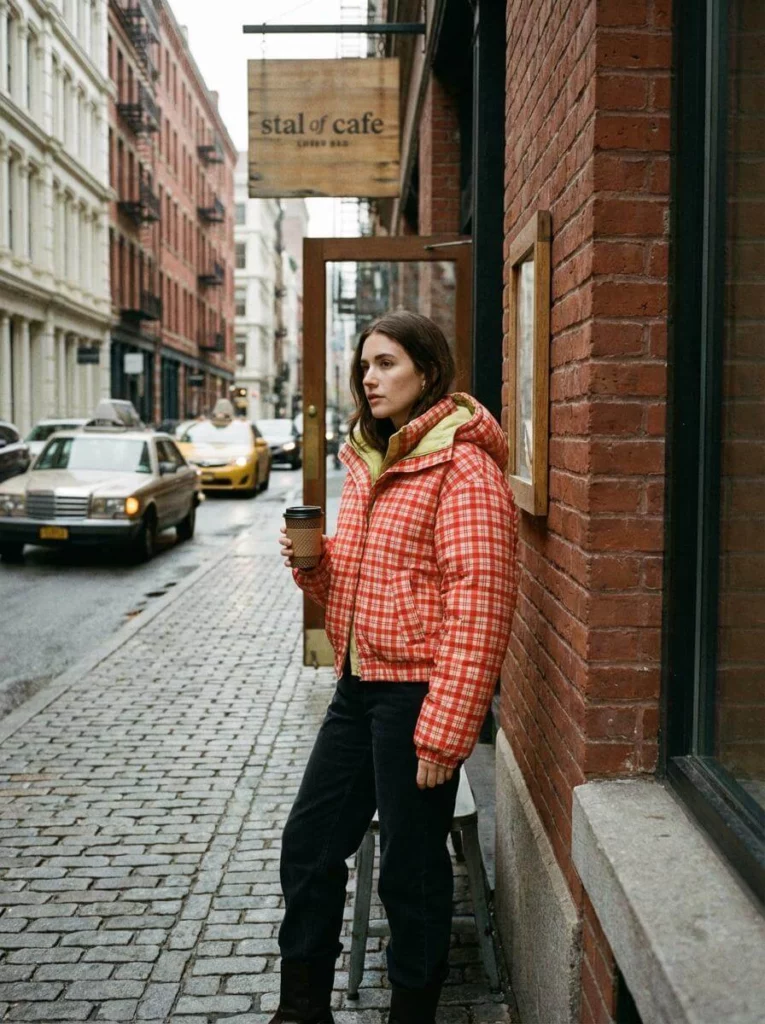
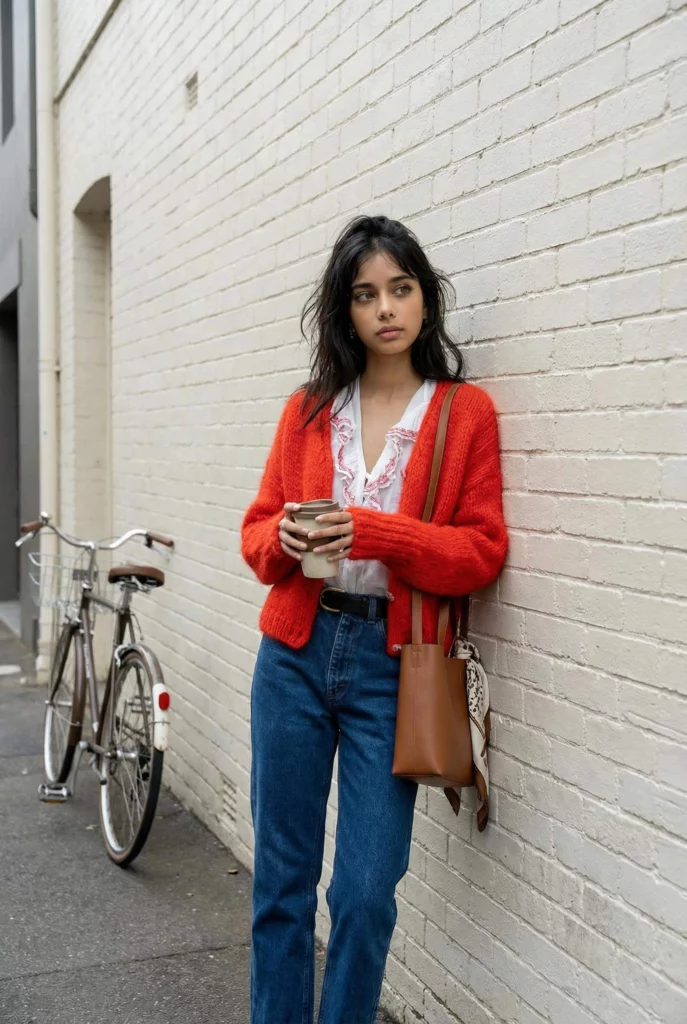
High-quality photography is the lifeblood of any successful clothing brand, but the logistical headache of booking studios and coordinating models often feels like a full-time job in itself. Enter the newly revamped Virtual Try-on feature from WeShop AI. This isn’t just a minor update; it’s a complete overhaul of how independent designers and e-commerce giants alike approach visual content. By allowing you to upload a simple product shot and transform it into a high-end lifestyle image using AI-generated models and custom backgrounds, WeShop AI is effectively putting a professional creative agency inside your browser.
The Evolution of the Virtual Try-on Workflow
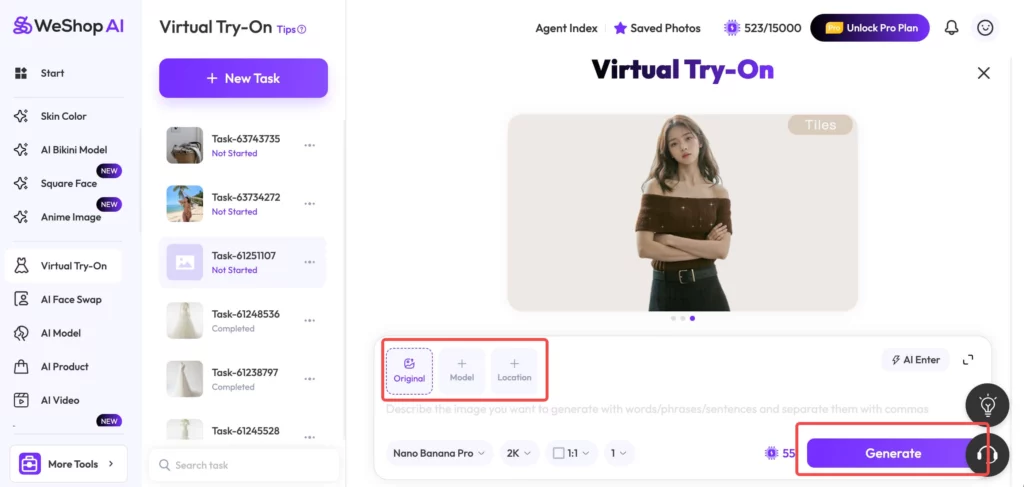
The latest interface update focuses on three pillars: the product, the person, and the place. In the past, AI tools often struggled with “hallucinating” details or failing to maintain the integrity of the original garment. The updated Virtual Try-on engine addresses this by giving users granular control over the input. You no longer have to settle for a generic output; you are now the creative director of your own digital photoshoot.
Step 1: Uploading Your Original Product Image
The magic of the Virtual Try-on process begins with your “Original” file. Whether you have a flat-lay photo, a shot of the garment on a ghost mannequin, or even a quick snap from your smartphone, the AI uses this as its blueprint. The system is designed to recognize fabric textures, stitch patterns, and drape, ensuring that when the AI “dresses” a model, the clothing looks tactile and real rather than like a digital sticker.
Step 2: Choosing the Perfect AI Model
One of the most powerful aspects of this Virtual Try-on upgrade is the diversity of the model library. E-commerce is global, and your imagery should reflect your target audience. Through the “Model” tab, you can select specific ethnicities, ages, and body types.
- Global Reach: If you are expanding into the North American market, you can choose Caucasian or African American models.
- Niche Targeting: For domestic or specific regional markets, you can select models that resonate locally. This level of customization ensures that your brand feels relatable and inclusive without the five-figure price tag of a diverse casting call.
Step 3: Defining the Vibe with Custom Locations
This is where the new Virtual Try-on truly outshines its predecessors. You aren’t stuck with a plain white studio background anymore. Under the “Location” setting, you have three distinct paths:
- Upload Your Own: Have a specific aesthetic or a branded background? Upload it directly.
- Prompt-to-Background: Use the “AI Enter” box to describe a sun-drenched Parisian balcony or a minimalist industrial loft.
- Stock Library: Choose from curated, high-converting scenes designed specifically for fashion.
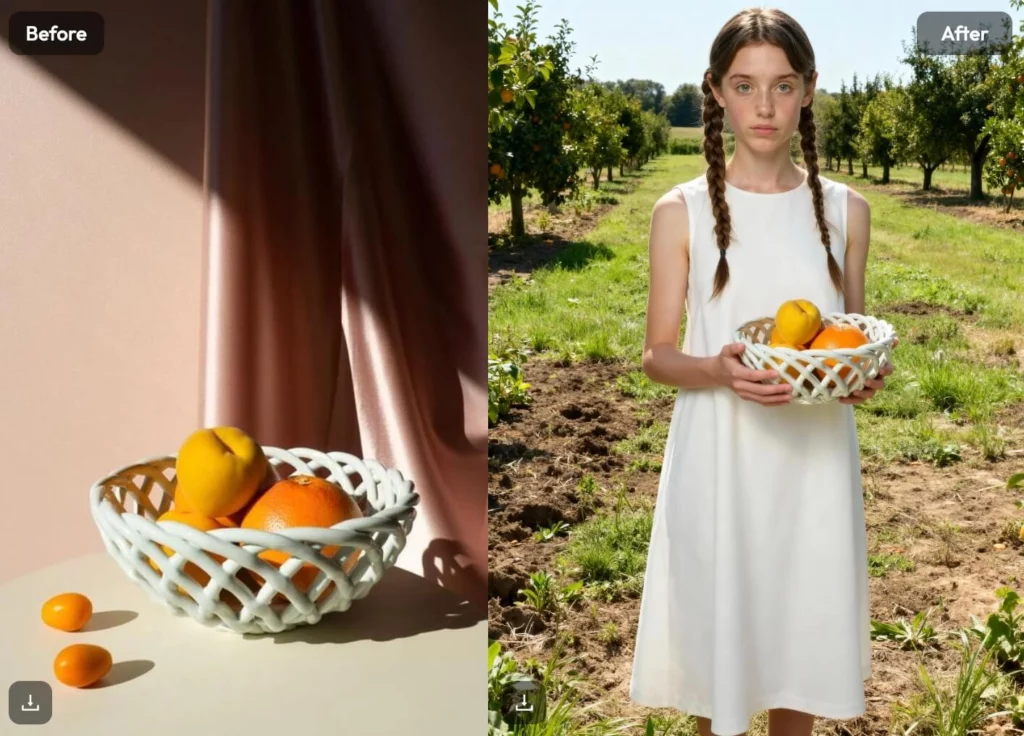
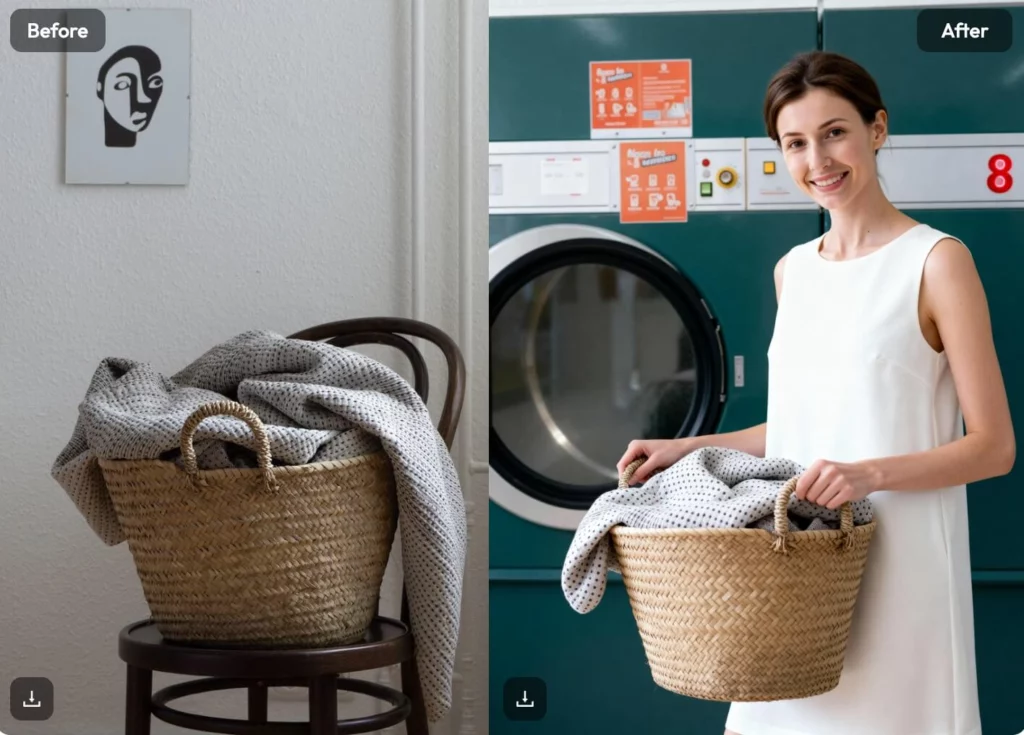
By matching a high-fashion model with a premium location, your basic t-shirt photo is instantly elevated to a “lifestyle” shot that tells a story—the kind of story that stops a customer’s scroll on Instagram or TikTok.
Why SEO and Conversion Depend on Virtual Try-on
Google’s image search algorithms are increasingly prioritizing “contextual” images. A plain white background is great for Amazon, but lifestyle images perform significantly better in search results and social feeds. Using Virtual Try-on to create these contextual images helps your SEO in two ways:
- Higher Click-Through Rate (CTR): Users are more likely to click on an image of someone wearing an outfit in a real-world setting.
- Reduced Bounce Rate: When customers see how a garment fits and moves on a realistic human form, they gain confidence in the purchase, leading to fewer returns and more time spent on your site.
Mastering the “AI Enter” Prompt for Better Results
To get the most out of the Virtual Try-on feature, you need to speak the AI’s language. Instead of typing “outdoor,” try “golden hour sunlight, blurred urban street background, 8k resolution, cinematic lighting.” The more descriptive you are in the prompt box, the better the AI can blend your product into the environment. WeShop AI’s Nano Banana Pro model is exceptionally good at following these instructions, creating a seamless transition between the edges of your clothing and the AI-generated world.
The Cost-Benefit Analysis of AI Photography
If you were to hire a photographer, a model, a makeup artist, and rent a location, a single shoot could easily cost $2,000 to $5,000. With the Virtual Try-on tool, that cost drops to a few credits and a few minutes of your time. This allows for “Micro-Testing”—a strategy where you can generate five different looks for the same product and see which one gets the most engagement on your ads before committing to a full marketing campaign.
Technical Specs: 2K Resolution and Beyond
Professionalism isn’t just about the “vibe”—it’s about the pixels. The WeShop AI interface allows you to select “2K” output and various aspect ratios (1:1 for Shopify, 3:4 for fashion lookbooks, etc.). This ensures that when you hit that “Generate” button, the resulting Virtual Try-on image is crisp enough for high-resolution displays and mobile shopping apps.
Integrating Virtual Try-on into Your Workflow
Setting up a rhythm with this tool is easy. Start by batch-uploading your latest collection. While the AI processes your Virtual Try-on tasks in the background (as seen in the task sidebar), you can continue refining your product descriptions or SEO metadata. It’s a massive productivity booster for small teams where one person wears multiple hats.
Conclusion
The barrier to entry for starting a professional-looking fashion brand has never been lower. The updated Virtual Try-on feature on WeShop AI removes the “gatekeeping” of expensive production and replaces it with pure creativity. Whether you’re a startup on a shoestring budget or an established retailer looking to scale your content production, mastering these new tools is the smartest move you can make for your brand’s visual identity.