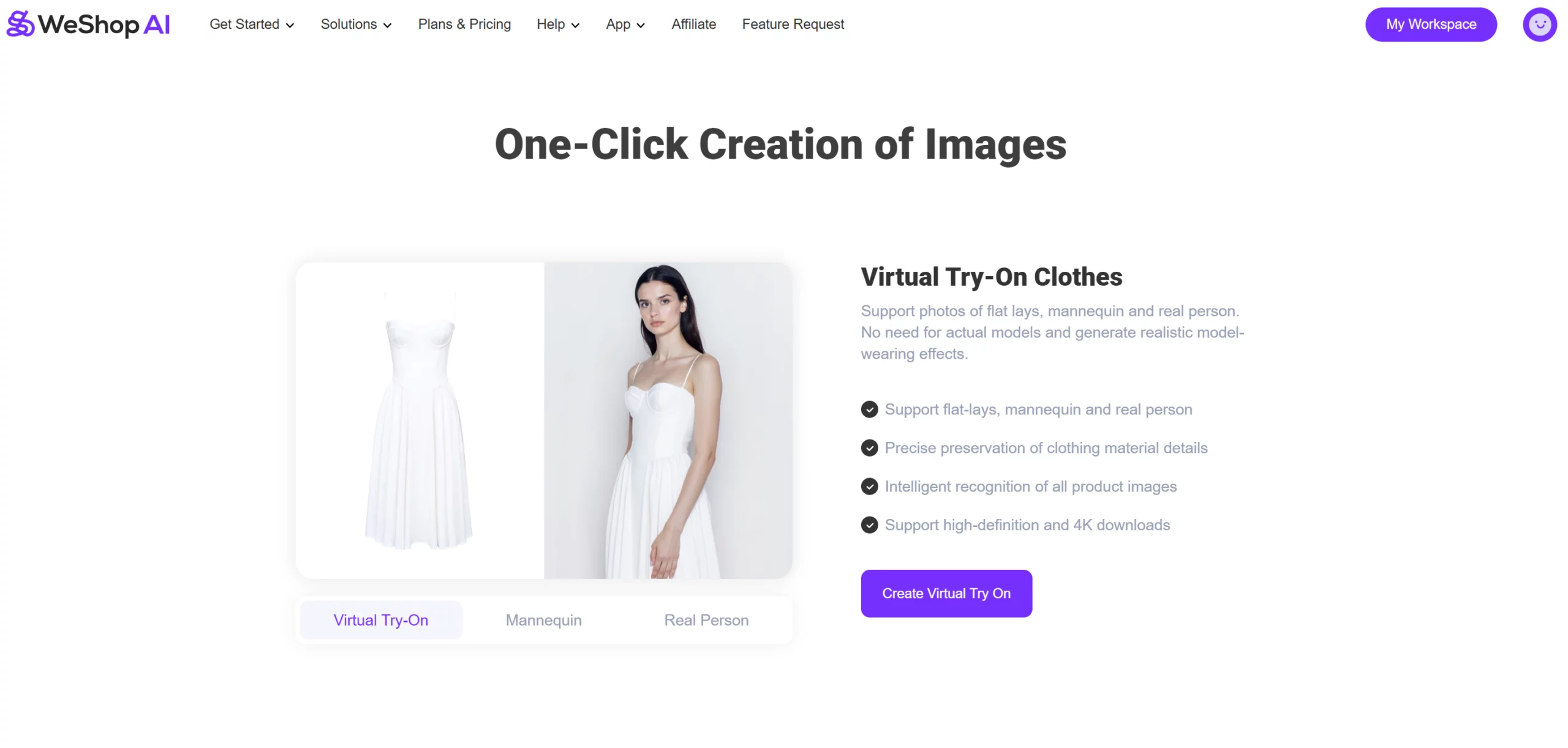
Greetings! We are excited to share the latest WeShop product updates for October. Below is a comprehensive overview to keep you informed about our newest features and improvements. Let’s explore the highlights for this month!
AI Background 2.0: Custom Background Creator and Replicate
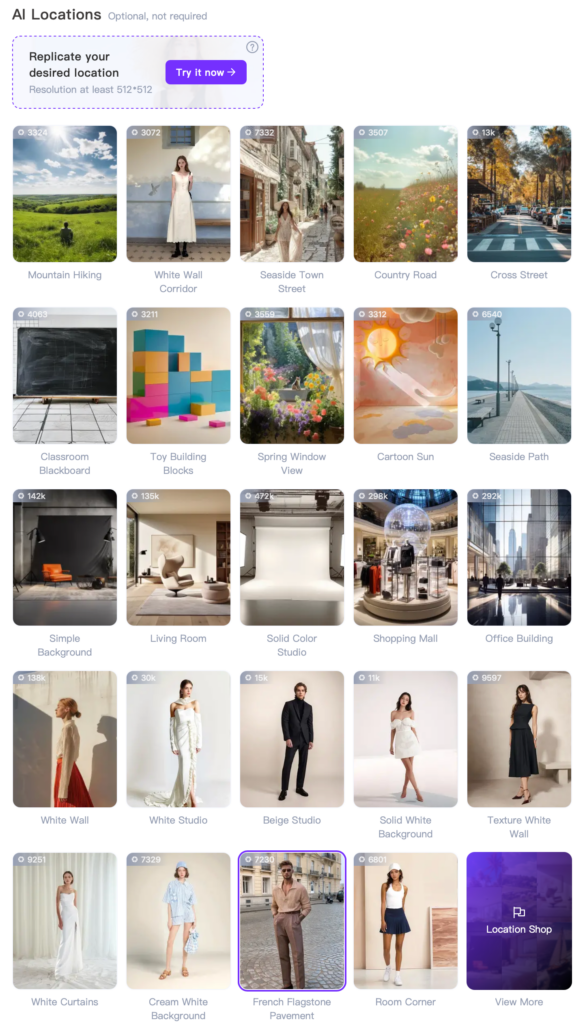
AI Background 2.0: an advanced feature designed to generate product photos in highly realistic commercial settings based on your reference images. With the Customize Background feature, you can effortlessly switch models, outfits, and angles within the same scene to create a cohesive, high-quality photo set. This feature substantially reduces store operation costs—providing access to premium commercial photoshoot locations, diverse scene options, and trending photography styles. Additionally, it enhances branding by ensuring your store’s aesthetic remains consistent, distinctive, and ultimately increases product engagement.
AI Image Expander
AI Image Expander: effortlessly expand your images with just one click and customize dimensions to unlock endless creativity. Say goodbye to complex editing—this feature allows you to efficiently expand images to any desired size.
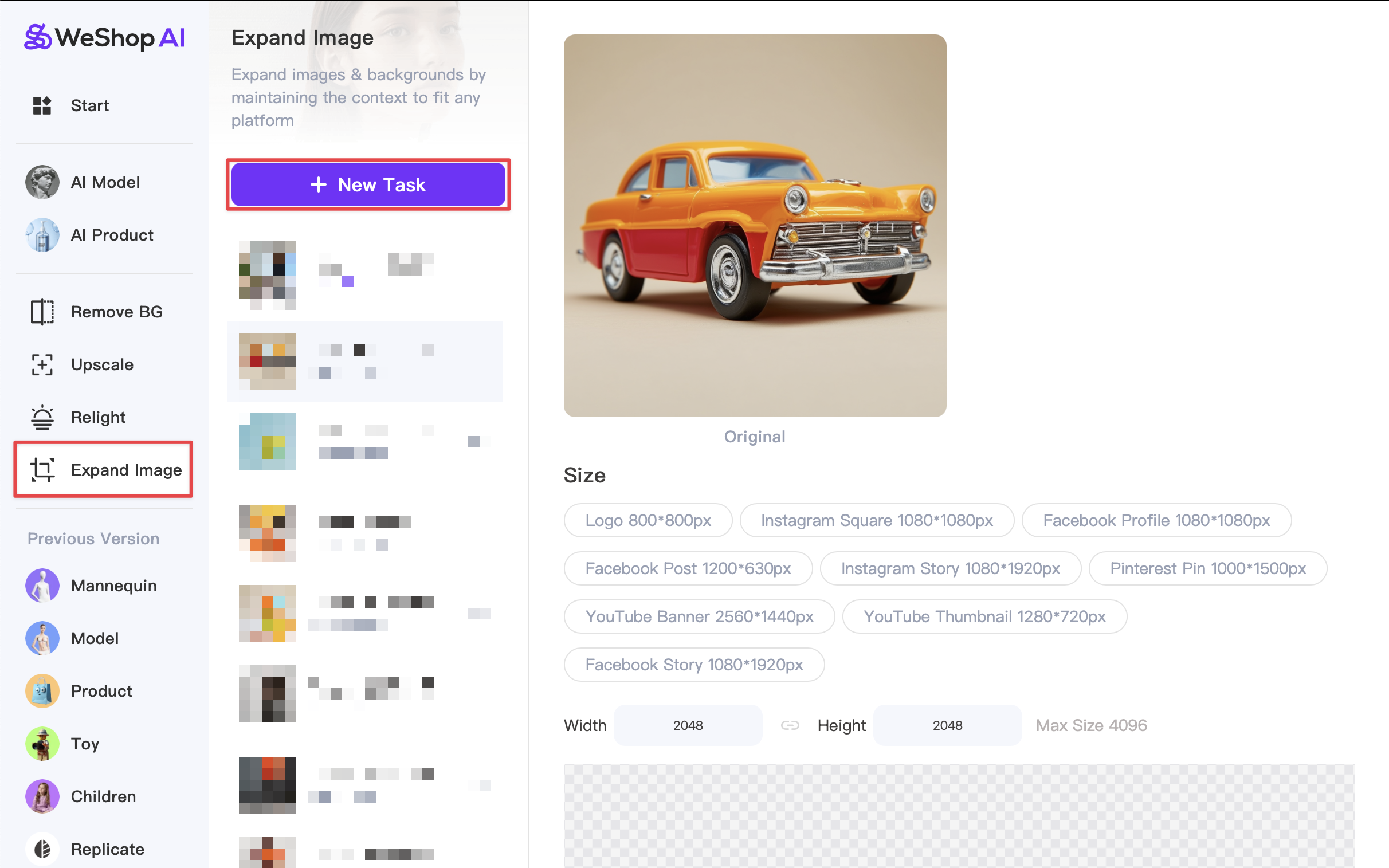
- With WeShop’s AI Image Expander, you have the flexibility to set custom dimensions tailored to your needs. Whether you need minor adjustments or significant expansions, you can precisely control image sizes for all major e-commerce platforms. Supported formats include (but are not limited to): main e-commerce photos (800x800px), TikTok (1080x1920px), and Instagram (1080x1350px). With WeShop’s AI Image Expander, your images are no longer restricted by original size and resolution, offering greater adaptability across platforms.
One-Click to Save Your Own AI Model
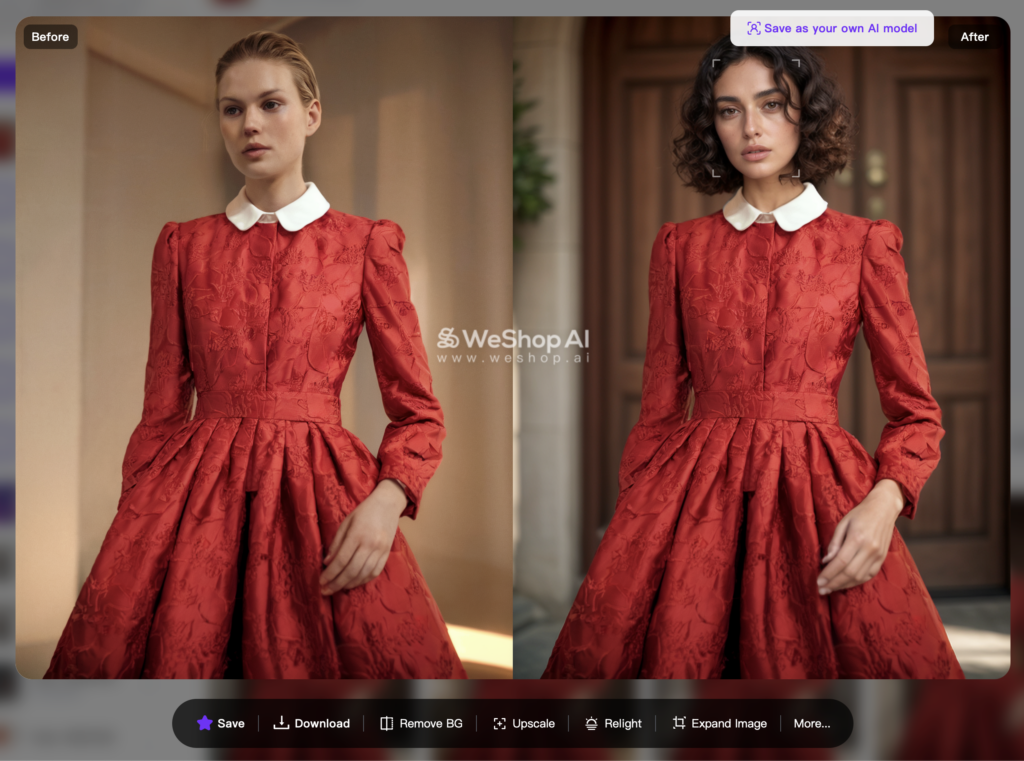
Once your images are generated, if you find a model you prefer, simply click on their face to save them. This allows you to effortlessly add preferred models to your personal collection, which can be accessed at any time under the “Model Shop”/”Yours” section
Batch Image Upload
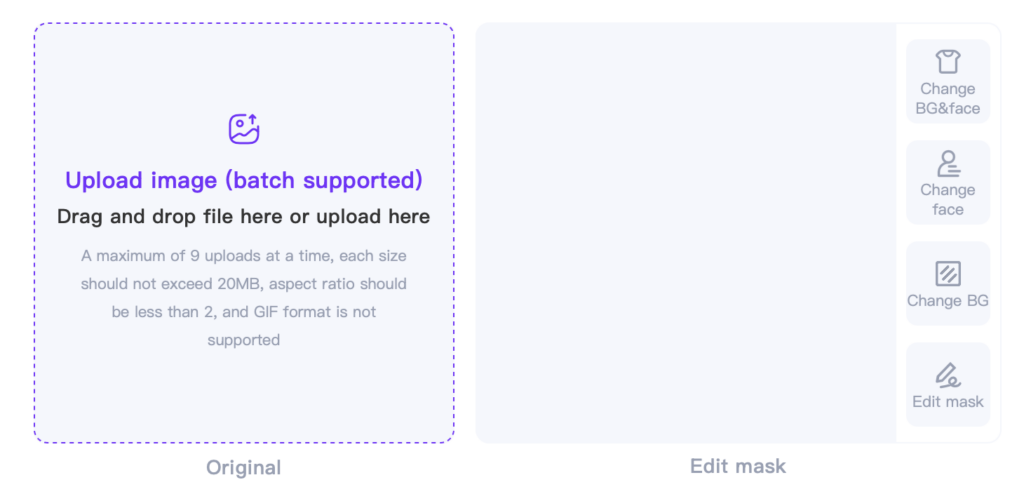
- Before: Previously, it was only possible to upload a single image at a time, resulting in significant productivity limitations.
- After: Now, it is possible to upload up to 9 images simultaneously, greatly enhancing efficiency and reducing workload.
Search & Filter
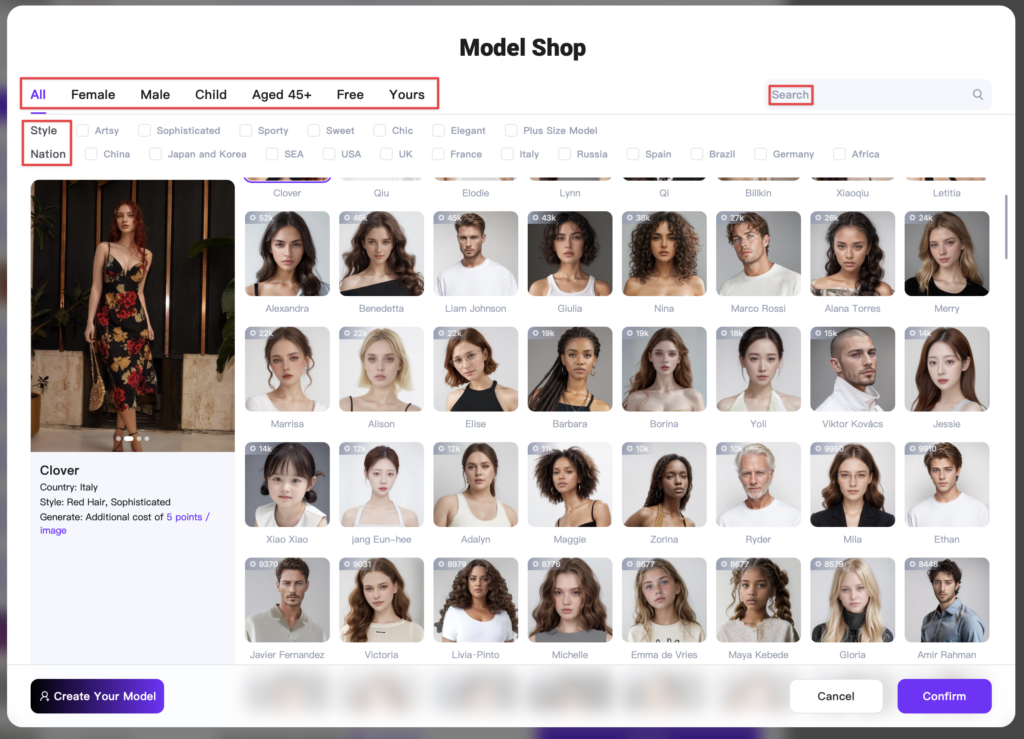
- Before: Previously, locating your ideal model in our extensive model store required manually browsing through each option. Additionally, our categorization was limited to “male,” “female,” “child,” and “aged 45+” models, which often made it challenging to find exactly what you were looking for.
- After: We have introduced an enhanced Search and Filter function, enabling more sophisticated model categorization. You can now search directly by model name in the model store. Likewise, our AI Product now includes similar search and filter capabilities, allowing you to effortlessly locate scenes by their names.
Intelligent Mask Selection
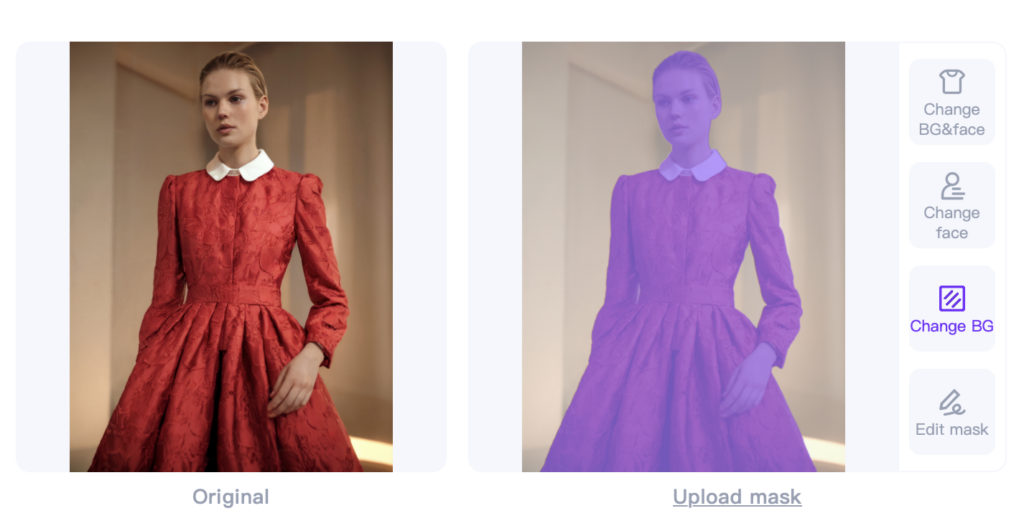
Before: Previously, it was necessary to click “Edit mask” to select either the main subject or specific clothing and accessories.
After: Now, options such as Change BG&face, Change face, Change BG can be conveniently selected directly from the right-hand menu, while retaining the original “Edit mask” option for more streamlined selection.