When we talk about AI virtual try-on tools, two names pop up again and again: Kolors AI and WeShop AI. Both promise to save you time, money, and the pain of doing real photoshoots. But they’re built pretty differently, and they each focus on solving different problems for fashion brands and e-commerce sellers.
So here’s a clear, friendly breakdown of what makes these two tools unique — especially when it comes to their virtual try-on features. No confusing jargon, no long sentences, just the info you actually need.
A Quick Look at What Each Tool Does
Kolors AI
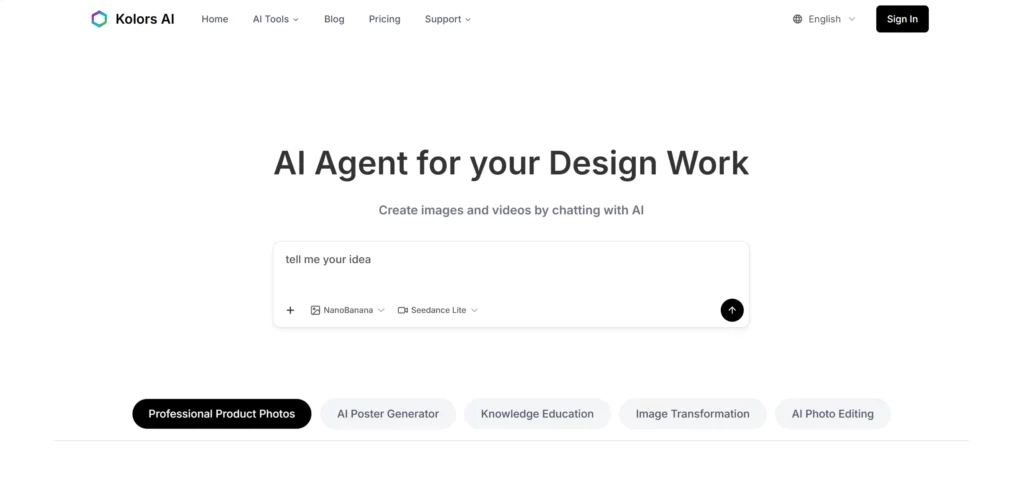
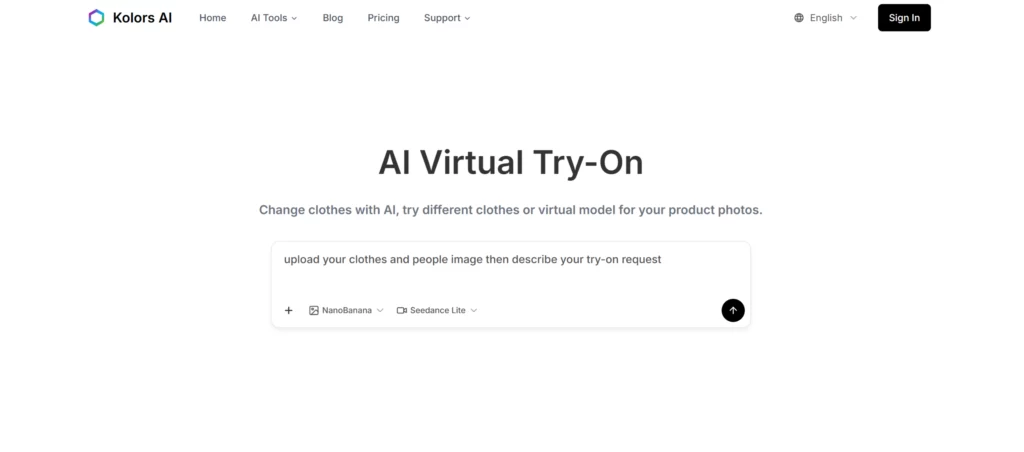
Kolors AI is basically an AI styling and virtual model machine. It lets you upload photos of real people, add clothing items, and instantly see realistic try-on results. You can even test eyewear, jewelry, makeup, or hair colors — which is wild.
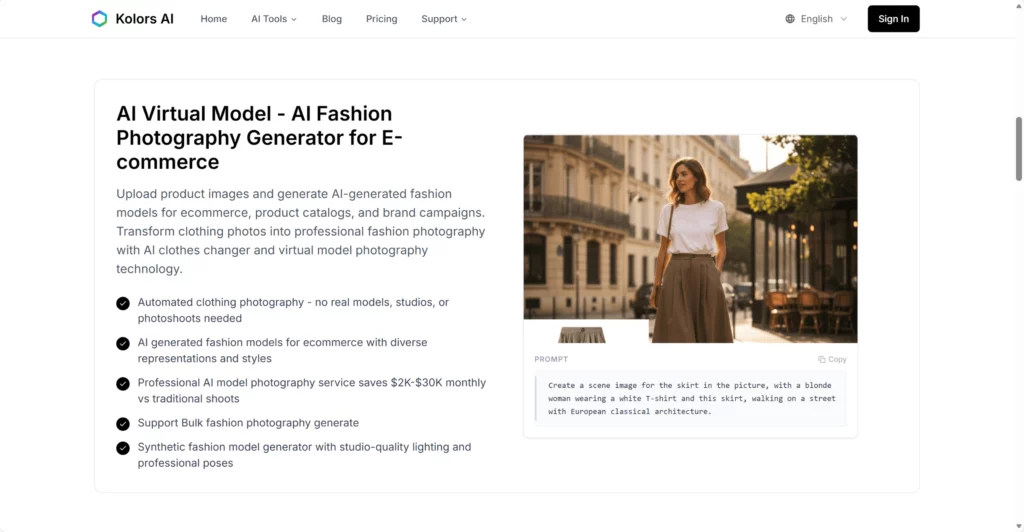
It also creates AI models that don’t exist, so you can build entire fashion catalogs without hiring anyone. If your goal is realism, Kolors AI leans hard in that direction.
WeShop AI
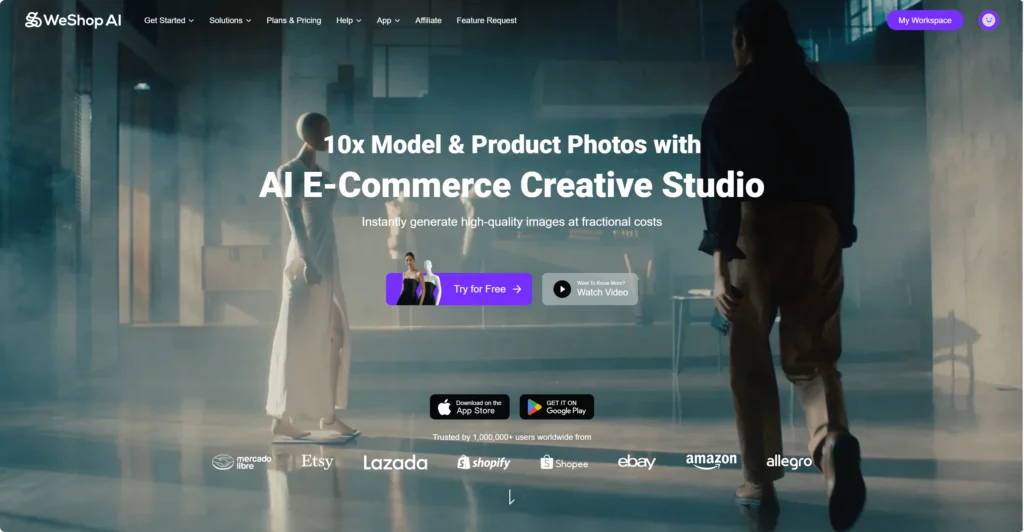
WeShop AI is more like a full creative studio powered by AI. It’s built for online sellers who need product images, model shots, backgrounds, and campaign-style visuals — fast.
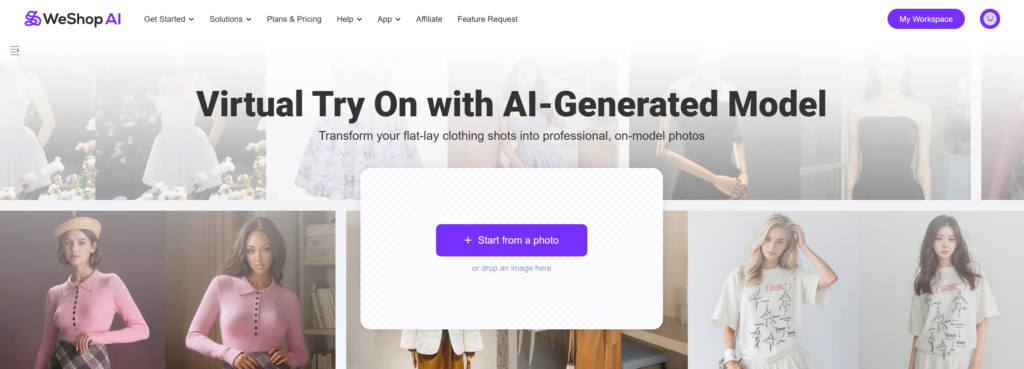
Their virtual try-on tool works by letting you upload one clothing image and then applying it to AI models you pick. You can switch poses, scenes, backgrounds, and use built-in editing tools. It’s very plug-and-play and super friendly for e-commerce people.
The Virtual Try-On Feature: Kolors AI & WeShop AI
Clothing Try-On
With Kolors AI, the try-on works like this:
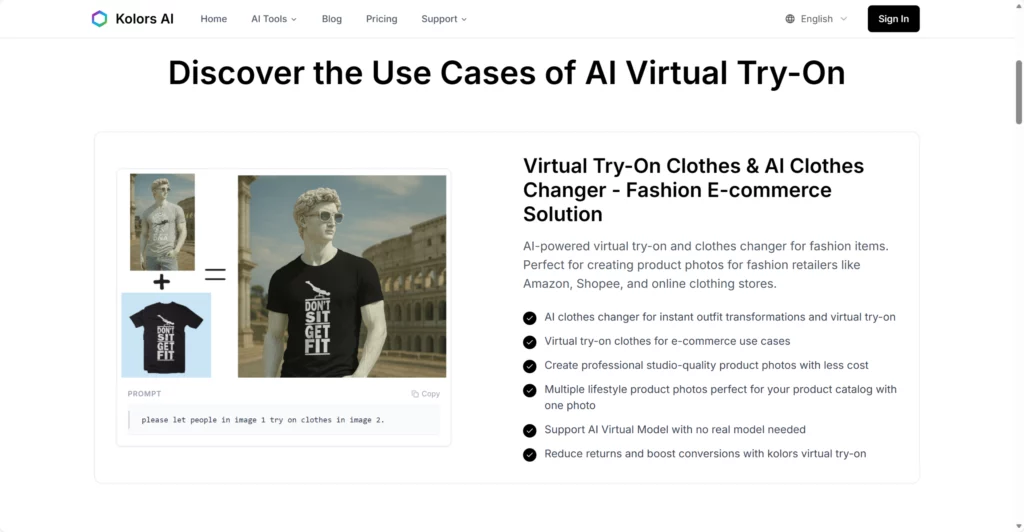
Upload a photo of a person → Upload clothing → Kolors blends them together realistically.
It tries hard to match lighting, fabric texture, folds, and proportions.
With WeShop AI, the flow is:
Upload the product → Pick a model → Pick a background → Done.
It’s more of a “make me a clean model photo for my store or ads” kind of tool.
In short:
- Kolors = Real-person try-on + outfit swapping
- WeShop = AI model try-on + ready-to-use product photos
Model & Scene Options
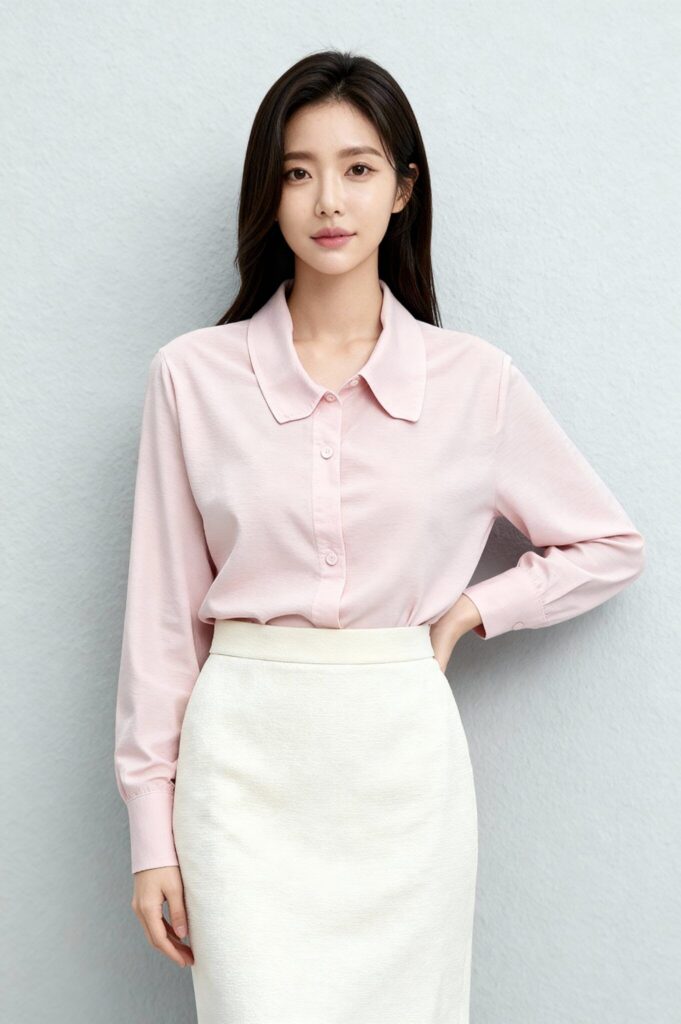
Kolors lets you generate AI models and batch-create catalog photos. It focuses on clothing fit and realism.
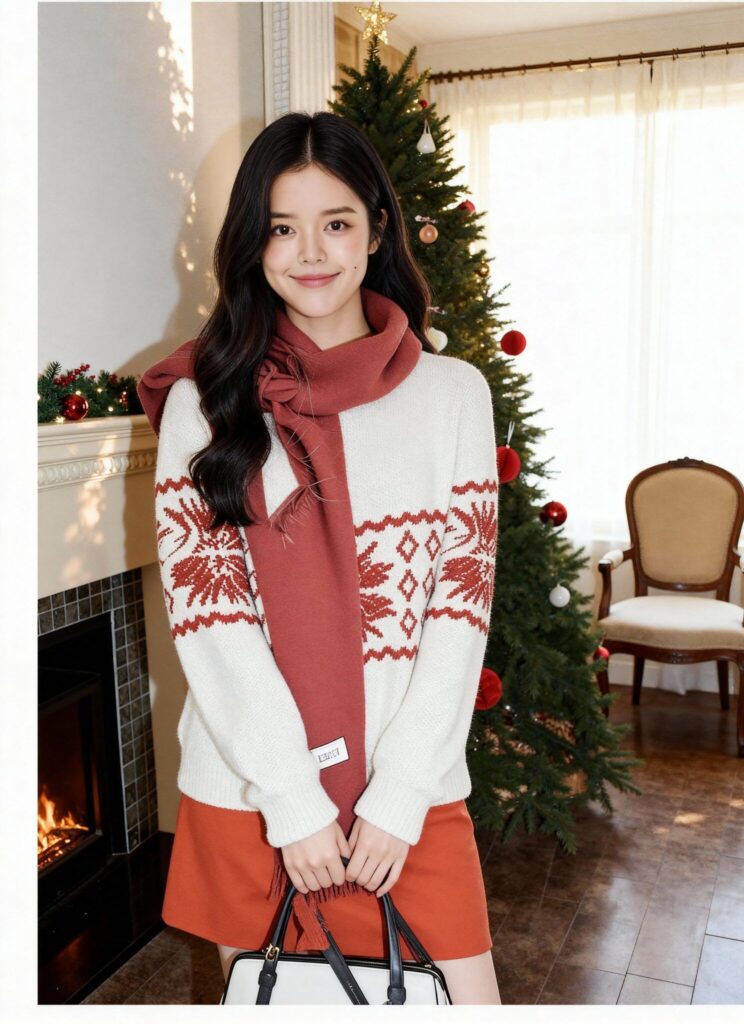
WeShop is more about creative freedom. You can choose poses, backgrounds, scenes, and aesthetics. Think “lookbook vibes” or “campaign shoot”.
Difference in vibe:
Kolors = “professional catalog”
WeShop = “IG-worthy creative visuals”
Pose Styles & Variations
Both tools let you create multiple versions, but they shine in different ways:
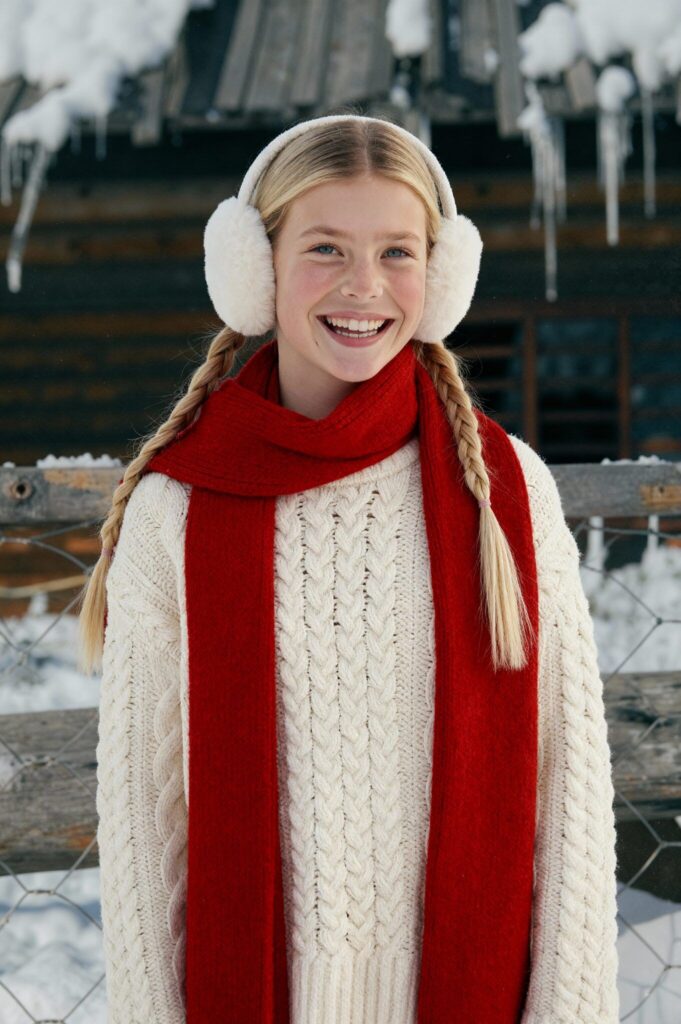
- WeShop → extremely good for aesthetic poses, lifestyle shots, marketing content
- Kolors → strong for clean, realistic catalog shots and outfit variations
If your brand posts a lot on social media, WeShop gives you more “editorial energy”.
Who Each Tool Is Actually Designed For
Kolors AI Is Best For:
- Fashion brands wanting realistic clothing previews
- Beauty brands (because you can try glasses, makeup, etc.)
- Creators and stylists making lookbooks
- Small or medium stores trying to reduce returns with try-ons
- Brands that rely on accurate product representation
If your first priority is accuracy, Kolors is your friend.
WeShop AI Works Best For:
- E-commerce stores wanting full campaign visuals
- Sellers needing fast model shots for listings and ads
- Teams who want everything (background remover, pose generator, video tools) in one place
- Brands focusing on storytelling visuals rather than realism
- People who don’t want to upload model photos and prefer AI-generated ones
If you want professional, clean, beautiful product shots with zero effort, WeShop is the easier tool.
Strengths & Weaknesses: Kolors AI & WeShop AI
| Feature | Kolors AI | WeShop AI |
|---|---|---|
| Try-On Accuracy | Very accurate, realistic | High quality model shots with scenes |
| Ease of Use | Super simple uploads | Guided and beginner-friendly |
| Creative Freedom | Good, but realism-focused | Excellent scenes, poses, backgrounds |
| Best For | Fashion & beauty brands | E-com sellers & creators |
| Extra Tools | Makeup, accessories try-on | Video tools, pose engine, editors |
So… Which One Should You Pick?
Honestly, both tools are strong — just in different ways.
Choose Kolors AI if you want:
✔ realistic try-on results
✔ accessory / makeup / hair try-on
✔ accurate product previews
✔ virtual models for catalogs
Choose WeShop AI if you want:
✔ campaign-ready product shots
✔ AI models + scenes + poses
✔ fast and easy workflows
✔ content for ads, social media, and storefronts
Think of it like this:
- Kolors = the realistic fashion stylist
- WeShop = the creative art director
Both save money, both reduce photoshoot work, and both help you show products better online. Your choice depends on whether you want accuracy or creative visuals as your main priority.
Conclusion
Both Kolors AI and WeShop AI are powerful in their own way, and the “better one” really depends on what you need. If your goal is realism, outfit accuracy, and beauty-focused try-ons, Kolors AI feels like the right match. But if you want fast, stylish, campaign-ready visuals with flexible poses and scenes, WeShop AI makes the whole process effortless.
At the end of the day, both platforms cut down photoshoot costs, boost your product presentation, and help you create more content in less time. Pick the one that fits your workflow best — or use both and level up your entire visual game.